
Minecraft texture packs — page 252
Resource packs: list


FPS COUNTER BY SNEHXNSHU
Show ur real time fpsDownload

Garota_breeze
A texture pack that revamps the Breeze character from Minecraft Bedrock, updating its 3D model and animations.Download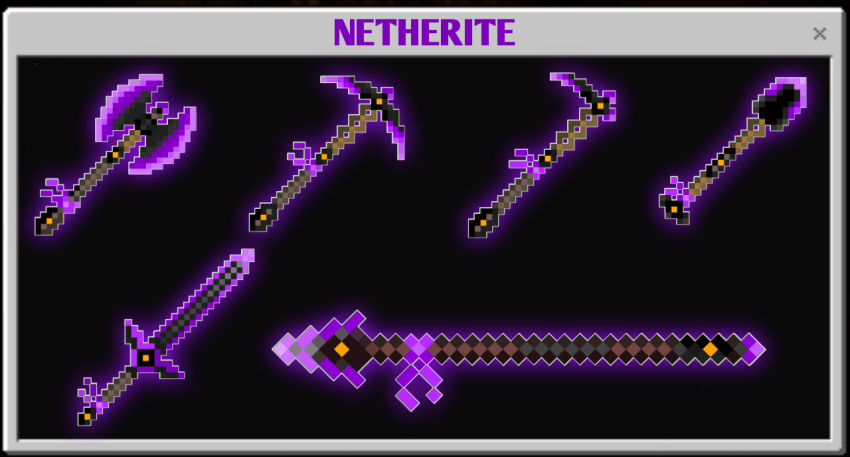
Slim Tools TP
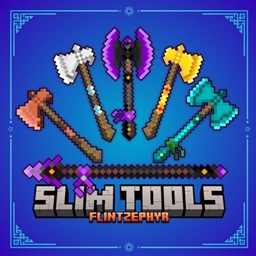
Give your tools a clean, slim look with this minimalist pack! All standard tools are thinner and more stylish.Download

Buzzy Bees Panorama with Shaders (Bedrock)
Great looking Resource Pack that adds Shaders to the 1.15 Panorama.Download

CubeCraft Chaos Pack (THE ONE AND ONLY)
In this unique texture pack, multiple mobs, items, and sounds are changed. You got the infamous Ronald McDonald cruising around instead of a Ravager, iconic meme images replacing other entities, and better item textures like a chicken nugget for a sword.Download

Asuka Totem
Replaces the Totem of Undying with an Anime Asuka TotemDownload
COPPER REMASTER
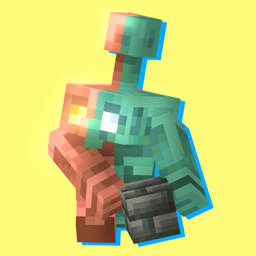
This texture pack shows some corrections in the vanilla textures of the latest update of Minecraft Bedrock where they added the copper golem, copper armor and its tools, Also in the texture pack some blue berries were added inDownload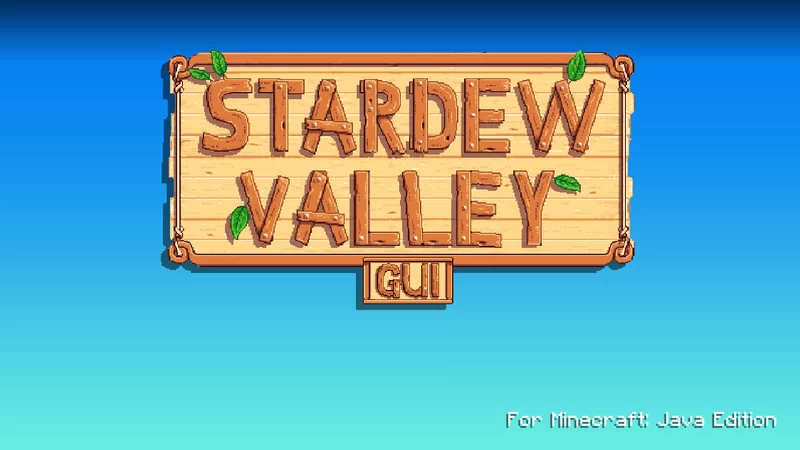

StardewValley GUI
Time to hit the hay!Download

Megumin Totem Bedrock Port
Replaces the Totem of Undying with an Anime KonoSuba Megumin TotemDownload

Visible Sus Sand And Gravel
Can't spot sus sand and gravel? This is the perfect texture pack for youDownload

In The Heart Of The Pale Garden
New look for CreakingDownload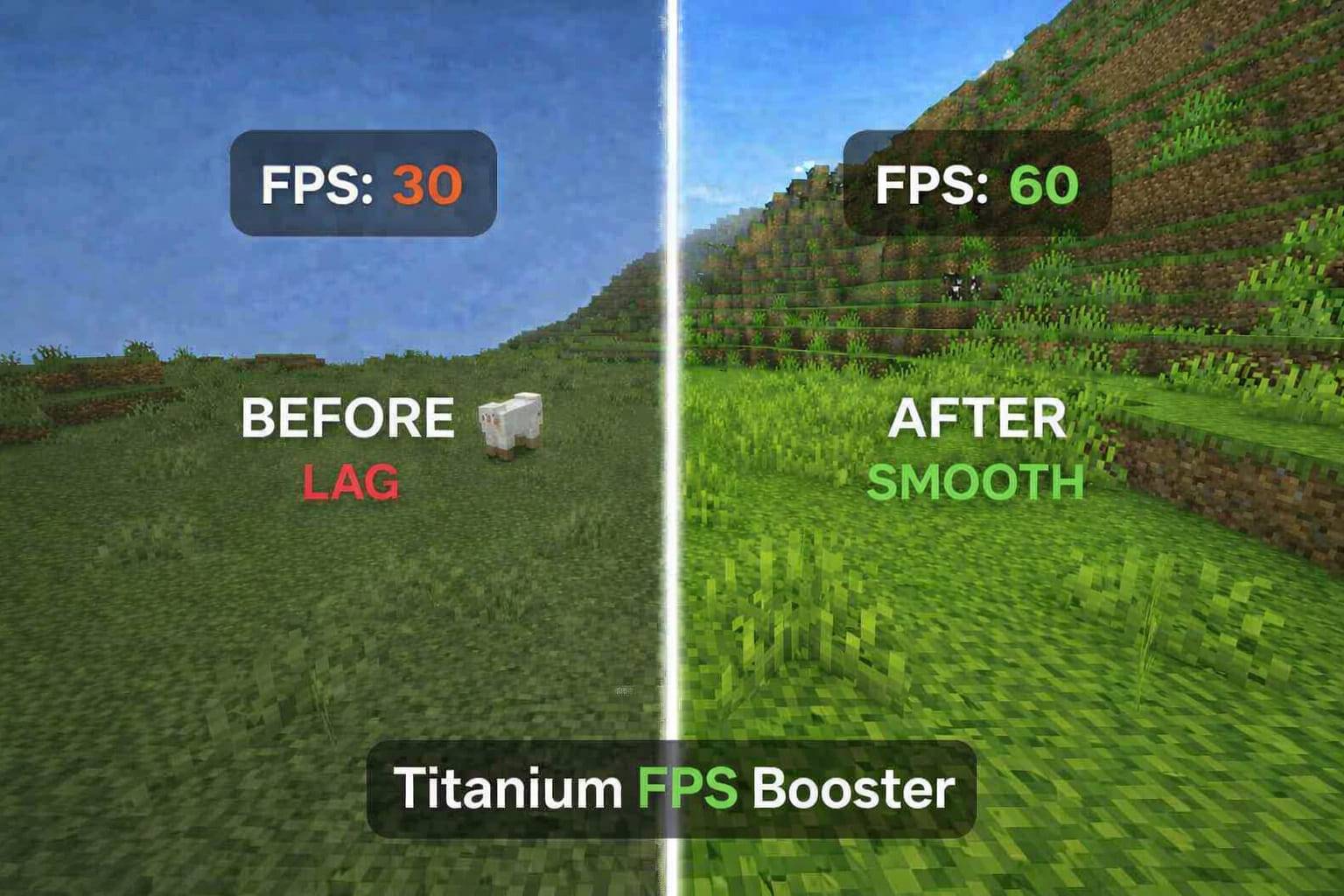

Titanium FPS Booster
Titanium FPS Booster is a Minecraft Bedrock performance pack designed to improve FPS, reduce lag, and optimize gameplay for low and mid-end devices while keeping visuals clean and smoothDownload

Chunk Borders RP
Shows chunk borders when using a fishing rodDownload

Alice Shader
Wii U Styled Visuals RD ShaderDownload

Classic Axolotl Totem
Replaces the Totem of Undying with an cute Axolotl themed totemDownload

Emissive Ores
Changes Ore to be EmissiveDownload
Old dream textures
Minecraft old texturesDownload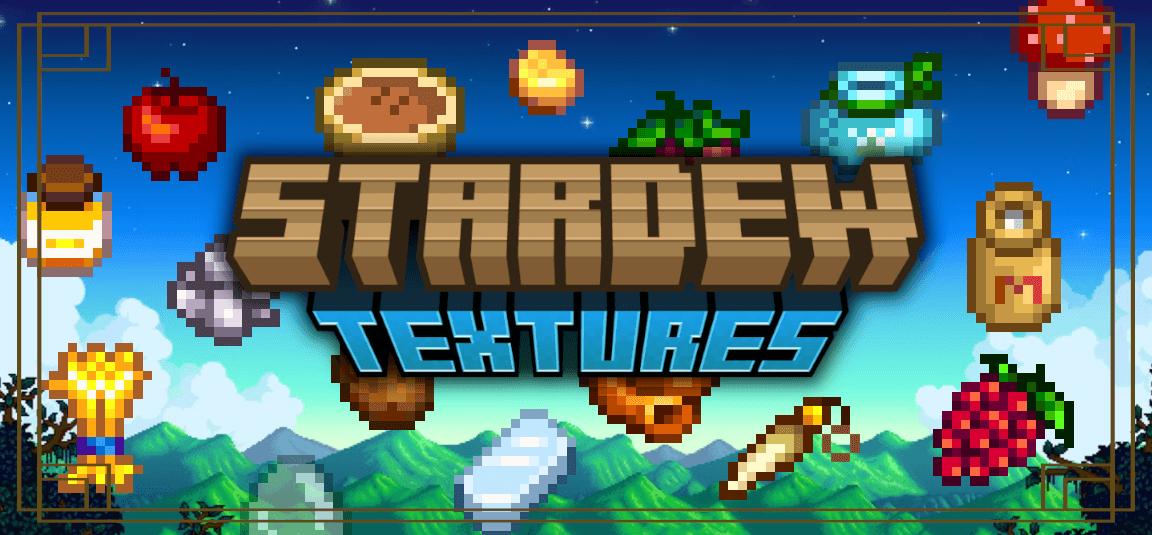

Stardew Items and Food
This texture pack brings your favorite textures from Stardew Valley to Minecraft!Download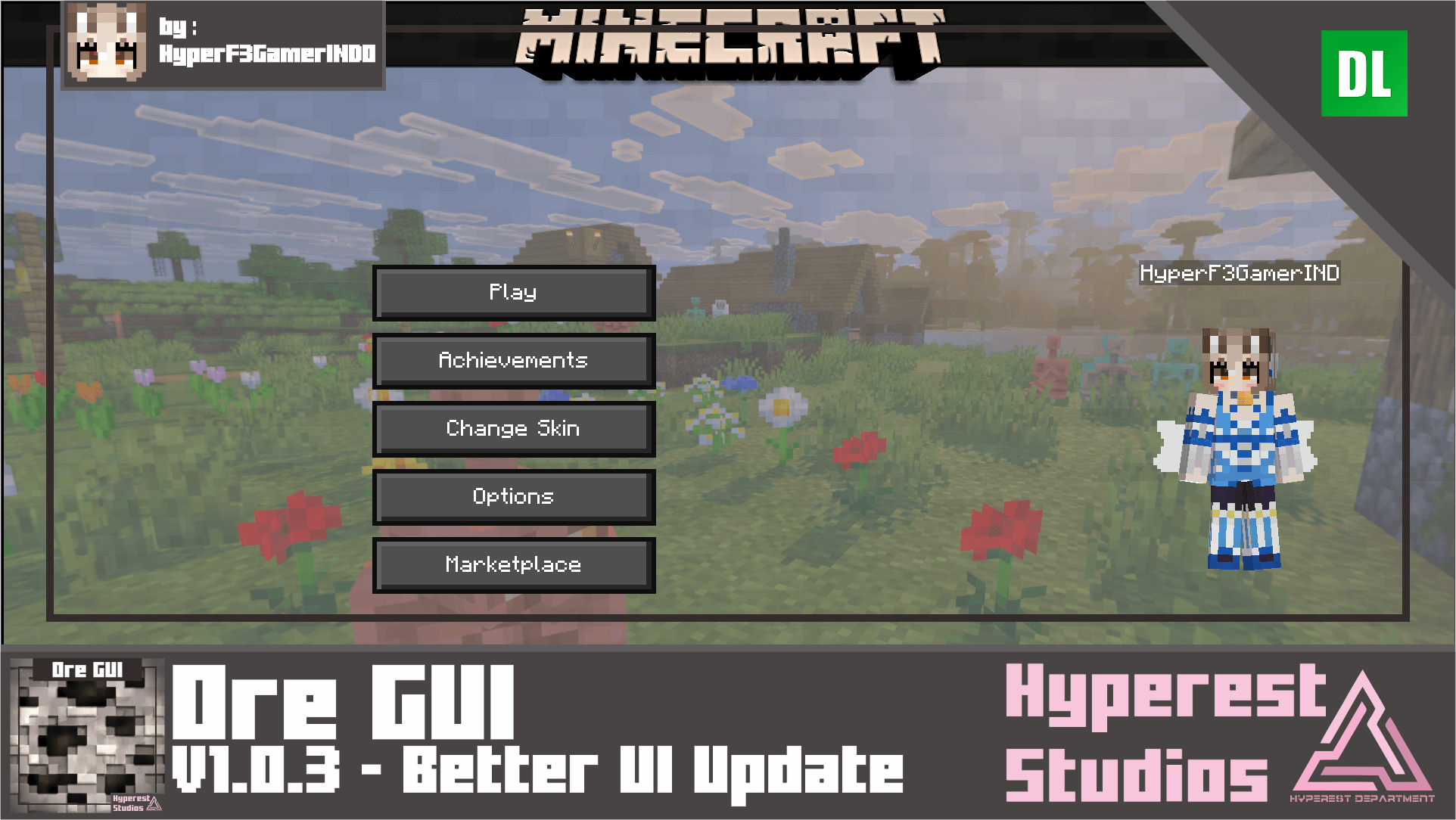

Ore GUI | v1.0.3 Better UI Update
This is restoration UI from Wool UI, that came in version 1.7.0 of Minecraft I try to revive it, this Cool UI are matching with coming soon UI to Minecraft! also some picture from Minecraft Earth and Dungeon combined into this pack, also its dark mode!Download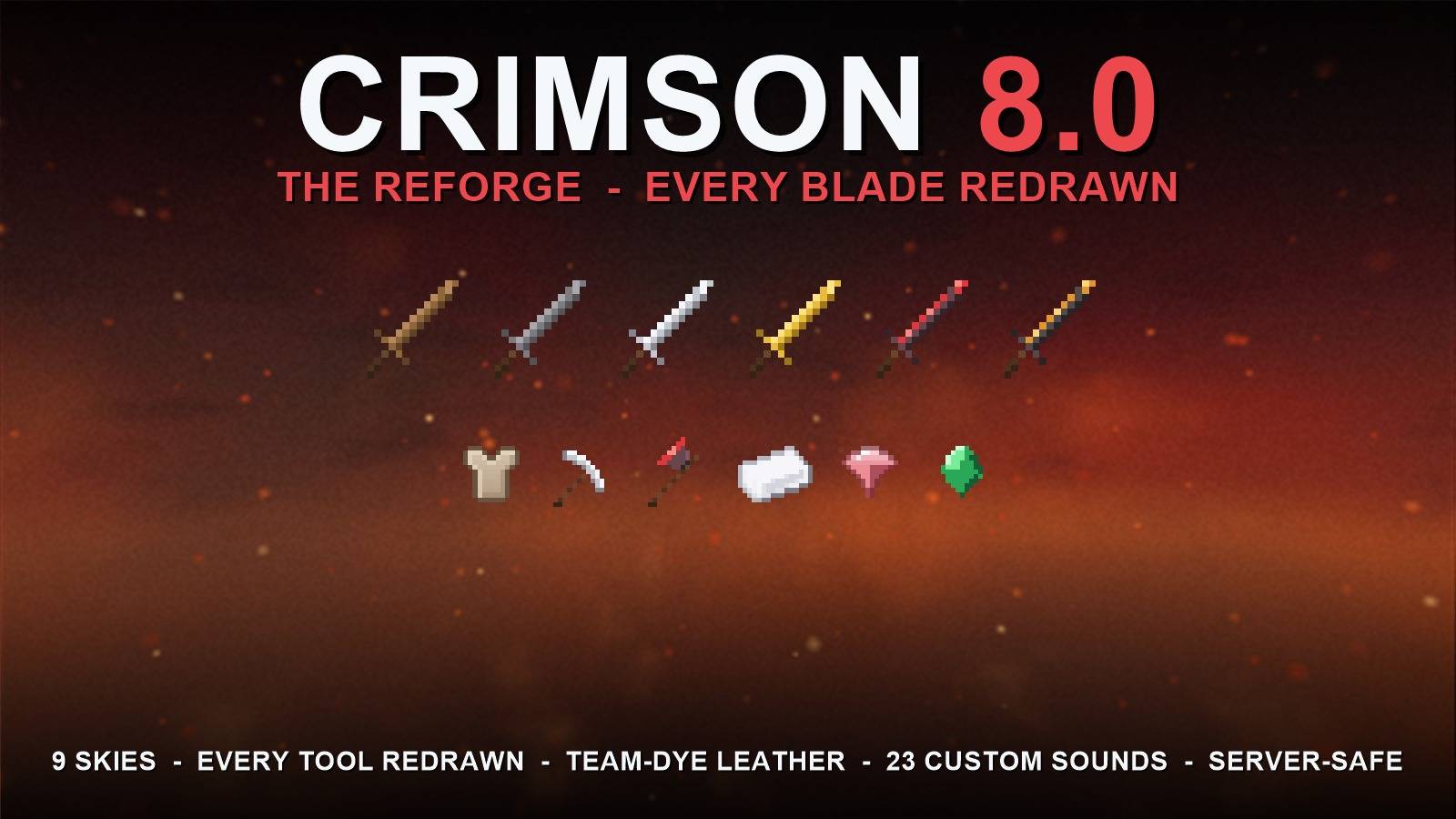

Crimson
A blood-red Bedwars PvP pack, reforged in 8.0: every sword, pickaxe & axe redrawn, crimson-glowing diamond, molten-gold netherite, team-dye leather and 9 seamless skies incl. the new Ashfall. 100% cosmetic & server-safe.Download

Collective Creepers
Makes Creepers have a ton of naturally spawning variantsDownload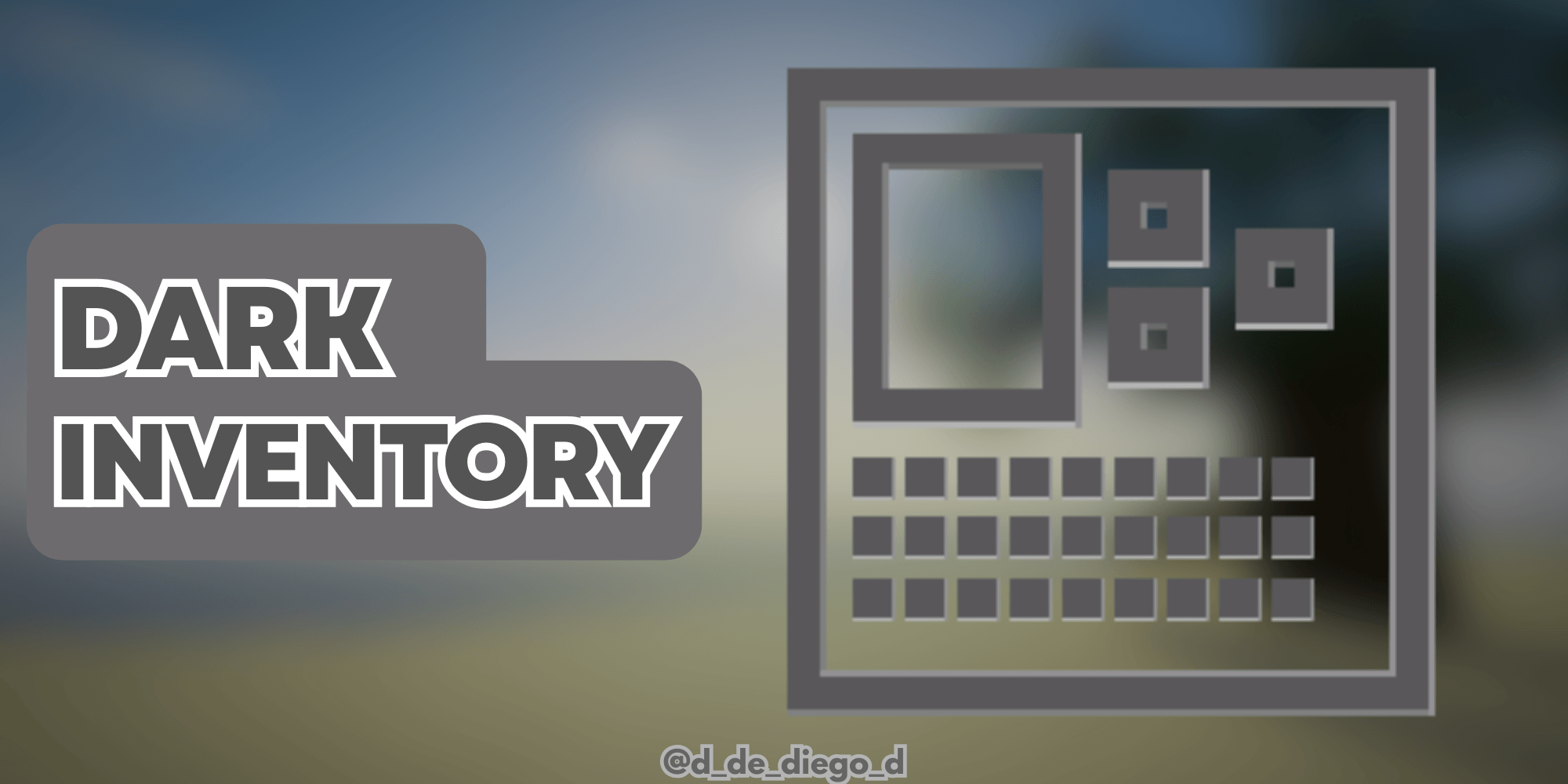
DARK MODE PLUS
DARK MODE FOR MINECRAFTDownload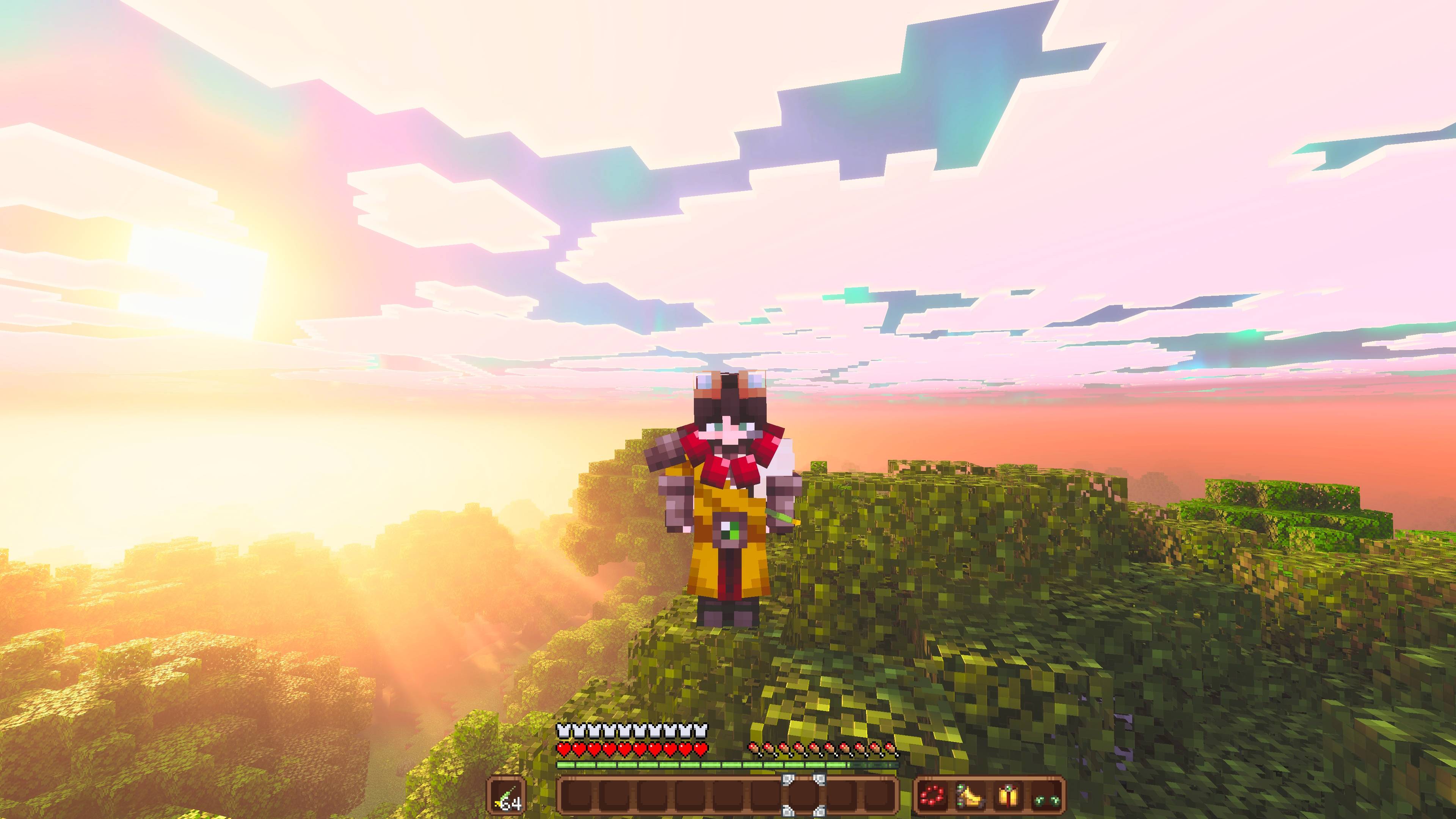
D.A.V Extended by (NEA)
Compatibility Texture Pack for Durability Armor Viewer that adds support for custom armor and item icons from other addons.DownloadFAQ
Do I need Forge or Fabric for a resource pack?
No. A resource pack works on the regular game with no loaders or mods. Click “Install” and Millida Launcher will put the pack into the right modpack — then just enable it in the settings.
What do 16×, 32×, 64× mean?
The resolution of a single texture in pixels. 16× matches the original game, 32× and 64× are more detailed and heavier, and 128× and up put a noticeable load on your graphics card.
Will a pack made for another version work?
Most likely partly: older packs don't have textures for newer blocks, so those will stay default. The game won't break, though.
How is a texture pack different from a resource pack?
Only by name and age. Before version 1.6 the sets were called texture packs and changed only textures; in 1.6 resource packs replaced them and also change sounds, fonts and the interface. Old texture packs for 1.5 and below do not work on new versions without conversion.
Which texture packs are best for PvP?
PvP packs: 16× resolution or lower, shortened swords, low fire, a clear sky and bright particles. They barely load the computer and make the opponent easier to see. These packs are collected in the PvP theme.
How do I install a resource pack?
Press Install and Millida Launcher puts the pack into the resourcepacks folder of the right instance. Then enable it in the game: Options, then Resource Packs. Manually, the archive goes into resourcepacks inside the game folder, no need to unpack it.
Minecraft texture packs
A resource pack changes how the game looks and sounds: block and item textures, fonts, the interface, sounds. It doesn't touch the game's code, so it needs no mod loader and breaks nothing on a server — the pack only works on your screen. That's exactly why a resource pack is safer than any mod: the worst that happens on a version mismatch is that some textures stay default.
Textures, texture packs and resource packs are essentially the same thing: since version 1.6 Mojang calls these sets resource packs, but the old name is still searched more often. PvP packs are a big genre of their own: shortened swords, low fire, bright particles and 16× resolution or lower, so the opponent stands out and the frame rate does not drop. Such packs are most often made for 1.8.9 and 1.16.5, the versions many PvP servers run on.
The key thing about a pack is its resolution. The game's default textures are 16×16 pixels; 32× and 64× packs look more detailed, while 128× and up need a real graphics card and are usually paired with shaders. On a weak machine it makes sense to stay at 16× or go for packs that deliberately simplify graphics for more FPS. Every pack here lists its game version, author and license, and all released versions are gathered on one card. Put the downloaded archive in the resourcepacks folder and enable it in the game settings.