
Minecraft texture packs — page 248
Resource packs: list


Backrooms music pack (Discontinued for now)
A sound pack that changes some disc's to backrooms musicDownload

Fine Doors
✨ Fine Doors – Elevate Every Entrance ✨Download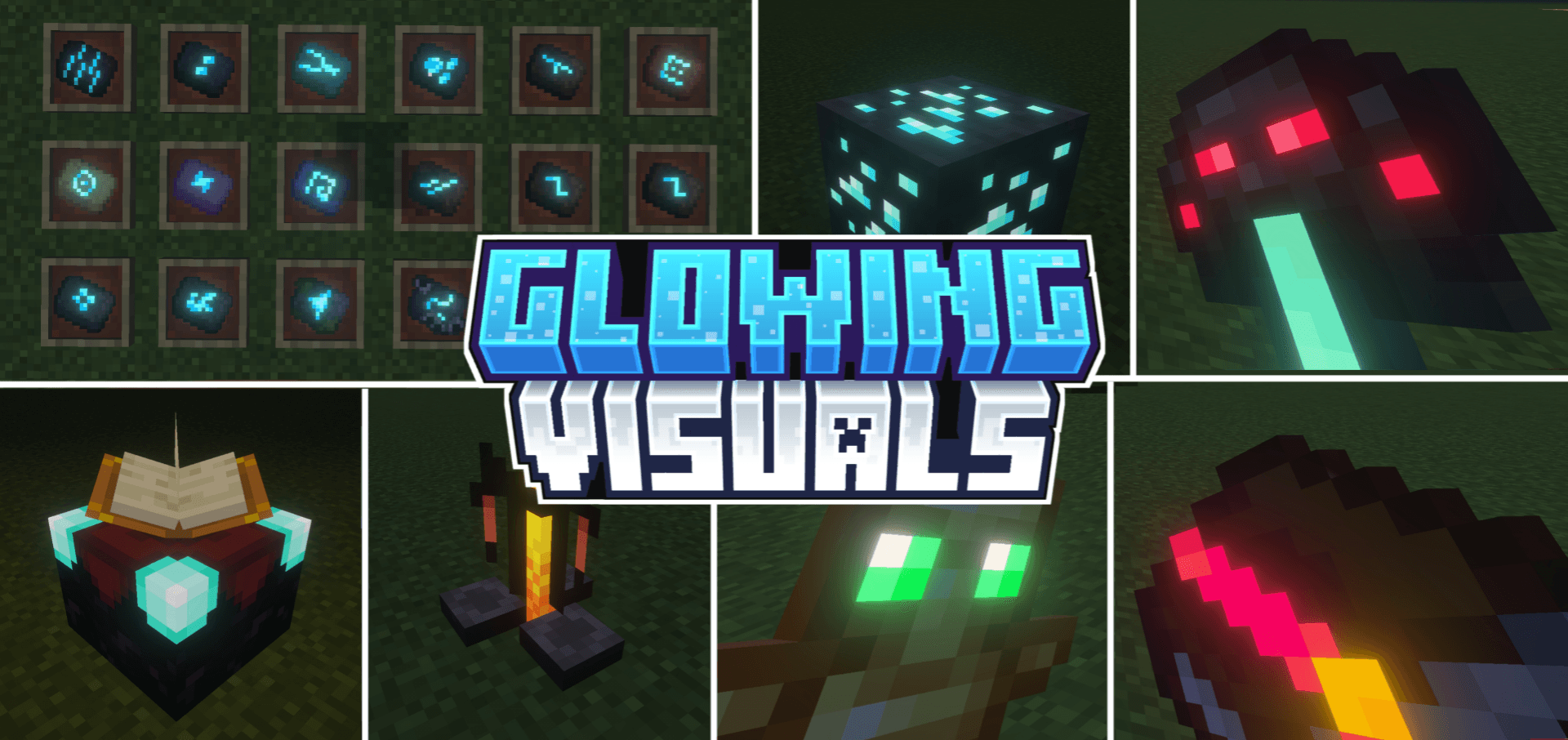

Glowing Visuals
Glowing Visuals is a simple and lightweight Minecraft texture pack that adds a soft glow to blocks, items, and mobs. It improves visibility in dark areas, gives the game a better look.Download
Armor & Items HUD Display
Short Summary: A lightweight HUD that displays equipped armor and held items on screen in real time for Minecraft Bedrock Edition.Download

Miraí by Yuki
Miraí shader for Minecraft Bedrock 26.45, tested on Android with MBLoaderDownload
Universal Language Pack
100+ new & better translations for Minecraft Bedrock! (incl. LOLCAT...)Download

ꪆৎ Ribbon Headdress Helmet (Other Armor Invisible) ꪆৎ
helmet & invisible armor texture pack for be/peDownload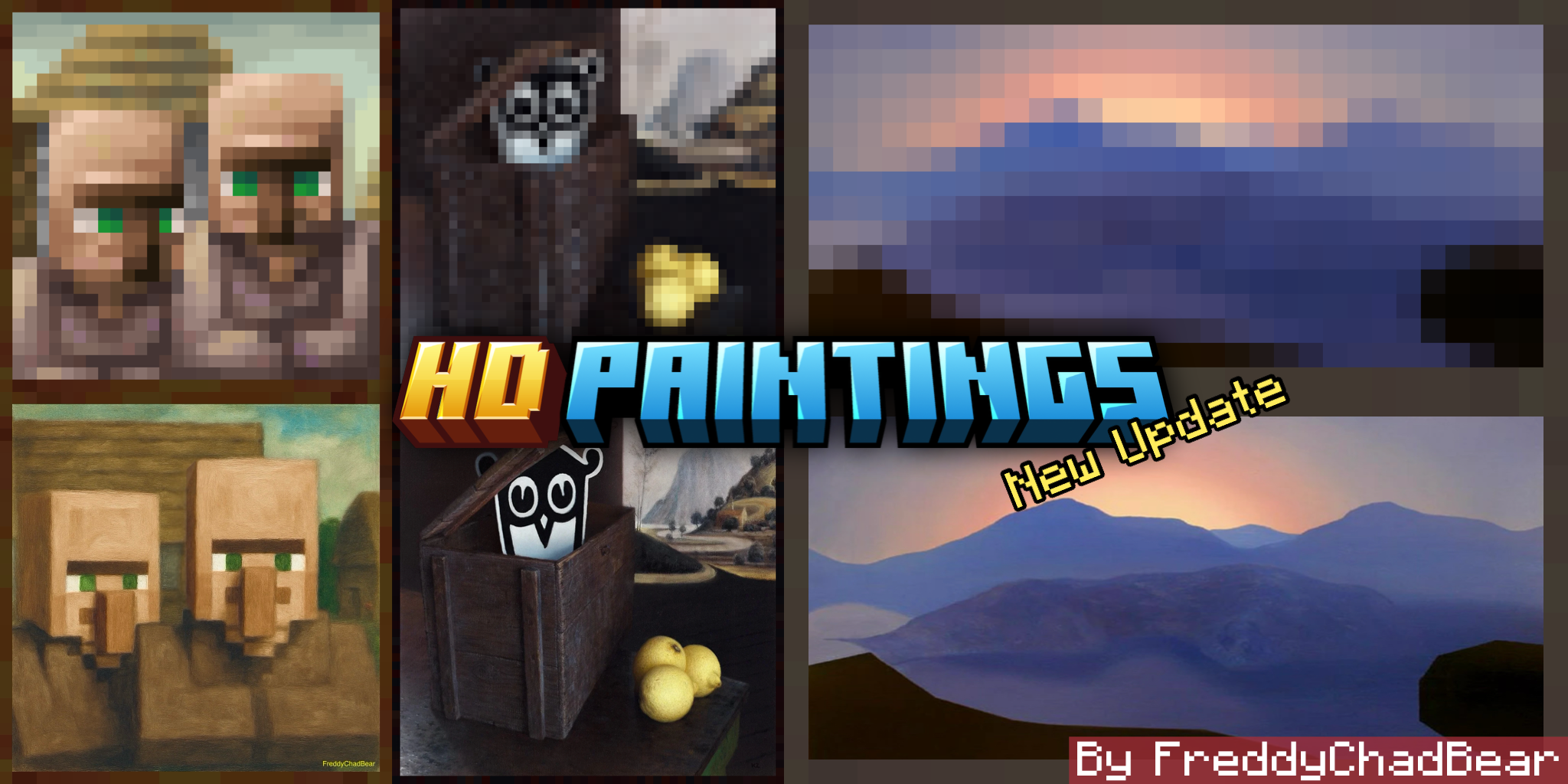

HD Paintings
In This Texture Pack I Replaced the Default Paintings With Their Original HD Version Including The New Paintings.Download
Craftsman
Turn Minecraft Into Craftsman!!Download

Rias Gremory Totem
Replaces the Totem of Undying with an Anime High School DxD Rias Gremory TotemDownload

ý Keep Panorama
A pack that preserves the original Minecraft panorama, keeping the classic vanilla look of the main menu.Download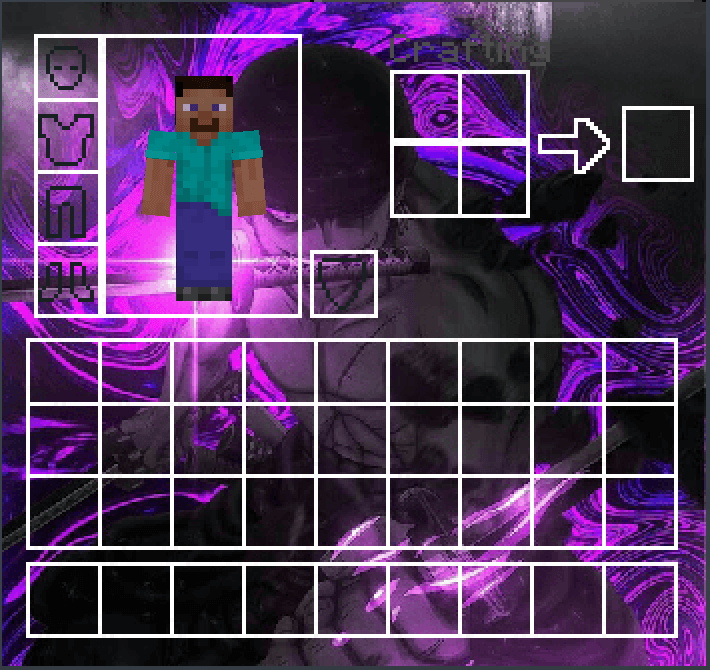

One Piece Zoro UI Inventory
Changes the normal Inventory to an One Piece Zoro UI InventoryDownload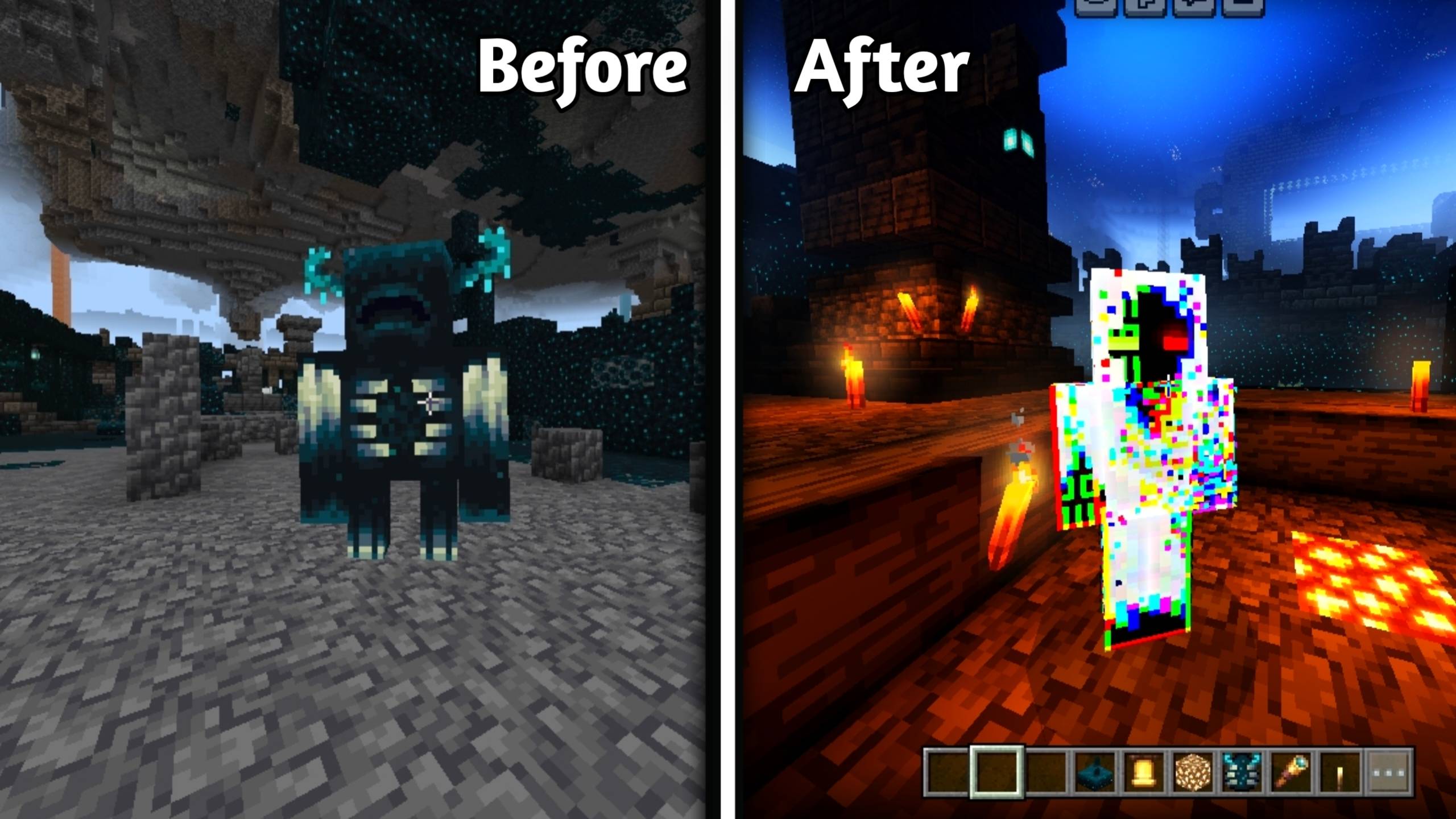

Warden To Entitys
👁 Replaces the Warden with Entity 303 in Minecraft Bedrock Edition. 🌑 Horror-themed visuals with spawn & despawn animation preview.Download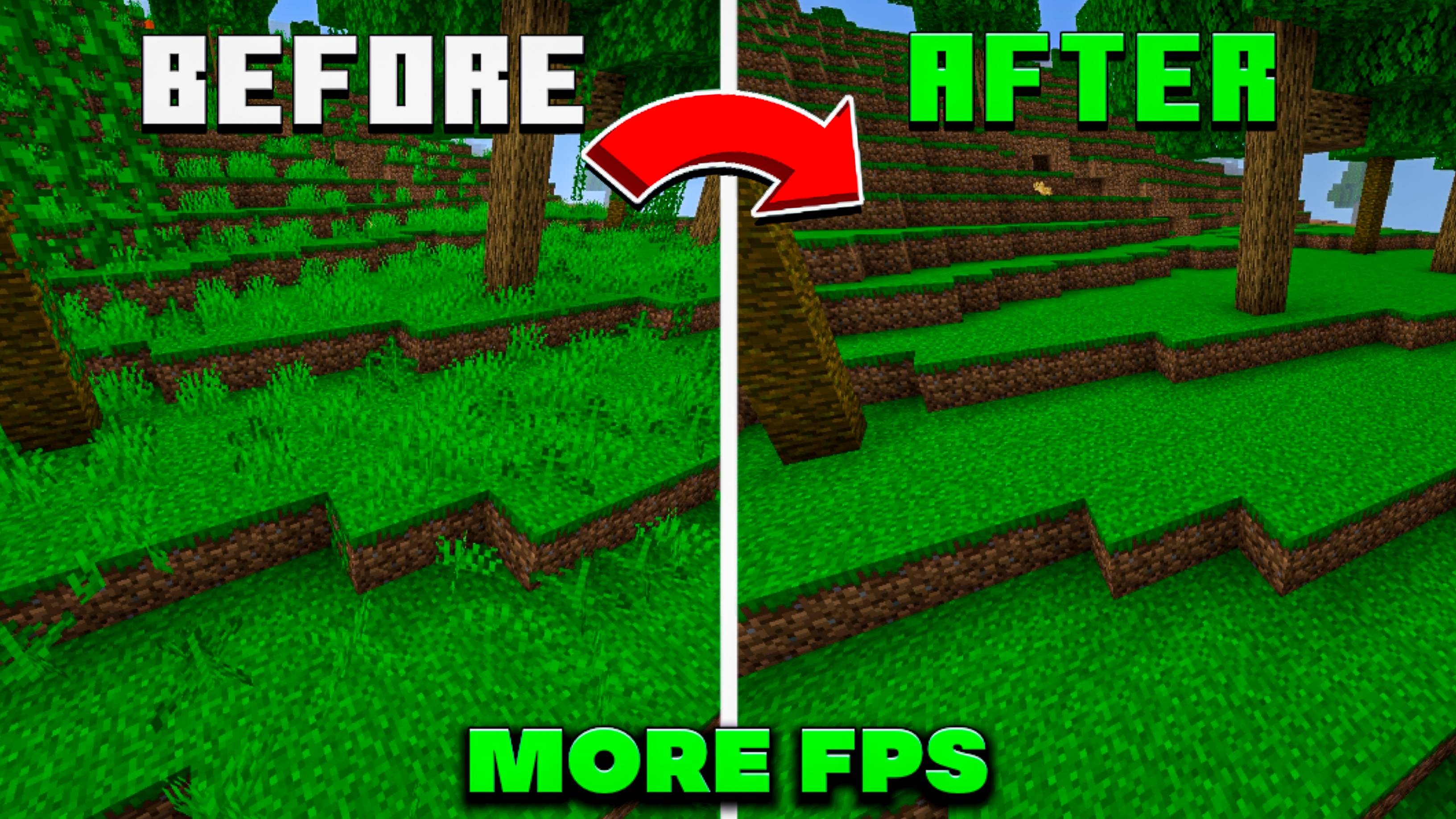

Clear View | FPS Boost Pack
A lightweight Minecraft Bedrock FPS boost pack that removes decorative blocks and unnecessary visuals to reduce CPU usage and improve overall performance.Download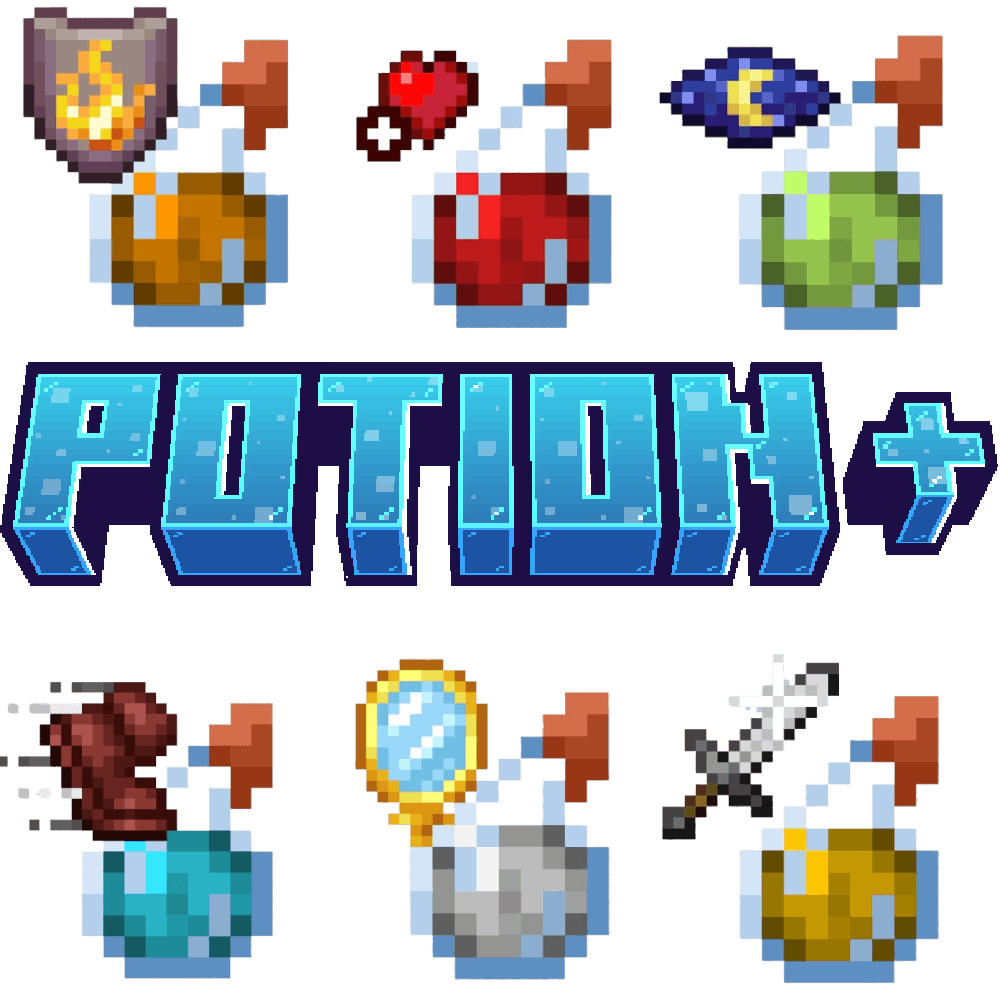

Potion +
Add Potion icon on top of the bottleDownload

Phantom Girl
This Tpack changes the appearance of the phantom for a girl.Download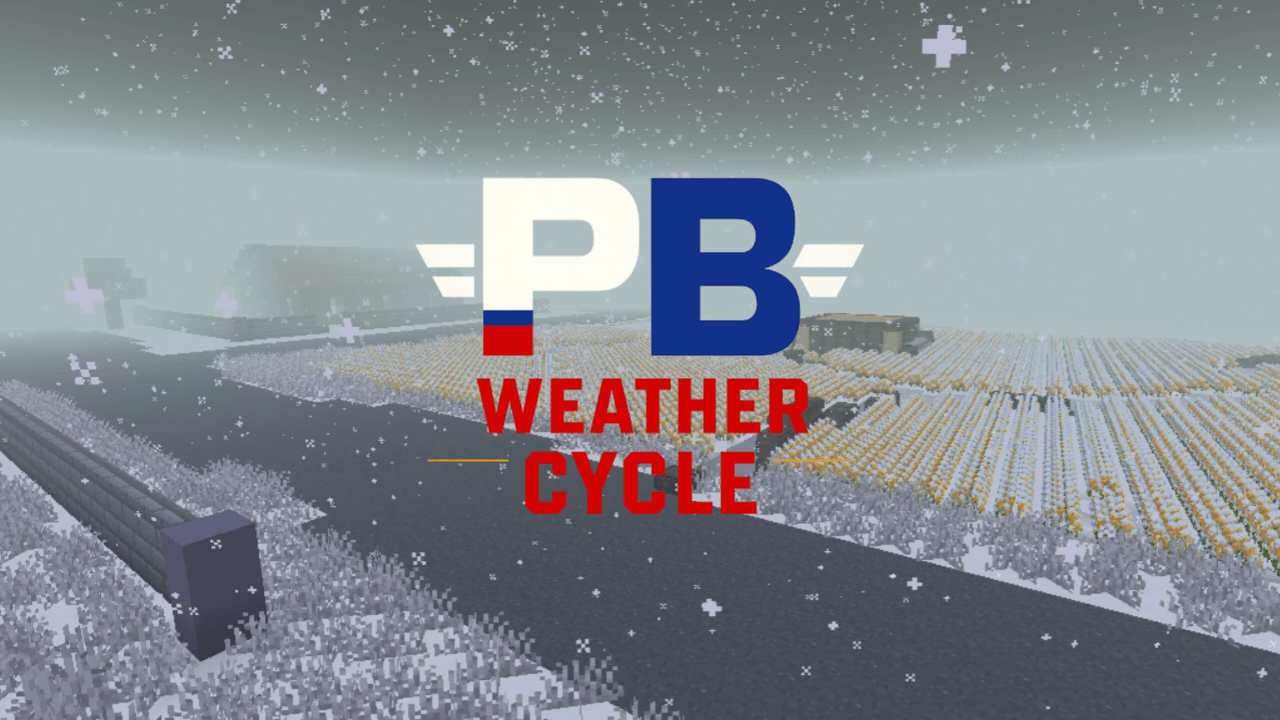
Project Silent Breakpoint : Weather Cycle
PSB: Weather Cycles is a tactical atmosphere expansion for the Silent Breakpoint universe. Features a 3-cycle subpack system (Normal, Dark Mist, and Winter) to enhance immersion for modern military simulations and stealth operations in MCPE.Download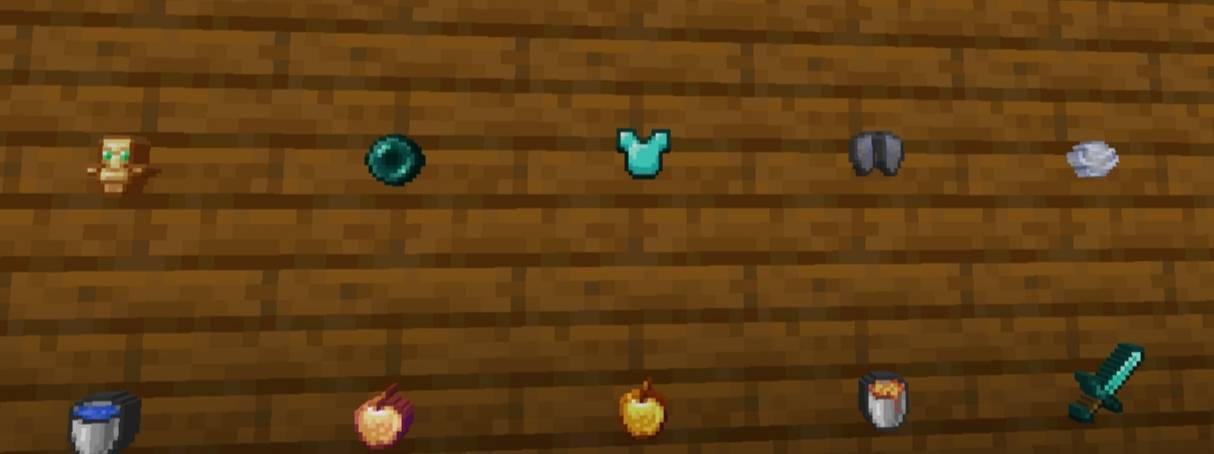

Smaller utils
Smaller utility items for bedrock.Download
PixelBlocks - Bedrock
The pack where every pixel is a block texture!Download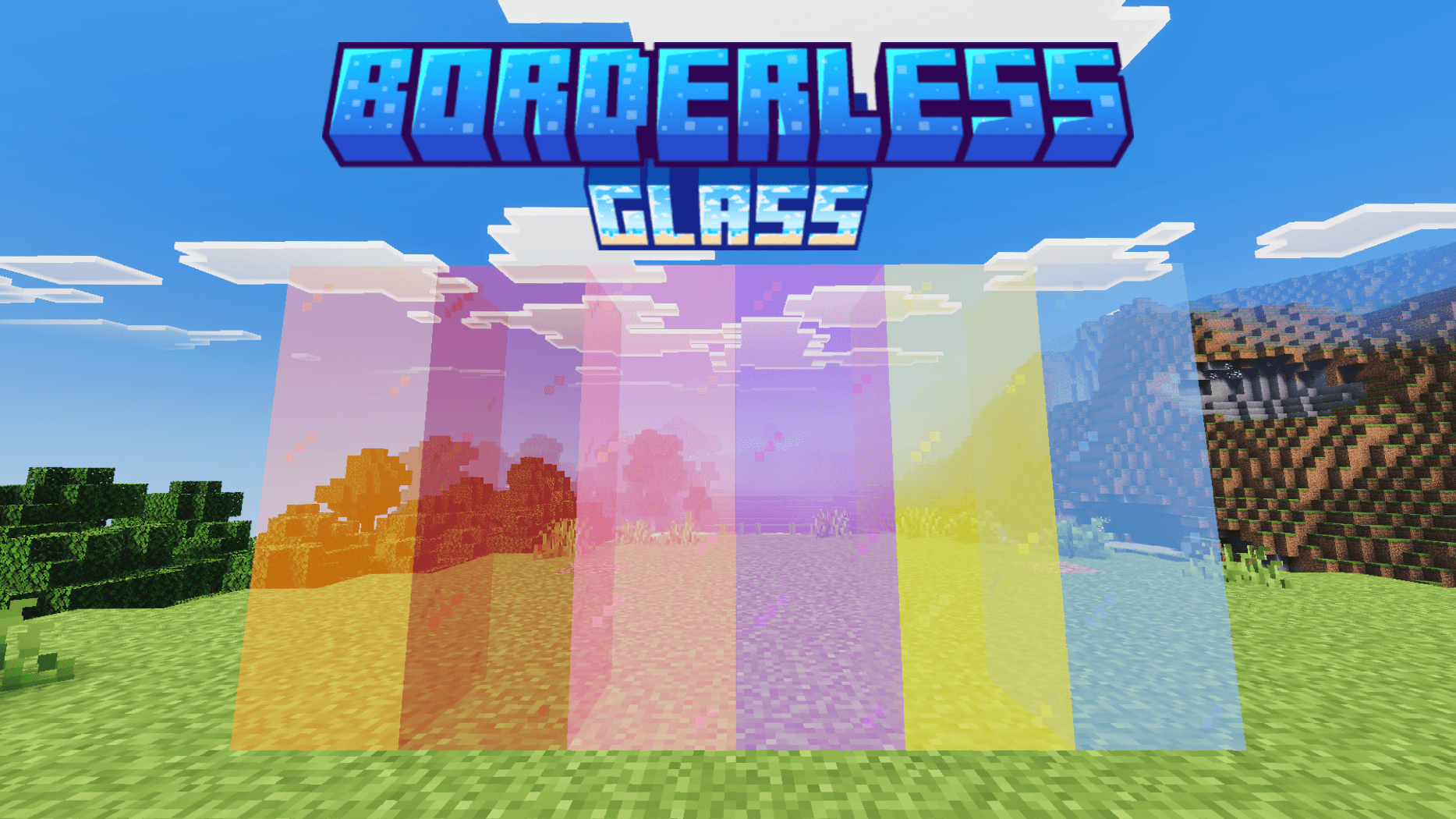
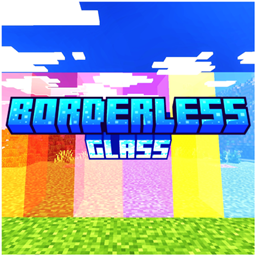
Vors Borderless Glass
Clean, borderless textures for all 16 glass colors, panes, and tinted glass — no more chunky black frames breaking up your builds. Choose bold saturated colors or a lighter, more transparent look with two switchable subpacks.Download

White Outline Selection
This pack turns the selection outline white instead of blackDownload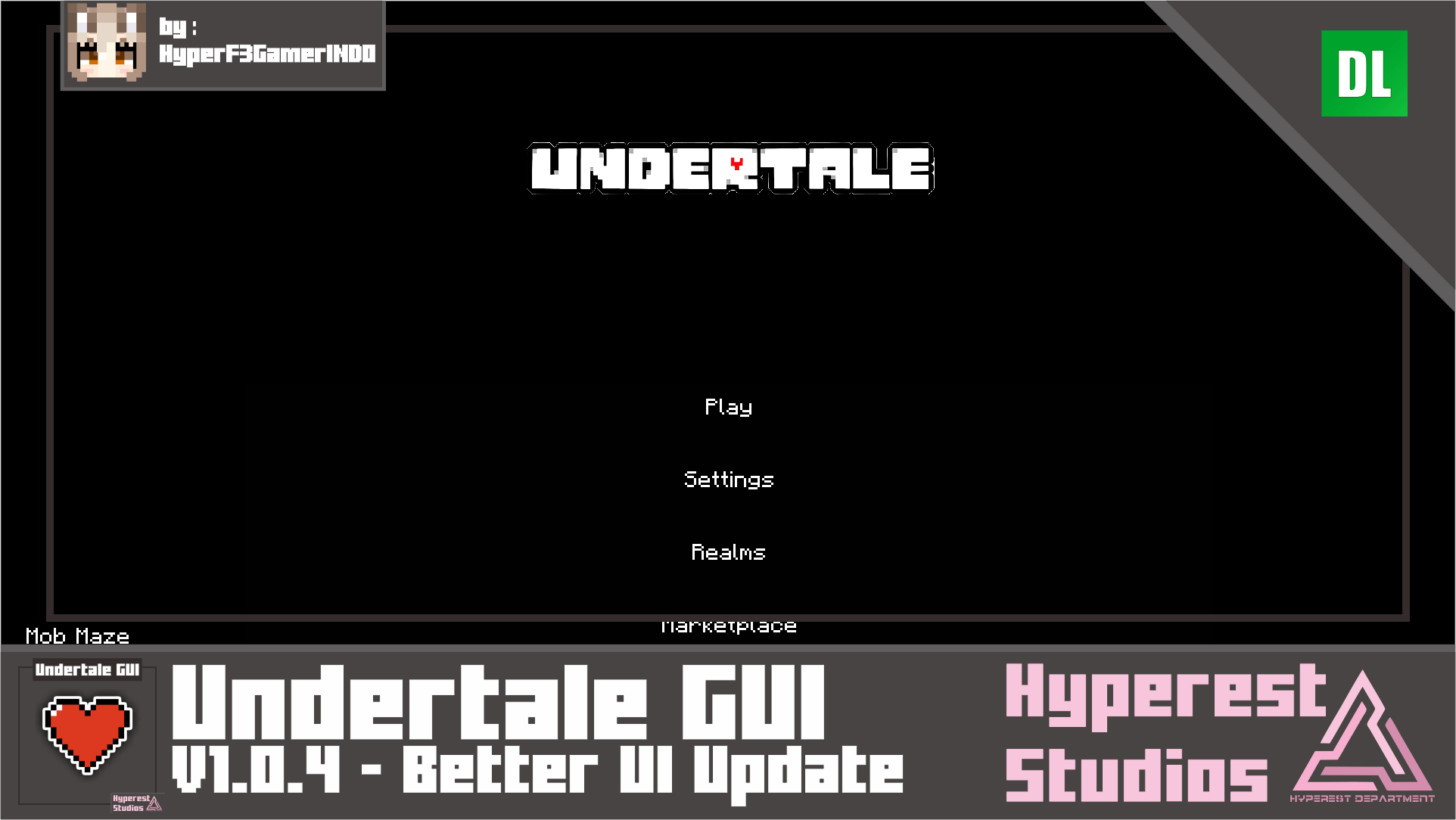

Undertale GUI | v1.0.4 Better UI Update
Hi there Undertale fans! I want to bring you to the old gold days of Undertale, and i make this Undertale themed GUI in Minecraft now! I hope you're enjoy it :)Download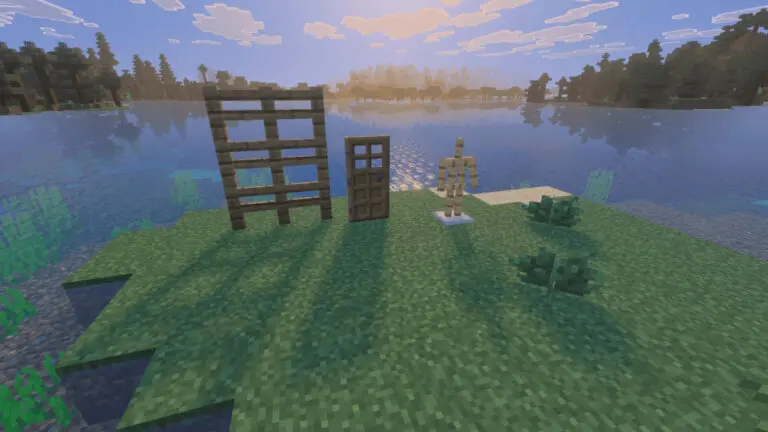

🇯🇵Visual KISIN Soft Shadows 1.26
As a visualDownloadFAQ
Do I need Forge or Fabric for a resource pack?
No. A resource pack works on the regular game with no loaders or mods. Click “Install” and Millida Launcher will put the pack into the right modpack — then just enable it in the settings.
What do 16×, 32×, 64× mean?
The resolution of a single texture in pixels. 16× matches the original game, 32× and 64× are more detailed and heavier, and 128× and up put a noticeable load on your graphics card.
Will a pack made for another version work?
Most likely partly: older packs don't have textures for newer blocks, so those will stay default. The game won't break, though.
How is a texture pack different from a resource pack?
Only by name and age. Before version 1.6 the sets were called texture packs and changed only textures; in 1.6 resource packs replaced them and also change sounds, fonts and the interface. Old texture packs for 1.5 and below do not work on new versions without conversion.
Which texture packs are best for PvP?
PvP packs: 16× resolution or lower, shortened swords, low fire, a clear sky and bright particles. They barely load the computer and make the opponent easier to see. These packs are collected in the PvP theme.
How do I install a resource pack?
Press Install and Millida Launcher puts the pack into the resourcepacks folder of the right instance. Then enable it in the game: Options, then Resource Packs. Manually, the archive goes into resourcepacks inside the game folder, no need to unpack it.
Minecraft texture packs
A resource pack changes how the game looks and sounds: block and item textures, fonts, the interface, sounds. It doesn't touch the game's code, so it needs no mod loader and breaks nothing on a server — the pack only works on your screen. That's exactly why a resource pack is safer than any mod: the worst that happens on a version mismatch is that some textures stay default.
Textures, texture packs and resource packs are essentially the same thing: since version 1.6 Mojang calls these sets resource packs, but the old name is still searched more often. PvP packs are a big genre of their own: shortened swords, low fire, bright particles and 16× resolution or lower, so the opponent stands out and the frame rate does not drop. Such packs are most often made for 1.8.9 and 1.16.5, the versions many PvP servers run on.
The key thing about a pack is its resolution. The game's default textures are 16×16 pixels; 32× and 64× packs look more detailed, while 128× and up need a real graphics card and are usually paired with shaders. On a weak machine it makes sense to stay at 16× or go for packs that deliberately simplify graphics for more FPS. Every pack here lists its game version, author and license, and all released versions are gathered on one card. Put the downloaded archive in the resourcepacks folder and enable it in the game settings.