
Minecraft texture packs — page 249
Resource packs: list

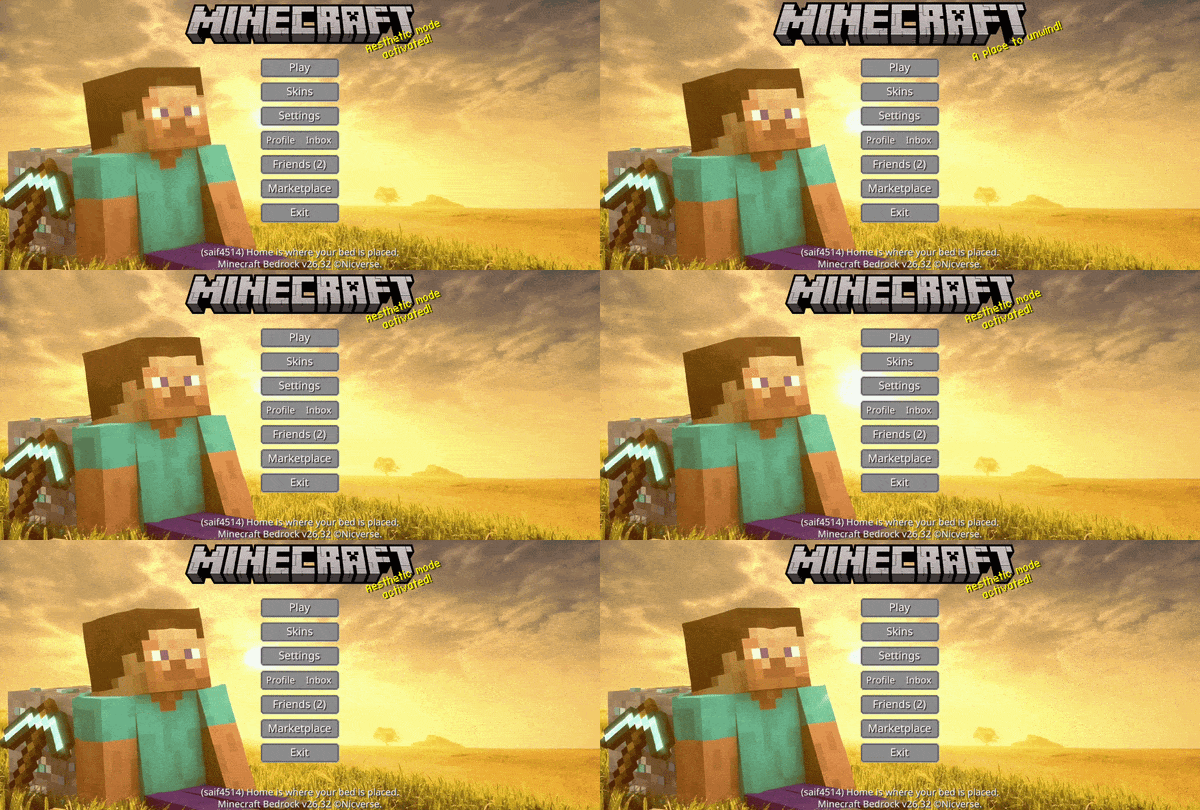

Animated Steve UI
Animated Animated Steve — Embark on a classic journey with this serene, golden-hued interface that captures the nostalgic and limitless spirit of Minecraft adventuresDownload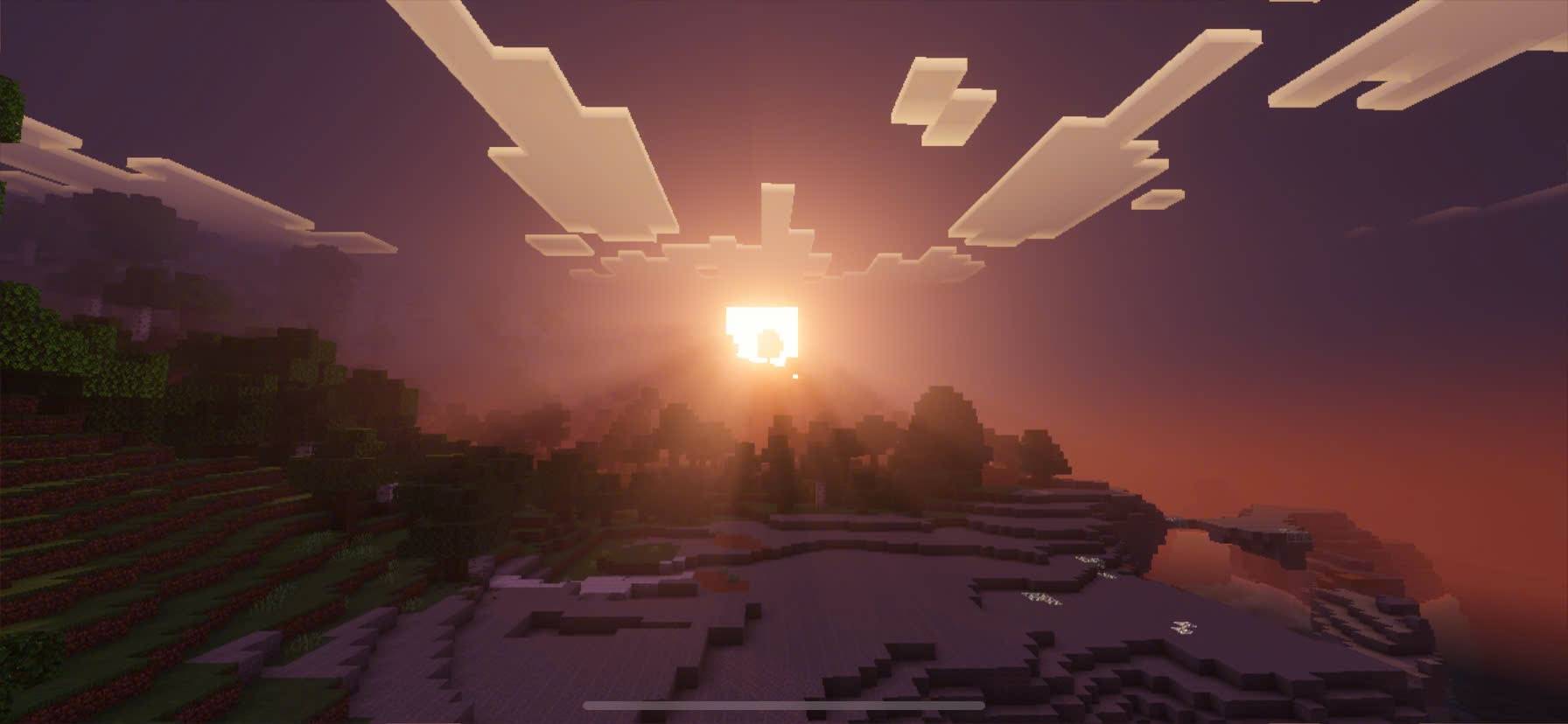

Deferred Visual LST
change visual of the default vibrant visualDownload

Interesting Clouds (Reworked Early Version)
A reworked version of the first test of Interesting Clouds when it was still in development.Download

oCd Pack Next-Gen BE
Classic RebornDownload

TotemSG 3D - Custom 3D Totem Texture, Sound. Totem with texture your skin!
A resource pack that changes the totem's texture to Sidg420 3D skin and adds a cool activation sound. This texture pack also serves as a template for creating a custom totem with its own skin and sound.Download

Nagatoro Totem
Replaces the Totem of Undying with an Anime Nagatoro TotemDownload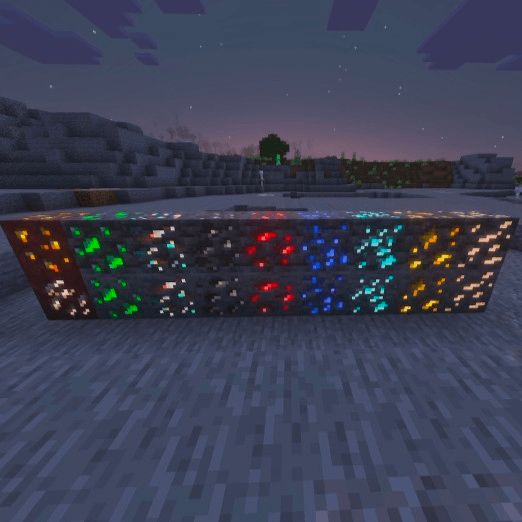

Borderless Ore Glint
I wanted something that made ore easier to spot, but wasn't as blatant as a border (a glowing glint is still blatant lol). This is my first pack, so it's by no means perfect. There are 2 versions; standard (no blended frames), and smooth (blended frames).Download
days at the origins
A package that updates textures to alpha and beta textures.Download

Rupee Note Totem
Rupee Note Totem made by LazyLegend95Download

Steampunk Elytra
Steampunk themed elytra!Download

Vanilla Armor Tweaks: Baby Mob Armor Trim Displays
This pack redesigns Piglin and Zombified Piglin Helmets, with armor trim support for all baby humanoid mobs. It also changes the elytra texture and model for baby humanoid mobs and fixes various armor model bugs.Download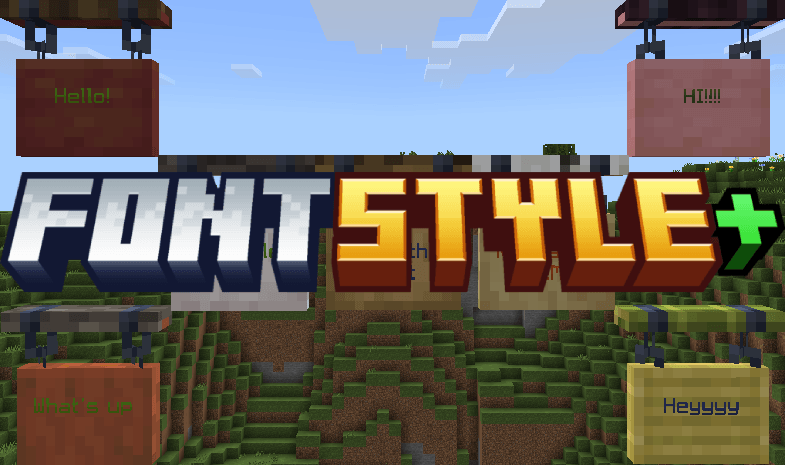
FontStyle+
A customizable font pack that adds two new fonts—Minecraft Five and Smoother Font—using subpacks. Easily switch styles to match your preference for retro or cleaner text visuals in-game.Download

Crimson forged relics
Crimson Forged Relics is a Minecraft Bedrock resource pack that replaces the default Netherite tool and weapon textures — sword, axe, shovel, pickaxe, hoe, and spear — with a dark red and black design inspired by weapons forged in crimson flame.Download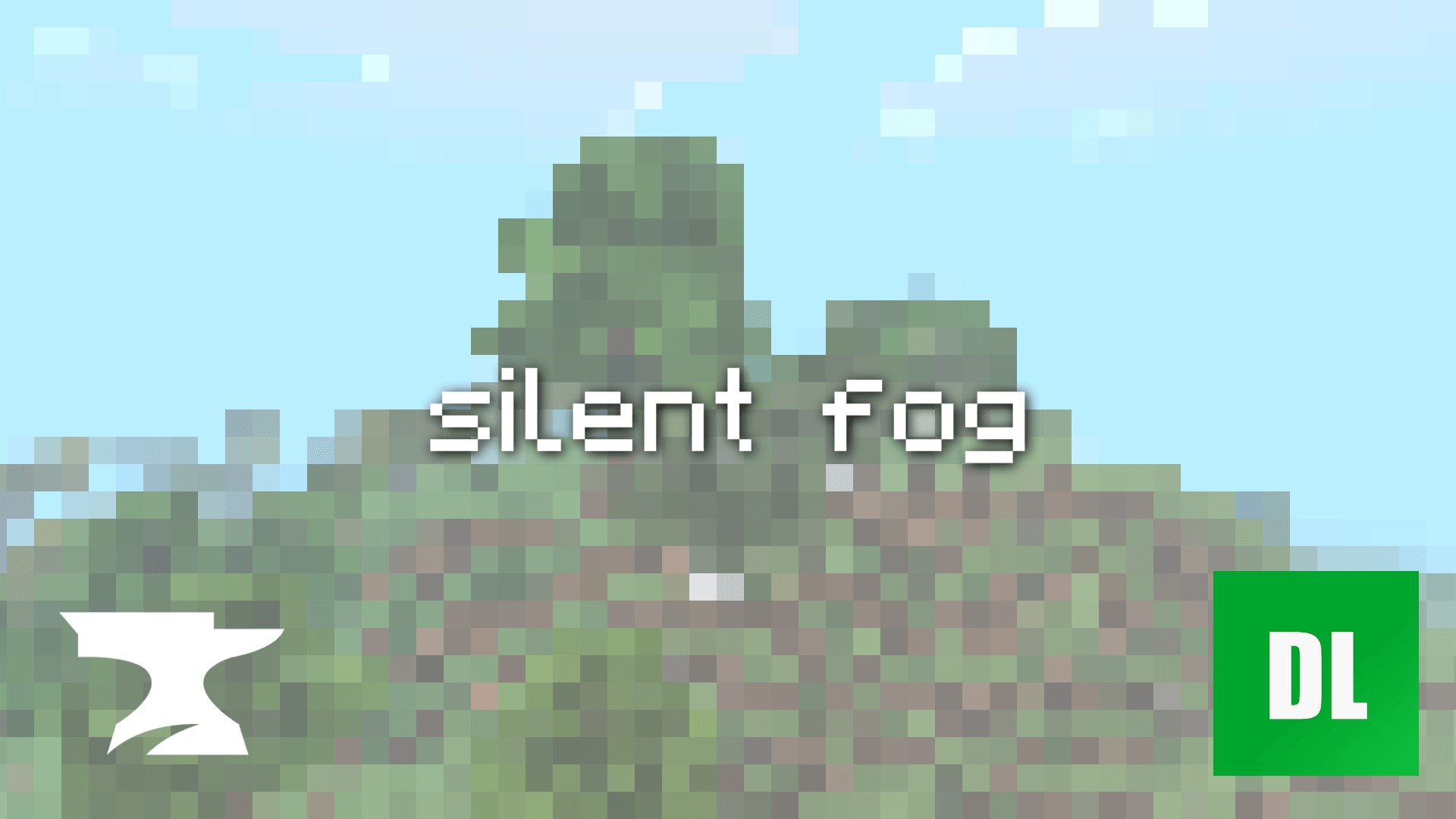

silent fog
silent fog transforms the world with dense, vibrant, and distinct atmospheres unique to every single biome.Download

Sans 4d Skin
4d Sans Skin Texturepack with Blinking AnimationDownload

Fast PVP Pack
Best PVP Texturepack for Bedrock PVPDownload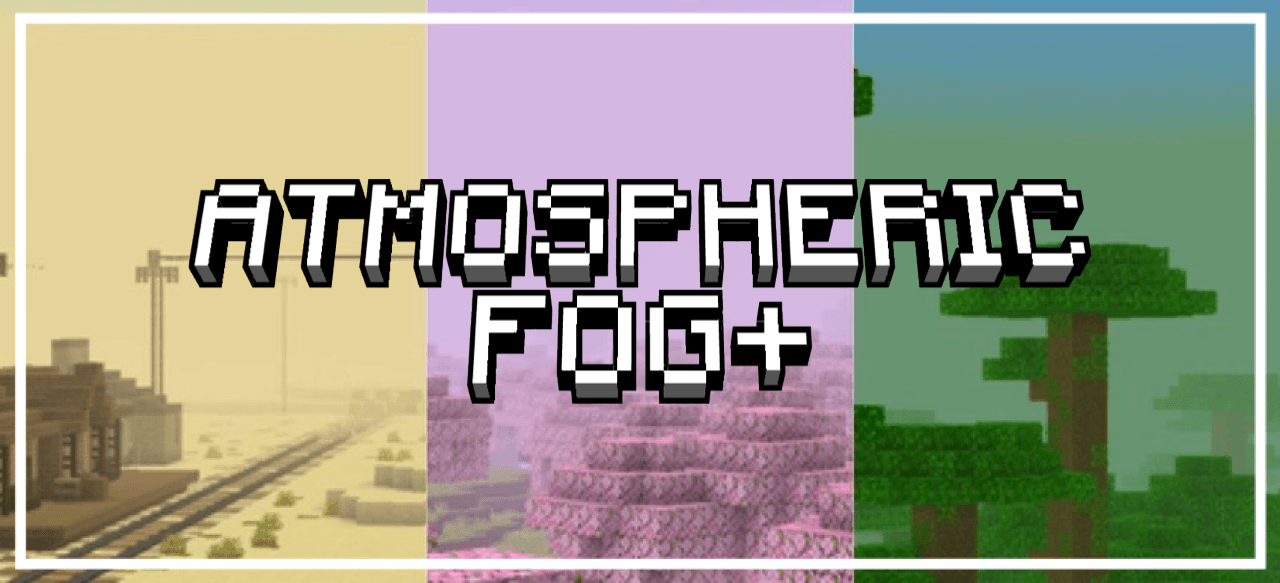
Atmospheric Fog+ 1.1
Replaces the standard, plain mist with a magical mist that changes depending on the biome.Download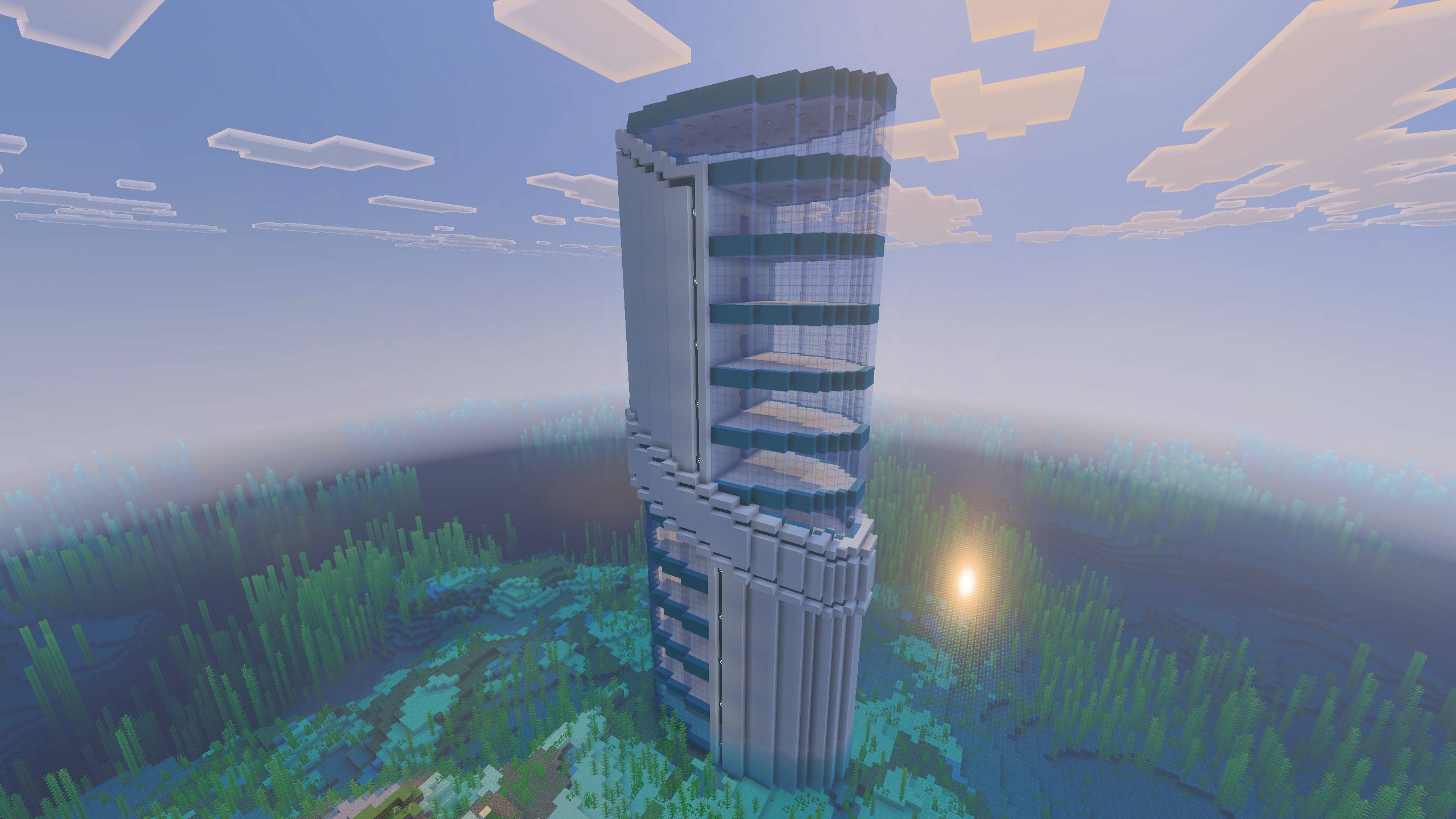
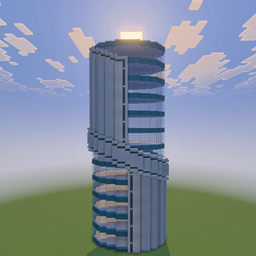
Modern Futuristic Skyscraper Schematic / Structure
Futuristic, Modern, and Survival Friendly skyscraper for minecraft bedrock.Download
BETTER TECHNICAL
Better Technical makes you better at technical MinecraftDownload

Pochacco Texture Pack (Sanrio)
Just a simple texture pack with the theme of the character Pochacco.Download

Copper Hotbar
Gives the hotbar a copper themed redesignDownload

Ender Horrorfic Shader
Ender Horrorfic Shader gives an Enderman-like atmosphere, where a place feels as if it has been taken over by Endermen.Download

Konosuba Aqua Totem
Replaces the Totem of Undying with an Anime Konosuba Aqua TotemDownloadFAQ
Do I need Forge or Fabric for a resource pack?
No. A resource pack works on the regular game with no loaders or mods. Click “Install” and Millida Launcher will put the pack into the right modpack — then just enable it in the settings.
What do 16×, 32×, 64× mean?
The resolution of a single texture in pixels. 16× matches the original game, 32× and 64× are more detailed and heavier, and 128× and up put a noticeable load on your graphics card.
Will a pack made for another version work?
Most likely partly: older packs don't have textures for newer blocks, so those will stay default. The game won't break, though.
How is a texture pack different from a resource pack?
Only by name and age. Before version 1.6 the sets were called texture packs and changed only textures; in 1.6 resource packs replaced them and also change sounds, fonts and the interface. Old texture packs for 1.5 and below do not work on new versions without conversion.
Which texture packs are best for PvP?
PvP packs: 16× resolution or lower, shortened swords, low fire, a clear sky and bright particles. They barely load the computer and make the opponent easier to see. These packs are collected in the PvP theme.
How do I install a resource pack?
Press Install and Millida Launcher puts the pack into the resourcepacks folder of the right instance. Then enable it in the game: Options, then Resource Packs. Manually, the archive goes into resourcepacks inside the game folder, no need to unpack it.
Minecraft texture packs
A resource pack changes how the game looks and sounds: block and item textures, fonts, the interface, sounds. It doesn't touch the game's code, so it needs no mod loader and breaks nothing on a server — the pack only works on your screen. That's exactly why a resource pack is safer than any mod: the worst that happens on a version mismatch is that some textures stay default.
Textures, texture packs and resource packs are essentially the same thing: since version 1.6 Mojang calls these sets resource packs, but the old name is still searched more often. PvP packs are a big genre of their own: shortened swords, low fire, bright particles and 16× resolution or lower, so the opponent stands out and the frame rate does not drop. Such packs are most often made for 1.8.9 and 1.16.5, the versions many PvP servers run on.
The key thing about a pack is its resolution. The game's default textures are 16×16 pixels; 32× and 64× packs look more detailed, while 128× and up need a real graphics card and are usually paired with shaders. On a weak machine it makes sense to stay at 16× or go for packs that deliberately simplify graphics for more FPS. Every pack here lists its game version, author and license, and all released versions are gathered on one card. Put the downloaded archive in the resourcepacks folder and enable it in the game settings.