

The pack where every pixel is a block texture!
View the pack on Ewan Howell's website!
This pack makes it so that every pixel in a texture is a block texture!

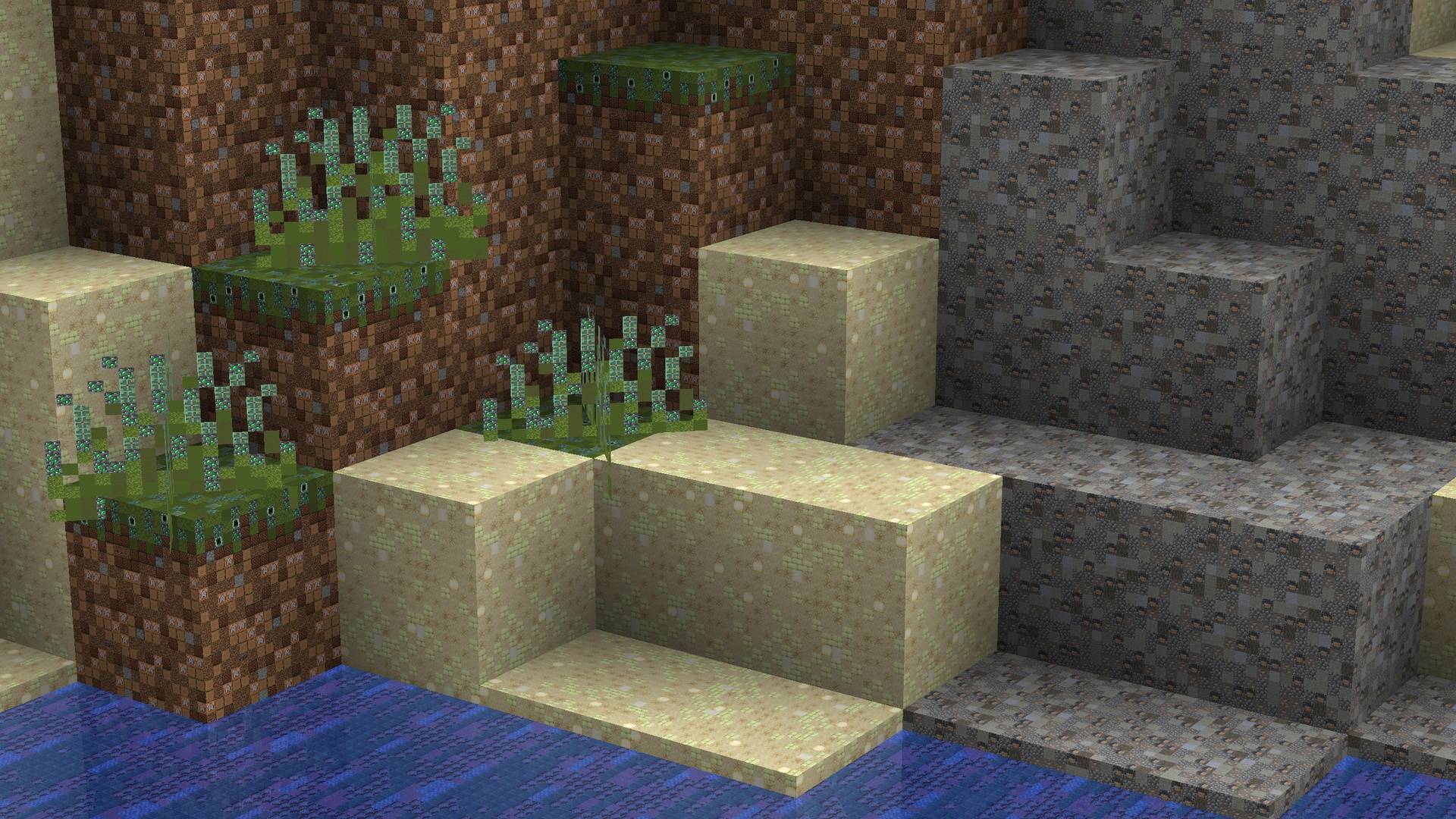
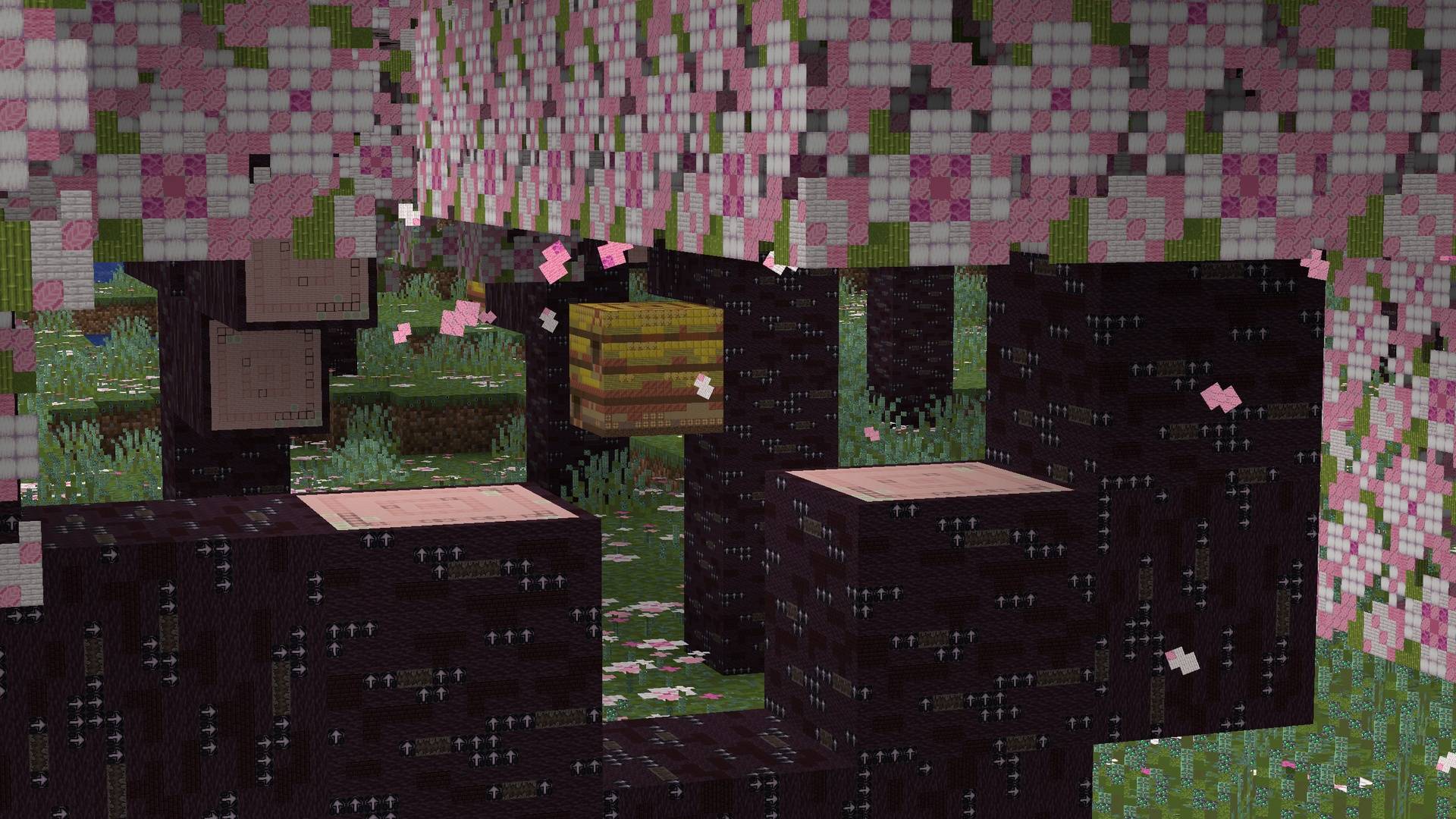
All credit goes to Ewan Howell for allowing me to do this!
Before downloading this Resource Pack, please note:
You may need a powerful device, such as a mid-range computer or flagship phone.
If your device is not powerful enough, the game may crash while loading the world. Blocks and textures may also become corrupted or appear black.
Join Ewan's Discord Server!
Join the Resource Pack Development Discord Server!
Subscribe to Ewan on YouTube!
Follow Ewan on Twitter!
Support Ewan on Ko-fi!
How to install PixelBlocks - Bedrock
Install Millida Launcher
The launcher is free: download it at millida.net/launcher and sign in with any nickname.
Click “Install” on this page
The launcher opens and installs the resource pack for Minecraft 1.21.82 automatically.
Launch the game
A profile with it appears in the launcher: click “Play”.
Versions
With dependencies
| Minecraft | Loader | File | Date | Actions |
|---|---|---|---|---|
| 1.21.82 | — | PixelBlocksTexturePackForBE v0.1.mcpack326 MB 1 |
FAQ
Which Minecraft versions does PixelBlocks - Bedrock work on?
Only Minecraft 1.21.82: there are no files for other versions.
How do I download PixelBlocks - Bedrock?
With Millida Launcher: it installs PixelBlocks - Bedrock into a modpack by itself, for the right game version and loader. The launcher is free.
Reviews
Be the first to rate PixelBlocks - Bedrock


