
Minecraft texture packs — page 247
Resource packs: list


Sculk UI Pack v2.0.4
Resource pack that adds a more interesting and mysterious style to the user interface, with extra features.Download

Mini Effects Icons Tooltip (Bedrock)
Add Mini Effect Tooltip IconsDownload
Shinier Enchantments
Replace the old enchantment glint with a shiny rainbow one!Download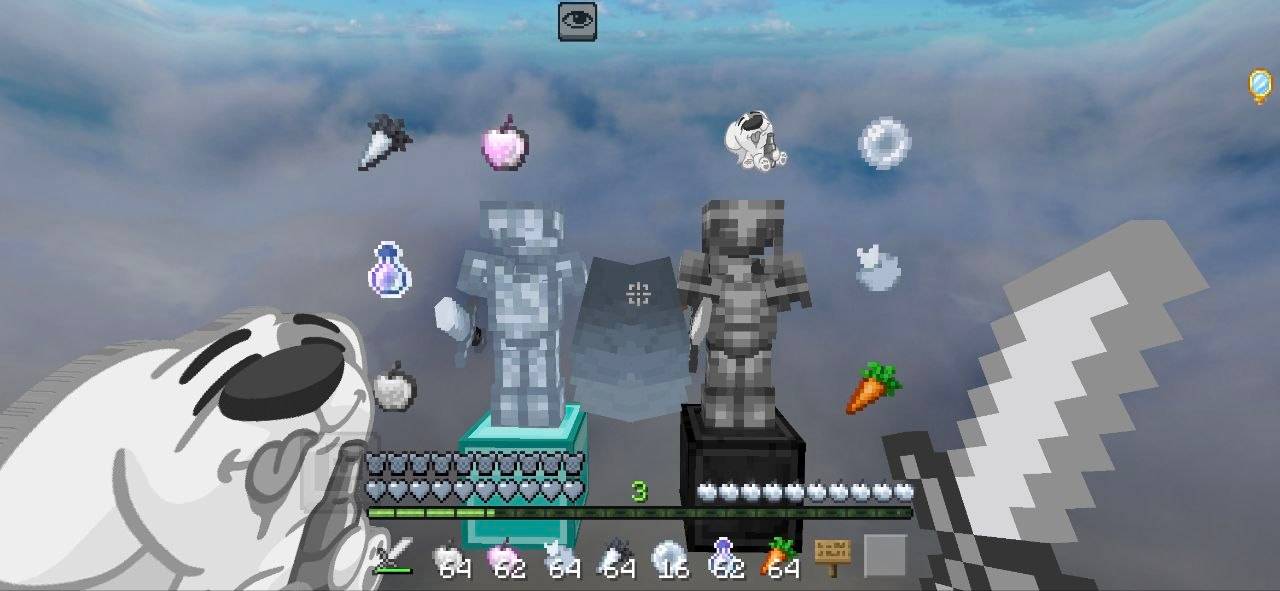

Cloudy PvP Pack
Fight above the clouds with a clean white & gray PvP texture pack featuring custom swords, armor, GUI, particles, and stylish icons. Designed for smooth gameplay, better visibility, and a modern aesthetic. 📥 Download: https://t.me/MCAdd3719Download

Shrek Iron Golem
Rename an Iron Golem to Shrek and it'll turn into Jacksepticeye...Download

Luvstar’s Kawaii Happy Ghasts
Fashional and adorable happy ghasts, ghastlings, and ghasts! Java Edition by luvstarkei, Bedrock Port by me(Parzival_)Download

Lightsaber Swords
Transforms swords into striking, vibrant lightsaber blades.Download

Zombie Default Skins
Randomizes Zombie textures and models to match any of the 9 vanilla default skinsDownload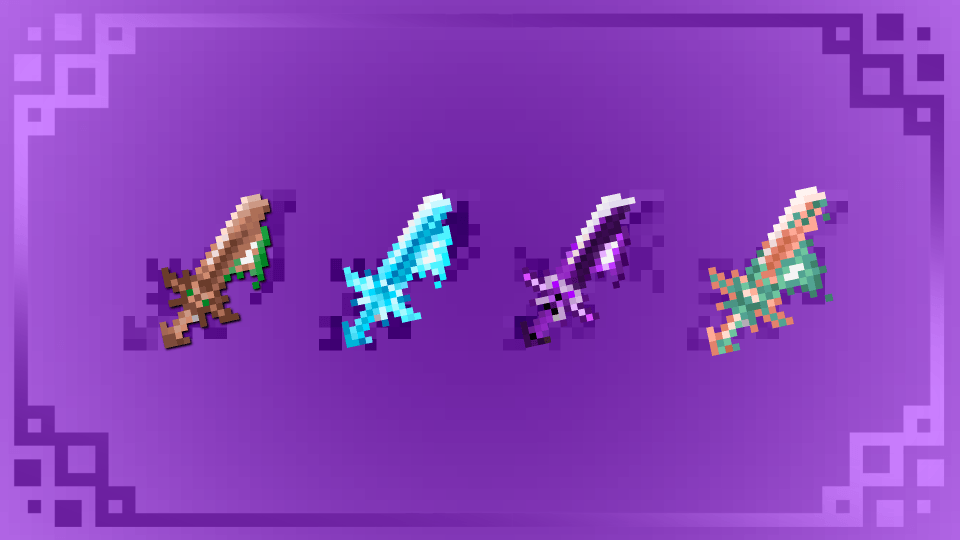
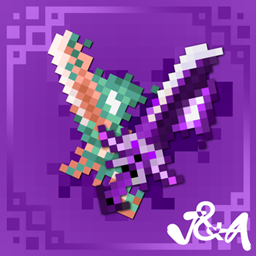
All Shadow Fire JA_by4chippz_
All Shadow Fire by 4chippz is an animated texture pack for Minecraft Bedrock that introduces a collection of tools enhanced with unique fantasy-inspired energy, glow, and fire effects. Each tool features its own custom animation.Download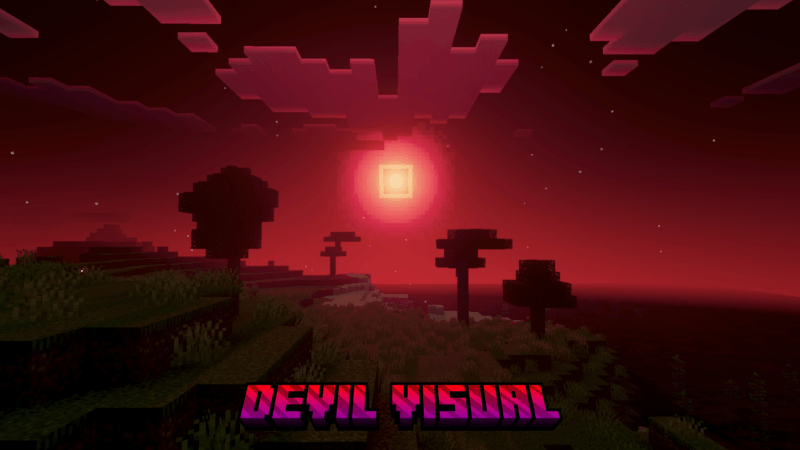

DEVIL VISION
Devil Vision Shader makes your world look dynamic and epic and scary, but in a Devil style.Download
SirRiesling's Cherry Tools Bedrock
Give a vanilla cherry blossom look to your netherite or diamond tools!Download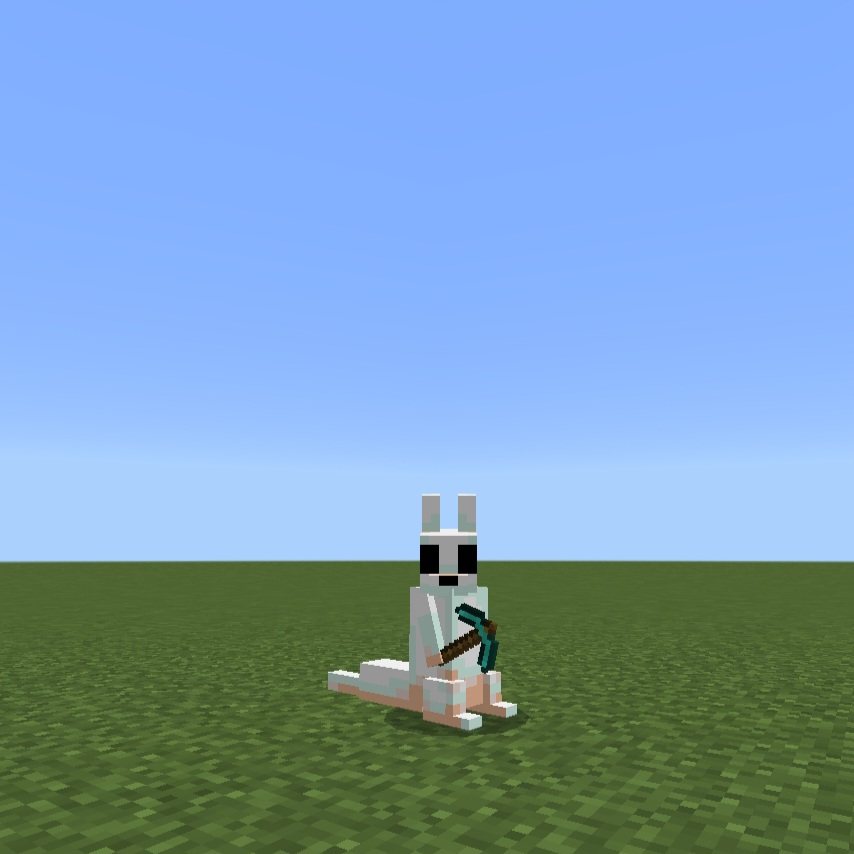

Custom player models
Checks if a player is the client (which should be only you), and changes their model and texture if so.Download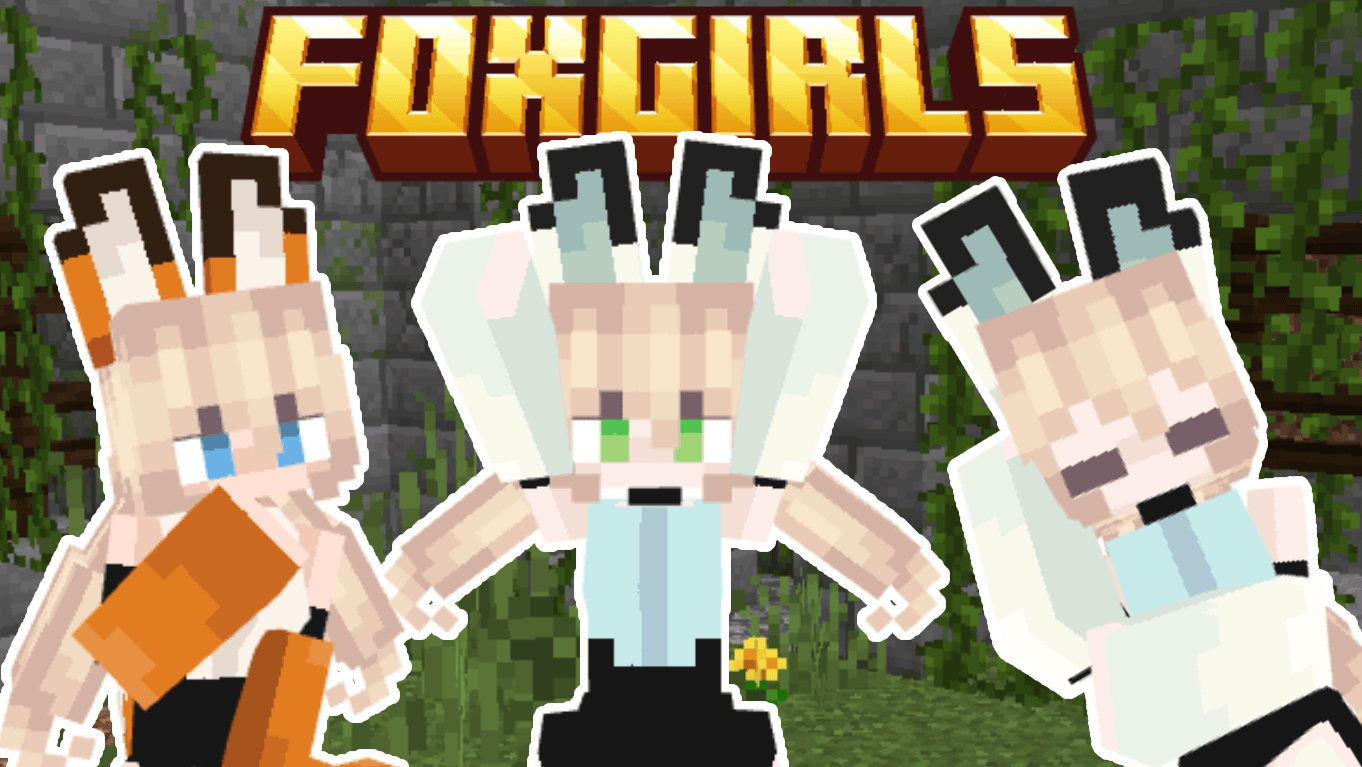

FoxGirlsAlt
Fox but girlsDownload
Dark Ui+
Dark UI+ — A clean, dark theme overhaul for every Minecraft menu and interface screen.Download

Evernight Dancing on Your HUD
Do you, for some reason, want Evernight and other anime girls dancing on your HUD? Here it is!Download

Colored hotbar UI+
This pack changes the color of your hotbar to your liking for better item visibility.Download

in search of the automatic home panorama
A RP that adds a panorama of Brazil's most famous survival series with [Complementary Reimagined]Download

Radiant Pack RTX [With Vibrant Visuals]
Radiant Pack RTX, created by Lioncat6, is a 16x16 RTX & Vibrant Visuals Resource pack for Minecraft Bedrock. The glow effects within the resource pack are designed to shine while retaining Minecraft originality.Download

Hotbar Numbered
Numbered Hotbar Made by Lazy LegendDownload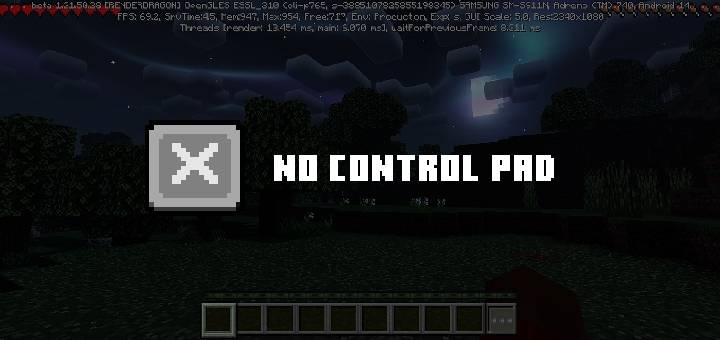

Remove Control Pad
Remove the control pad and the three buttons at the top from the screen.Download

xFaveXEditz 32x
A clean 32x PvP-focused texture pack designed for smooth performance and competitive gameplay.Download

Custom Cubemaps Pack
A custom sky pack for Minecraft: Bedrock EditionDownload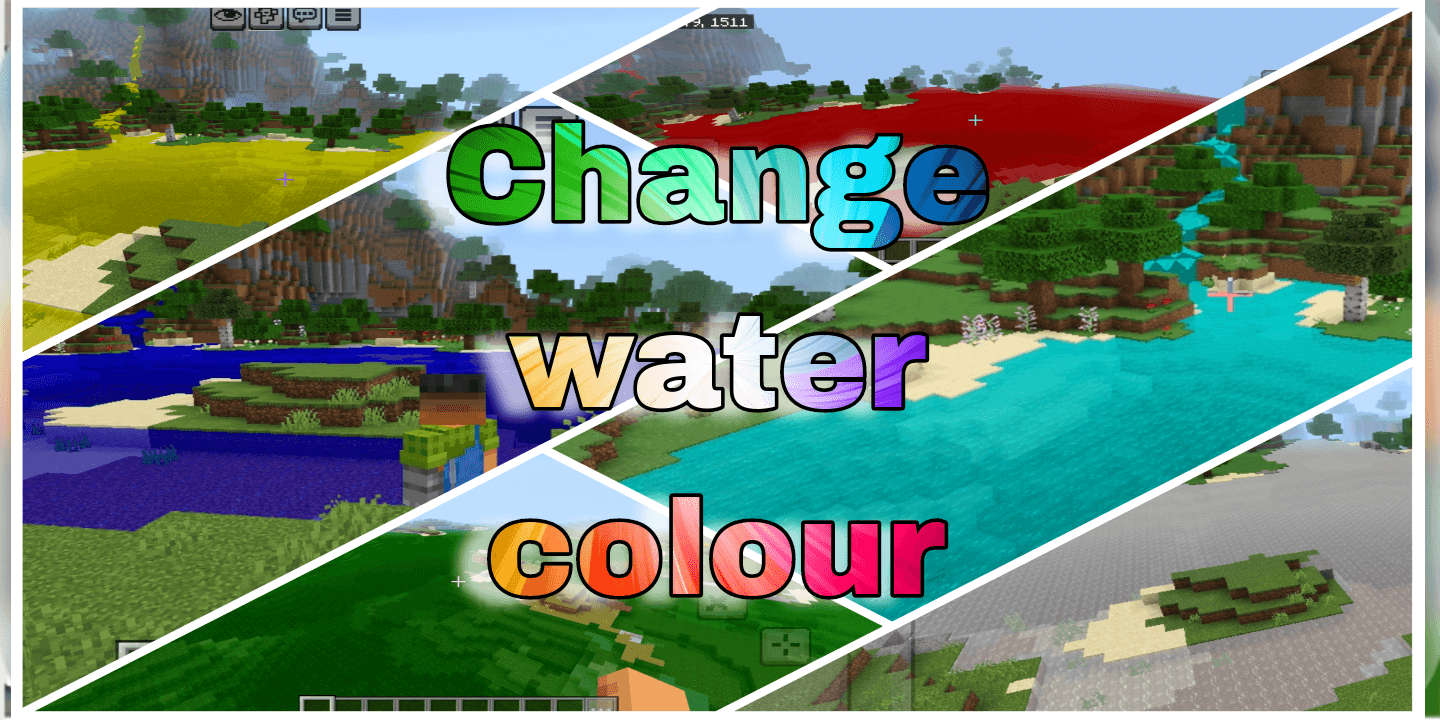

Change Water Colour
A clean and simple resource pack that changes the surface colour of all water bodies in your Minecraft world 🌊🎨. Oceans rivers and ponds get a fresh look instantly.DownloadFAQ
Do I need Forge or Fabric for a resource pack?
No. A resource pack works on the regular game with no loaders or mods. Click “Install” and Millida Launcher will put the pack into the right modpack — then just enable it in the settings.
What do 16×, 32×, 64× mean?
The resolution of a single texture in pixels. 16× matches the original game, 32× and 64× are more detailed and heavier, and 128× and up put a noticeable load on your graphics card.
Will a pack made for another version work?
Most likely partly: older packs don't have textures for newer blocks, so those will stay default. The game won't break, though.
How is a texture pack different from a resource pack?
Only by name and age. Before version 1.6 the sets were called texture packs and changed only textures; in 1.6 resource packs replaced them and also change sounds, fonts and the interface. Old texture packs for 1.5 and below do not work on new versions without conversion.
Which texture packs are best for PvP?
PvP packs: 16× resolution or lower, shortened swords, low fire, a clear sky and bright particles. They barely load the computer and make the opponent easier to see. These packs are collected in the PvP theme.
How do I install a resource pack?
Press Install and Millida Launcher puts the pack into the resourcepacks folder of the right instance. Then enable it in the game: Options, then Resource Packs. Manually, the archive goes into resourcepacks inside the game folder, no need to unpack it.
Minecraft texture packs
A resource pack changes how the game looks and sounds: block and item textures, fonts, the interface, sounds. It doesn't touch the game's code, so it needs no mod loader and breaks nothing on a server — the pack only works on your screen. That's exactly why a resource pack is safer than any mod: the worst that happens on a version mismatch is that some textures stay default.
Textures, texture packs and resource packs are essentially the same thing: since version 1.6 Mojang calls these sets resource packs, but the old name is still searched more often. PvP packs are a big genre of their own: shortened swords, low fire, bright particles and 16× resolution or lower, so the opponent stands out and the frame rate does not drop. Such packs are most often made for 1.8.9 and 1.16.5, the versions many PvP servers run on.
The key thing about a pack is its resolution. The game's default textures are 16×16 pixels; 32× and 64× packs look more detailed, while 128× and up need a real graphics card and are usually paired with shaders. On a weak machine it makes sense to stay at 16× or go for packs that deliberately simplify graphics for more FPS. Every pack here lists its game version, author and license, and all released versions are gathered on one card. Put the downloaded archive in the resourcepacks folder and enable it in the game settings.