
Minecraft texture packs — page 240
Resource packs: list


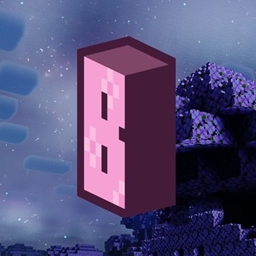
anime waifu Beds #22and21
beds with beautiful anime girlsDownload
Newb X Blissful HDR Rewrite
An even more enhance and improved shader for Minecraft Bedrock with cutting edge lightingDownload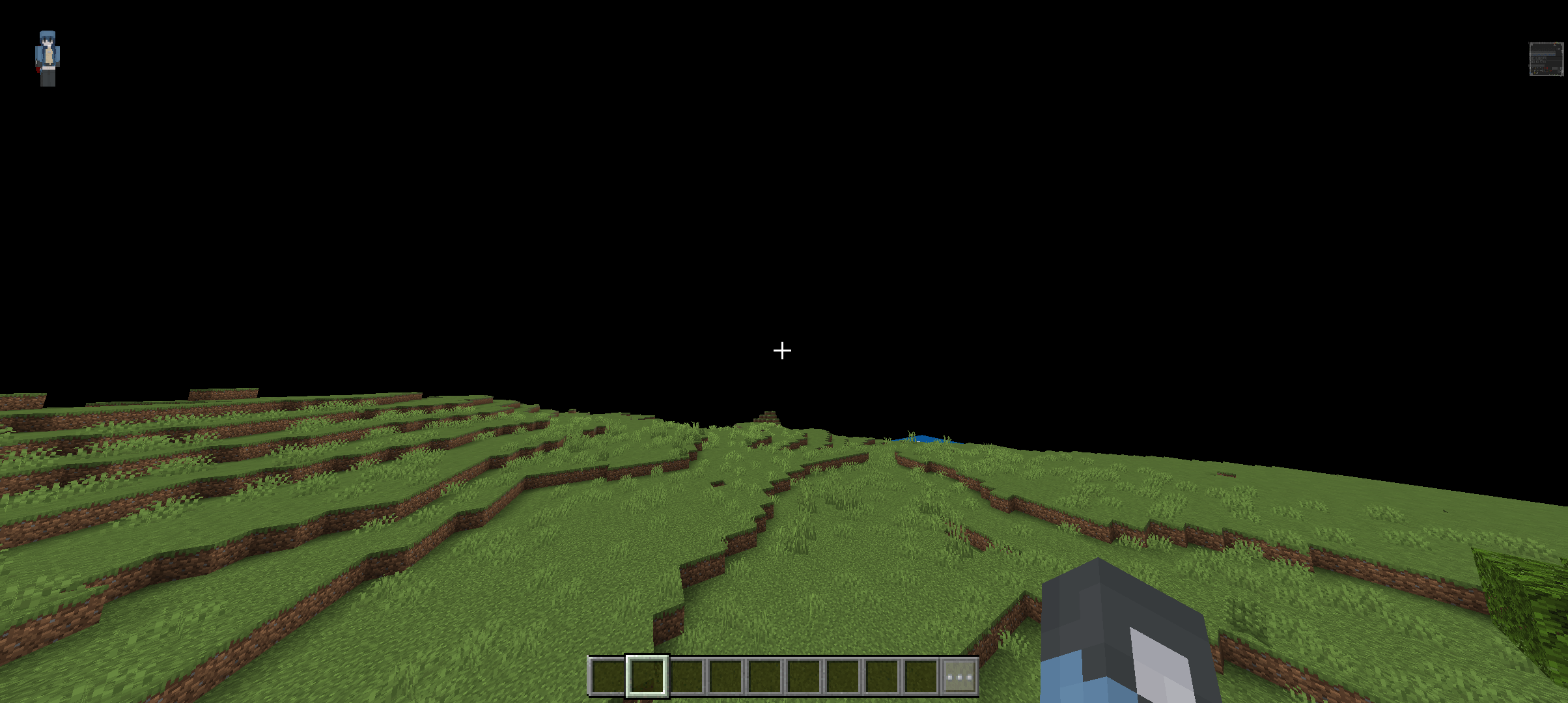

Anti blindness
This pack simply removes the annoying blindness/darkness effect so your screen never goes dark in MinecraftDownload

Twilight's Flowering Crops
Flowers on full grown crops, so it is easier to see if the crops are ready to harvest when you are in a hurry.Download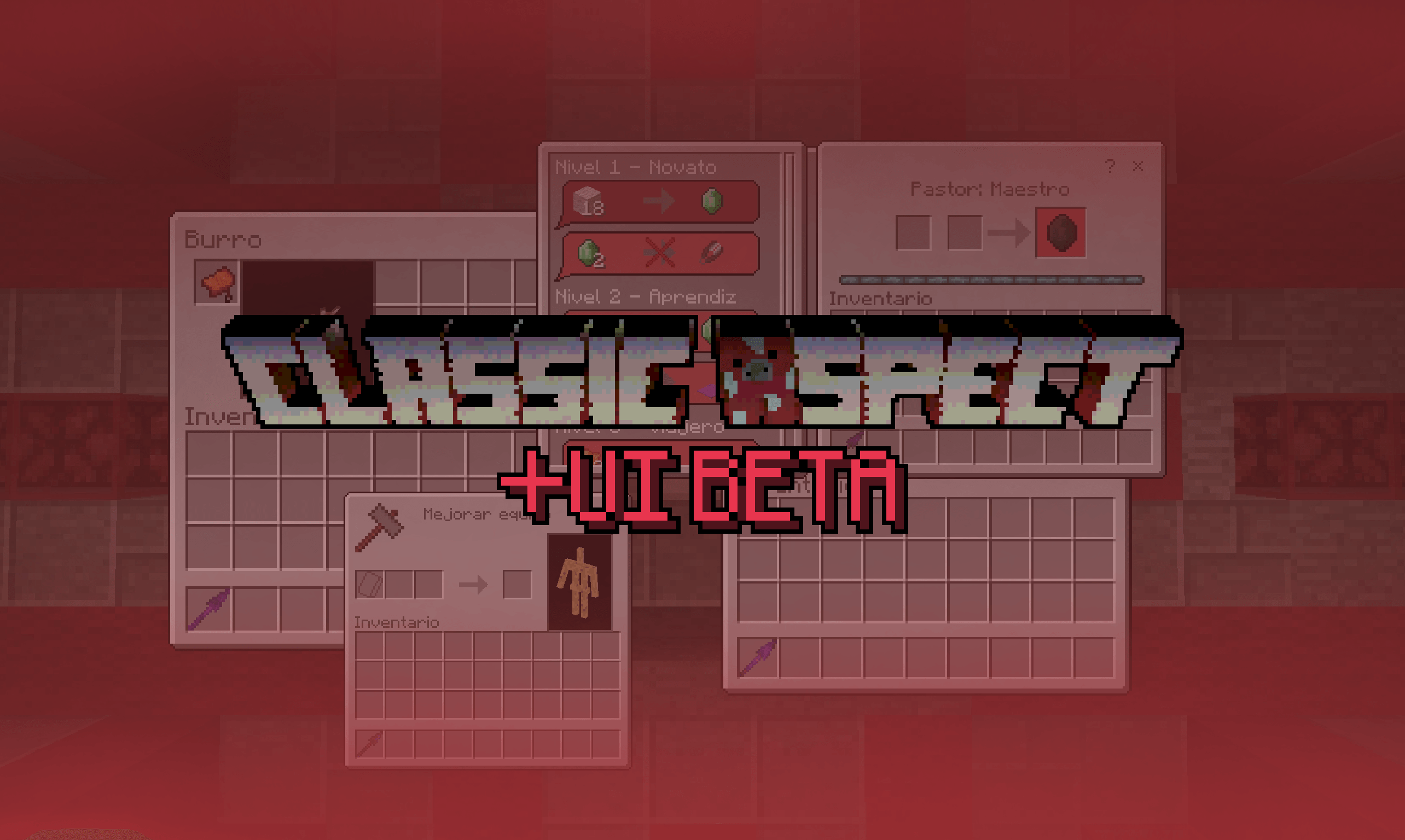

Classic Aspect + Ui
Classic Aspect styled UiDownload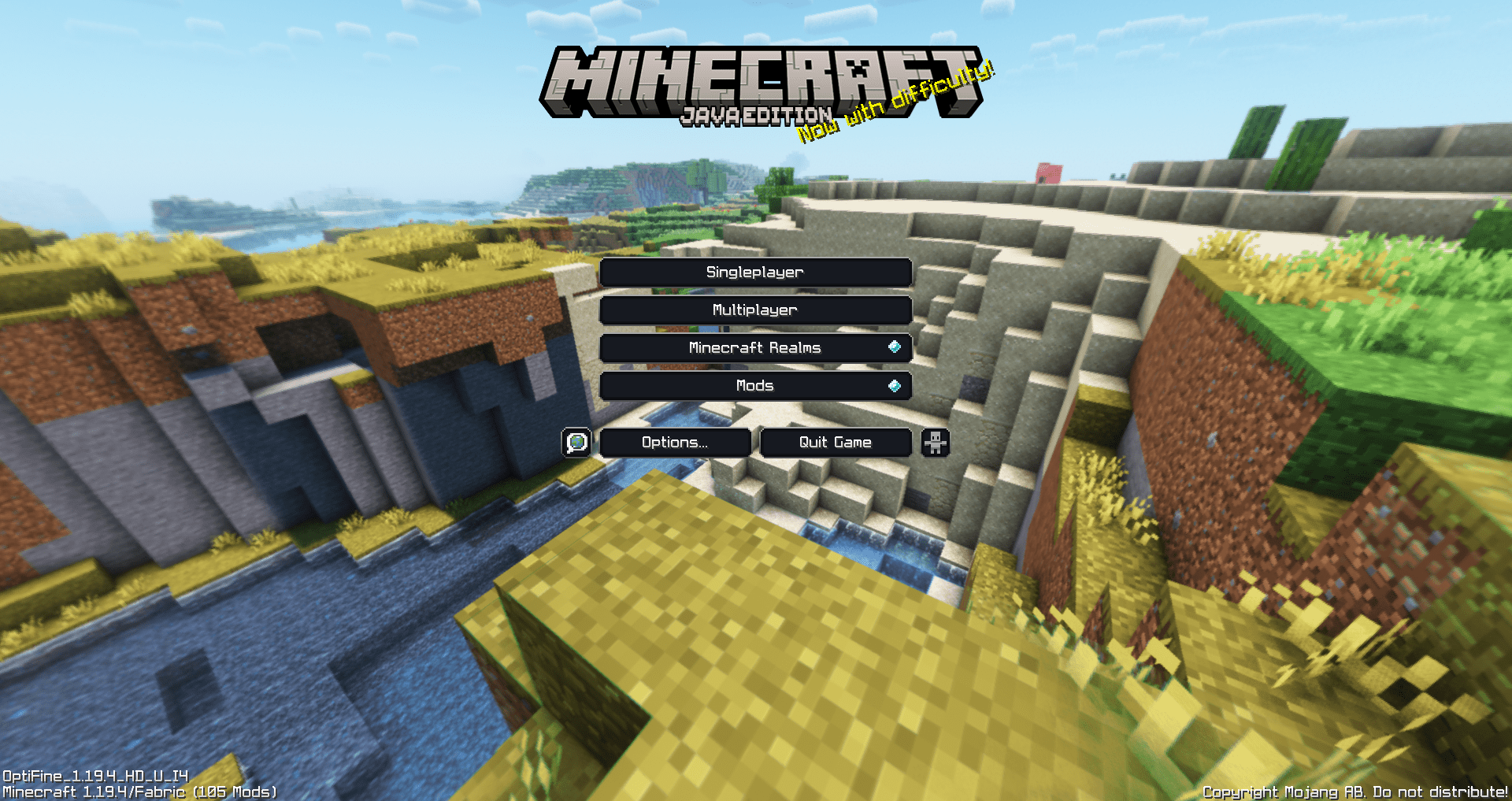

Legacy Panorama with Shaders (Bedrock)
Great looking Resource Pack that adds Shaders to the Legacy Panorama.Download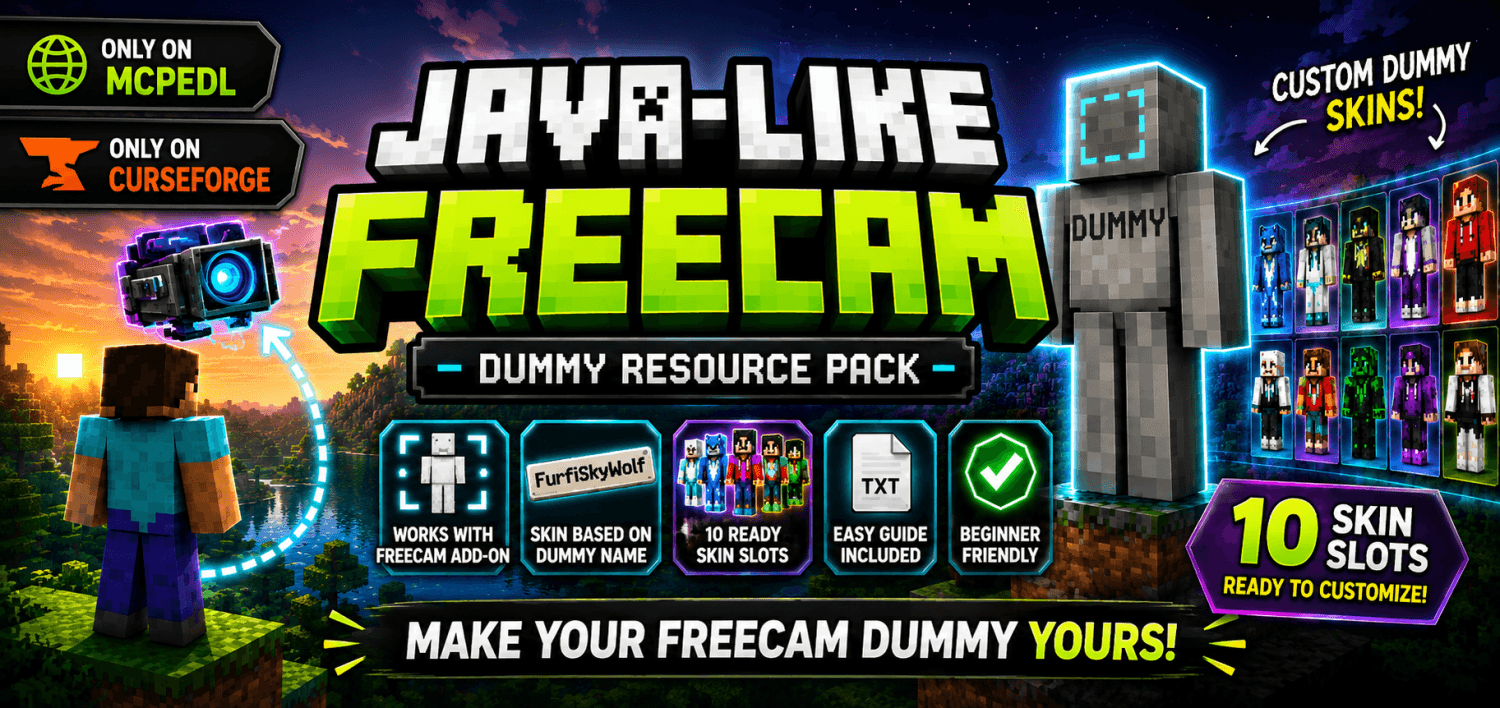

Java-Like Freecam custom dummy skins
Make your freecam dummy feel more like a real player. This resource pack adds customizable dummy skins for the Java-Like Freecam Add-On, allowing the dummy left behind during freecam to use different player skins instead of the default Steve texture.Download

Smaller Mace/Totems
Makes Maces and Totems smaller for PvPDownload

Hunger and Saturation Points (Outdated) - Won't work
This resource pack adds hunger and saturation points beside the food name. It shows how much hunger and saturation does a food item refills.Download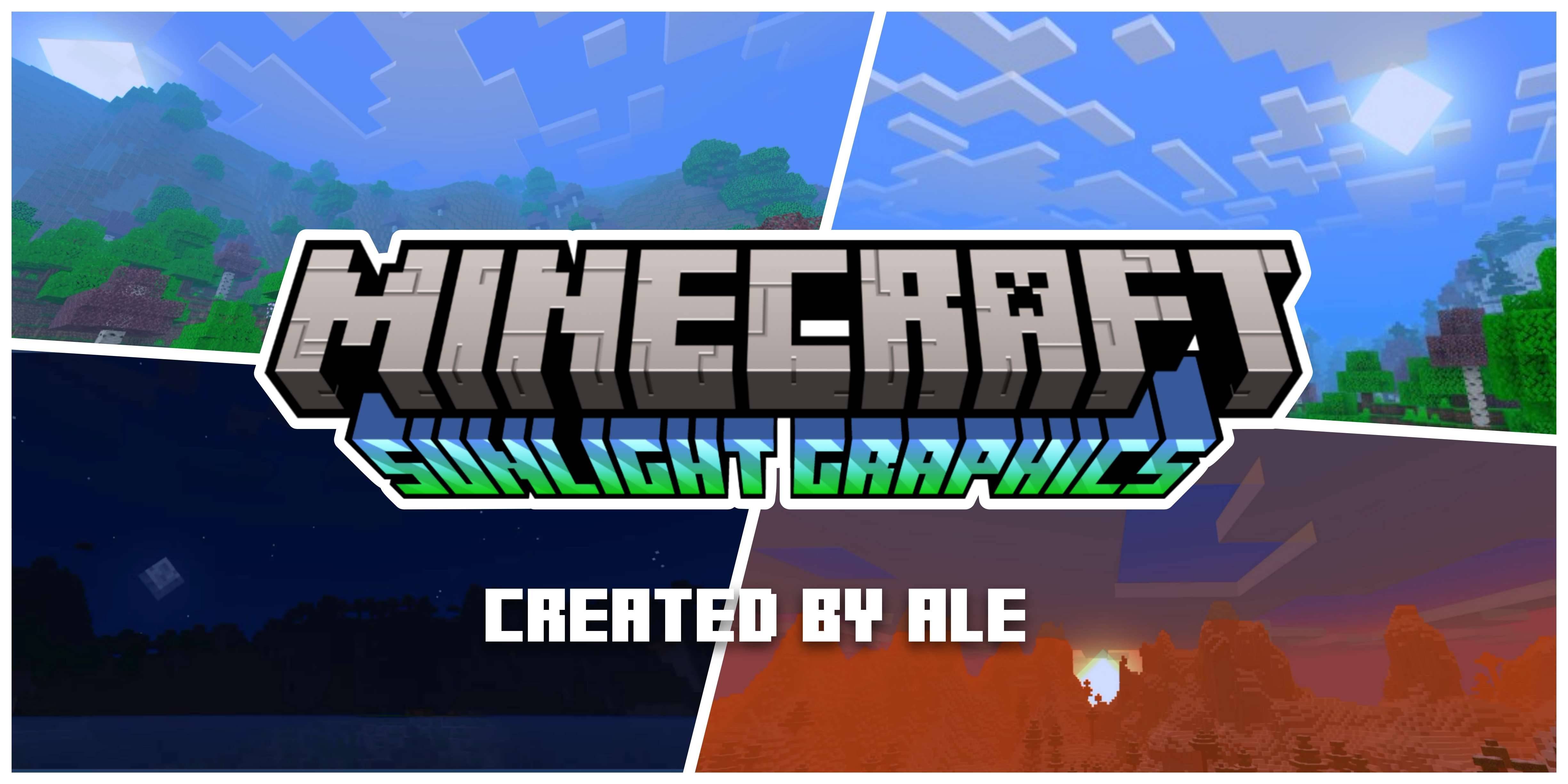
Sunlight Graphics
The new version 1.1 of sunlight-graphics arrives after so long. Sunlight charts are the counterpart to moonlight charts; By counterpart I mean a more vivid and colorful package.Download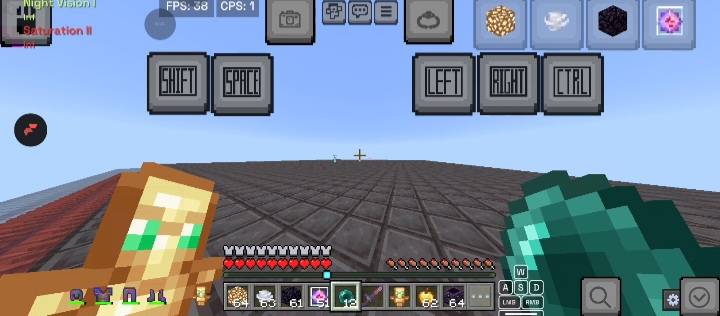

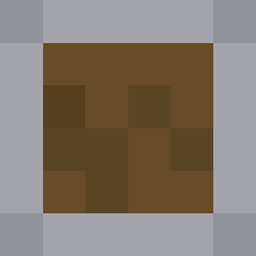
Control overhaul
Overhaul minecraft bedrock's control button to a better oneDownload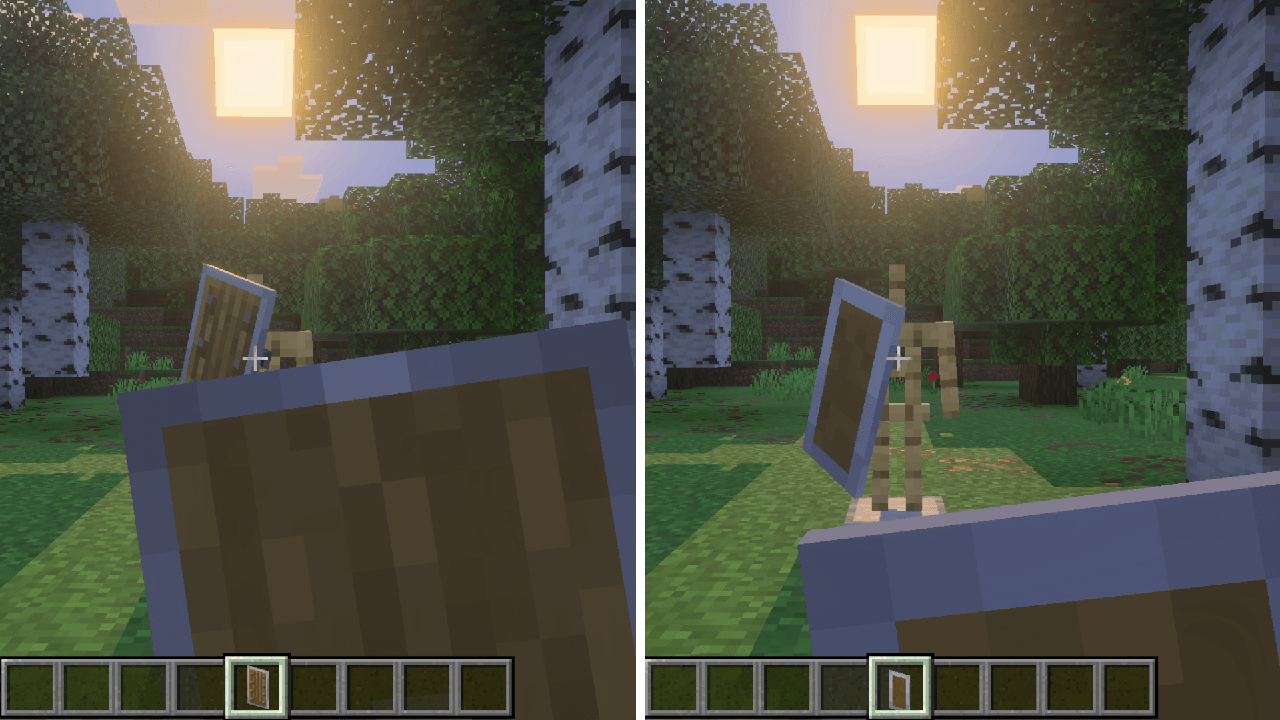
Low Shield
Lowers Shield for clear view.Download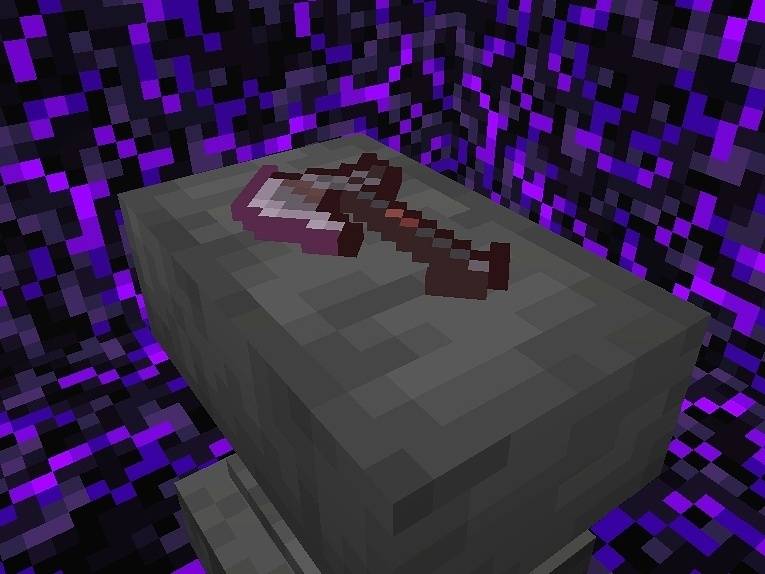

Better Axes
These Axes is better than your X's 😂Download

Minecraft Earth Pigs
New pig variants from the game Minecraft Earth!Download

Cat Creepers
Cat Style Creepers!Download

MARLOW’S PACK FOR BEDROCK
Finally, After All this time. MARLOWW’S VANILLA+ IS ON BEDROCK ON CURSEFORGE!Download
ScreenSaver
screensaver for Minecraft bedrockDownload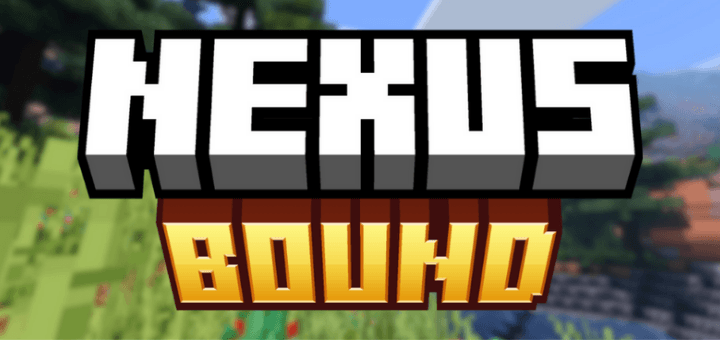

Nexus Bound
Shader for Minecraft BedrockDownload

New Controls!
New textures for mobile touch controls with different styles. New Halloween update!Download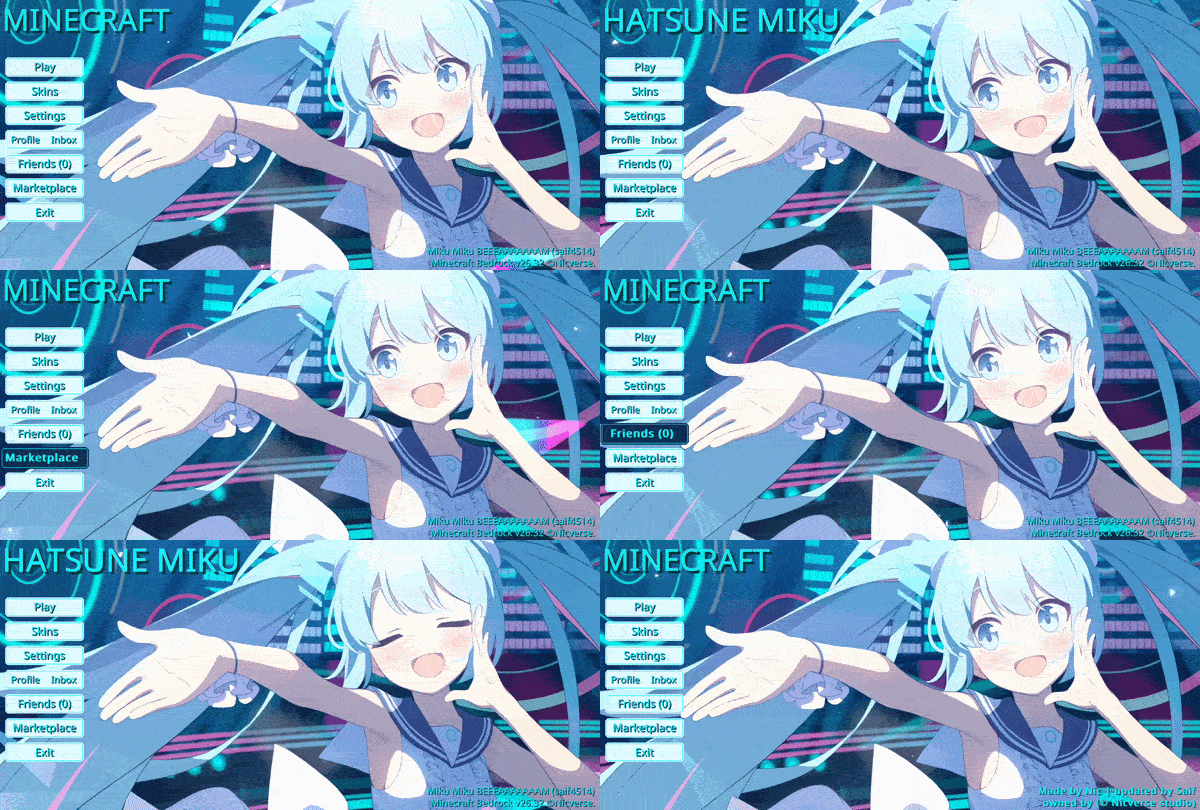

Animated Hatsune Miku UI
Animated Hatsune Miku — Step into a world of vibrant rhythm and digital melody. With bright teal hues and a lively atmosphere, this interface captures the iconic charm and musical spirit of a superstar, turning your menu into a cheerful stage.Download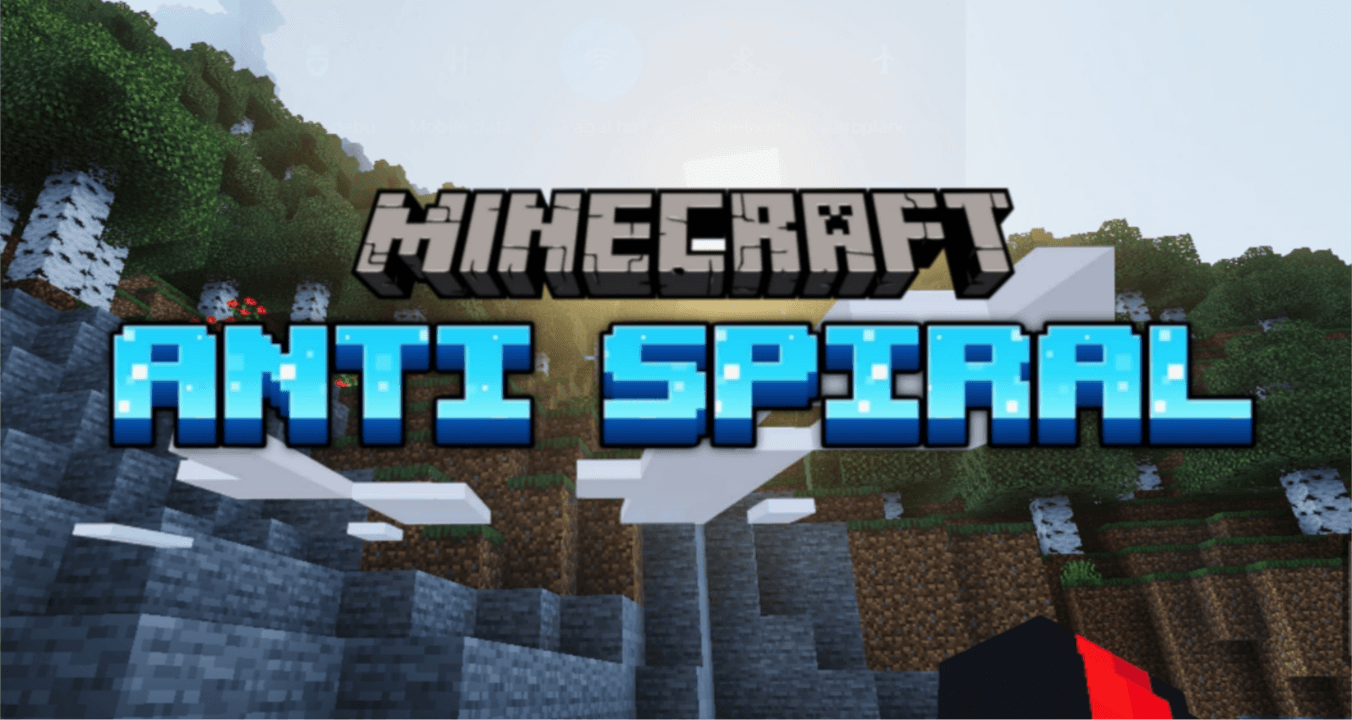

Anti spiral
Tired of vanilla ? Try spiralDownload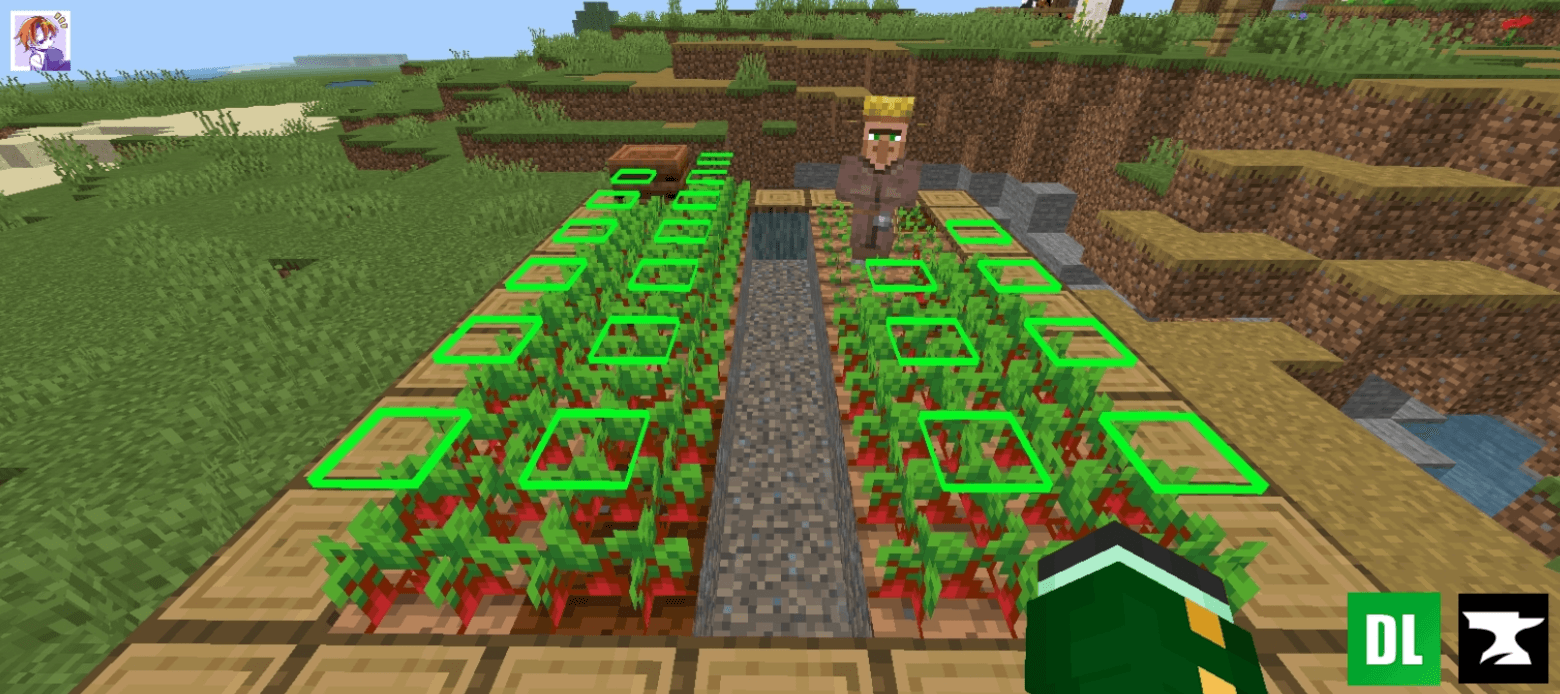
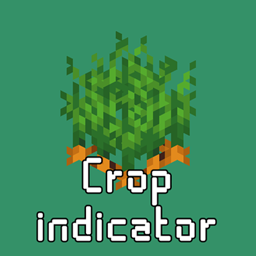
Crop Indicator
Enhance your farming experience with this intuitive Crop Indicator Resource Pack! 🌾 This pack adds a clear floating indicator above fully grown crops, making it easy to spot when your wheat, carrots, potatoes, or beetroot are ready for harvest.Download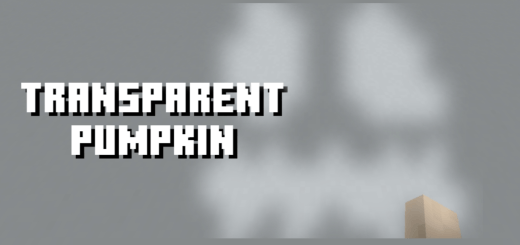

Transparent Pumpkin Overlay
Makes the pumpkin overlay see-through while keeping its shapeDownloadFAQ
Do I need Forge or Fabric for a resource pack?
No. A resource pack works on the regular game with no loaders or mods. Click “Install” and Millida Launcher will put the pack into the right modpack — then just enable it in the settings.
What do 16×, 32×, 64× mean?
The resolution of a single texture in pixels. 16× matches the original game, 32× and 64× are more detailed and heavier, and 128× and up put a noticeable load on your graphics card.
Will a pack made for another version work?
Most likely partly: older packs don't have textures for newer blocks, so those will stay default. The game won't break, though.
How is a texture pack different from a resource pack?
Only by name and age. Before version 1.6 the sets were called texture packs and changed only textures; in 1.6 resource packs replaced them and also change sounds, fonts and the interface. Old texture packs for 1.5 and below do not work on new versions without conversion.
Which texture packs are best for PvP?
PvP packs: 16× resolution or lower, shortened swords, low fire, a clear sky and bright particles. They barely load the computer and make the opponent easier to see. These packs are collected in the PvP theme.
How do I install a resource pack?
Press Install and Millida Launcher puts the pack into the resourcepacks folder of the right instance. Then enable it in the game: Options, then Resource Packs. Manually, the archive goes into resourcepacks inside the game folder, no need to unpack it.
Minecraft texture packs
A resource pack changes how the game looks and sounds: block and item textures, fonts, the interface, sounds. It doesn't touch the game's code, so it needs no mod loader and breaks nothing on a server — the pack only works on your screen. That's exactly why a resource pack is safer than any mod: the worst that happens on a version mismatch is that some textures stay default.
Textures, texture packs and resource packs are essentially the same thing: since version 1.6 Mojang calls these sets resource packs, but the old name is still searched more often. PvP packs are a big genre of their own: shortened swords, low fire, bright particles and 16× resolution or lower, so the opponent stands out and the frame rate does not drop. Such packs are most often made for 1.8.9 and 1.16.5, the versions many PvP servers run on.
The key thing about a pack is its resolution. The game's default textures are 16×16 pixels; 32× and 64× packs look more detailed, while 128× and up need a real graphics card and are usually paired with shaders. On a weak machine it makes sense to stay at 16× or go for packs that deliberately simplify graphics for more FPS. Every pack here lists its game version, author and license, and all released versions are gathered on one card. Put the downloaded archive in the resourcepacks folder and enable it in the game settings.