
Minecraft texture packs — page 241
Resource packs: list


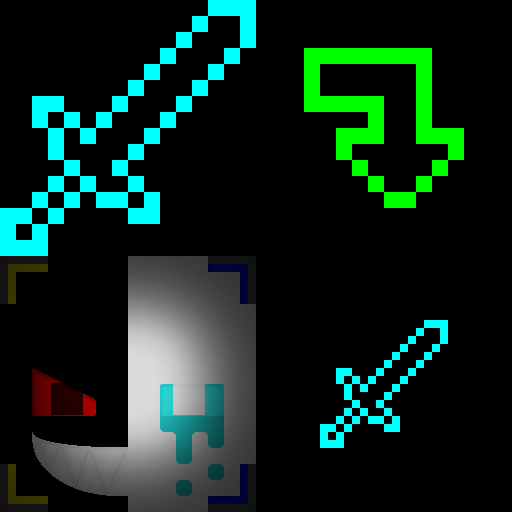

Reasonable Item Sizes
Shrink 'items' down to a less obstructive size.Download

A Better Gui 2
Gui will now be more accurate, but still with this minecraft-style we all love :)Download

DAILY BLOCKS - Bedrock Edition
Semi-Faithful stylized block/UI pack - Bedrock VersionDownload

Herobrine Totem
replaces the classic Totem of Immortality with a custom version of the legendary Herobrine skin. Survive in style and strike fear into your enemies!Download

Kasane Teto Pack | Teto's Territory
Enter Teto's territory with this Teto-ish vibe texture packDownload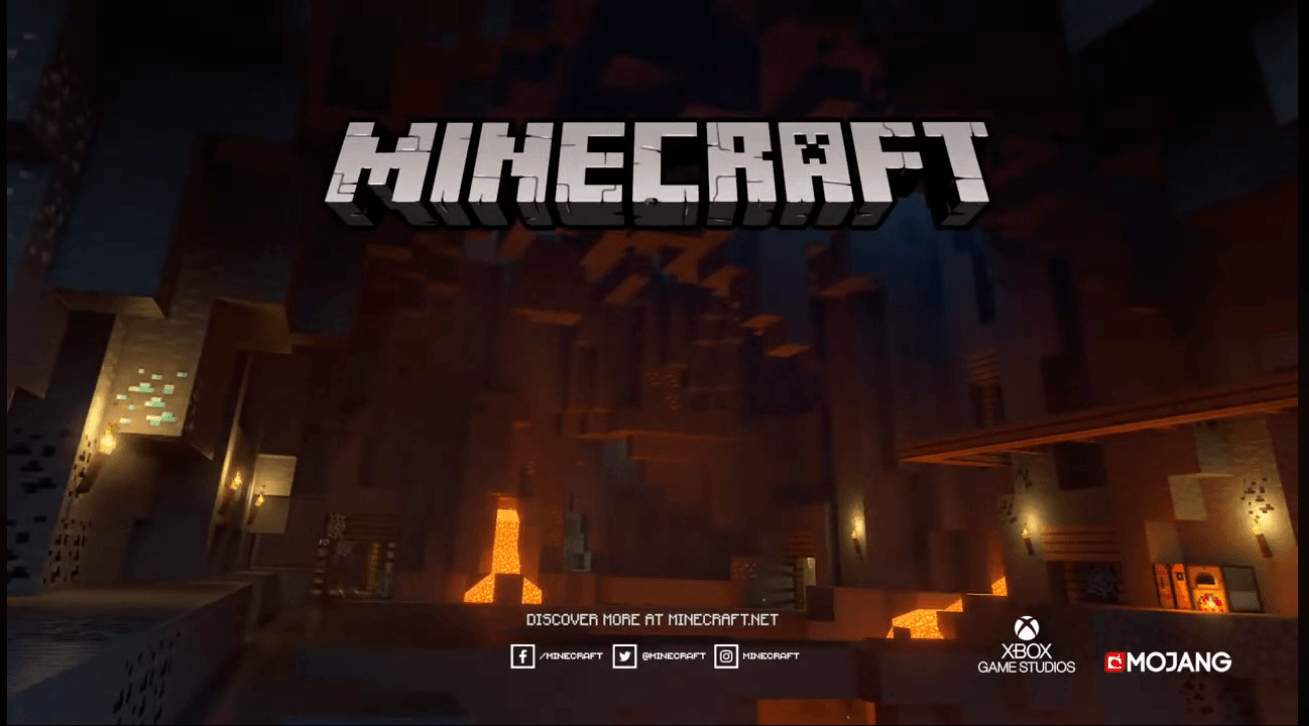

Mojang Outro Panorama
Mojang Outro Panorama Pack – A recreation to panoramaDownload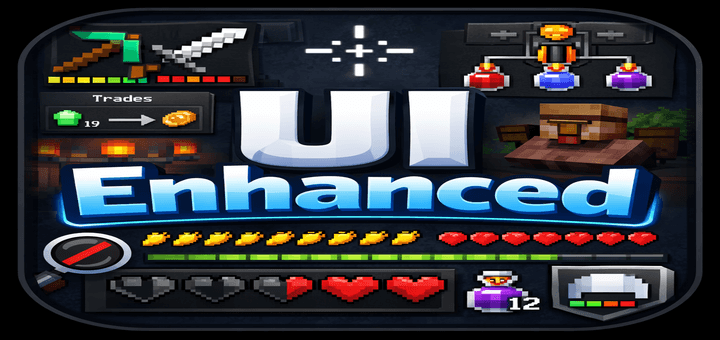

UI Enhanced
A Resource Pack to Enhance Minecraft's UI!Download

Heishi Aeternum
A Samurai Themed Survival Texture Pack that adds a sleek look for enhanced survival feel!Download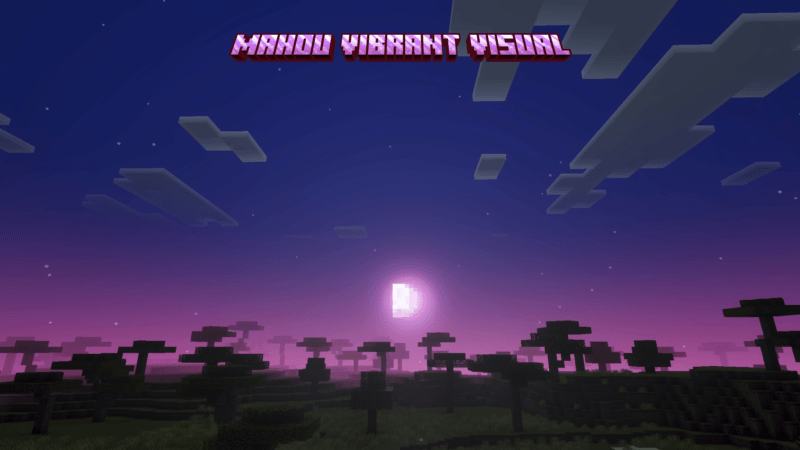

Mahou Vibrant Visual
Mahou Vibrant Visual enhances the atmosphere, lighting, and fog in your Minecraft world, making it feel more magical and alive.Download

We don't Scratch
This modular pack completely remodels villagers, the wandering trader, illagers and the witch into cute cat (or wolf) people! (Changes their shape, body, head and profession clothes)Download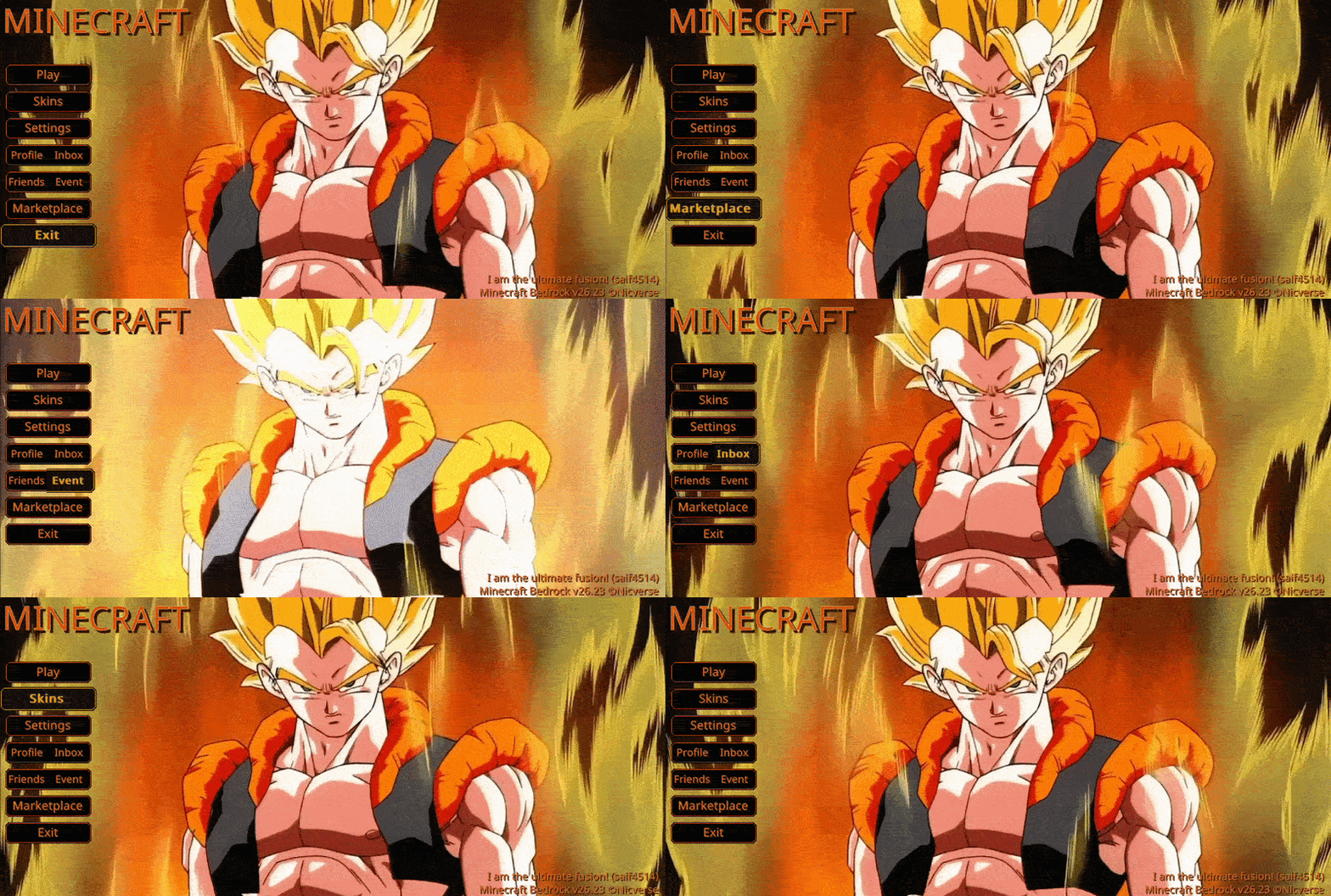

Animated Gogeta Reborn UI
A character-themed animated menu for the Start Screen and Settings Screen, inspired by Gogeta SSJ1 from Dragon Ball Z: Fusion Reborn, featuring golden aura effects and subtle lightning for a heroic, cinematic Minecraft experience.Download

[Moonsu] Better Hotbar BE
A complete change to the minecraft hotbar but without losing the essence.Download

Toothless animated totem
Toothless animated totem texture for minecraft bedrock. Change the totem of immortalityDownload

Matralys 16x [Bedrock]
The Bedrock Port of a Gray Themed Minecraft PvP Texturepack for Mace PvPDownload

OSBES lite vibrant visuals
lighting PBR textures support Reflections on water and metals (use PBR texture to get reflections on different blocks) Parallax mapping Weather effects Better clouds Better quality-to-lag ratio (better look less lag) Presets and settings systemDownload
Old MCPE Sounds
Restores the old Minecraft Pocket Edition for Android Sounds from 0.1 to 0.11Download

Animated Batman UI
Animated Batman UI — Haunt the shadows with this dark, vigilant interface, capturing the stoic intensity and mysterious atmosphere of Gotham's protector.Download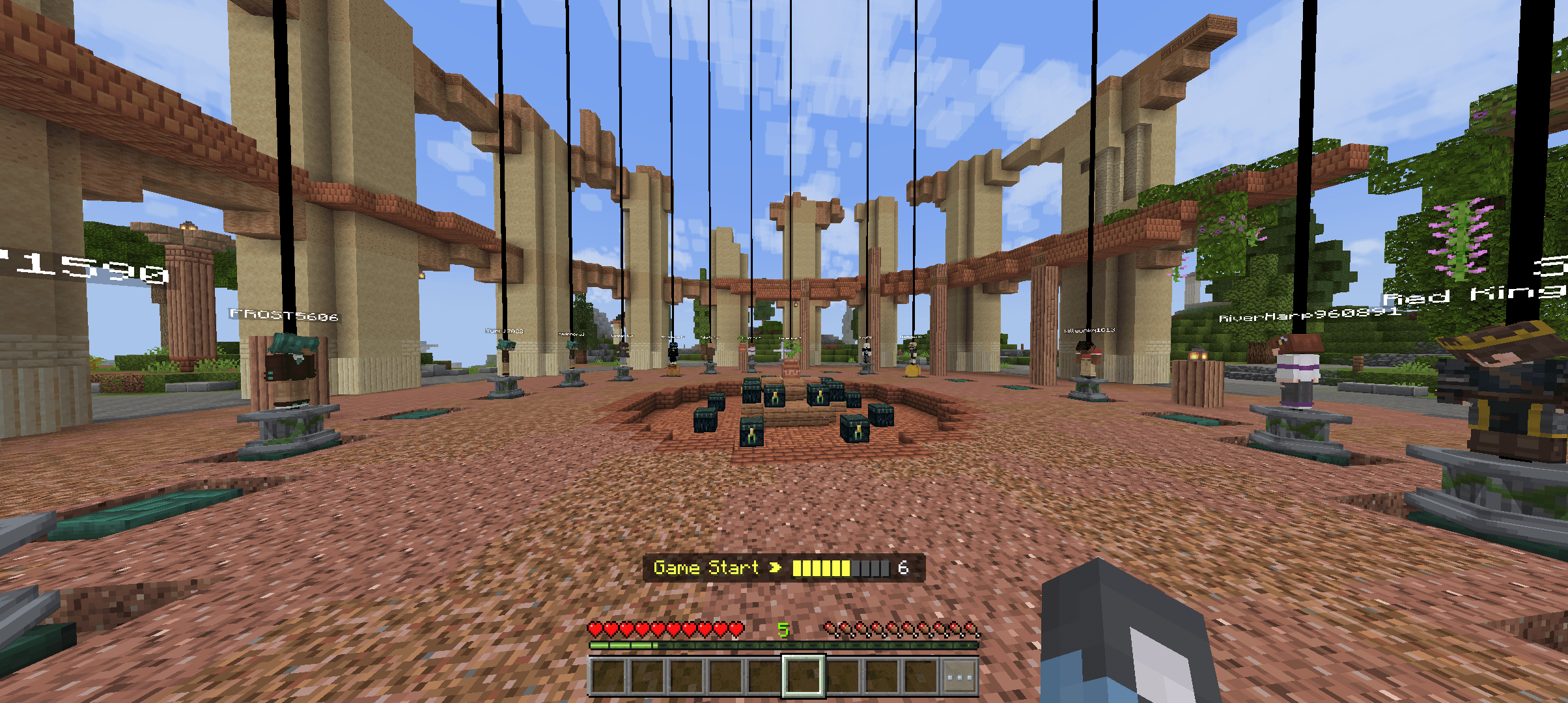

Player locator
This pack locates players by giving features like tracers,waypoint,and espDownload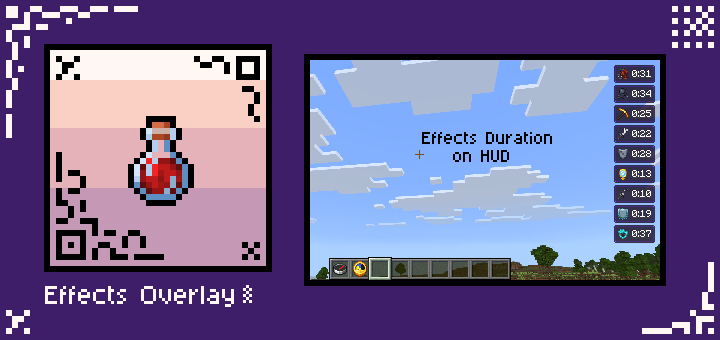

Effects Overlay
A resource pack that overlays the effect display screen on top of HUD so you can see effects duration during gameplay.Download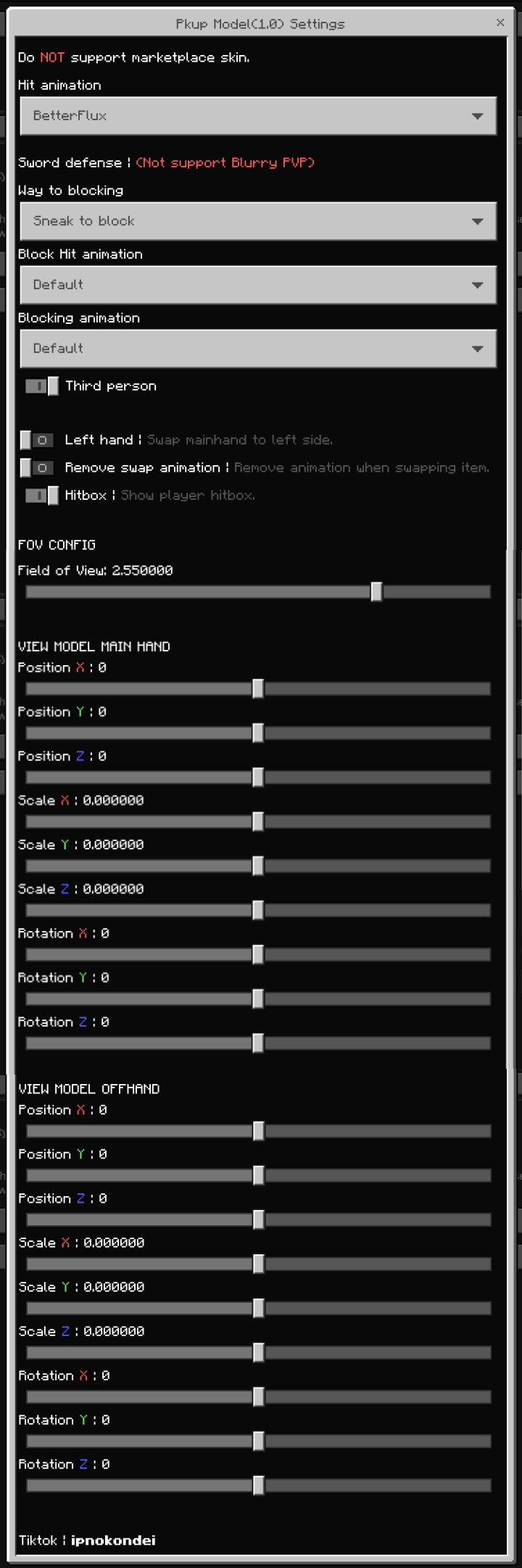

Pkup model V1
A simple resources pack that let you adjust play arm and item in first person!Download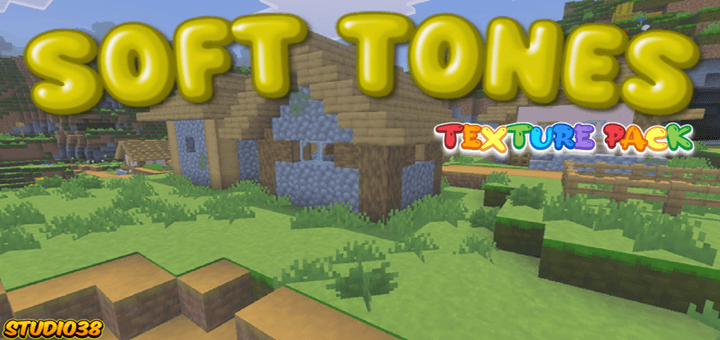

Soft Tones Textures
The Soft Tones Texture Pack reimagines your world as a vibrant, natural wonderland. Featuring enhanced color palettes and seamless block transitions, it delivers a cohesive and visually stunning experience.Download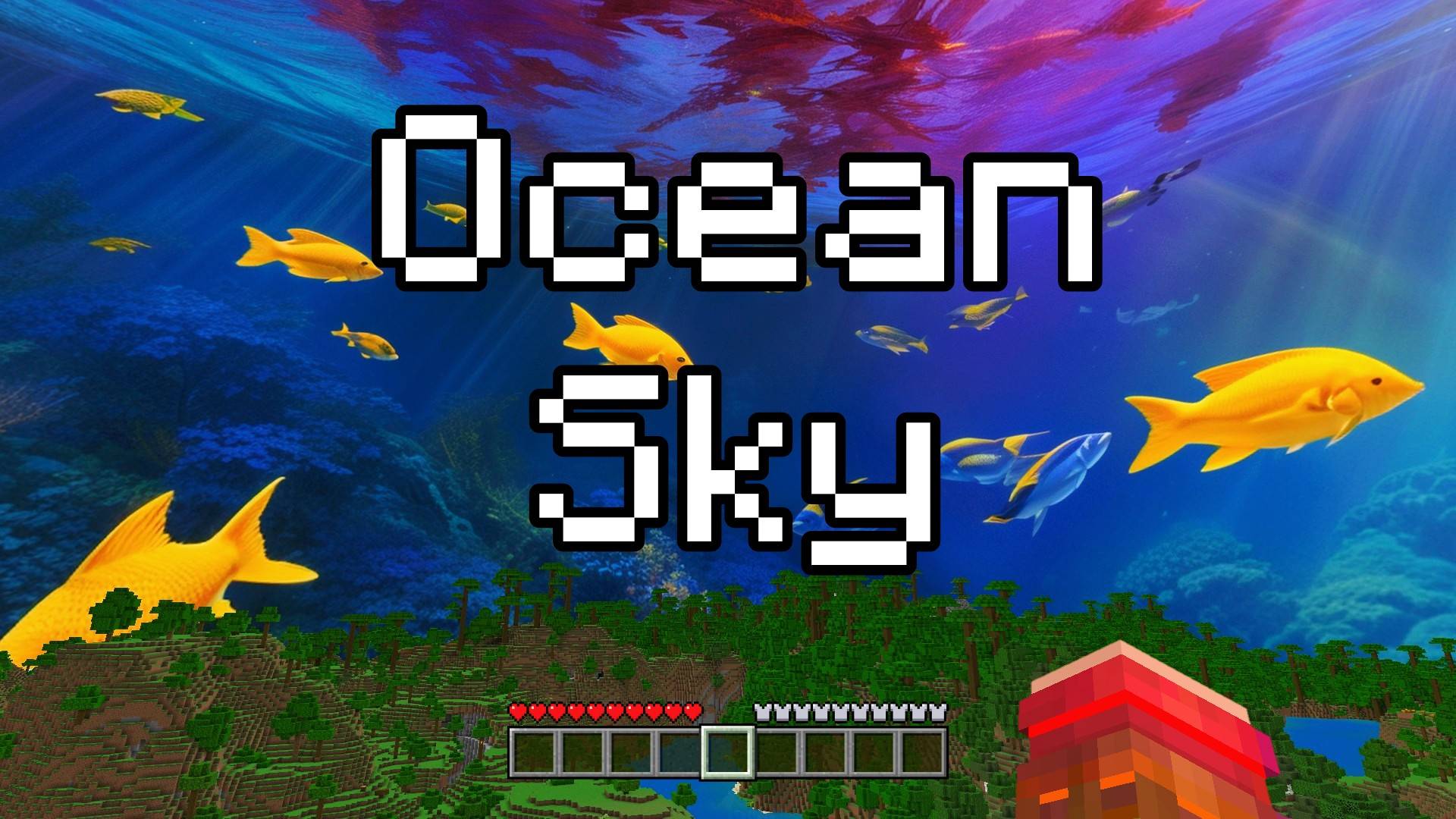

Ocean Sky - Custom Sky
This texture pack changes the sky into a magical underwater world! When you look up, you won't see clouds, but you'll see the ocean! There are fish swimming, turtles floating, and the whole sky looks like you're deep under the sea.Download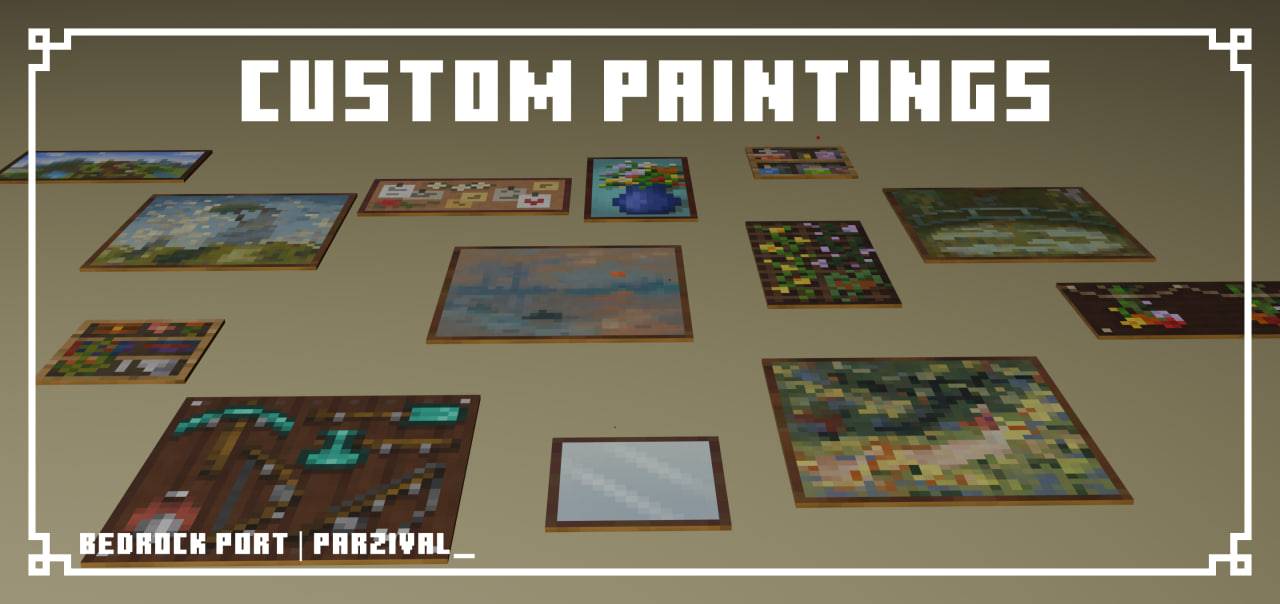

Custom Paintings
This pack includes 19 paintings to replace all paintings 2x2 and smaller within the game! An original Java Edition pack created by sugrcube and was ported by me to Bedrock Edition.DownloadFAQ
Do I need Forge or Fabric for a resource pack?
No. A resource pack works on the regular game with no loaders or mods. Click “Install” and Millida Launcher will put the pack into the right modpack — then just enable it in the settings.
What do 16×, 32×, 64× mean?
The resolution of a single texture in pixels. 16× matches the original game, 32× and 64× are more detailed and heavier, and 128× and up put a noticeable load on your graphics card.
Will a pack made for another version work?
Most likely partly: older packs don't have textures for newer blocks, so those will stay default. The game won't break, though.
How is a texture pack different from a resource pack?
Only by name and age. Before version 1.6 the sets were called texture packs and changed only textures; in 1.6 resource packs replaced them and also change sounds, fonts and the interface. Old texture packs for 1.5 and below do not work on new versions without conversion.
Which texture packs are best for PvP?
PvP packs: 16× resolution or lower, shortened swords, low fire, a clear sky and bright particles. They barely load the computer and make the opponent easier to see. These packs are collected in the PvP theme.
How do I install a resource pack?
Press Install and Millida Launcher puts the pack into the resourcepacks folder of the right instance. Then enable it in the game: Options, then Resource Packs. Manually, the archive goes into resourcepacks inside the game folder, no need to unpack it.
Minecraft texture packs
A resource pack changes how the game looks and sounds: block and item textures, fonts, the interface, sounds. It doesn't touch the game's code, so it needs no mod loader and breaks nothing on a server — the pack only works on your screen. That's exactly why a resource pack is safer than any mod: the worst that happens on a version mismatch is that some textures stay default.
Textures, texture packs and resource packs are essentially the same thing: since version 1.6 Mojang calls these sets resource packs, but the old name is still searched more often. PvP packs are a big genre of their own: shortened swords, low fire, bright particles and 16× resolution or lower, so the opponent stands out and the frame rate does not drop. Such packs are most often made for 1.8.9 and 1.16.5, the versions many PvP servers run on.
The key thing about a pack is its resolution. The game's default textures are 16×16 pixels; 32× and 64× packs look more detailed, while 128× and up need a real graphics card and are usually paired with shaders. On a weak machine it makes sense to stay at 16× or go for packs that deliberately simplify graphics for more FPS. Every pack here lists its game version, author and license, and all released versions are gathered on one card. Put the downloaded archive in the resourcepacks folder and enable it in the game settings.