
Minecraft texture packs — page 239
Resource packs: list


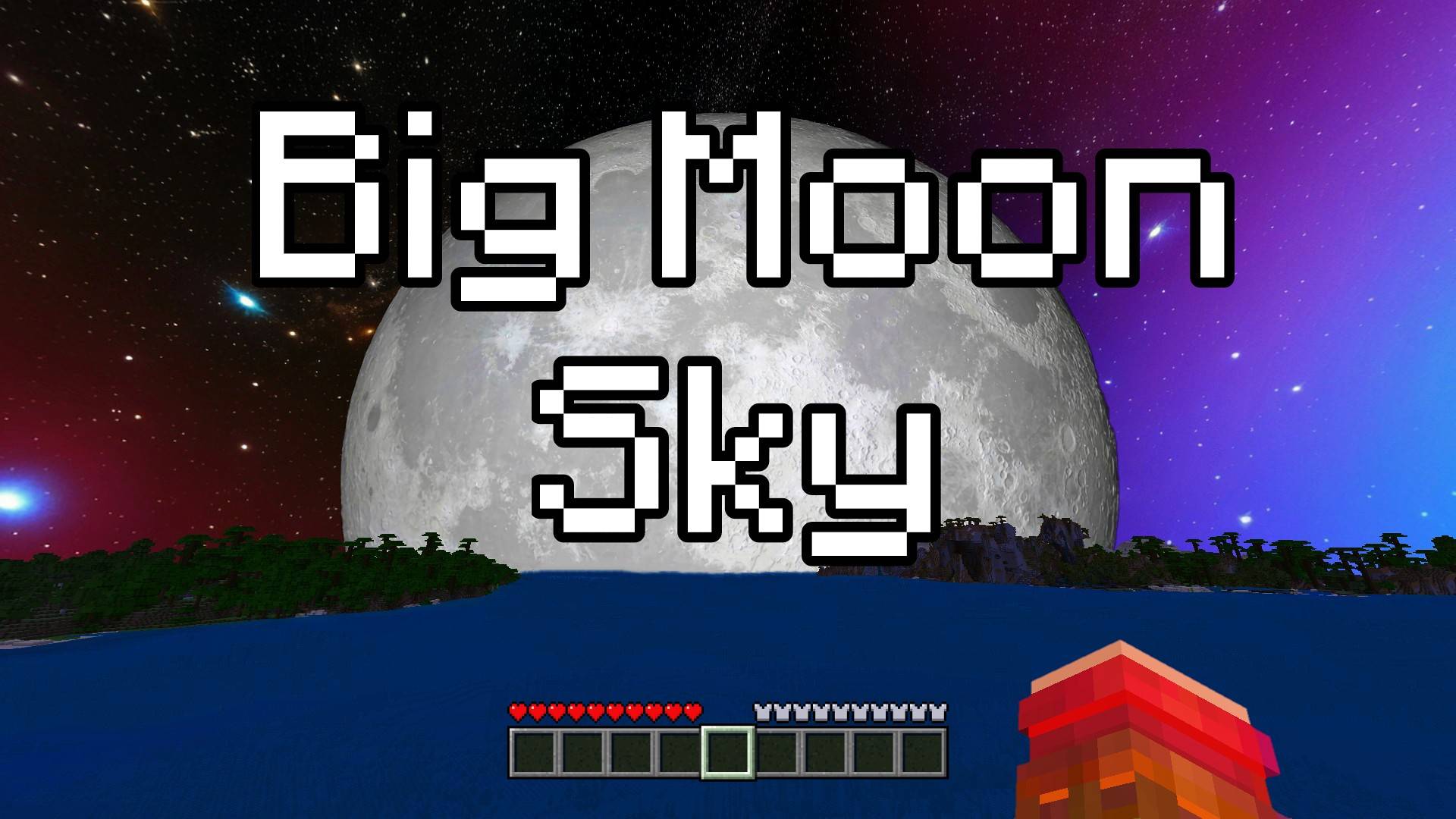

Big Moon Sky - Custom Sky
This texture pack turns your Minecraft Bedrock sky into outer space, full of shiny stars and a giant, glowing moon that follows you on your adventures. The moon is very big, much bigger than the normal one!Download

Warden to Herobrine
Well... it replaces the Warden Model with Herobrine. "Warden to Herobrine" is a magnificent texture pack created by Jumper99 for Java Edition and was ported by me, Parzival_ for Bedrock Edition.Download

Newb X Manyzz IOS
Upgrade Minecraft visuals: vibrant colors, realistic lighting, immersive effectsDownload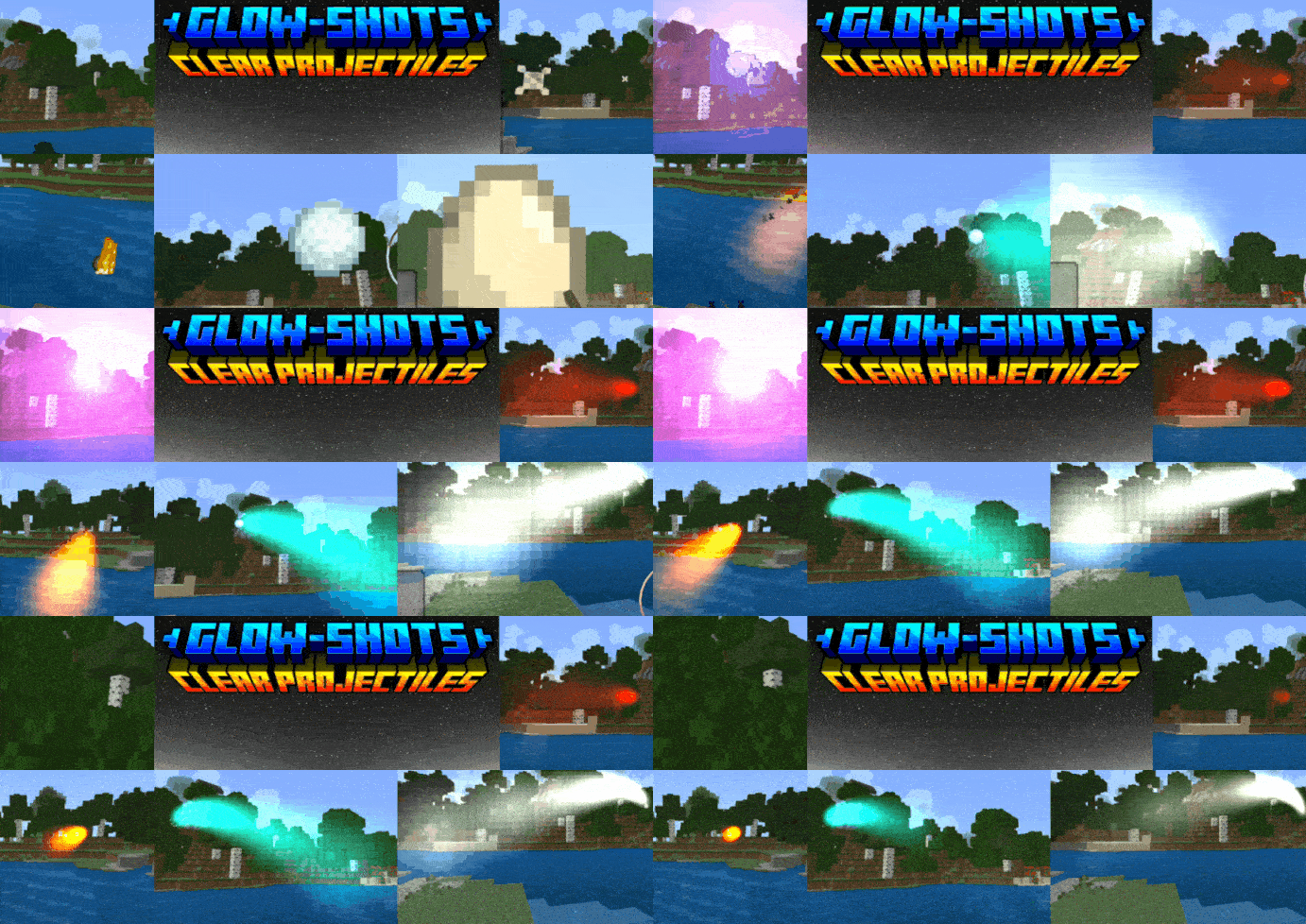

Glow-Shot Projectile Trails
Projectiles glow bright, making them much more visible. You can even see who threw which projectile!Download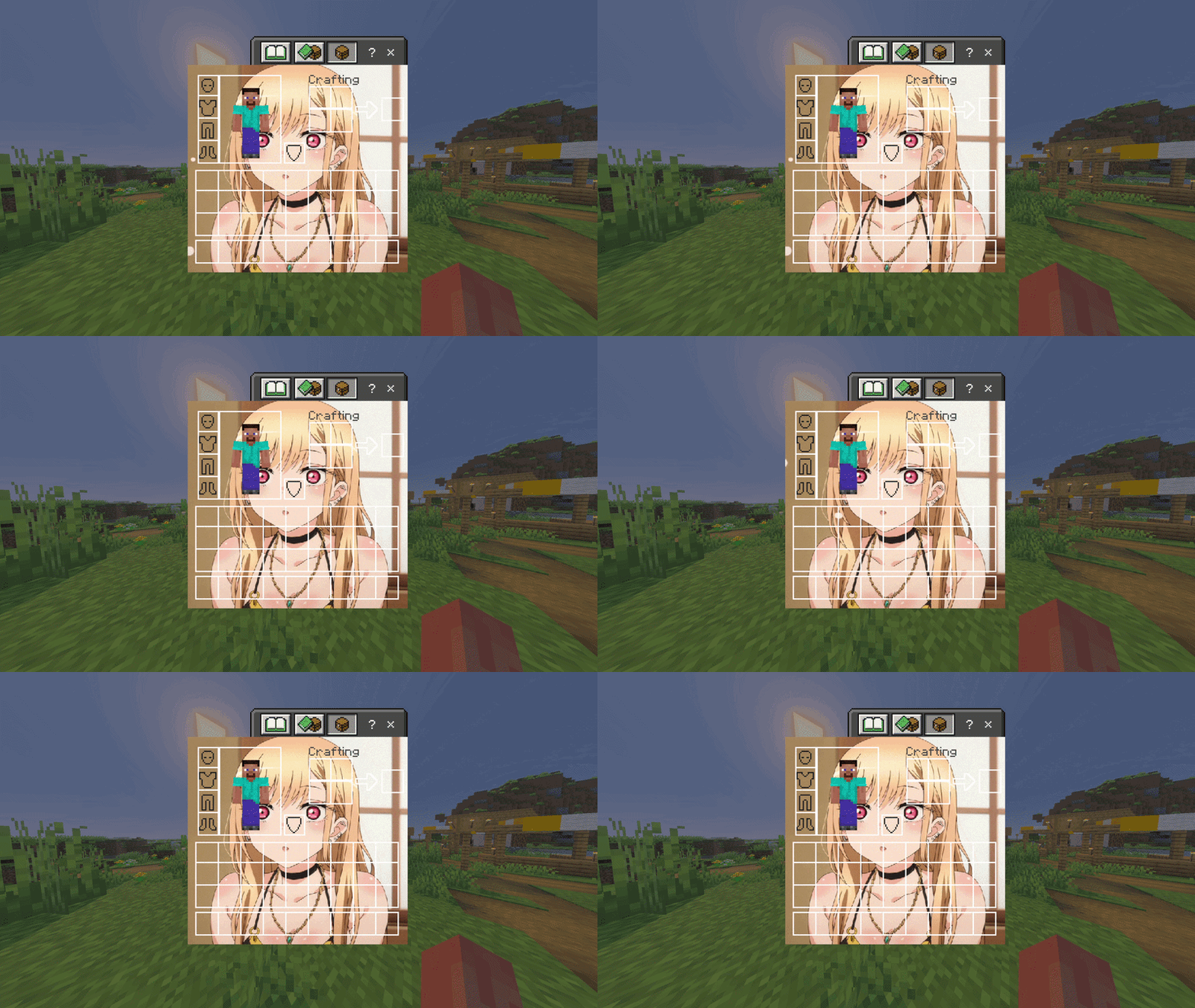

Marin Kitagawa UI Inventory
Changes the normal Inventory to a Marin Kitagawa UI InventoryDownload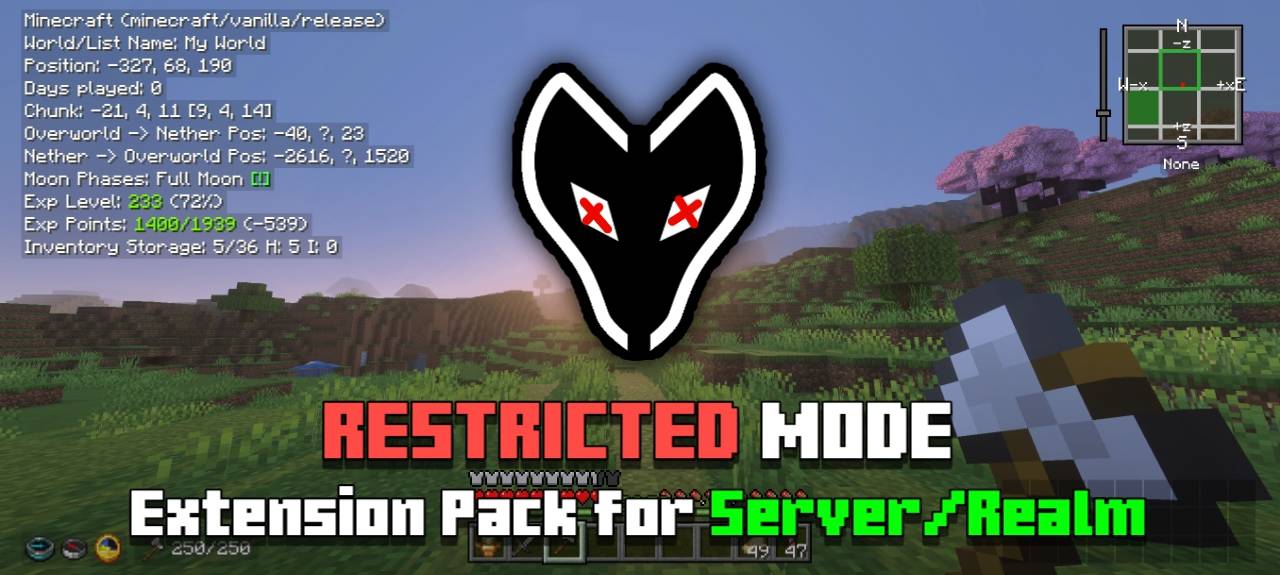
Restricted Mode
An extension pack for Déesse UI Pack to remove features that provide "big advantages" (aka cheat features)Download

TC Star Visuals V2
TC Star Visuals is a shader pack in development for Minecraft Bedrock/PE, designed to be fully compatible with Vibrant Visuals and take the game's graphics to a new level. Its aim is to redefine how worlds are perceived in Bedrock.Download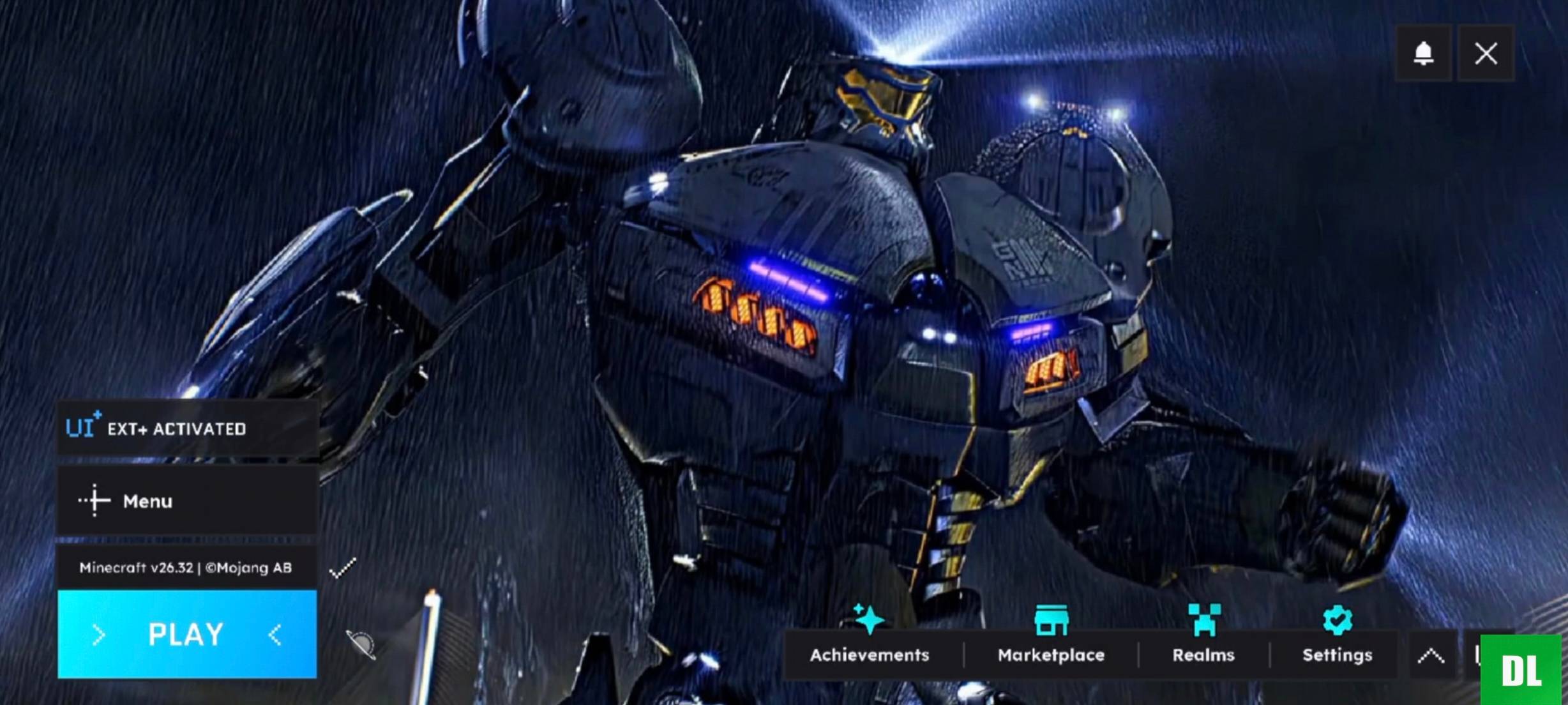

HorizonUI Extension - Pacific Rim
Screen animation with the Pacific RimDownload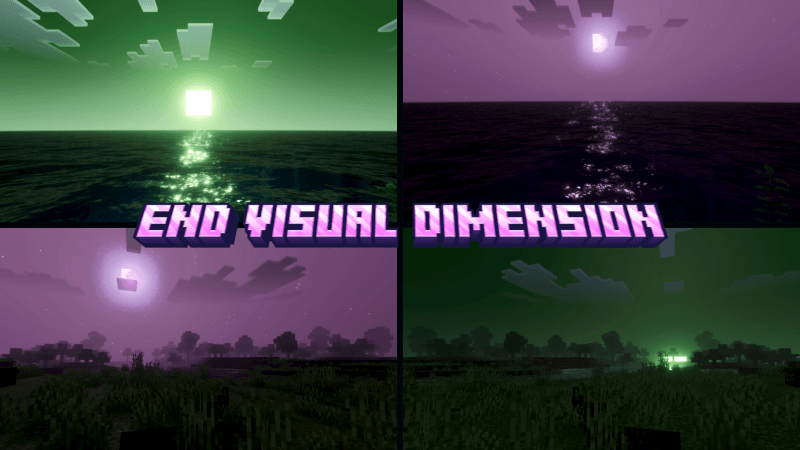

End Visual Dimension
End Visual Dimension makes your world feel more dynamic and immersive with a unique End Dimension style. This shader transforms the atmosphere with mysterious purple skies, glowing lighting, and dramatic visual effects inspired by the End.Download

Blood Moon by Four
Add a little spooky to your World with a Blood Moon. When that full moon appears be ready for a spooky night, even the Zombie look scarier with a red tint!Download

Star Xp Orbs
Changes the XP orbs to starsDownload

Beefier Bovine
Makes cows and Mooshrooms have MORE variants, and a LOT of Namable StylesDownload

PURE NATURE
Pure natureDownload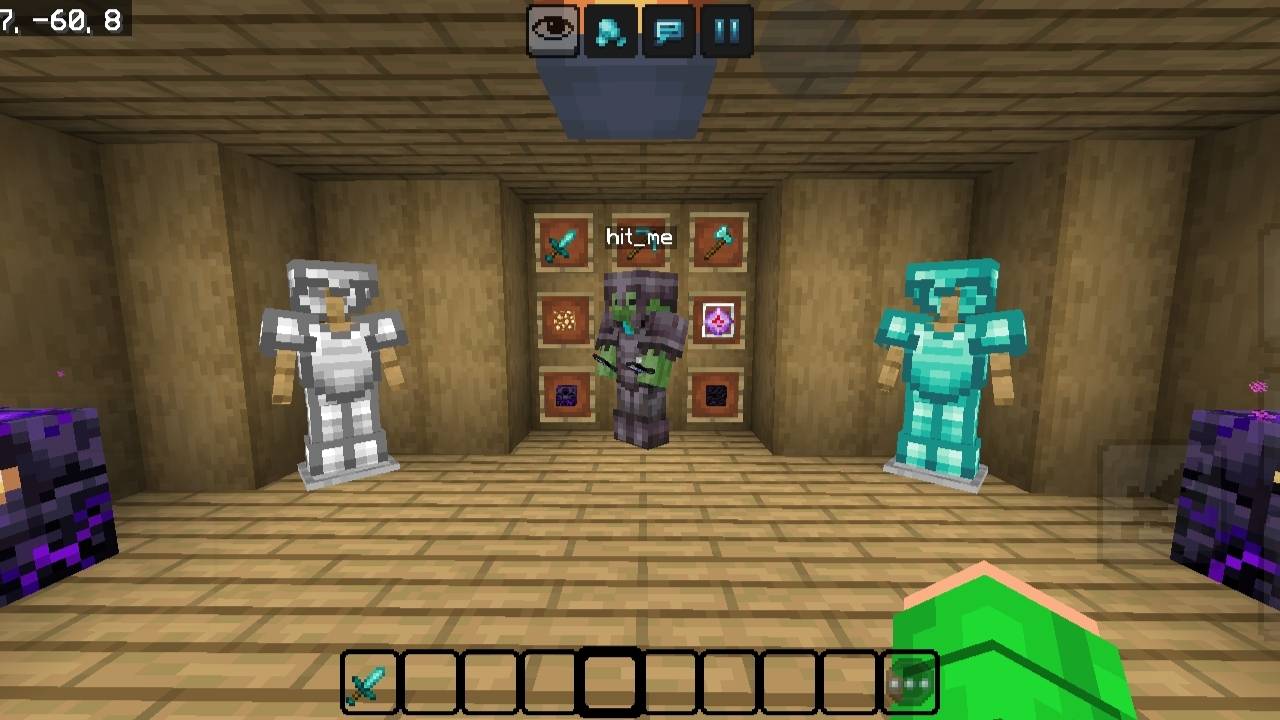

Nyxora 16x
Clean PvP packDownload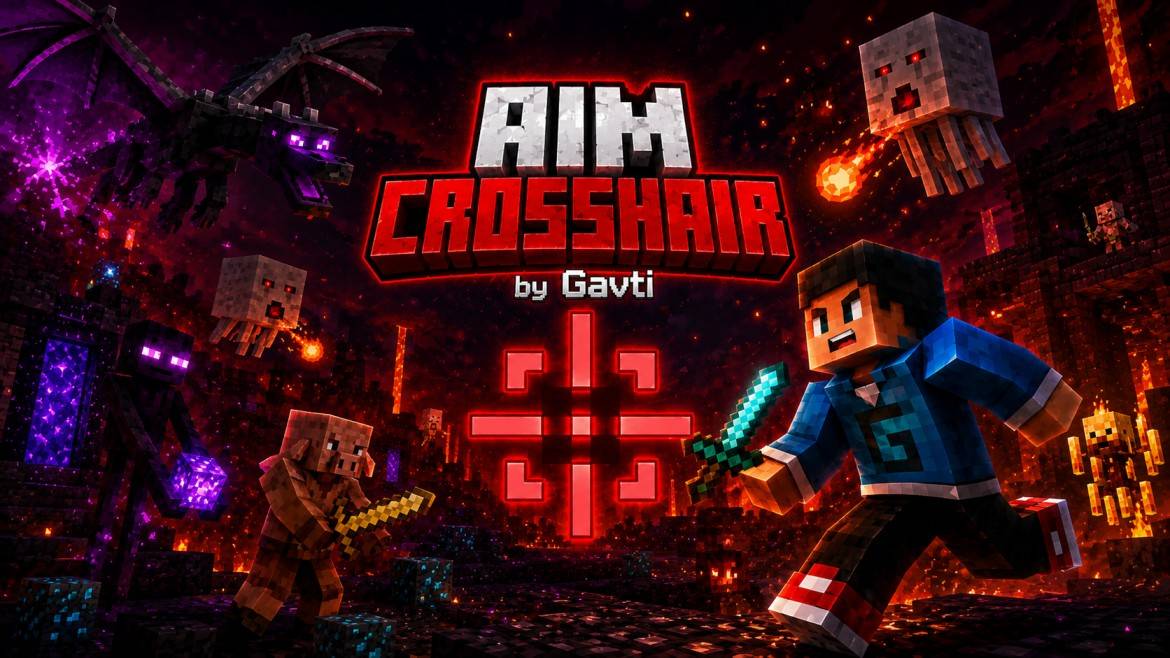

AimCrosshair
Precision-focused Minecraft crosshair pack designed for cleaner aim and better visibility. Minimal, smooth, and optimized for PvP, survival, and competitive gameplay with stylish custom crosshairs and clear targeting.Download

Haru Urara (Donkey)
Replace the donkey with Haru Urara from Uma musumeDownload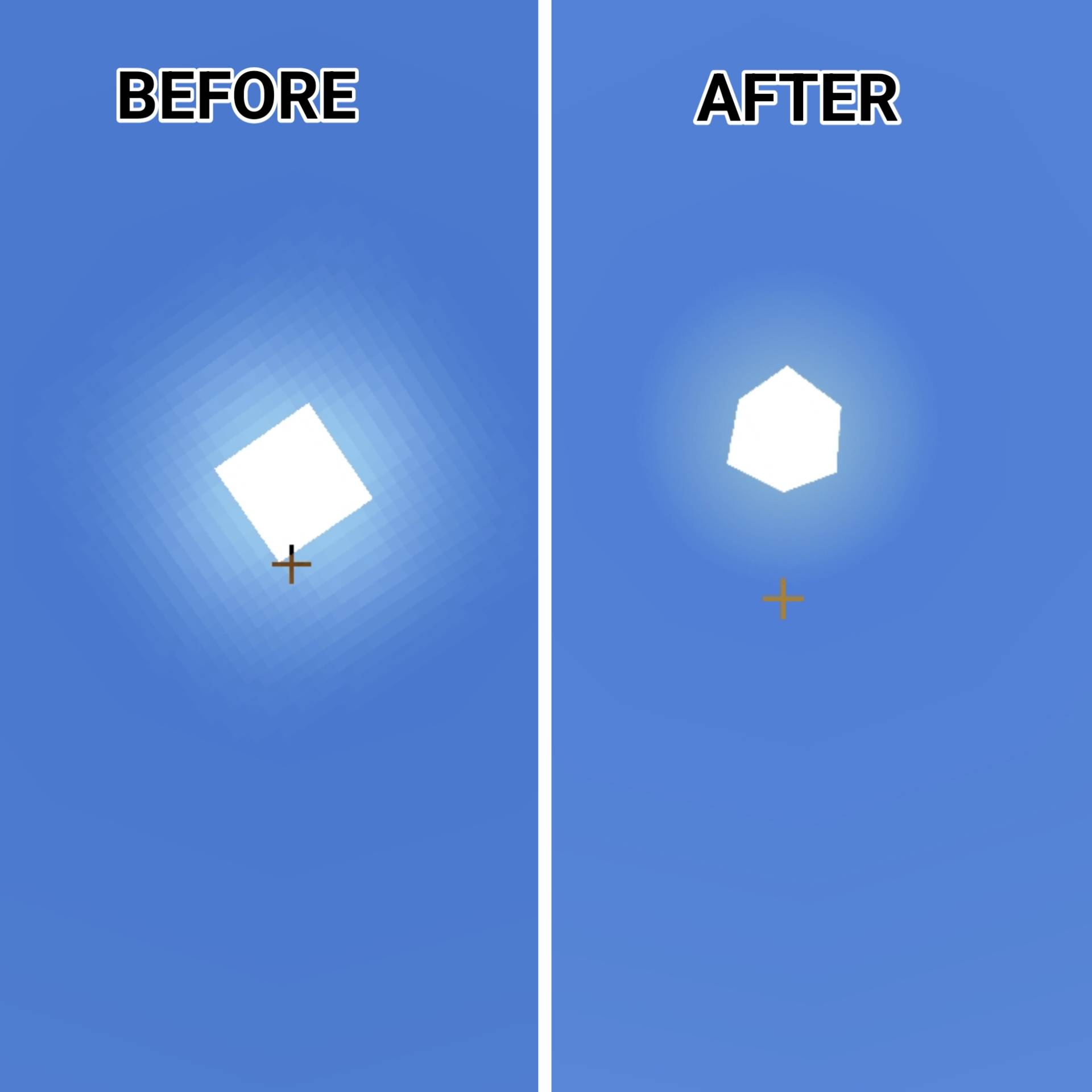

LunarX 3D
EclipseX 3D enhances Minecraft Bedrock with stunning 3D Sun & Moon visuals and a powerful 3D Mace, delivering a cinematic PvP and FPS-style experience.Download

PotatoCraft 8x - Bedrock
PotatoCraft 8x is an 8x Texture Pack that Significantly Increases The FPS in Low-End DevicesDownload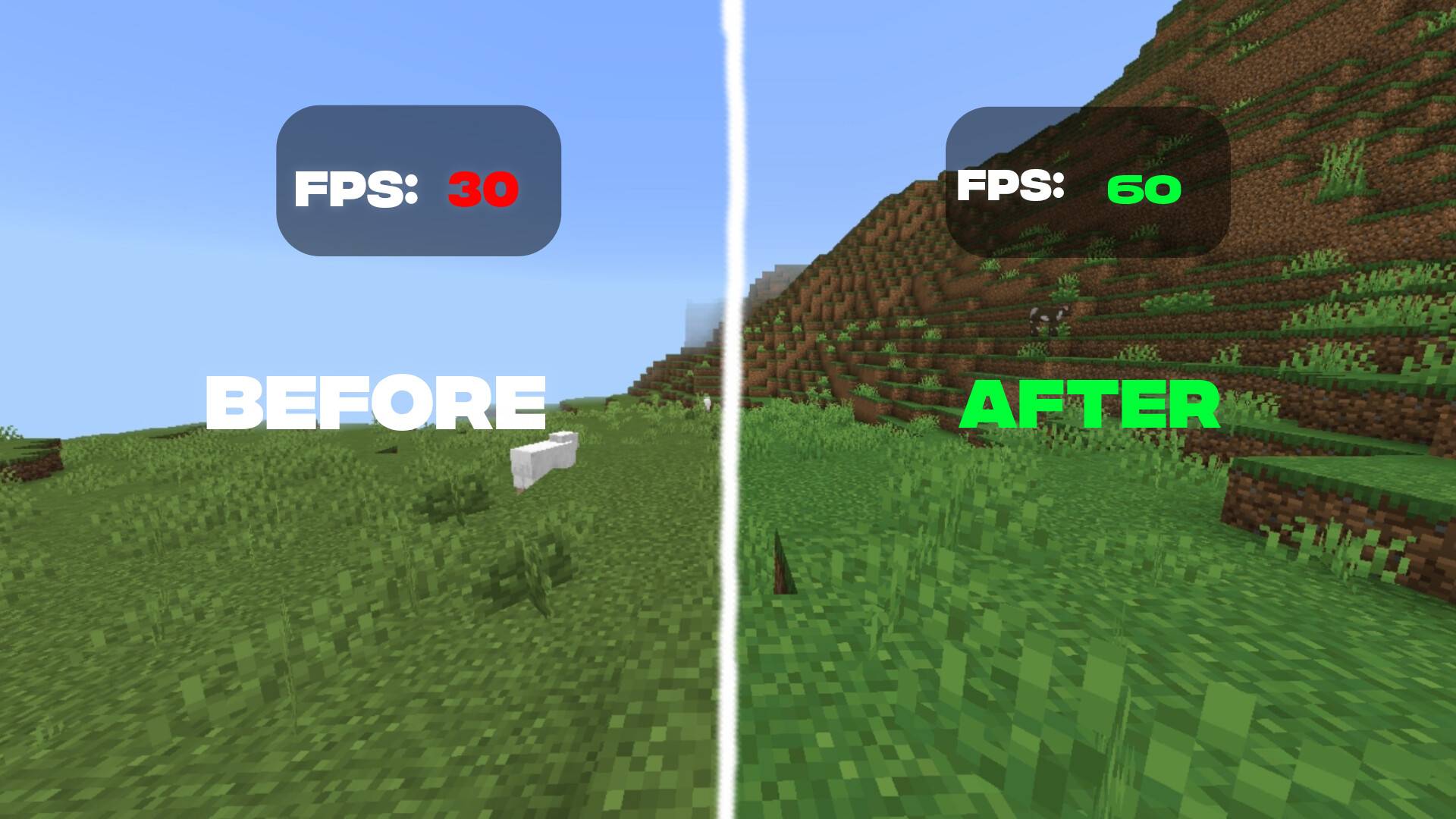

ZenFps
Smooth FPS boost with clean visuals, minimal design, and optimized gameplay experience.Download
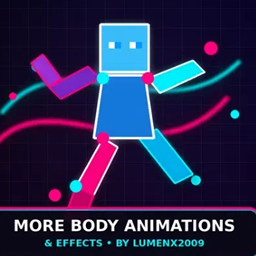
More body animations and stuffs by lumenx2009
Better player animations and better particles and effectsDownload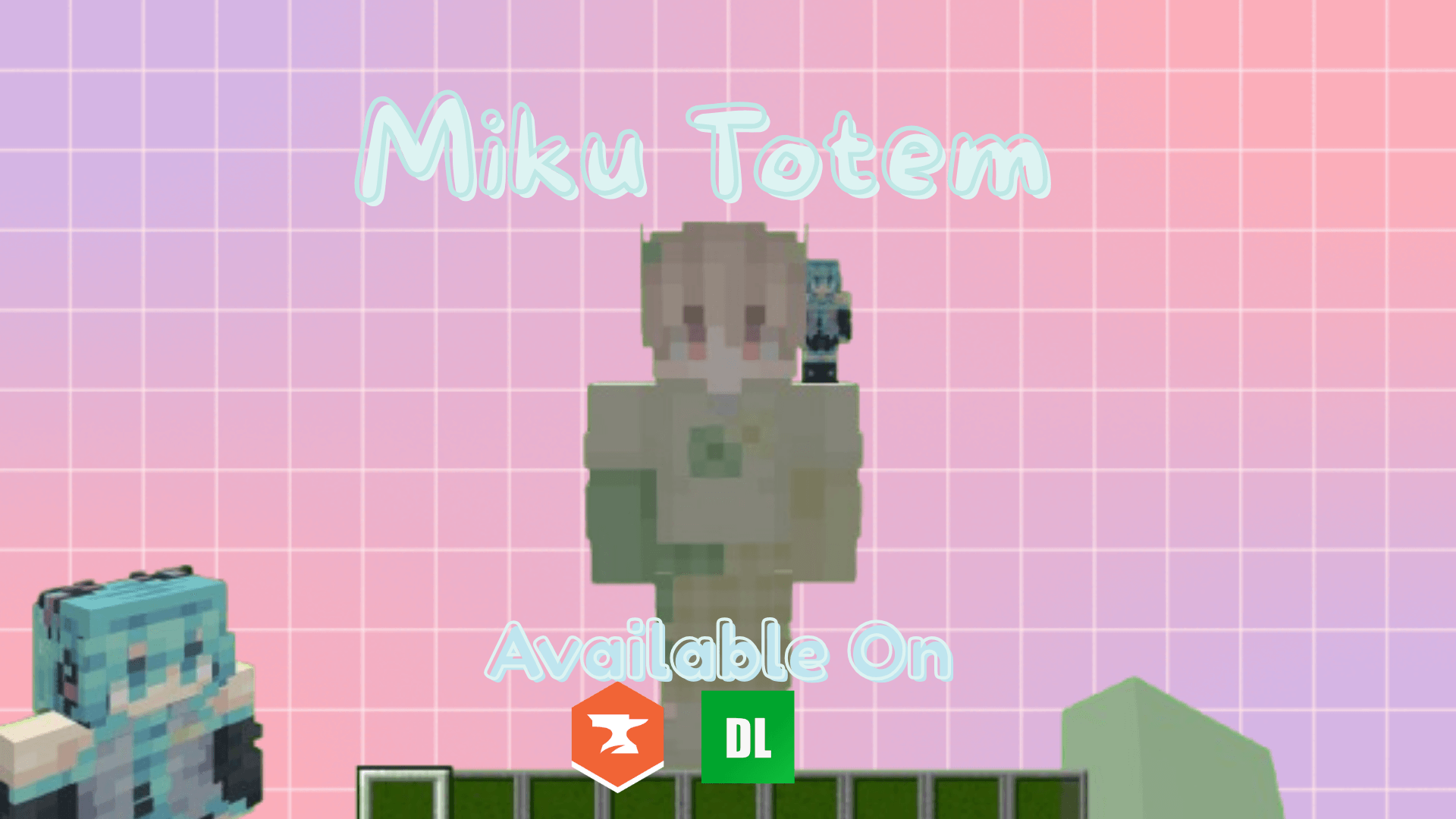

Miku Totem (3D!)
A 3D Miku totem that sits on your shoulder. Miku Miku Beam!!!!Download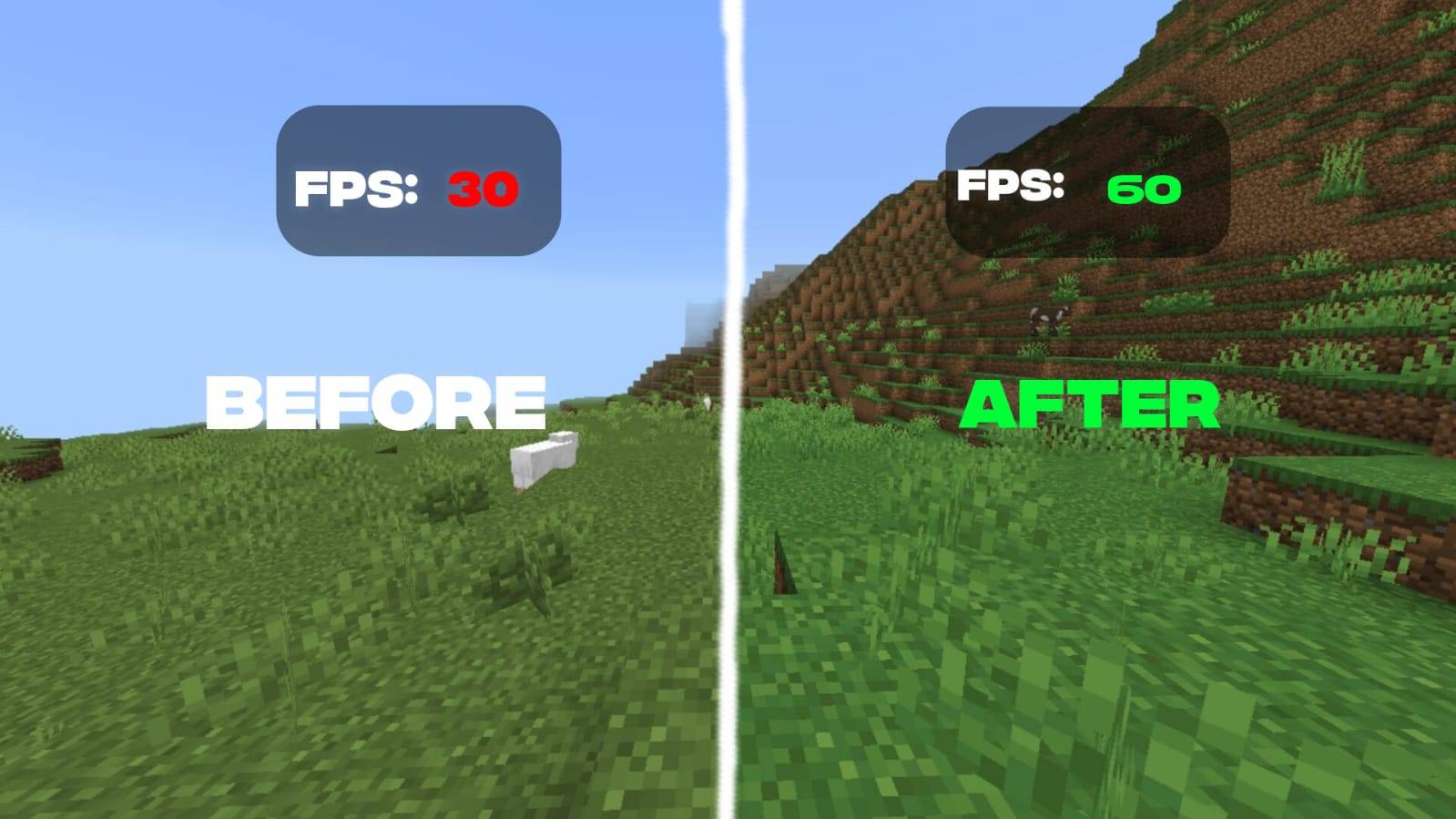

Carbon FPS booster
Carbon FPS Booster improves frame stability and reduces lag spikes in Minecraft Bedrock, delivering smoother and more consistent gameplay without changing core visuals.Download
Small and Cool Golden Apple
Small and Cool Golden Apple is a lightweight Minecraft Bedrock texture pack that improves visibility during PvP and survival fights while enhancing Golden Apple and Enchanted Golden Apple textures for clearer, faster gameplay.DownloadFAQ
Do I need Forge or Fabric for a resource pack?
No. A resource pack works on the regular game with no loaders or mods. Click “Install” and Millida Launcher will put the pack into the right modpack — then just enable it in the settings.
What do 16×, 32×, 64× mean?
The resolution of a single texture in pixels. 16× matches the original game, 32× and 64× are more detailed and heavier, and 128× and up put a noticeable load on your graphics card.
Will a pack made for another version work?
Most likely partly: older packs don't have textures for newer blocks, so those will stay default. The game won't break, though.
How is a texture pack different from a resource pack?
Only by name and age. Before version 1.6 the sets were called texture packs and changed only textures; in 1.6 resource packs replaced them and also change sounds, fonts and the interface. Old texture packs for 1.5 and below do not work on new versions without conversion.
Which texture packs are best for PvP?
PvP packs: 16× resolution or lower, shortened swords, low fire, a clear sky and bright particles. They barely load the computer and make the opponent easier to see. These packs are collected in the PvP theme.
How do I install a resource pack?
Press Install and Millida Launcher puts the pack into the resourcepacks folder of the right instance. Then enable it in the game: Options, then Resource Packs. Manually, the archive goes into resourcepacks inside the game folder, no need to unpack it.
Minecraft texture packs
A resource pack changes how the game looks and sounds: block and item textures, fonts, the interface, sounds. It doesn't touch the game's code, so it needs no mod loader and breaks nothing on a server — the pack only works on your screen. That's exactly why a resource pack is safer than any mod: the worst that happens on a version mismatch is that some textures stay default.
Textures, texture packs and resource packs are essentially the same thing: since version 1.6 Mojang calls these sets resource packs, but the old name is still searched more often. PvP packs are a big genre of their own: shortened swords, low fire, bright particles and 16× resolution or lower, so the opponent stands out and the frame rate does not drop. Such packs are most often made for 1.8.9 and 1.16.5, the versions many PvP servers run on.
The key thing about a pack is its resolution. The game's default textures are 16×16 pixels; 32× and 64× packs look more detailed, while 128× and up need a real graphics card and are usually paired with shaders. On a weak machine it makes sense to stay at 16× or go for packs that deliberately simplify graphics for more FPS. Every pack here lists its game version, author and license, and all released versions are gathered on one card. Put the downloaded archive in the resourcepacks folder and enable it in the game settings.