
Minecraft texture packs — page 238
Resource packs: list


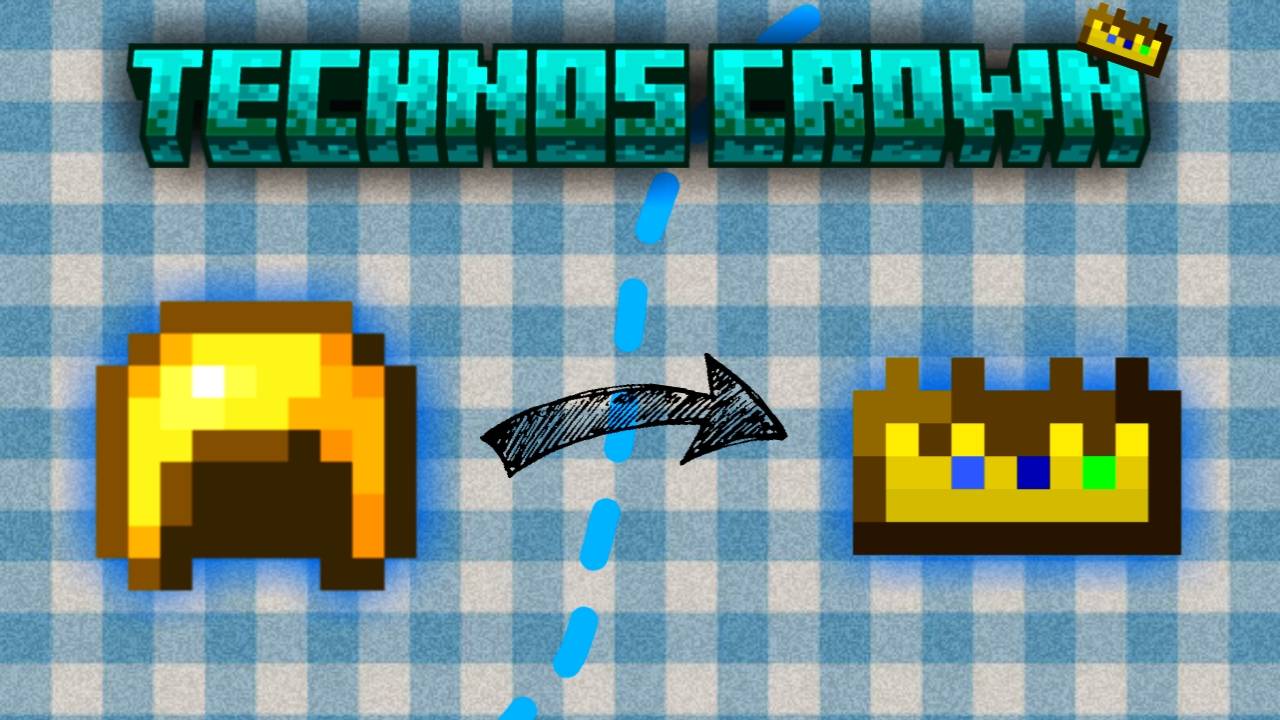

Technoblade’s Crown
Replaces the golden helmet with Technoblade’s Crown 👑Download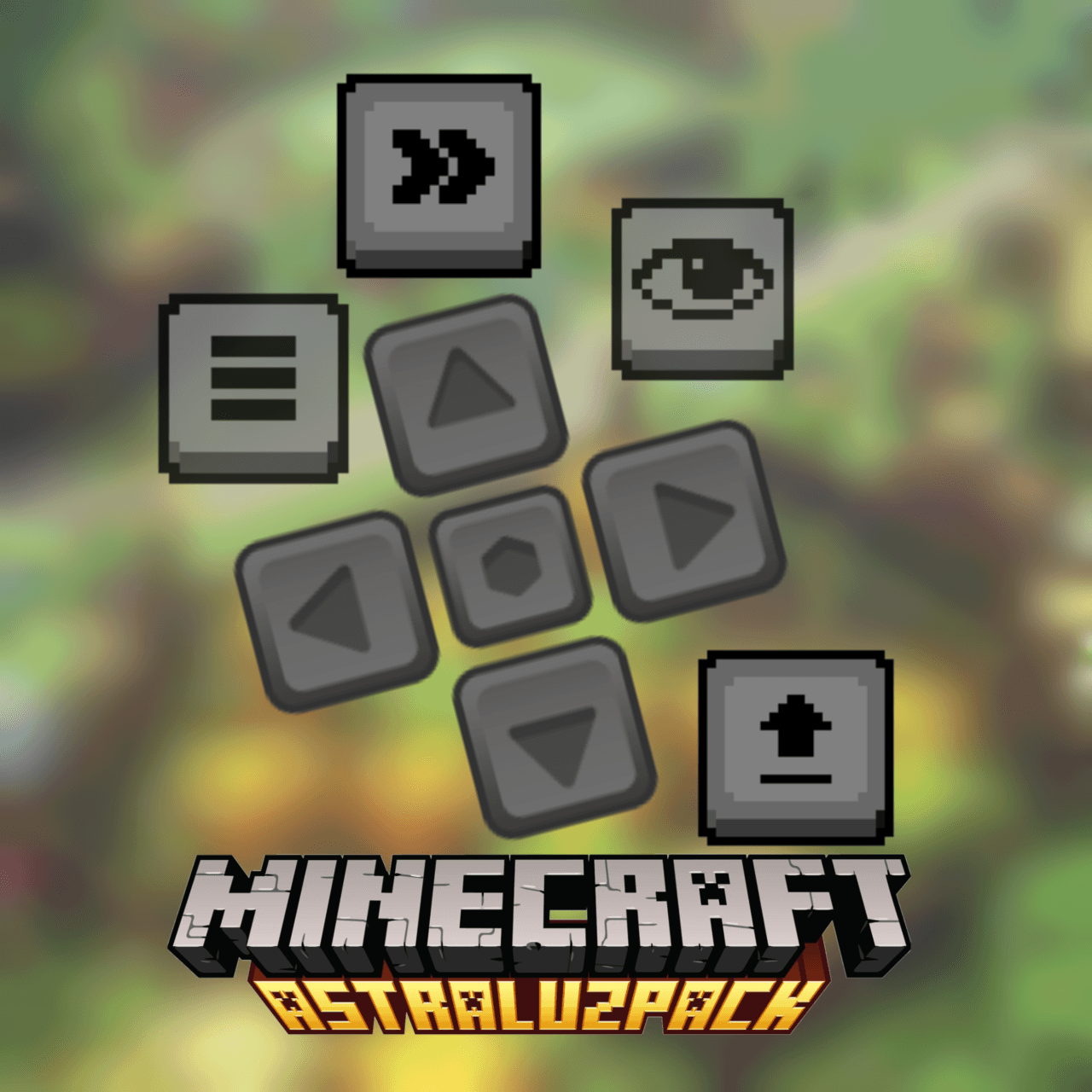

Transparent control & touch buttons
Bored with control buttons?! Now they're transparent and feel like you're playing on a PCDownload

Gabriel Wither [ULTRAKILL]
Texture pack that replaces the old wither model with Gabriel from ULTRAKILLDownload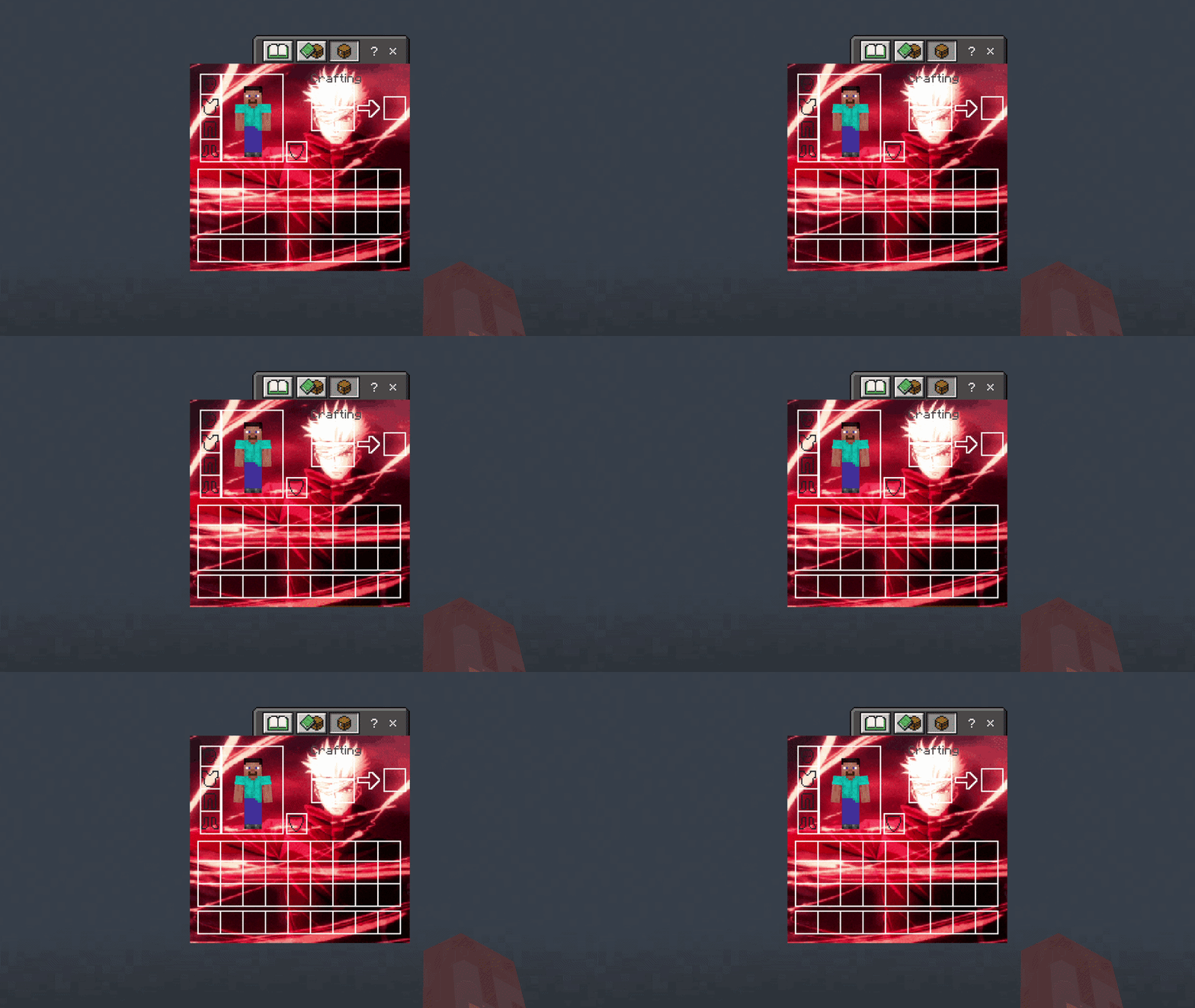

Gojo Red Edition 3 UI Inventory
Adds a Gojo Red Edition 3 UI InventoryDownload
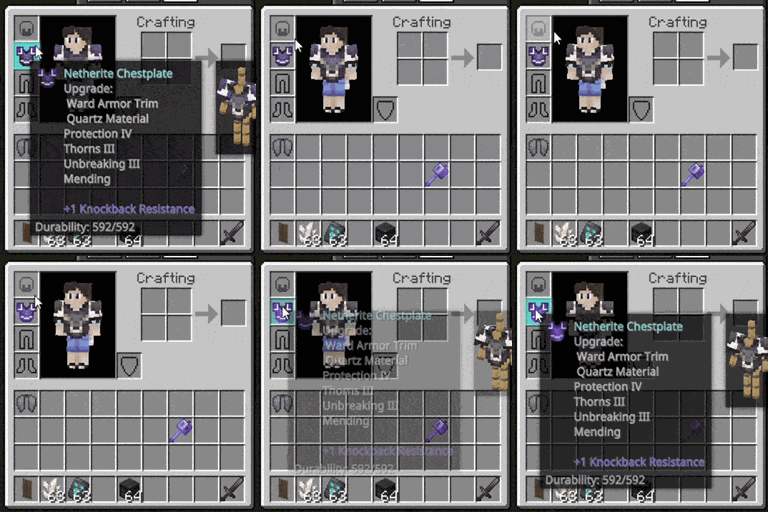
Animated Hover Tooltips
Adds unnecessary animations and effects to the item tooltips.Download
Modernized Animals
Simple texturepack that revamps the 10+ years old animal models to better fit modern Minecraft style.Download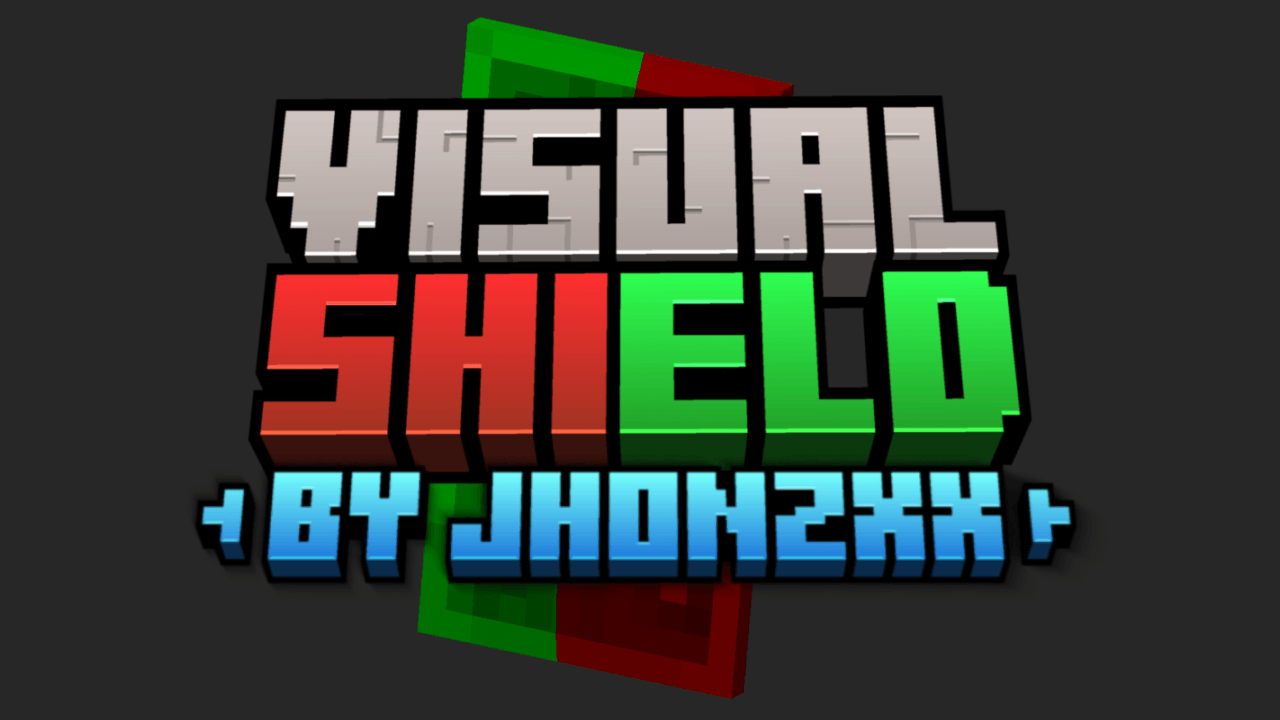

Visual Shield
It allows you to see if the shield is blocking or not, just by the colorDownload

Kurumi Tokisaki Totem
Replaces the Totem of Undying with an Anime Kurumi Tokisaki TotemDownload

Anime Girl Sky
Adds anime girl on skyDownload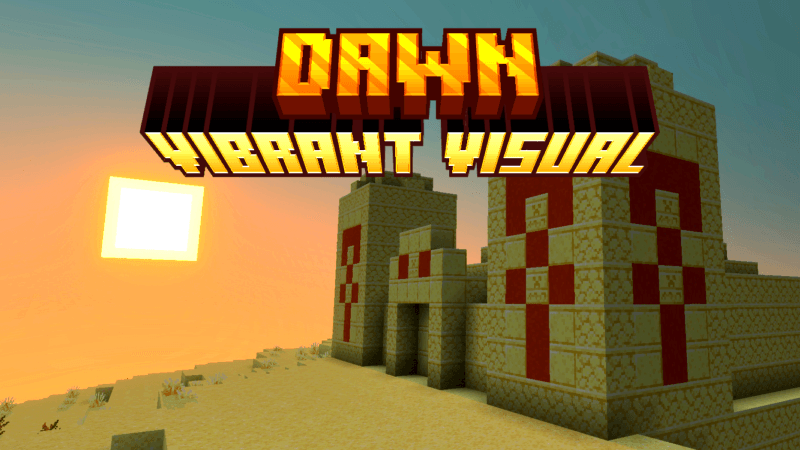

DAWN (Vibrant Visual)
Dawn Vibrant Visual makes your visuals feel warmer, more comfortable, and more enchanted.Download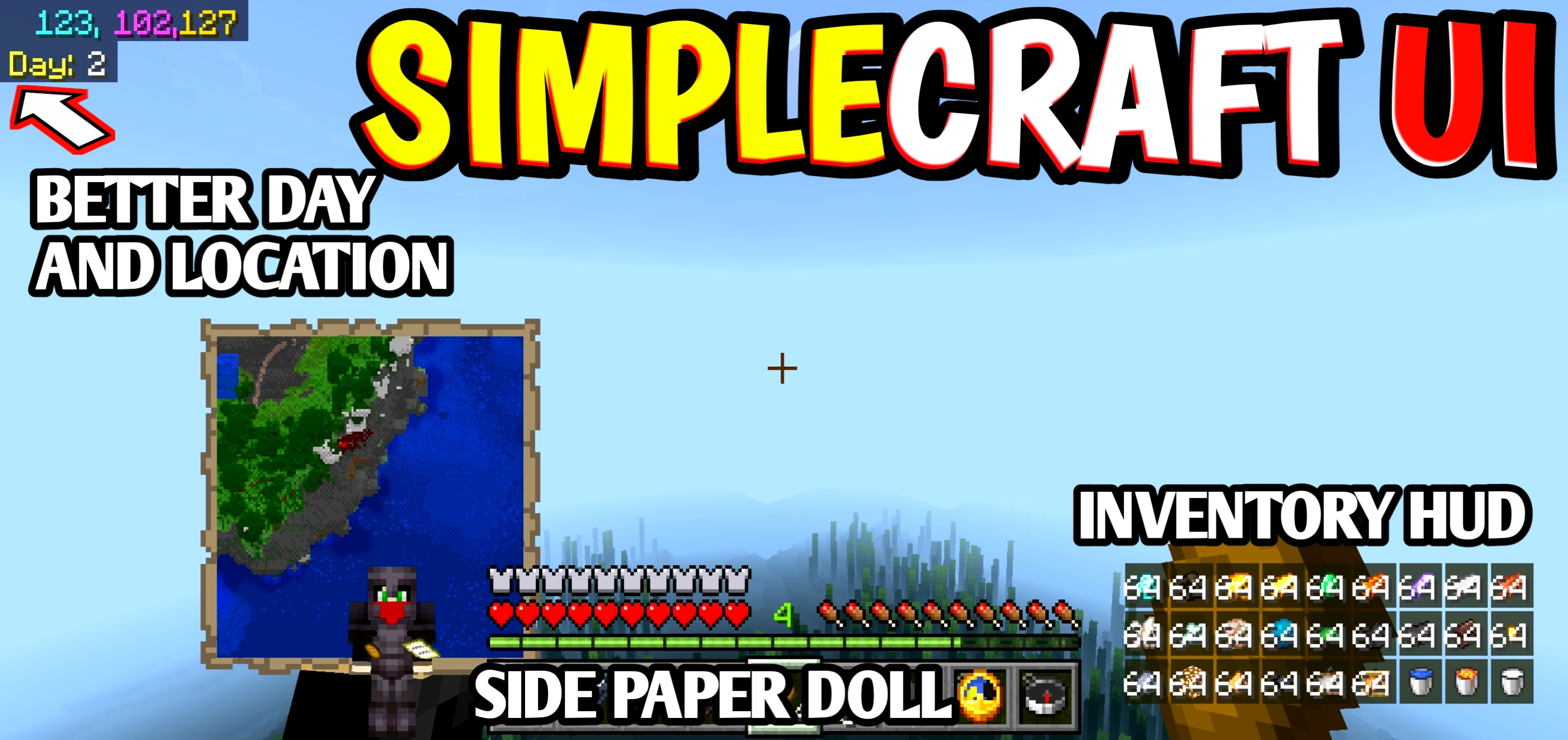

SimpleCraft UI
Looking for a clean, useful, and simple UI upgrade for your Minecraft Bedrock/MCPE 🎮✨Download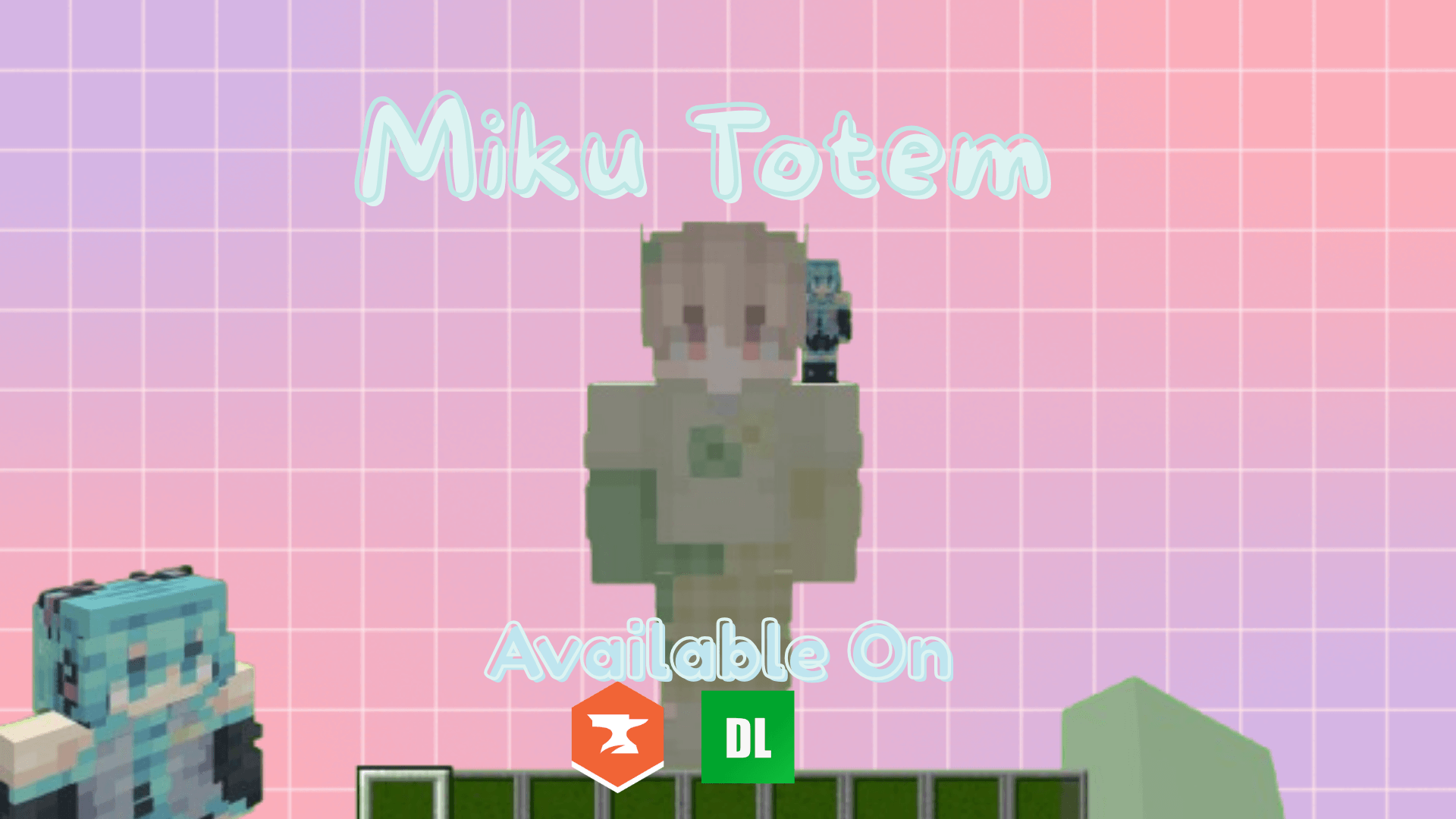

Miku Totem (3D!)
A 3D Miku totem that sits on your shoulder. Miku Miku Beam!!!!Download

Biome Variants for More Creatures
Adds more variants to different mobs!Download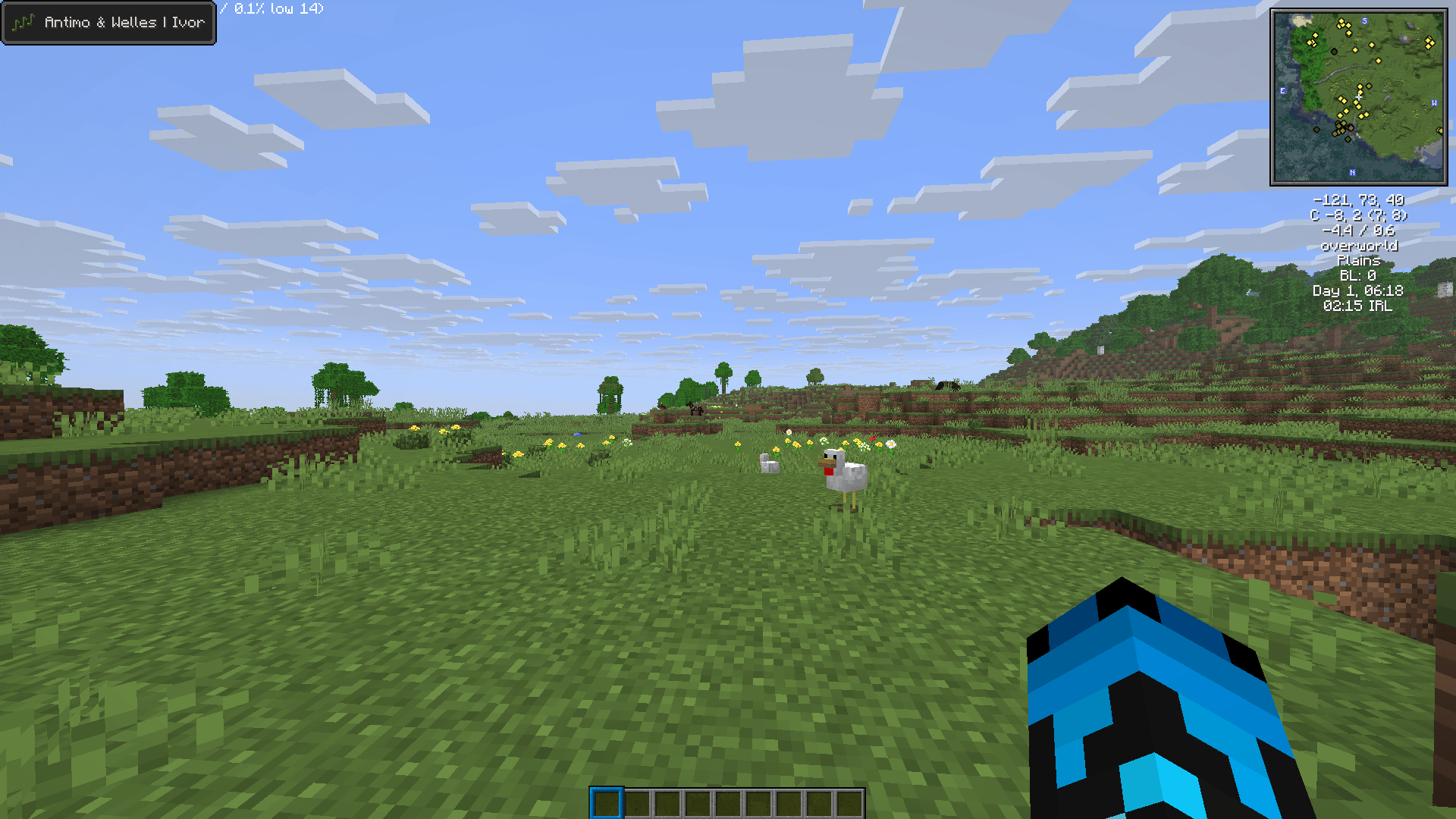

MCSM Music Pack (Bedrock)
Replaces all of Minecraft’s music with tracks from Minecraft: Story Mode. By Antimo & Welles.Download

Vanilla Experience+ [BEDROCK]
It improves, refines, and fixes various aspects of the game while staying true to the Vanilla style.Download

Focus PvP | Better Swords, Short Fire & Tools
A clean PvP resource pack for Minecraft Bedrock featuring short tools, short fire, and optimized combat visuals for better aim and smoother gameplay.Download

Fused's Birds!
This texture pack adds Birds as new ambient particles that naturally spawn around trees and in the sky. They come in four random variants, each with animated flapping textures, bringing more life and movement to forests and empty skies!Download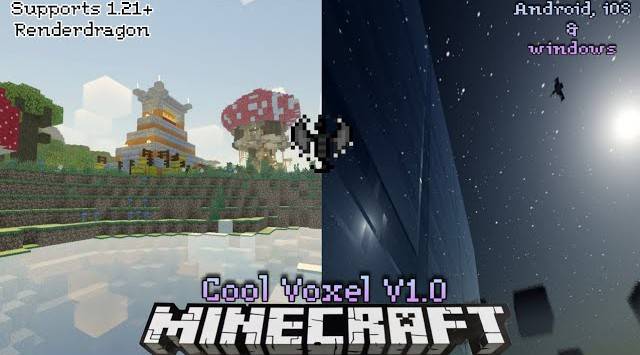

Cool Voxel V1.0 for MCBE
Hey there! Intrested in a unique type of shader that is realistic yet cold looking at day and amazing endsky, nether and some amazing features as well. This shader has it all!Download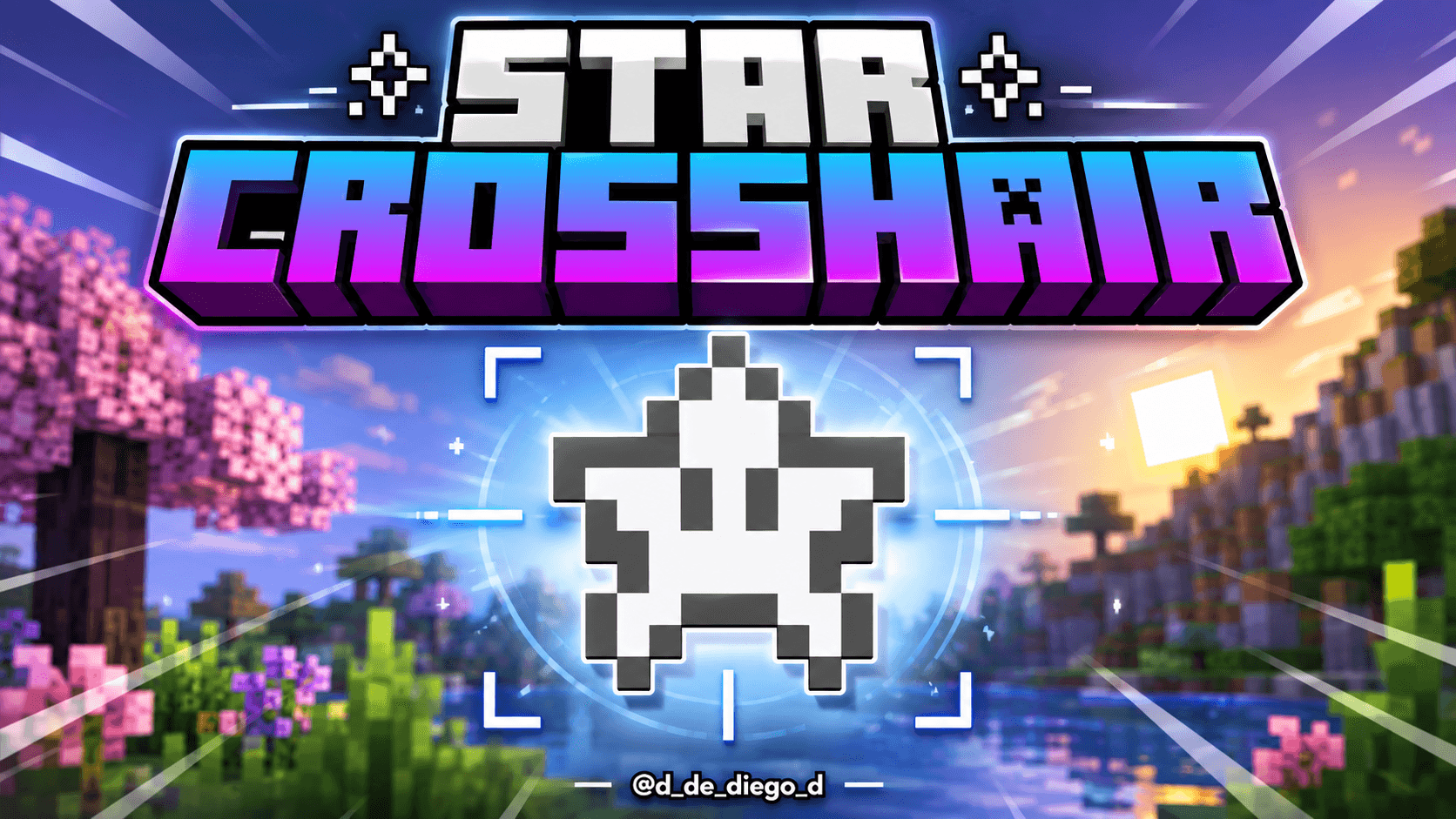

STAR CROSSHAIR
PVP CROSSHAIR FOR MINECRAFT PVPDownload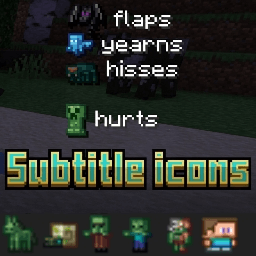

Subtitle icons
Replaces vanilla Minecraft subtitle text with custom mob icons for a cleaner and more immersive subtitle experience Converts vanilla mob subtitle names into icons and improves subtitle readability during gameplay.Download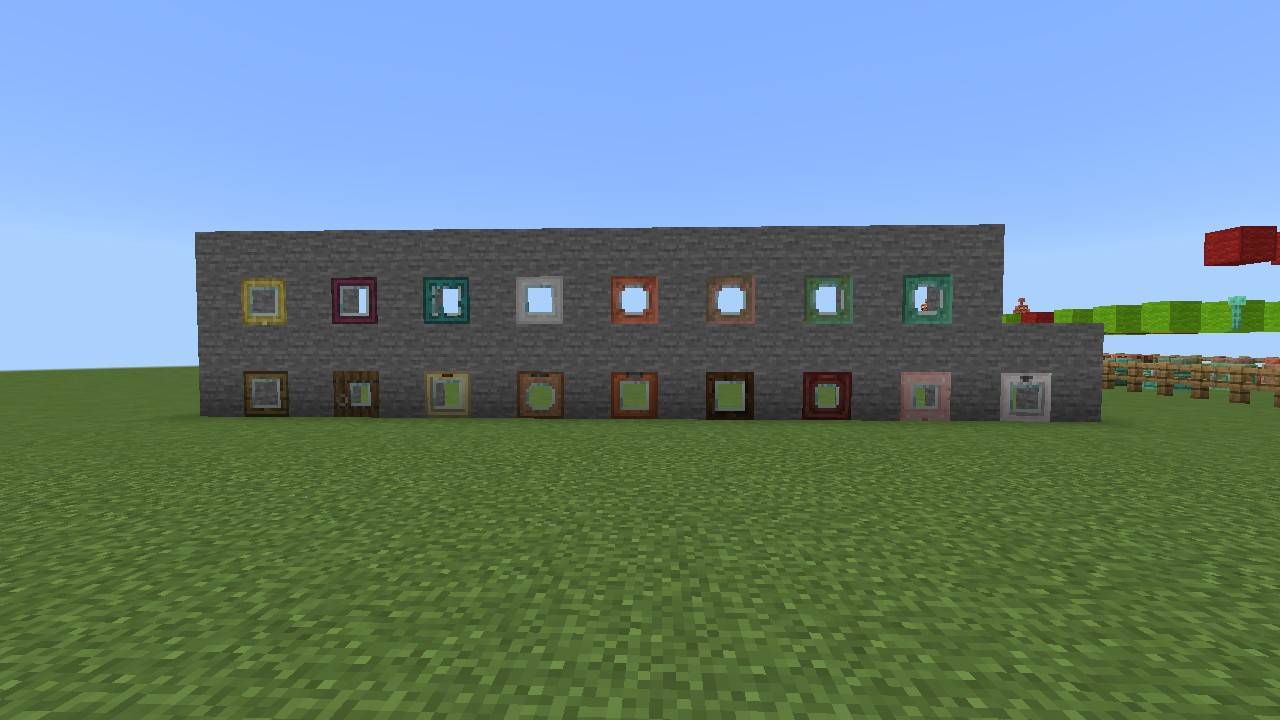

Glass Doors and Trapdoors
Insert Glass In Doors and TrapdoorsDownload

Hunger Preview MCPE
Shows how much hunger can be fill by that foodDownload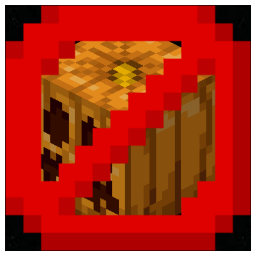
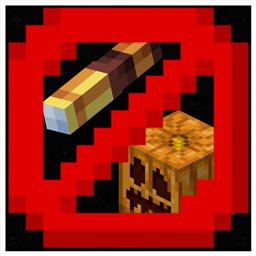
No Blur Pumpkin and Spyglass
No Blur Pumpkin and SpyglassDownloadFAQ
Do I need Forge or Fabric for a resource pack?
No. A resource pack works on the regular game with no loaders or mods. Click “Install” and Millida Launcher will put the pack into the right modpack — then just enable it in the settings.
What do 16×, 32×, 64× mean?
The resolution of a single texture in pixels. 16× matches the original game, 32× and 64× are more detailed and heavier, and 128× and up put a noticeable load on your graphics card.
Will a pack made for another version work?
Most likely partly: older packs don't have textures for newer blocks, so those will stay default. The game won't break, though.
How is a texture pack different from a resource pack?
Only by name and age. Before version 1.6 the sets were called texture packs and changed only textures; in 1.6 resource packs replaced them and also change sounds, fonts and the interface. Old texture packs for 1.5 and below do not work on new versions without conversion.
Which texture packs are best for PvP?
PvP packs: 16× resolution or lower, shortened swords, low fire, a clear sky and bright particles. They barely load the computer and make the opponent easier to see. These packs are collected in the PvP theme.
How do I install a resource pack?
Press Install and Millida Launcher puts the pack into the resourcepacks folder of the right instance. Then enable it in the game: Options, then Resource Packs. Manually, the archive goes into resourcepacks inside the game folder, no need to unpack it.
Minecraft texture packs
A resource pack changes how the game looks and sounds: block and item textures, fonts, the interface, sounds. It doesn't touch the game's code, so it needs no mod loader and breaks nothing on a server — the pack only works on your screen. That's exactly why a resource pack is safer than any mod: the worst that happens on a version mismatch is that some textures stay default.
Textures, texture packs and resource packs are essentially the same thing: since version 1.6 Mojang calls these sets resource packs, but the old name is still searched more often. PvP packs are a big genre of their own: shortened swords, low fire, bright particles and 16× resolution or lower, so the opponent stands out and the frame rate does not drop. Such packs are most often made for 1.8.9 and 1.16.5, the versions many PvP servers run on.
The key thing about a pack is its resolution. The game's default textures are 16×16 pixels; 32× and 64× packs look more detailed, while 128× and up need a real graphics card and are usually paired with shaders. On a weak machine it makes sense to stay at 16× or go for packs that deliberately simplify graphics for more FPS. Every pack here lists its game version, author and license, and all released versions are gathered on one card. Put the downloaded archive in the resourcepacks folder and enable it in the game settings.