

SimpleCraft UI Resource pack for Minecraft 26.40
Looking for a clean, useful, and simple UI upgrade for your Minecraft Bedrock/MCPE 🎮✨
About the SimpleCraft UI resource pack
SimpleCraft UI makes your survival experience easier with a lightweight HUD that shows you everything you need right on screen.

🔹 Features:
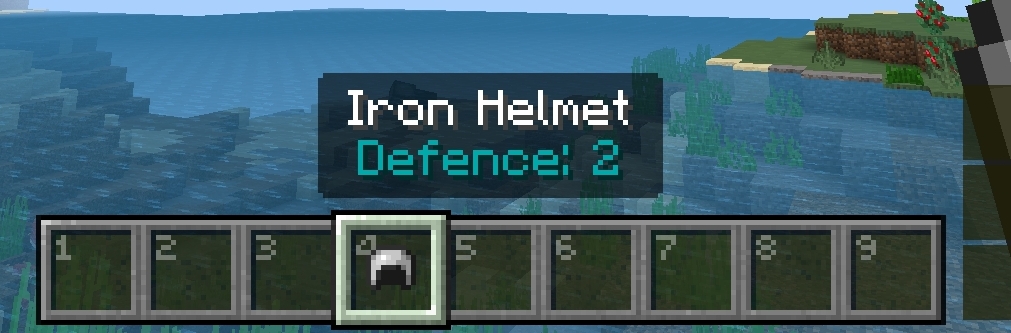
👤 Inventory HUD - Always see what’s inside your inventory without opening it. 🪞 Mini Player Paper Doll - A small player model beside your hotbar, showing your armor and held items. 📍 Improved Coordinates Display - Cleaner, sharper coordinates so you never get lost.
🎨 Why SimpleCraft UI?
It’s minimal, lightweight, and survival-friendly - giving you just the right information without cluttering your screen. Perfect for players who want a better experience while keeping the classic vanilla look.
How to install SimpleCraft UI
With Millida Launcher
Install Millida Launcher
The launcher is free: download it at millida.net/launcher and sign in with any nickname.
Click “Install” on this page
The launcher opens and installs the resource pack for Minecraft 1.21.80–26.40 automatically.
Launch the game
A profile with it appears in the launcher: click “Play”.
Manually
Download the archive
Pick the file scraftui2.0.mcpack (509 KB) for your game version. No need to unpack it.
Put it in the resourcepacks folder
The easiest way: “Options”, then “Resource Packs”, then “Open Pack Folder”, and drag the archive there.
Enable the pack
In the same window, move the pack to the right-hand “Selected” column and click “Done”.
Versions
With dependencies
| Minecraft | Loader | File | Date | Actions |
|---|---|---|---|---|
| 1.21.80 | — | scraftui2.0.mcpack509 KB |
Reviews
Be the first to rate SimpleCraft UI



