
Minecraft texture packs — page 237
Resource packs: list


Capybara
Replaces pigs with capybaras!Download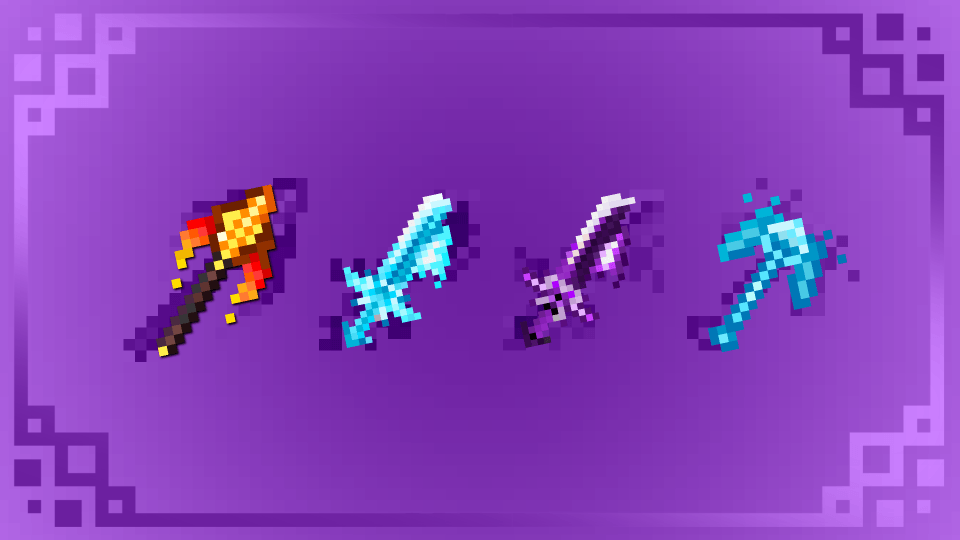

All Shadow_Fire Act
Shadow Fire+ is a Minecraft Bedrock Edition resource pack that enhances vanilla tools and weapons with animated textures, custom item models, and customizable visual effects. Designed to provide a cleaner and more immersive experience.Download

Impact frame
Adds an impact frame when you strike with your mace while you're in the air.Download

Health Display
Displays health above player heads to see there health left.Download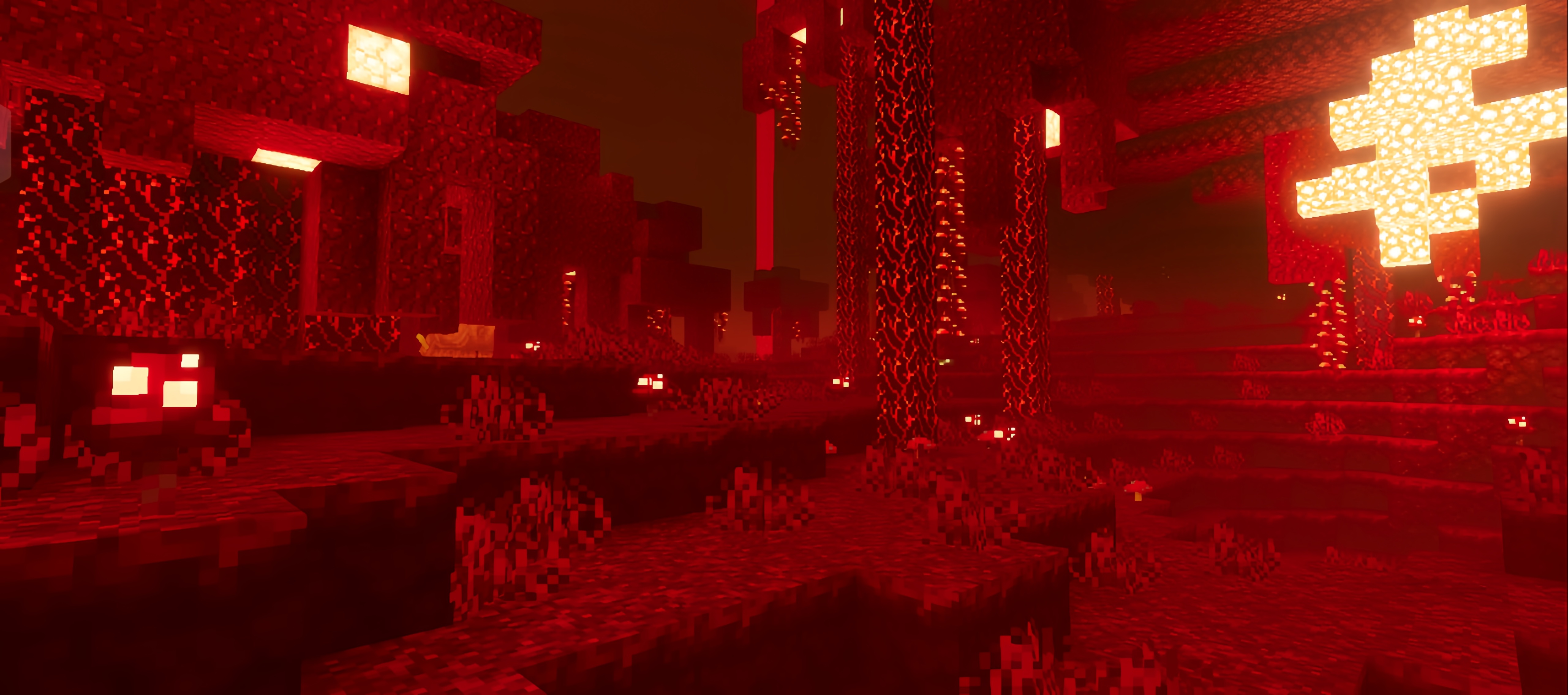

Flamingo Visuals
Flamingo Vibrant Visual ShaderDownload

Newb Glow Legacy x iOS
For iOS system usersDownload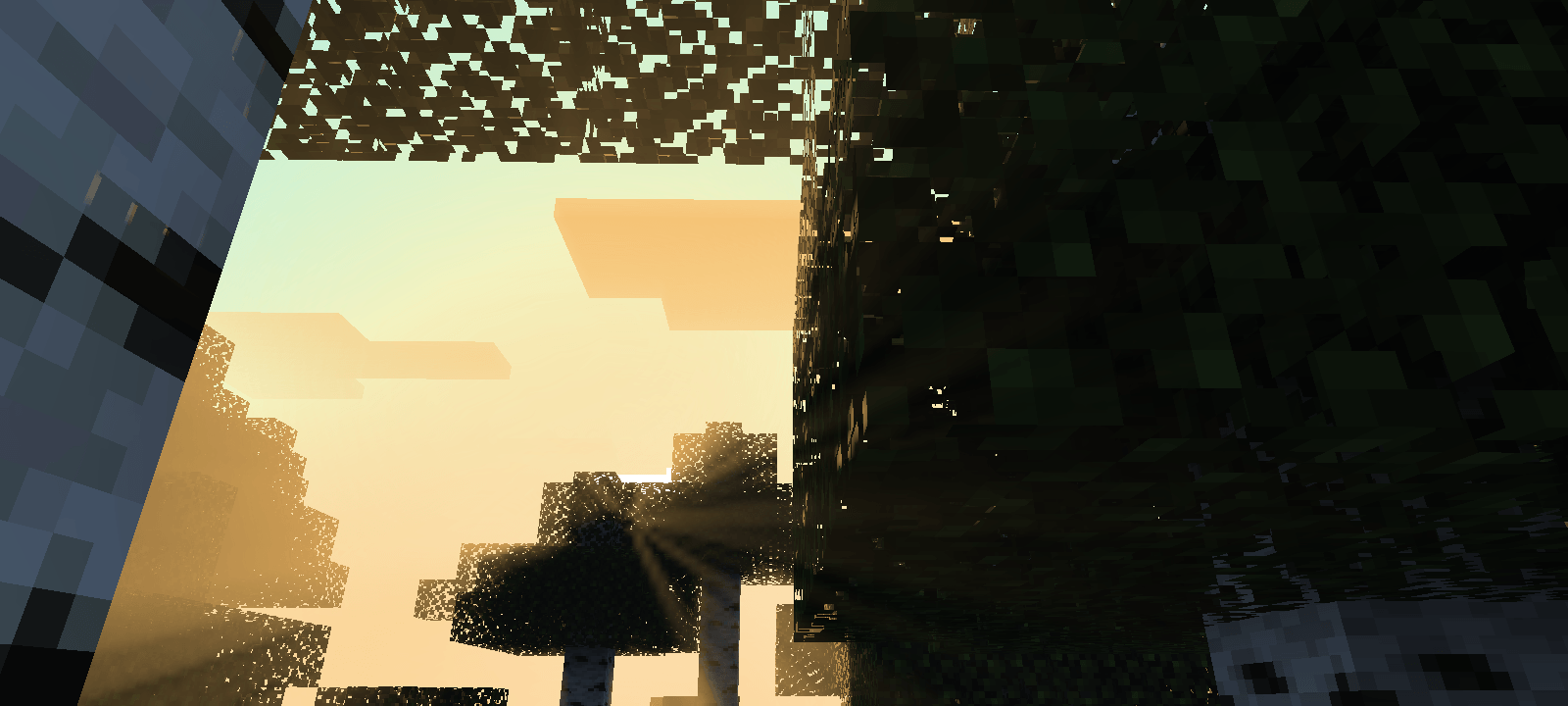
Sphinx
Updates and refreshed looks are here! Use MB Loader for Better!Download
CPU [Settings+] | FPS optimizer
Ultimate FPS 🔥Download

Rústico BE
The go-to smooth & clean 32x resource pack.Download

Sharks Plus
This pack changes guardians and replaces them with sharks!Download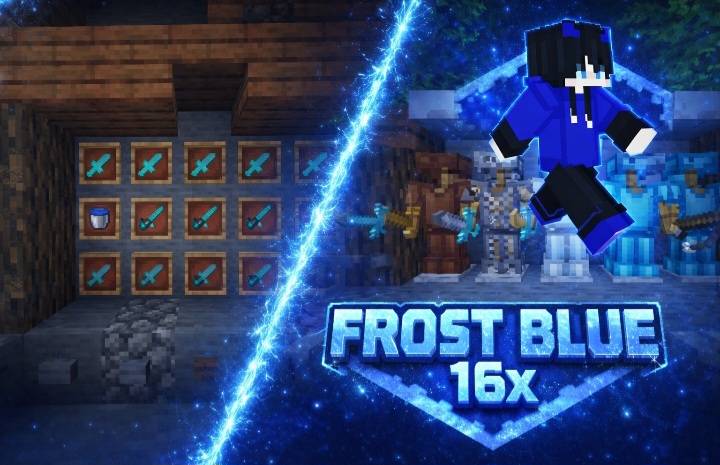

Frost blue 16x
Frost Blue 16x is a clean and smooth PvP texture pack designed for better FPS, clear visuals, and competitive gameplay. Perfect for Bedwars, Skywars, and all PvP modes!Download
Sounds+
Sounds+ enhances Minecraft Bedrock's audio with improved, high-quality sound effects for a more immersive gameplay experience.Download

Minecraft Earth Cows
New cow variants from the game Minecraft Earth!Download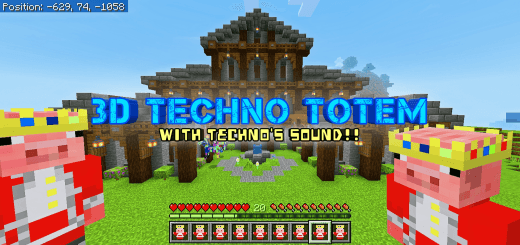

Techno Totem 3D
Replaces the default totem with a 3D model of Technoblade.Download

Deadpool Totem
Deadpool Totem made by Lazy LegendDownload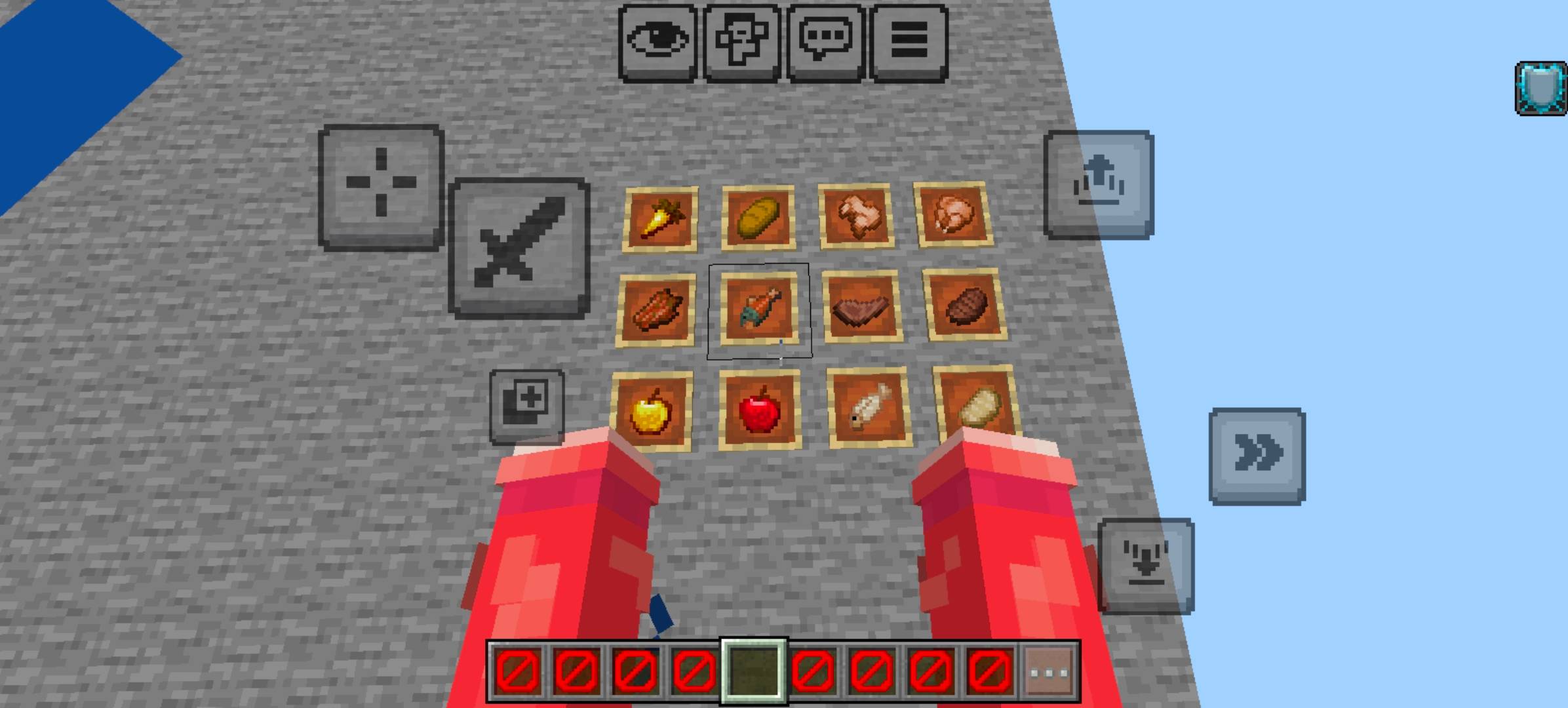
Azek+++
1st Person and 3rd person animationsDownload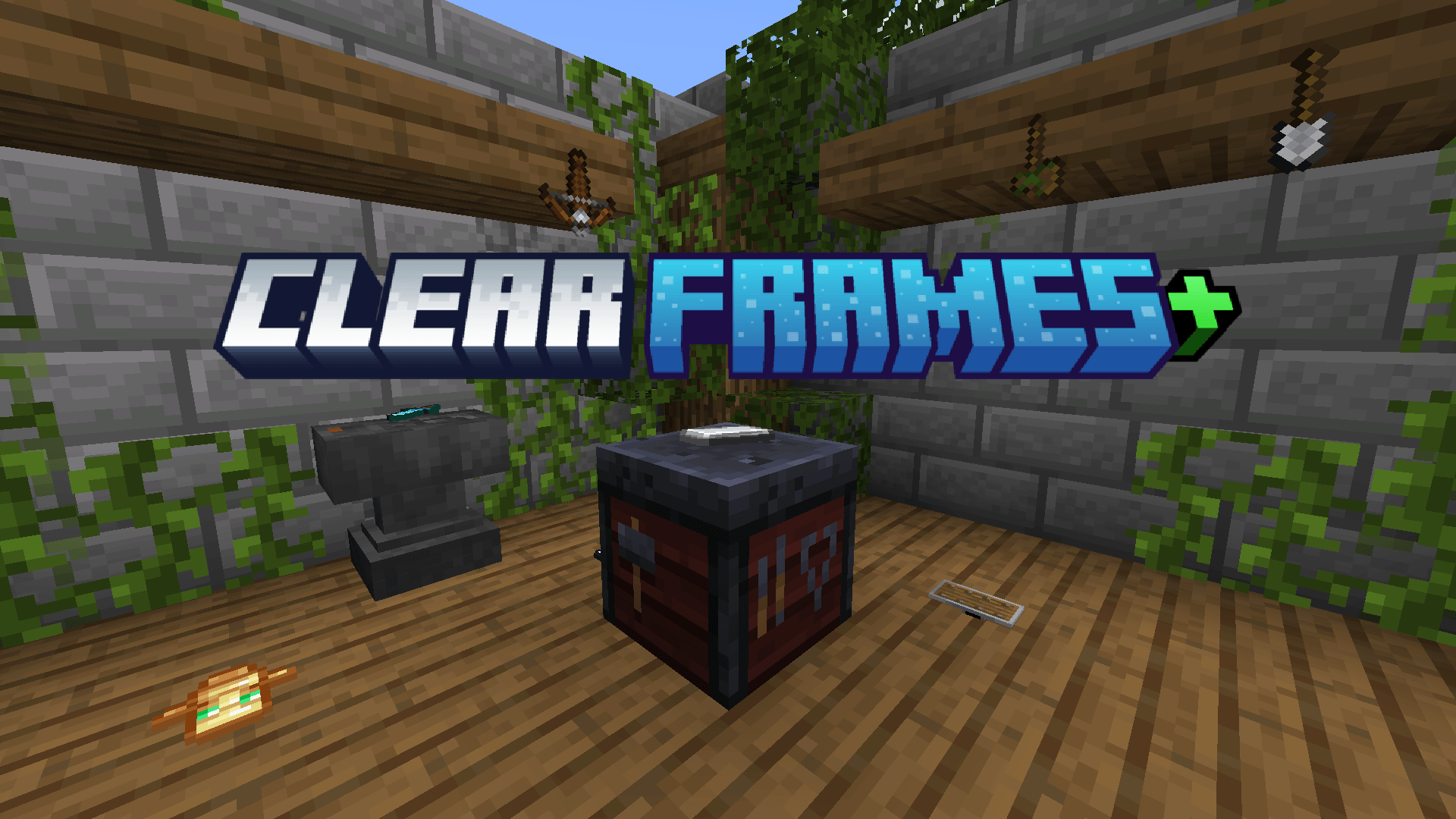

Clear Frames+ (Togglable via Subpack)
A customizable resource pack with three subpacks that let you toggle the visibility of item frames and glowing item frames independently.Download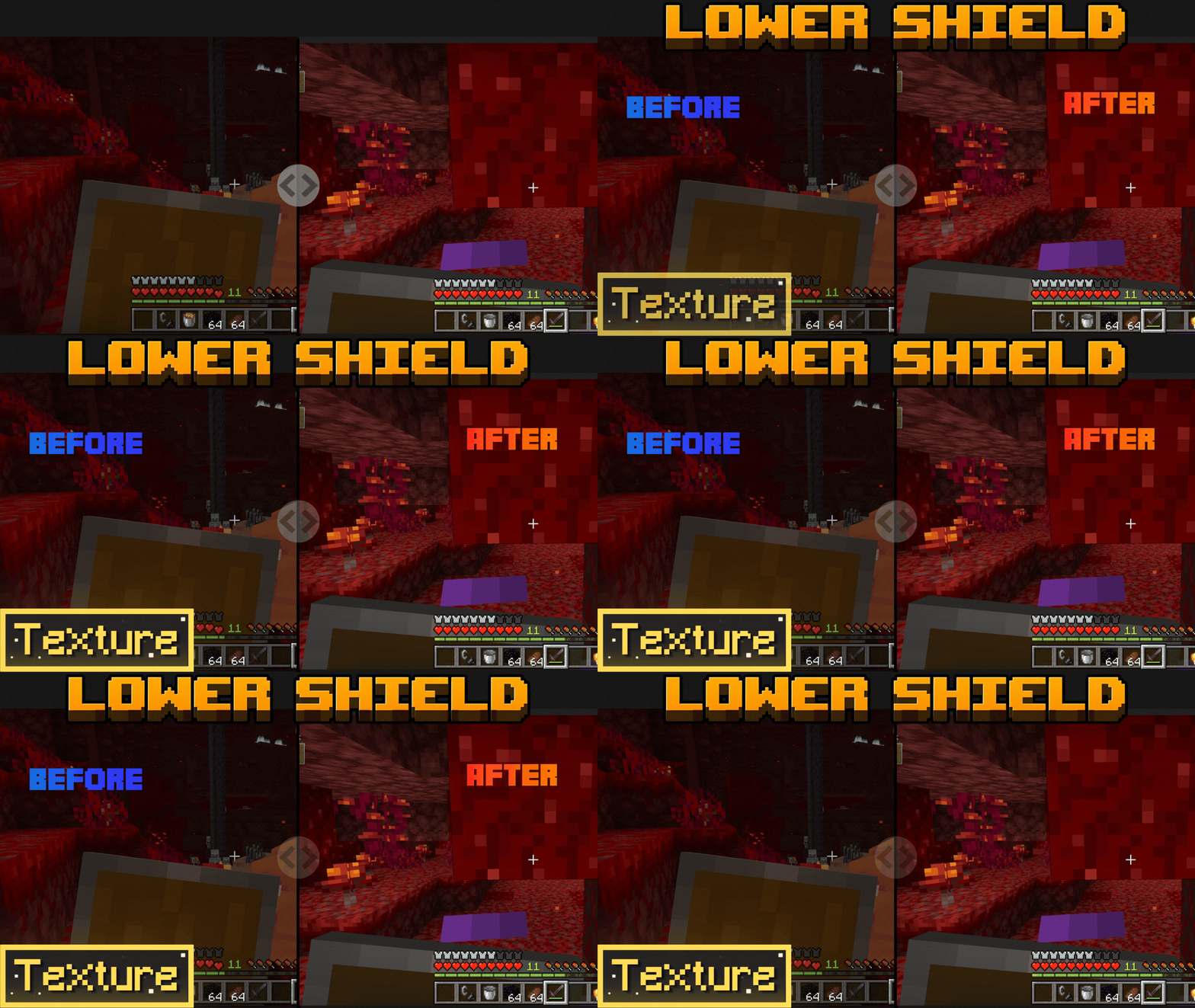

Better Low Shield
Lowers Shields in the first-person perspective, including the off-hand, to provide for wider visibility.Download

Anime Girl Totem
Replaces the Totem of Undying with an Anime Girl TotemDownload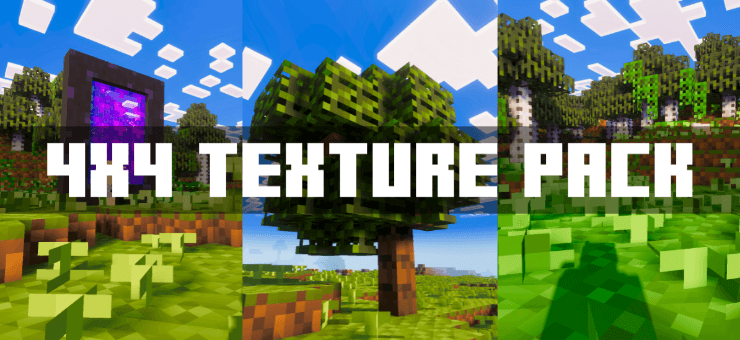
Default 4x4
This pack changes all Minecraft textures to 4×4, giving a retro pixel look while improving performance and keeping blocks easy to recognize.Download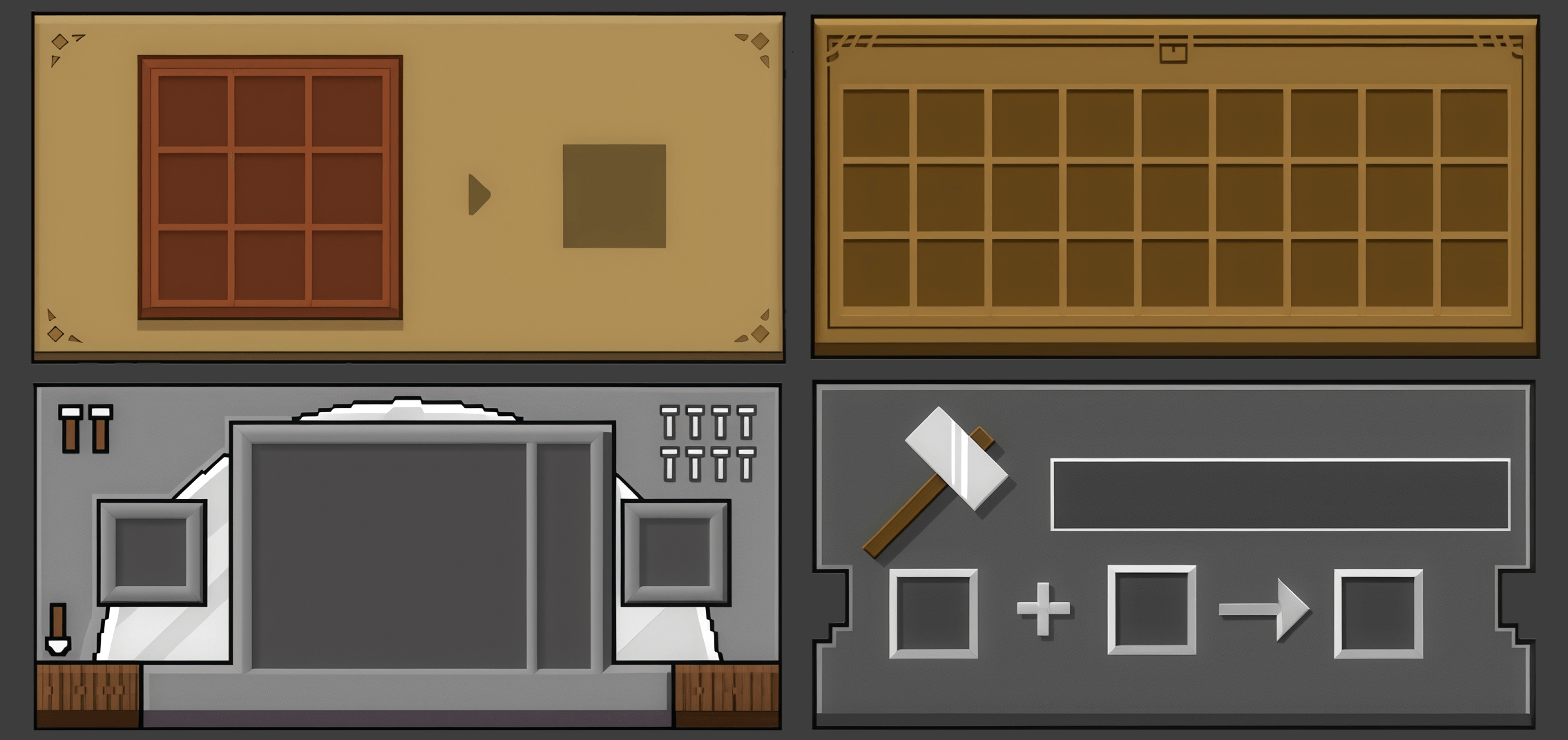

NeBux GUI - Dark Mode
NeBux GUI adds a clean themed interface to every usable block in Minecraft Bedrock, giving each block its own matching GUI for a consistent and immersive look.Download

Yellow PvP Pack
A clean, high-FPS Yellow-themed PvP texture pack featuring custom transparent dark UIs, short swords, outlined ores, and a breathtaking custom golden sky. Perfect for competitive Bedwars, SkyWars, and Duels!Download

PigGirls
The pigs will be replaced by girls.DownloadFAQ
Do I need Forge or Fabric for a resource pack?
No. A resource pack works on the regular game with no loaders or mods. Click “Install” and Millida Launcher will put the pack into the right modpack — then just enable it in the settings.
What do 16×, 32×, 64× mean?
The resolution of a single texture in pixels. 16× matches the original game, 32× and 64× are more detailed and heavier, and 128× and up put a noticeable load on your graphics card.
Will a pack made for another version work?
Most likely partly: older packs don't have textures for newer blocks, so those will stay default. The game won't break, though.
How is a texture pack different from a resource pack?
Only by name and age. Before version 1.6 the sets were called texture packs and changed only textures; in 1.6 resource packs replaced them and also change sounds, fonts and the interface. Old texture packs for 1.5 and below do not work on new versions without conversion.
Which texture packs are best for PvP?
PvP packs: 16× resolution or lower, shortened swords, low fire, a clear sky and bright particles. They barely load the computer and make the opponent easier to see. These packs are collected in the PvP theme.
How do I install a resource pack?
Press Install and Millida Launcher puts the pack into the resourcepacks folder of the right instance. Then enable it in the game: Options, then Resource Packs. Manually, the archive goes into resourcepacks inside the game folder, no need to unpack it.
Minecraft texture packs
A resource pack changes how the game looks and sounds: block and item textures, fonts, the interface, sounds. It doesn't touch the game's code, so it needs no mod loader and breaks nothing on a server — the pack only works on your screen. That's exactly why a resource pack is safer than any mod: the worst that happens on a version mismatch is that some textures stay default.
Textures, texture packs and resource packs are essentially the same thing: since version 1.6 Mojang calls these sets resource packs, but the old name is still searched more often. PvP packs are a big genre of their own: shortened swords, low fire, bright particles and 16× resolution or lower, so the opponent stands out and the frame rate does not drop. Such packs are most often made for 1.8.9 and 1.16.5, the versions many PvP servers run on.
The key thing about a pack is its resolution. The game's default textures are 16×16 pixels; 32× and 64× packs look more detailed, while 128× and up need a real graphics card and are usually paired with shaders. On a weak machine it makes sense to stay at 16× or go for packs that deliberately simplify graphics for more FPS. Every pack here lists its game version, author and license, and all released versions are gathered on one card. Put the downloaded archive in the resourcepacks folder and enable it in the game settings.