
Minecraft texture packs — page 231
Resource packs: list


No Particles Pack
Remove most Minecraft particles for a cleaner screen and better performance.Download

Low fire (Unanimated)
Removes animation and Reduces height of fireDownload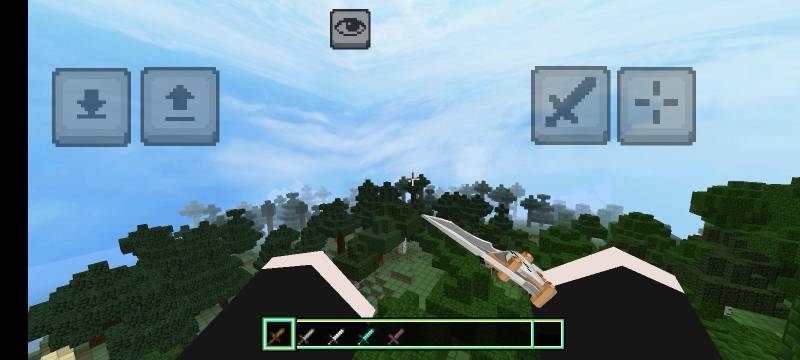
DeltaForce 3D Sword Only
A Minecraft Bedrock resource pack that replaces vanilla sword items with custom 3D Delta Force-style models, textures, names, and animations for an immersive melee weapon experienceDownload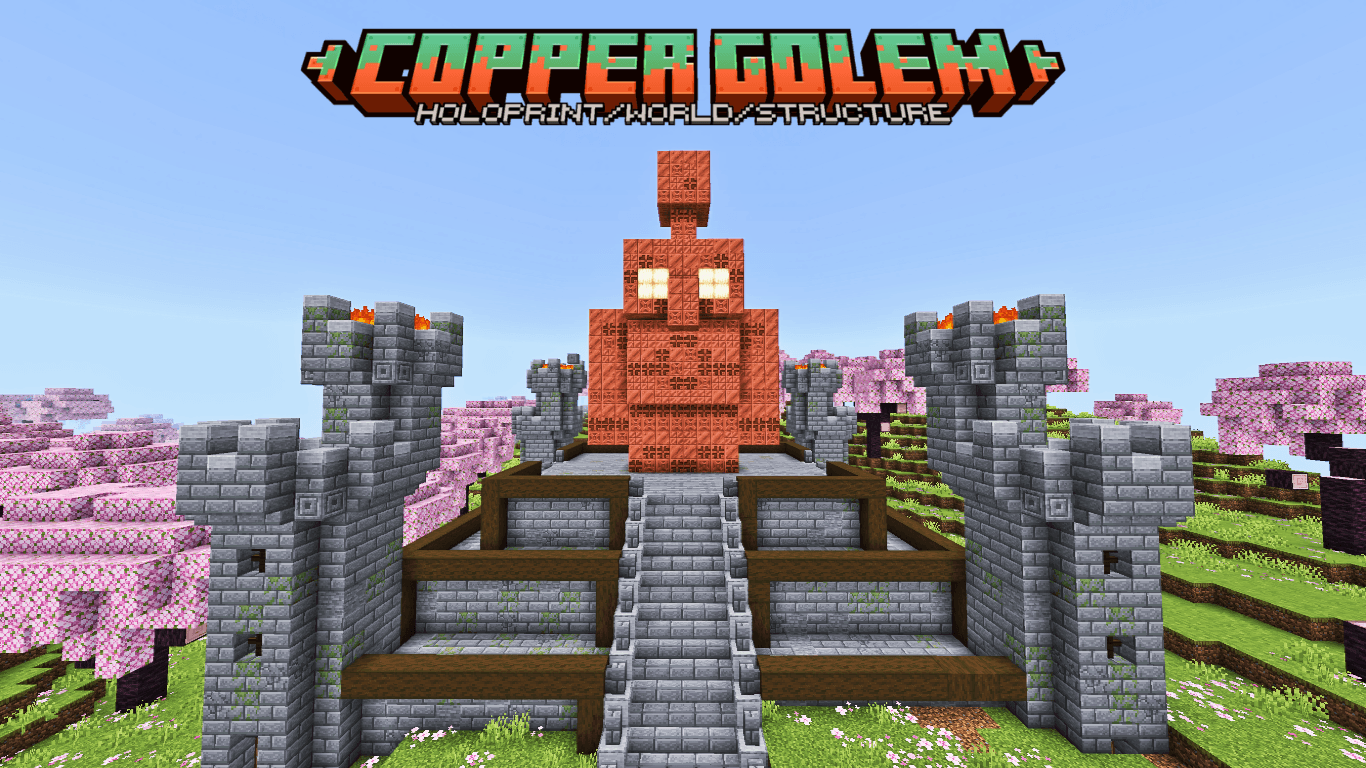

Copper Golem Statue
A detailed Copper Golem statue build including world download, Holoprint, and structure files for Minecraft Bedrock.Download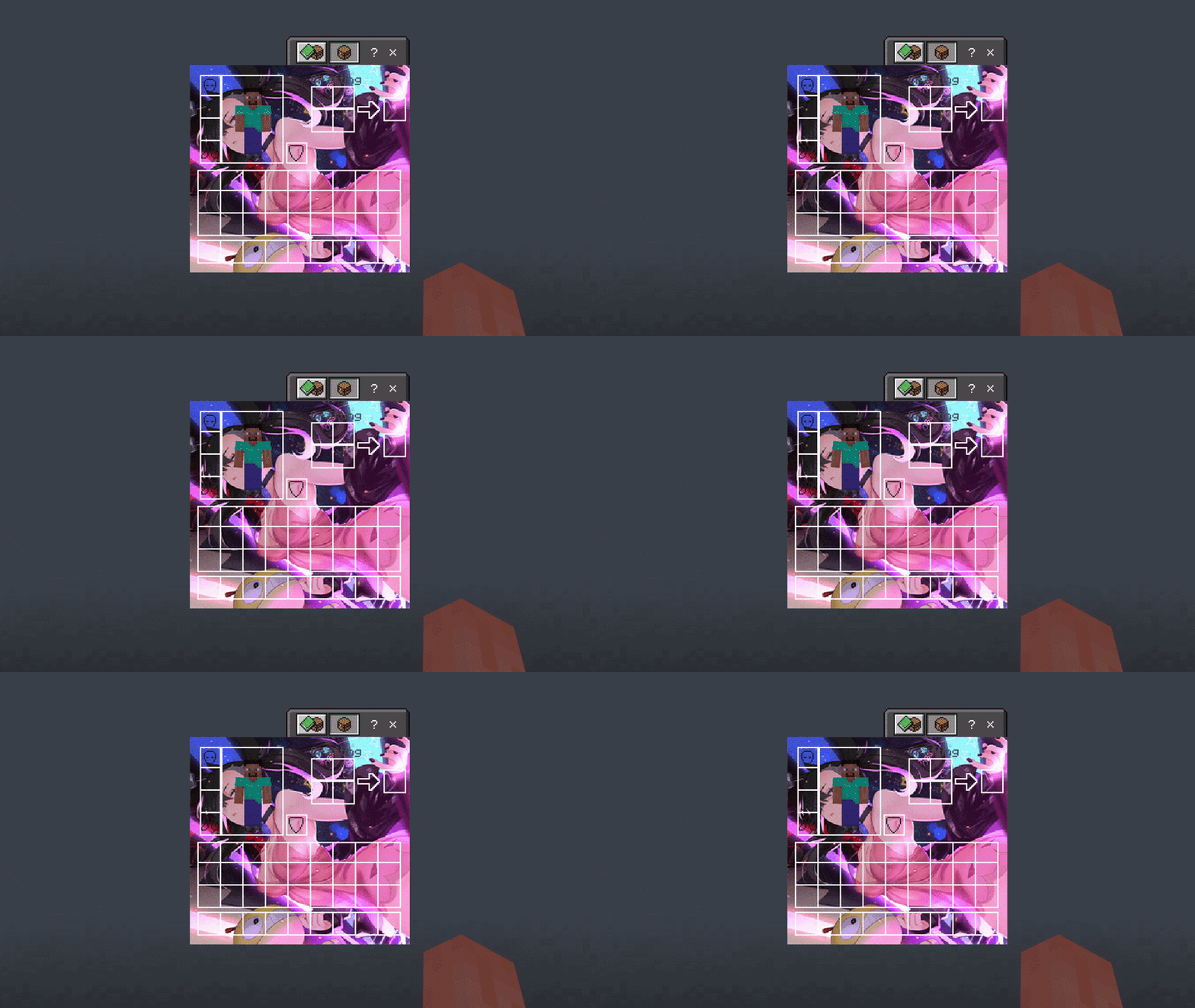

Pokemon Mary UI Inventory
Changes the normal Inventory to a Pokemon Mary UI InventoryDownload

PITCH BLACK VISION
Pitch Black Vision is a shader created for people who love natural environments, where there is no light pollution from lamps—only a dark, relaxing night.Download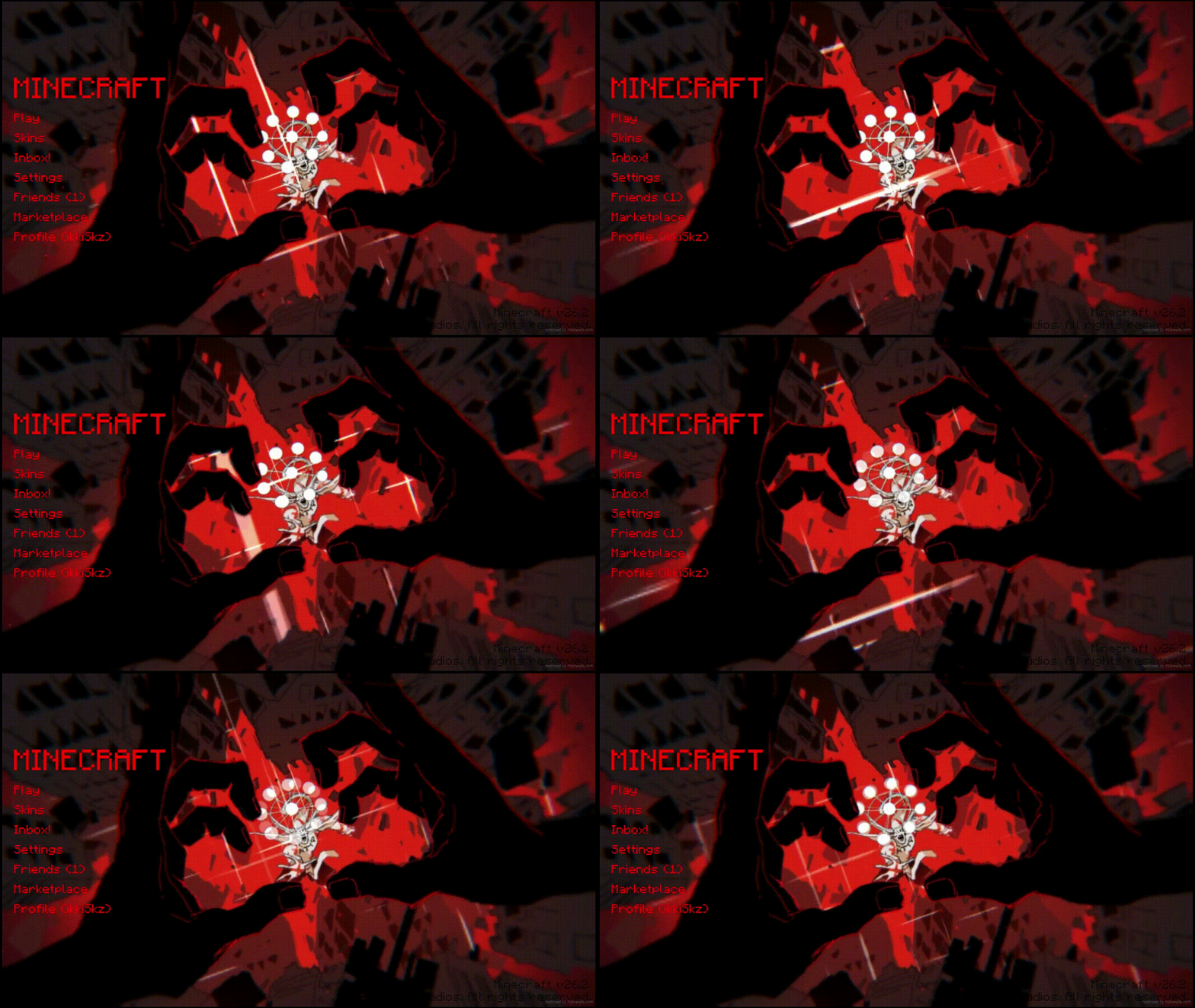

Animated Menu: Sukuna Malevolent Shrine
Malevolent Shrine animated menu for Start & Settings. Sukuna’s domain vs Mahoraga: pulsing crimson slashes expand/retract on dark shrine background, faint Cleave traces, cursed sparks & red mist. Black-crimson-purple oppressive vibe.Download

TZP Mutant
TZP Mutant For Add on Mutant Creatures BedrockDownload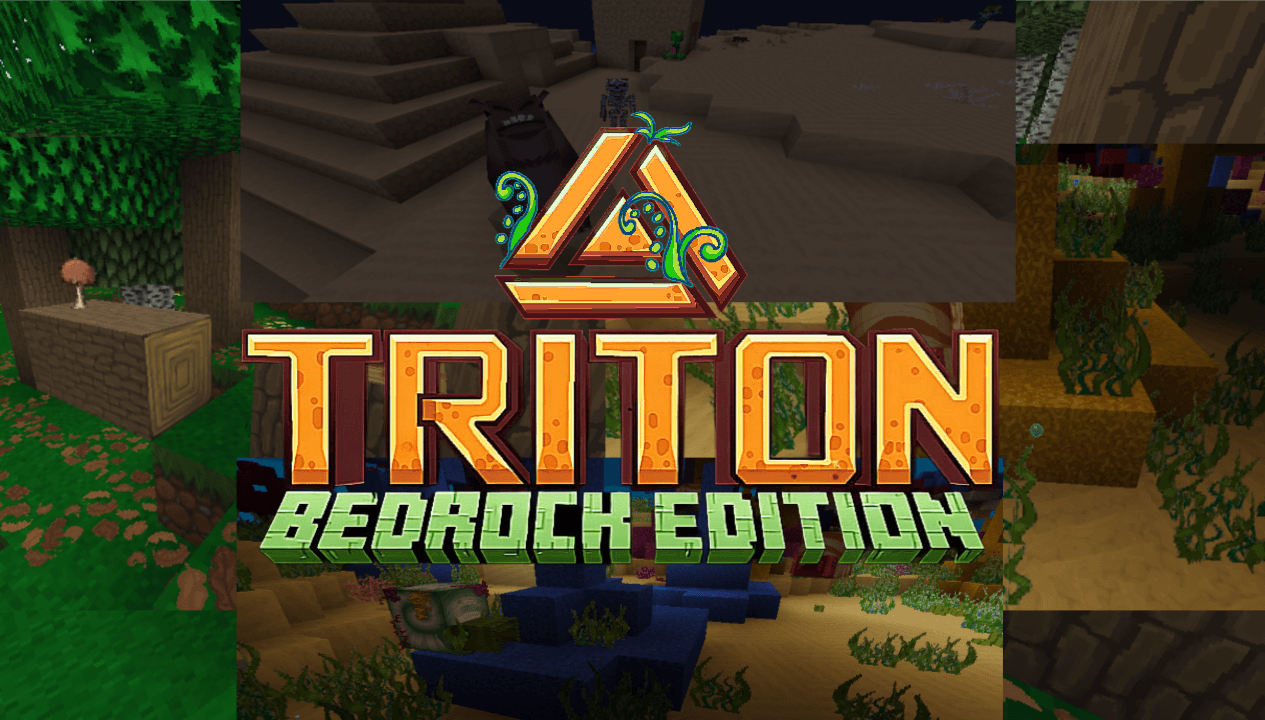

Triton With Ferns Bedrock 128x
A texture pack originally from Java Edition and discontinued. However, KekPafrany continues the legacy, and now I'll adapt its resolutions to the Bedrock version. Enjoy this pack in your world, now with vibrant and colorful colors.Download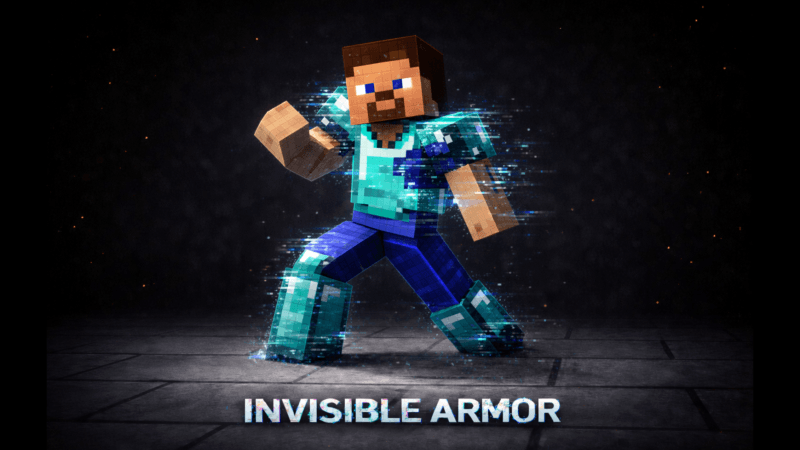

INVISIBLE ARMOR (Achievement-friendly)
This is not an add-on, this is a texture pack. This texture pack is used to trick your friends and make them wonder why you are so strong without any armor, even though you are actually wearing Netherite armor.Download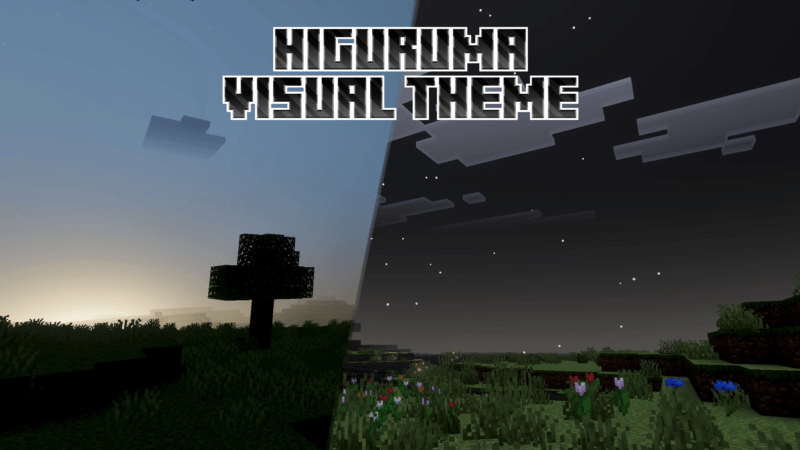
Higuruma Visual Theme
> Higuruma Visual Theme gives your world the atmosphere of Higuruma at midnight, with dark tones, dramatic lighting, and a mysterious night sky. Credit to Jujutsu Kaisen for the inspiration behind this visual theme. 🌙Download
Helmets Into Crowns
All helmets are renamed as crowns! Leather, Chainmail, Copper, Iron, Golden, Diamond, Netherite, and Turtle helmets now appear as royal crowns in-game. Perfect for custom adventures. Made By LegendWar.Download

SheepGirls
Sheeps But GirlsDownload

Bedwars PvP Kit
Especially for BedwarsDownload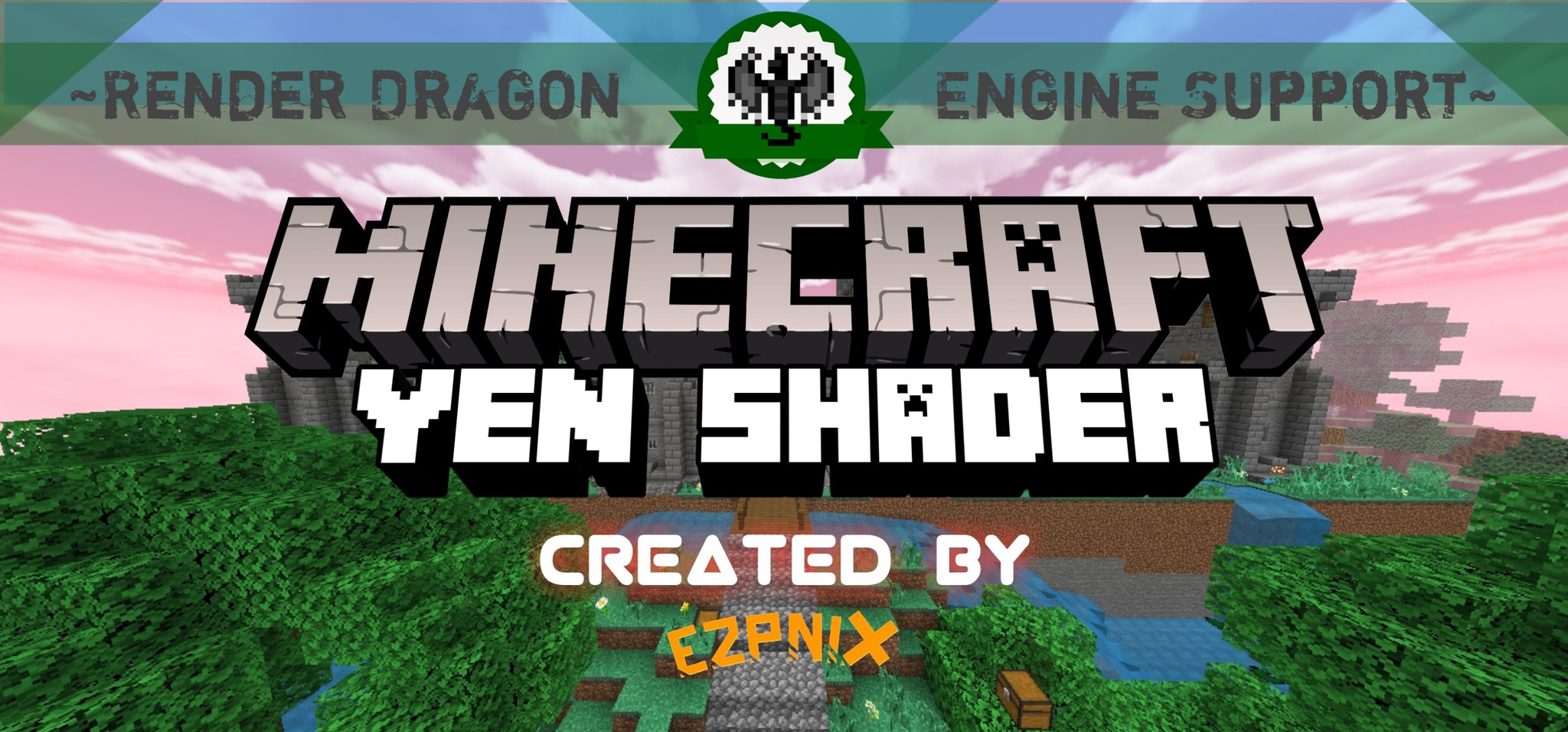

YEN Shader
Serenity is the main attraction here. A gentle radiance of a cherry blossom forest in a 1.16-1.20+ Minecraft Graphics PackDownload

Animated Menu : Luffy Edition
Set Sail with Luffy — Animated One Piece Background for Minecraft MenusDownload

Spooky Visuals | Vibrant Visuals Shader
Spooky Visuals is a vibrant shader/pack for Minecraft Bedrock designed especially for the Halloween & autumn season. 🍁 It captures the cozy-yet-spooky aesthetic of fall nights, glowing pumpkins, and mysterious forests. ✨Download

True Form Sukuna Totem
Replaces the Totem of Undying with an Anime True Form Sukuna TotemDownload

Kirby 4d Skin
4d Kirby Skin Texturepack with Blinking AnimationDownload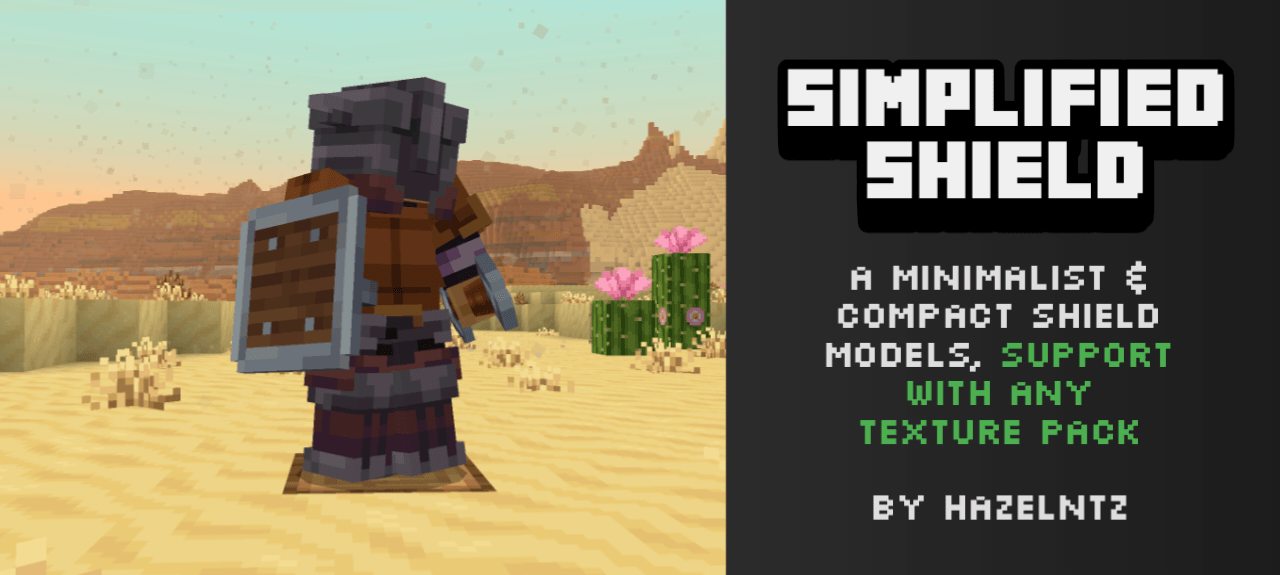

SIMPLIFIED SHIELD
A minimalist and compact shield models for anyone that annoyed with vanilla shield modelsDownload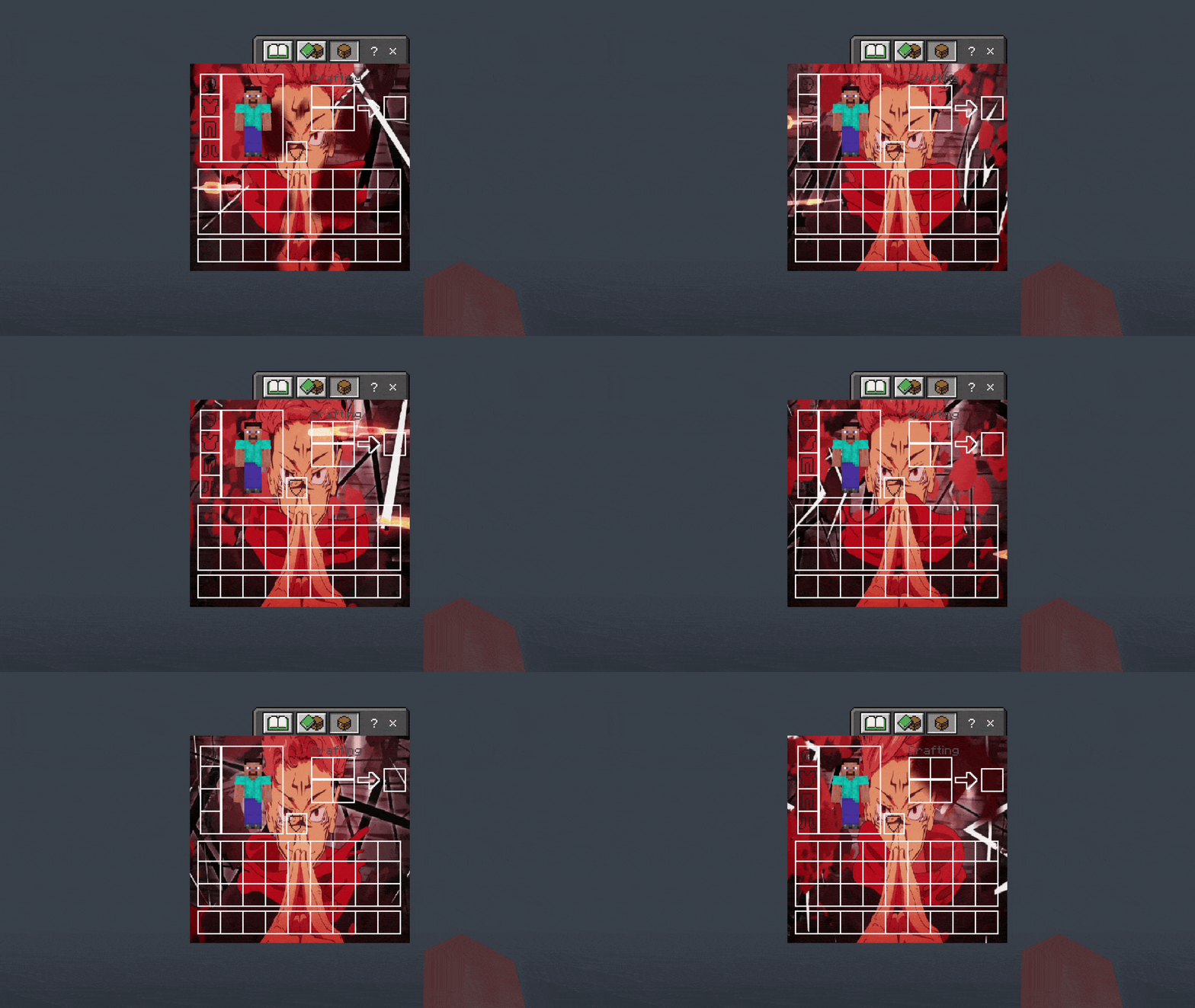

Sukuna UI Inventory
Adds a Sukuna UI InventoryDownload

Minimito's Flowers
This resource pack simply replaces the flowers and pot texture. Bedrock Edition.Download

Minecraft Earth Chickens
New chicken variants from the game Minecraft Earth!DownloadFAQ
Do I need Forge or Fabric for a resource pack?
No. A resource pack works on the regular game with no loaders or mods. Click “Install” and Millida Launcher will put the pack into the right modpack — then just enable it in the settings.
What do 16×, 32×, 64× mean?
The resolution of a single texture in pixels. 16× matches the original game, 32× and 64× are more detailed and heavier, and 128× and up put a noticeable load on your graphics card.
Will a pack made for another version work?
Most likely partly: older packs don't have textures for newer blocks, so those will stay default. The game won't break, though.
How is a texture pack different from a resource pack?
Only by name and age. Before version 1.6 the sets were called texture packs and changed only textures; in 1.6 resource packs replaced them and also change sounds, fonts and the interface. Old texture packs for 1.5 and below do not work on new versions without conversion.
Which texture packs are best for PvP?
PvP packs: 16× resolution or lower, shortened swords, low fire, a clear sky and bright particles. They barely load the computer and make the opponent easier to see. These packs are collected in the PvP theme.
How do I install a resource pack?
Press Install and Millida Launcher puts the pack into the resourcepacks folder of the right instance. Then enable it in the game: Options, then Resource Packs. Manually, the archive goes into resourcepacks inside the game folder, no need to unpack it.
Minecraft texture packs
A resource pack changes how the game looks and sounds: block and item textures, fonts, the interface, sounds. It doesn't touch the game's code, so it needs no mod loader and breaks nothing on a server — the pack only works on your screen. That's exactly why a resource pack is safer than any mod: the worst that happens on a version mismatch is that some textures stay default.
Textures, texture packs and resource packs are essentially the same thing: since version 1.6 Mojang calls these sets resource packs, but the old name is still searched more often. PvP packs are a big genre of their own: shortened swords, low fire, bright particles and 16× resolution or lower, so the opponent stands out and the frame rate does not drop. Such packs are most often made for 1.8.9 and 1.16.5, the versions many PvP servers run on.
The key thing about a pack is its resolution. The game's default textures are 16×16 pixels; 32× and 64× packs look more detailed, while 128× and up need a real graphics card and are usually paired with shaders. On a weak machine it makes sense to stay at 16× or go for packs that deliberately simplify graphics for more FPS. Every pack here lists its game version, author and license, and all released versions are gathered on one card. Put the downloaded archive in the resourcepacks folder and enable it in the game settings.