
Minecraft texture packs — page 232
Resource packs: list

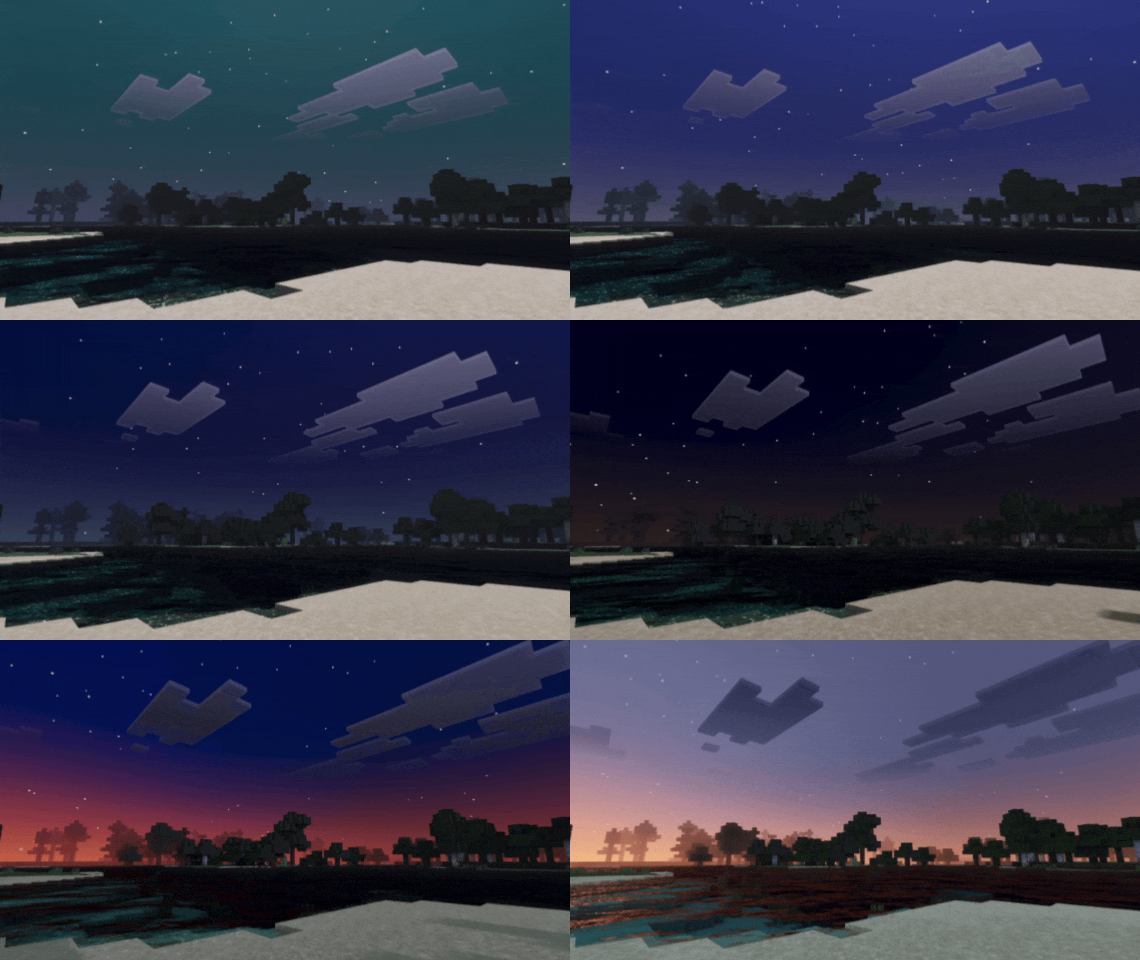

Colorful Night Vibrant
Colorful Night Vibrant makes your world look more epic, with a special focus on nighttime. It creates colorful and beautiful nights, similar to the atmosphere in the mountains. 🌌Download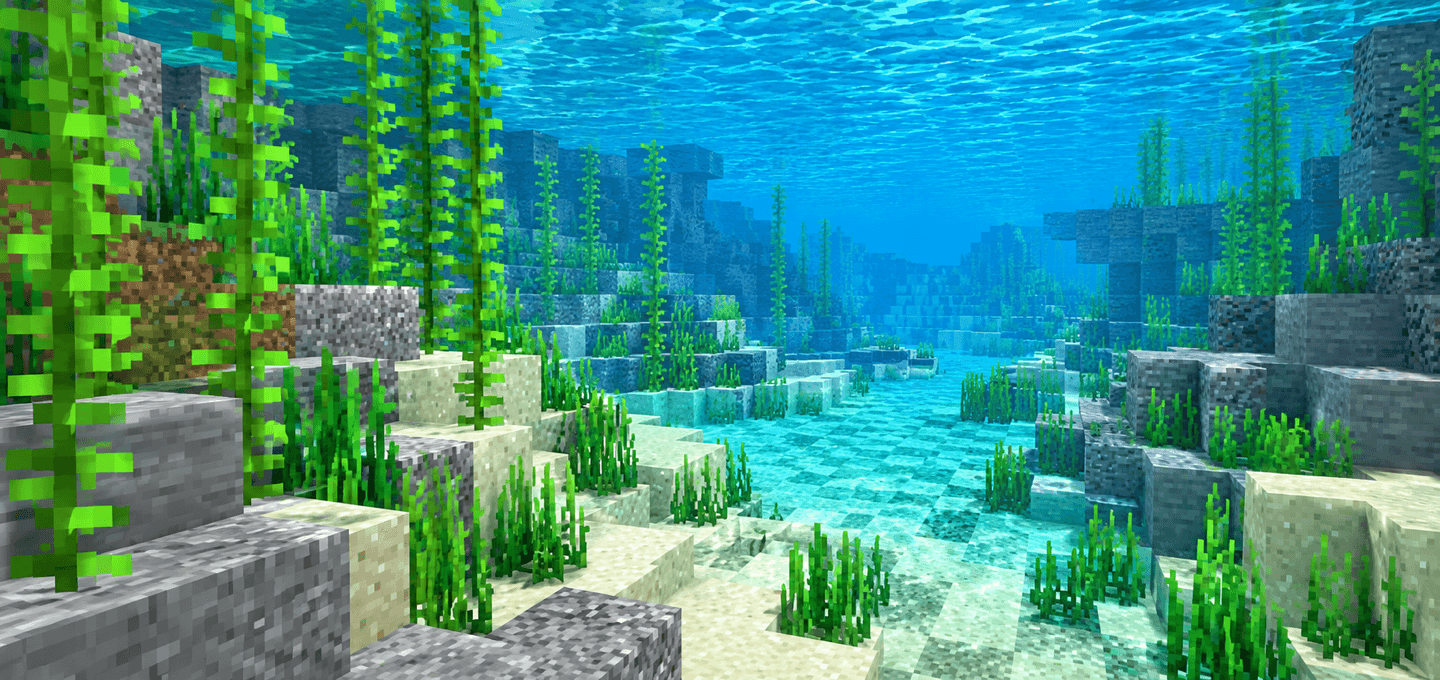

Clear Water | FPS Booster
Clear Water FPS Booster is a lightweight Minecraft Bedrock visual pack that makes water easier to see through, calms busy water effects, and slows fluid animation for a cleaner low-end experience.Download

Scarlett's Pink Netherite
A simple pack to retexture Netherite tools and armour to be pink!Download

CartoonCraft
This texture pack looks like a cartoon, with a childish and basic theme.Download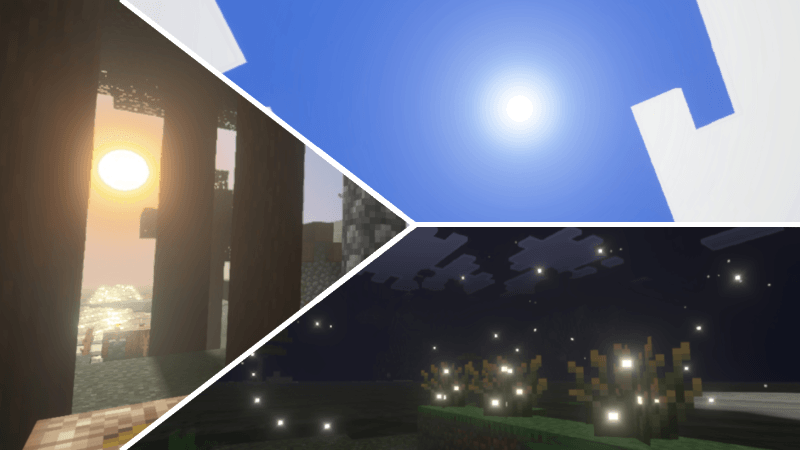

Aetheris Visual
Aetheris Visual provides a calm and realistic visual experience with natural lighting, balanced colors, and an immersive atmosphere. Perfect for players who prefer a peaceful and realistic world.Download

Fishy's Magic Horses
Adds variety of magic horsesDownload

AXOLOTL TOTEM
change texture totem to axolotl of bucketDownload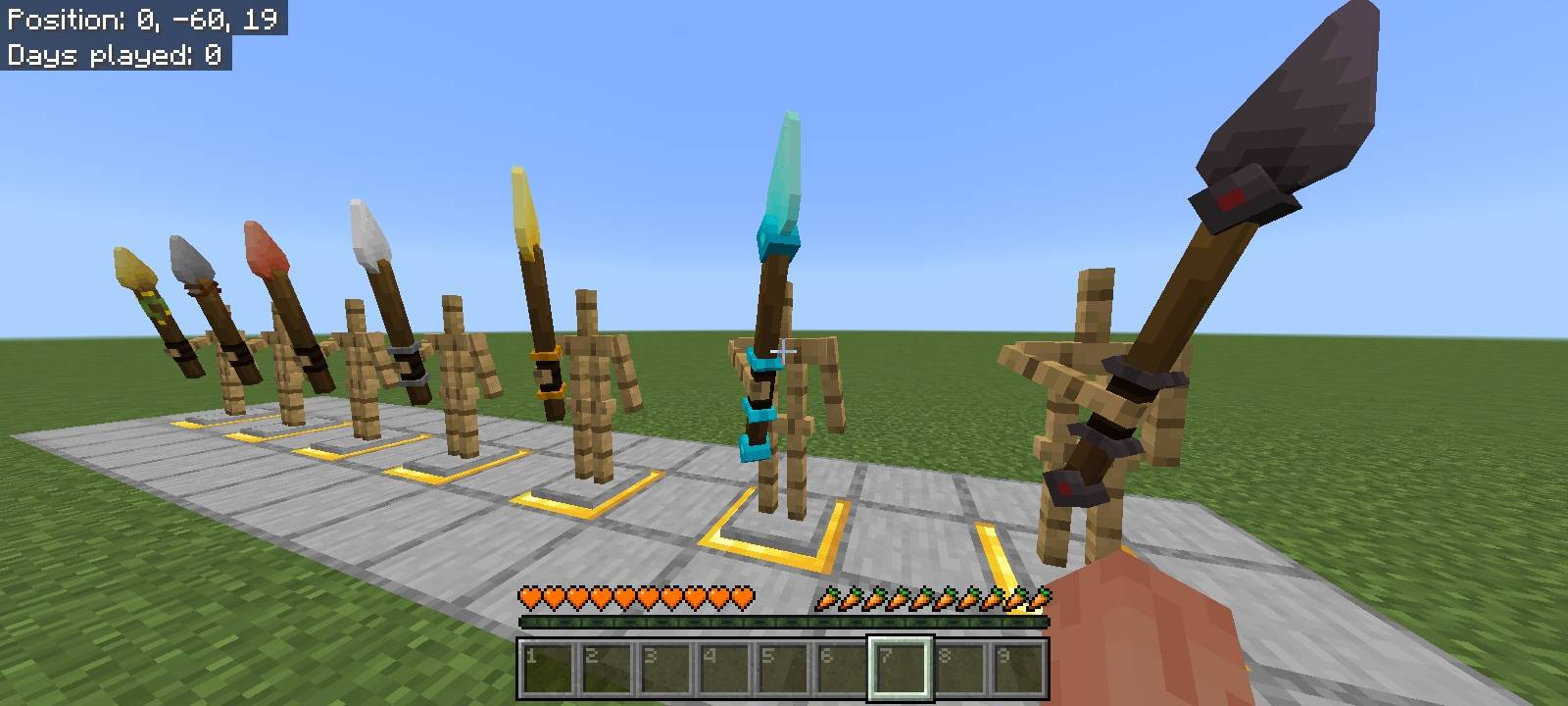
Items 3D - Tools Update
Transforms Minecraft's flat items into 3D models while preserving the vanilla feel.Download

The Hive Aspects (Texture Pack)
A fresh take on the iconic Hive style! This pack enhances your Minecraft Bedrock experience with smooth animations, vibrant colors, and crisp details, all while keeping the recognizable aesthetic of The Hive.Download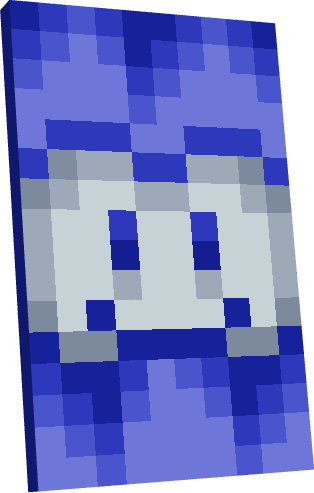
CapesVM
A Minecraft Bedrock resource pack that adds custom capes with unique designs and detailed textures. Personalize your character with stylish cape options while enjoying a clean and compatible experience designed for Minecraft Bedrock players. For all users!Download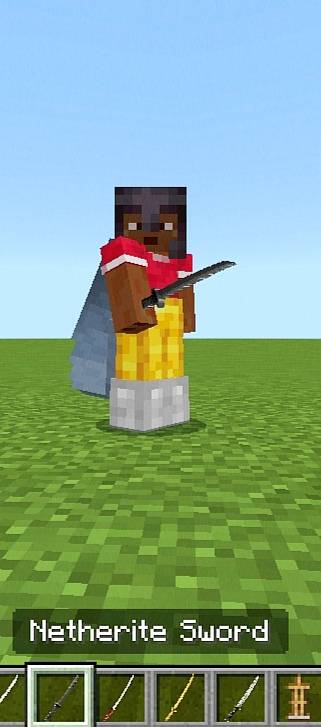

Minecraft Japanese Tools
A clean and stylish Japanese katana-inspired sword texture pack for Minecraft. Designed with sharp details and aesthetic visuals to enhance your gameplay experienceDownload

Mace to Greatsword
Change mace to Greatsword. Bedrock EditionDownload

FPS OPTIMIZER | NOLAG | EXTREME FPS BOOST | FPS BOOST
ULTIMATE FPS BOOST 🔥Download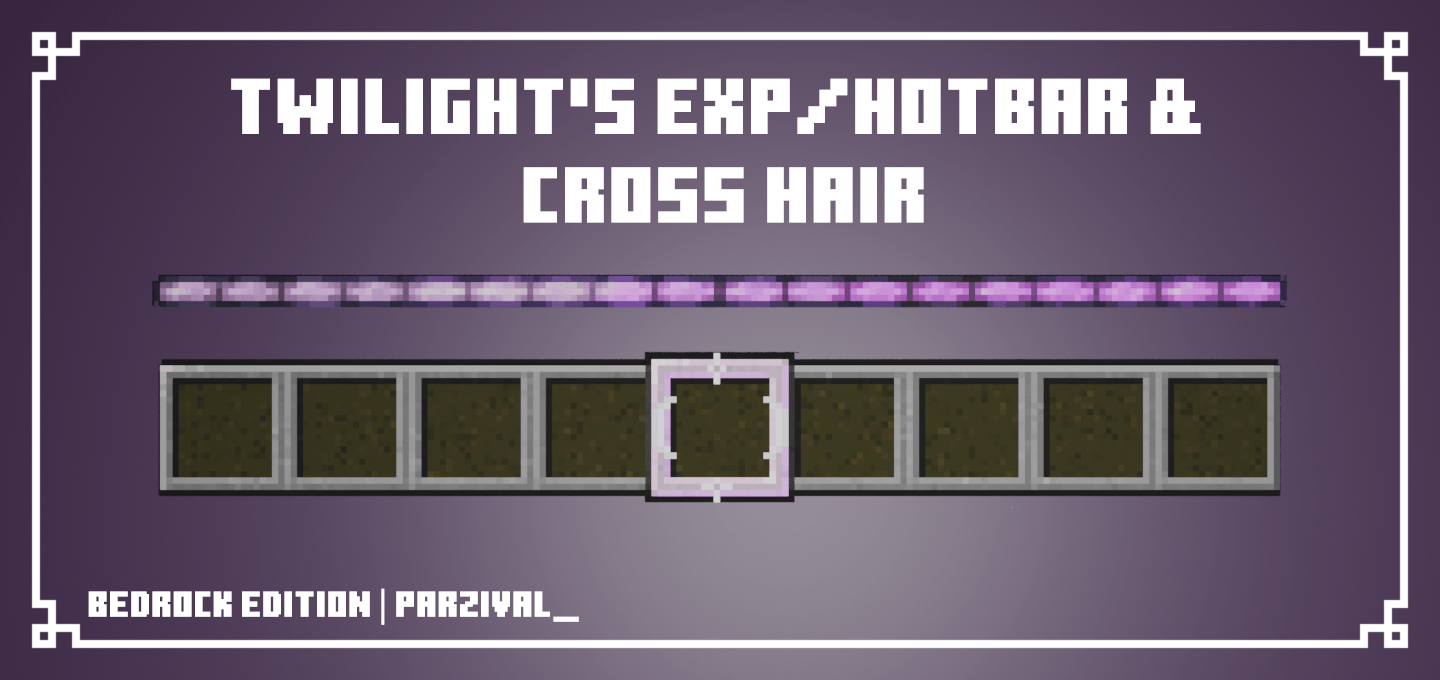

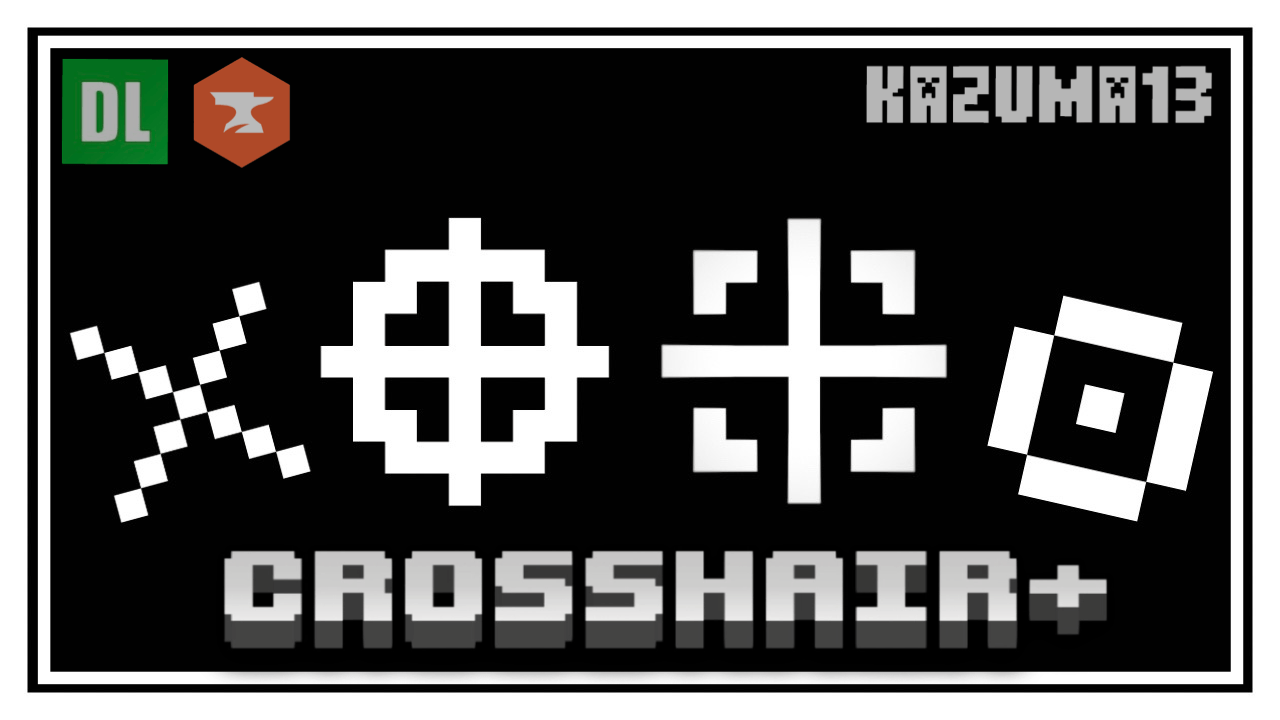
Twilight's Exp/Hotbar and Crosshair
Pretty purple gradient experience bar and hollow crosshair to break up the default crosshair.Download

Suvile's Better Ore Textures for 26.52
Suvile's Better Ores adds new and improved textures for all ores including deepslate and nether ores.Download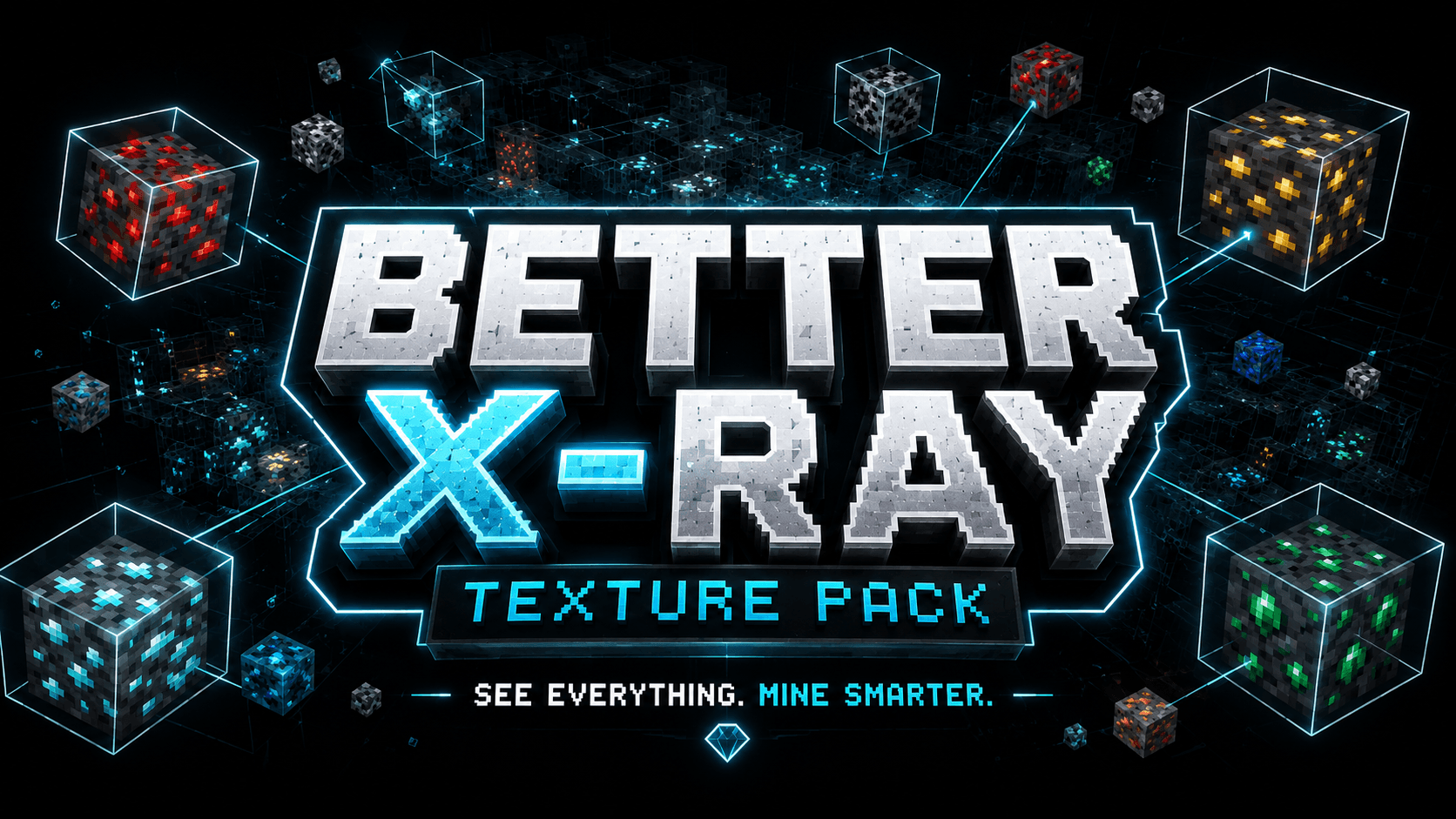

Better X-Ray Plus
A simple and clean X-Ray Resource Pack for Minecraft Bedrock Edition that makes most underground blocks invisible so you can easily find ores like diamonds, iron, gold, and moreDownload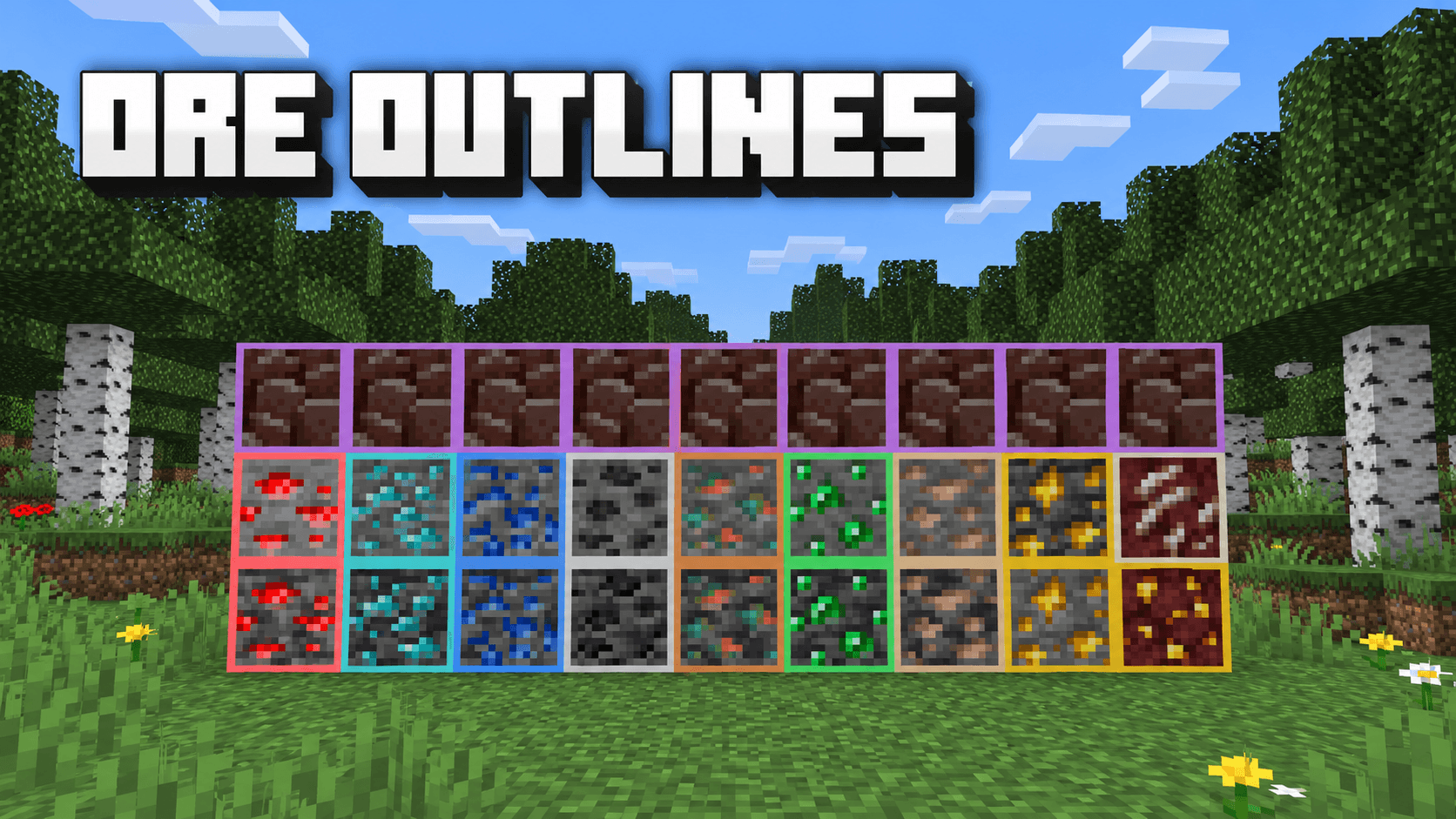
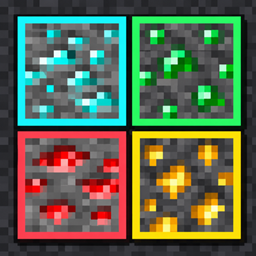
Ore outline
Vanilla Ore Outlines by Baku adds bright borders to Overworld, Deepslate and Nether ores while keeping their original textures. Spot valuable blocks faster without changing gameplay.Download

Transparent Ocean UI Pack
Transparent Ocean UI Pack gives Minecraft Bedrock a clean, ocean-inspired transparent interface with a smooth, modern look.Download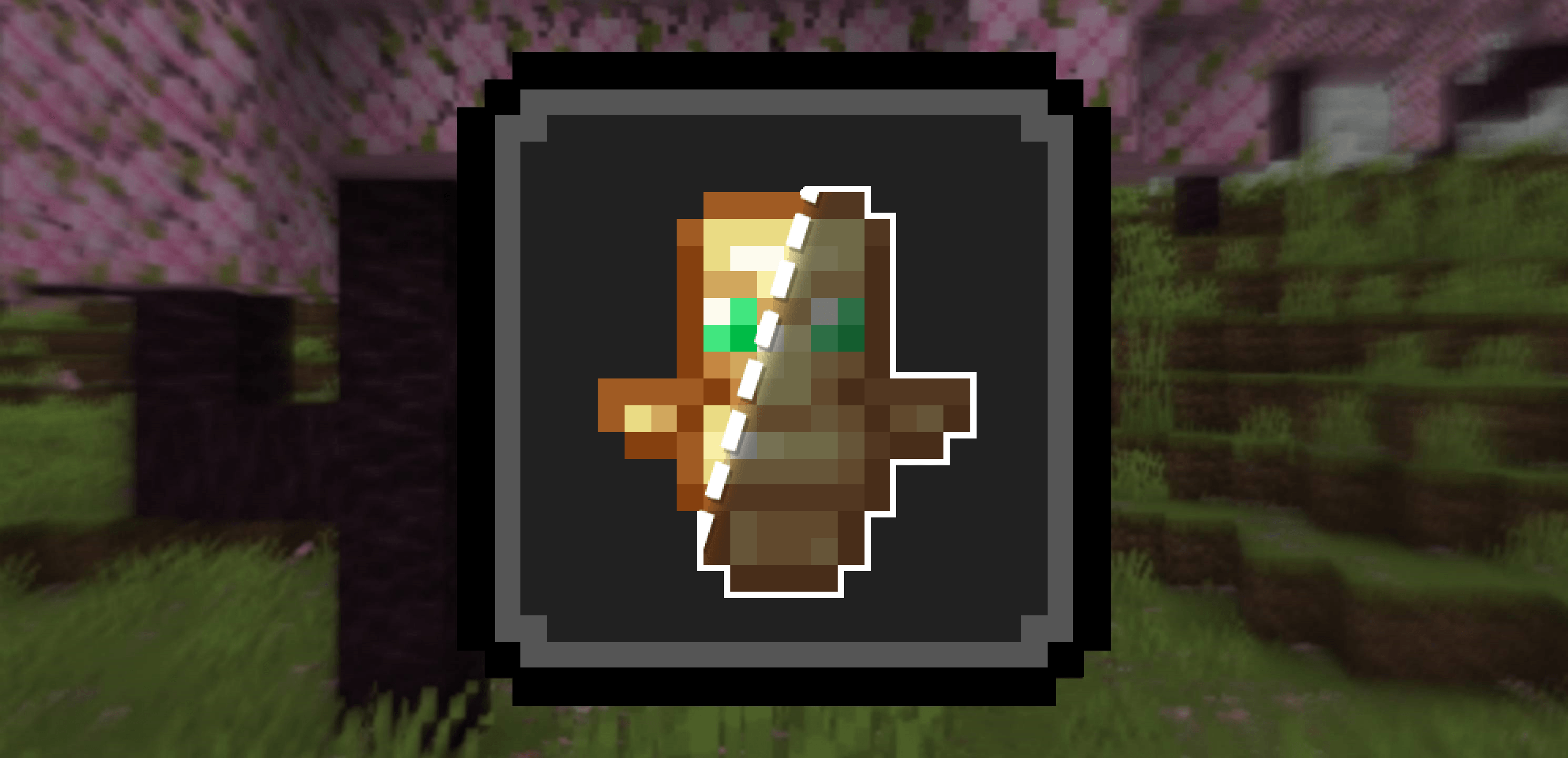

Ponky's Transparent Totem
Renders your totem as semi-transparent, to improve visibilityDownload

Amazing Axolotls
Adds variants to all colors of axolotls, along with bunch of cool named stylesDownload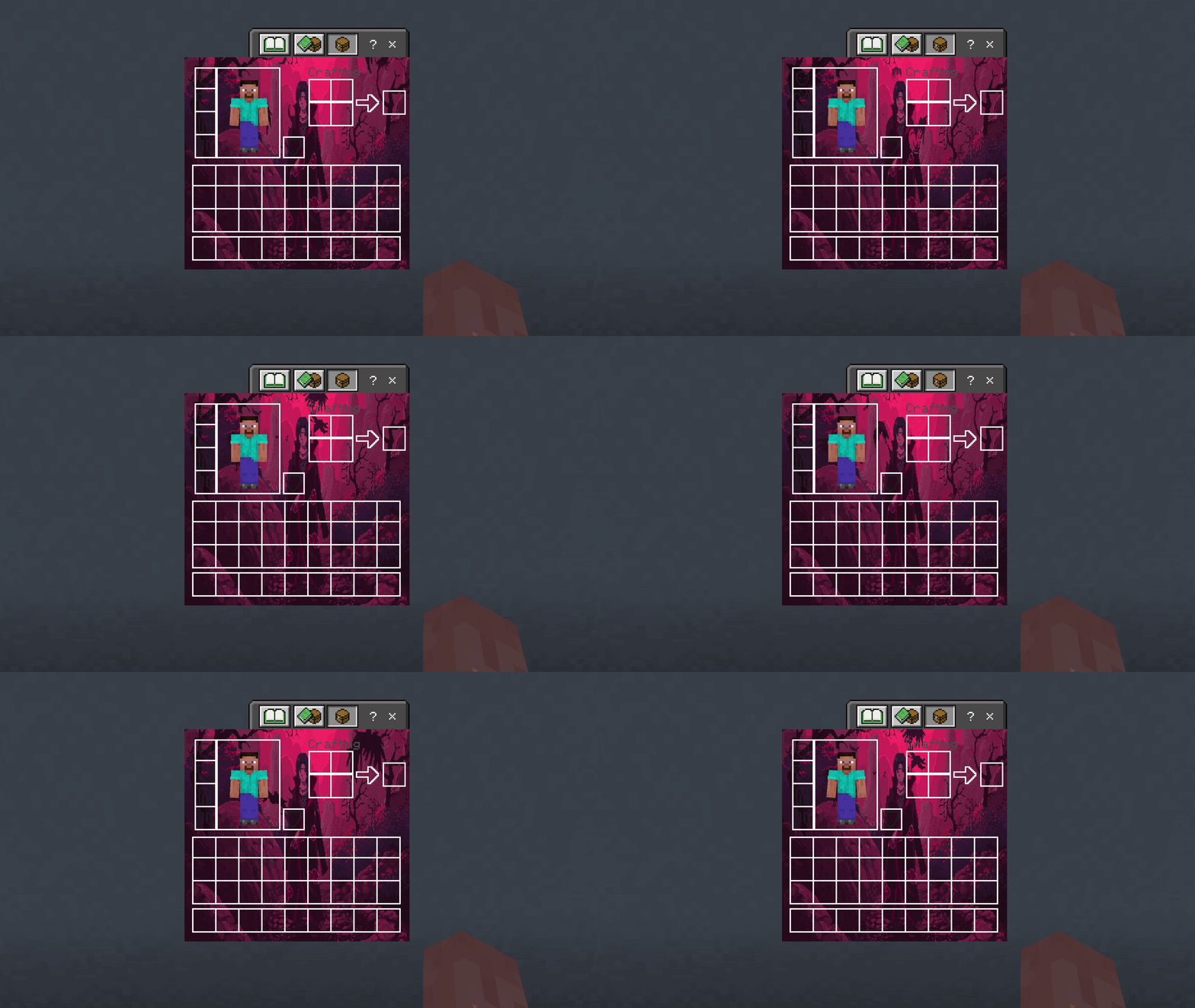

Itachi UI Inventory
Adds a Itachi UI Inventory to your Game.Download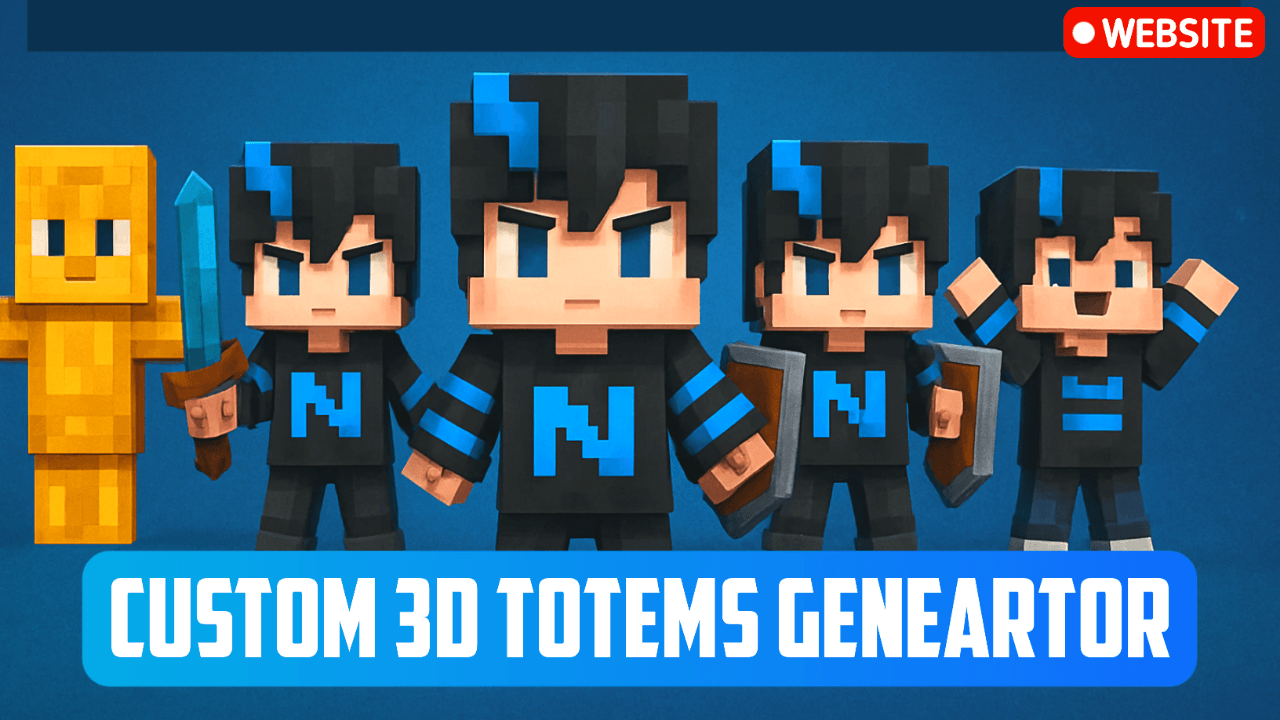

NeBux Custom 3D Totems
NeBux 3D Totems replaces the boring default totem with 5 unique 3D styles in MCPE/Bedrock. Customize it manually by replacing the Totem41.png file with your own skin for a personalized in-game totem experience.Download

Java HUD UI [v2.1]
Makes Bedrock HUD match to the Java Edition.DownloadFAQ
Do I need Forge or Fabric for a resource pack?
No. A resource pack works on the regular game with no loaders or mods. Click “Install” and Millida Launcher will put the pack into the right modpack — then just enable it in the settings.
What do 16×, 32×, 64× mean?
The resolution of a single texture in pixels. 16× matches the original game, 32× and 64× are more detailed and heavier, and 128× and up put a noticeable load on your graphics card.
Will a pack made for another version work?
Most likely partly: older packs don't have textures for newer blocks, so those will stay default. The game won't break, though.
How is a texture pack different from a resource pack?
Only by name and age. Before version 1.6 the sets were called texture packs and changed only textures; in 1.6 resource packs replaced them and also change sounds, fonts and the interface. Old texture packs for 1.5 and below do not work on new versions without conversion.
Which texture packs are best for PvP?
PvP packs: 16× resolution or lower, shortened swords, low fire, a clear sky and bright particles. They barely load the computer and make the opponent easier to see. These packs are collected in the PvP theme.
How do I install a resource pack?
Press Install and Millida Launcher puts the pack into the resourcepacks folder of the right instance. Then enable it in the game: Options, then Resource Packs. Manually, the archive goes into resourcepacks inside the game folder, no need to unpack it.
Minecraft texture packs
A resource pack changes how the game looks and sounds: block and item textures, fonts, the interface, sounds. It doesn't touch the game's code, so it needs no mod loader and breaks nothing on a server — the pack only works on your screen. That's exactly why a resource pack is safer than any mod: the worst that happens on a version mismatch is that some textures stay default.
Textures, texture packs and resource packs are essentially the same thing: since version 1.6 Mojang calls these sets resource packs, but the old name is still searched more often. PvP packs are a big genre of their own: shortened swords, low fire, bright particles and 16× resolution or lower, so the opponent stands out and the frame rate does not drop. Such packs are most often made for 1.8.9 and 1.16.5, the versions many PvP servers run on.
The key thing about a pack is its resolution. The game's default textures are 16×16 pixels; 32× and 64× packs look more detailed, while 128× and up need a real graphics card and are usually paired with shaders. On a weak machine it makes sense to stay at 16× or go for packs that deliberately simplify graphics for more FPS. Every pack here lists its game version, author and license, and all released versions are gathered on one card. Put the downloaded archive in the resourcepacks folder and enable it in the game settings.