
Minecraft texture packs — page 230
Resource packs: list


Gojo Totem
Replaces the Totem of Undying with an Anime Gojo TotemDownload

DYNAMIC VIBRANT (HowardAddon)
This texture pack will make your survival world look more dynamic and vibrant visual.Download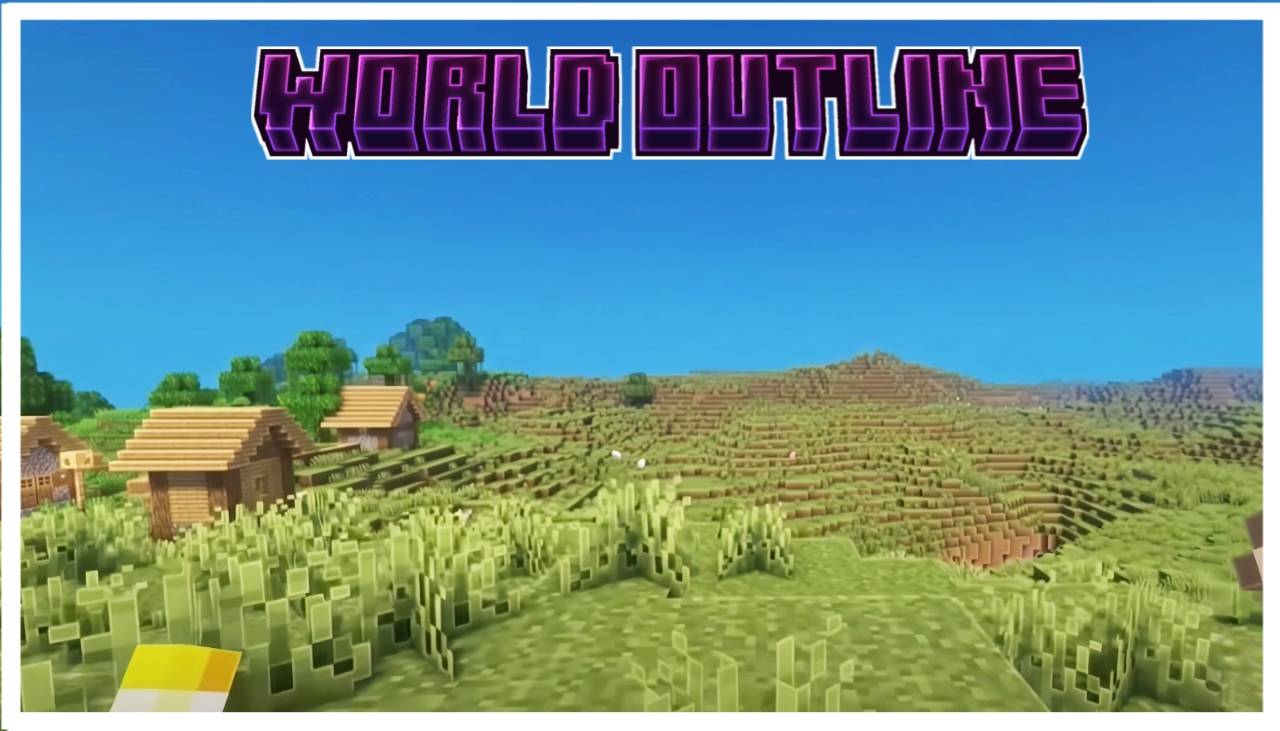

Beter Outlines
Beter outline texture pack for mcpeDownload

Anti-xray0.1
Anti Xray Resource Pack hides valuable ores underground to reduce unfair X-Ray cheating in Minecraft Bedrock Edition. Perfect for survival servers, realms, and multiplayer worlds. Lightweight, simple, and compatible with most devices.Download

Animated Honey Pie UI
Animated Honey Pie — Step into a vibrant world of sweet energy and whimsical charm with this lively, character-filled interface designed to bring a playful celebration to your screen.Download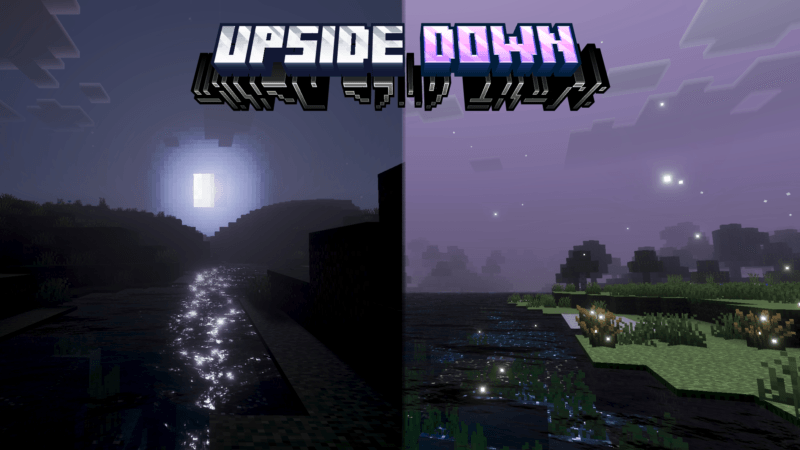
Upside Down Visual
Upside Down is a shader that reverses day and night.Download

Hunger Preview
Hunger Preview shows you exactly how many hunger bars food will restore before you eat it. Pure utility! 🥩Download

One Piece Nami - Totem of undying
Replaces the Totem of Undying with an Anime One Piece Nami TotemDownload

SoftShadows for Vibrant Visuals
Unpixelates the Vibrant Visuals shadow or make it softerDownload

Tiny Tools
This texture pack changes most of the tools to make them more comfortable.Download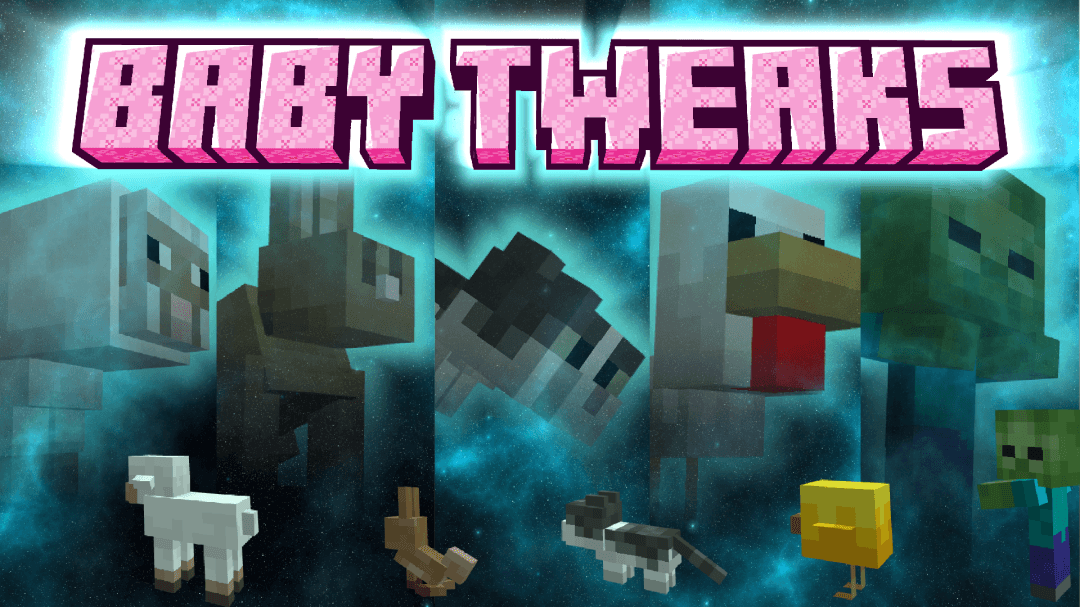
Baby Tweaks v3 | Old Legacy Baby Mob
Add All Legacy Baby Mobs Model with configurable settings that you can pick which baby you wanted to changeDownload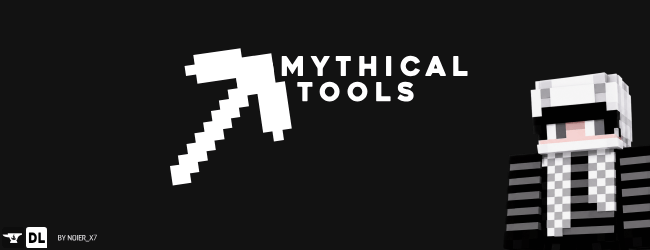
Mythical tools | Netherite & Diamond
Mythical Tools is a small pack that recreates the textures of some tools for specific themes.Download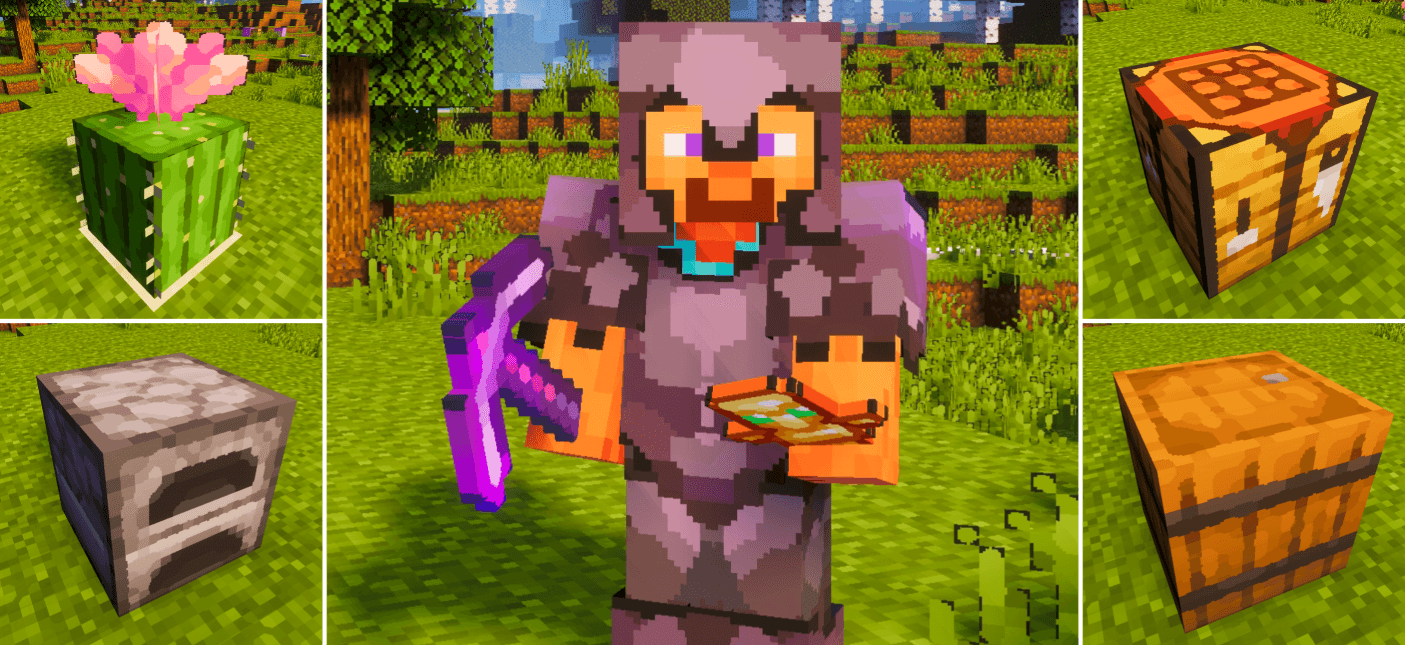

Oil Paint Texture Pack
Replaces Minecraft’s sharp pixels with smooth oil-paint textures. Blocks and items look hand-painted with soft strokes and blended colors, giving the world a warm, artistic and painterly atmosphere.Download

Appa Ghasts
Turns happy ghasts into sky bison! Bedrock PortDownload

Better Flowers
Minecraft's flowers aren't bad, but felt like they needed an upgrade. So in this pack most flowers and the mushrooms have been changed to look just a bit better!Download

Better Elytra Model [Rocketship]
Change your default elytra into rocketship!Download

Better Ender Dragon
Remodel for the Ender DragonDownload

Axis UI
Texture for Minecraft Technical BedrockDownload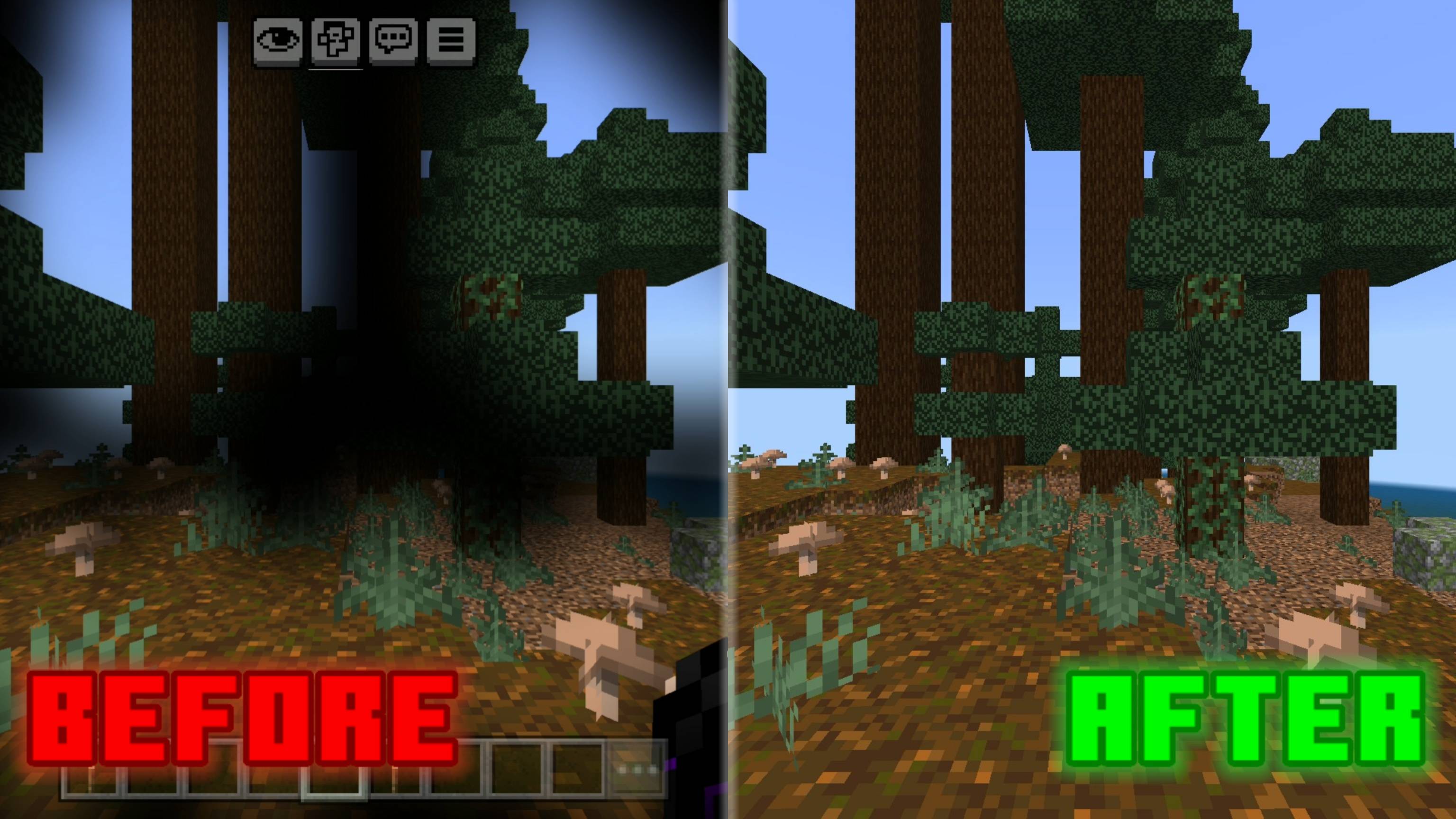

No Pumpkin Blur
Removes the pumpkin blur overlay for clear vision while wearing a carved pumpkin. Clean, simple, and perfect for the End.Download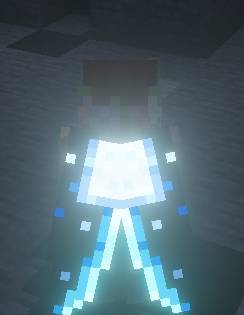

Moonlight Cape
Minecraft New Cape Related resources pack eylira skin vibrant virchurvial support glowing moon light CapeDownload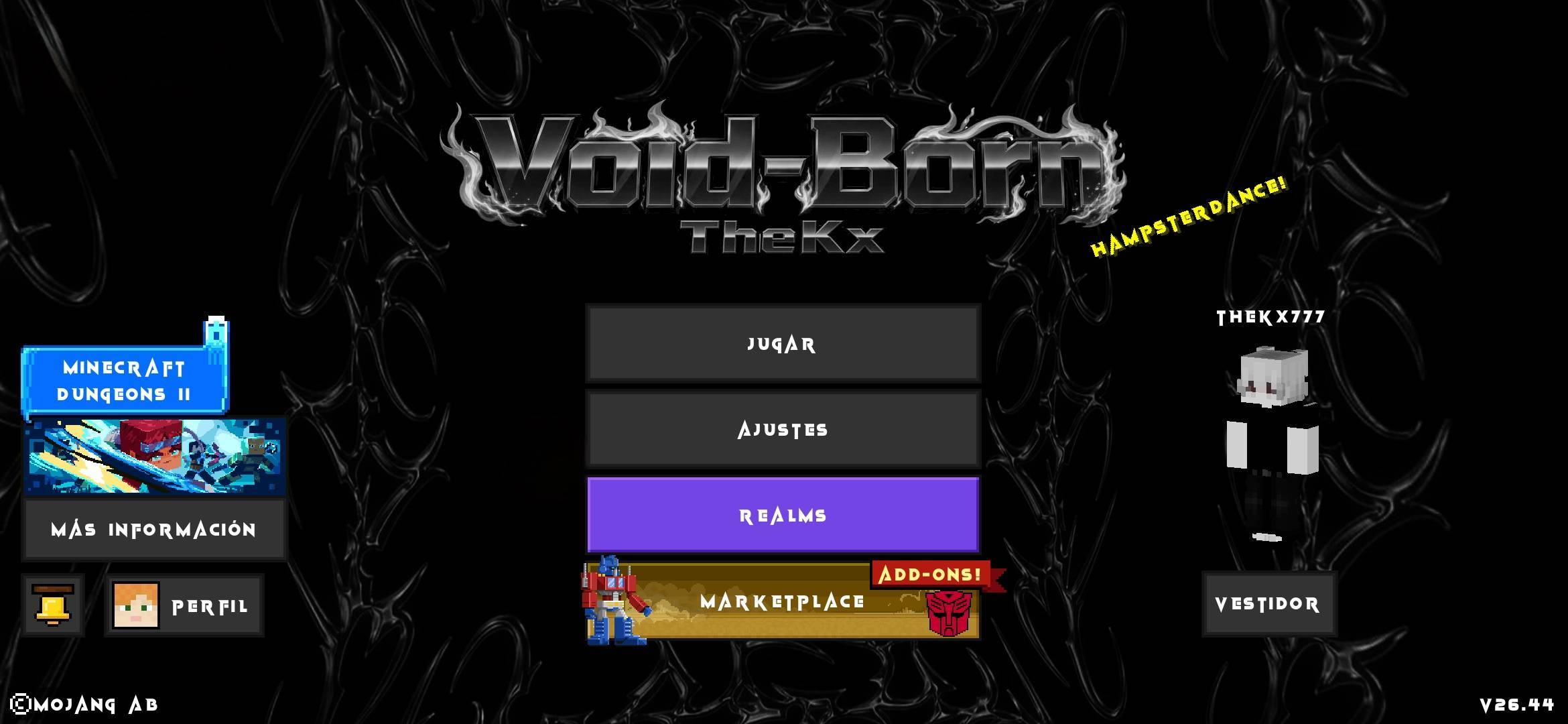
Void-Born Client Definitive Black and White
This texture is based on changing the color to black and white, adapting it so that more people will like it.Download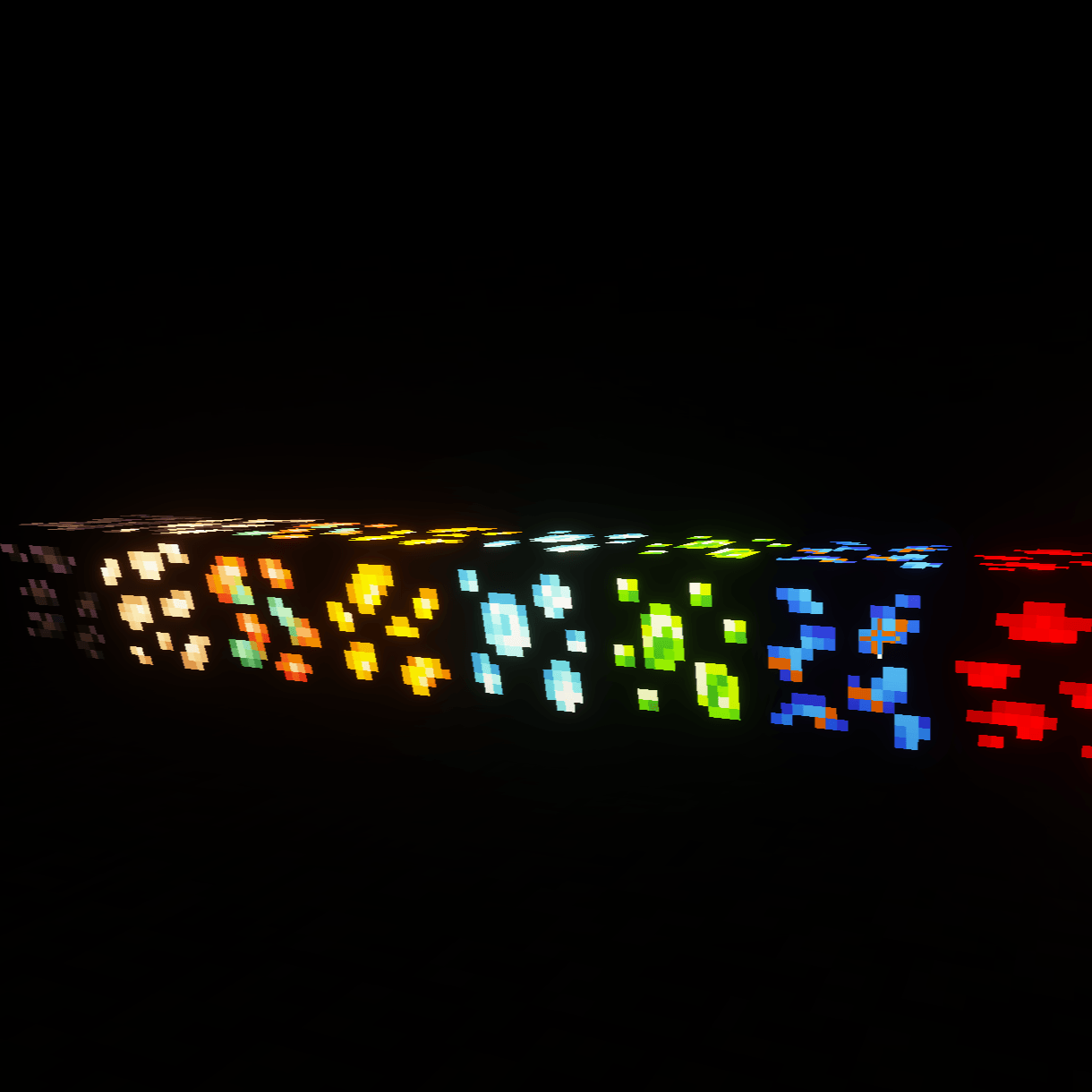

A&S Glowing Ore
A pack that makes the ore and raw metal blocks from the A&S x64 subpack glowDownload

Advanced X-Ray - Ore Finder
Stop wasting time mining blindly! This powerful resource pack makes common blocks transparent, allowing you to instantly spot valuable ores like Diamonds, Ancient Debris, and Gold hiding deep underground.DownloadFAQ
Do I need Forge or Fabric for a resource pack?
No. A resource pack works on the regular game with no loaders or mods. Click “Install” and Millida Launcher will put the pack into the right modpack — then just enable it in the settings.
What do 16×, 32×, 64× mean?
The resolution of a single texture in pixels. 16× matches the original game, 32× and 64× are more detailed and heavier, and 128× and up put a noticeable load on your graphics card.
Will a pack made for another version work?
Most likely partly: older packs don't have textures for newer blocks, so those will stay default. The game won't break, though.
How is a texture pack different from a resource pack?
Only by name and age. Before version 1.6 the sets were called texture packs and changed only textures; in 1.6 resource packs replaced them and also change sounds, fonts and the interface. Old texture packs for 1.5 and below do not work on new versions without conversion.
Which texture packs are best for PvP?
PvP packs: 16× resolution or lower, shortened swords, low fire, a clear sky and bright particles. They barely load the computer and make the opponent easier to see. These packs are collected in the PvP theme.
How do I install a resource pack?
Press Install and Millida Launcher puts the pack into the resourcepacks folder of the right instance. Then enable it in the game: Options, then Resource Packs. Manually, the archive goes into resourcepacks inside the game folder, no need to unpack it.
Minecraft texture packs
A resource pack changes how the game looks and sounds: block and item textures, fonts, the interface, sounds. It doesn't touch the game's code, so it needs no mod loader and breaks nothing on a server — the pack only works on your screen. That's exactly why a resource pack is safer than any mod: the worst that happens on a version mismatch is that some textures stay default.
Textures, texture packs and resource packs are essentially the same thing: since version 1.6 Mojang calls these sets resource packs, but the old name is still searched more often. PvP packs are a big genre of their own: shortened swords, low fire, bright particles and 16× resolution or lower, so the opponent stands out and the frame rate does not drop. Such packs are most often made for 1.8.9 and 1.16.5, the versions many PvP servers run on.
The key thing about a pack is its resolution. The game's default textures are 16×16 pixels; 32× and 64× packs look more detailed, while 128× and up need a real graphics card and are usually paired with shaders. On a weak machine it makes sense to stay at 16× or go for packs that deliberately simplify graphics for more FPS. Every pack here lists its game version, author and license, and all released versions are gathered on one card. Put the downloaded archive in the resourcepacks folder and enable it in the game settings.