
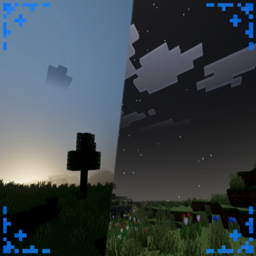
Higuruma Visual Theme Resource pack for Minecraft 26.30
> Higuruma Visual Theme gives your world the atmosphere of Higuruma at midnight, with dark tones, dramatic lighting, and a mysterious night sky. Credit to Jujutsu Kaisen for the inspiration behind this visual theme. 🌙
ANIMA DISCORD
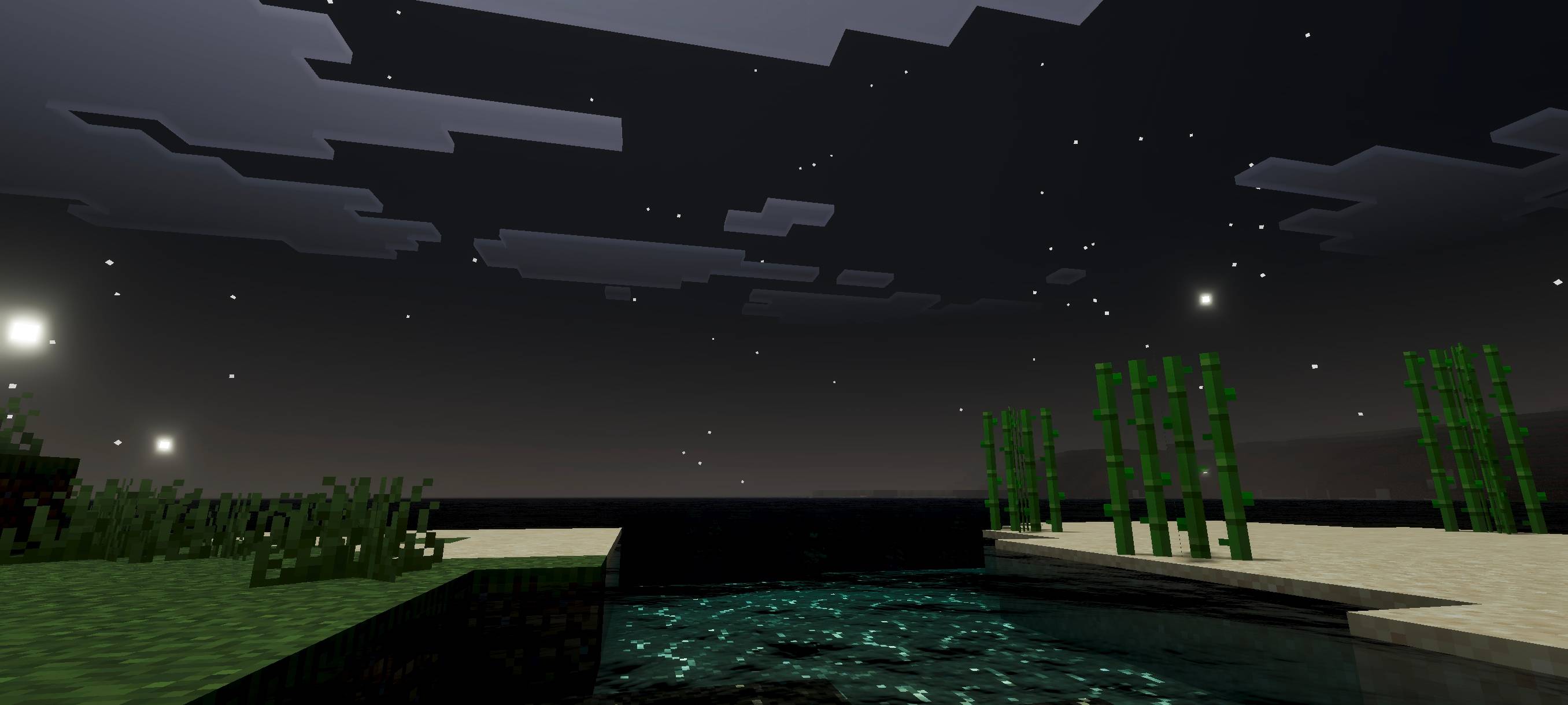
Higuruma Visual Theme gives your world the atmosphere of Higuruma at midnight, with dark tones, dramatic lighting, and a mysterious night sky. Credit to Jujutsu Kaisen for the inspiration behind this visual theme. 🌙 At night, the sky transforms into a judgment-day atmosphere where only black and white remain. Outside of nighttime, everything appears normal.
Featuring PBR, realistic colors, and realistic shadows, it makes your world pop with epicness.
(You can see all the features of this addon/shader in the photo below)
How to install Higuruma Visual Theme
With Millida Launcher
Install Millida Launcher
The launcher is free: download it at millida.net/launcher and sign in with any nickname.
Click “Install” on this page
The launcher opens and installs the resource pack for Minecraft 26.10–26.30 automatically.
Launch the game
A profile with it appears in the launcher: click “Play”.
Manually
Download the archive
Pick the file higuruma visual theme 1.5.mcpack (212 KB) for your game version. No need to unpack it.
Put it in the resourcepacks folder
The easiest way: “Options”, then “Resource Packs”, then “Open Pack Folder”, and drag the archive there.
Enable the pack
In the same window, move the pack to the right-hand “Selected” column and click “Done”.
Versions
With dependencies
| Minecraft | Loader | File | Date | Actions |
|---|---|---|---|---|
| 26.10 | — | higuruma visual theme 1.5212 KB |
FAQ
Which Minecraft versions does Higuruma Visual Theme work on?
There are files for 26.30, 26.20, 26.10. The newest is 26.30.
Where can I download Higuruma Visual Theme safely?
On this page: the file higuruma visual theme 1.5.mcpack (212 KB) is stored on Millida’s server, with no link shorteners. SHA-1 checksum: 52e07404f7ef49491de151d885201fc5f2383440.
Reviews
Be the first to rate Higuruma Visual Theme


