
Minecraft texture packs — page 229
Resource packs: list


StructureExportButton
Have you built something amazing, want to share one of your eight wonders? Or want to add it to an add-on? Or just want to save the file so you don't lose it? Or do you want to download a construction from the internet? Then this texture pack is for you!!Download

SkeletonGirls
swap skeletons for skeleton girlsDownload

Nexu's Sounds
Nexu's Sounds – Sound Pack for Minecraft BedrockDownload

Visible Offhand
Want to see your other hand?Download

Winter Fog Shader
Make winter biomes look foggyDownload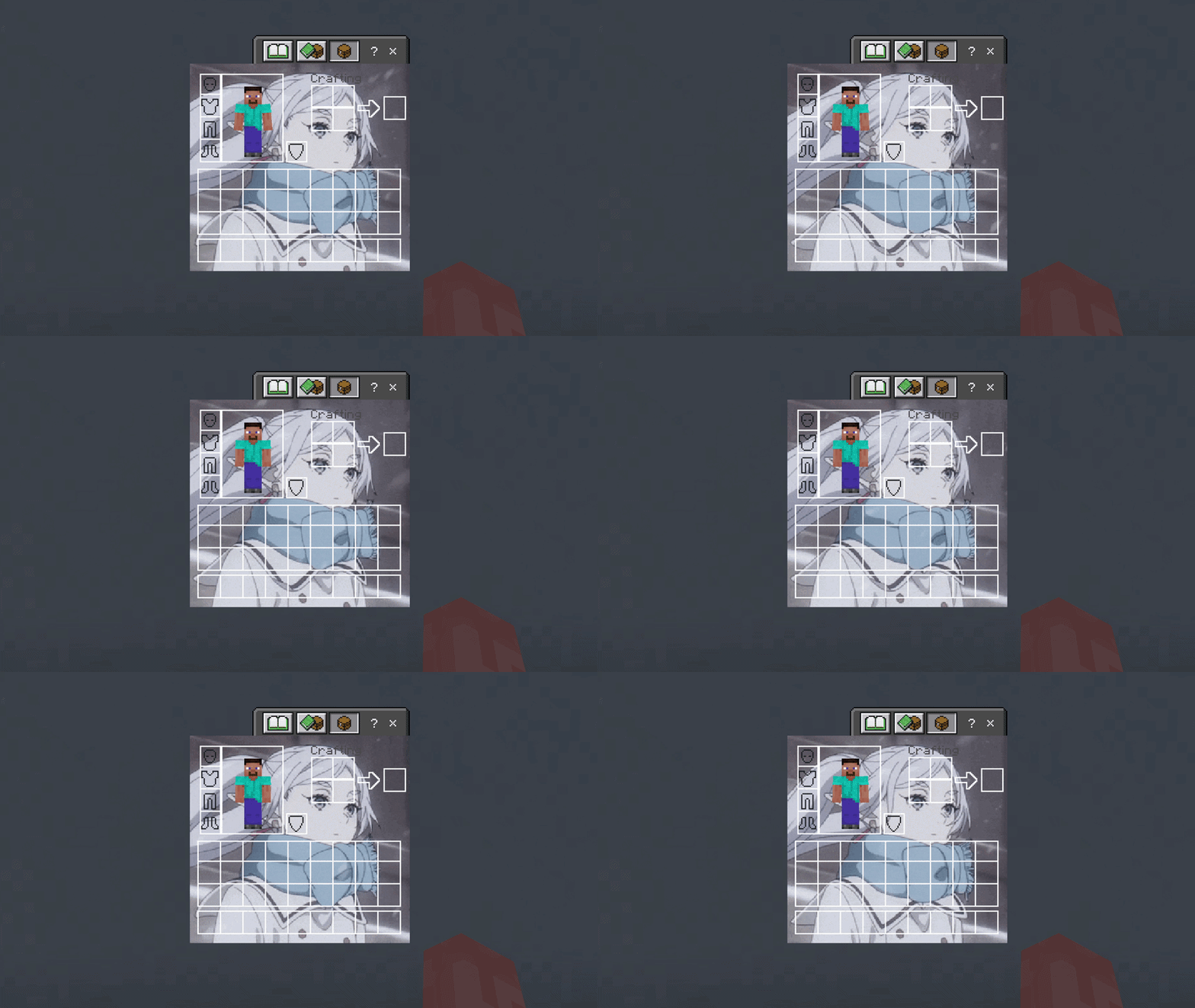

Frieren UI Inventory
Adds a Frieren UI InventoryDownload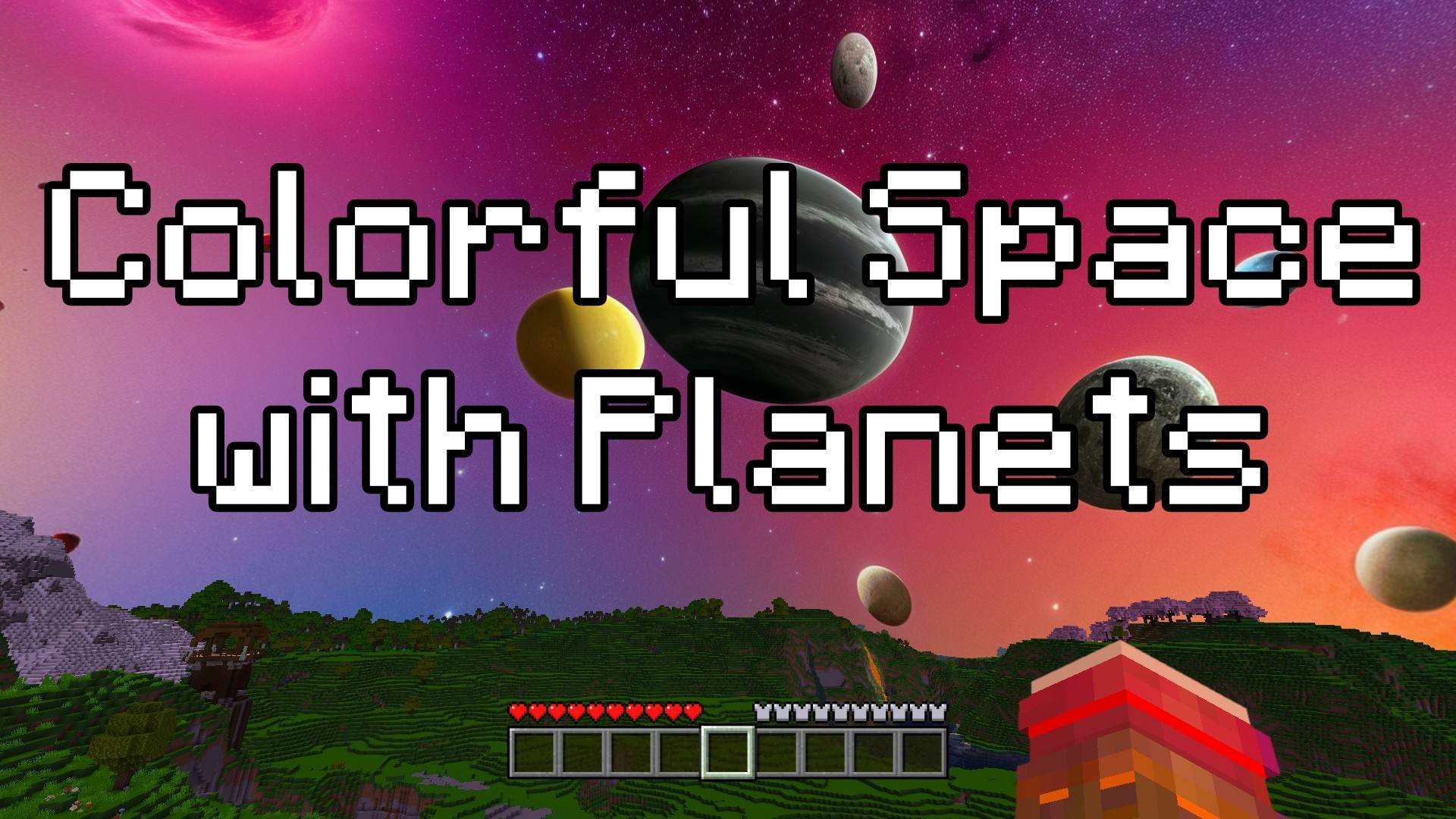

Colorful Space with Planets - Custom Sky
This texture pack changes the sky into a beautiful space scene. Now, when you look up, you’ll see stars, colorful space clouds, and even some cool planets! Whether it’s day or night, the sky will always look amazing and full of adventure.Download
Java Mob Shading
Gives most entities darker directional shading, a Java accurate hurt overlay, and removes the orange on fire overlay.Download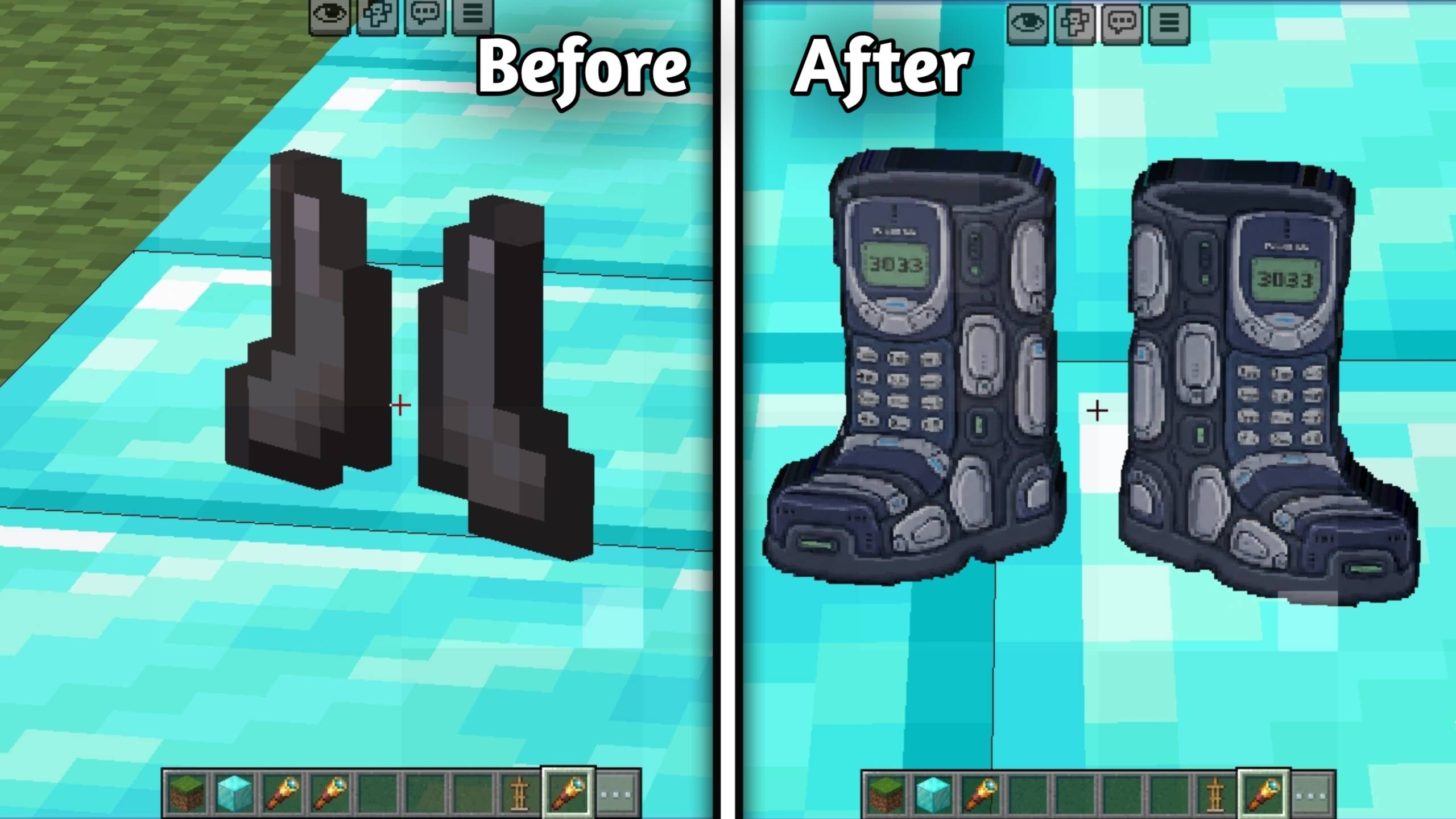

Nokia Armor + Nokia Armor
Retextures the Netherite Armor and Netherite Tools into the legendary Nokia style for Minecraft Bedrock Edition. Compatible with Mobile, PC, and Console.Download
Force Locator Bar
Forcibly enables the Locator Bar on Server/Worlds.Download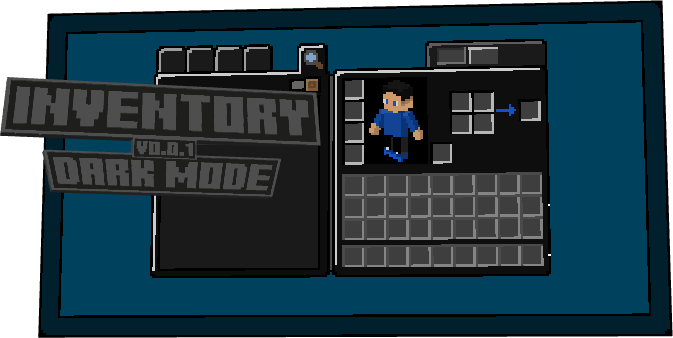
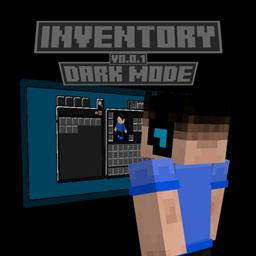
Inventory Dark Mode
Are you tired of the gray Minecraft Bedrock interface? Want something darker? If so, then Dark Mode Inventory is for you!Download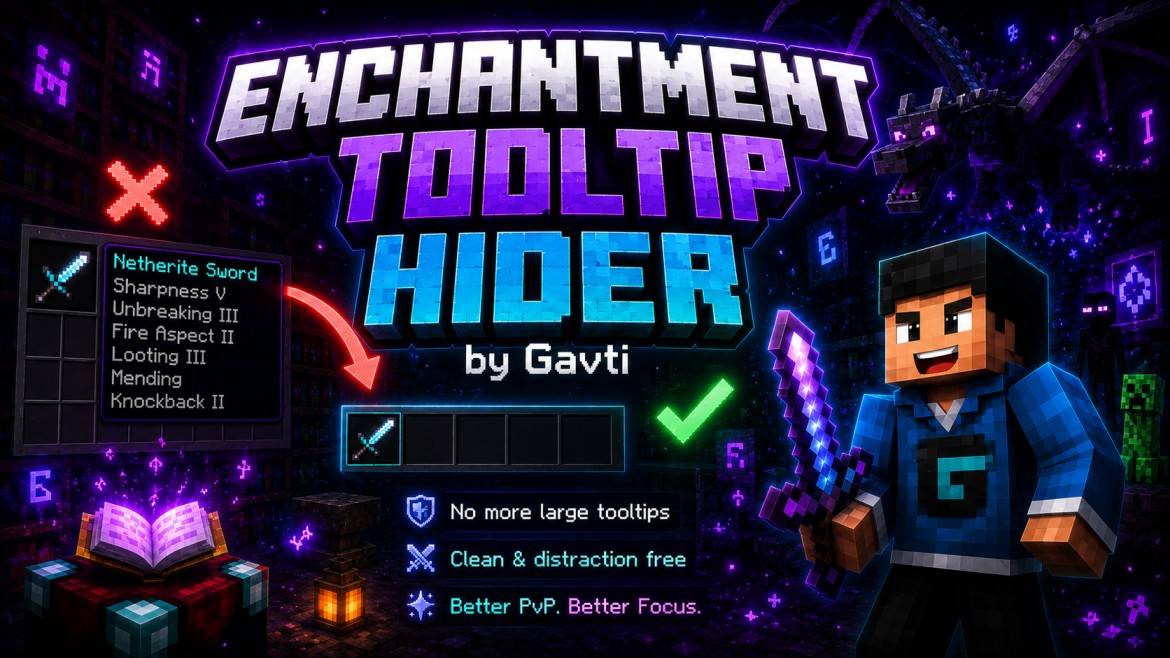

EnchantmentToolTipHider
Clean up your Minecraft HUD with this Tooltip Hider Texture Pack! Hide long enchantment tooltips and enjoy a smoother, distraction-free gameplay experience. Perfect for PvP, videos, screenshots, and clean UI lovers.Download

Mandala's GUI-White mod
Mandala's GUI Minecraft bedrockDownload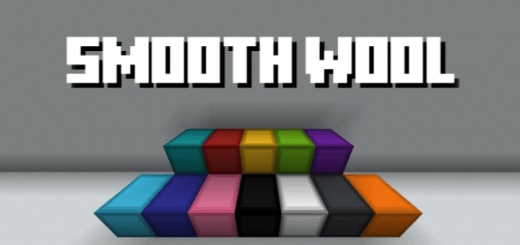
Smooth Wool
Refines wool blocks with smooth textures and clean outlines for a polished, modern lookDownload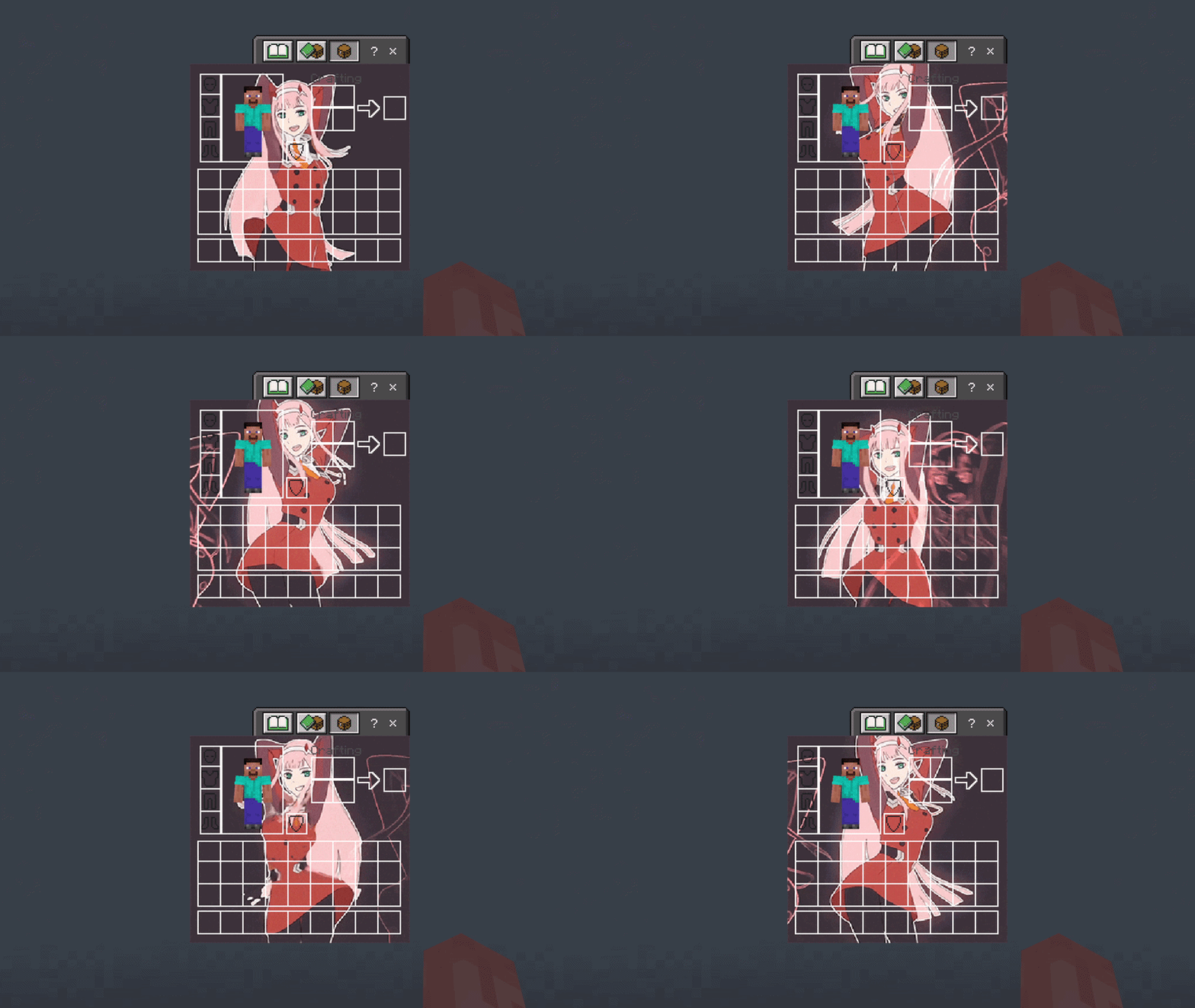

Zero Two UI Inventory
Adds a Zero Two UI InventoryDownload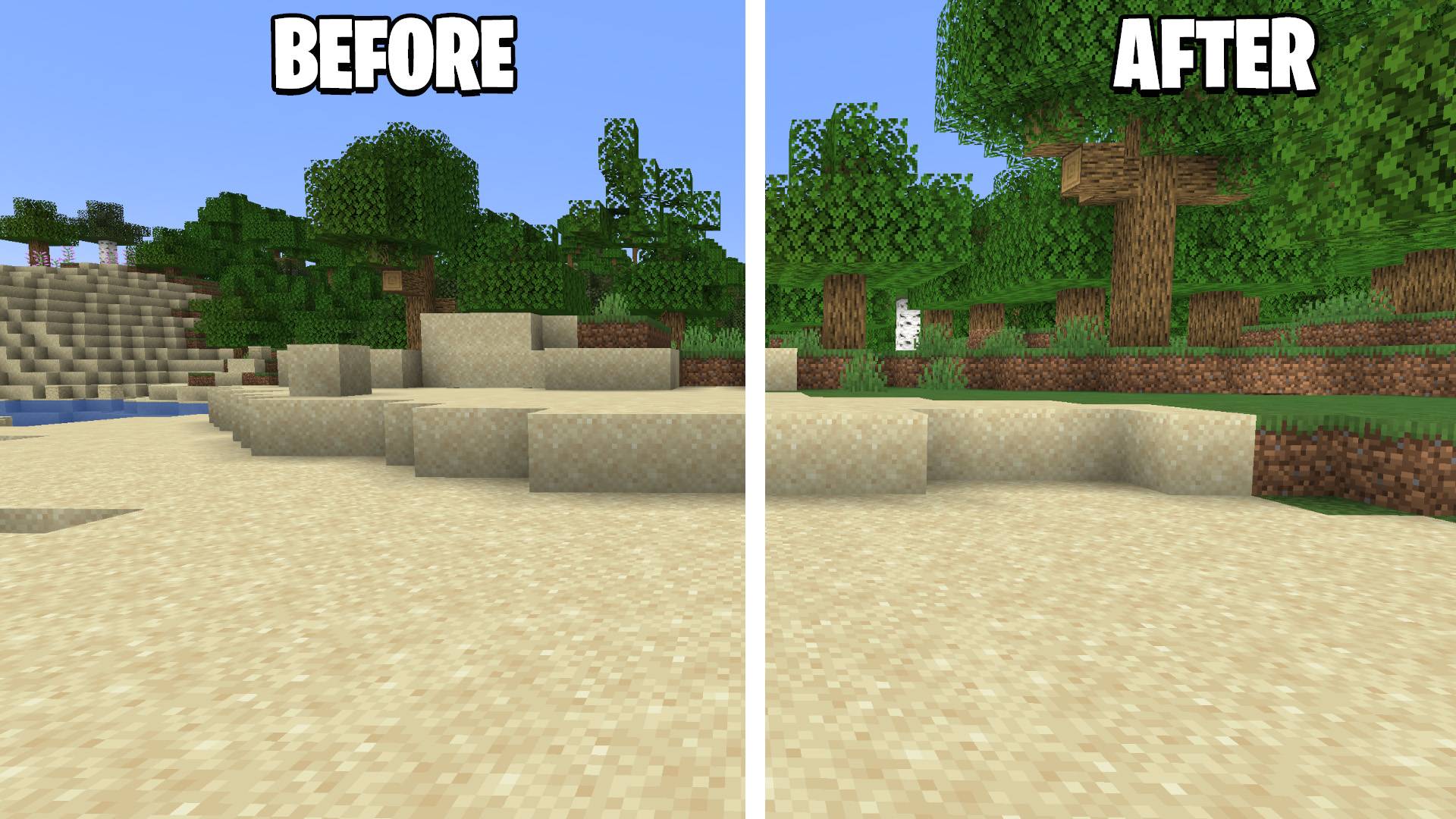
Shadify MCBE v1.1
Removes block shading and makes the game more vibrant, now for Minecraft Bedrock EditionDownload

Trade Unlocker
Unlocks all villager trade levels instantly — no grinding required. Every trade from Novice to Master is available from the first interaction. Works on all professions. Achievement friendly.Download

Nova Client v1.5
Nova Client is a texture pack that adds useful modules and gives the user interface a new look, all while being completely JSON UI-based.Download

Complimentary Vanilla
A lightweight shader pack for Minecraft Bedrock that enhances colors, adds subtle fog, and keeps the clean simplicity of vanilla.Download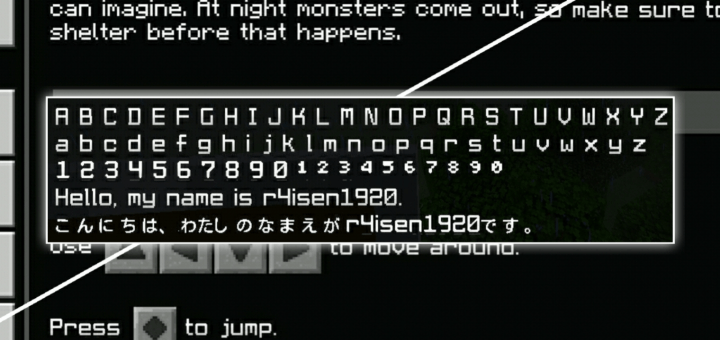
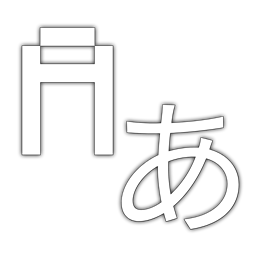
SmoothFont
Smoothen out your current Minecraft font, and make it look nicer with this pack. This also fixes thin fonts so every text blends together as it should be.Download

SpiderGirls
Spiders But GirlsDownload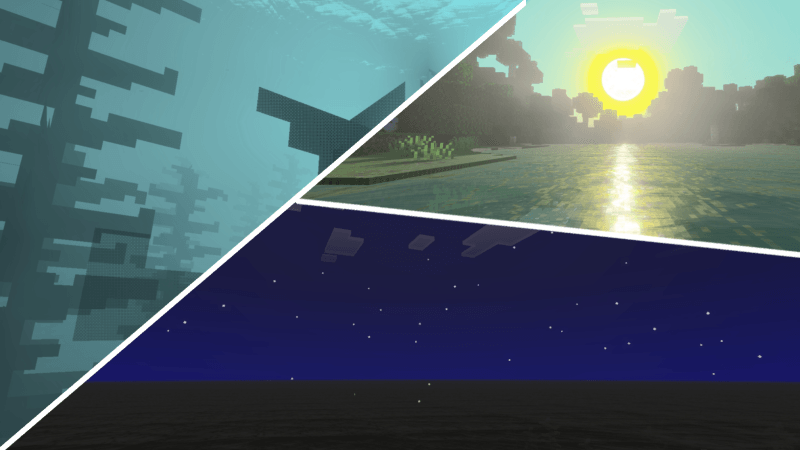

Luminara Visual
Luminara Visual delivers a classic combination of clear blue skies and warm sunlight. It also features a realistic sun, making your world feel more natural, immersive, and realistic than ever before.Download

Newb Resolute
A minecraft bedrock shader that utilizes RenderDragon to its fullest.DownloadFAQ
Do I need Forge or Fabric for a resource pack?
No. A resource pack works on the regular game with no loaders or mods. Click “Install” and Millida Launcher will put the pack into the right modpack — then just enable it in the settings.
What do 16×, 32×, 64× mean?
The resolution of a single texture in pixels. 16× matches the original game, 32× and 64× are more detailed and heavier, and 128× and up put a noticeable load on your graphics card.
Will a pack made for another version work?
Most likely partly: older packs don't have textures for newer blocks, so those will stay default. The game won't break, though.
How is a texture pack different from a resource pack?
Only by name and age. Before version 1.6 the sets were called texture packs and changed only textures; in 1.6 resource packs replaced them and also change sounds, fonts and the interface. Old texture packs for 1.5 and below do not work on new versions without conversion.
Which texture packs are best for PvP?
PvP packs: 16× resolution or lower, shortened swords, low fire, a clear sky and bright particles. They barely load the computer and make the opponent easier to see. These packs are collected in the PvP theme.
How do I install a resource pack?
Press Install and Millida Launcher puts the pack into the resourcepacks folder of the right instance. Then enable it in the game: Options, then Resource Packs. Manually, the archive goes into resourcepacks inside the game folder, no need to unpack it.
Minecraft texture packs
A resource pack changes how the game looks and sounds: block and item textures, fonts, the interface, sounds. It doesn't touch the game's code, so it needs no mod loader and breaks nothing on a server — the pack only works on your screen. That's exactly why a resource pack is safer than any mod: the worst that happens on a version mismatch is that some textures stay default.
Textures, texture packs and resource packs are essentially the same thing: since version 1.6 Mojang calls these sets resource packs, but the old name is still searched more often. PvP packs are a big genre of their own: shortened swords, low fire, bright particles and 16× resolution or lower, so the opponent stands out and the frame rate does not drop. Such packs are most often made for 1.8.9 and 1.16.5, the versions many PvP servers run on.
The key thing about a pack is its resolution. The game's default textures are 16×16 pixels; 32× and 64× packs look more detailed, while 128× and up need a real graphics card and are usually paired with shaders. On a weak machine it makes sense to stay at 16× or go for packs that deliberately simplify graphics for more FPS. Every pack here lists its game version, author and license, and all released versions are gathered on one card. Put the downloaded archive in the resourcepacks folder and enable it in the game settings.