

Tiny Tools Resource pack for Minecraft 26.30
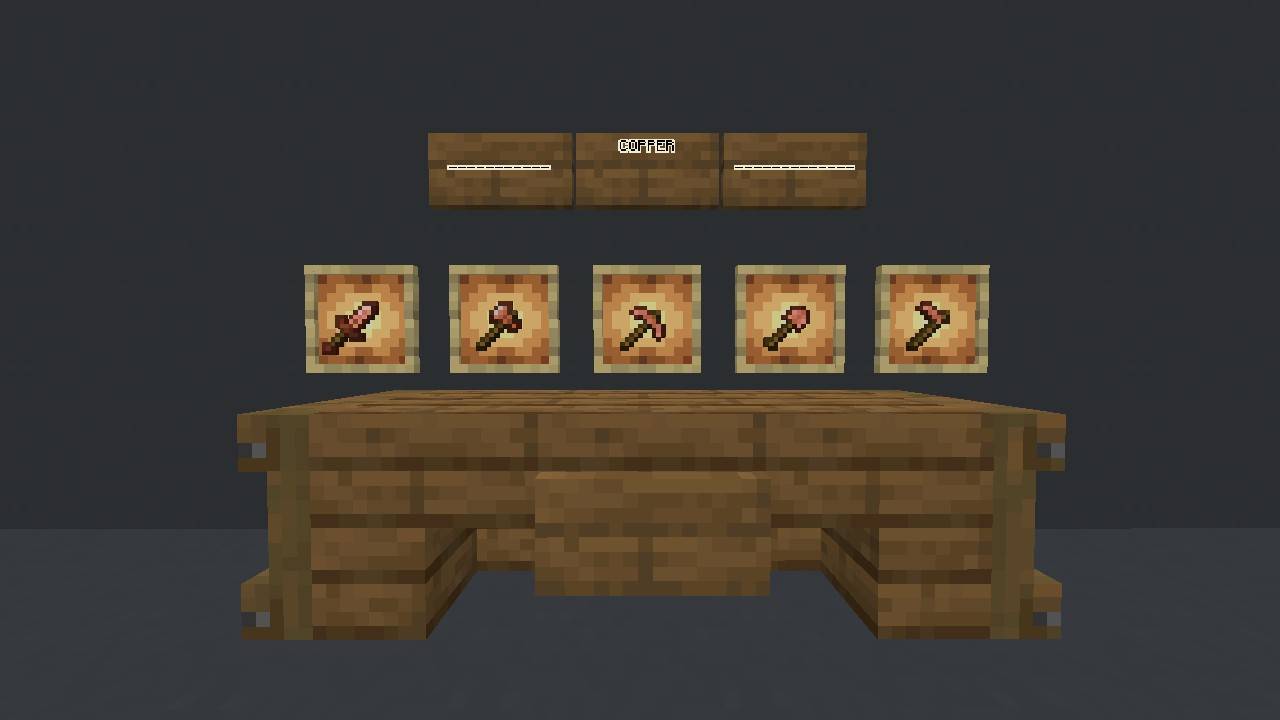
This texture pack changes most of the tools to make them more comfortable.
About the Tiny Tools resource pack
---About this pack---
Hi there!
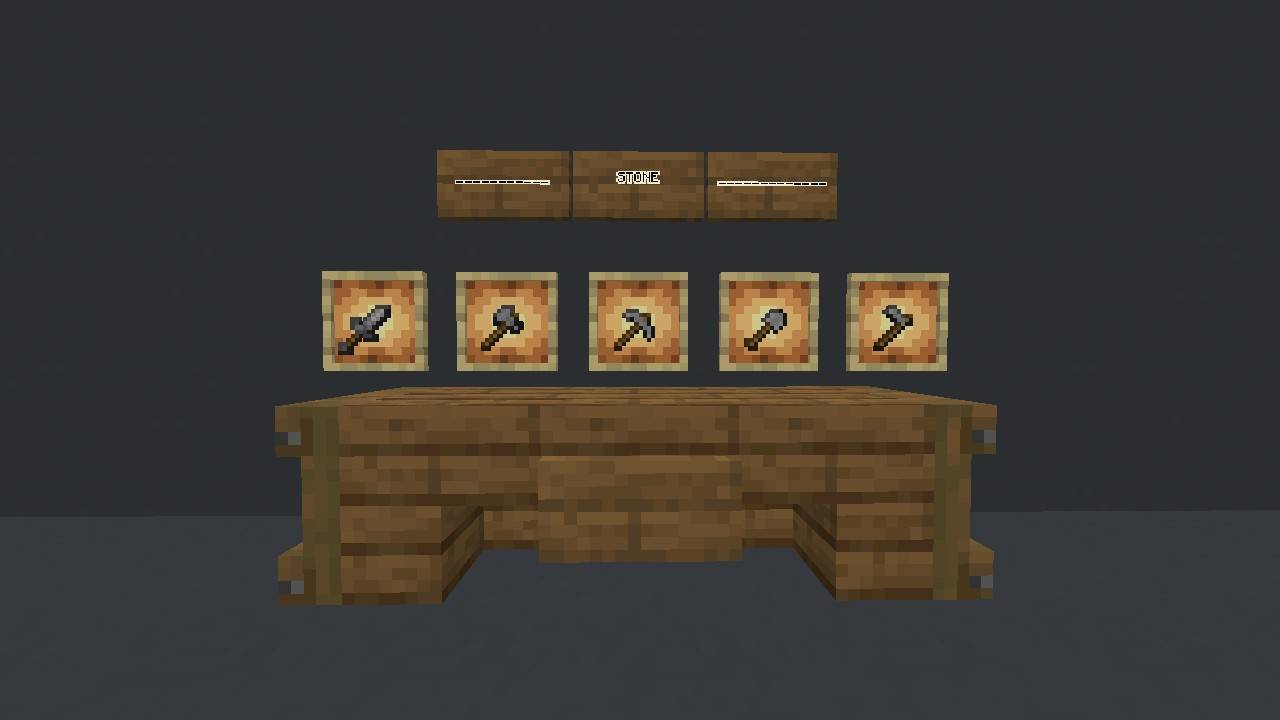
This texture pack adapts most of the game's tools to a PvP style, meaning it makes them shorter, which makes it easier to see your surroundings and be alert to surrounding dangers
Pls do not post or redistribute this texture outside or inside CurseForge OR MCPEDL without permission.
and
If you want to do a review or something similar about this texture, Please credit me as the creator of the texture pack, or failing that, provide a link to the corresponding CurseForge or MCPEDL.
For now, enjoy this texture pack!
How to install Tiny Tools
Install Millida Launcher
The launcher is free: download it at millida.net/launcher and sign in with any nickname.
Click “Install” on this page
The launcher opens and installs the resource pack for Minecraft 26.30 automatically.
Launch the game
A profile with it appears in the launcher: click “Play”.
Versions
With dependencies
| Minecraft | Loader | File | Date | Actions |
|---|---|---|---|---|
| 26.30 | — | Tiny Tools 0.1.8: Strident & Brushed31.8 KB 2 |
FAQ
Which Minecraft versions does Tiny Tools work on?
Only Minecraft 26.30: there are no files for other versions.
How do I download Tiny Tools?
With Millida Launcher: it installs Tiny Tools into a modpack by itself, for the right game version and loader. The launcher is free.
Reviews
Be the first to rate Tiny Tools



