
Minecraft texture packs — page 117
Resource packs: list


Clouds & Planets
A conversion of the Clouds & Planets skypack shared by Yuruze, for FabricSkyboxes.Install

Eating Animations x Farmer's Delight Add-ons
Add compatibility between Eating Animations and the food of the mod Farmer's Delight and variants of some other Farmer's Delight Add-ons theme modInstall
World War I Texture Pack
Texture pack it has been inspired by the first world warInstall
Anemoia
Nostalgia for a time and texture that never was ★Install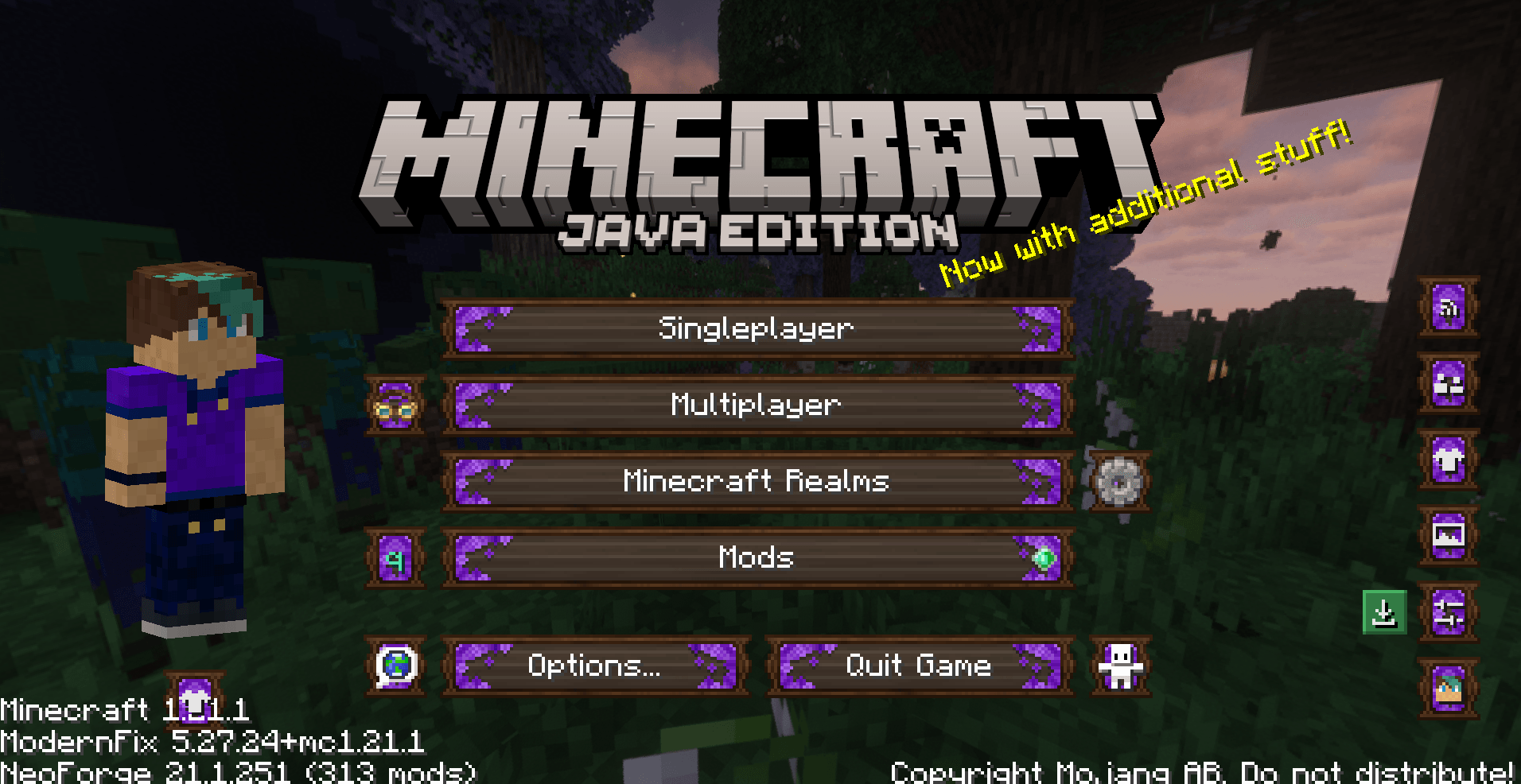
Verdant Theme
Verdant theme: Lavendar and dark oak - made for MC6Install

Bare Bones PBR x128 Bedrock
Bare Bones PBR with x128 textures for Bedrock Edition | Trailer style !Download

New Default+
A vanilla-style pack using OptiFine to add thousands of new features!Install

Enhanced Pokemon Boss Bars
Stylized pixel-art boss bars inspired by Pokémon, tailored for Cobblemon and Pixelmon trainers.Install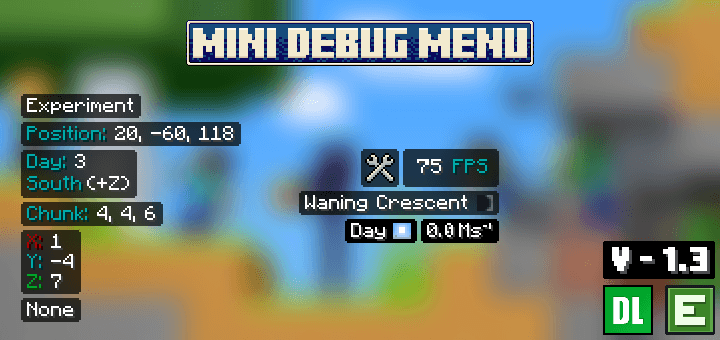

Mini Debug Menu
This resource pack brings several features of the Minecraft Java Edition Debug Menu to Bedrock Edition. While it’s not possible to replicate every feature due to platform limitations, the pack includes some of the essential and useful tools.Download

Ranch Up! ( Animal Overhaul! Horse, Cow, Pig, Sheep )
🌿 New textures, models and animations for DragN's Livestock Overhaul farm animals. Previous FarmLife Remastered 🌿Install

Fresh Moves
Fresh Moves for bedrockDownload
Animac
Best Animation for items in minecraftInstall

Rekindled CTM
Add-on pack for Fire Rekindled, to be used with CTM modsInstall

Village Animations
Gives Players, Villagers, Iron Golems, Ravagers and Pillagers the dynamic models and bouncy walking animations seen in the official Minecraft cinematic trailers.Download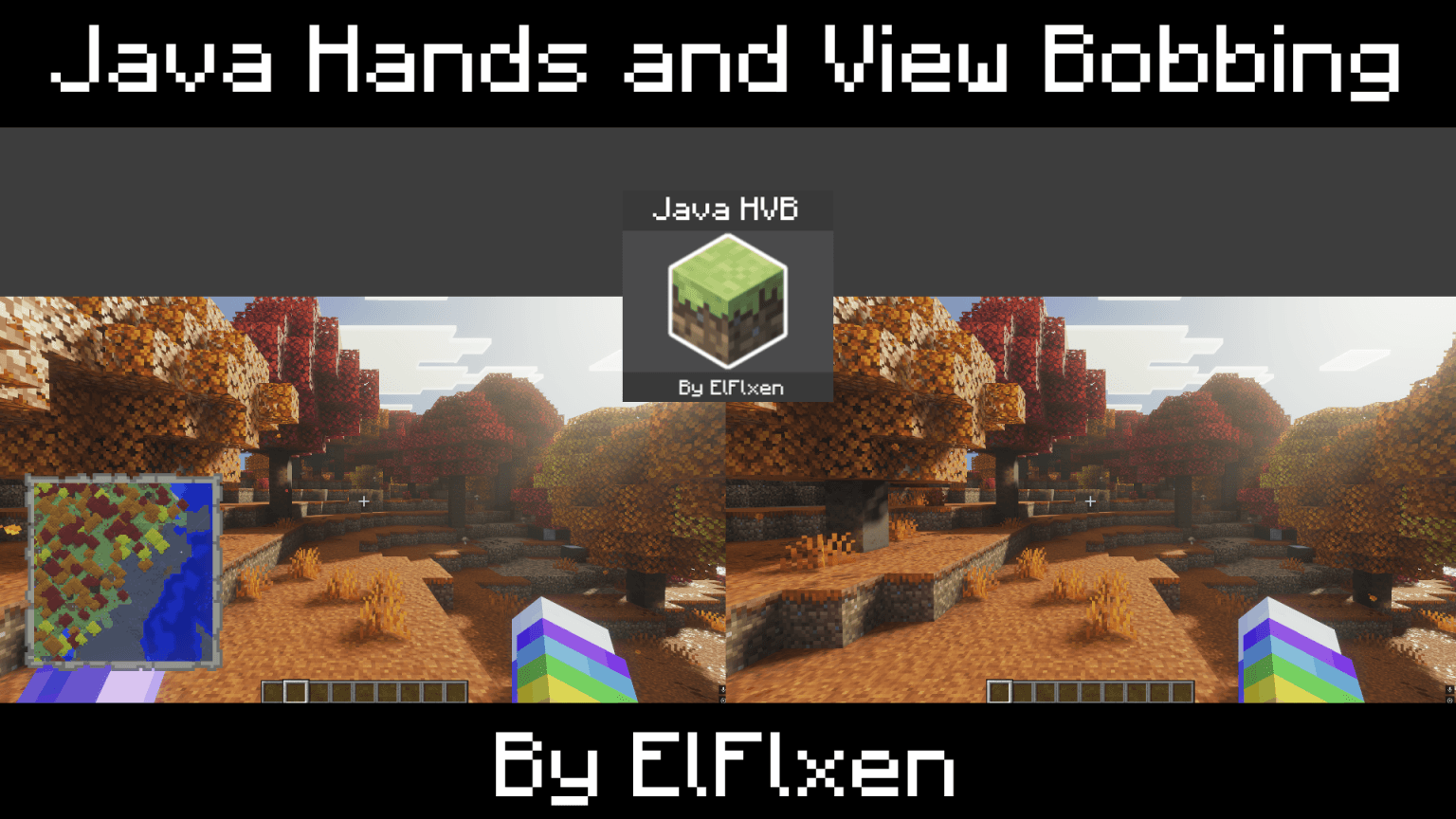
Java HVB | Java Hands and View Bobbing
This resource pack implements the look and size of the hands from the Java version, including holding objects such as maps in the primary and secondary hands, as well as adding the view bobbing from the Java version to provide a better experience.Download
Sky Villages - Let's Do Herbal Brews Compat
Compatibility between Sky Villages and Herbal Brews!Install

Bare Bones - Better Leaves
Enhances the leaves textures in Bare Bones with more detail and style, improving the visual appeal while keeping the minimalist design.Install

Kartixx's Alpha Sound Pack | The Old/Classic Sounds of Minecraft
Bring Minecraft's classic sounds to the latest version with Kartixx's Alpha Sound Pack.Install

No Game No Life Custom GUI Pack
This is a GUI packed themed towards the show "No Game No Life". I have taken the opportunity to experiment with adding different pictures to each container.Install

Glowing Trim Weapon & Tools
Now weapon and tools has 18 trims and 13+3 colors . Sword ,trident, spear, mace and tools just rename it Optifine required version from 1.16 to latestInstall

Farming Crossing 4
A Resource Pack that give a whole new look to a few mobsInstall

BeautyCrops - SimpleFarming edition
a resourcepack that makes crops more beautiful with simplefarming compatibilityInstall

Clean and Clear Glass
Makes vanilla glass look cleaner, clearer, and visually connected.InstallFAQ
Do I need Forge or Fabric for a resource pack?
No. A resource pack works on the regular game with no loaders or mods. Click “Install” and Millida Launcher will put the pack into the right modpack — then just enable it in the settings.
What do 16×, 32×, 64× mean?
The resolution of a single texture in pixels. 16× matches the original game, 32× and 64× are more detailed and heavier, and 128× and up put a noticeable load on your graphics card.
Will a pack made for another version work?
Most likely partly: older packs don't have textures for newer blocks, so those will stay default. The game won't break, though.
How is a texture pack different from a resource pack?
Only by name and age. Before version 1.6 the sets were called texture packs and changed only textures; in 1.6 resource packs replaced them and also change sounds, fonts and the interface. Old texture packs for 1.5 and below do not work on new versions without conversion.
Which texture packs are best for PvP?
PvP packs: 16× resolution or lower, shortened swords, low fire, a clear sky and bright particles. They barely load the computer and make the opponent easier to see. These packs are collected in the PvP theme.
How do I install a resource pack?
Press Install and Millida Launcher puts the pack into the resourcepacks folder of the right instance. Then enable it in the game: Options, then Resource Packs. Manually, the archive goes into resourcepacks inside the game folder, no need to unpack it.
Minecraft texture packs
A resource pack changes how the game looks and sounds: block and item textures, fonts, the interface, sounds. It doesn't touch the game's code, so it needs no mod loader and breaks nothing on a server — the pack only works on your screen. That's exactly why a resource pack is safer than any mod: the worst that happens on a version mismatch is that some textures stay default.
Textures, texture packs and resource packs are essentially the same thing: since version 1.6 Mojang calls these sets resource packs, but the old name is still searched more often. PvP packs are a big genre of their own: shortened swords, low fire, bright particles and 16× resolution or lower, so the opponent stands out and the frame rate does not drop. Such packs are most often made for 1.8.9 and 1.16.5, the versions many PvP servers run on.
The key thing about a pack is its resolution. The game's default textures are 16×16 pixels; 32× and 64× packs look more detailed, while 128× and up need a real graphics card and are usually paired with shaders. On a weak machine it makes sense to stay at 16× or go for packs that deliberately simplify graphics for more FPS. Every pack here lists its game version, author and license, and all released versions are gathered on one card. Put the downloaded archive in the resourcepacks folder and enable it in the game settings.