
Java HVB | Java Hands and View Bobbing Resource pack for Minecraft 26.50
This resource pack implements the look and size of the hands from the Java version, including holding objects such as maps in the primary and secondary hands, as well as adding the view bobbing from the Java version to provide a better experience.
About the Java HVB | Java Hands and View Bobbing resource pack
This resource pack implements the look and size of the hands from the Java version, including holding objects such as maps in the primary and secondary hands, as well as adding the view bobbing from the Java version to provide a better experience.
This is the original Java HVB created in May 2023; any pack that uses my logo or my internal modifications is a copy
Java HVB
The purpose of this resource pack is to implement the look of the hands and the vision movement of the Java version, in order to be more visually pleasing.
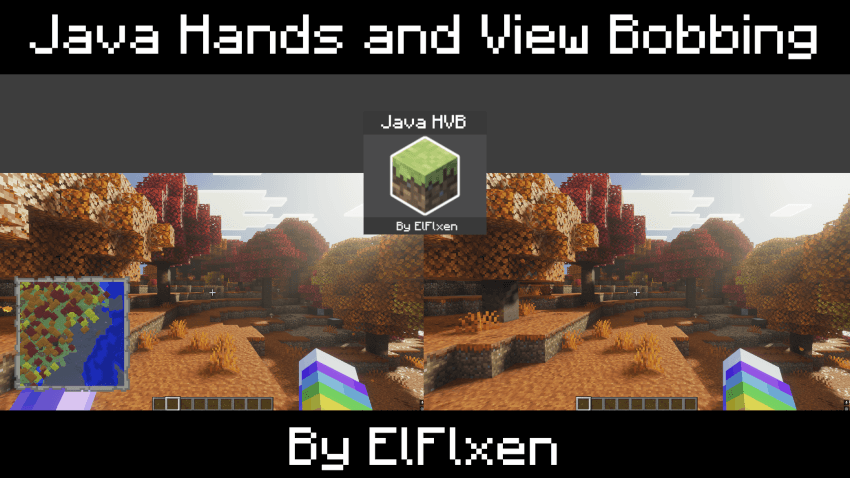
Changes included in this pack:
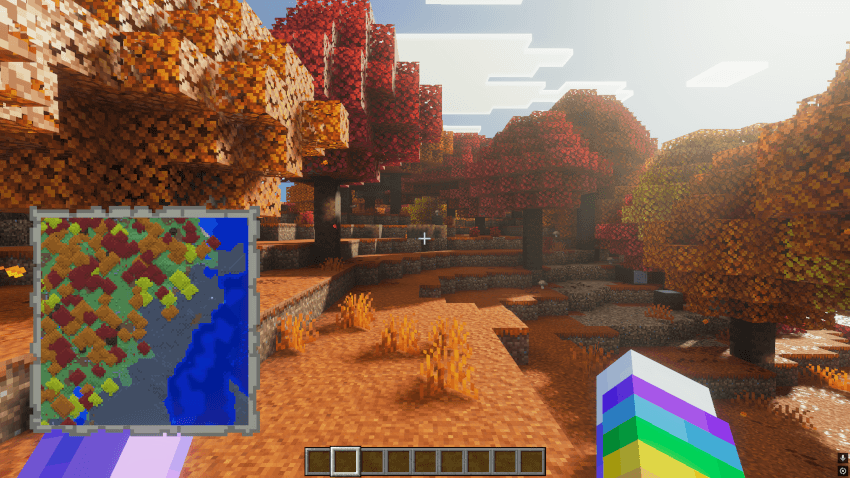
- Java main hand size
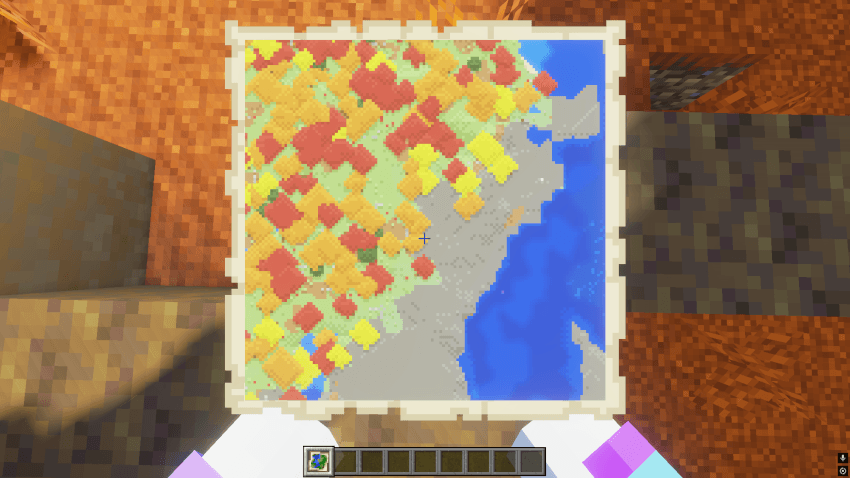
- Appearance of the off-hand when holding maps
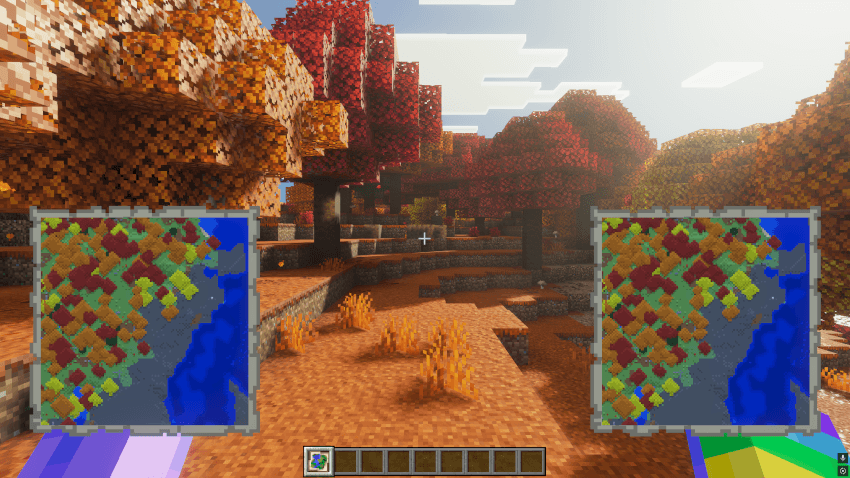
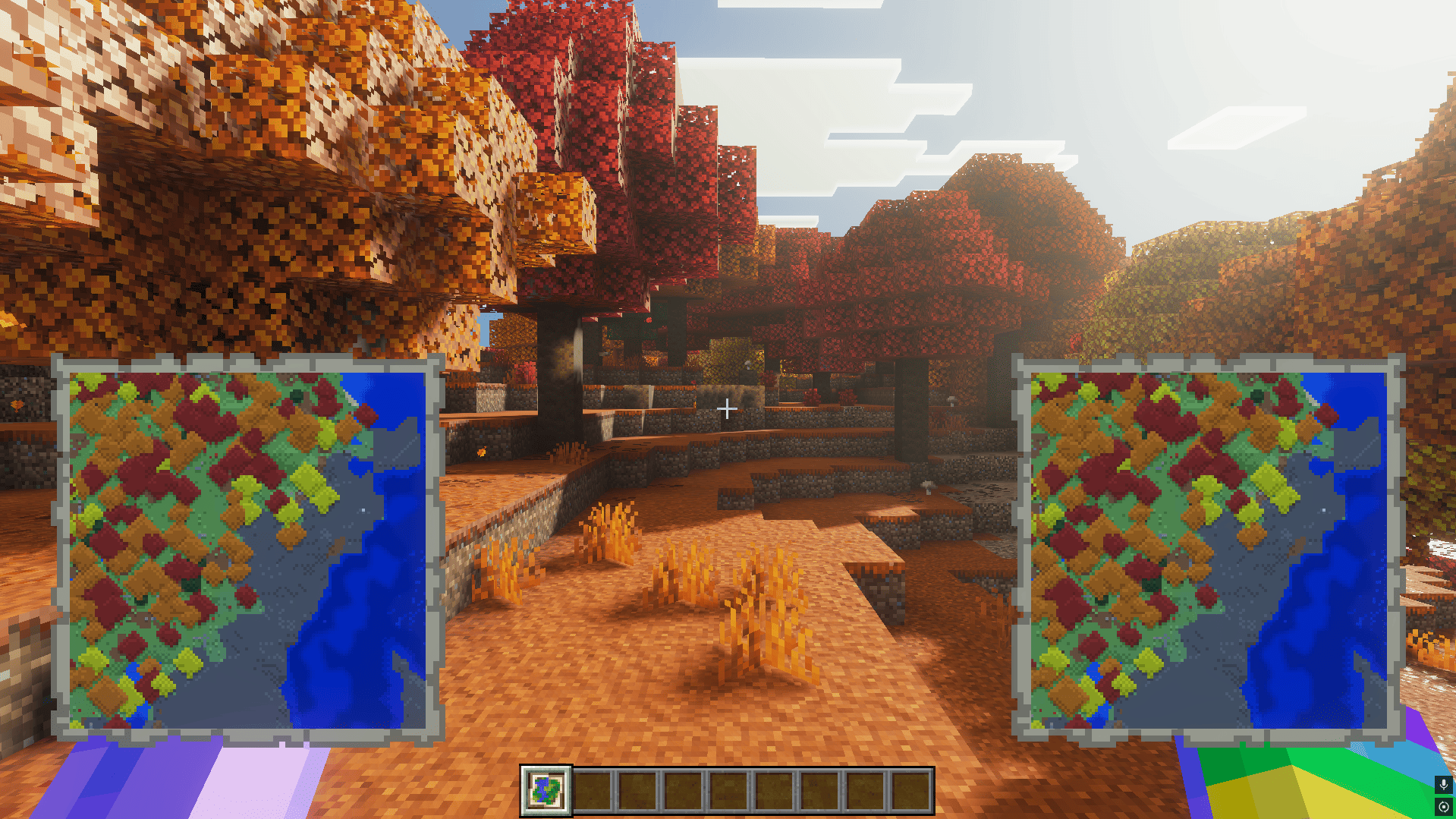
- Appearance of both hands when holding a map
- Java View Bobbing
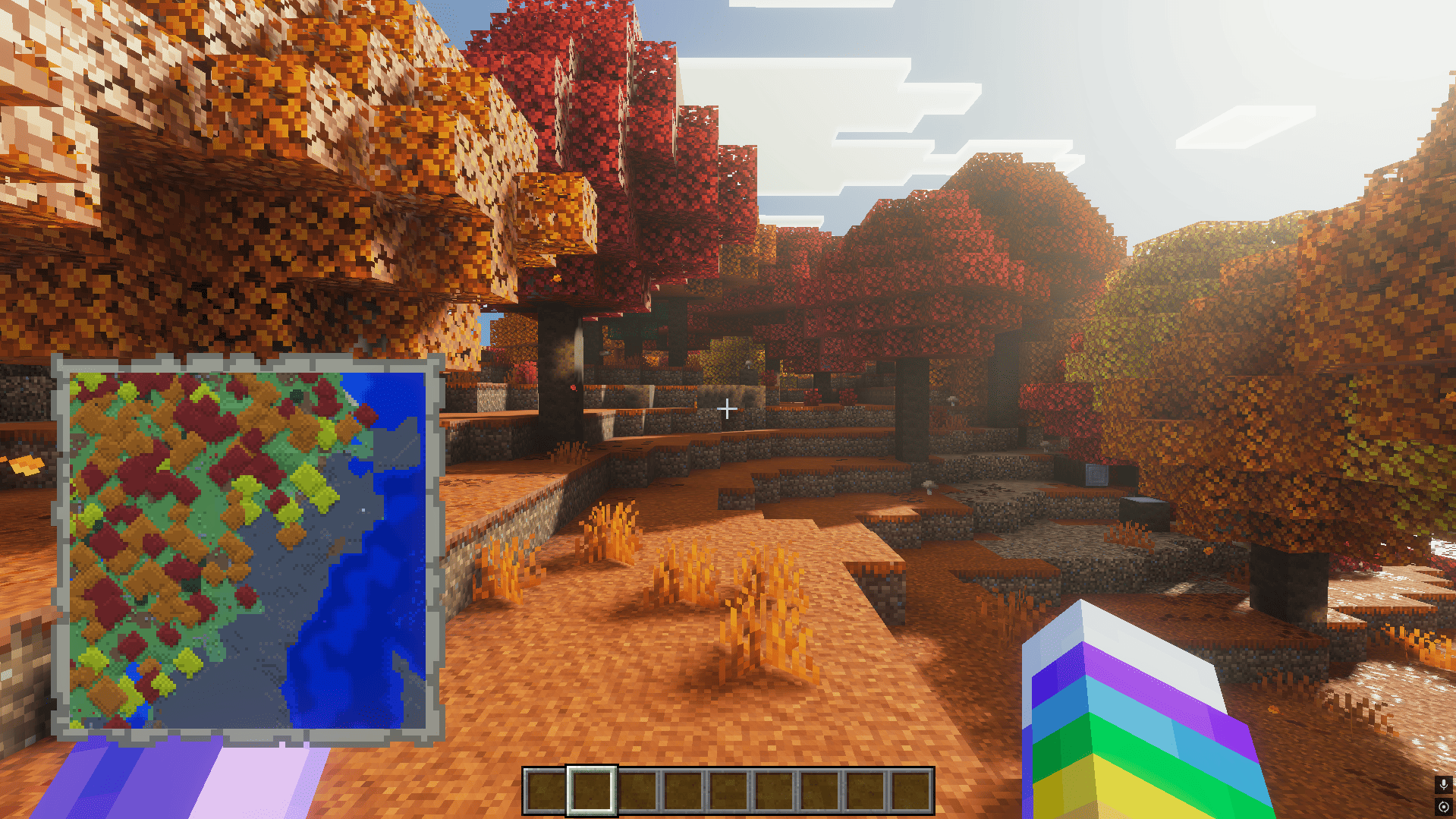
In-game screenshots:
Main hand size
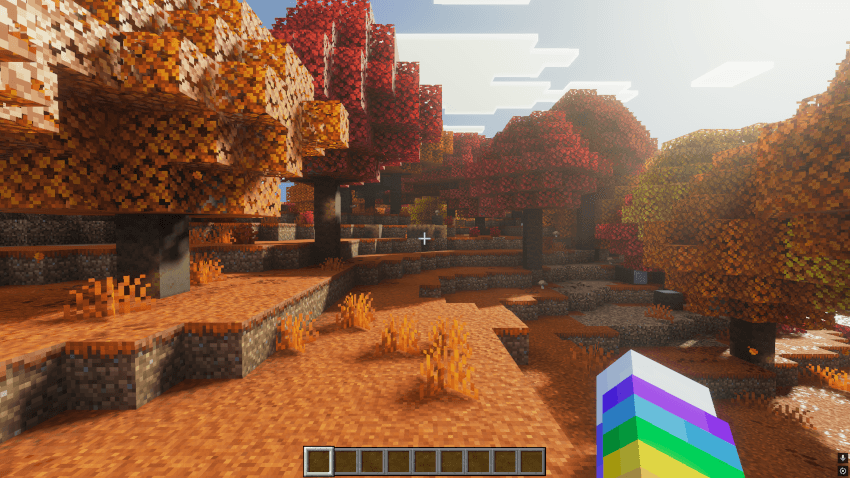
Appearance when holding a map
Appearance of both hands when holding a map
Appearance of the off-hand when holding a map
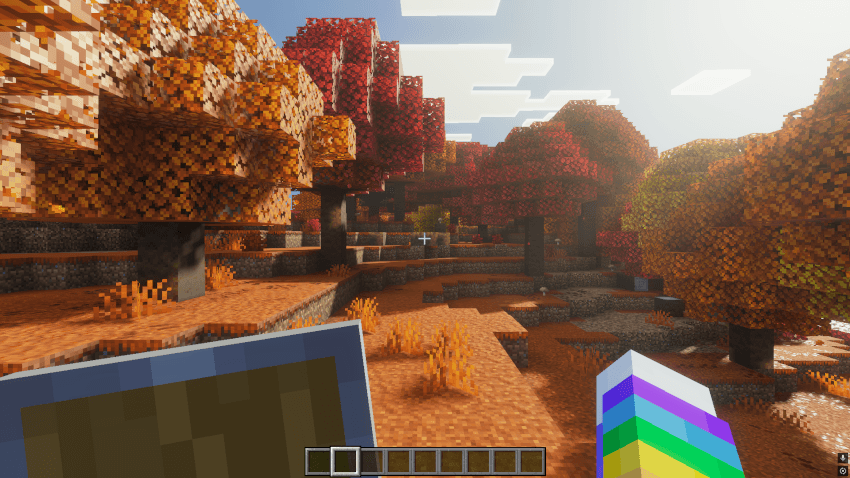
Appearance when holding a shield
Video review
If you review it, please give the appropriate credits :)
How to install Java HVB | Java Hands and View Bobbing
With Millida Launcher
Install Millida Launcher
The launcher is free: download it at millida.net/launcher and sign in with any nickname.
Click “Install” on this page
The launcher opens and installs the resource pack for Minecraft 26.0–26.50 automatically.
Launch the game
A profile with it appears in the launcher: click “Play”.
Manually
Download the archive
Pick the file JavaHVB_v1.4.0.mcpack (26 KB) for your game version. No need to unpack it.
Put it in the resourcepacks folder
The easiest way: “Options”, then “Resource Packs”, then “Open Pack Folder”, and drag the archive there.
Enable the pack
In the same window, move the pack to the right-hand “Selected” column and click “Done”.
Versions
With dependencies
| Minecraft | Loader | File | Date | Actions |
|---|---|---|---|---|
| 26.0.02 | — | JavaHVB v1.4.025.9 KB 6 |
FAQ
Which Minecraft versions does Java HVB | Java Hands and View Bobbing work on?
There are files for 26.0–26.50, 11 versions in total. The newest is 26.50.
Where can I download Java HVB | Java Hands and View Bobbing safely?
On this page: the file JavaHVB_v1.4.0.mcpack (26 KB) is stored on Millida’s server, with no link shorteners. SHA-1 checksum: b448dbfa4b498d4622e01845a934da85407b8c09.
Reviews
Be the first to rate Java HVB | Java Hands and View Bobbing



