
Minecraft texture packs — page 116
Resource packs: list


SimpleCraft [16x]
SimpleCraft is all about being simple!Install
Create Waystones Texture + GUI
Create enhanced Texture + GUI for waystones good bye to old boring texturesInstall

Dark UI 32x
More pleasing to the eye!Install

Tactical 3D Tools PvP X Simply Swords
[ Java Port ] an another 3d tools pack, but also for PVP, and NOW WITH MOD COMPATABILITIESInstall

Cracker's Wither Storm Plus
A Resource Pack and Datapack that makes CWSM harderInstall

Pet Dragons
Turns wolves into tameable dragons.Install
Alphapack
The old Minecraft feeling for 1.16Install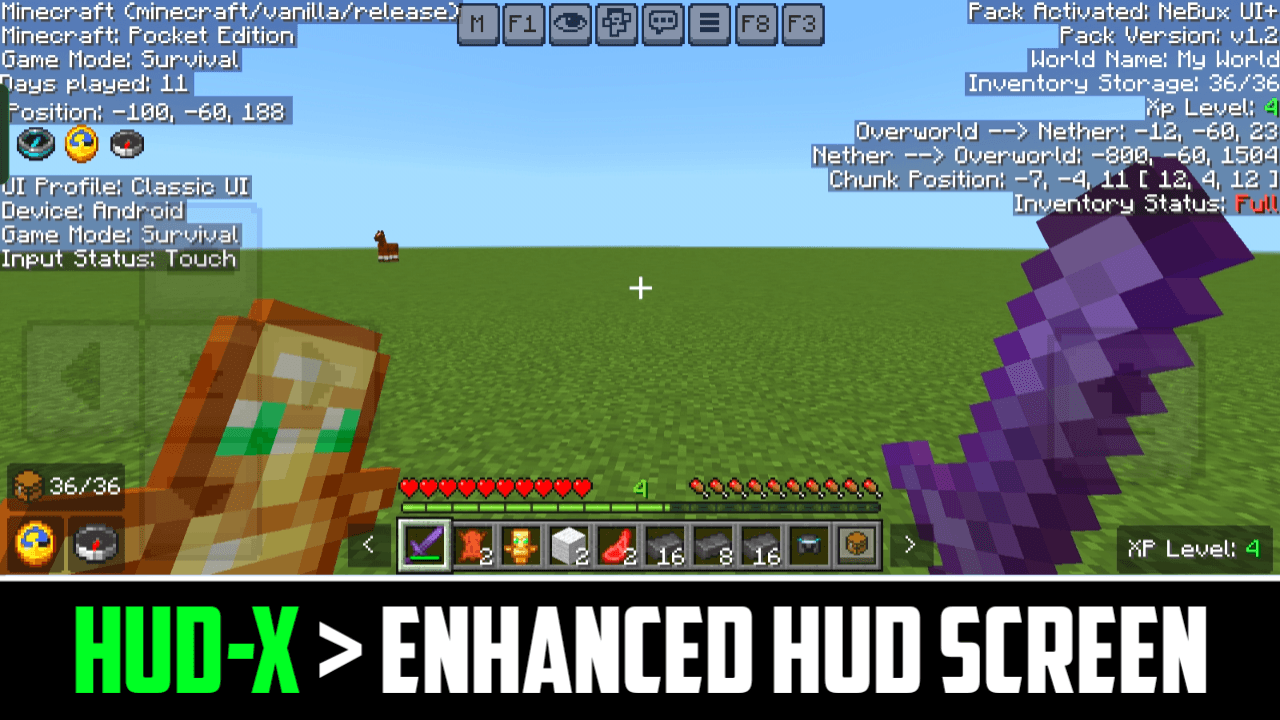
HUD-X
HUD-X enhances your Minecraft HUD by adding F1 (hide HUD), F3 (debug), F8 (paper doll), and M (mod menu) buttons. It also includes a clock, compass, inventory counter, XP counter, and an advanced debug screen with coords and inventory status.Download

Unique Dark - Green Interface
Add-On for Unique Dark | Green Themed User InterfaceInstall
Avalon 32x v1.7
A very immersive, bright & colourful pack that also has a nice fantasy aspect to itInstall

R3D CRAFT: Default Realism 512px
A HD alternative to Minecraft's default apperanceInstall

Realismo Graphics Renderdragon
Realismo Graphics is back but now with new features that add more realism to MinecraftDownload
Stormilla
Vanilla+ with QOL enhancements, tweaks and bug fixesInstall

Vanilla Live
Make your game look like the Minecraft Live Mob Votes!Install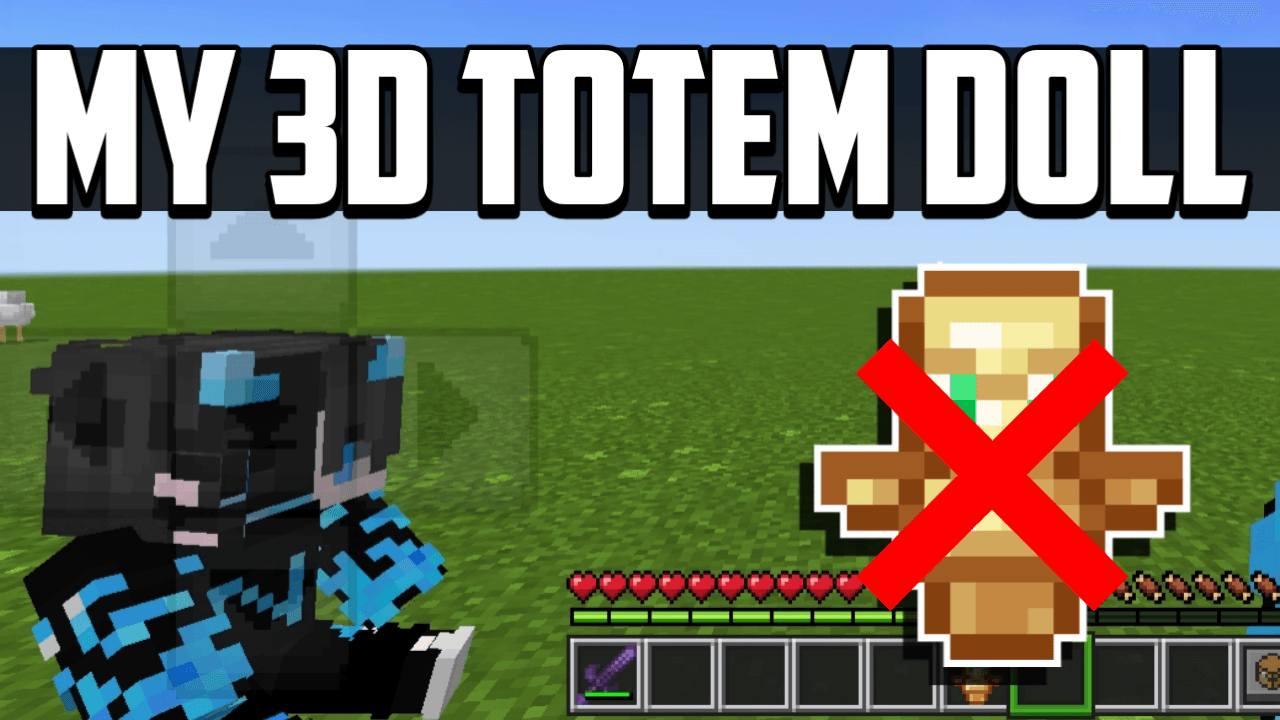

My Totem Doll
Transforms the regular totem into a unique 3D Totem Doll for Minecraft Bedrock Edition.Download

Classic Vanilla +
This curated pack is meant to bring improvements to the "Programmer Art" Style while also changing some of the new textures to better match the original style.Install
Return of Normal Mobs
Datapack which brings vanilla mobs back into PixelmonInstall

ChicknTurtle's 3D Totems
Makes totems 3D without taking away the vanilla look!Install

Reduced Particles
A pvp themed particle texturepack that reduces the particlesInstall

[ Bedrock ] Tactical 3D Tools & 3D Weapons PvP
[ Bedrock Port ] an another 3d tools packDownload
DynamicSurroundings Sounds Bedrock
Immerse yourself in Minecraft's lifelike soundscapes with a simple resource pack in BEDROCKDownload

[Deprecated]CTOV - Advanced Peripheral Compat
Compatibility datapack between CTOV and Advanced Peripheral modInstall

MC Connected CTM
Connected & emissive textures using the CTM mod.InstallFAQ
Do I need Forge or Fabric for a resource pack?
No. A resource pack works on the regular game with no loaders or mods. Click “Install” and Millida Launcher will put the pack into the right modpack — then just enable it in the settings.
What do 16×, 32×, 64× mean?
The resolution of a single texture in pixels. 16× matches the original game, 32× and 64× are more detailed and heavier, and 128× and up put a noticeable load on your graphics card.
Will a pack made for another version work?
Most likely partly: older packs don't have textures for newer blocks, so those will stay default. The game won't break, though.
How is a texture pack different from a resource pack?
Only by name and age. Before version 1.6 the sets were called texture packs and changed only textures; in 1.6 resource packs replaced them and also change sounds, fonts and the interface. Old texture packs for 1.5 and below do not work on new versions without conversion.
Which texture packs are best for PvP?
PvP packs: 16× resolution or lower, shortened swords, low fire, a clear sky and bright particles. They barely load the computer and make the opponent easier to see. These packs are collected in the PvP theme.
How do I install a resource pack?
Press Install and Millida Launcher puts the pack into the resourcepacks folder of the right instance. Then enable it in the game: Options, then Resource Packs. Manually, the archive goes into resourcepacks inside the game folder, no need to unpack it.
Minecraft texture packs
A resource pack changes how the game looks and sounds: block and item textures, fonts, the interface, sounds. It doesn't touch the game's code, so it needs no mod loader and breaks nothing on a server — the pack only works on your screen. That's exactly why a resource pack is safer than any mod: the worst that happens on a version mismatch is that some textures stay default.
Textures, texture packs and resource packs are essentially the same thing: since version 1.6 Mojang calls these sets resource packs, but the old name is still searched more often. PvP packs are a big genre of their own: shortened swords, low fire, bright particles and 16× resolution or lower, so the opponent stands out and the frame rate does not drop. Such packs are most often made for 1.8.9 and 1.16.5, the versions many PvP servers run on.
The key thing about a pack is its resolution. The game's default textures are 16×16 pixels; 32× and 64× packs look more detailed, while 128× and up need a real graphics card and are usually paired with shaders. On a weak machine it makes sense to stay at 16× or go for packs that deliberately simplify graphics for more FPS. Every pack here lists its game version, author and license, and all released versions are gathered on one card. Put the downloaded archive in the resourcepacks folder and enable it in the game settings.