
Shaders for Minecraft Java — page 15
967 itemsShaders: list


TAA-Distant Horizons port
fork of TAA project that adds Distant Horizons supportInstall
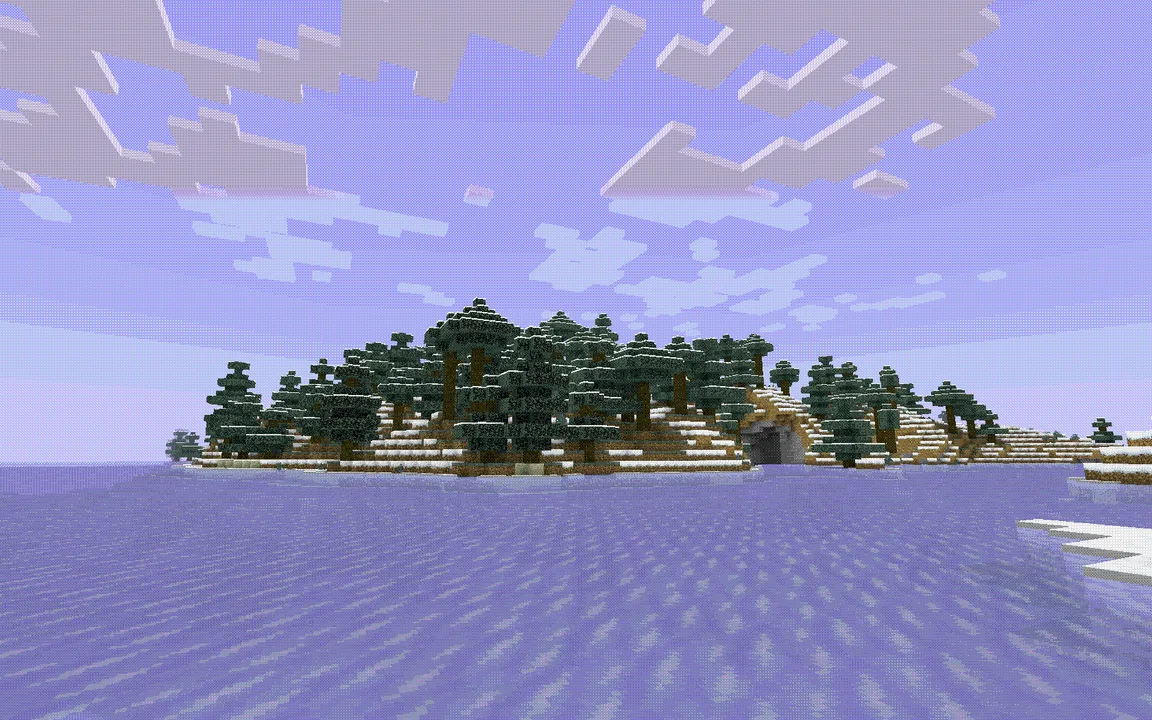
Aeon
Minecraft shaders intended to emulate the graphic design style of early tech, as well as that of certain retro sci-fi, dithered, and other minimalist styles.Install

Vivid Horizon
A Beautiful And Optimized Shader Pack For High, low and mid PCs And Computers, Based On Complementary!Install

Horizon Unbound
A cinematic shader with atmospheric lighting, dramatic skies, and enhanced environment.Install

Serendipity
a shader aiming for a semi-realistic lookInstall

Pixel Shades
Experience the most realistic, cinematic and clear visualsInstall

Cinematic Vanilla
Cinematic Vanilla is a lightweight cinematic shader pack designed to enhance Minecraft visuals while maintaining smooth performance on low- to mid-end PCs.Install

Comic Shaders
A shader pack that emulates the look of classic comic books.Install

Wispy Shader
One of if not the best peformance shader without compromising on customizability and visuals.Install

Contour Shaders
This Minecraft Shader Adds Custom Outlines to Every Mob!Install

Dynamic Light Shader
A simple baseline shader that glows/emits light from held items in your hand.Install

Lightingless
Removes shading engine (NOT FULLBRIGHT!)Install

Lumeau
A shader adding shadows, light and waves, while being lightweight to allow older hardware to run at a good number of fps.Install

Extremely Simple Camera Effects
An extremely simple shader that adds extremely simple camera effects, while still playable in normal gameplay.Install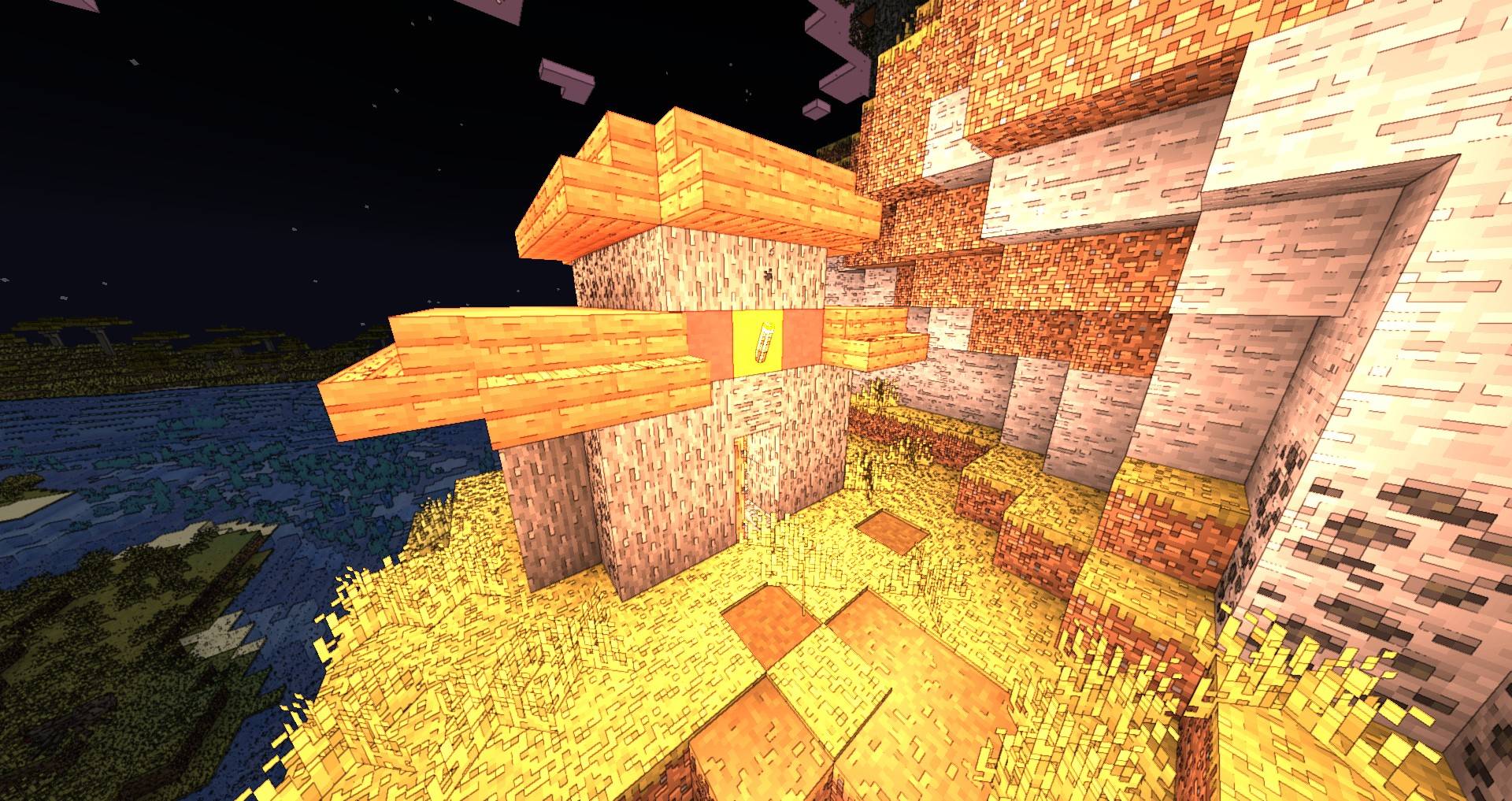

PwC Outline Shaders
Outlines and Cel Shading for MinecraftInstall

Super FPS Shader
An ultra-light shader built for max FPS on low-end devices. Adds soft lighting and gentle water waves while keeping vanilla water untouched. Works with Iris and OptiFine, 1.19 to 26.3.Install

Paranoia Shader
A simple shader that add a few skyboxes based on referencesInstall

Nova Reimagined
Nova Reimagined is a modified Complementary Reimagined pack with a shader-driven surface snow system, cell-shaded lighting options, per time of day weather and water visuals, and more.Install

AuraLite Shaders
Lightweight OpenGL 4.6 shaders for Minecraft 1.16.5–26.2 with volumetric godrays, HDR rendering, 3D clouds, and LabPBR support.Install

Unbound Visual +
Unbound Visual+ is a modified version of Complementary Unbound, featuring various added effects and visual enhancements.Install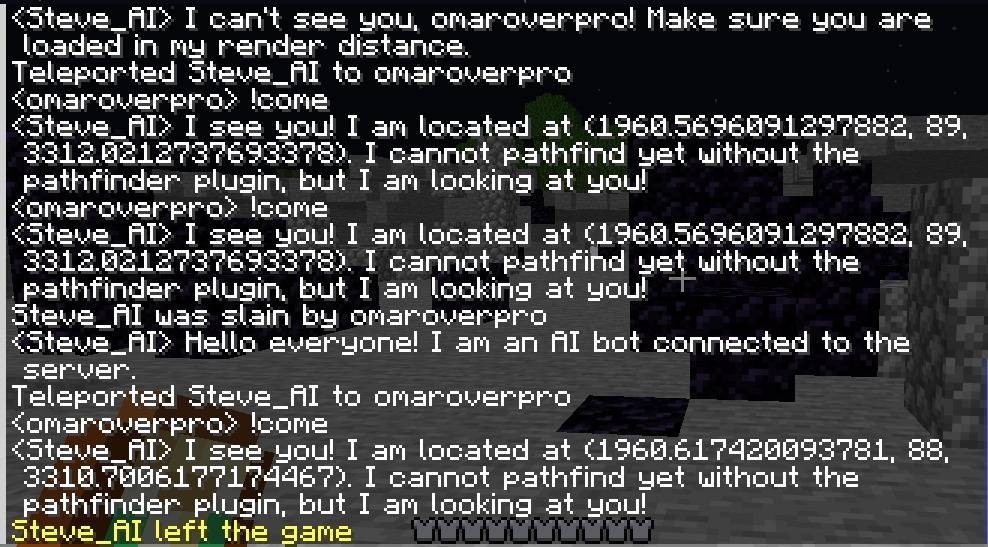
AIoverpro (V4)
AI bot that can do almost everything and can help youInstall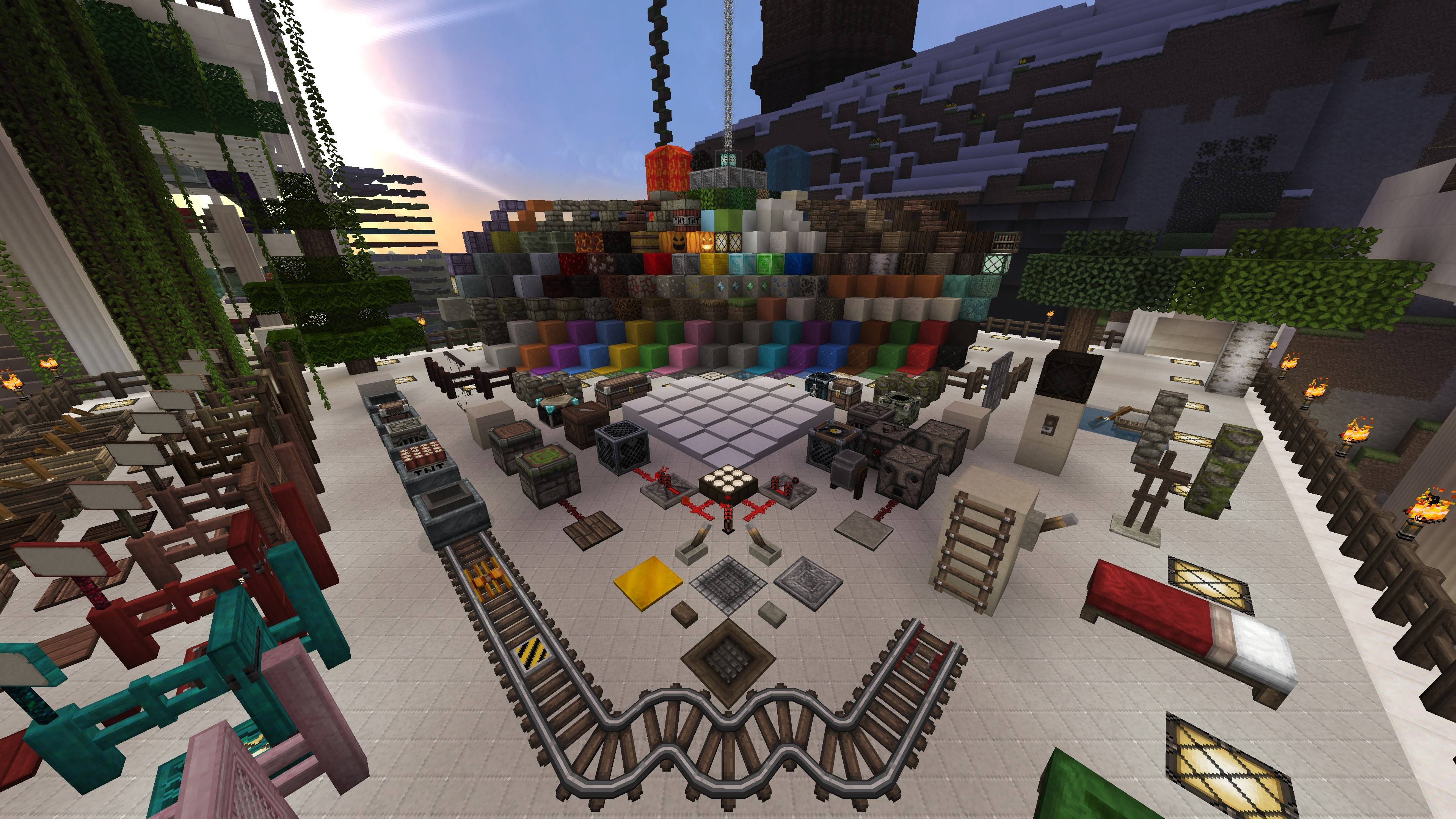
HolaBlocks
A detailed medieval-style Minecraft resource pack featuring realistic textures, enhanced block detail, improved materials, and immersive visualsInstall

VertaLux
A shaderpack designed to bring stunning realism to your Minecraft world while remaining completely survival-friendly. Experience beautiful 3D volumetric clouds, pixel-perfect shadows, and gorgeous oceans without compromising your daily gameplay. Please notInstallRequired to run
FAQ
What do I need to get shaders working?
Iris or OptiFine. Iris installs as a Fabric mod and is usually faster; OptiFine is a separate installer. Without one of them the game simply won't see the shader. Millida Launcher installs Iris along with the shader for you.
Which shaders run on a low-end PC?
Light packs without ray tracing and with low shadow resolution. They're marked in the catalog — they give you shadows and water while costing noticeably fewer frames.
How do I install shaders?
Click “Install” and Millida Launcher will put the shader into the shaderpacks folder of the right modpack. Then select the pack in the video settings — no need to unpack the archive.
Iris or OptiFine — which should I choose?
For new versions, Iris: it works with Sodium, usually gives more FPS and supports almost all modern shaders. OptiFine is needed on old versions and for packs that rely on its special features. The two cannot be installed in the same instance.
Are there shaders for Bedrock?
The shaders in this section are for the Java edition; their format does not work in Minecraft PE and Bedrock. Bedrock has a built-in Vibrant Visuals graphics mode and resource packs with deferred rendering support, which are turned on in the game settings.
Shaders for Minecraft Java
Shaders rewrite the game's lighting: you get soft shadows, volumetric sunlight, reflections on water and a real night instead of flat dusk. A shader on its own isn't a mod: it's a set of programs for your graphics card, run through a middleman — Iris or OptiFine. Iris installs as a Fabric mod and runs faster; OptiFine is a standalone installer that has been around the longest.
Iris works together with Sodium, so on the same machine it usually gives more frames, and new shaders come out for it first; OptiFine is chosen for old game versions and its own features such as connected textures. On a low-end PC start with packs from the For low-end PCs collection and lower the quality profile inside the shader, and leave heavy ray-traced packs to a powerful graphics card.
Beauty costs frames. Heavy ray-traced shaders can cut performance several times over even on a good graphics card, so the catalog separately marks light packs built for weak machines: they give you shadows and decent water while barely touching FPS. In practice: first install Iris or OptiFine, then put the shader archive in the shaderpacks folder and select it in the video settings. It's best to start with a light pack, and the quality profiles inside the shader itself lower the load even further.