
Shaders for Minecraft Java — page 16
967 itemsShaders: list


SEUS PTGI HRR Reforged
SEUS PTGI HRR 2.1 Reforged is a community-made modification of Sonic Ether's SEUS PTGI HRR 2.1, aimed at improving image quality and performance, adding more configuration options, fixing visual issues, and introducing new features.Install

Glint
Glint is a physically based shaderpack for Minecraft.Install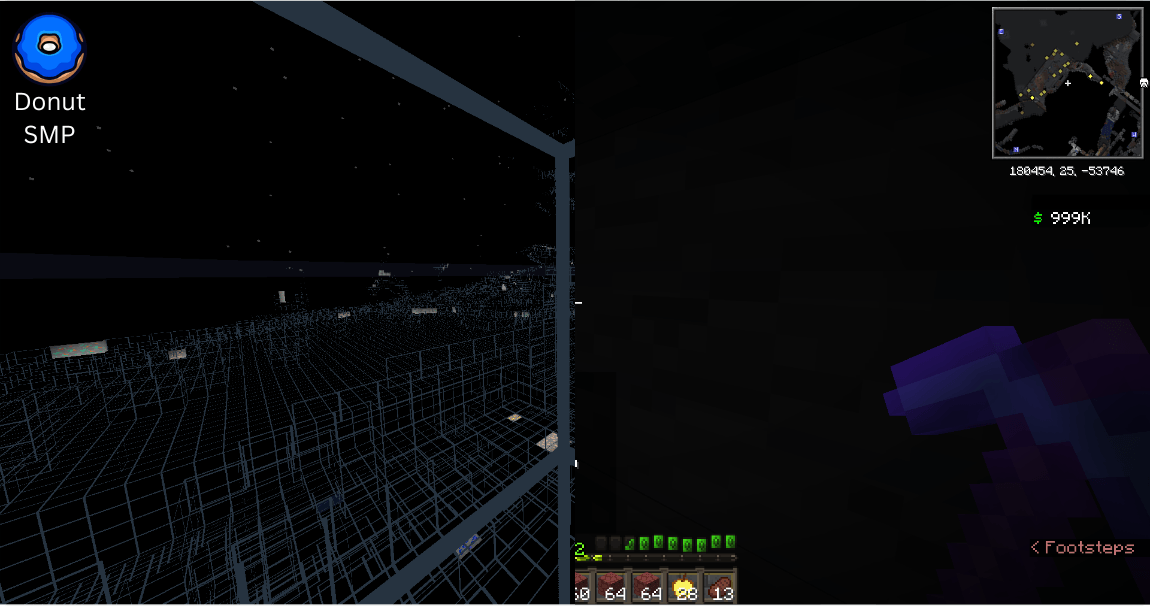
Elysium X-ray
X-ray Shader! Bypass all those pesky anti-xray servers, as well as paper servers. (Includes ESP, and Fullbright)Install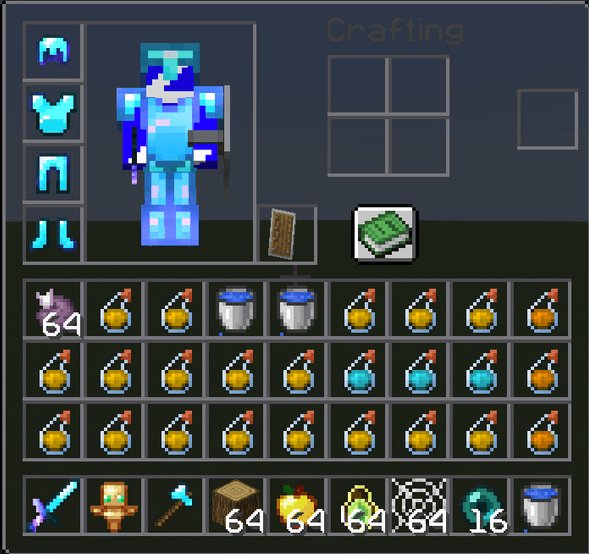
PVP texture pack
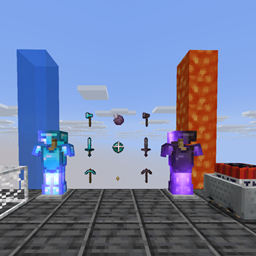
It’s an awesome PvP texture pack—it just has a really cool vibe. I hope you like it, because it took a bit longer to make than I expected.Install

Dither
Stylized minecraft shaderpack that aims to recreate the look of hand-drawn pixel / retro art with fast performanceInstall

Lumenite Shaders
A high-end shader focused on great visuals, packed with features like blocklight shadows, colored block lighting, CSM shadows, realistic water physics (vertex manipulation), shader grass, snow footprints, volumetric clouds, god rays and much more.Install

Event Horizon
Event Horizon is a cinematic shader for Minecraft that brings a black hole to the End dimension.Install

Lux V1: BrickCraft Edition
A version of Lux V1 made in collaboration with and in remembrance of BrickCraft's original creator.Install

Mist Shaders
Mist Shaders: Enhances Minecraft with a gentle, glowing tone while keeping the vanilla feel for a calm, immersive look.Install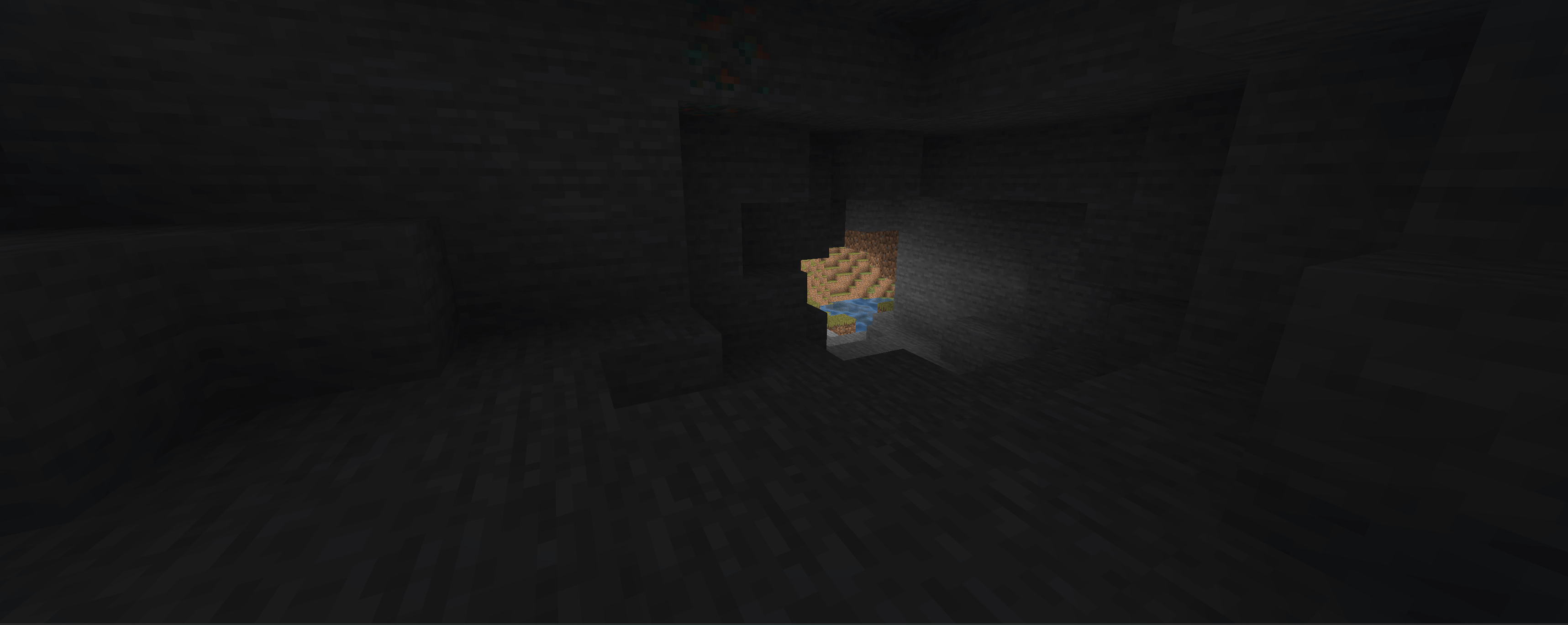

Hollows
This is a low shaders for low device i make this for some low Phone that play on a laucher like Mojolaucher or zalithlaucherInstall

Realistic Dark
Attempts to faithfully recreate how your actual, real-life eyes see in the dark rather than just turning down the brightness.Install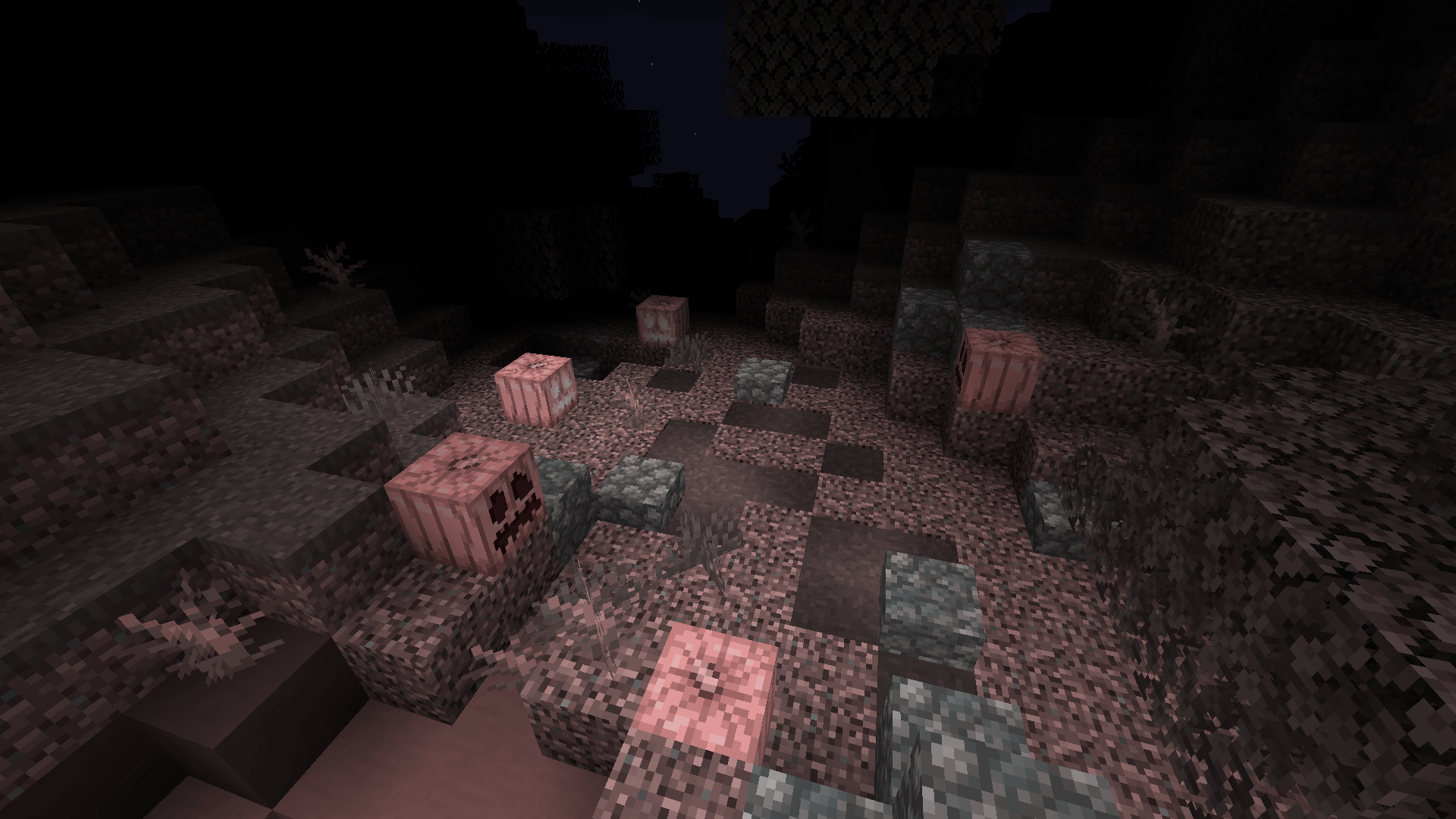
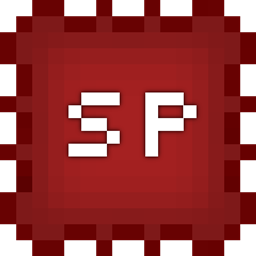
Spook
A vanilla shader that makes Minecraft look more mysteriousInstall

Ripple Shaders
Shaders with glowing ores, cinematic godrays, and metallic reflections.Install
minecraft CRT
A simple customizable CRT shader with a sprinkle of analog horror.Install

Water Shader Alpha
Reflective, refractive, and rippling water.Install

Chippa256 shader
Give your Minecraft that retro 256-color look with low-res pixelation options!Install
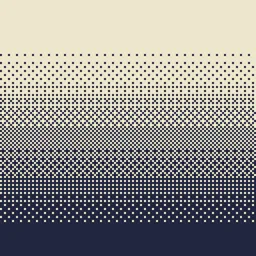
Dithering3D
Pixelated, retro, Dark Fantasy, gradient, B&W, RGB and moreInstall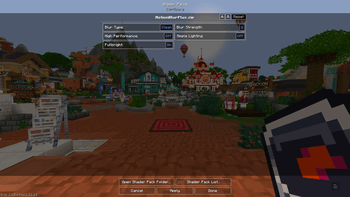
BL Motion Blur
Smooth motion blur. Made good for PvPInstall

Pumpkin
Shaders that (try) to not make your computer cry.Install

RealisticLite Shader
This is a Minecraft Java Edition Version 26.2 shader. This shader is Iris Version 1.11.1 compatible. This shader adds realistic lights and shadows and blooming to Minecraft.Install

Legacy Console Edition Shaders
A minimal and simple shader aiming to replicate the look and feel of the legacy console editions of Minecraft.Install
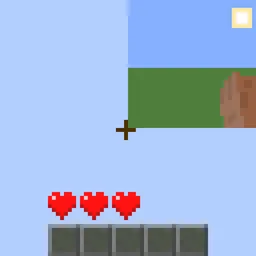
Quarter
Quarter is a shader pack that will turn your entire Minecraft world into a small, rectangle in the corner of your screen.Install

Screen Mirror Shader
A shader that allows you to rotate the image in the game vertically, horizontally and moreInstallRequired to run
FAQ
What do I need to get shaders working?
Iris or OptiFine. Iris installs as a Fabric mod and is usually faster; OptiFine is a separate installer. Without one of them the game simply won't see the shader. Millida Launcher installs Iris along with the shader for you.
Which shaders run on a low-end PC?
Light packs without ray tracing and with low shadow resolution. They're marked in the catalog — they give you shadows and water while costing noticeably fewer frames.
How do I install shaders?
Click “Install” and Millida Launcher will put the shader into the shaderpacks folder of the right modpack. Then select the pack in the video settings — no need to unpack the archive.
Iris or OptiFine — which should I choose?
For new versions, Iris: it works with Sodium, usually gives more FPS and supports almost all modern shaders. OptiFine is needed on old versions and for packs that rely on its special features. The two cannot be installed in the same instance.
Are there shaders for Bedrock?
The shaders in this section are for the Java edition; their format does not work in Minecraft PE and Bedrock. Bedrock has a built-in Vibrant Visuals graphics mode and resource packs with deferred rendering support, which are turned on in the game settings.
Shaders for Minecraft Java
Shaders rewrite the game's lighting: you get soft shadows, volumetric sunlight, reflections on water and a real night instead of flat dusk. A shader on its own isn't a mod: it's a set of programs for your graphics card, run through a middleman — Iris or OptiFine. Iris installs as a Fabric mod and runs faster; OptiFine is a standalone installer that has been around the longest.
Iris works together with Sodium, so on the same machine it usually gives more frames, and new shaders come out for it first; OptiFine is chosen for old game versions and its own features such as connected textures. On a low-end PC start with packs from the For low-end PCs collection and lower the quality profile inside the shader, and leave heavy ray-traced packs to a powerful graphics card.
Beauty costs frames. Heavy ray-traced shaders can cut performance several times over even on a good graphics card, so the catalog separately marks light packs built for weak machines: they give you shadows and decent water while barely touching FPS. In practice: first install Iris or OptiFine, then put the shader archive in the shaderpacks folder and select it in the video settings. It's best to start with a light pack, and the quality profiles inside the shader itself lower the load even further.