
Shaders for Minecraft Java vanilla
16 itemsShaders: list


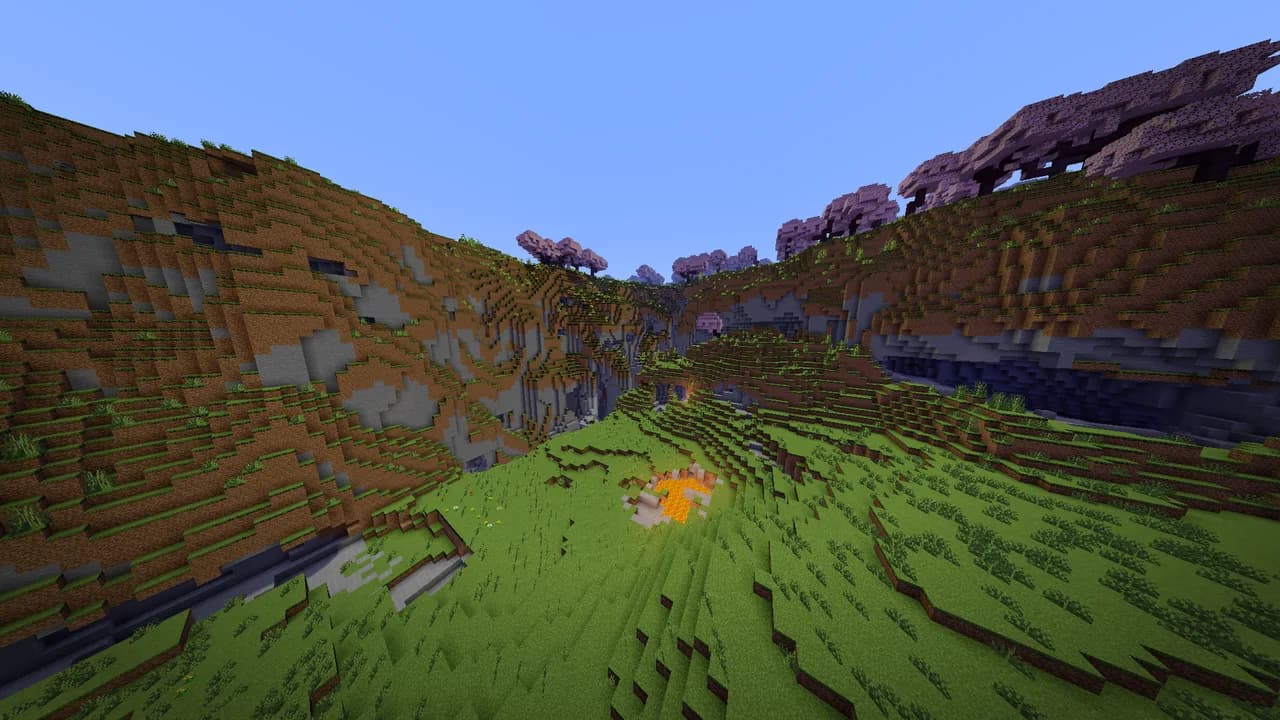

Energy Shaders Java
Energy Shaders for Java. A vanilla Minecraft shaderpack that aims on making the game more vibrant and aesthetic. Giving Minecraft a completely new Style. No Optifine/Iris required!Install

Visible Invisibility
TrueSight for invisibility particlesInstall

Wynncraft Tooltips
Added Wynncraft style tooltips using vanilla shaderInstall

Shaderific (Vanilla Shader)
Simplistic yet stylish shaders for the vanilla client, enable Fabulous graphics options for the full experience!Install
Smoother Glowing
Replace vanilla glowing shader with optimized and prettier one imoInstall

Lightmap Fixer
1.21.9 changed the lightmap shader, and now block light is strangely warm/orange. this fixes that.Install

WVP Shader (Wozt Vanilla Plus Shader)
Enhance your Minecraft with vibrant colors, warm lighting, and smooth performance. The ultimate Vanilla+ experience.Install

Javier's improved fog
I improve the fog in Minecraft / Mejoro la niebla en MinecraftInstall
Ranold's Better Breaking
This reource pack makes breaking blocks a lot more fancy!Install

Hyperion Shaders
An enhanced edition of Photon Shaders featuring critical fixes for beacon beams across all dimensions, entity nametag darkening, and improved rendering.Install

Ultimate Nausea
This shader makes far-away objects appear to spin.Install
Sculk Enchantment Glint
Sculk under the ever-sifting disco ball with this enchantment glint.Install

WarmToon
WarmToon: warm, cartoon-style shaders for OptiFine and Iris. Minecraft as it looks in the trailers: soft golden light, gentle shadows and cozy warm colors.Install

Crownlight Shader
Bright Iris shader with a real sky, realistic water, glowing ores, rainy weather, desert and snow storms, and 60+ settings including a My Own Shader menu. Low to Ultra profiles for any PC.Install

Classic Sky
Removes the new clouds and fog added in 1.21.6InstallFAQ
What do I need to get shaders working?
Iris or OptiFine. Iris installs as a Fabric mod and is usually faster; OptiFine is a separate installer. Without one of them the game simply won't see the shader. Millida Launcher installs Iris along with the shader for you.
Which shaders run on a low-end PC?
Light packs without ray tracing and with low shadow resolution. They're marked in the catalog — they give you shadows and water while costing noticeably fewer frames.
How do I install shaders?
Click “Install” and Millida Launcher will put the shader into the shaderpacks folder of the right modpack. Then select the pack in the video settings — no need to unpack the archive.
Iris or OptiFine — which should I choose?
For new versions, Iris: it works with Sodium, usually gives more FPS and supports almost all modern shaders. OptiFine is needed on old versions and for packs that rely on its special features. The two cannot be installed in the same instance.
Are there shaders for Bedrock?
The shaders in this section are for the Java edition; their format does not work in Minecraft PE and Bedrock. Bedrock has a built-in Vibrant Visuals graphics mode and resource packs with deferred rendering support, which are turned on in the game settings.
Shaders for Minecraft Java vanilla
Shaders for Minecraft vanilla: 16 items in the Shaders section. Compatibility is checked against the files, not the description: only items with a build for exactly these conditions stay in the list.
Beauty costs frames. Heavy ray-traced shaders can cut performance several times over even on a good graphics card, so the catalog separately marks light packs built for weak machines: they give you shadows and decent water while barely touching FPS. In practice: first install Iris or OptiFine, then put the shader archive in the shaderpacks folder and select it in the video settings. It's best to start with a light pack, and the quality profiles inside the shader itself lower the load even further.