
Shaders for Minecraft Java 1.4.7
21 itemsShaders: list


Motion Blur FX
Add Motion Blur in MinecraftInstall

CH Motion
A simple but very good low performance motion blur pack, which enhances the vanilla experience!Install

Bad Apple Shaders
[🚨WORKS ON EVERYTHING🚨] | A shader that makes the game render similarly to "Bad Apple".Install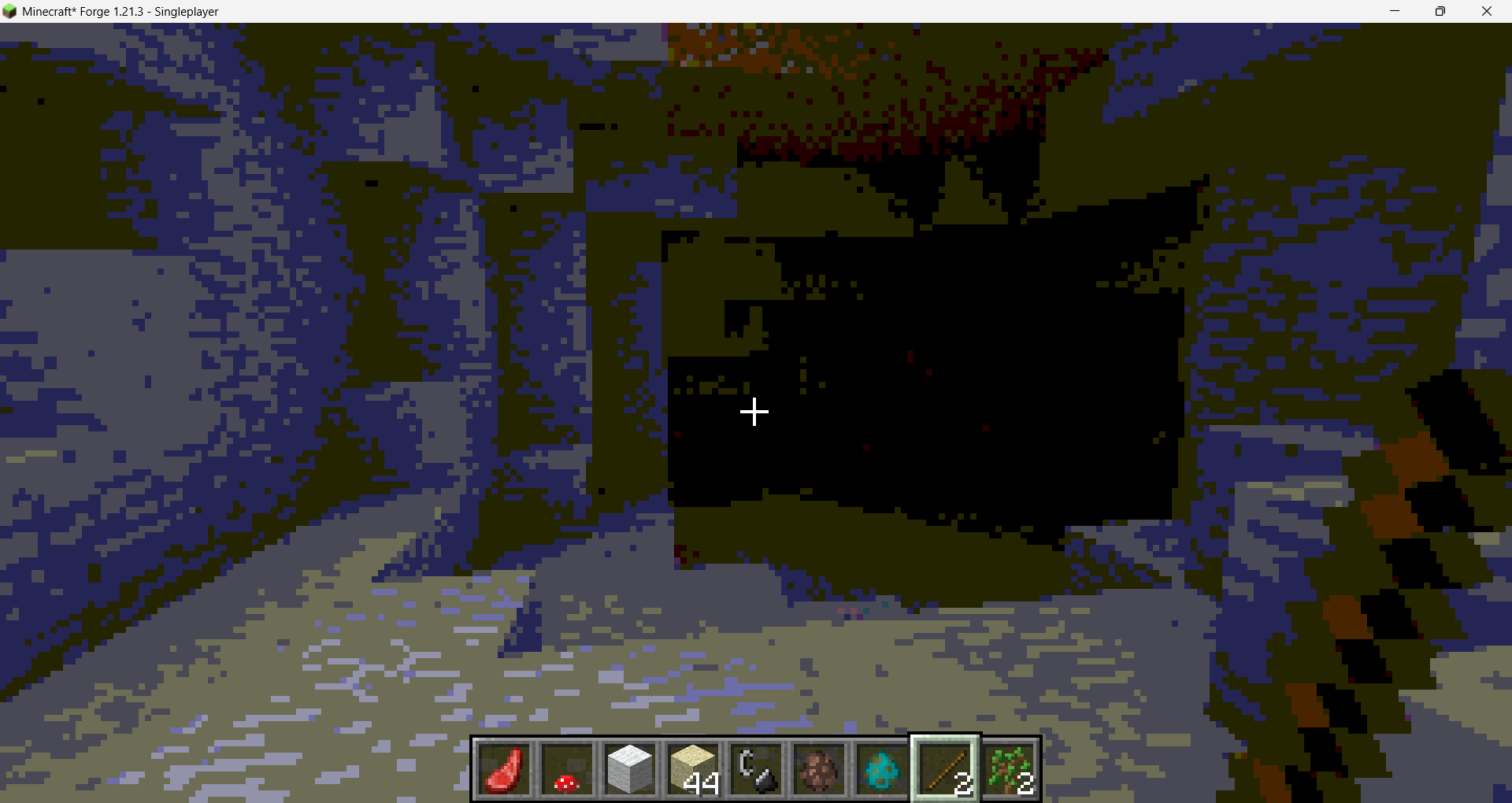

Chippa256 Shaders
Give your Minecraft that retro 256-color look with low-res pixelation options!Install
Sildurs Shaders TFC setup
Sildurs Shaders TFC setup 1.18.2Install

BrighterAccessibility
Removes the shadows and fog from the game for visually impaired people. Has Distant Horizons support.Install

Velocity
A higher performance shader forked from Mellow. Support low end and higher end builds. Even runs on integrated graphics!Install

Lightingless
Removes shading engine (NOT FULLBRIGHT!)Install
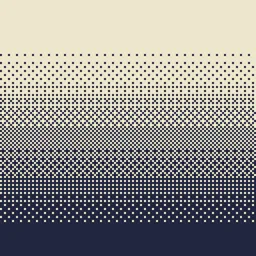
Dithering3D
Pixelated, retro, Dark Fantasy, gradient, B&W, RGB and moreInstall

Chippa256 shader
Give your Minecraft that retro 256-color look with low-res pixelation options!Install

VHS Shader
VHS Shader — Play Minecraft like it's recorded on an old VHS tape!Install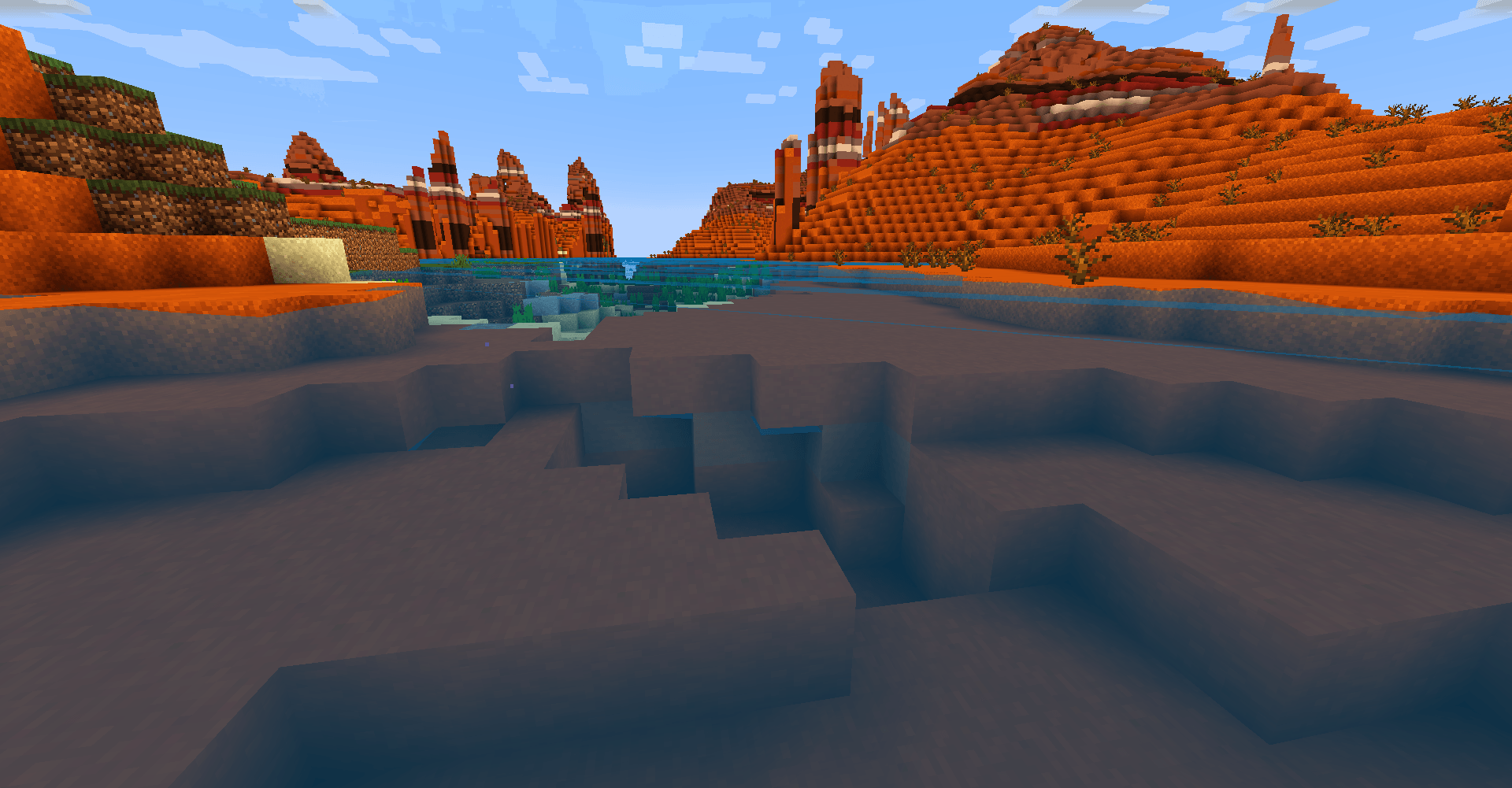

TDDshader
The shaders of The Diamonds Devloppers. It's optimized and looks good. Practical for low-end computers.Install

Lumenite Shaders
A high-end shader focused on great visuals, packed with features like blocklight shadows, colored block lighting, CSM shadows, realistic water physics (vertex manipulation), shader grass, snow footprints, volumetric clouds, god rays and much more.Install

DreamFall Shaders
Immersive 90s analog horror & found footage VHS shaderpack for MinecraftInstall

Upside Down Shader
Upside Down Shader — Turns Minecraft completely upside down. Sky is now on the bottom, ground on top. That's it. Have fun!Install

Aragorn's Light Shader
A light shader which adds basic shadows, anti aliasing, realistic clouds and semi-realistic water to Minecraft.Install

Motion Blur Test3
An extremely subtle and highly configurable motion blur.Install
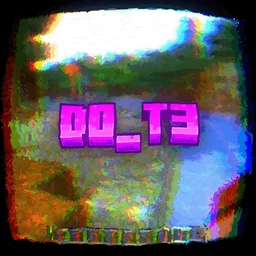
Depth of field Test3
Simple shader that just blurs the backgroundInstall
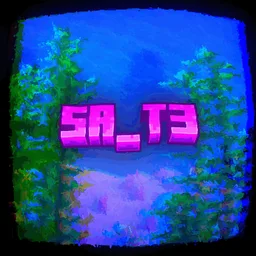
Saturation Test3
Adjust the saturation/vibrance in the most optimized way possible.Install

No Rain Shader
No Rain Shader — Removes rain and snow visuals completely. No more annoying weather effects!InstallRequired to run
FAQ
What do I need to get shaders working?
Iris or OptiFine. Iris installs as a Fabric mod and is usually faster; OptiFine is a separate installer. Without one of them the game simply won't see the shader. Millida Launcher installs Iris along with the shader for you.
Which shaders run on a low-end PC?
Light packs without ray tracing and with low shadow resolution. They're marked in the catalog — they give you shadows and water while costing noticeably fewer frames.
How do I install shaders?
Click “Install” and Millida Launcher will put the shader into the shaderpacks folder of the right modpack. Then select the pack in the video settings — no need to unpack the archive.
Iris or OptiFine — which should I choose?
For new versions, Iris: it works with Sodium, usually gives more FPS and supports almost all modern shaders. OptiFine is needed on old versions and for packs that rely on its special features. The two cannot be installed in the same instance.
Are there shaders for Bedrock?
The shaders in this section are for the Java edition; their format does not work in Minecraft PE and Bedrock. Bedrock has a built-in Vibrant Visuals graphics mode and resource packs with deferred rendering support, which are turned on in the game settings.
Shaders for Minecraft Java 1.4.7
Shaders for Minecraft 1.4.7: 21 items in the Shaders section. Compatibility is checked against the files, not the description: only items with a build for exactly these conditions stay in the list.
Beauty costs frames. Heavy ray-traced shaders can cut performance several times over even on a good graphics card, so the catalog separately marks light packs built for weak machines: they give you shadows and decent water while barely touching FPS. In practice: first install Iris or OptiFine, then put the shader archive in the shaderpacks folder and select it in the video settings. It's best to start with a light pack, and the quality profiles inside the shader itself lower the load even further.