
Plugins for Minecraft Java 1.6.2 — page 4
125 itemsPlugins: list


Level Health
Changes a players health based on his XP level.On a server
vEnchant
The Best enchanter for bukkit!!On a server

FoxGate AntiVPN
Your #1 AntiVPN Plugin - Powerful AntiVPN & AntiProxy for your server for Free! (Hytale Support)On a server
RandomTP Plugin
Allows a player to teleport to a random location within a set minimum and maximum from a set world to another using /rtp and many other aliases.On a server

BattlePunishments
An all around administration system that contains bans, mutes, IP tracking, watchlists, player help commands, and much more.On a serverGoldIsMoney
GoldIsMoneyOn a server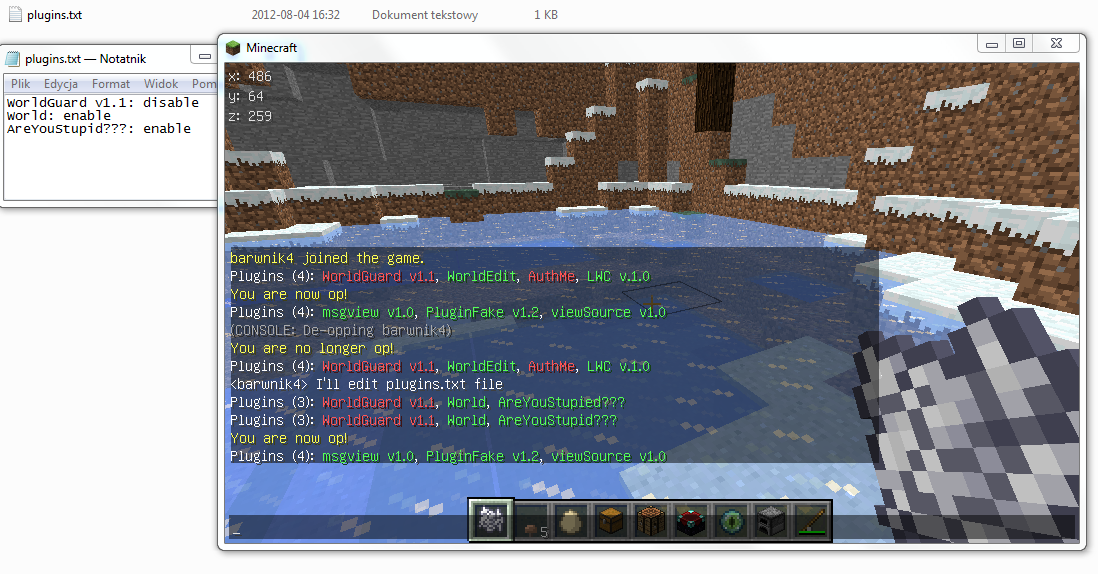
PluginFake
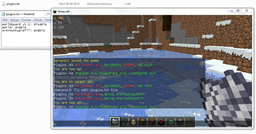
Krótki prosty plugin, który blokuje graczom dostęp do komendy /pl poprzez wysyłanie fałszywych danych do użytkownikaOn a server

ServerStatus
ServerStatusOn a server

Zombie Ablockalypse
A very powerful Nazi-Zombies type minigame.On a serverAnti-PvP
Anti-PvPOn a server

EasyAntiSpam
EasyAntiSpamOn a server

Flags
Flags is an addon allowing players to change game behavior in areas defined by many anti-grief land management plugins.On a serverButtonTeleport
ButtonTeleportOn a serverGolfcraft
Play golf with a bow and arrow!On a server

HUB
This Velocity plugin adds a '/hub' command for quick teleportation to the hub server. It supports customizable messages, configurable hub servers, custom aliases and smart load balancing.On a server

MineCars Reloaded
Allows you to drive a Minecart like a Car!On a server

NSpawn
The simplest and most powerful /setspawn and /spawn!On a server

SpawnX Reborn
Updated Version of SpawnXOn a serverWelcomeBook
Players will get a custom book when they join your server for the first time!On a server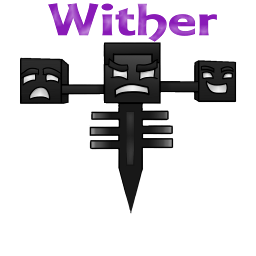
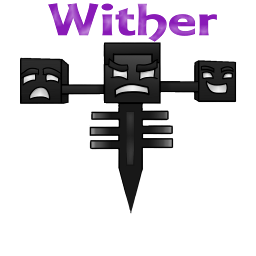
Wither
Control how the Wither will work on your server.On a serverStopLava
Prevent unauthorized players from picking up or placing lava (bucket or blocks)On a serverBackToDeath
Can go back to death location by commandOn a serverAutoItemBarReload
Automatically reload items from inventory to your item bar.On a serverFAQ
How is a plugin different from a mod?
A plugin runs only on the server and requires nothing from players: the client stays vanilla. A mod has to be installed by everyone, and it changes the game itself.
Where do I put a plugin?
Put the .jar file in the plugins folder on the server, then restart the server. The plugin will create its config on first launch.
Will a Spigot plugin work on Paper?
Usually yes: Paper and Purpur are built on Spigot and are compatible with its plugins. The reverse isn't true — a plugin that uses Paper features won't work on plain Spigot.
How do I install a plugin on Aternos?
On Aternos, plugins can only be installed from the built-in list in the “Plugins” section of the panel. You can't upload your own .jar file, so paid and rare plugins can't be installed on Aternos. If the plugin you need isn't on the list, you need hosting with access to the plugins folder: put the file there and restart the server.
Which plugins should I install on a server first?
People usually start with four: EssentialsX (homes, warps, kits, teleport), LuckPerms (groups and permissions), WorldGuard together with WorldEdit (spawn and region protection) and ViaVersion (joining from other game versions). For a server with nickname login, add AuthMe for passwords and SkinsRestorer for skins.
Which plugins should I install on a server for playing with friends?
A small server for friends needs just a few: EssentialsX (home, teleport to a friend, warps), CoreProtect (rolling back griefing and finding who broke a block) and Simple Voice Chat for voice chat, which needs the mod of the same name on players' side. Permissions and region protection are usually unnecessary on such a server.
How do I install a plugin on Paper?
Download the plugin file for your Paper version, put the .jar into the plugins folder and restart the server — the /plugins command will list it. On Millida Hosting the On a server button on the plugin page does the same.
Plugins for Minecraft Java 1.6.2
Plugins for Minecraft 1.6.2: 125 items in the Plugins section. Compatibility is checked against the files, not the description: only items with a build for exactly these conditions stay in the list.
Plugins handle almost everything behind the scenes on a server: ranks and permissions, land protection, economy and shops, anti-cheat, map rotation, menus and voting. You install them by copying the .jar file into the plugins folder and restarting the server; most create their own config on first launch, which is what you then edit. The card lists supported cores and game versions, the author and license, and all releases are gathered on one page — you can update the plugin right from there.