
Plugins for Minecraft Java 1.4.2
19 itemsPlugins: list

Timber Plugin
With this plugin you can cut down an entire tree by breaking the bottom part!On a server

VaultUnlocked
A modern drop-in Vault fork, with Folia support, and enhanced APIs.On a server

BattleArena
A complete match and event framework for creating arenas and minigames in Minecraft. Supports creating modes through config files, or fully custom modes through plugins.On a server

Make your own Commands
Create your own Commands with this plugin!On a server

Tebex
Tebex allows you to sell items, subscriptions, and more from an in-game customized shop. Featuring over 120 payment methods, chargeback protection, fraud protection, and 3-day payouts.On a server

It Just Might Happen
"It Just Might Happen" is reality(close to) added, based on eventsOn a server
SuperMobs
Adds new mobs into game play without forcing users to install client mods.On a server

SwornJail
A simple region based jail plugin.On a server

FoxGate AntiVPN
Your #1 AntiVPN Plugin - Powerful AntiVPN & AntiProxy for your server for Free! (Hytale Support)On a server

Ranker
A permission, economy, auto-ranking plugin based on requirement(s). Ranker tracks wealth, pvp, pve, and time to determine Rank.On a server
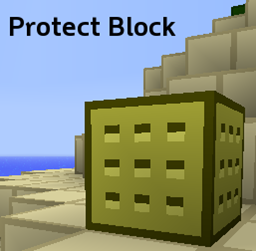
Protect Block
Protect the Blocks you place with Protect Block.On a serverAutoShutdown
Automatically stop your server at a set time every dayOn a serverSimpleDeathBans
Bans player on death.On a server

HUB
This Velocity plugin adds a '/hub' command for quick teleportation to the hub server. It supports customizable messages, configurable hub servers, custom aliases and smart load balancing.On a serverCitiTraders
Trader trait for Citizens 2 NPCsOn a server

TimeShift
TimeShift gives you control over time! You can make worlds loop day, night, and more on-demand and at startup.On a server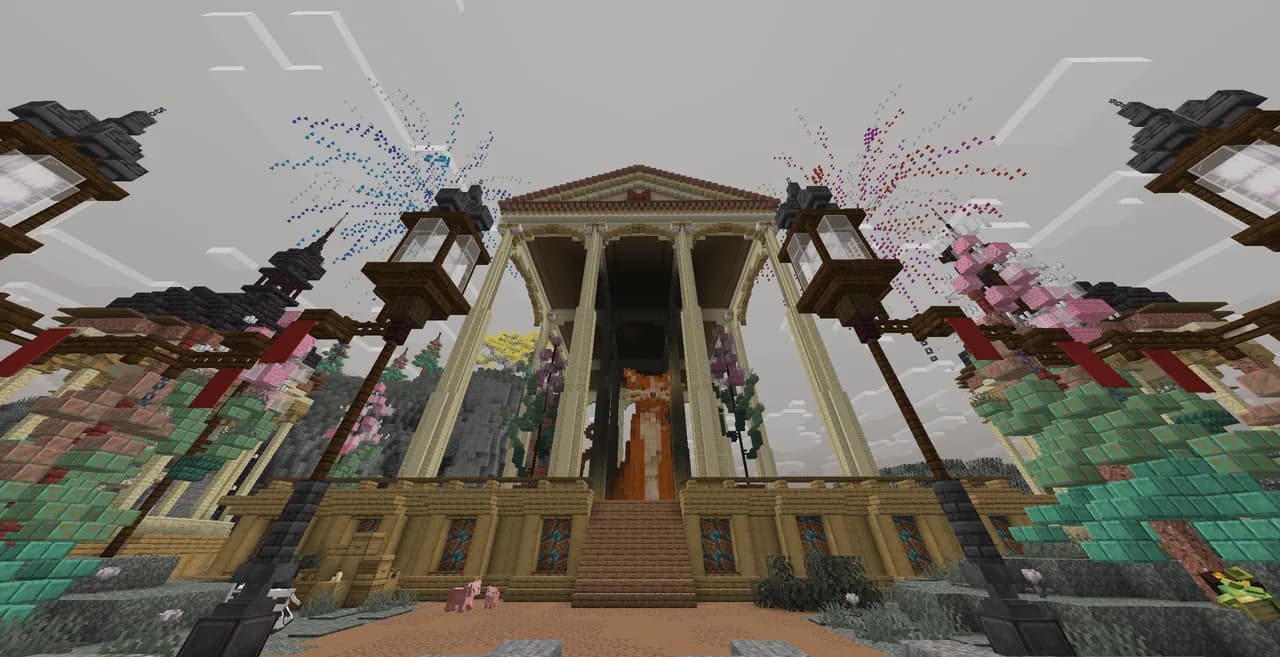

Literally Nothing
The ultimate universal Mod/Plugin/Resource pack/Shader that does literally nothing and runs on everything!On a server
HalloweenScares
Spook your users this Halloween!On a serverFAQ
How is a plugin different from a mod?
A plugin runs only on the server and requires nothing from players: the client stays vanilla. A mod has to be installed by everyone, and it changes the game itself.
Where do I put a plugin?
Put the .jar file in the plugins folder on the server, then restart the server. The plugin will create its config on first launch.
Will a Spigot plugin work on Paper?
Usually yes: Paper and Purpur are built on Spigot and are compatible with its plugins. The reverse isn't true — a plugin that uses Paper features won't work on plain Spigot.
How do I install a plugin on Aternos?
On Aternos, plugins can only be installed from the built-in list in the “Plugins” section of the panel. You can't upload your own .jar file, so paid and rare plugins can't be installed on Aternos. If the plugin you need isn't on the list, you need hosting with access to the plugins folder: put the file there and restart the server.
Which plugins should I install on a server first?
People usually start with four: EssentialsX (homes, warps, kits, teleport), LuckPerms (groups and permissions), WorldGuard together with WorldEdit (spawn and region protection) and ViaVersion (joining from other game versions). For a server with nickname login, add AuthMe for passwords and SkinsRestorer for skins.
Which plugins should I install on a server for playing with friends?
A small server for friends needs just a few: EssentialsX (home, teleport to a friend, warps), CoreProtect (rolling back griefing and finding who broke a block) and Simple Voice Chat for voice chat, which needs the mod of the same name on players' side. Permissions and region protection are usually unnecessary on such a server.
How do I install a plugin on Paper?
Download the plugin file for your Paper version, put the .jar into the plugins folder and restart the server — the /plugins command will list it. On Millida Hosting the On a server button on the plugin page does the same.
Plugins for Minecraft Java 1.4.2
Plugins for Minecraft 1.4.2: 19 items in the Plugins section. Compatibility is checked against the files, not the description: only items with a build for exactly these conditions stay in the list.
Plugins handle almost everything behind the scenes on a server: ranks and permissions, land protection, economy and shops, anti-cheat, map rotation, menus and voting. You install them by copying the .jar file into the plugins folder and restarting the server; most create their own config on first launch, which is what you then edit. The card lists supported cores and game versions, the author and license, and all releases are gathered on one page — you can update the plugin right from there.