
Plugins for Minecraft Java 1.6.2 — page 3
125 itemsPlugins: list
CloneMe
Clone helpers for buildingOn a server
IslandCraft
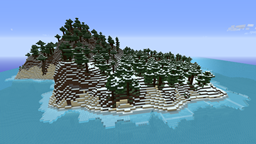
IslandCraft modifies the terrain generation to create an ocean with many islands; each island is a single biome.On a server

PluginUpdater
This plugin allows you to keep your plugins up to date.On a server

Tebex
Tebex allows you to sell items, subscriptions, and more from an in-game customized shop. Featuring over 120 payment methods, chargeback protection, fraud protection, and 3-day payouts.On a serverChunkFixer
Being spammed with chunk errors? Try out this plugin on the chunk you are having an issue with!On a server

SpotProtection
SpotProtection - Minecraft Version 1.5.2On a server

Tribu
A zombie survival game !On a server

PlayerLogger
This plugin logs various player activities such as chat, log-ins, log-outs, etc.On a server

RealWeather
Makes biomes more realistic.On a server

HeroicDeathPlus
HeroicDeathPlusOn a serverBroadcast++
Broadcast++, just more than a normal broadcastOn a serverKill All Mobs
Kill All MobsOn a serverSuper Jetpack
Super Jetpack is a fun way to get around your server.On a server

LightWeightCommands
A plugin that adds easy and "Light Weight Commands"On a serverEnderChest Command
EnderChest CommandOn a serverAntiAdvertising
Kick players advertising for other serversOn a serverServerHub
A quick, mobile hub for your server!On a server

Zephyrus
Brings magic into the world of Minecraft with spells and itemsOn a server

GriefAlert
GriefAlertOn a serverMortar
Mortars in MinecraftOn a server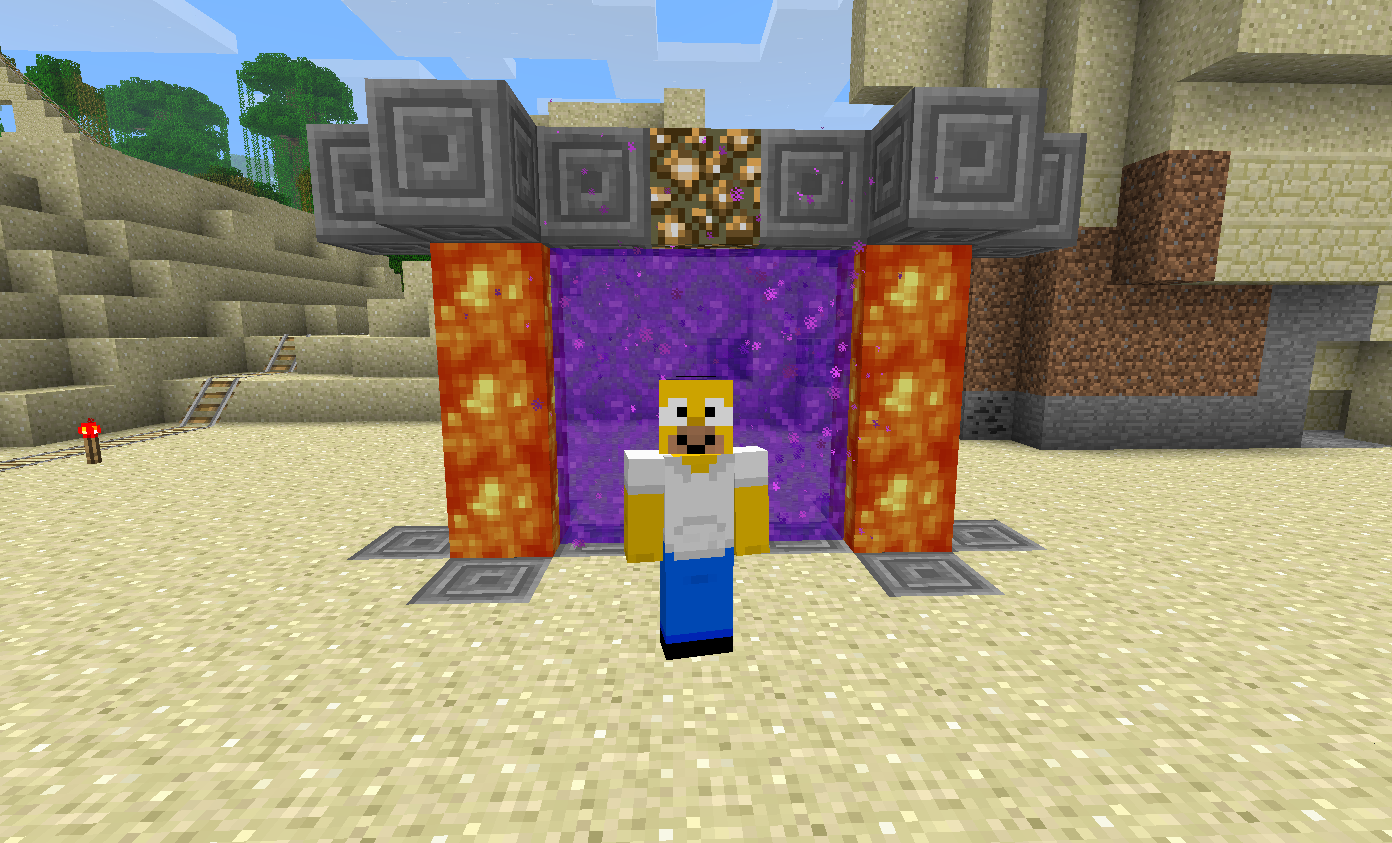
CustomPortals
Make your own facy portalsOn a server

TAB-Bridge
An addon for TAB when it is installed on a proxy.On a server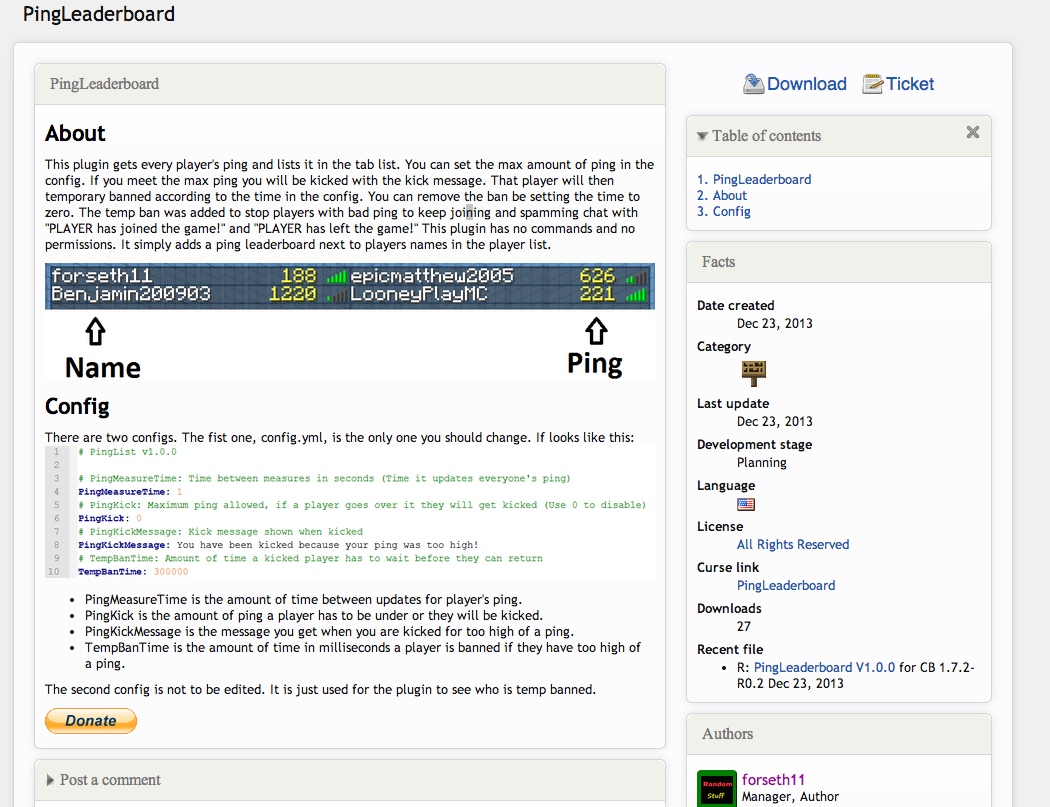

PingTab
Show players latency on the tablistOn a serverFAQ
How is a plugin different from a mod?
A plugin runs only on the server and requires nothing from players: the client stays vanilla. A mod has to be installed by everyone, and it changes the game itself.
Where do I put a plugin?
Put the .jar file in the plugins folder on the server, then restart the server. The plugin will create its config on first launch.
Will a Spigot plugin work on Paper?
Usually yes: Paper and Purpur are built on Spigot and are compatible with its plugins. The reverse isn't true — a plugin that uses Paper features won't work on plain Spigot.
How do I install a plugin on Aternos?
On Aternos, plugins can only be installed from the built-in list in the “Plugins” section of the panel. You can't upload your own .jar file, so paid and rare plugins can't be installed on Aternos. If the plugin you need isn't on the list, you need hosting with access to the plugins folder: put the file there and restart the server.
Which plugins should I install on a server first?
People usually start with four: EssentialsX (homes, warps, kits, teleport), LuckPerms (groups and permissions), WorldGuard together with WorldEdit (spawn and region protection) and ViaVersion (joining from other game versions). For a server with nickname login, add AuthMe for passwords and SkinsRestorer for skins.
Which plugins should I install on a server for playing with friends?
A small server for friends needs just a few: EssentialsX (home, teleport to a friend, warps), CoreProtect (rolling back griefing and finding who broke a block) and Simple Voice Chat for voice chat, which needs the mod of the same name on players' side. Permissions and region protection are usually unnecessary on such a server.
How do I install a plugin on Paper?
Download the plugin file for your Paper version, put the .jar into the plugins folder and restart the server — the /plugins command will list it. On Millida Hosting the On a server button on the plugin page does the same.
Plugins for Minecraft Java 1.6.2
Plugins for Minecraft 1.6.2: 125 items in the Plugins section. Compatibility is checked against the files, not the description: only items with a build for exactly these conditions stay in the list.
Plugins handle almost everything behind the scenes on a server: ranks and permissions, land protection, economy and shops, anti-cheat, map rotation, menus and voting. You install them by copying the .jar file into the plugins folder and restarting the server; most create their own config on first launch, which is what you then edit. The card lists supported cores and game versions, the author and license, and all releases are gathered on one page — you can update the plugin right from there.