
Plugins for Minecraft Java 1.6.2 — page 5
125 itemsPlugins: list



CreepersPlus
Creepers that do more damage!On a server

Crates
CratesOn a server

Steel Security
Steel SecurityOn a serverRealTime
You can set, change, ajust the time based on your Server's current time!On a serverLokiBlocker
LokiBlockerOn a server

VoteCheck - Vote Reward Plugin (Votifier and MinecraftHangout.com)
VoteCheck - Vote Reward Plugin (Votifier and MinecraftHangout.com)On a server

MobHunt
Create competitive hunts for rewards and prizes.On a server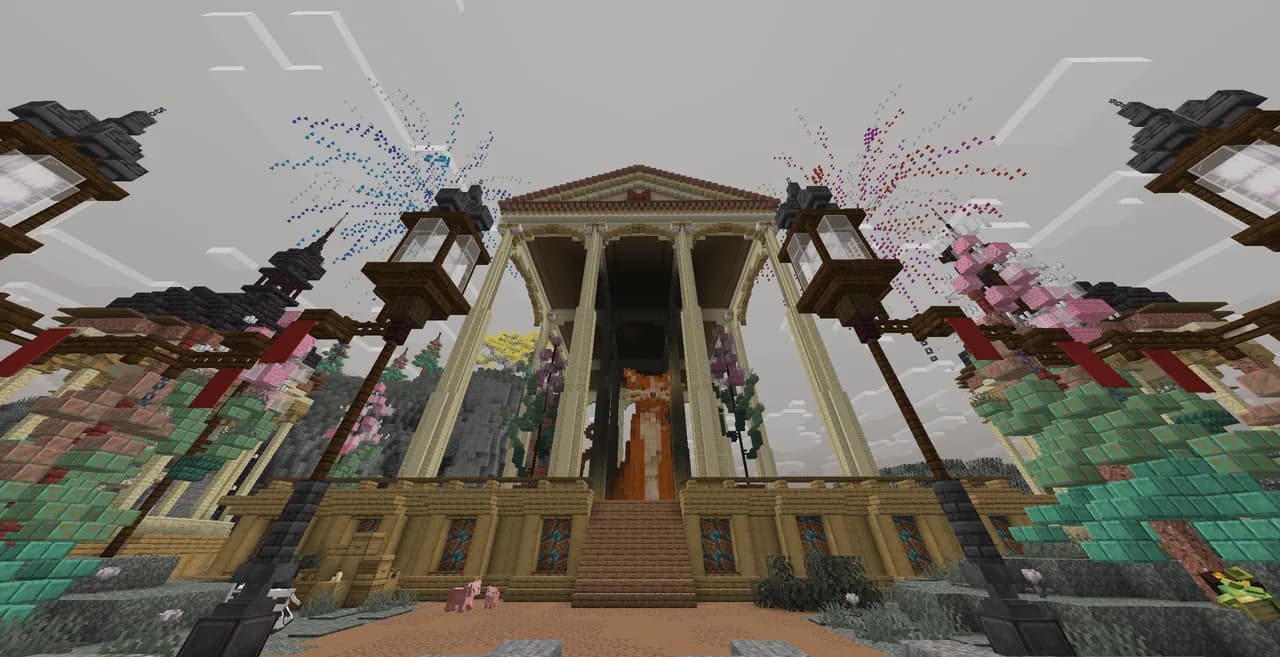

Literally Nothing
The ultimate universal Mod/Plugin/Resource pack/Shader that does literally nothing and runs on everything!On a serverGod Craft
God CraftOn a serverMCWorld
Managing all the worlds. One at a time.On a server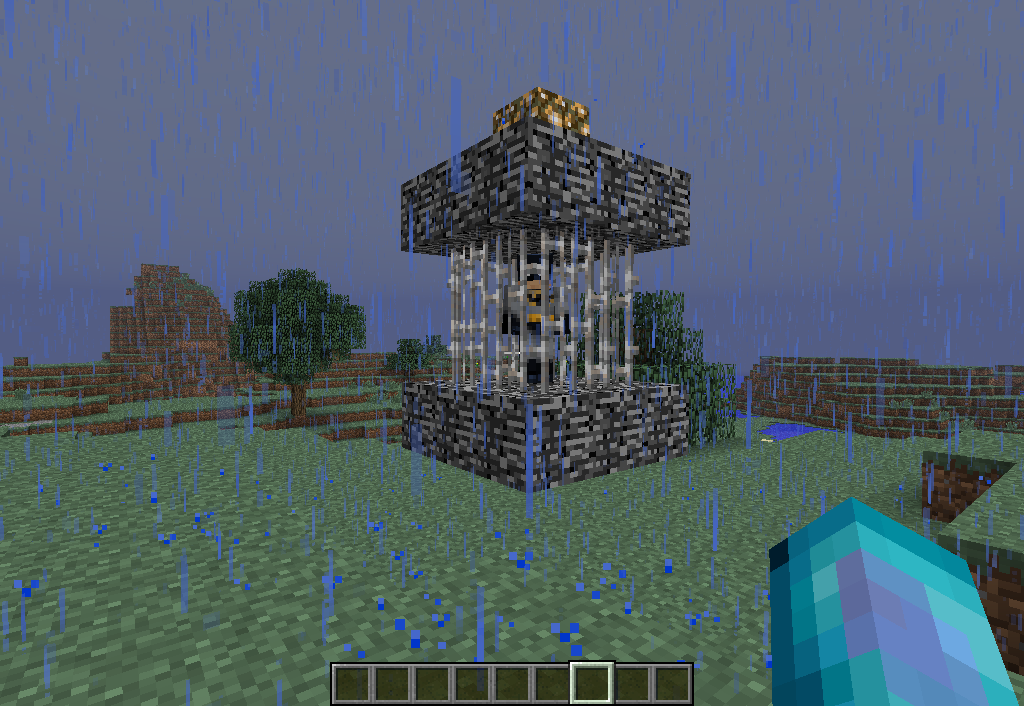
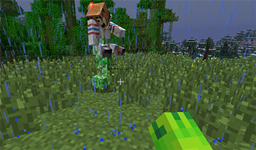
Troling
Annoy your friendsOn a server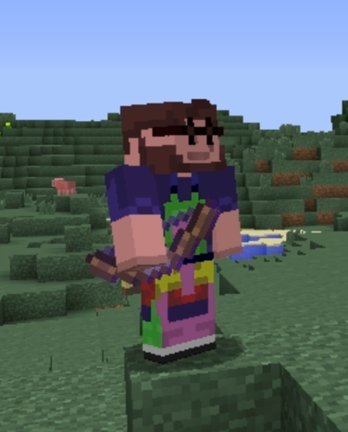

EnderBow
A bow that shoots ender pearls!On a server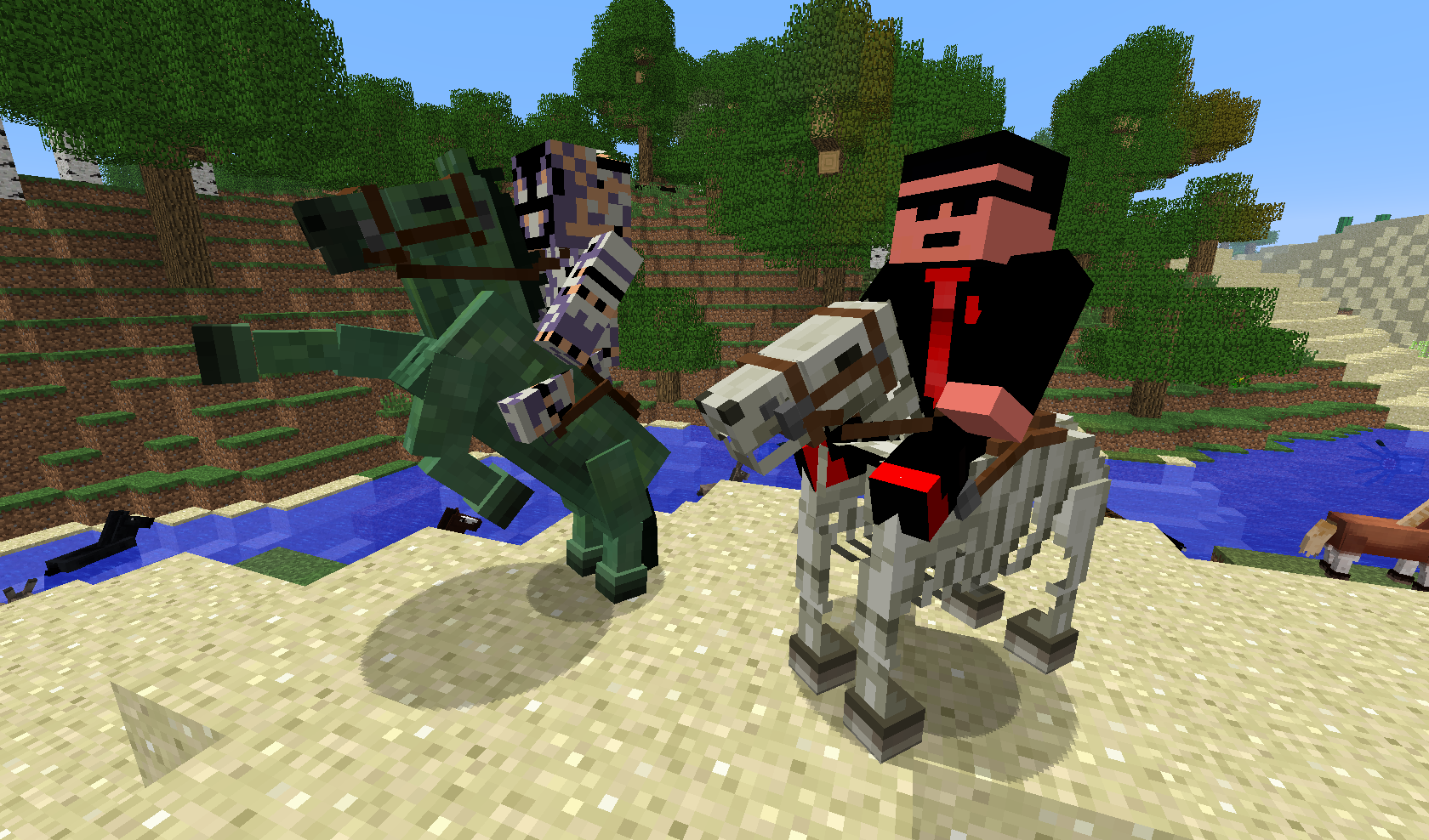
ChangeHorse
Change color, style, and variant of your horseOn a serverMessageBarAPI
Creates an API for the boss health bar to display messagesOn a serverMagic Wands! *DISCONTINUED*
Adds 5 fun Magic Wands to your server!On a serverBlockHats
A simple plugin that allows to wear any block!On a server

UHC Handler
UHC HandlerOn a serverRPSpawn
A comprehensive roleplaying system for providing spawn teleportingOn a serverCommands
CommandsOn a server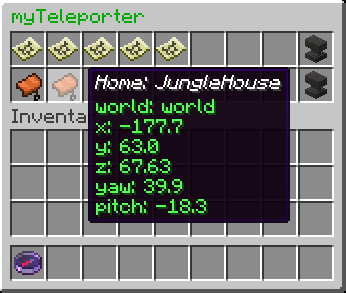

myTeleporter
myTeleporter offers warps, homes, spawn with configurable delays. With a simple permission players can use many homes.On a server

After Life
Add afterlife to your Minecraft server!On a serverHubBoost
This plugin provides SpeedBoosts like on TheHiveOn a server

EXP-Fly
Lets players fly by paying exp levels.On a serverFAQ
How is a plugin different from a mod?
A plugin runs only on the server and requires nothing from players: the client stays vanilla. A mod has to be installed by everyone, and it changes the game itself.
Where do I put a plugin?
Put the .jar file in the plugins folder on the server, then restart the server. The plugin will create its config on first launch.
Will a Spigot plugin work on Paper?
Usually yes: Paper and Purpur are built on Spigot and are compatible with its plugins. The reverse isn't true — a plugin that uses Paper features won't work on plain Spigot.
How do I install a plugin on Aternos?
On Aternos, plugins can only be installed from the built-in list in the “Plugins” section of the panel. You can't upload your own .jar file, so paid and rare plugins can't be installed on Aternos. If the plugin you need isn't on the list, you need hosting with access to the plugins folder: put the file there and restart the server.
Which plugins should I install on a server first?
People usually start with four: EssentialsX (homes, warps, kits, teleport), LuckPerms (groups and permissions), WorldGuard together with WorldEdit (spawn and region protection) and ViaVersion (joining from other game versions). For a server with nickname login, add AuthMe for passwords and SkinsRestorer for skins.
Which plugins should I install on a server for playing with friends?
A small server for friends needs just a few: EssentialsX (home, teleport to a friend, warps), CoreProtect (rolling back griefing and finding who broke a block) and Simple Voice Chat for voice chat, which needs the mod of the same name on players' side. Permissions and region protection are usually unnecessary on such a server.
How do I install a plugin on Paper?
Download the plugin file for your Paper version, put the .jar into the plugins folder and restart the server — the /plugins command will list it. On Millida Hosting the On a server button on the plugin page does the same.
Plugins for Minecraft Java 1.6.2
Plugins for Minecraft 1.6.2: 125 items in the Plugins section. Compatibility is checked against the files, not the description: only items with a build for exactly these conditions stay in the list.
Plugins handle almost everything behind the scenes on a server: ranks and permissions, land protection, economy and shops, anti-cheat, map rotation, menus and voting. You install them by copying the .jar file into the plugins folder and restarting the server; most create their own config on first launch, which is what you then edit. The card lists supported cores and game versions, the author and license, and all releases are gathered on one page — you can update the plugin right from there.