
Minecraft mods — page 288
9,029 itemsMods: list


Lios Spiral Tower Villages
Adds unique towering villages with spiral layouts and distinct building stylesInstallOn a server
Quick Paths
🚶 Create long paths instantly by setting a start and end point.Install

Umbrellas
Adds Umbrellas to stylishly protect you from the elementsInstallOn a server

Vault Patcher
Let the hard coded strings change into localization strings in some mods.InstallOn a server

Geophilic Backport
A subtle overhaul of the Pale Garden from VanillaBackportsInstallOn a server

Create Air Fabric
Addon for Create that add compatibility with Thin Air, Ad AstraInstallOn a server
Seasonal Let's Do
Seasonal Let's Do is a mod that brings seamless compatibility between Let's Do mods and popular seasonal systems like Serene Seasons, Fabric Seasons, and Forge Seasons.Install

Ornamental Plants
A biome mod themed around botanical decoration.InstallOn a server

Furnection
Furnection - Where Furniture Meets Perfection! A Vanilla Style Furniture Mod With New And Exciting Furniture Items Such As Sofas, Tables, Kitchen Counters, Wardrobes, Ovens And Much Much More!InstallOn a server

Spellbound Weapons
Adds new weapons that enhance fighting and creates new strategies to combat foesInstallOn a server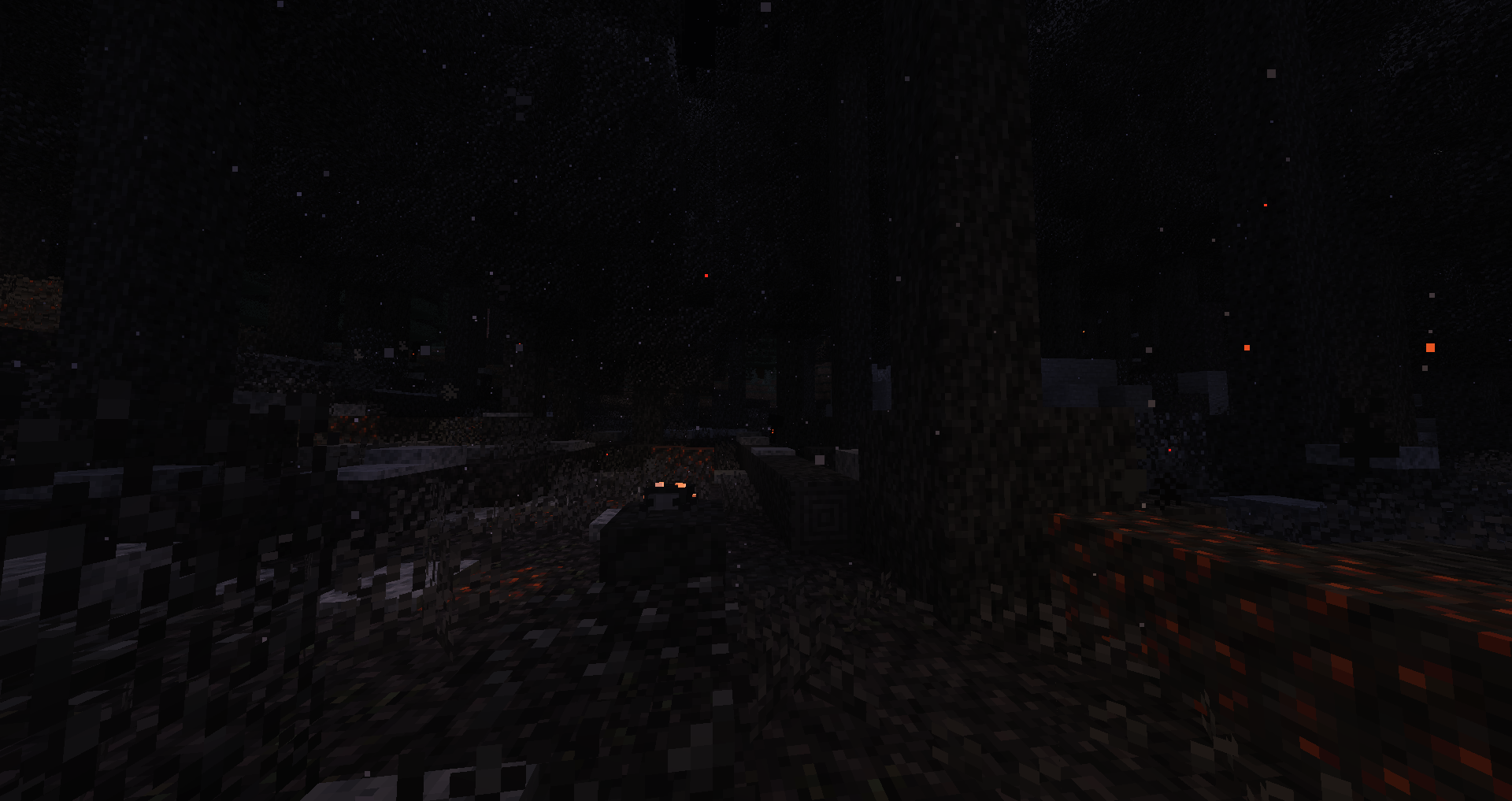

Desolation
Adds the Charred Forest, a dangerous overworld biome with new mobs and resources.Install

Boosted Brightness
Set your brightness beyond default levels.Install
Spectrum Jetpacks
Adds jetpacks but instead of energy it runs on ink from spectrum!Install

Blasting Raw Metal Blocks [Fabric/Forge/NeoForge]
Blast whole raw metal blocks, fully configurableInstall

Mob Explosion Griefing Gamerule
A server-side Minecraft mod that lets you turn destructive mob actions on/off separately from the vanilla mob_griefing gameruleInstallOn a server
Motschen's Puddles
Adds puddles that spawn during rain and thunder! Compatible with any shader pack!InstallOn a server

Masa Gadget
Added some features to the Masa collection of mods.Install
SpoornPacks
API Library for automagically generating Resource files and injecting them as a Resource PackInstall

More Bows and Arrows
The objective of More Bows and Arrows is to improve the ranged combat of the games, adding around fifty bows and arrows with different abilities and characteristics.InstallOn a server
Textile Backup
Backup mod for fabricInstall

Wireless Redstone
Wireless Redstone adds blocks and items to use redstone remotelyInstallOn a server
McQoy
Dependencyless* config screens! An in-game editor for Kaleido-based configs - with no setup required.Install

Conquest:Architects
This is a brand new Add-On mod for Conquest Reforged. The main purpose of this mod is to allow builders to build realistic structures by providing them with a greater variety of structural blocks.InstallOn a serverFAQ
How is Forge different from Fabric?
They're two different mod loaders that aren't compatible with each other. Forge is the older one and better suited to big tech and magic modpacks; Fabric is lighter, updates to new game versions faster, and hosts most performance mods. NeoForge is a Forge fork for newer versions, and Quilt is a Fabric fork. A Forge mod won't run on Fabric, and vice versa. Millida Launcher installs the right loader for you.
How do I know which mod version I need?
The one that matches your game version and loader. The “Install” button picks the file for you: Millida Launcher grabs the version for your modpack. A mod for 1.20.1 usually won't work on 1.21.
How do I install a mod?
Click “Install” and Millida Launcher will download the mod, its dependencies and the right loader for you. To install a downloaded file manually, put it in the mods folder inside the game directory.
Do I need CurseForge to install mods?
No. The Install button on a mod page opens Millida Launcher: it downloads the mod, its dependencies and the right loader into the chosen instance by itself. No CurseForge and no manual file copying.
Which mods are there for 1.20.1?
1.20.1 is one of the most modded versions, especially on Forge: tech, magic, RPG, furniture, weapons. Pick 1.20.1 in the version filter to keep only mods with a file built exactly for it, then pick Forge or Fabric next to it.
Can I install mods on my phone?
On Android, yes: Millida Launcher runs the Java edition on a phone, and mods work there just like on a PC, though light ones run much better than heavy ones. Minecraft PE (Bedrock) cannot load PC mods — it has add-ons instead, in the Minecraft PE mods section.
Which mods are best to play with friends?
The usual picks are Simple Voice Chat for proximity voice chat, Waystones for fast travel, Xaero's Minimap and something big to work on together, such as Create. Mods that change the world must be installed by every player and on the server, while client-side ones like a minimap or performance mods are up to each player.
Minecraft mods
A mod is an add-on that changes the game itself: it adds blocks, mobs and mechanics, or speeds up world rendering. It isn't installed into the game directly but on top of a loader — Forge, Fabric, NeoForge or Quilt — and it's the loader that decides whether the file will run. That's why every card here lists both the game version and the loader: two mods with the same name for 1.12.2 Forge and 1.21 Fabric are two different files, and mixing them up means a crash on launch.
The most searched Minecraft mods are weapon, furniture, horror and performance mods: each theme has its own collection, and links to the themes and the most wanted versions are in the Popular block. Version 1.20.1 on Forge still holds the most big tech, magic and RPG mods, while the fresh 1.21.11 and 26.2 get Fabric and NeoForge mods fastest.
One mod in the catalog, one page. Every version the author has released is listed on its card: pick your game version and loader right there instead of jumping between ten similar pages. Each file shows its size, release date and checksum, and the mod itself shows the author, license and a link to the original source. Files whose license allows rehosting are stored with us and download directly — no link shorteners, timers or ad redirects. If the license forbids rehosting, the button honestly takes you to the author.