
Minecraft mods — page 287
9,029 itemsMods: list


Clutter: Archeology Plus
A mod that aims to add more content to the Archeology feature introduced in 1.20.InstallOn a server

PolyTime
Change your time in-game to way, way too many options. By Polyfrost, best with OneClient.Install

Environmental
Enhances the Overworld with new foliage and wildlife and introduces some simple biomes!InstallOn a server

Wider Ender Chests
Craft new ender chests and unlock additional inventory slots!InstallOn a server

Dynmap
A Google Maps-like map for your Minecraft server that can be viewed in a browser. Easy to set up when making use of Dynmap's integrated webserver, while also supporting advanced deployment with Apache and other web servers.Install

SkyBlock Biome Islands
Add unique islands to your skyblock world!InstallOn a server

Create Man of Many Planes
A simple datapack that adds Create recipes for Man of Many PlanesInstallOn a server
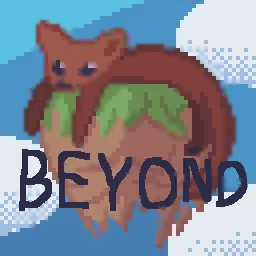
Sable Beyond
Sable Beyond expands the Sable mod with additional features, quality-of-life improvements, and compatibility support. It is designed to add ideas that are not part of the main mod while keeping the gameplay experience consistent with Sable.InstallOn a server
Archaeology Banners
Banner patterns based on Archaeology sherds and designs.InstallOn a server
Spoorn Armor Attributes [Fabric/Forge]
Adds randomized attributes to Armor Items, fully configurableInstall
Victus - Custom Hearts
Improving lives - one heart at a timeInstall
Enhanced Celestials 2: Default Lunar Events
All Lunar Events from the first mod rewritten entirely to work better! A mod adding new Lunar Events like blood moons and harvest moons!Install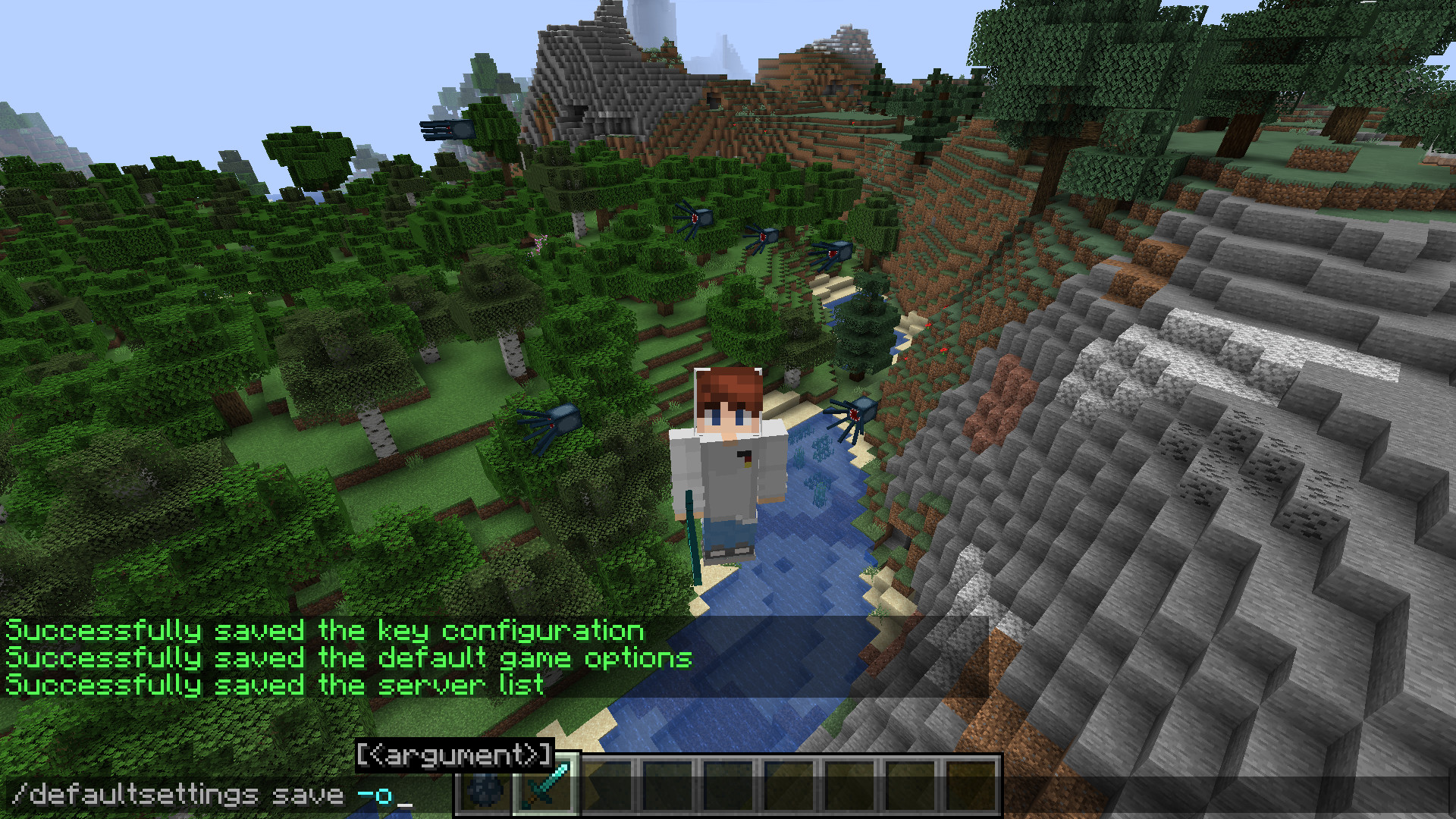
DefaultSettings Fabric/Quilt
Keep your game's local settings in case of an update to your modpackInstall
More Geodes
Adds Emerald, Quartz, Diamond, and more geodes!InstallOn a server

Chiseled Bookshelf Visualizer
Visually displays the contents of the chiseled Bookshelves.Install
Piggyback
Allow player riding each other and replace the default player sitting mechanic with a piggyback-style ride. Carry your friends on your back for fun, teamwork, or pure chaos!Install
Fabric Seasons: Terraformers Compat
Traverse and Terrestria compatibility for Fabric SeasonsInstallOn a server

Create: Extra Gauges
Adds new gauges to handle complex logics!InstallOn a server

AutomaticMemories
A simple mod that periodically takes screenshots, capturing memories of your Minecraft experience.Install

Berry Good
Improves berries in simple ways, like placement and usage!InstallOn a server

SWAY API
Realistic foliage interaction and deformation for Minecraft.Install

Flower Tweaks
Adds the ability to craft and crossbread for flowers and grassInstallOn a server
Scoreboard Tweaks
Client side customization of Minecraft's Scoreboard/SidebarInstallFAQ
How is Forge different from Fabric?
They're two different mod loaders that aren't compatible with each other. Forge is the older one and better suited to big tech and magic modpacks; Fabric is lighter, updates to new game versions faster, and hosts most performance mods. NeoForge is a Forge fork for newer versions, and Quilt is a Fabric fork. A Forge mod won't run on Fabric, and vice versa. Millida Launcher installs the right loader for you.
How do I know which mod version I need?
The one that matches your game version and loader. The “Install” button picks the file for you: Millida Launcher grabs the version for your modpack. A mod for 1.20.1 usually won't work on 1.21.
How do I install a mod?
Click “Install” and Millida Launcher will download the mod, its dependencies and the right loader for you. To install a downloaded file manually, put it in the mods folder inside the game directory.
Do I need CurseForge to install mods?
No. The Install button on a mod page opens Millida Launcher: it downloads the mod, its dependencies and the right loader into the chosen instance by itself. No CurseForge and no manual file copying.
Which mods are there for 1.20.1?
1.20.1 is one of the most modded versions, especially on Forge: tech, magic, RPG, furniture, weapons. Pick 1.20.1 in the version filter to keep only mods with a file built exactly for it, then pick Forge or Fabric next to it.
Can I install mods on my phone?
On Android, yes: Millida Launcher runs the Java edition on a phone, and mods work there just like on a PC, though light ones run much better than heavy ones. Minecraft PE (Bedrock) cannot load PC mods — it has add-ons instead, in the Minecraft PE mods section.
Which mods are best to play with friends?
The usual picks are Simple Voice Chat for proximity voice chat, Waystones for fast travel, Xaero's Minimap and something big to work on together, such as Create. Mods that change the world must be installed by every player and on the server, while client-side ones like a minimap or performance mods are up to each player.
Minecraft mods
A mod is an add-on that changes the game itself: it adds blocks, mobs and mechanics, or speeds up world rendering. It isn't installed into the game directly but on top of a loader — Forge, Fabric, NeoForge or Quilt — and it's the loader that decides whether the file will run. That's why every card here lists both the game version and the loader: two mods with the same name for 1.12.2 Forge and 1.21 Fabric are two different files, and mixing them up means a crash on launch.
The most searched Minecraft mods are weapon, furniture, horror and performance mods: each theme has its own collection, and links to the themes and the most wanted versions are in the Popular block. Version 1.20.1 on Forge still holds the most big tech, magic and RPG mods, while the fresh 1.21.11 and 26.2 get Fabric and NeoForge mods fastest.
One mod in the catalog, one page. Every version the author has released is listed on its card: pick your game version and loader right there instead of jumping between ten similar pages. Each file shows its size, release date and checksum, and the mod itself shows the author, license and a link to the original source. Files whose license allows rehosting are stored with us and download directly — no link shorteners, timers or ad redirects. If the license forbids rehosting, the button honestly takes you to the author.