
Mods for Minecraft 1.11
50 itemsMods: list
Chameleon
A shared code and render library.Install
RandomPatches (Forge)
A bunch of miscellaneous patches for Minecraft, including configurable connection timeouts, player speed limits and other bug fixes and improvements.Install
Fancy Block Particles
3D Digging Particles!Install
Magic Bees
Adds more Bee species to Forestry; provides some integration with Thaumcraft and other mods.Install
Euphoria Patches
Euphoria Patches is an add-on for Complementary Shaders, extending it with more optional features and settings.Install
Chunk Animator
A small client side mod that animates the appearance of chunks so that they don't just appear instantly.Install
Rough Tweaks
Small changes to make the minecraft health system a bit more difficultInstall

CustomSkinLoader
Custom Skin Loader mod for Minecraft.Install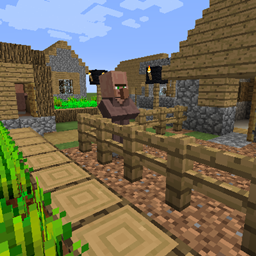
Born in a Barn
Fixed a Village ChunkLoading IssueInstall
LetsEncryptCraft
A mod to allow you to utilize resources which utilise a Let's Encrypt certificateInstall
CompatLayer
Compatibility layer to help make mods compatible between 1.10 and 1.11Install
Mixin 0.7-0.8 Compatibility
Allows mods that use 0.7 or 0.8 mixin to be compatible with each otherInstall

I18nUpdateMod
Brand new update mod for "Minecraft Mod Language Package". 全新的「简体中文资源包」自动更新模组。Install
Clipboard
A simple clipboard for keeping track of your todo list.Install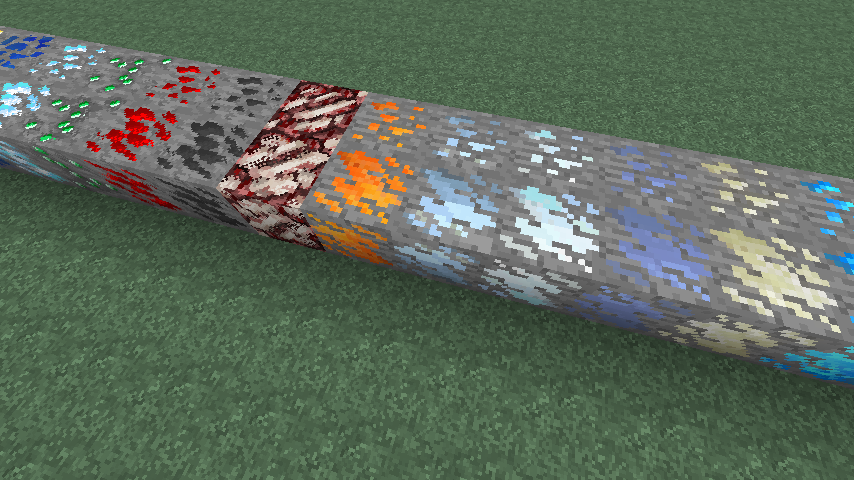
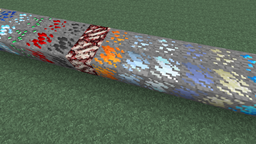
Dense Ores
Adds Dense variants of ores (includes support for numerous mods)Install
DiscordSuite
Discord Rich PresenceInstall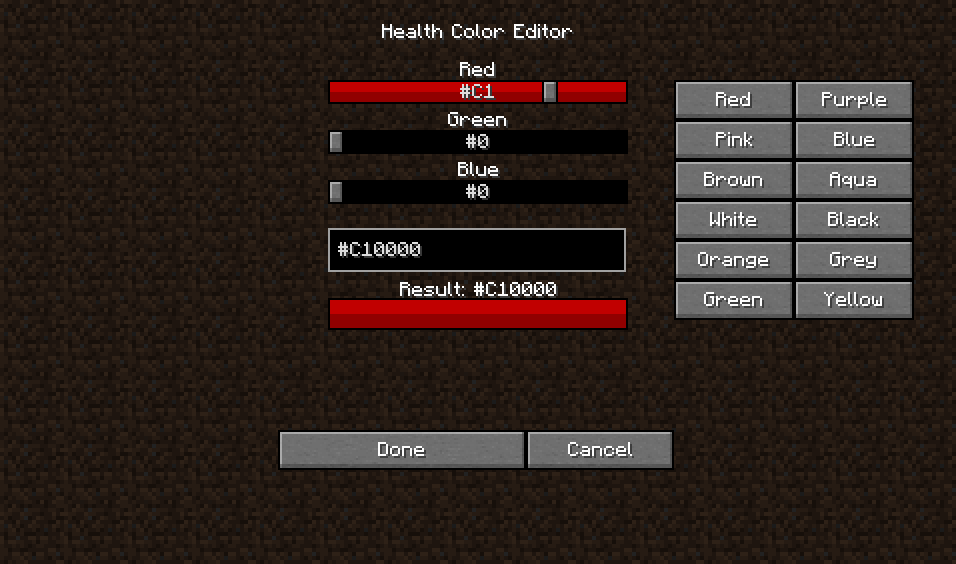
RPG-Hud [Forge]
This mod will change your HUD (Heads Up Display) and add a few new features to it!Install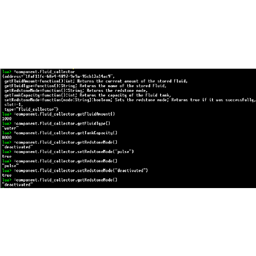
ActuallyComputers
Interaction between ActuallyAdditions machines and OpenComputers functionsInstall

Ksyxis
Speed up your world loading by removing unneeded chunks.InstallOn a server
[SBM] Wooden Shears
Simple addition of primitive sheers made of woodInstall
Experience Rings
Simple Experience Rings ModInstall
More Bees
Adds More Bees to ForestryInstall
MattDahEpic Core (MDECore)
Common code for all MattDahEpic mods. Adds helpful commands too.InstallFAQ
How is Forge different from Fabric?
They're two different mod loaders that aren't compatible with each other. Forge is the older one and better suited to big tech and magic modpacks; Fabric is lighter, updates to new game versions faster, and hosts most performance mods. NeoForge is a Forge fork for newer versions, and Quilt is a Fabric fork. A Forge mod won't run on Fabric, and vice versa. Millida Launcher installs the right loader for you.
How do I know which mod version I need?
The one that matches your game version and loader. The “Install” button picks the file for you: Millida Launcher grabs the version for your modpack. A mod for 1.20.1 usually won't work on 1.21.
How do I install a mod?
Click “Install” and Millida Launcher will download the mod, its dependencies and the right loader for you. To install a downloaded file manually, put it in the mods folder inside the game directory.
Do I need CurseForge to install mods?
No. The Install button on a mod page opens Millida Launcher: it downloads the mod, its dependencies and the right loader into the chosen instance by itself. No CurseForge and no manual file copying.
Which mods are there for 1.20.1?
1.20.1 is one of the most modded versions, especially on Forge: tech, magic, RPG, furniture, weapons. Pick 1.20.1 in the version filter to keep only mods with a file built exactly for it, then pick Forge or Fabric next to it.
Can I install mods on my phone?
On Android, yes: Millida Launcher runs the Java edition on a phone, and mods work there just like on a PC, though light ones run much better than heavy ones. Minecraft PE (Bedrock) cannot load PC mods — it has add-ons instead, in the Minecraft PE mods section.
Which mods are best to play with friends?
The usual picks are Simple Voice Chat for proximity voice chat, Waystones for fast travel, Xaero's Minimap and something big to work on together, such as Create. Mods that change the world must be installed by every player and on the server, while client-side ones like a minimap or performance mods are up to each player.
Mods for Minecraft 1.11
Mods for Minecraft 1.11: 50 items in the Mods section. Compatibility is checked against the files, not the description: only items with a build for exactly these conditions stay in the list.
One mod in the catalog, one page. Every version the author has released is listed on its card: pick your game version and loader right there instead of jumping between ten similar pages. Each file shows its size, release date and checksum, and the mod itself shows the author, license and a link to the original source. Files whose license allows rehosting are stored with us and download directly — no link shorteners, timers or ad redirects. If the license forbids rehosting, the button honestly takes you to the author.