
Minecraft modpacks — page 73
5,162 itemsModpacks: list


Wonderland Modpack
This is the Wonderland Modpack unofficialInstallOn a server

Elixir
A well-researched performance & optimization modpack to make the game run smoother! With shader & Fresh Animations support. 26.3 ✔Install
TekTopia VillageCraft
Create the ultimate village using TangoTek's TekTopia improved villagers mod.InstallOn a server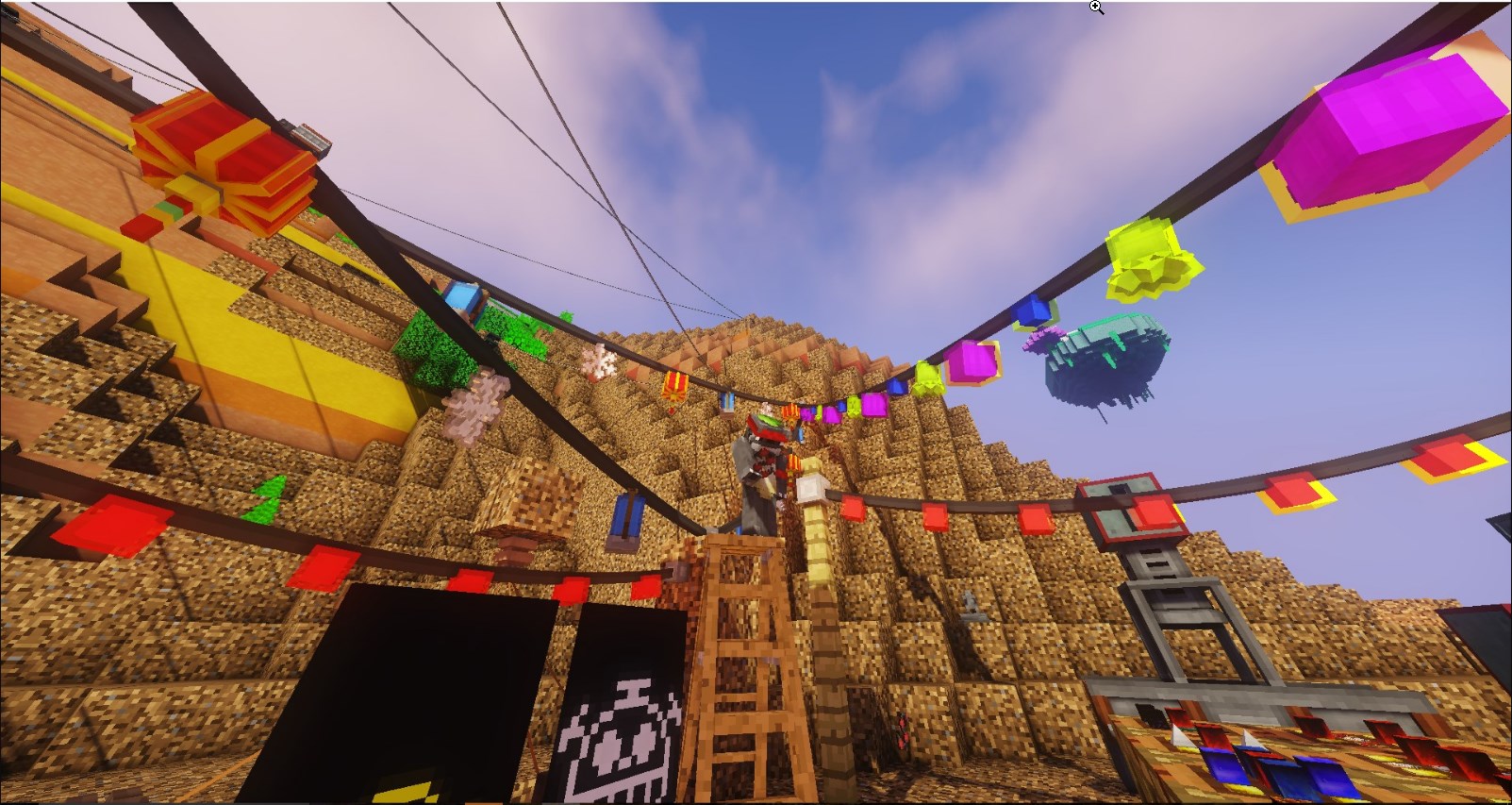

Restart
Rediscover modded minecraft through a new tech tree !InstallOn a server
The Best of Both Skyblocks 2
The smash sequel to the first pack!InstallOn a server

Cobblemon Jenny
The Weenies try cobblemon one more time.InstallOn a server
Galar - A Magical Fantasy World
Magic, Wonder, and Mystery awaits...InstallOn a server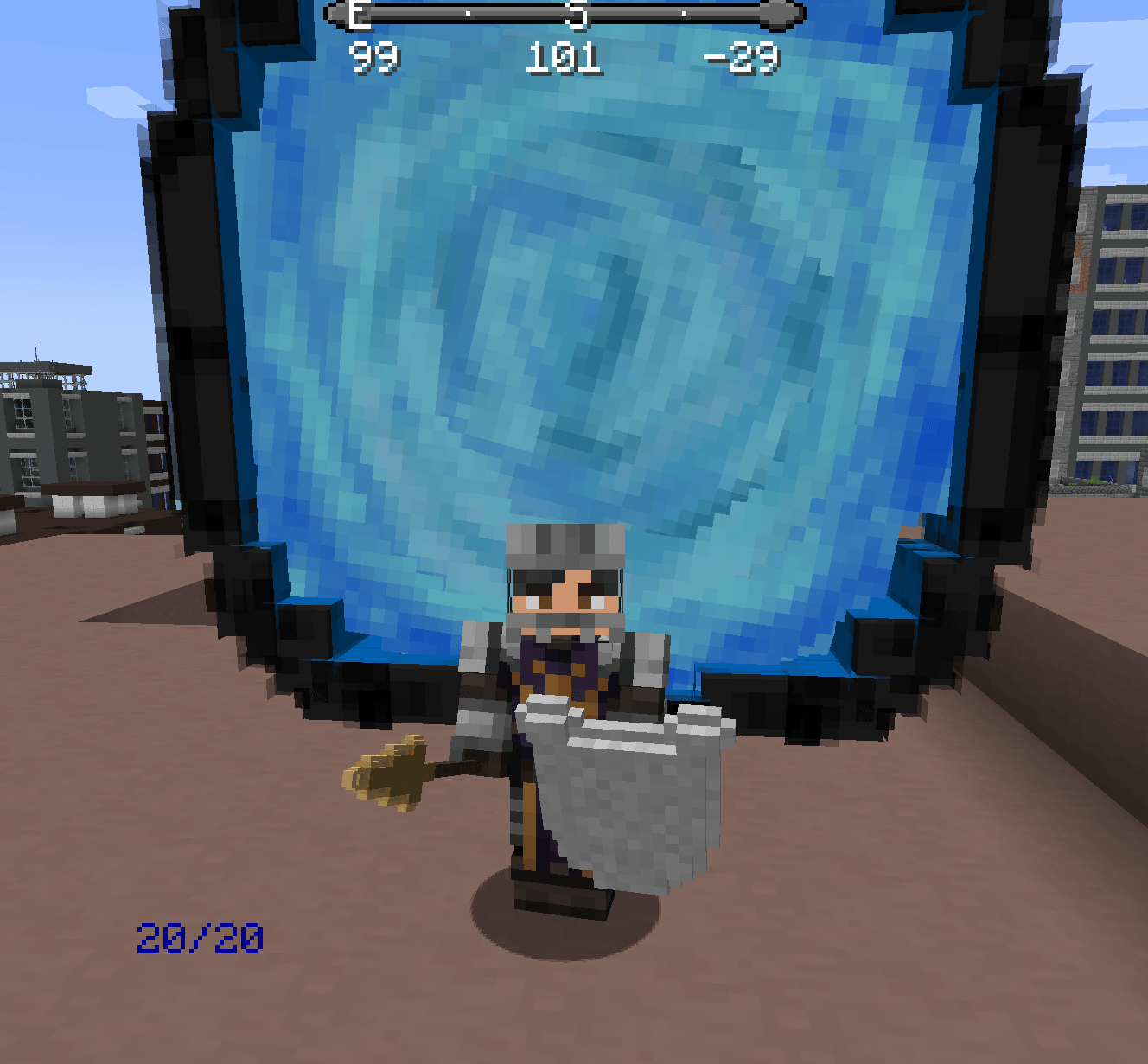
Cromta's Solo Leveling pack
I built this to help give players the best solo leveling experienceInstallOn a server

Feather Client
Ultra-light Fabric performance pack for PvP & multiplayer—boosts FPS, slashes lag, and keeps your game running as smooth as a fox 🦊Install
MrCrayfish All Mods
all of MrCrayfish's mods for 1.18.1, piled togetherInstallOn a server

DB's Farmtopia
A modpack that enhances farming in Minecraft with new crops, cooking recipes, building blocks, QOL and more.Install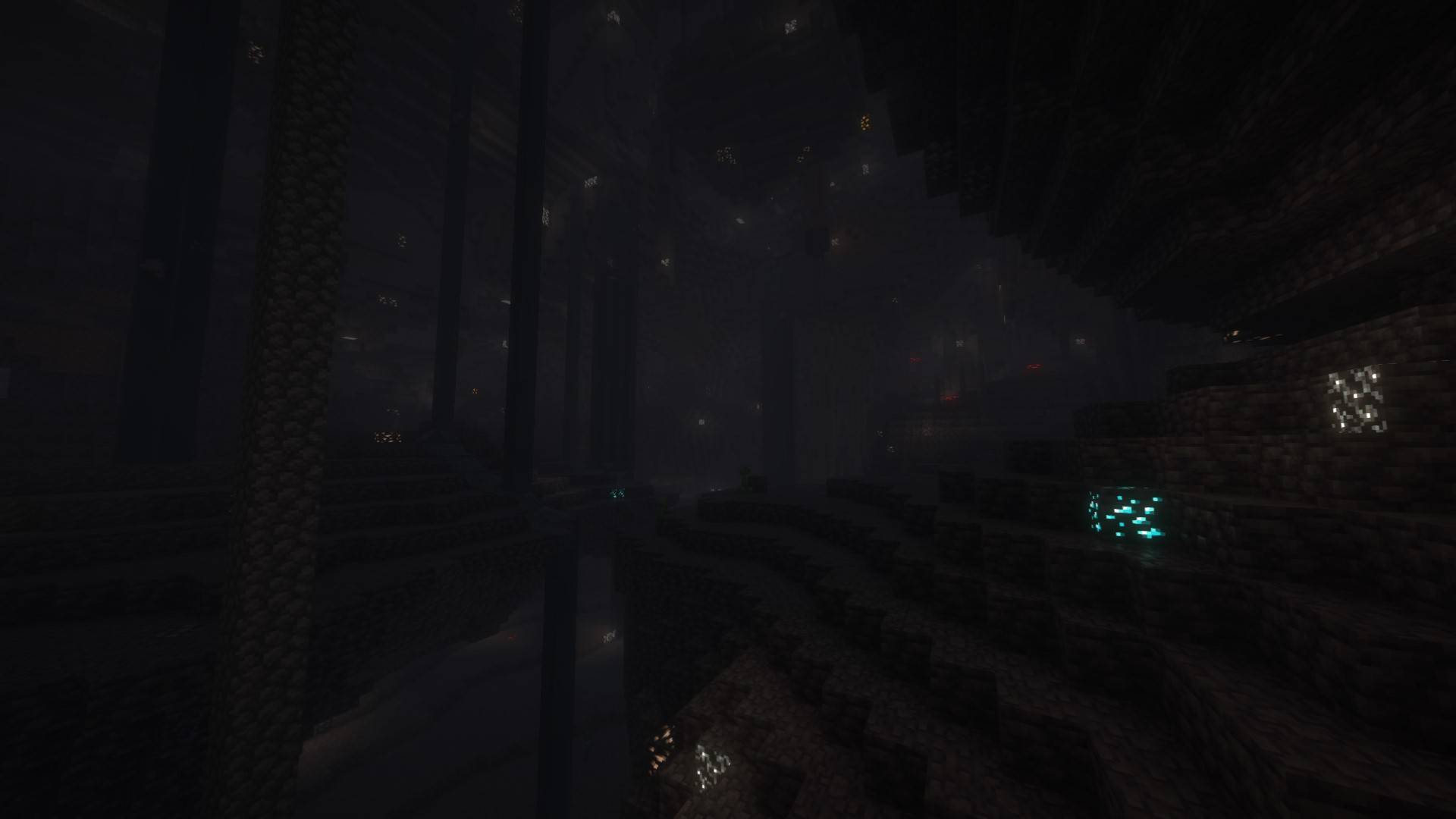

CreatorCraft [CC]
A modpack created by Joshemve for the CreatorCraft SMP!InstallOn a server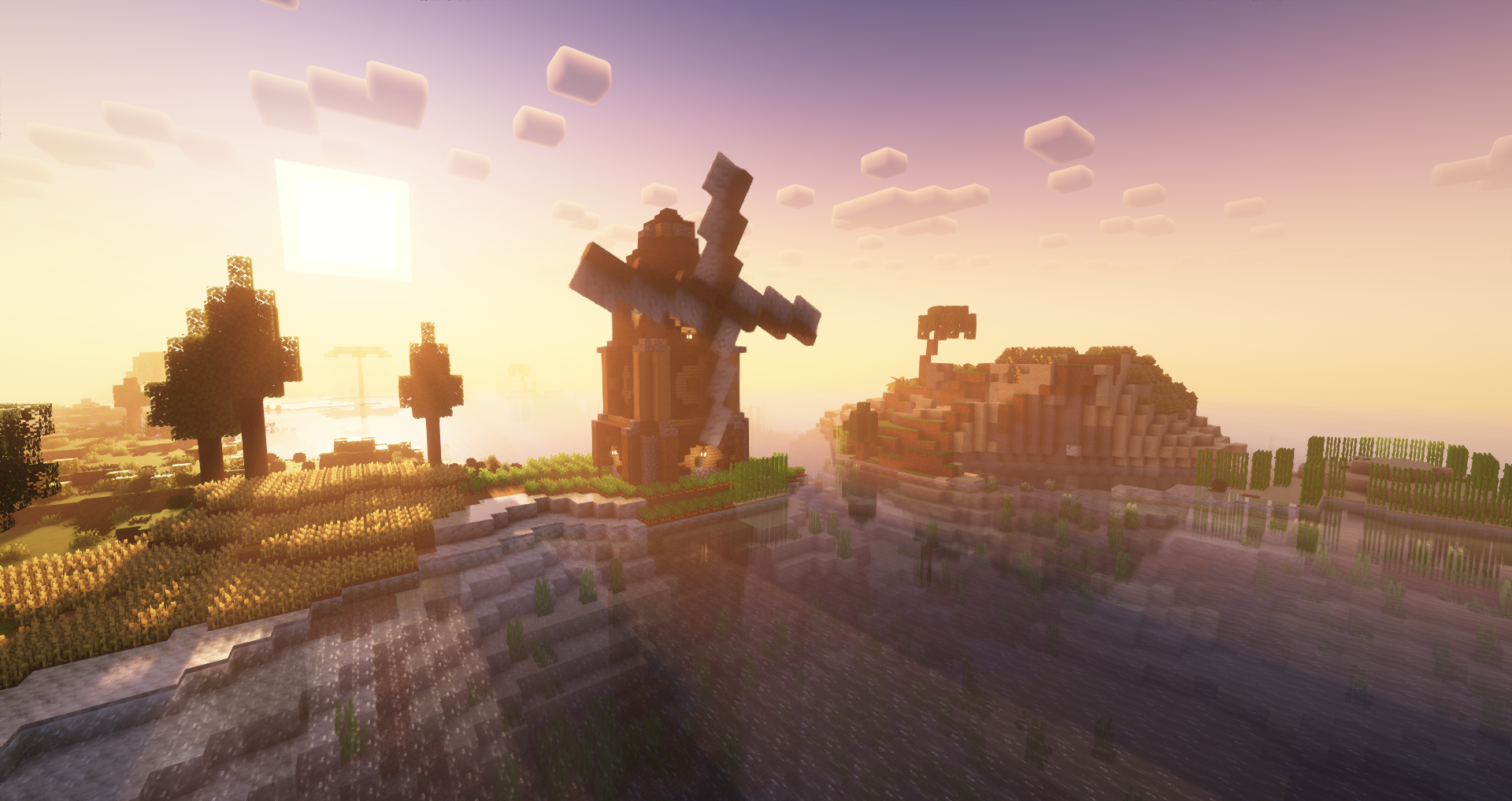
Jafar's Pack
Huge modpack based around Create | Tech, Exploration, Bosses & More !InstallOn a server
Hexagonia Modpack
🔶A French modpack based on the create mod n magic!InstallOn a server
Nani No Anime
Exploration and Building Based. Set in a world Intended to resemble the world of One PieceInstallOn a server
Cobblemon Rivals- Best Cobblemon Server
This Pokémon Minecraft server offers the highest quality and most extensive Cobblemon experience out there!InstallOn a server
Cobblemon Ultimate Pokemon RPG - Cobblemon 1.7.3 - Cobblemon with Friends - Pokemon in Minecraft - Cobblemon Pokemon RPG & MMO
🔥🔥 The Ultimate Cobblemon Pokemon Academy! 🔥 Collect and level up your Pokémon in Cobblemon. Pokemon in Minecraft SMP - battle, capture, train, and grow your cobblemon team —starting your cobblemon journey! Optimized Pokemon Cobblemon MMO Experience! 🌟InstallOn a server

VanillaSquad
Lightweight Fabric modpack for VanillaSquad players. Improves performance, stability, visuals and comfort while preserving the vanilla Minecraft experience.InstallOn a server
Create Prepare to Dye
an opinionated, minimalistic modpack centered around complex and interesting automation.InstallOn a server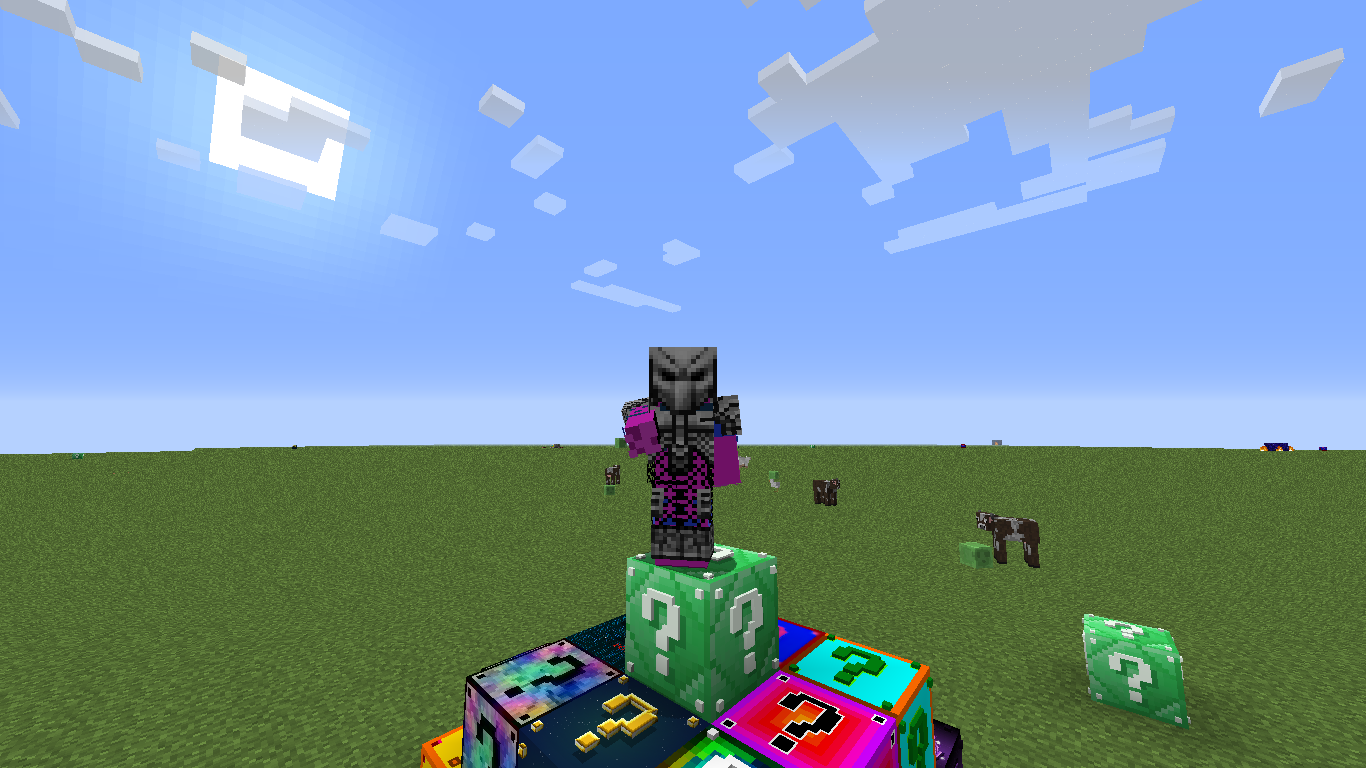
Fun Lucky Block Collection!
15+ Lucky Blocks Waiting To Be Opened By You! Hundreds Of Items.InstallOn a server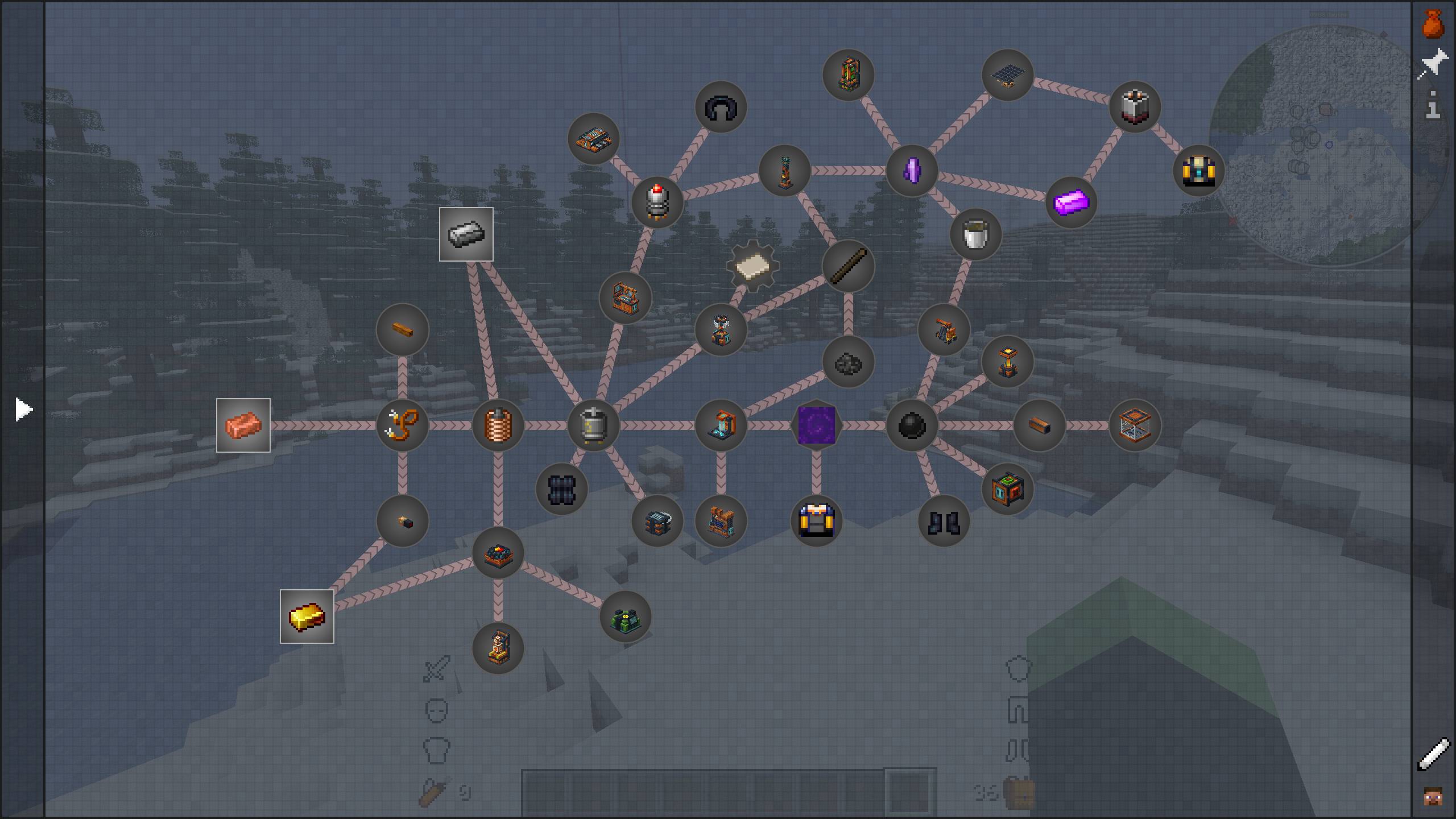
OritechCraft
OritechCraft is a lightweight modpack that allows you to explore the Oritech mod, a scifi mod about energy, automations and processing.InstallOn a server
A Cozy Mizuno World
This modpack is a collection of my favorite mods and Mizuno resource packs. Something cozy, simple, and serving the purpose of being able to use everyone's favorite Mizuno textures again!InstallOn a server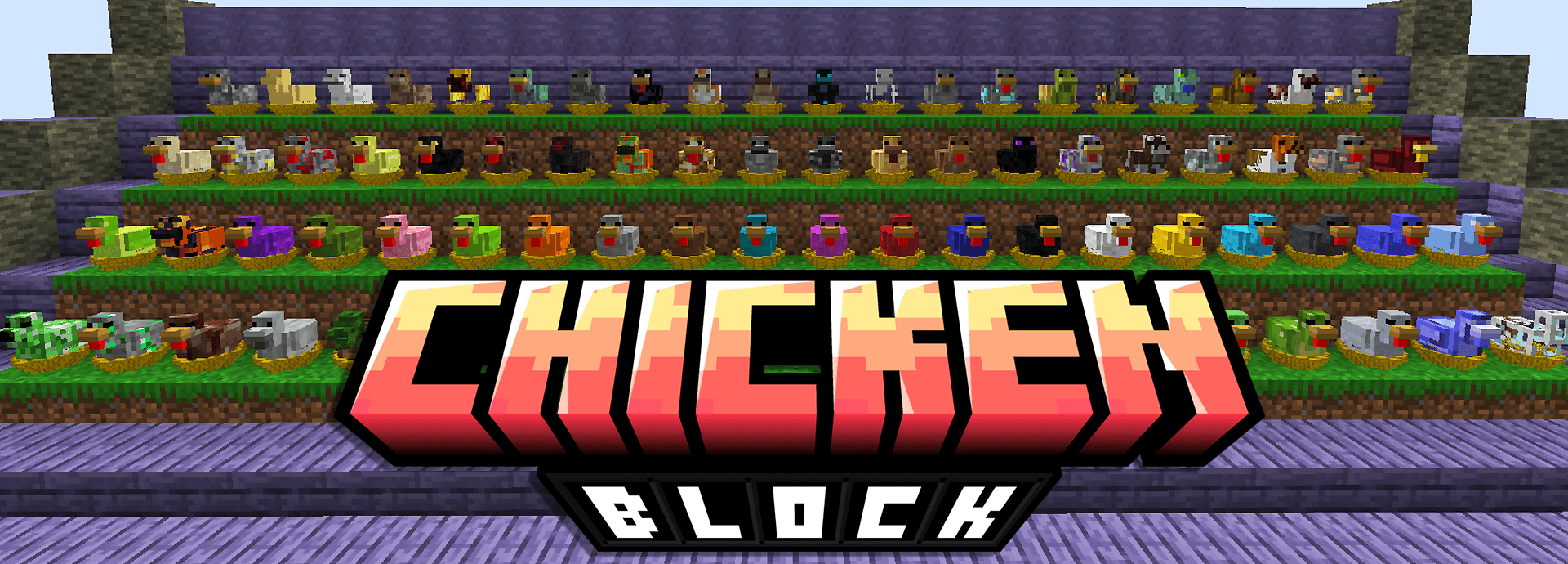

ChickenBlock
An expert Skyblock pack focusing on Resource Chickens, Create and the Aether.InstallOn a serverFAQ
How is a modpack different from a bunch of mods?
A modpack is already a tuned set: mod versions are matched to each other, configs are set up, and recipes and progression are tied together. Mods downloaded one by one you'll have to make work together yourself.
How do I install a modpack?
Click “Install” and Millida Launcher will download the modpack and the right Java for you and create a separate profile for it. No need to install the mods or loader separately.
How much memory should I allocate?
Light performance modpacks run on 4 GB, mid-sized ones on 6 GB, and big tech-and-magic ones need 8 GB or more. You can change memory in the Millida Launcher profile settings; the exact figure is usually in the modpack description.
Which modpack should I pick to play with friends?
Turn on the With a friend filter under What for to keep modpacks made for playing together: co-op survival, Create, adventures with shared progression. The modpack version must match for every player and the server.
Are there modpacks with quests in my language?
Modpacks with a quest book and a story are in the With quests theme. The quest language depends on the author: most packs ship in English, and other languages are usually added by a separate translation mod — check the modpack description.
Will a modpack run on a low-end PC?
A light one will. The For low-end PCs filter keeps modpacks with a small mod list and performance mods, and 4 GB of memory is enough for them. Big tech-magic modpacks need 6–8 GB and lag on a weak machine even if they start.
How do I run a modpack on my own server?
A modpack page has an On a server button: it installs the modpack on a Millida Hosting server and switches the core to match, and a copy of the old world is kept in backups. Players then install the same modpack in Millida Launcher and join the server address.
Minecraft modpacks
A modpack is a ready-made set of mods, configs and recipes put together by the author so that everything works together. Building a set like that by hand takes ages: mods clash over versions, need libraries and handle game mechanics in different ways. A modpack has already done that work for you — all that's left is to pick the game version and loader.
A modpack is not only for your own game: you can also run it on a server to play with friends. Next to Install on a modpack page there is an On a server button: it installs the same modpack on a Millida Hosting server together with the right core, and a copy of the old world is kept in backups. Your friends install the modpack in the launcher and join the server address — everyone gets the same version because it comes from one place.
Each modpack here is one page with every released version. The card shows which game version and loader it's built for, how big the archive is and who the author is. Modpacks aren't installed like individual mods: click “Install” and Millida Launcher downloads all the modpack's mods, the right loader and Java, and creates a separate profile for it without touching your others. Mind the memory requirements: heavy tech-and-magic modpacks need six gigabytes or more and simply won't start on the default two.