

OritechCraft Build for Minecraft 1.21.1
OritechCraft is a lightweight modpack that allows you to explore the Oritech mod, a scifi mod about energy, automations and processing.
 Fabric
 NeoForge
Important Notice
I originally created this pack when Oritech had only just been released, with the aim of introducing it to as many people as possible. It was never intended to be maintained long-term. However, since so many of you have asked for an update, we have decided to bring the modpack back and update it. Thank you for your continued interest and support!
OritechCraft is a lightweight modpack (about 150mods) that allows you to explore the Oritech mod, a scifi mod about energy, automations and processing. All this in a vanilla++ environment, with quests to guide you step by step
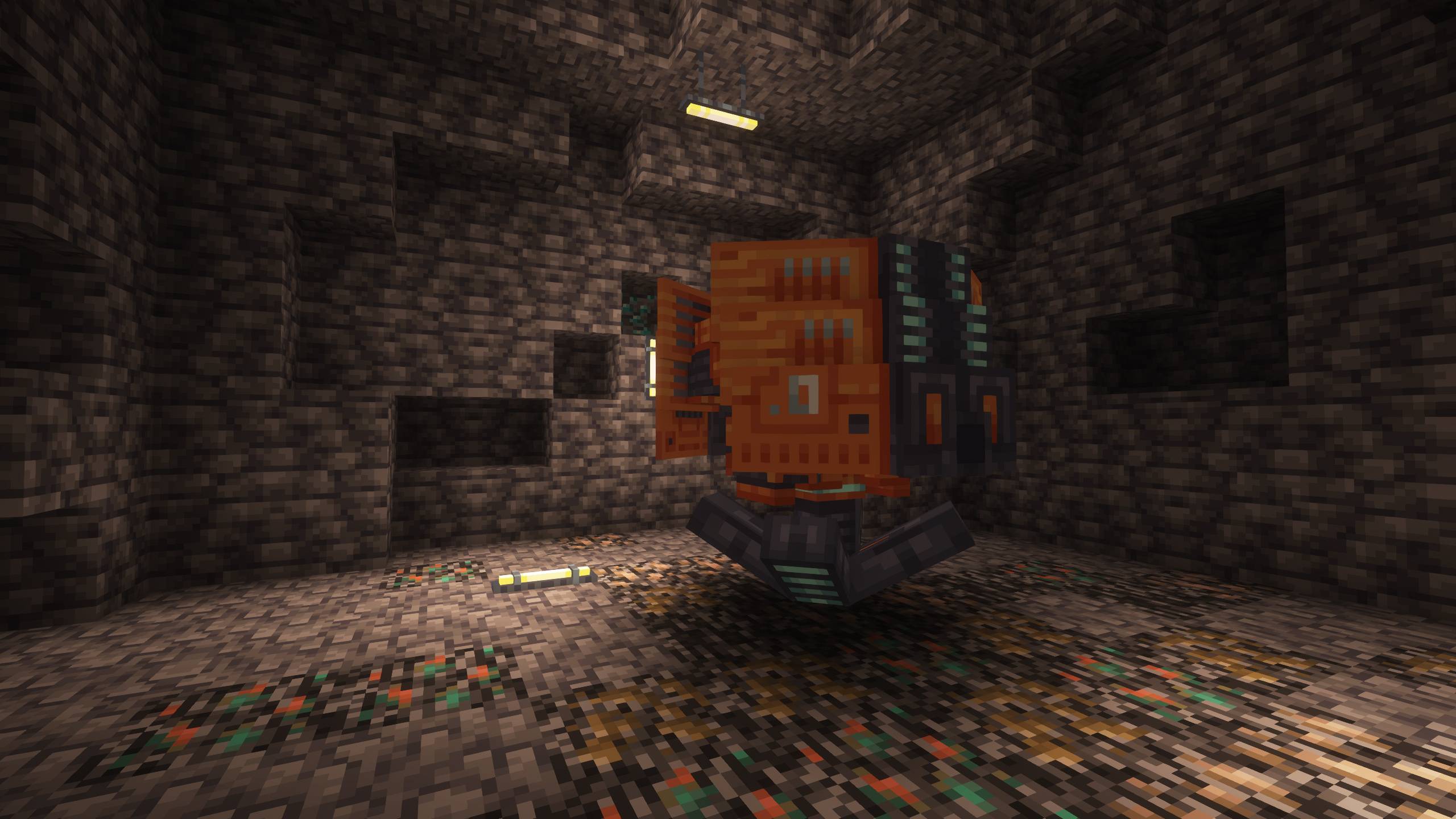
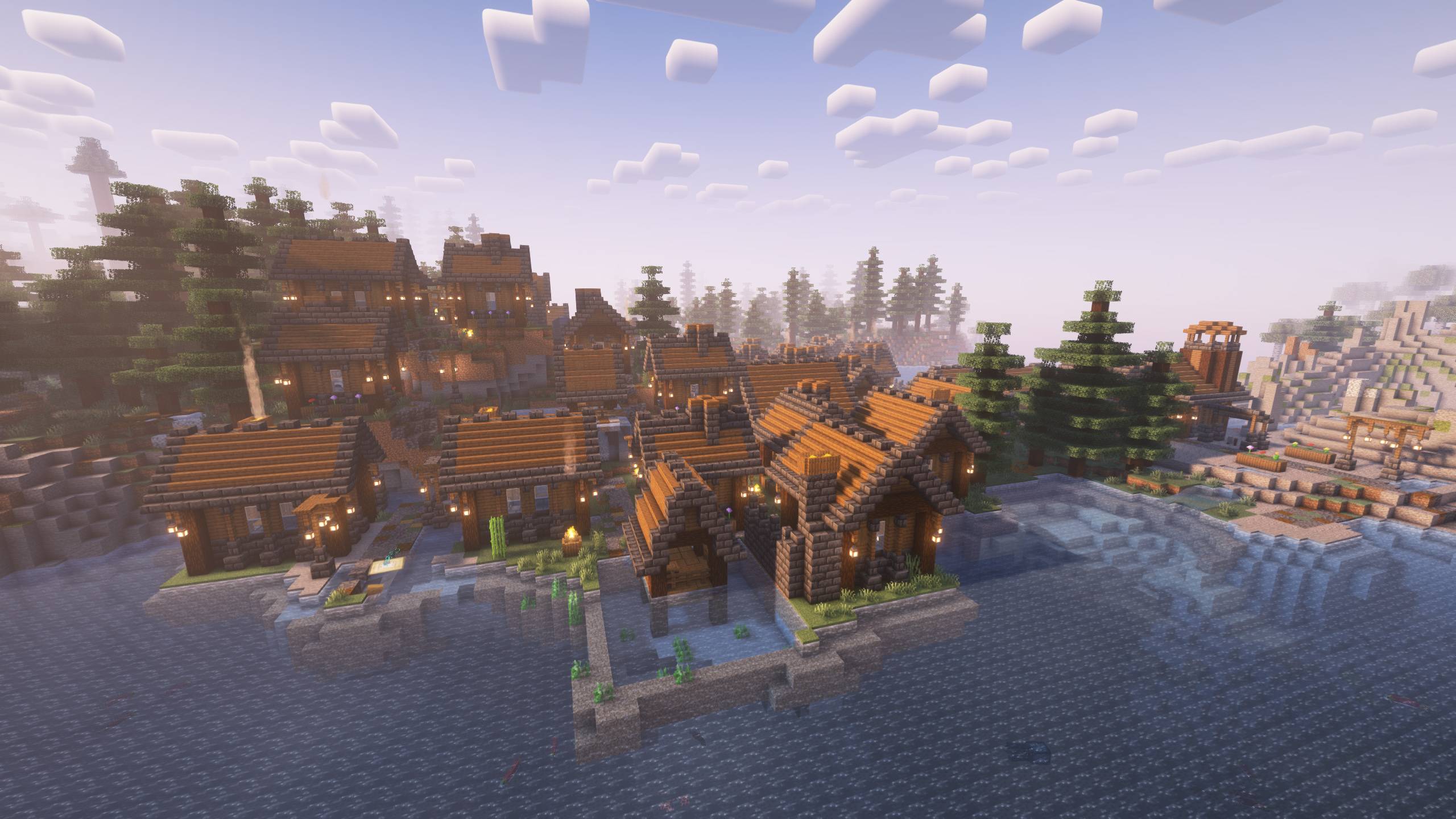
In addition there is a modified world generation and various new structures to explore, you will find many mods to make your life better.. and Artifacts!
The quests are present, but they are WIP! I am developing them during my youtube letsplay (unfortunately it is in Italian)!
Some Utility Mods: Time in a Bottle, Nature & Explorer Compass, Construction Wand, PreFab, XpStorage, TorchMaster Dark Storage QoL Mods: Replanting Crops, Inventory Tweaks, Inventory HUD+, Extreme Sound Muffler, Clumps, Jump Over Fences, Accessible Step, Ore Harvester
Shaders already included!
Why is mod X missing? This modpack is built around Oritech, so mods with similar mechanics or overlapping features have been excluded. This ensures players can fully engage with and explore the unique systems Oritech offers without distractions or redundancies.
How to install OritechCraft
With Millida Launcher
Install Millida Launcher
The launcher is free: download it at millida.net/launcher and sign in with any nickname.
Click “Install” on this page
The launcher opens and installs the modpack for Minecraft 1.21.1 on Fabric or NeoForge automatically.
Launch the game
A profile with it appears in the launcher: click “Play”.
On a server
Use the “To server” button
On Millida Hosting, the button at the top of the page uploads the file to your server and restarts it for you.
Invite friends: they install the same modpack
To join the server, every player needs the same modpack version.
Minecraft 1.21.1 runs on Java 21: with a different Java version the game may close right after launch.
Versions
With dependencies
| Minecraft | Loader | File | Date | Actions |
|---|---|---|---|---|
| 1.21.1 | Fabric, NeoForge | OritechCraft 3.11.2 MB | ||
| 1.21.1 | NeoForge | OritechCraft 3.010.7 MB |
FAQ
Which Minecraft versions does OritechCraft work on?
Only Minecraft 1.21.1: there are no files for other versions.
Is OritechCraft for Forge or Fabric?
There are files for Fabric: 1.21.1 and for NeoForge: 1.21.1.
Which Java does OritechCraft need?
Minecraft 1.21.1 runs on Java 21. If the game closes right after launch, the usual cause is the wrong Java version in the profile settings.
How do I download OritechCraft?
With Millida Launcher: it installs OritechCraft into a modpack by itself, for the right game version and loader. The launcher is free.
Reviews
Be the first to rate OritechCraft


