

Restart Build for Minecraft 1.10.2
Rediscover modded minecraft through a new tech tree !
About the Restart modpack
The update 1.2 contains the new BiomeBundle with OTG, it will break your world if you use the old TerrainControl generation, sorry.
We know how to play with mods, we know how to optimize everything.
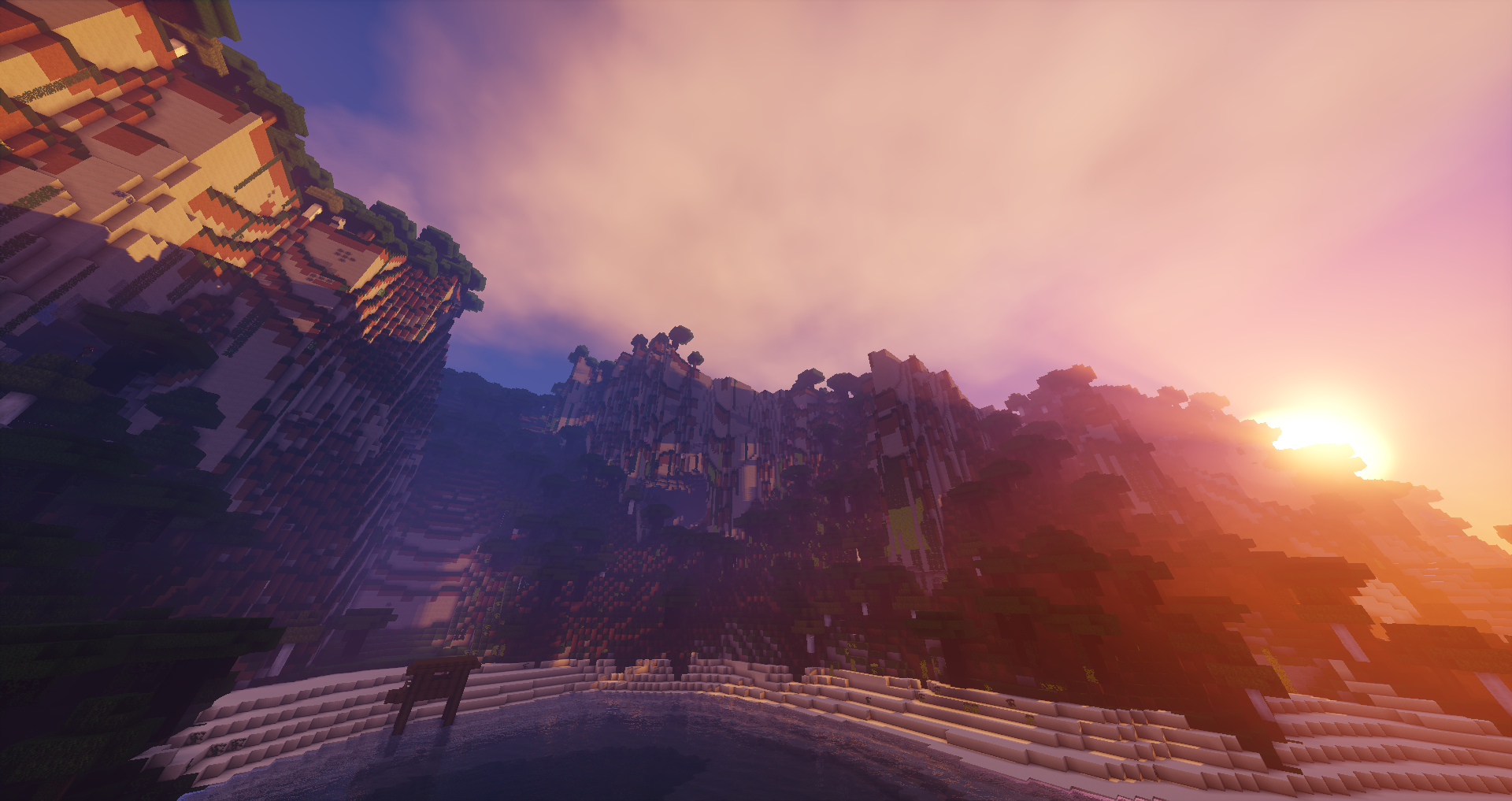
In only a few hours of playing, we can have the most powerful contraption and ridiculous amount of resources.
IT'S TIME FOR THE RESTART!
In this pack, the use of some mods has been made compulsory to prevent the use of powerful blocks/items at the begining.
For this purpose, many recipes were changed to create a tech tree that is declined on differents tiers.
To craft machines/items from a tier, you must fulfill the previous one.
The pack use the mod Achievement Books to provide a manual for the tech tree, you can craft it with a book and a dirt block.
World generation :
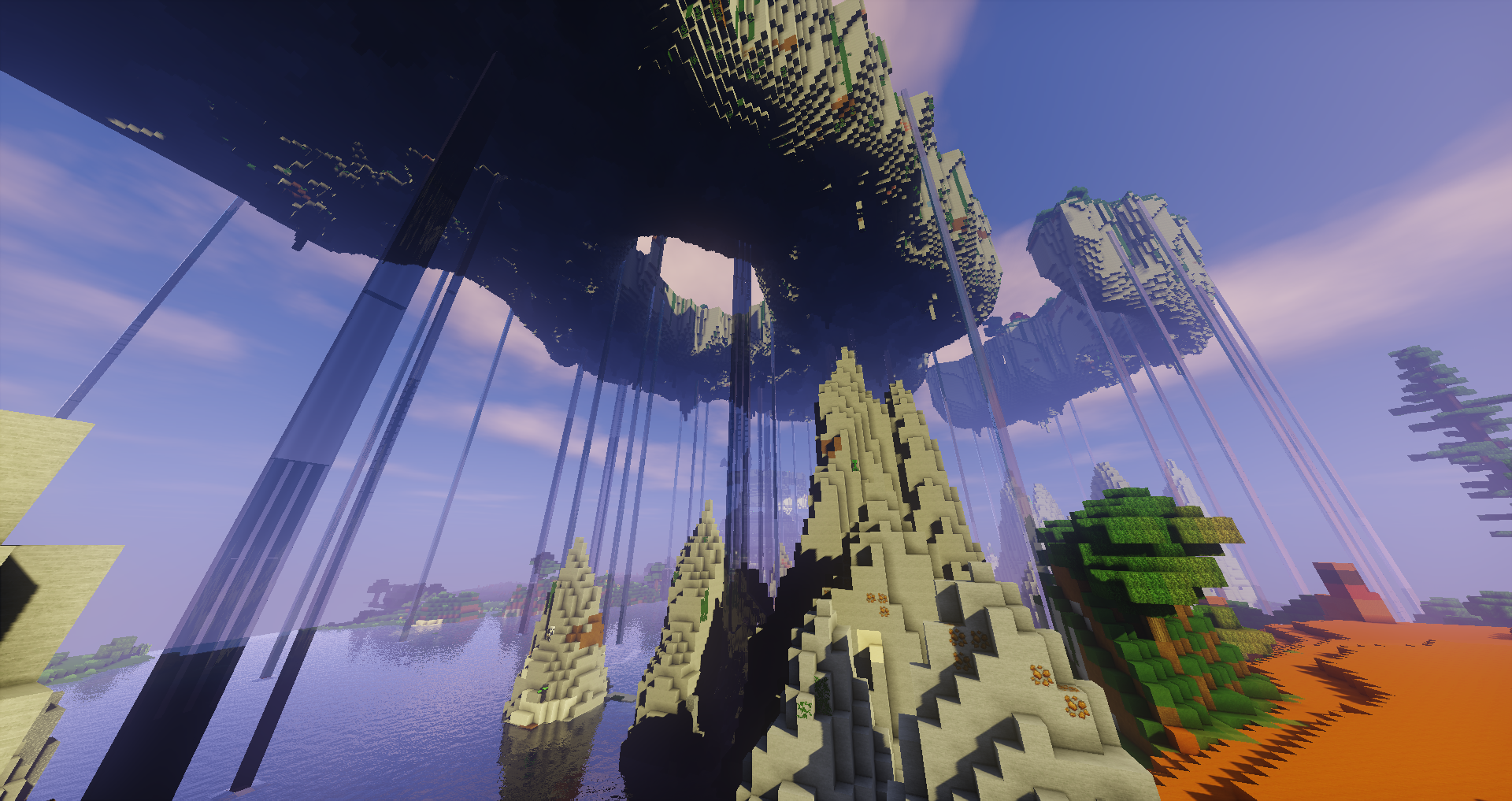
This pack have the config of BiomeBundle for OpenTerrainGeneration.
See their wiki for more information : http://openterraingen.wikia.com/wiki/Installing_Worlds#Installing_Team_OTG_World_Presets
Disabling mods :
It's recommand to not disable mods because they have strong dependencies between them ;)
How to install Restart
With Millida Launcher
Install Millida Launcher
The launcher is free: download it at millida.net/launcher and sign in with any nickname.
Click “Install” on this page
The launcher opens and installs the modpack for Minecraft 1.10.2 automatically.
Launch the game
A profile with it appears in the launcher: click “Play”.
Manually
Download the modpack archive
In the version list above, pick the file Restart-1.4.zip (2.6 MB).
Import it into a launcher
A launcher that supports modpacks (Millida Launcher, Prism) takes the archive via “Add modpack”, then “From file”. No need to unpack it yourself.
Allocate memory
Modpacks need more memory than the plain game: set 4–6 GB in the profile settings.
On a server
Use the “To server” button
On Millida Hosting, the button at the top of the page uploads the file to your server and restarts it for you.
Invite friends: they install the same modpack
To join the server, every player needs the same modpack version.
Minecraft 1.10.2 runs on Java 8: with a different Java version the game may close right after launch.
Versions
With dependencies
| Minecraft | Loader | File | Date | Actions |
|---|---|---|---|---|
| 1.10.2 | — | Restart-1.10.2-1.42.6 MB | ||
| 1.10.2 | — | Restart-1.10.2-beta-0.213.4 MB |
FAQ
Which Minecraft versions does Restart work on?
Only Minecraft 1.10.2: there are no files for other versions.
Which Java does Restart need?
Minecraft 1.10.2 runs on Java 8. If the game closes right after launch, the usual cause is the wrong Java version in the profile settings.
Where can I download Restart safely?
On this page: the file Restart-1.4.zip (2.6 MB) is stored on Millida’s server, with no link shorteners. SHA-1 checksum: 962367871335337cc4506de4db9cc743db30187e.
Reviews
Be the first to rate Restart


