
Minecraft modpacks — page 72
5,162 itemsModpacks: list


Avalon Reborn
Sequel to Avalon ForgeInstallOn a server

Shingeki no Kyojin (Attack on Titan)
Shingeki no Kyojin (Attack on Titan) is a Modpack based on the Anime/Manga "Attack on Titan" by Hajime Isayama.InstallOn a server
GeorgieTech 2
Modpack with tech and optimization modsInstallOn a server
Project Infinity Unlimited
When Project E and Avaritia meet, anything could happen.InstallOn a server
Jujutsu Kaisen, Random Block Drops
Jujutsu Kaisen, but every single block drop gives a random item. Found in DAMIAN's YouTube video titled "Minecraft JJK, but Every Drop is RANDOM"InstallOn a server
Aged Light
A light version of the Aged Modpack for Fabric 1.20.1InstallOn a server

Wilderness Planecrash
After a terrible accident, you have crashlanded in a place that does not seem to welcome you. You can hear the many animalistic noises coming from the woods. You won't be saved anytime soon, so it's time to survive on your own.InstallOn a server
Optimized fps [FABRIC]
Modpack Featuring Performance Mods on FabricInstallOn a server
Fabric's Optifine
Fabric modpack with Optifine's featuresInstallOn a server
Create Eternal Journey
Conquer a vast fantasy world with the power of Create!InstallOn a server

Photon Optimization
Minecraft optimization framework prioritizing performance, simplicity, and compatibility. 1.7.10-26.1.2 across Fabric, Forge, NeoForge, and Quilt!Install

Simply Optifine
A modpack that combines Simply Optimized by HyperSoop and Sodi-Fine by Smoothie for great performance and amazing visuals.Install
Worldly Galaxies 4 | Multiplayer Questing Modpack (1200+ QUESTS)
Complete Quests, Explore Dimensional Rifts, & Build Massive Bases. Journey To Greatness. 1100+ Quests, 300+ Mods. Multiplayer-Friendly!InstallOn a server

Thumbnailing
A collection of mods designed to enhance your Minecraft thumbnail design workflow.Install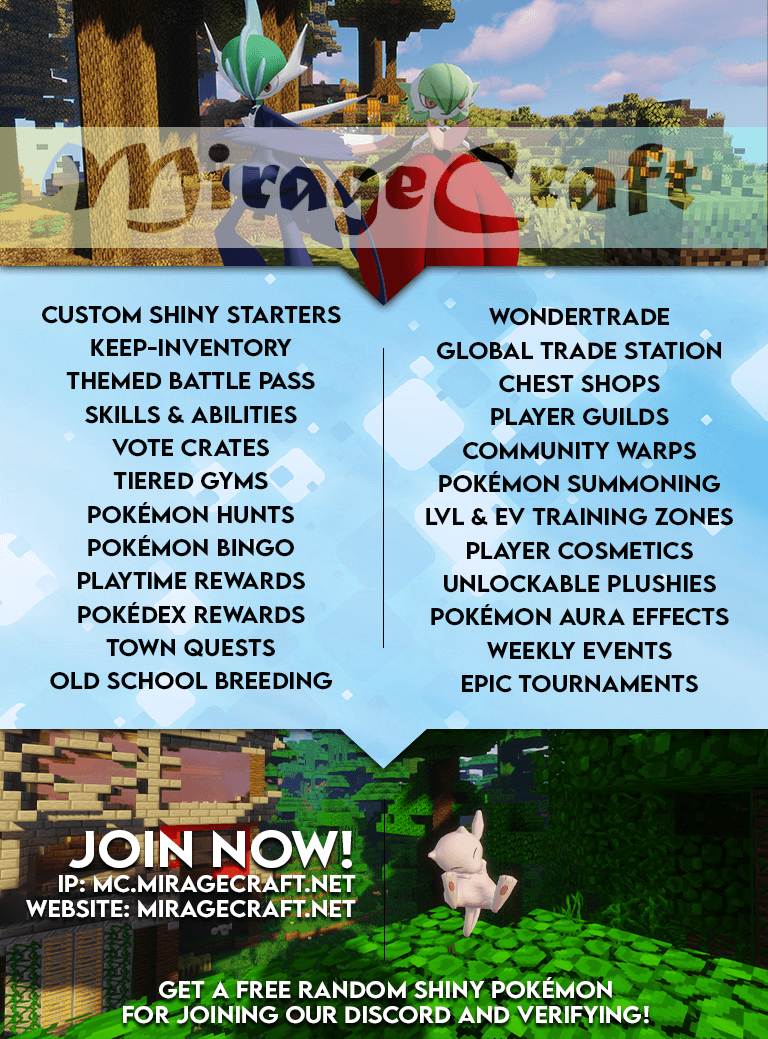
MirageCraft Pixelmon
Catch and train over thousands of Pokémon in Minecraft through our Pixelmon server and community! Make friends along the way!InstallOn a server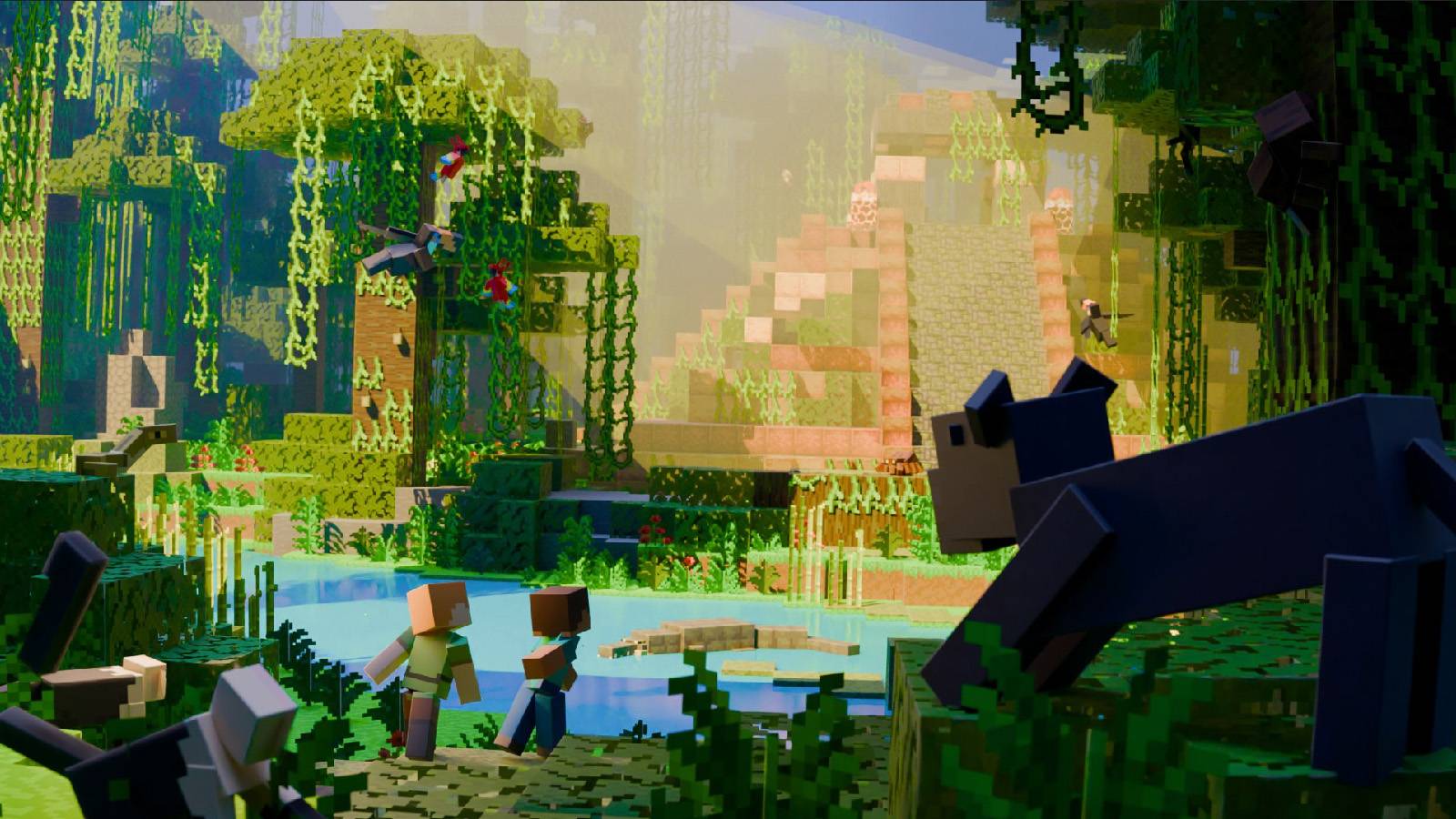
FreshCraft Classic
This is a modpack whose goal and ideas is to improve and update all areas in the game. Here are collected only the best and highest quality mods, many new animals and monsters, new dungeons, updated end and netherInstallOn a server
Hunting Monsters The Witcher Modpack
A fleshed out dark epic where Witchers hunt mobs that were involuntarily forced into other dimensions.InstallOn a server

Spirity BoostX
A lightweight Fabric optimization modpack focused on maximum FPS, smooth gameplay, and reduced lag for low-end, mid-range, and high-end devices.Install
i-Pixelmon - Official Server's Pixelmon Reforged Pack
🔥 i-Pixelmon | ⭐ Real Gym Leaders | 🏆 Elite Four & Champion | 🌎 NO ResetsInstallOn a server

MojoLauncher FPS | Butterium Mobile
Optimization/FPS and quality of life for your phone. A client-like performance pack with custom menus/in-game HUD - up to 4x FPSInstall
Marvel Heroes United
Join Marvel and DC heroes as they unite in an epic fight for survival.InstallOn a server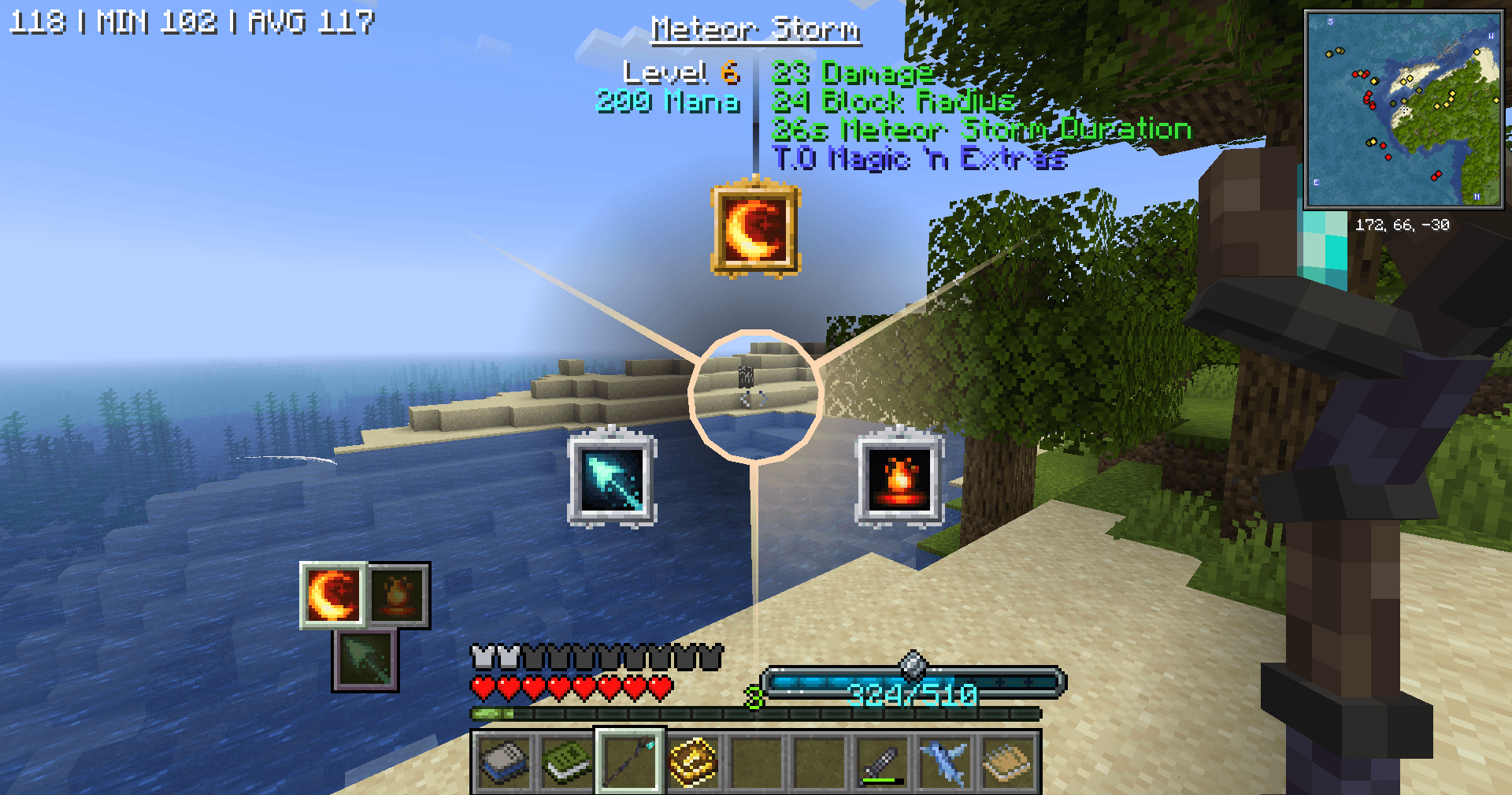
GamerPotion's Magic and Tweaks - RPG Edition (MATS)
Magic RPG pack with amazing spells, quests, 50+ bosses, dragons, ice and fire, combined into an RPG filled adventureInstallOn a server

Wonderland Modpack
This is the Wonderland Modpack unofficialInstallOn a serverFAQ
How is a modpack different from a bunch of mods?
A modpack is already a tuned set: mod versions are matched to each other, configs are set up, and recipes and progression are tied together. Mods downloaded one by one you'll have to make work together yourself.
How do I install a modpack?
Click “Install” and Millida Launcher will download the modpack and the right Java for you and create a separate profile for it. No need to install the mods or loader separately.
How much memory should I allocate?
Light performance modpacks run on 4 GB, mid-sized ones on 6 GB, and big tech-and-magic ones need 8 GB or more. You can change memory in the Millida Launcher profile settings; the exact figure is usually in the modpack description.
Which modpack should I pick to play with friends?
Turn on the With a friend filter under What for to keep modpacks made for playing together: co-op survival, Create, adventures with shared progression. The modpack version must match for every player and the server.
Are there modpacks with quests in my language?
Modpacks with a quest book and a story are in the With quests theme. The quest language depends on the author: most packs ship in English, and other languages are usually added by a separate translation mod — check the modpack description.
Will a modpack run on a low-end PC?
A light one will. The For low-end PCs filter keeps modpacks with a small mod list and performance mods, and 4 GB of memory is enough for them. Big tech-magic modpacks need 6–8 GB and lag on a weak machine even if they start.
How do I run a modpack on my own server?
A modpack page has an On a server button: it installs the modpack on a Millida Hosting server and switches the core to match, and a copy of the old world is kept in backups. Players then install the same modpack in Millida Launcher and join the server address.
Minecraft modpacks
A modpack is a ready-made set of mods, configs and recipes put together by the author so that everything works together. Building a set like that by hand takes ages: mods clash over versions, need libraries and handle game mechanics in different ways. A modpack has already done that work for you — all that's left is to pick the game version and loader.
A modpack is not only for your own game: you can also run it on a server to play with friends. Next to Install on a modpack page there is an On a server button: it installs the same modpack on a Millida Hosting server together with the right core, and a copy of the old world is kept in backups. Your friends install the modpack in the launcher and join the server address — everyone gets the same version because it comes from one place.
Each modpack here is one page with every released version. The card shows which game version and loader it's built for, how big the archive is and who the author is. Modpacks aren't installed like individual mods: click “Install” and Millida Launcher downloads all the modpack's mods, the right loader and Java, and creates a separate profile for it without touching your others. Mind the memory requirements: heavy tech-and-magic modpacks need six gigabytes or more and simply won't start on the default two.