
Modpacks for Minecraft 1.21.4
54 itemsModpacks: list
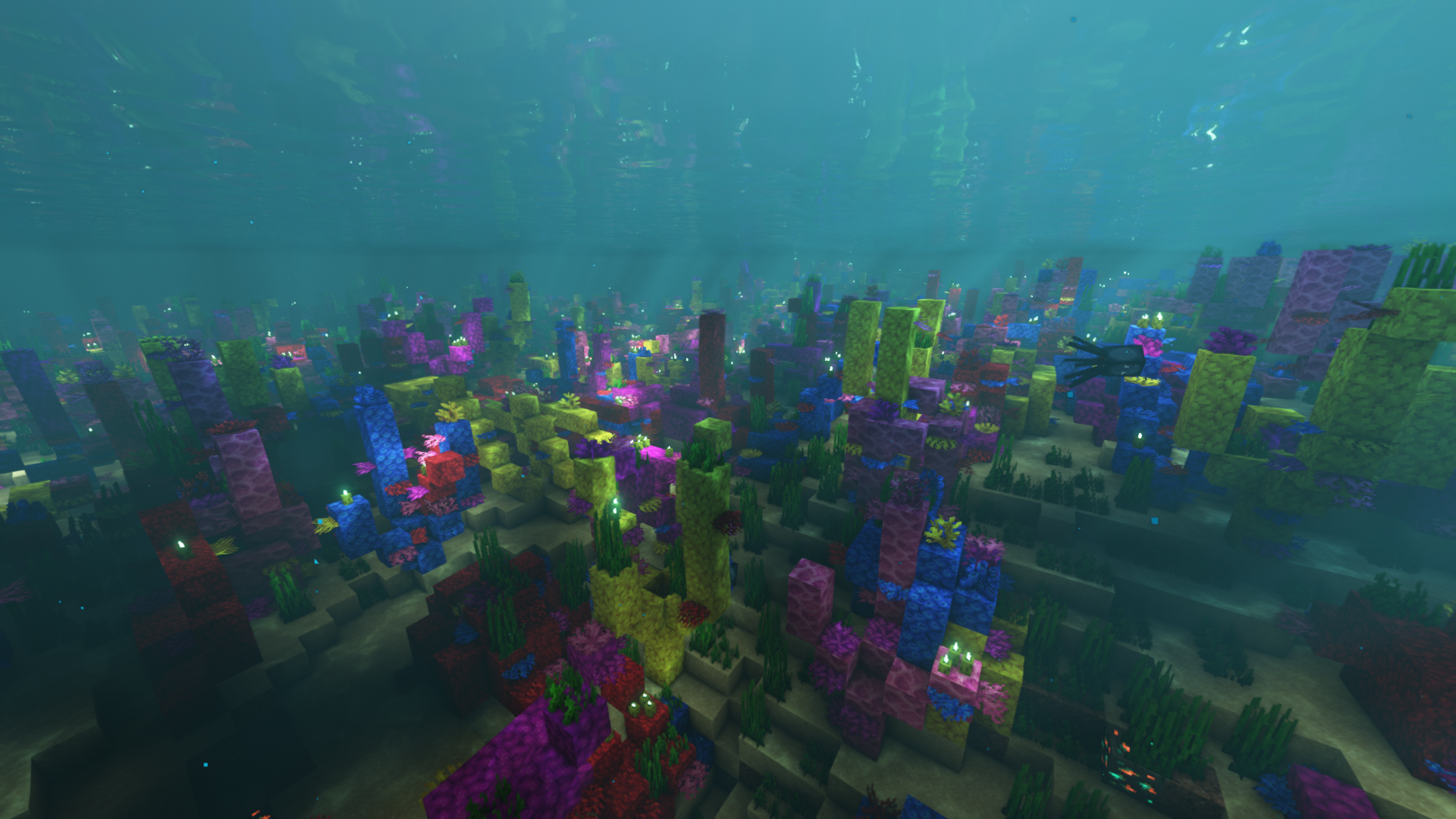

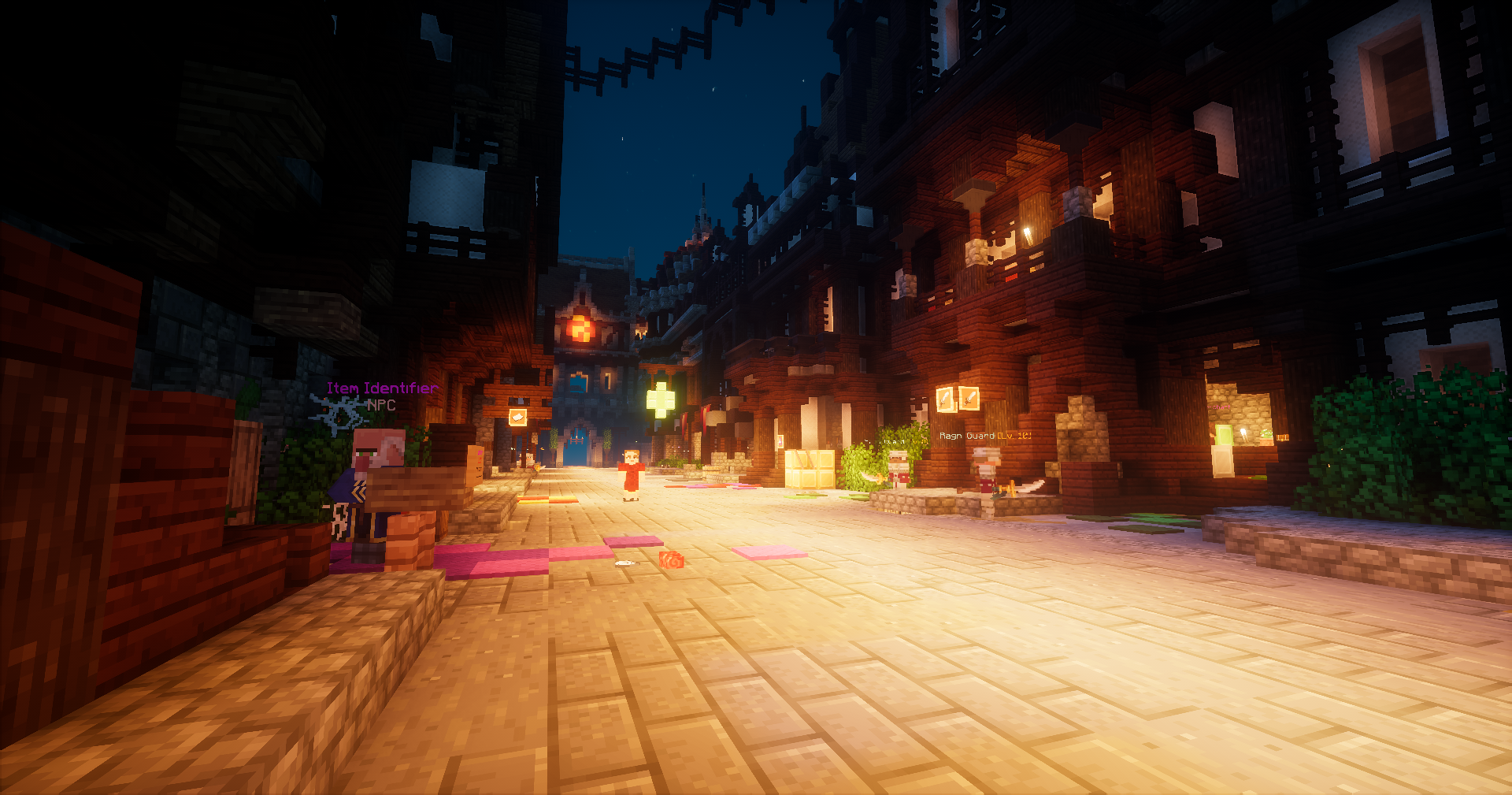
Wynncraft Plus
Wynncraft Plus was created to provide an enhanced experience on Wynncraft!InstallOn a server
Speed Of Light FPS Booster (SOL)
Speed Of Light is a bare bones modpack designed to get the most FPS out of Minecraft with the least lag possible, using highly optimised mods.InstallOn a server

FrostClient
Frost Client is a clean, minimal performance modpack for 1.21.11 — the spiritual successor to FoxClient, rebuilt for modern Minecraft with more stability, more FPS, and zero bloat.Install
Speed Of Light FPS Booster (SOL) With Shaders
Speed Of Light is a bare bones client sided only modpack designed to get the most FPS out of Minecraft with the least lag possible, using highly optimised mods. INCLUDING SHADER SUPPORT!InstallOn a server

Titan Survival Modpack
A hardcore Titan Survival modpack for expert players. The world is ruled by giant Titans, and normal survival rules no longer apply. Collect resources, craft god-tierInstall
Vanilla Forge
Simple Vanilla MC with a few client side mods for more experienceInstallOn a server

FlameFrags PVP pack
The settings of popular pvp youtuber FlameFragsInstall

Sodium Fps+
This mod pack contains Sodium for a FPS boost, it also has Xaeros minimap and world map to help you get lost in the Minecraft world. It doesn't really change the gameplay, it just improves it with tweaks like the minimap, autofish and moreInstall

Atmos: Minecraft Edition
Roguelike Map inspired by Hades and ULTRAKILLInstallOn a server
Optimized fps [FABRIC]
Modpack Featuring Performance Mods on FabricInstallOn a server

Block Railway Engineering: MTR, Create, IR and more!
The Full-contents Edition and Fly Edition of the Block Railway Engineering Modpack, including MTR, Create and other basic mods for players to create a railway world.InstallOn a server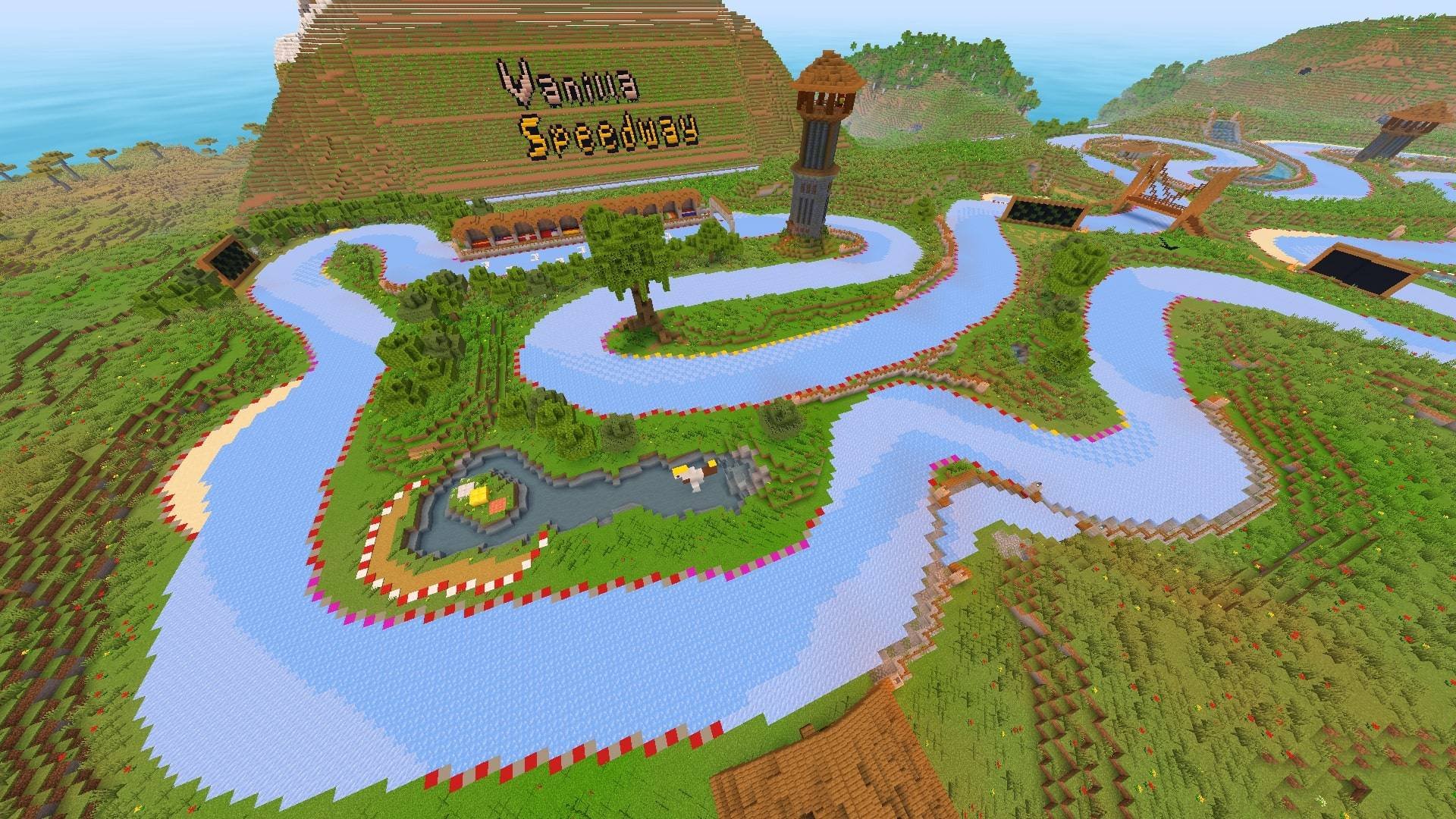
Ice Boat Racing
Making the boat racing experience as easy & smooth as possible for the public! Includes servers.InstallOn a server
ATD
The ultimate AchieveToDo experience: an achievement-focused pack featuring the AchieveToDo mod, pre-installed BaC datapacks, UI enhancements, and essential optimizations.InstallOn a server

Essential EXTRA
Essentially ModPack for playing with your friend!Install

Mace PVP Enhanced
A Modpack which focuses on improving the aspects of Mace PVPInstall

Clean Crystal PvP
Fabric modpack for Crystal PvP (CPVP), combining performance mods, cleaner combat visuals, shield and fire overlay controls, and survival QoLInstallOn a server
PVP Pack by dihogen
PVP Pack tailors Minecraft for the PVP enthusiast with a collection of mods that streamline combat, enhance user interface, and optimize game performance, ensuring players can focus on strategy and skill in multiplayer battles.InstallOn a server

Uton Optimizator
Effective optimization for weak PCs and even for mobile devices.InstallOn a server

Arcomua Anvil
Forge/NeoForge version of Arcomua Modpack, with lots of optimizations and QoLs to the vanilla. No content mods and gameplay modifications.InstallOn a server

XPlus PerioTable Modpack (NeoForge)
A modpack contains mods that improve the vanilla game experience without changing the game's mechanism. Now for NeoForge!InstallOn a server
All You Need - Mods/Textures/Shaders
A simple everything you need modpackInstallOn a server
BareBones Kompotik Edition
Modpack based on BareBones Resource Pack and made to feel even more immersed with shaders and cosmetic mods that have been tweaked.Install
Hypixel Client
Hypixel Client is a modpack designed specifically for enhancing the Hypixel Skyblock experience.InstallOn a serverFAQ
How is a modpack different from a bunch of mods?
A modpack is already a tuned set: mod versions are matched to each other, configs are set up, and recipes and progression are tied together. Mods downloaded one by one you'll have to make work together yourself.
How do I install a modpack?
Click “Install” and Millida Launcher will download the modpack and the right Java for you and create a separate profile for it. No need to install the mods or loader separately.
How much memory should I allocate?
Light performance modpacks run on 4 GB, mid-sized ones on 6 GB, and big tech-and-magic ones need 8 GB or more. You can change memory in the Millida Launcher profile settings; the exact figure is usually in the modpack description.
Which modpack should I pick to play with friends?
Turn on the With a friend filter under What for to keep modpacks made for playing together: co-op survival, Create, adventures with shared progression. The modpack version must match for every player and the server.
Are there modpacks with quests in my language?
Modpacks with a quest book and a story are in the With quests theme. The quest language depends on the author: most packs ship in English, and other languages are usually added by a separate translation mod — check the modpack description.
Will a modpack run on a low-end PC?
A light one will. The For low-end PCs filter keeps modpacks with a small mod list and performance mods, and 4 GB of memory is enough for them. Big tech-magic modpacks need 6–8 GB and lag on a weak machine even if they start.
How do I run a modpack on my own server?
A modpack page has an On a server button: it installs the modpack on a Millida Hosting server and switches the core to match, and a copy of the old world is kept in backups. Players then install the same modpack in Millida Launcher and join the server address.
Modpacks for Minecraft 1.21.4
Modpacks for Minecraft 1.21.4: 54 items in the Modpacks section. Compatibility is checked against the files, not the description: only items with a build for exactly these conditions stay in the list.
Each modpack here is one page with every released version. The card shows which game version and loader it's built for, how big the archive is and who the author is. Modpacks aren't installed like individual mods: click “Install” and Millida Launcher downloads all the modpack's mods, the right loader and Java, and creates a separate profile for it without touching your others. Mind the memory requirements: heavy tech-and-magic modpacks need six gigabytes or more and simply won't start on the default two.