

FrostClient Modpack für Minecraft 26.2
Frost Client ist ein sauberes, minimales Performance-Modpack für 1.21.11 — der geistige Nachfolger von FoxClient, neu aufgebaut für modernes Minecraft mit mehr Stabilität, mehr FPS und ohne Ballast.
- Downloads
- 42 Downloads
- Aufrufe
- 185 Aufrufe
- Aktualisiert
- Aktualisiert 16.10.2026
- 1.21.4 — 26.2
 Fabric
- Client

⚠️ This modpack is no longer updated
Frost has moved to its own launcher.
The .mrpack files on this page still work and you can keep playing them, but they are frozen. Every new Minecraft version, every new feature and every fix from now on ships only through the Frost Launcher.

➡️ Download the launcher at frostclient.eu/download
Why switch?
- 🆕 Newer Minecraft versions that will never come to this page.
- 🔄 One-click updates — no re-downloading a .mrpack every time something changes.
- 🧊 The full Frost client: custom menus, HUD editor, built-in mods, friend list and capes.
- 🎛️ Instance management, mod browsing and settings transfer built in.
- ⚡ Frost Client Lite, if you want the tuned high-FPS build.
Your worlds, settings and resource packs are yours — the launcher can import an existing instance, so you do not have to start over.

🔑 Key Features
Performance & Rendering
- 🌋 A real Vulkan render pipeline alongside a standard OpenGL build — pick whichever runs best on your hardware.
- 🧵 Chunk loading, memory, networking and startup optimized together as one tuned pipeline, not a single "optimization mod".
- 👁️ Entity and foliage culling — stop spending frames on what you cannot see.
PvP & Combat
- 💀 Totem tracking and offhand warnings — never miss a totem pop again.
- 💣 TNT timers — know exactly when it is about to go off.
- 🎯 Hit feedback and a fully customizable crosshair.
- ⌨️ On-screen keystrokes for clips and POV footage.
Quality of Life
- 🎙️ Simple Voice Chat — built-in proximity voice chat, no third-party app needed.
- 👥 Built-in friend list — add friends and play together, no server to buy or host.
- 🧣 Custom capes, free, no third-party service.
- ⚙️ Every setting in one clean in-game menu, plus a drag-and-drop HUD editor.
- 🔭 Freelook, zoom, motion blur, custom skies and brightness controls that matter for PvP.
- 🎨 A custom branded main menu, not vanilla's.
- 🖼️ Bundled ready-to-go resource packs, including a custom Zipp CPvP pack, a lightweight "potato" pack and a dedicated PvP crosshair pack.

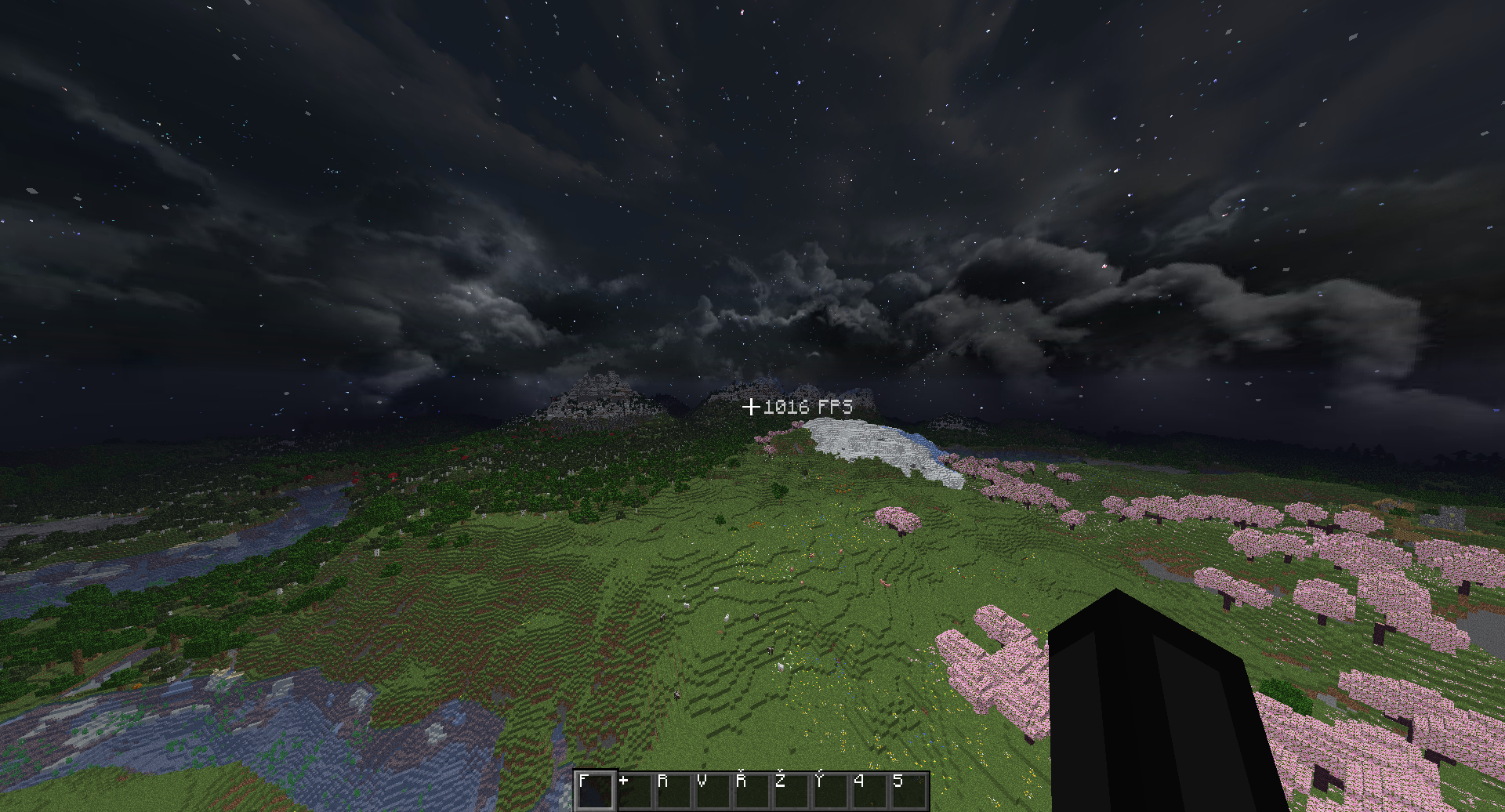
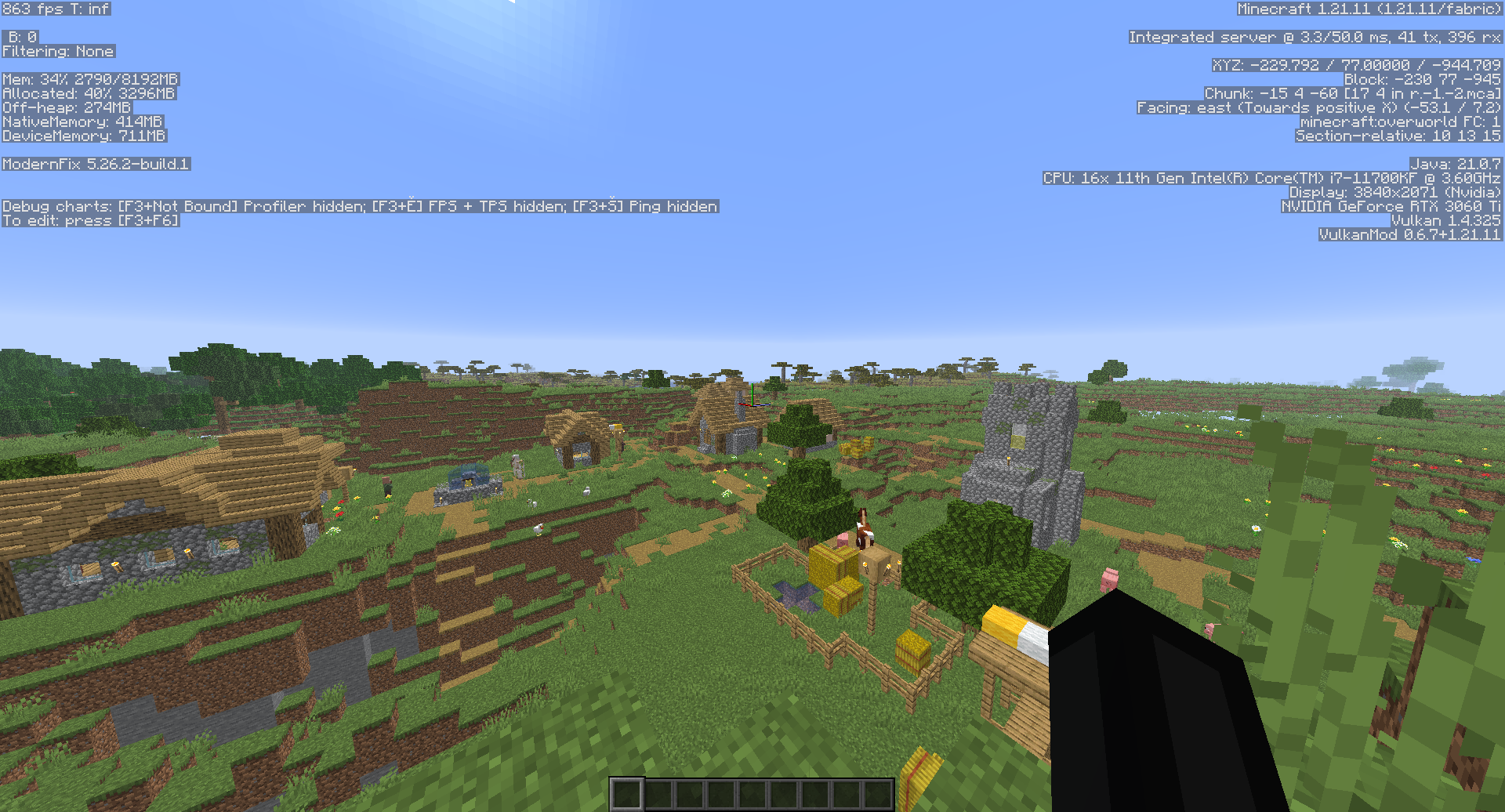
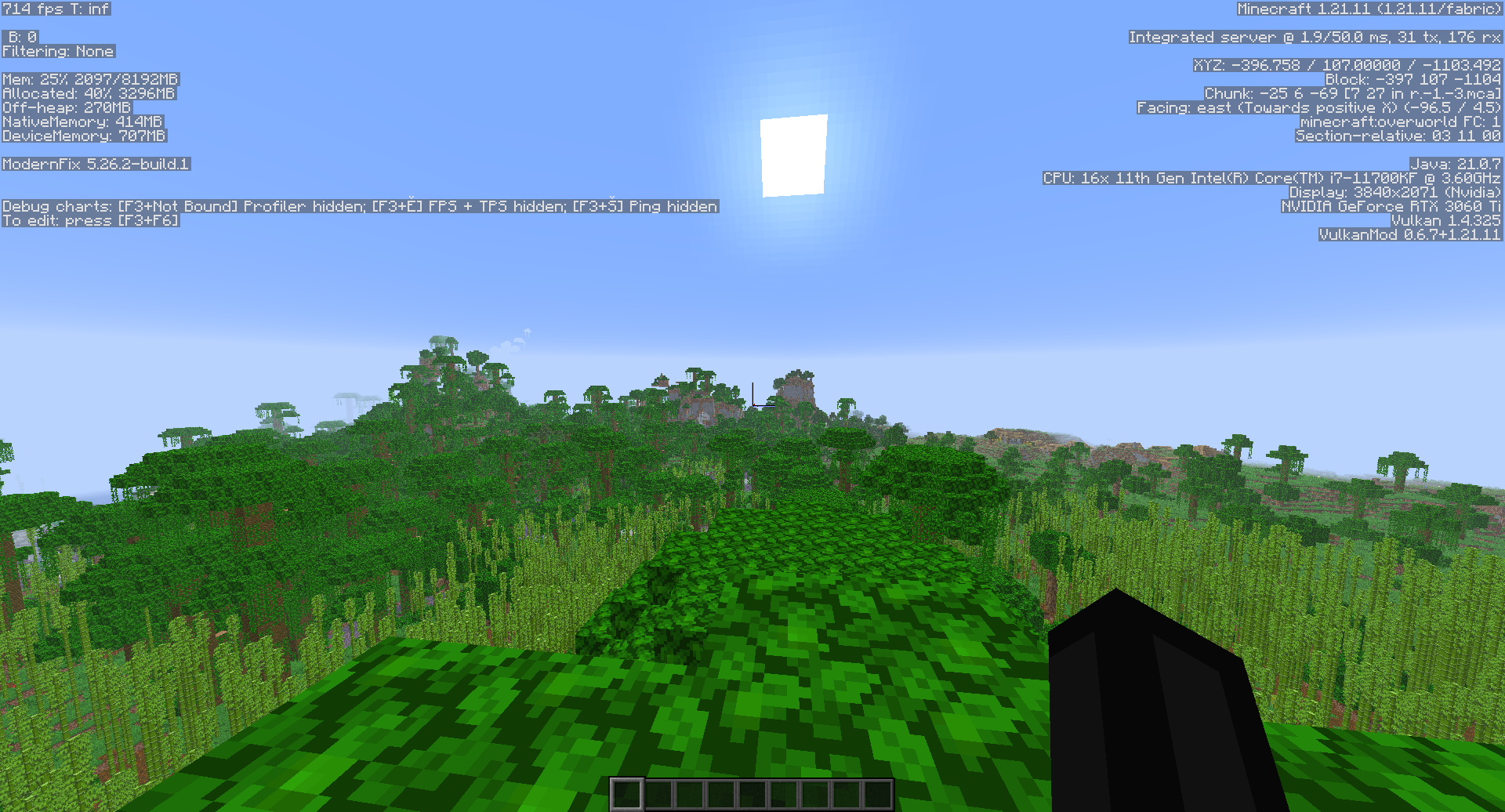
📸 Preview
📥 How to install
Recommended — the launcher
- ⬇️ Download the Frost Launcher from frostclient.eu/download.
- 🔑 Sign in with your Microsoft account.
- ▶️ Pick a version and hit Play. Updates are handled for you from then on.
Legacy — the frozen .mrpack files on this page
- ⬇️ Install the Modrinth App if you do not already have it.
- 📦 Download a build from this page — Vulkan or OpenGL, for your Minecraft version.
- 🖱️ Open the downloaded .mrpack file and the Modrinth App installs everything.
- ▶️ Launch it as an instance and play. Do not expect further updates here.
Playing on an offline account? Follow the guide at frostclient.eu/cracked.
🌋 Crashing on the Vulkan build?
Vulkan performance depends heavily on your GPU and drivers. If you get crashes, missing rendering or startup issues, switch that instance to the OpenGL build — it needs no extra setup and runs on far more hardware. In the launcher you can keep both side by side and swap in a click.
🔗 Compatibility
- 🖥️ Minecraft versions on this page: 1.21 – 26.2 (frozen). Newer versions are launcher-only.
- 🧵 Mod loader: Fabric
- 🌋 Available as both Vulkan and OpenGL builds — Vulkan gives the bigger FPS boost, OpenGL runs on more hardware.
- ✅ Works with most CPvP and Optifine-format texture packs without issue.
Questions or issues? Come find us on Discord — that is also where our FoxClient legit-check history lives, if you want to see we are the real deal.
Installation von FrostClient
With Millida Launcher
Install Millida Launcher
The launcher is free: download it at millida.net/launcher and sign in with any nickname.
Click “Install” on this page
The launcher opens and installs the modpack for Minecraft 1.21.4–26.2 on Fabric automatically.
Launch the game
A profile with it appears in the launcher: click “Play”.
Manually
Download the modpack archive
In the version list above, pick the file Frost 26.2 - OpenGL.mrpack (8.3 MB).
Import it into a launcher
A launcher that supports modpacks (Millida Launcher, Prism) takes the archive via “Add modpack”, then “From file”. No need to unpack it yourself.
Allocate memory
Modpacks need more memory than the plain game: set 4–6 GB in the profile settings.
On a server
Or use the “To hosting” button
On Millida Hosting, the button at the top of the page uploads the file to your server and restarts it for you.
Players install the same modpack
To join the server, every player needs the same modpack version.
Versionen
Mit Abhängigkeiten
| Minecraft | Loader | Datei | Datum | Aktionen |
|---|---|---|---|---|
| 26.2 | Fabric | 26.28.3 MB | ||
| 26.1.2 | Fabric | 26.1.28.3 MB | ||
| 26.1.2 | Fabric | 26.1.28.3 MB | ||
| 1.21.8 | Fabric | 1.21.88.3 MB | ||
| 1.21.5 | Fabric | 1.21.58.3 MB | ||
| 1.21.5 | Fabric | 1.21.58.3 MB | ||
| 1.21.4 | Fabric | 1.21.48.3 MB | ||
| 1.21.4 | Fabric | 1.21.48.3 MB |
Was zum Ausführen nötig ist
- YetAnotherConfigLib (YACL)bereits enthalten
- World Hostbereits enthalten
- Scoreboard Tweaksbereits enthalten
- Multi Key Bindingsbereits enthalten
- Ksyxisbereits enthalten
- ServerCorebereits enthalten
- ImmediatelyFastbereits enthalten
- Dependencybereits enthalten
- Dependencybereits enthalten
- Dependencybereits enthalten
- Cloth Config APIbereits enthalten
- Sodiumbereits enthalten
- TNT Timerbereits enthalten
- Melodybereits enthalten
- FPSbereits enthalten
- Skyboxifybereits enthalten
- Chat Animation [Smooth Chat]bereits enthalten
- Exordiumbereits enthalten
- Dependencybereits enthalten
- Cubes Without Bordersbereits enthalten
- Cull Leavesbereits enthalten
- Zipp CPVP Packbereits enthalten
- Konkretebereits enthalten
- Dependencybereits enthalten
- CraterLibbereits enthalten
- Dependencybereits enthalten
- CreativeCorebereits enthalten
- Fabric APIbereits enthalten
- View Modelbereits enthalten
- ScalableLuxbereits enthalten
- Sodium Extrabereits enthalten
- Potato Graphicsbereits enthalten
- Crosshair Addons Publicbereits enthalten
- Dependencybereits enthalten
- Dependencybereits enthalten
- Resourcifybereits enthalten
- Particle Corebereits enthalten
- Status Effect Timerbereits enthalten
- ModernFix-mVUSbereits enthalten
- Concurrent Chunk Management Engine (Fabric)bereits enthalten
- LibJFbereits enthalten
- Dependencybereits enthalten
- Iris Shadersbereits enthalten
- Remove Reloading Screenbereits enthalten
- Better Capesbereits enthalten
- Dependencybereits enthalten
- MidnightLibbereits enthalten
- Dependencybereits enthalten
- Dependencybereits enthalten
- Fast Better Grassbereits enthalten
- Text Placeholder APIbereits enthalten
- Kryptonbereits enthalten
- Freelookbereits enthalten
- BadOptimizationsbereits enthalten
- Lithiumbereits enthalten
- Dependencybereits enthalten
- Dependencybereits enthalten
- Dependencybereits enthalten
- Dependencybereits enthalten
- Wavey Capesbereits enthalten
- Inventory Blurbereits enthalten
- Architectury APIbereits enthalten
- Dependencybereits enthalten
- Mod Menubereits enthalten
- ModernFixbereits enthalten
- Forge Config API Portbereits enthalten
- Marlow's Crystal Optimizerbereits enthalten
- Dependencybereits enthalten
- Dependencybereits enthalten
- FerriteCorebereits enthalten
- Dependencybereits enthalten
- ThreadTweakbereits enthalten
- Dependencybereits enthalten
- Zoomify (Zoom)bereits enthalten
- Dependencybereits enthalten
FAQ
Which Minecraft versions does FrostClient work on?
There are files for 26.2, 26.1.2, 1.21.11, 1.21.8, 1.21.5, 1.21.4. The newest is 26.2.
Is FrostClient for Forge or Fabric?
Only for Fabric: 1.21.4–26.2.
Which mods are in the FrostClient modpack?
Mods in the modpack include YetAnotherConfigLib (YACL), World Host, Scoreboard Tweaks, Multi Key Bindings, Ksyxis, ServerCore, ImmediatelyFast, Dependency and 46 more.
Bewertungen
Bewerten Sie FrostClient als Erster


