
Plugins for Minecraft 1.5.1
72 个项目插件:列表

AutoSaveWorld
Provides essential server managment tools: World autosave, Backups, Auto restart, Plugin data purging, Plugin management and more.部署到服务器TuxTwoLib
This does nothing on it's own and is a requirement for some of Tux2's plugins.部署到服务器
Timber Plugin
With this plugin you can cut down an entire tree by breaking the bottom part!部署到服务器
Herochat
The best chat channel plugin in Minecraft!部署到服务器

EpicBoss Gold Edition
This is a plugin that let's you spawn Epic Bosses to fight!部署到服务器

VaultUnlocked
A modern drop-in Vault fork, with Folia support, and enhanced APIs.部署到服务器BookWorm
Read and write books部署到服务器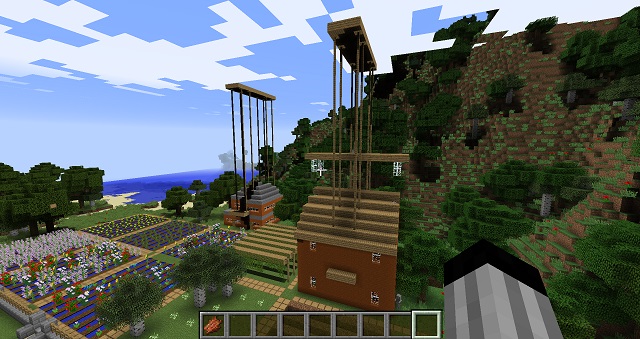

CityWorld
CityWorld部署到服务器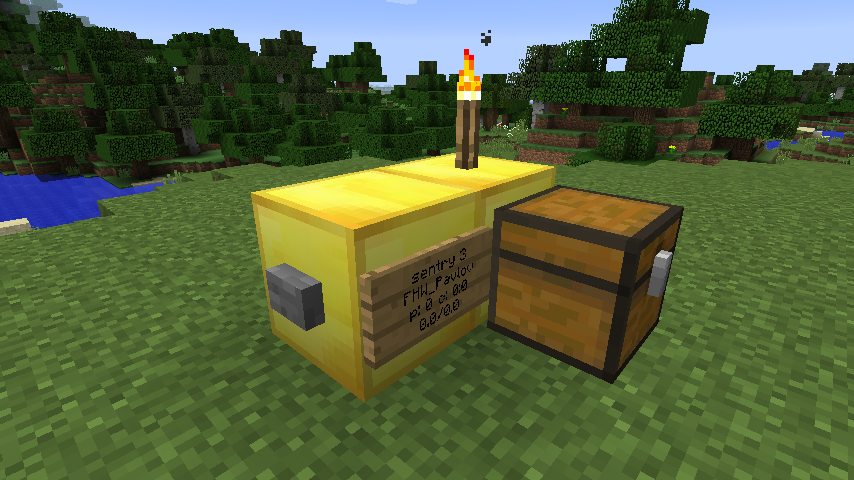

Cannons
Build cannons out of blocks and load/aim/fire.部署到服务器

PhatLoots
Chests with randomly generated money/items (Now with mob support!)部署到服务器

BattleArena
A complete match and event framework for creating arenas and minigames in Minecraft. Supports creating modes through config files, or fully custom modes through plugins.部署到服务器TabAPI
TabAPI部署到服务器Prefixer | ChatFormat (DarkPrefixer)
Prefixer | ChatFormat (DarkPrefixer)部署到服务器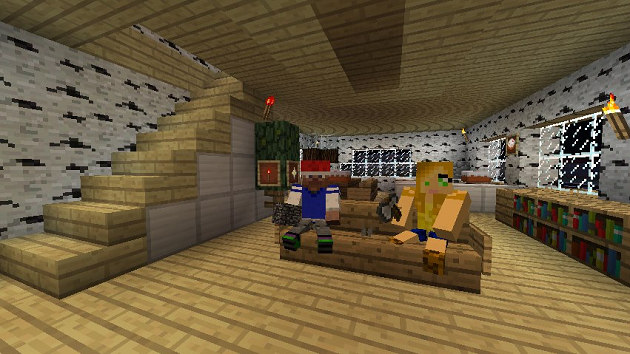
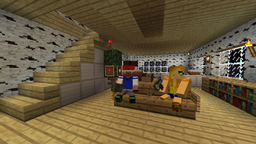
Chairz
Creates chairs in Minecraft!部署到服务器

Make your own Commands
Create your own Commands with this plugin!部署到服务器
FallingTrees
Falling trees? This plugin makes trees fall down when they are untimbered部署到服务器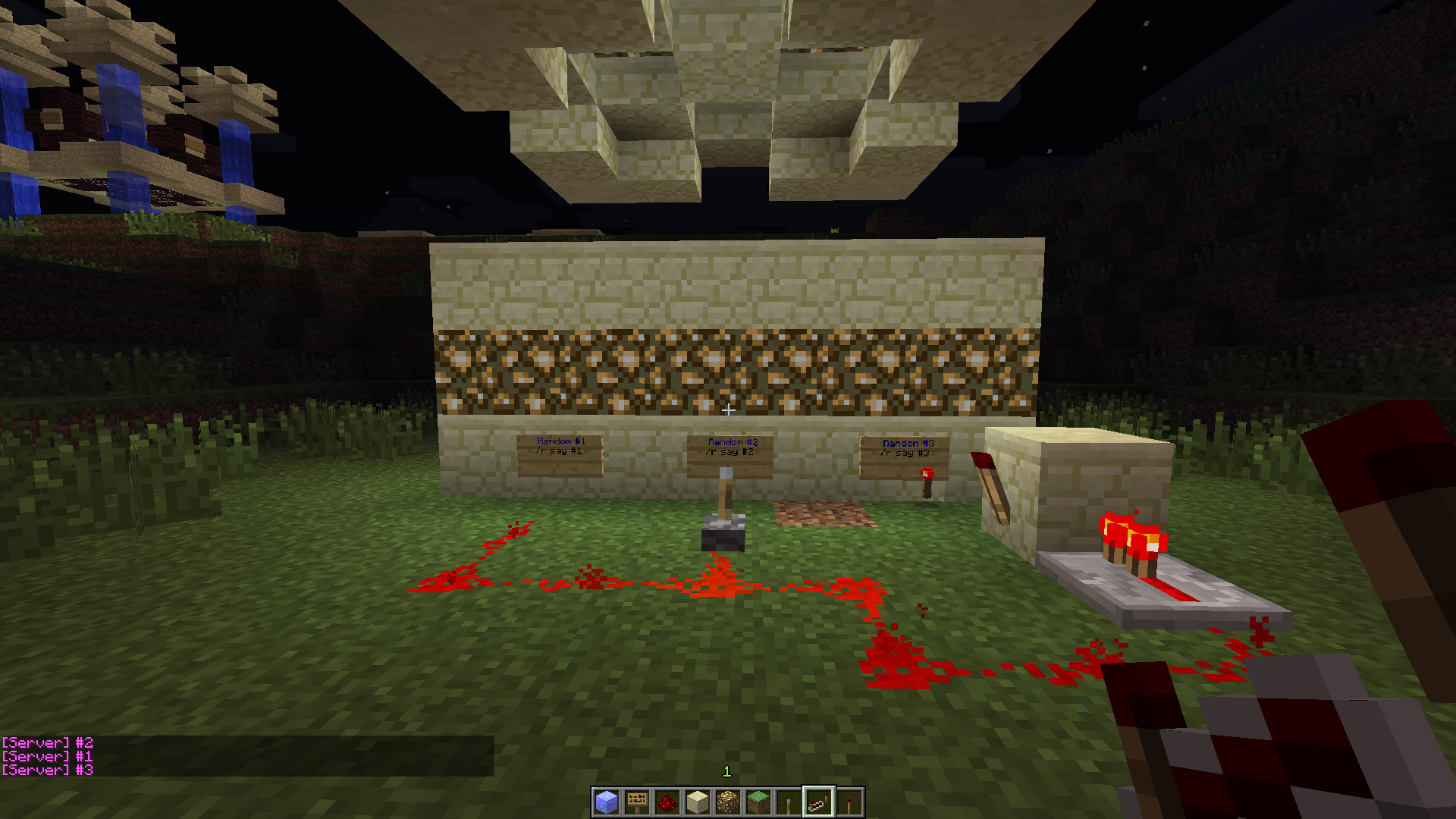
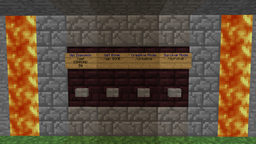
ButtonCommands
Executes a command when you press a button部署到服务器AbilityTrader
Allow players to buy/rent commands and permissions部署到服务器

bSpace
A World-Generation Plugin that creates and manages space worlds.部署到服务器

SignURLs
SignURLs部署到服务器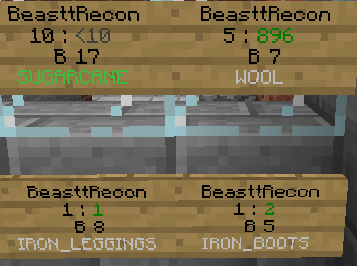

BattleShops
Complete shop system for minecraft using remote chests and signs部署到服务器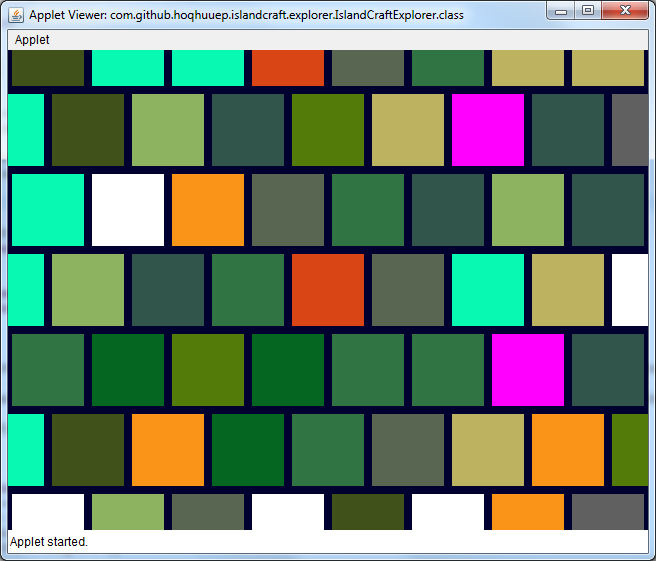

IslandCraft
IslandCraft modifies the terrain generation to create an ocean with many islands; each island is a single biome.部署到服务器

Tebex
Tebex allows you to sell items, subscriptions, and more from an in-game customized shop. Featuring over 120 payment methods, chargeback protection, fraud protection, and 3-day payouts.部署到服务器常见问题
插件和模组有什么区别?
插件只在服务器上运行,对玩家没有任何要求:客户端保持原版。模组则必须由所有人安装,而且会改变游戏本身。
插件放在哪里?
把 .jar 文件放入服务器上的 plugins 文件夹,然后重启服务器。插件会在首次启动时生成配置文件。
Spigot 插件能在 Paper 上运行吗?
通常可以:Paper 和 Purpur 基于 Spigot 构建,兼容其插件。反过来则不行——使用 Paper 特性的插件无法在纯 Spigot 上运行。
如何在 Aternos 上安装插件?
在 Aternos 上,插件只能从面板“插件”部分的内置列表安装。您无法上传自己的 .jar 文件,因此付费和稀有插件无法在 Aternos 上安装。如果您需要的插件不在列表中,就需要能访问 plugins 文件夹的托管:把文件放进去并重启服务器。
服务器首先应该装哪些插件?
人们通常从四个开始:EssentialsX(家、传送点、礼包、传送)、LuckPerms(组和权限)、WorldGuard 配合 WorldEdit(出生点和区域保护)以及 ViaVersion(从其他游戏版本加入)。使用昵称登录的服务器再加 AuthMe 管理密码和 SkinsRestorer 管理皮肤。
和朋友一起玩的服务器应该装哪些插件?
好友小服只需几个:EssentialsX(家、传送到朋友、传送点)、CoreProtect(回滚破坏并查出是谁破坏了方块)和 Simple Voice Chat 语音聊天,后者需要玩家端安装同名模组。这类服务器通常不需要权限管理和区域保护。
如何在 Paper 上安装插件?
下载对应您 Paper 版本的插件文件,把 .jar 放入 plugins 文件夹并重启服务器——/plugins 命令会列出它。在 Millida Hosting 上,插件页面上的“在服务器上”按钮也能完成同样的操作。
Plugins for Minecraft 1.5.1
Plugins for Minecraft 1.5.1:插件 分区中有 72 个物品。兼容性按文件而非描述检查:只有具备完全符合这些条件的构建的物品才会留在列表中。
服务器上几乎所有幕后工作都由插件处理:头衔与权限、领地保护、经济与商店、反作弊、地图轮换、菜单和投票。安装方式是复制 .jar 文件到 plugins 文件夹并重启服务器;大多数插件首次启动时会生成自己的配置文件,之后您就编辑它。卡片上列出了支持的核心和游戏版本、作者和许可,所有版本都汇集在一个页面上——您可以直接在那里更新插件。