
Minecraftのサーバープラグイン — page 128
3,784 アイテムプラグイン:一覧


ForceField
Allows players to generate forcefieldsサーバー上でHorseHome
Allows teleportation of horses to a previously set horse homeサーバー上で
LegendaryWeapons
Adds customizable and (optionally) enchanted drops to any mob!サーバー上でPasswordLogin
PasswordLoginサーバー上で
BetterEnd - Rethink the End Dimension
Completely overhauls the End dimension with new biomes, structures, bosses and more!サーバー上で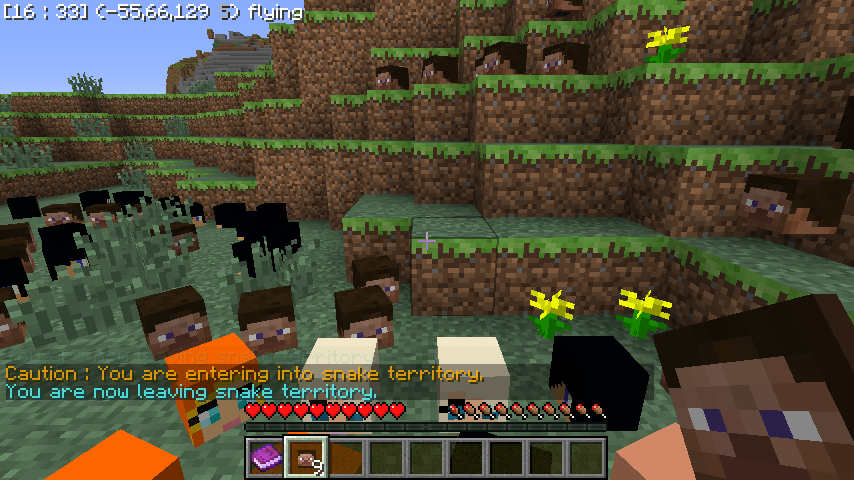

ItemTagger
Allows you to set Name of item, Description of item, and add a from/to tag for gifting.サーバー上で
sethome plugin
A minecraft plugin for easy home setサーバー上で

RealisticChat
realistic local chat!サーバー上でColor Codes
Shows all Minecraft Color Codes in gameサーバー上で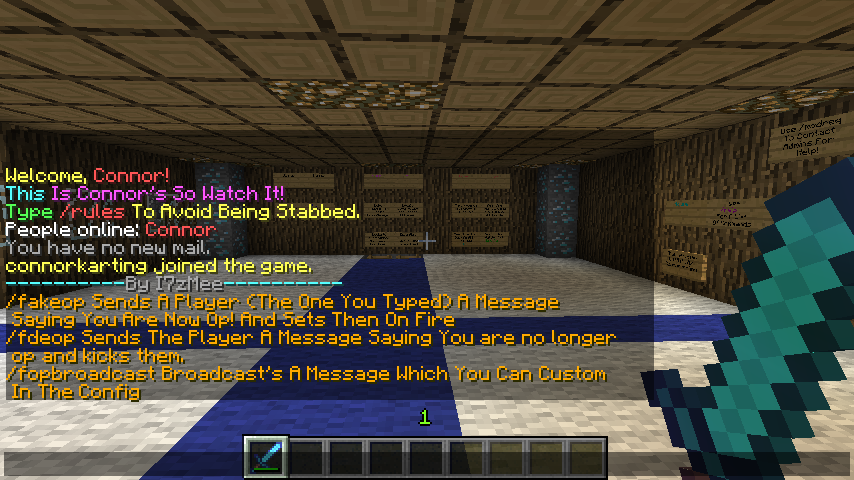
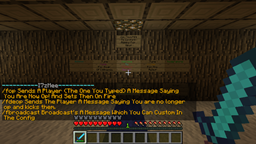
Fake Op
Fake Opサーバー上で

VeloAuth
Secure Velocity auth plugin with auto-login for premium players and registration/login for offline players.サーバー上でSleepNotify
Sends notification when someone goes to bed or wakes upサーバー上で

JoinMusic
JoinMusicサーバー上でMonetary Death Penalty
Fear death as MonetaryDeathPenalty will remove currency from a player's account when they die.サーバー上でTeleParticles
Adds sounds and particles when a player teleports Supports permissions Automaticallyサーバー上でSignMod
SignMod is a plugin to make modifications to signs like coloring.サーバー上で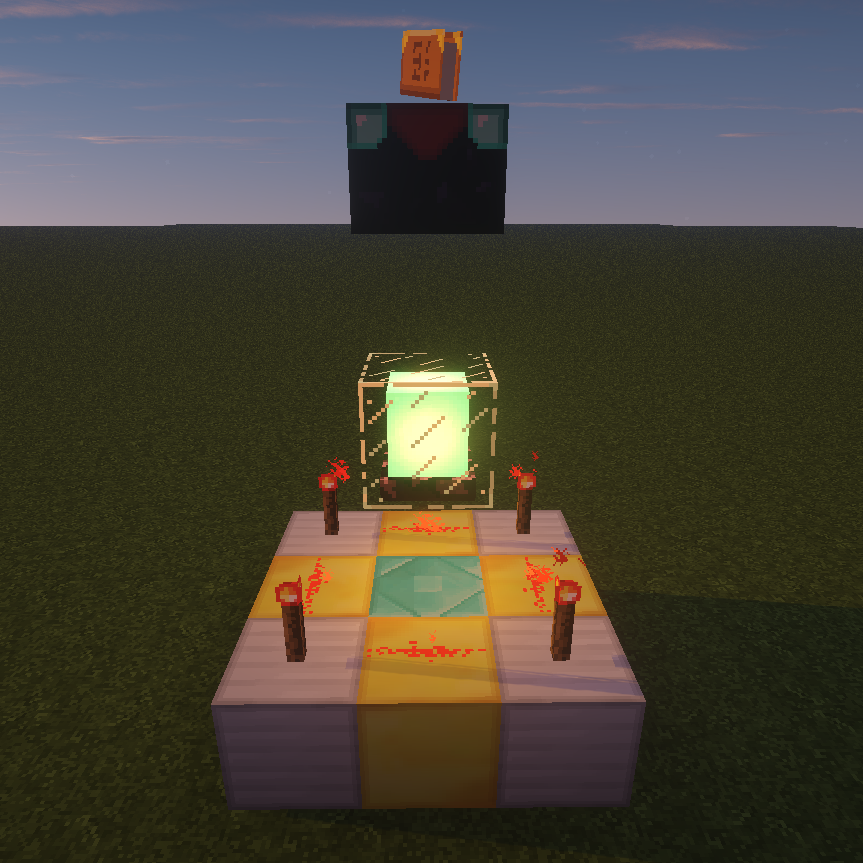

Enchantment Upgrade
Allows you to use "Altars" to gain up to 5 more enchantment levels for items than vanilla Minecraft enchanting will allow.サーバー上で

Velocity Limbo Handler
A simple plugin for handling limbo reconnection/handlingサーバー上でOrebfuscator Lite
OrebfuscatorLite - Anti Xrayサーバー上でItemFrame Clicker
Gives players kits after clicking on an item frame.サーバー上でAbsolute Medic
Absolute Medicサーバー上でKUrlLogin
KUrlLoginサーバー上で

HubBasics - PORTED
HubBasics - PORTEDサーバー上でFAQ
プラグインとMODの違いは何ですか?
プラグインはサーバーでのみ動作し、プレイヤー側には何も要求しません。クライアントはバニラのままです。MODは全員がインストールする必要があり、ゲーム自体を変更します。
プラグインはどこに置きますか?
.jarファイルをサーバーのpluginsフォルダーに入れ、サーバーを再起動してください。プラグインは初回起動時に設定ファイルを作成します。
SpigotのプラグインはPaperで動作しますか?
通常ははい。PaperとPurpurはSpigotを基に作られており、そのプラグインと互換性があります。逆は成り立ちません。Paperの機能を使うプラグインは純粋なSpigotでは動作しません。
Aternosにプラグインをインストールする方法は?
Aternosでは、プラグインはパネルの「プラグイン」セクションの組み込みリストからのみインストールできます。自分の.jarファイルをアップロードできないため、有料や珍しいプラグインはAternosにインストールできません。必要なプラグインがリストにない場合は、pluginsフォルダーにアクセスできるホスティングが必要です。ファイルをそこに入れてサーバーを再起動してください。
サーバーに最初に入れるべきプラグインはどれですか?
通常は4つから始めます。EssentialsX(ホーム、ワープ、キット、テレポート)、LuckPerms(グループと権限)、WorldGuardとWorldEdit(スポーンと地域保護)、ViaVersion(他のゲームバージョンからの参加)です。ニックネームログインのあるサーバーには、パスワード用のAuthMeとスキン用のSkinsRestorerを追加します。
フレンドと遊ぶサーバーにはどのプラグインを入れるべきですか?
フレンド向けの小さなサーバーには少しで十分です。EssentialsX(ホーム、フレンドへのテレポート、ワープ)、CoreProtect(グリーフィングのロールバックとブロックを壊した人の特定)、ボイスチャット用のSimple Voice Chat(プレイヤー側に同名のMODが必要)です。権限や地域保護は通常このようなサーバーでは不要です。
Paperにプラグインをインストールする方法は?
お使いのPaperのバージョン用のプラグインファイルをダウンロードし、.jarをpluginsフォルダーに入れてサーバーを再起動すると、/pluginsコマンドに表示されます。Millida Hostingでは、プラグインページの「サーバーで」ボタンが同じことを行います。
Minecraftのサーバープラグイン
プラグインはプレイヤーではなくサーバーにインストールされ、そこがMODとの違いです。クライアントは純粋なバニラのままで、1つのファイルもダウンロードせずにサーバーに参加できます。プラグインはサーバーコア(Paper、Spigot、Bukkit、Purpur、Folia)で動作し、VelocityとBungeeCordはサーバー間のプロキシに使われます。コアはバージョンと同じくらい重要です。Paperのプラグインはほぼ常にPurpurで動作しますが、Velocityのプラグインは通常のサーバーではまったく起動しません。
サーバーに必要な最小限はほぼいつも同じです。基本コマンド用のEssentialsX、権限用のLuckPerms、地域保護用のWorldGuardとWorldEdit、グリーフィングのロールバック用のCoreProtectです。ニックネームログインのあるサーバーはAuthMeとSkinsRestorerを追加し、フレンド向けサーバーはSimple Voice Chatを追加します。Millida Hostingでは、カタログの無料プラグインをそのページの「サーバーで」ボタンでサーバーに導入でき、手動での.jarアップロードは不要です。
プラグインはサーバーのほぼすべてを裏で処理します。ランクと権限、土地保護、経済とショップ、アンチチート、マップローテーション、メニュー、投票などです。インストールは.jarファイルをpluginsフォルダーにコピーしてサーバーを再起動するだけです。ほとんどは初回起動時に独自の設定ファイルを作成し、それを編集します。カードには対応コアとゲームバージョン、作者、ライセンスが記載され、すべてのリリースが1ページにまとまっているので、そこから直接プラグインを更新できます。