
Mods for Minecraft 1.16
246 アイテムMOD:一覧


Sodium
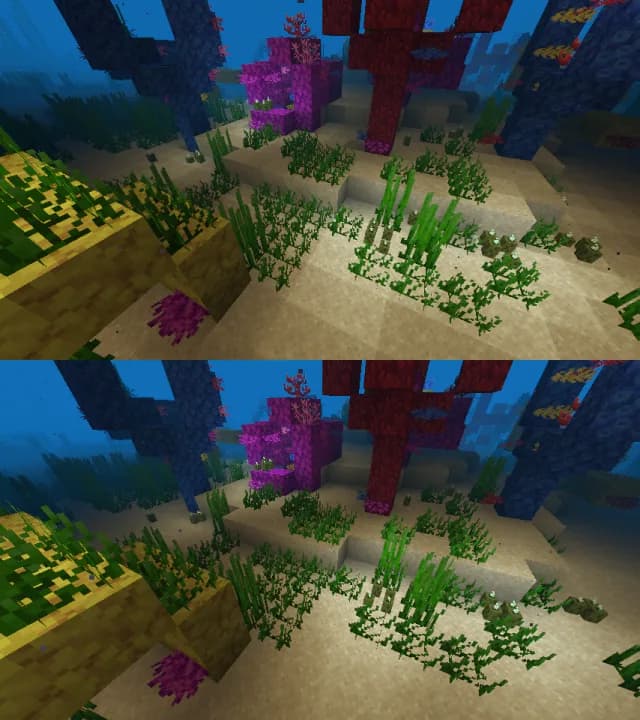
A high-performance rendering engine replacement for Minecraft, which greatly improves frame rates and reduces micro-stutter.インストール
Kotlin for Forge
Adds a Kotlin language loader and provides some optional utilities.インストール

Iris Shaders
A modern shader pack loader for Minecraft intended to be compatible with existing OptiFine shader packsインストール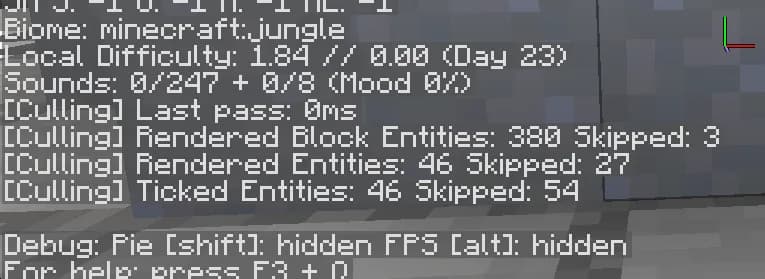

Entity Culling
Using async path-tracing to hide Block-/Entities that are not visibleインストール

Cloth Config API
Configuration Library for Minecraft Modsインストールサーバー上で

FerriteCore
Memory usage optimizationsインストールサーバー上で

Mod Menu
Adds a mod menu to view the list of mods you have installed.インストール

Lithium
No-compromises game logic optimization mod, useful for both single-player games and multi-player servers.インストールサーバー上で

Fabric Language Kotlin
This is a mod that enables usage of the Kotlin programming language for Fabric mods.インストールサーバー上で

Xaero's Minimap
Displays a map of the nearby world terrain, players, mobs, entities in the corner of your screen. Lets you create waypoints which help you find the locations you've marked.インストールサーバー上で

[ETF] Entity Texture Features
Emissive, Random & Custom texture support for entities in resourcepacks just like Optifine but for Fabricインストール

Architectury API
An intermediary api aimed to ease developing multiplatform mods.インストールサーバー上で

Sodium Extra
A Sodium addon that adds features that shouldn't be in Sodium.インストール

Xaero's World Map
Adds a full screen world map which shows you what you have explored in the world. Works great together with Xaero's Minimap.インストールサーバー上で

AppleSkin
Food/hunger-related HUD improvementsインストールサーバー上で

Not Enough Animations
Bringing first-person animations to the third-personインストール
Reese's Sodium Options
Alternative Options Menu for Sodiumインストール

Just Enough Items (JEI)
View Items and Recipesインストールサーバー上で

3D Skin Layers
Render the player skin layer in 3d!インストール

ModernFix
All-in-one mod that improves performance, reduces memory usage, and fixes many bugs. Compatible with all your favorite performance mods!インストールサーバー上で

Simple Voice Chat
A working voice chat in Minecraft!インストールサーバー上で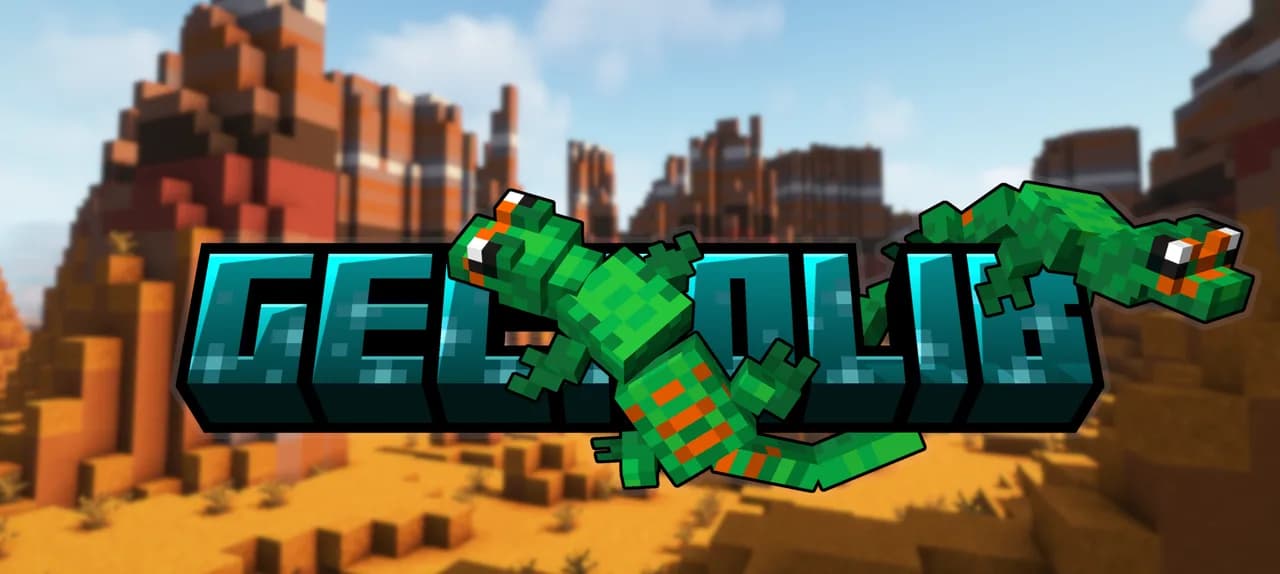

Geckolib
A 3D animation library for entities, blocks, items, armor, and more!インストールサーバー上で

Jade
Shows information about what you are looking at. (Hwyla/Waila fork for Minecraft 1.16+)インストールサーバー上でFAQ
ForgeとFabricはどう違いますか?
互換性のない2つの異なるMODローダーです。Forgeは古いほうで、大型のテック系・魔法系Modパックに適しています。Fabricは軽量で、新しいゲームバージョンへの対応が速く、ほとんどのパフォーマンス系MODが揃っています。NeoForgeは新しいバージョン向けのForgeのフォークで、QuiltはFabricのフォークです。ForgeのMODはFabricでは動作せず、その逆も同様です。Millida Launcherが適切なローダーを導入します。
必要なMODのバージョンはどうやって確認しますか?
ゲームバージョンとローダーに一致するものです。「インストール」ボタンがファイルを選びます。Millida LauncherがあなたのModパックに合ったバージョンを取得します。1.20.1用のMODは通常1.21では動作しません。
MODの導入方法は?
「インストール」をクリックすると、Millida LauncherがMOD、依存関係、適切なローダーをダウンロードします。ダウンロードしたファイルを手動で導入するには、ゲームディレクトリ内のmodsフォルダに入れてください。
MODの導入にCurseForgeは必要ですか?
いいえ。MODページの「インストール」ボタンがMillida Launcherを開き、MOD、依存関係、適切なローダーを選択したインスタンスへ自動でダウンロードします。CurseForgeも手動でのファイルコピーも不要です。
1.20.1向けのMODには何がありますか?
1.20.1は特にForgeで最もMODが多いバージョンの一つです。テック系、魔法系、RPG系、家具、武器などがあります。バージョンフィルターで1.20.1を選ぶと、まさにそのバージョン向けにビルドされたファイルがあるMODだけが残ります。次にその隣でForgeかFabricを選んでください。
スマホにMODを導入できますか?
Androidなら可能です。Millida LauncherはスマホでJava版を実行し、MODもPCと同じように動作しますが、軽いMODのほうが重いMODよりはるかに快適に動きます。Minecraft PE(Bedrock)はPCのMODを読み込めません。代わりにアドオンがあり、「Minecraft PEのMOD」セクションにあります。
友達と遊ぶのに最適なMODはどれですか?
定番は近接ボイスチャットのSimple Voice Chat、高速移動のWaystones、Xaero's Minimap、そして一緒に取り組めるCreateのような大型MODです。世界を変更するMODは全プレイヤーとサーバーに導入する必要がありますが、ミニマップやパフォーマンス系などのクライアント側MODは各プレイヤーの判断です。
Mods for Minecraft 1.16
Mods for Minecraft 1.16:MODセクションの246件。互換性は説明ではなくファイルで確認されます。これらの条件に一致するビルドがあるものだけがリストに残ります。
カタログ内の1つのMODにつき1つのページ。作者がリリースしたすべてのバージョンがそのカードに一覧表示されます。似たような10のページを行き来するのではなく、そこでゲームバージョンとローダーを選んでください。各ファイルにはサイズ、リリース日、チェックサムが表示され、MOD自体には作者、ライセンス、元のソースへのリンクが表示されます。ライセンスが再ホストを許可しているファイルは当社に保存され、直接ダウンロードできます。リンク短縮、タイマー、広告リダイレクトはありません。ライセンスが再ホストを禁じている場合、ボタンは正直に作者のページへ移動します。