

Remarkably Beautiful Build pour Minecraft 1.19.2, 26.2
1.19.2-26.2 | Un pack de mods visuels et de performance pour rendre Minecraft magnifique avec une collection remarquablement belle de mods, packs de ressources et shaders pour des visuels et un gameplay optimisés !
- vues
- 40 vues
- Mis à jour
- Mis à jour 26.09.2026
- 1.19.2 — 26.2
 Fabric
- Client
Introducing Remarkably Beautiful!
A vanilla+ modpack based off of Remarkably Optimized for its amazing performance, while adding amazing visuals with custom shader presets, particle effects, resource packs, and much more!

Works Anywhere
Remarkably Beautiful only effects the visual appearance of the game, allowing for compatibility with any world or server.

Voxy
The pack includes optional Voxy support which allows for incredibly high view distances with decent performance.
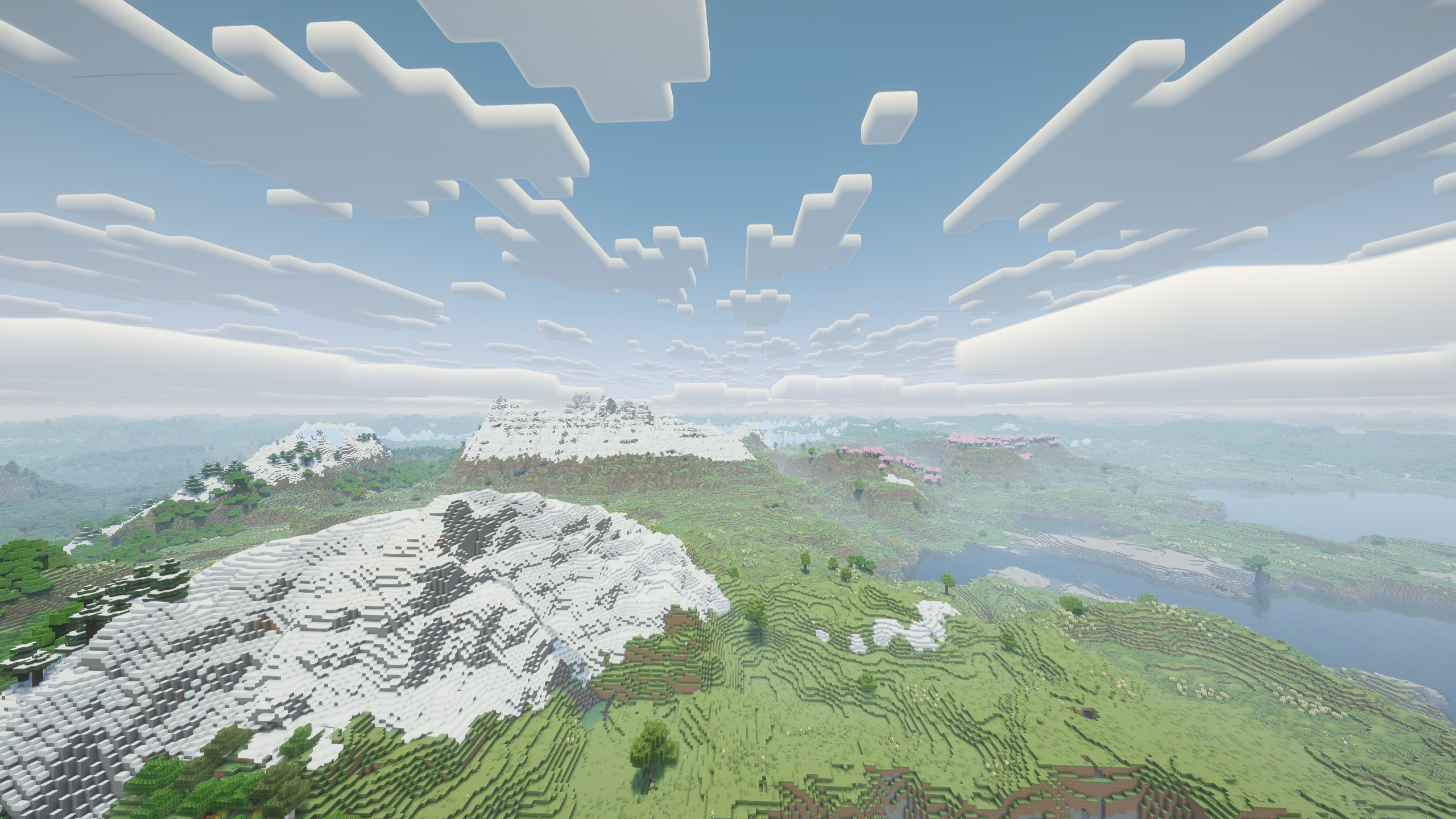
Shader Presets
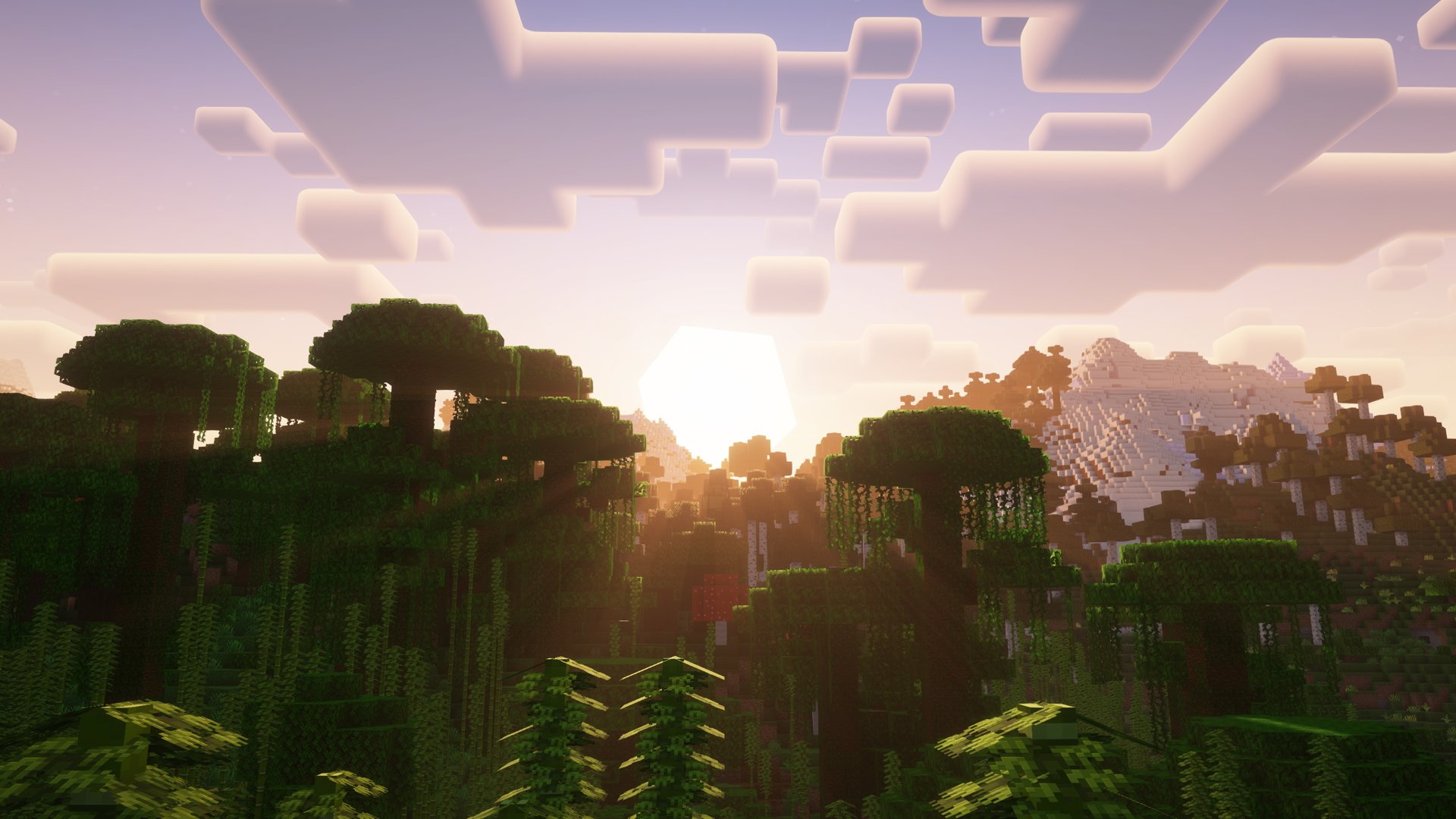
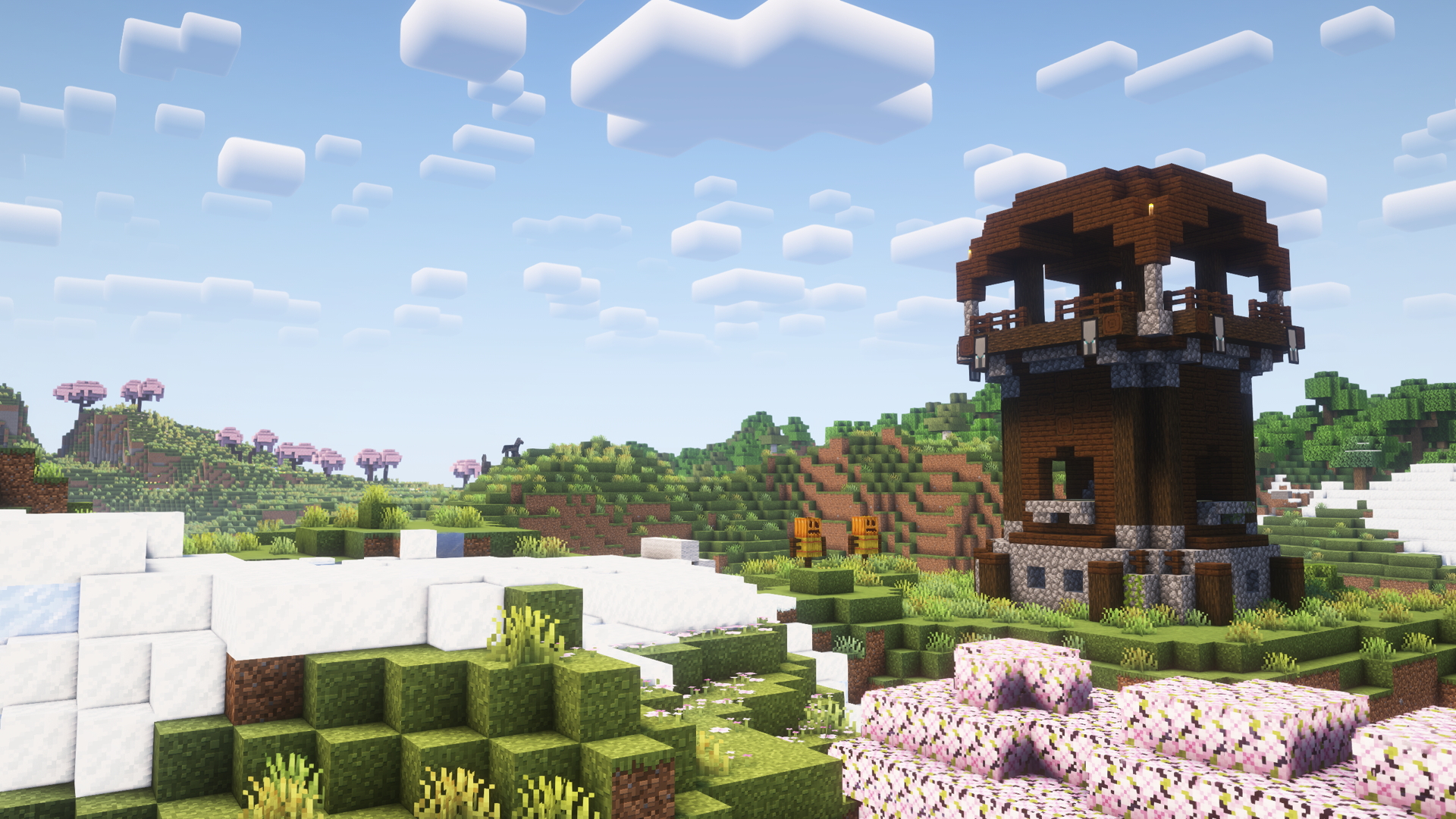
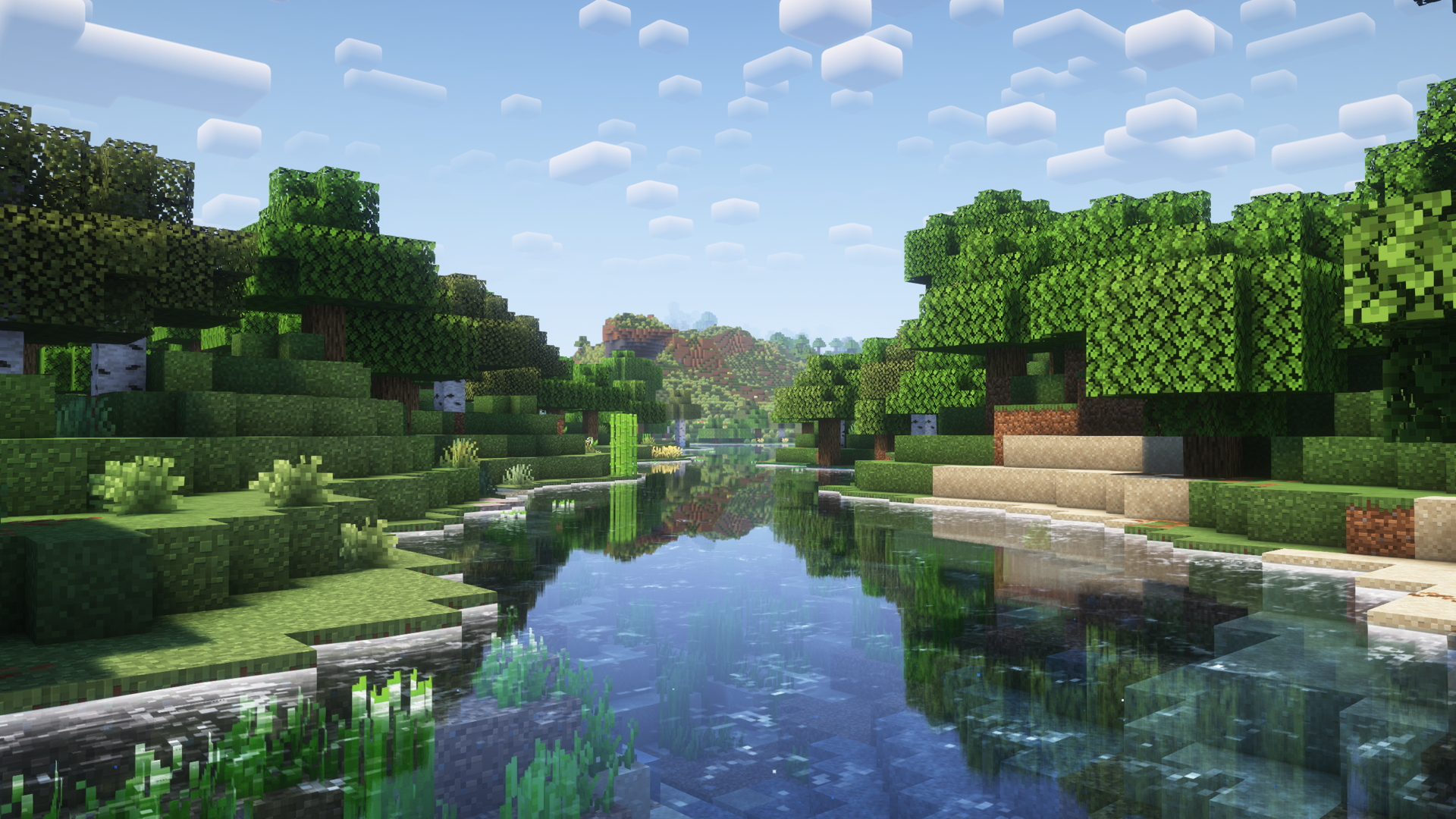
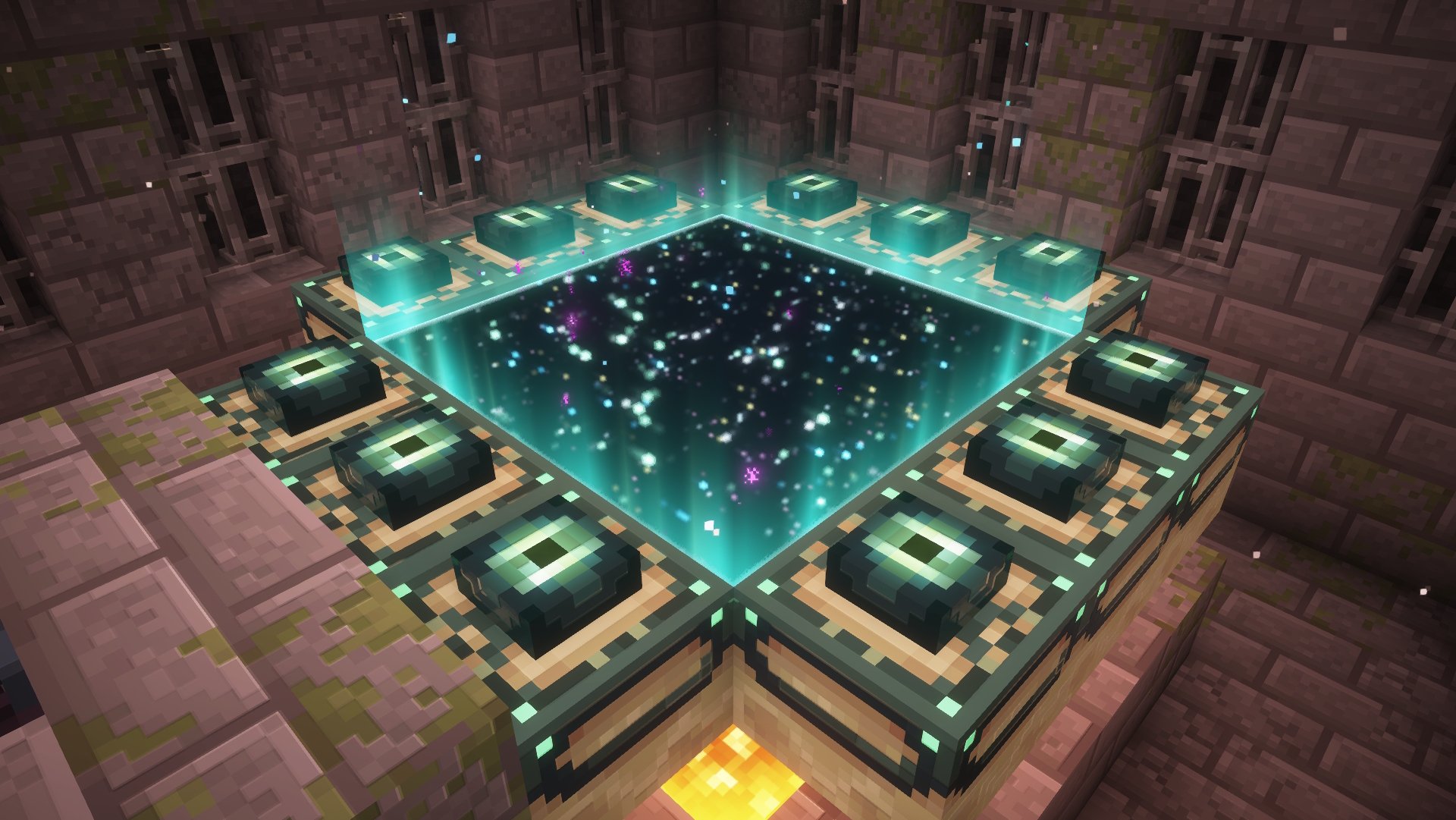
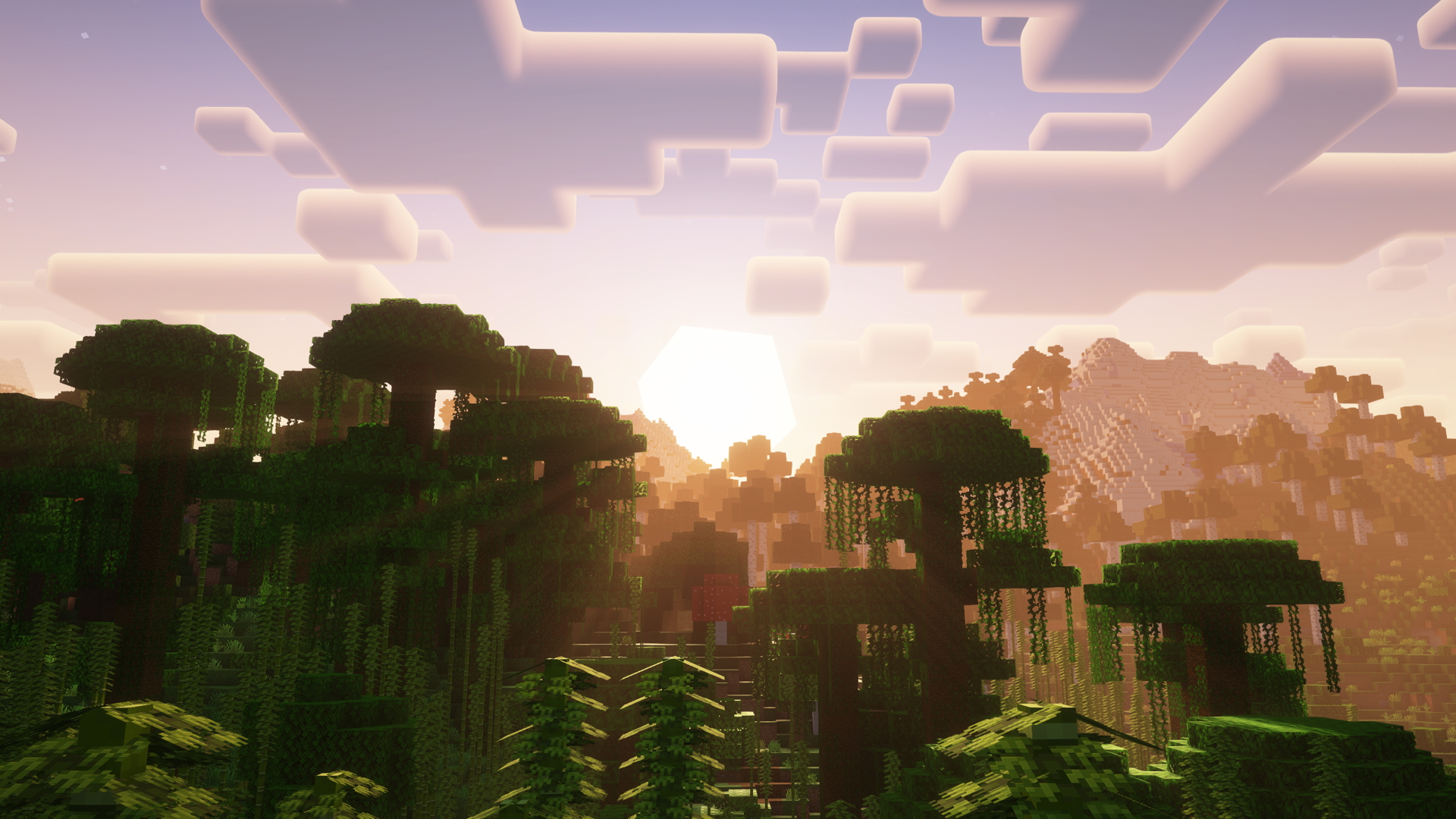
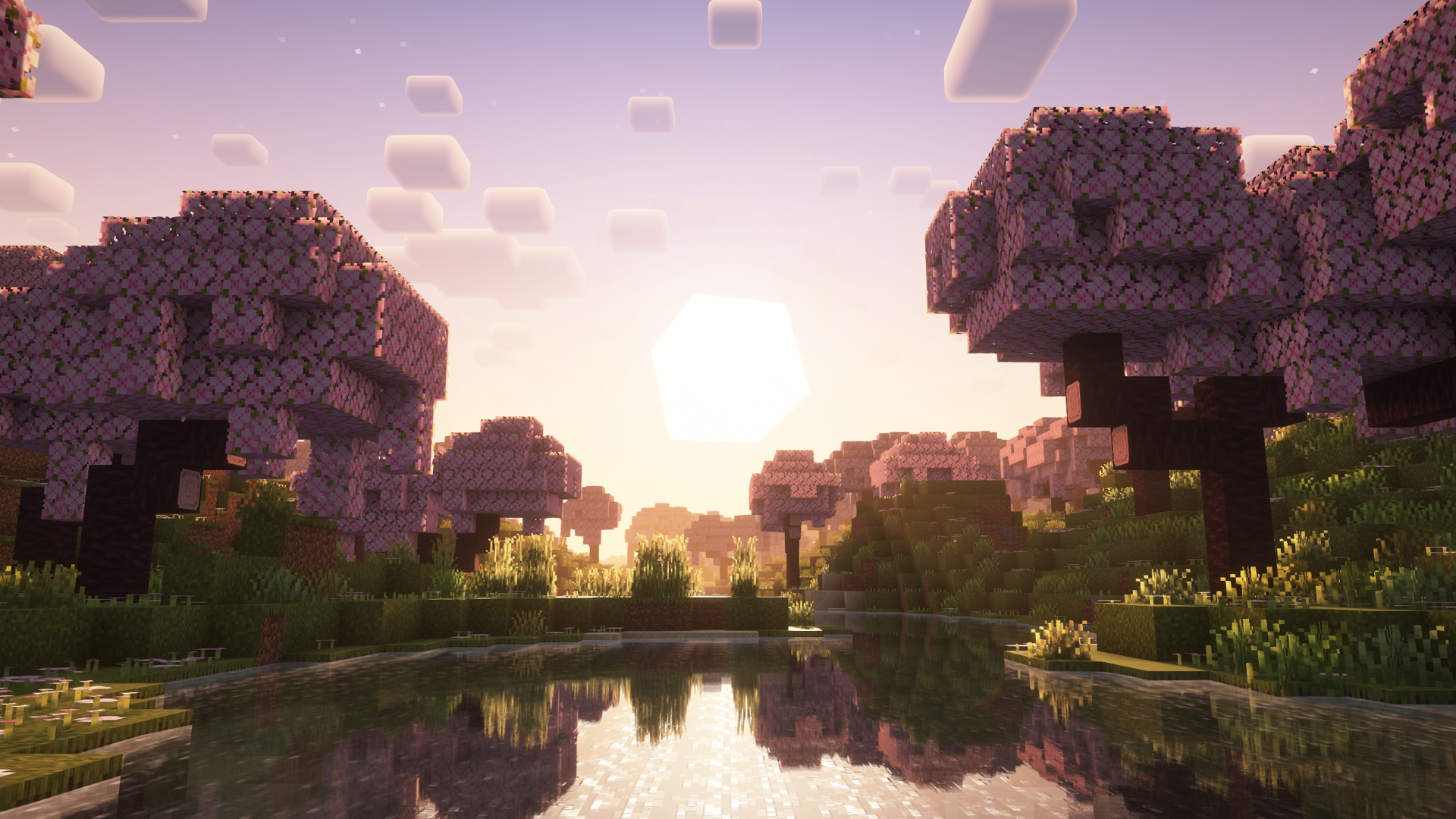
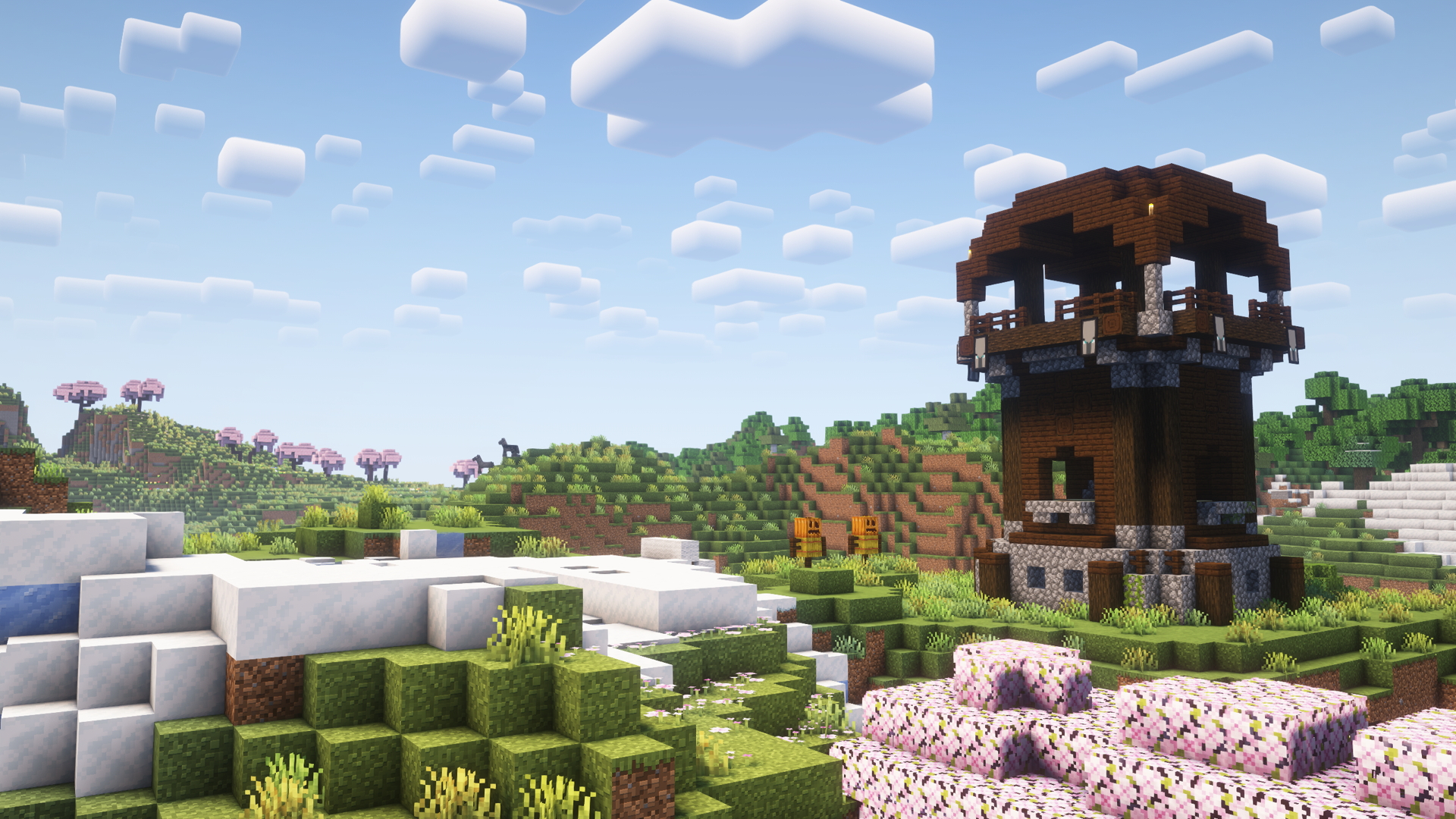
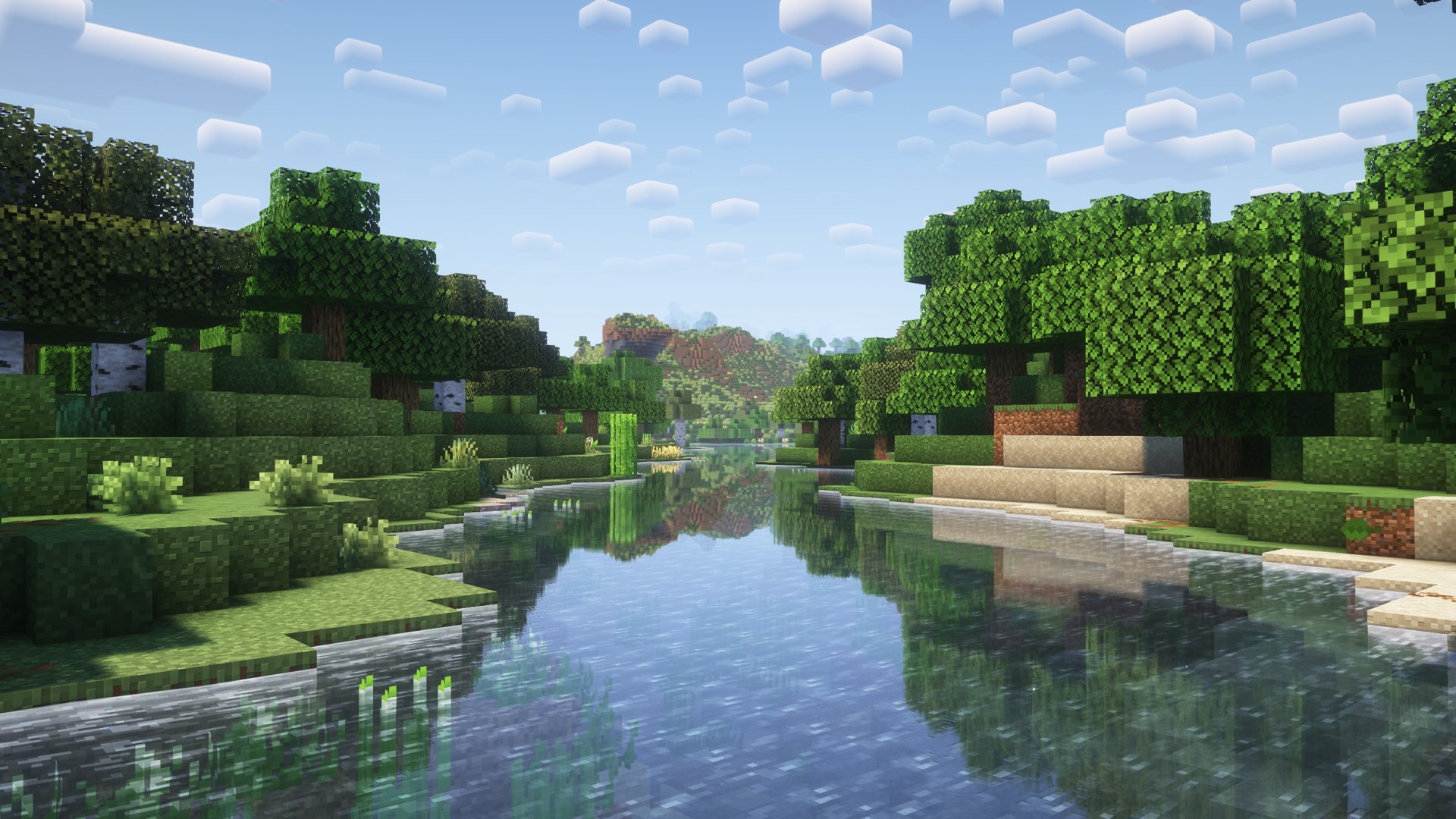
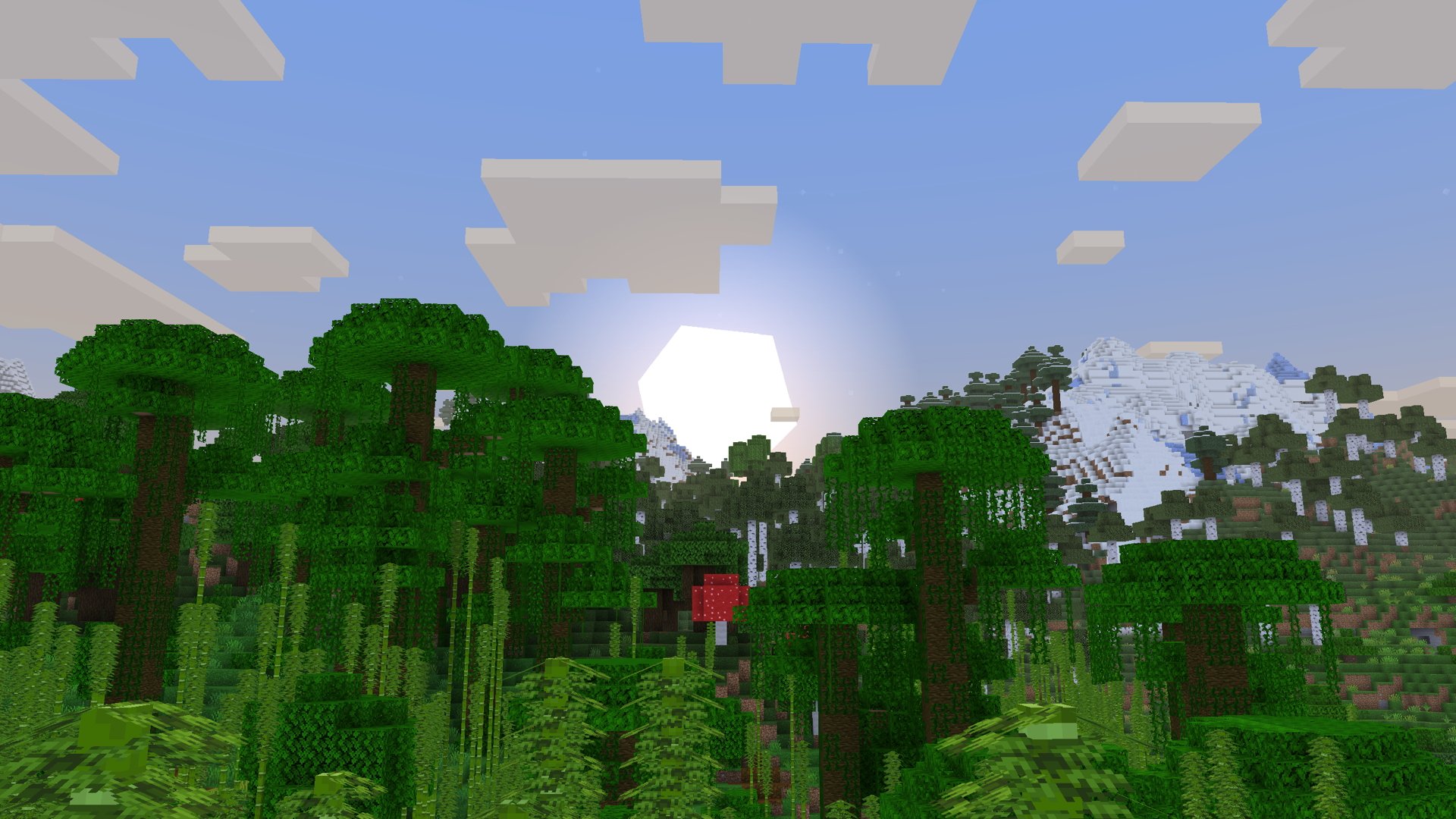
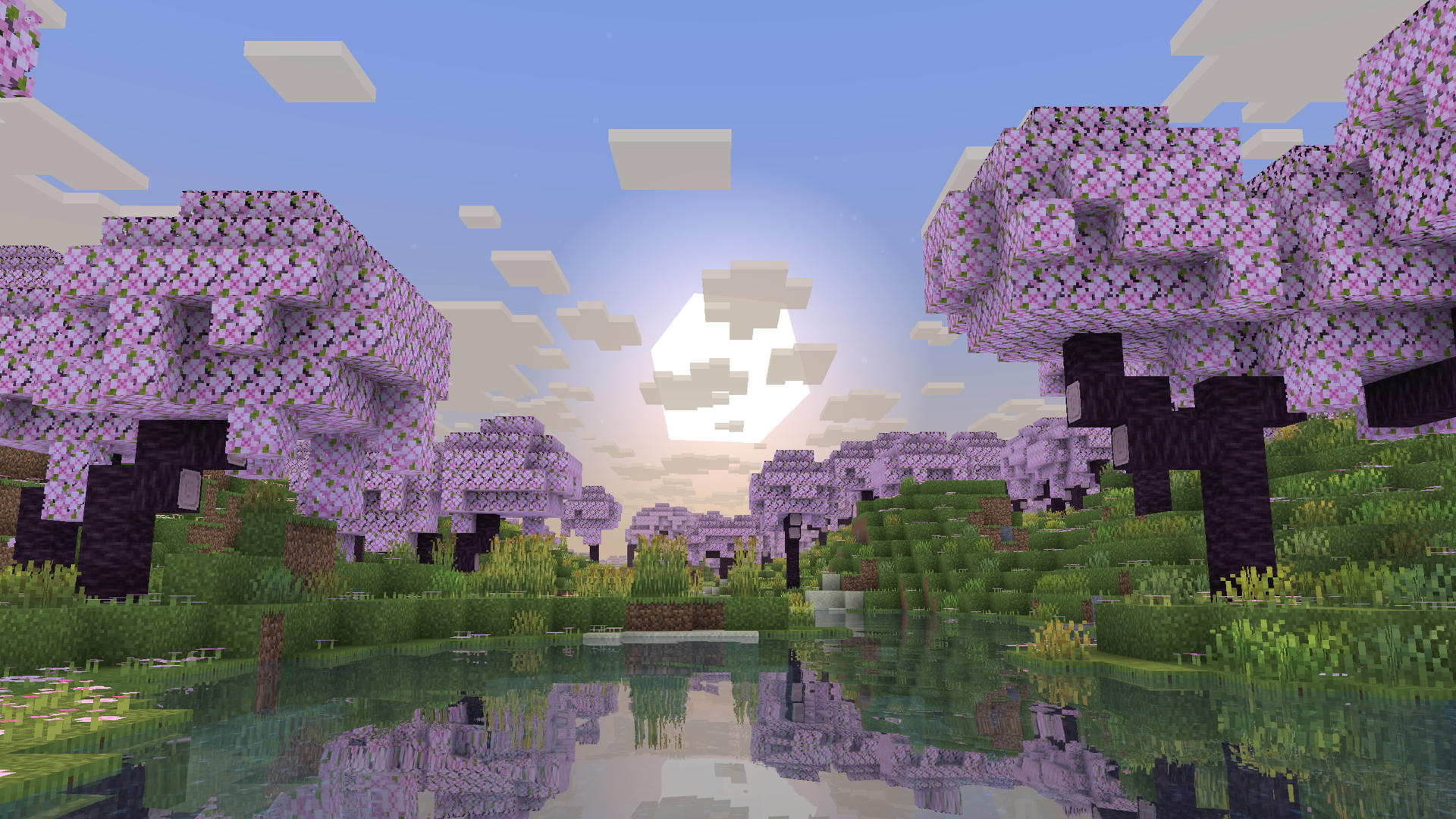
Additionally, there are three shader presets with custom settings to suit different visuals styles and performance presets. Comparison screenshots for each shader are included below.
Euphoria Patches Shader Preset (Best graphics)
Euphoria Patches comes with the best visuals and effects, but it is also the most demanding shader.
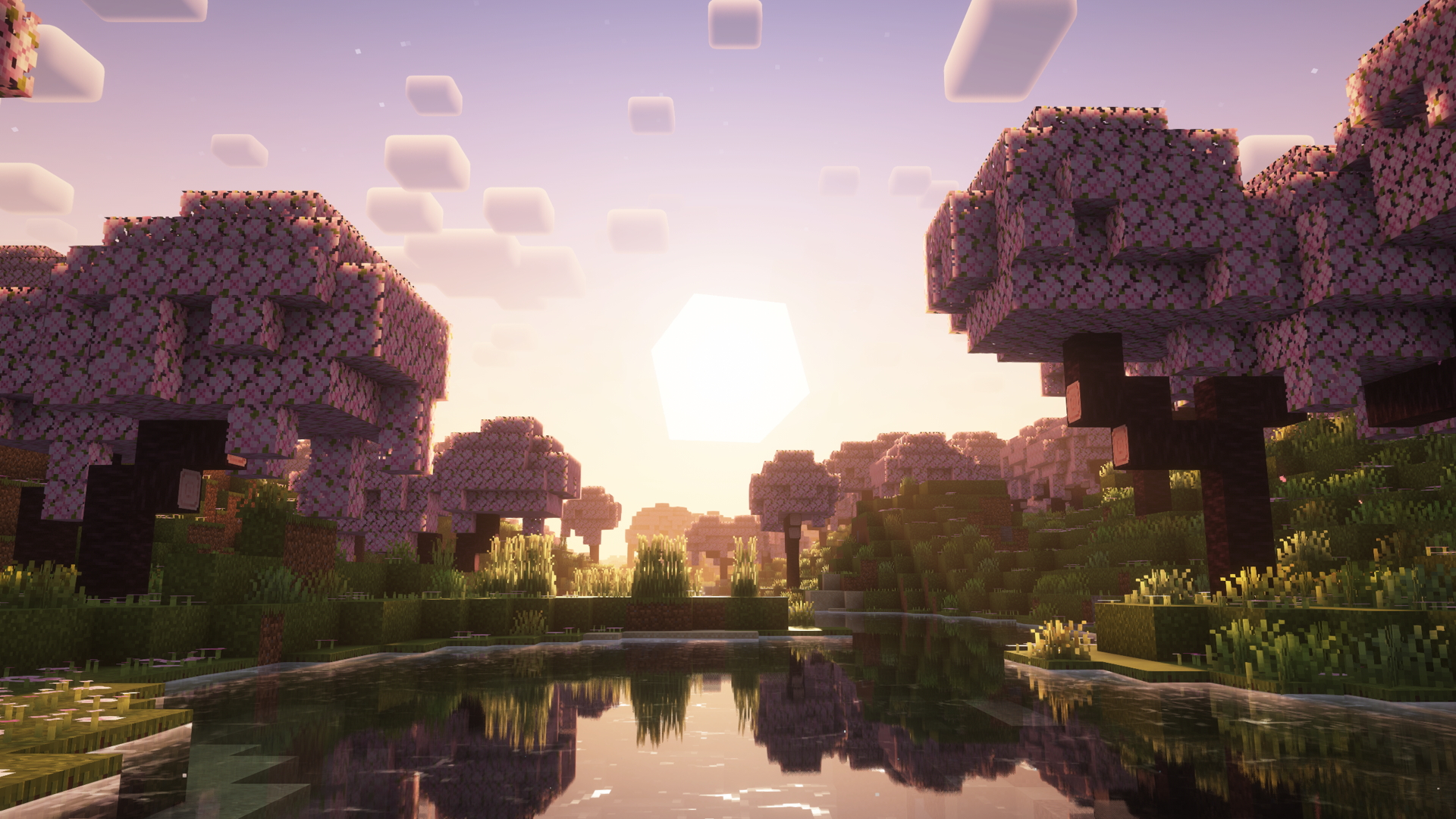
Complimentary Reimagined Shader Preset (Medium graphics)
The Complimentary preset has much better performance than Euphoria Patches, while still providing great visuals.
Miniature Shader Preset (Vanilla feel + Best performance)
Miniature is the best performance shader, while keeping a vanilla feel with pixelated shadows and minimal lighting.
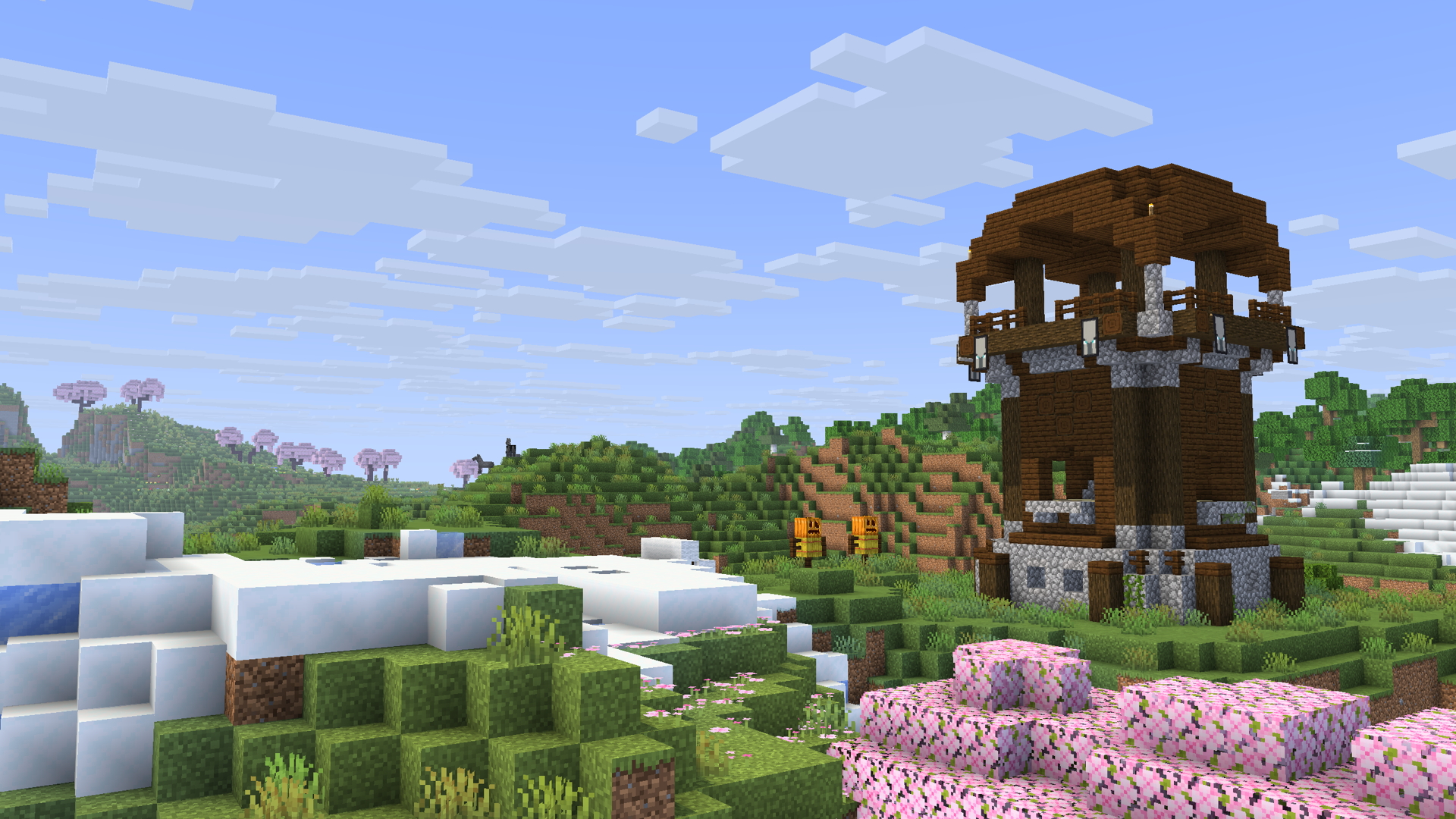
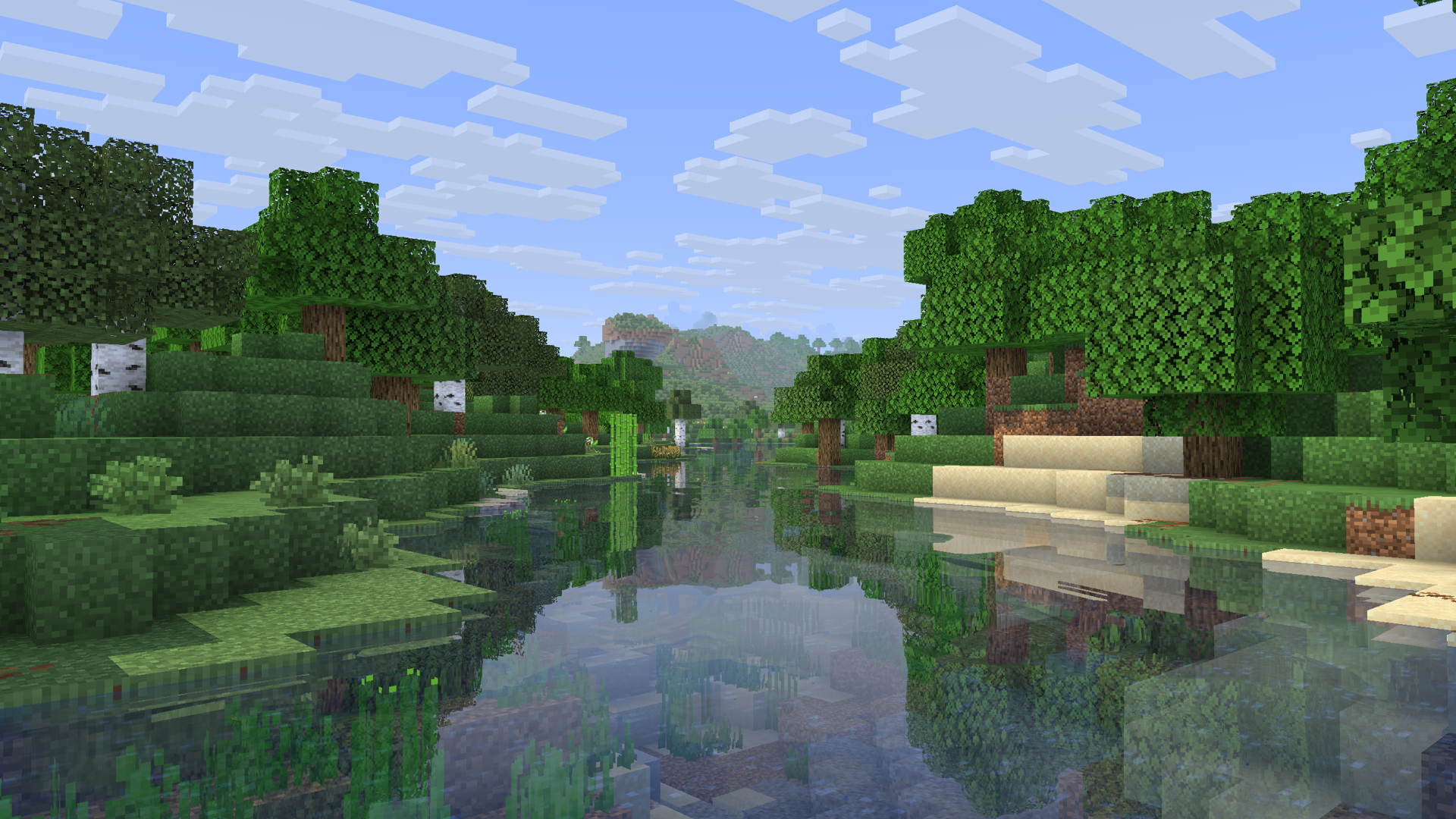
More screenshots to showcase particle effects, animations, and more coming soon!
Installation
I will have installation guides comming soon on the Remarkably Optimized YouTube channel! You can also refer to Modrinth documentation on .mrpacks.
Support or Issues?
If you encounter any issues or need assistance, join my helpful community on Discord. We're dedicated to providing prompt support and addressing any concerns you may have.
Other Notes
If you do want to use Remarkably Beautiful as a base in your own mod pack, feel free to do so, just make sure to include credit (a link back to this page works).
Comment installer Remarkably Beautiful
With Millida Launcher
Install Millida Launcher
The launcher is free: download it at millida.net/launcher and sign in with any nickname.
Click “Install” on this page
The launcher opens and installs the modpack for Minecraft 1.19.2–26.2 on Fabric automatically.
Launch the game
A profile with it appears in the launcher: click “Play”.
Manually
Download the modpack archive
In the version list above, pick the file (26.2) Remarkably Beautiful 1.2.mrpack (2.1 MB).
Import it into a launcher
A launcher that supports modpacks (Millida Launcher, Prism) takes the archive via “Add modpack”, then “From file”. No need to unpack it yourself.
Allocate memory
Modpacks need more memory than the plain game: set 4–6 GB in the profile settings.
Versions
Avec dépendances
| Minecraft | Loader | Fichier | Date | Actions |
|---|---|---|---|---|
| 26.2 | Fabric | 26.22.2 Mo | ||
| 26.2 | Fabric | 26.22.2 Mo | ||
| 26.1.2 | Fabric | 26.1.22.2 Mo | ||
| 26.1.2 | Fabric | 26.1.22.2 Mo | ||
| 1.21.11 | Fabric | 1.21.112.2 Mo | ||
| 1.21.11 | Fabric | 1.21.112.2 Mo | ||
| 26.2 | Fabric | 26.22.1 Mo | — | |
| 26.1 | Fabric | 26.1913 Ko | — |
Ce qu'il faut pour l'exécuter
- Continuitydéjà inclus
- Dependencydéjà inclus
- YetAnotherConfigLib (YACL)déjà inclus
- Dependencydéjà inclus
- Shulker Box Tooltipdéjà inclus
- Dependencydéjà inclus
- Polytonedéjà inclus
- Euphoria Patchesdéjà inclus
- [EMF] Entity Model Featuresdéjà inclus
- Fresh Animationsdéjà inclus
- ImmediatelyFastdéjà inclus
- 3D Defaultdéjà inclus
- Dependencydéjà inclus
- Dependencydéjà inclus
- Capesdéjà inclus
- Dependencydéjà inclus
- Cloth Config APIdéjà inclus
- Dependencydéjà inclus
- [ETF] Entity Texture Featuresdéjà inclus
- Reese's Sodium Optionsdéjà inclus
- Smooth Scrollingdéjà inclus
- Chat Animation [Smooth Chat]déjà inclus
- Fresh Animations: Player Extension + Just Expressionsdéjà inclus
- Dependencydéjà inclus
- Dependencydéjà inclus
- Complementary Shaders - Reimagineddéjà inclus
- Dependencydéjà inclus
- Dependencydéjà inclus
- SuperMartijn642's Config Libdéjà inclus
- Refined Torchesdéjà inclus
- Dependencydéjà inclus
- Clearer Slot Highlightdéjà inclus
- Entity Cullingdéjà inclus
- Hyper Punchydéjà inclus
- Dependencydéjà inclus
- Os' Colorful Grassesdéjà inclus
- Dependencydéjà inclus
- Better Advancementsdéjà inclus
- Puzzles Libdéjà inclus
- Vocal Villagers — download resource pack for Minecraftdéjà inclus
- MRUdéjà inclus
- Dependencydéjà inclus
- Fresh Bucketsdéjà inclus
- Fresh Animations: Quiversdéjà inclus
- Lively Turtle Helmetdéjà inclus
- ModernFix-mVUSdéjà inclus
- Miniature Shaderdéjà inclus
- Dependencydéjà inclus
- Fresh Animations: Emissivedéjà inclus
- Concurrent Chunk Management Engine (Fabric)déjà inclus
- Highlightdéjà inclus
- Chat Headsdéjà inclus
- Physics Moddéjà inclus
- Iris Shadersdéjà inclus
- Pick Up Notifierdéjà inclus
- Soundsdéjà inclus
- Fresh Animations: Spidersdéjà inclus
- Dependencydéjà inclus
- Dependencydéjà inclus
- Dependencydéjà inclus
- Searchablesdéjà inclus
- Cubic Sun & Moondéjà inclus
- Lithiumdéjà inclus
- Fzzy Configdéjà inclus
- Dependencydéjà inclus
- Fresh Seedsdéjà inclus
- Architectury APIdéjà inclus
- Camera Overhauldéjà inclus
- Mod Menudéjà inclus
- Better Statistics Screendéjà inclus
- Forge Config API Portdéjà inclus
- Ixerisdéjà inclus
- Weskerson's 3D Itemsdéjà inclus
- Dependencydéjà inclus
- No Chat Reportsdéjà inclus
- Fresh Music Discsdéjà inclus
- Sound Physics Remastereddéjà inclus
- Dependencydéjà inclus
- Punched Better Fresher 3D booksdéjà inclus
- Dependencydéjà inclus
- FerriteCoredéjà inclus
- Zoomify (Zoom)déjà inclus
- Gamma Utils (Fullbright)déjà inclus
- LambDynamicLightsdéjà inclus
- 3D Skin Layersdéjà inclus
- Dependencydéjà inclus
Avis
Soyez le premier à noter Remarkably Beautiful


