

Physics Mod pour Minecraft 1.20.1, 1.21.1
Bienvenue dans un Minecraft plus destructeur que jamais !
 Forge
Forge Fabric
 Quilt
Quilt NeoForge
Une nouvelle expérience immersive
Plongez dans un nouveau monde comme jamais vu auparavant. Effondrement de grottes, ragdolls interactifs, physique des objets et bien plus encore vous attendent !

Plateformes prises en charge
Windows, Linux et MacOS (les CPU M1/M2 ne fonctionnent qu'avec Minecraft 1.20 et versions supérieures, les autres versions nécessitent le mode de compatibilité : Tutoriel) !

Mobs
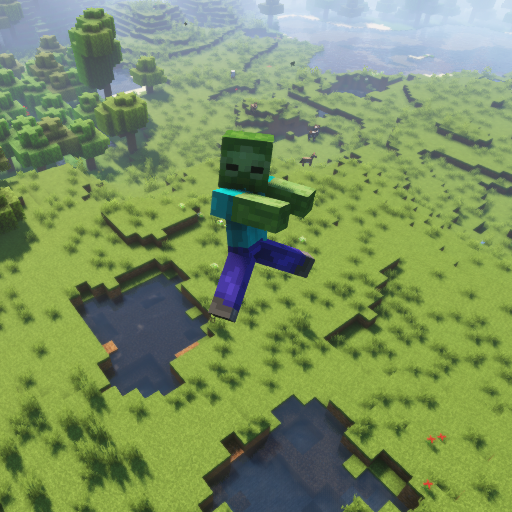
La partie préférée de tout maniaque de la physique. Chaque mob de Minecraft Vanilla prend en charge les ragdolls, la fracturation et une version en blocs !
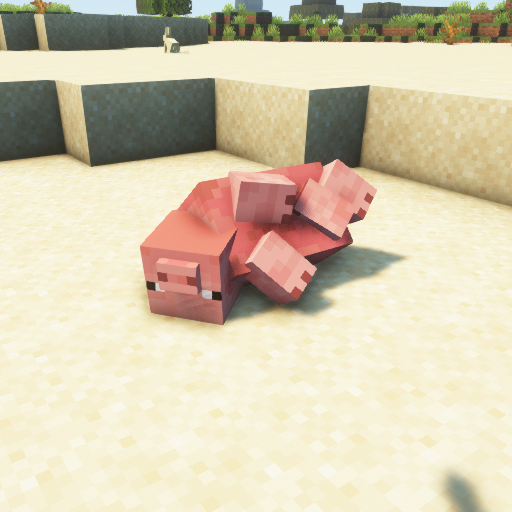
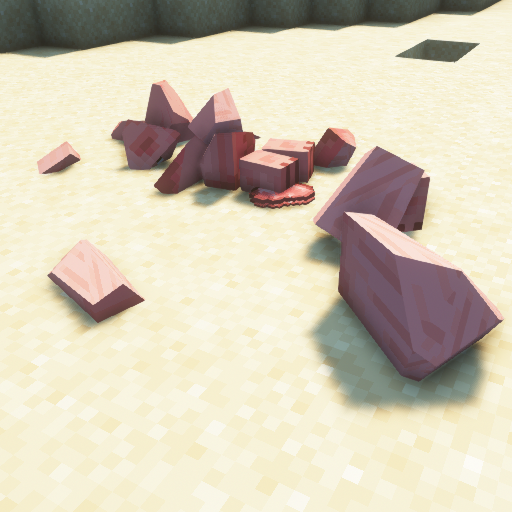
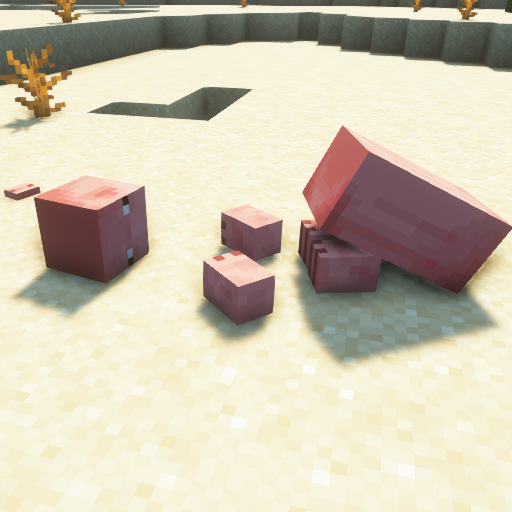
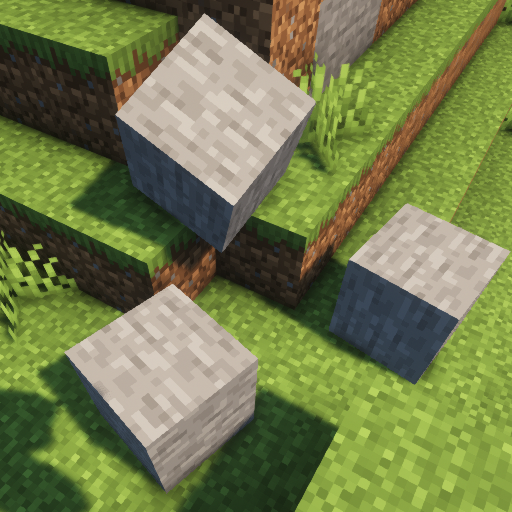
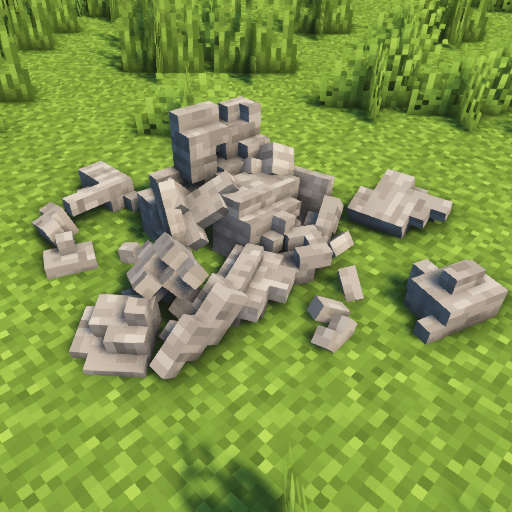
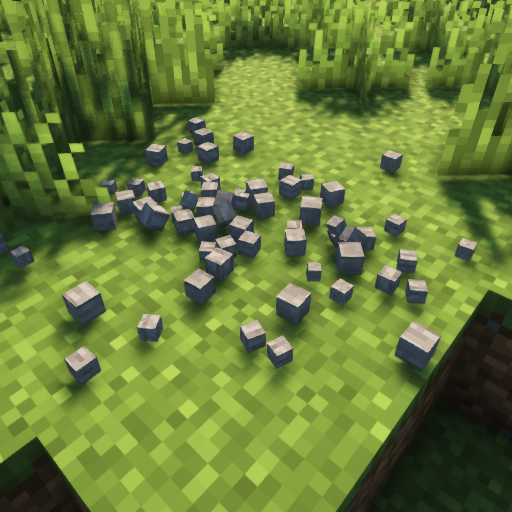
Blocs
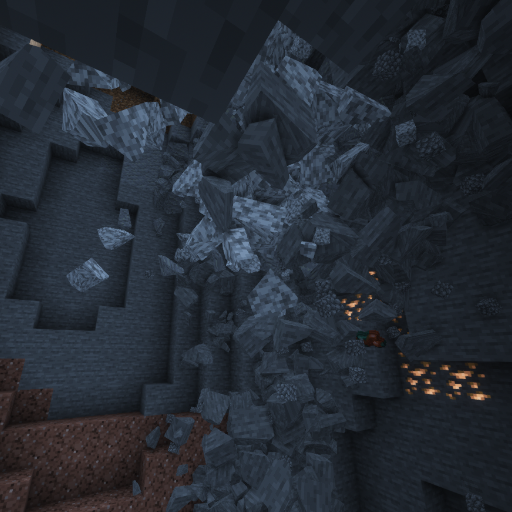
Laissez les blocs du monde Minecraft s'effriter en morceaux !
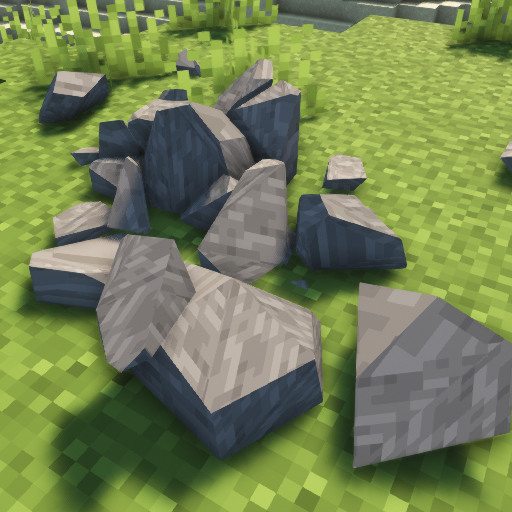
Autres fonctionnalités
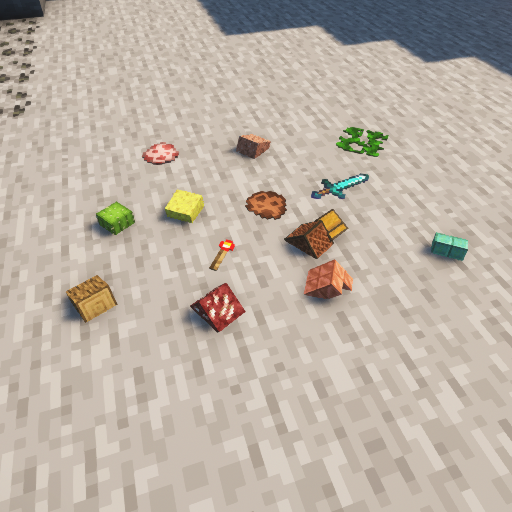
Vous en avez assez des objets flottants ? Essayez la physique des objets ! La gravité ? La Lune ? Mars ? Pluton ? La Terre ? Changez-la comme vous le souhaitez ! Vous voulez pousser votre PC à sa limite ? Voyez combien de temps il tiendra avec des structures qui s'effondrent !
Comment installer Physics Mod
With Millida Launcher
Install Millida Launcher
The launcher is free: download it at millida.net/launcher and sign in with any nickname.
Click “Install” on this page
The launcher opens and installs the mod for Minecraft 1.16.5–26.3 on Fabric, Forge, NeoForge or Quilt automatically.
Launch the game
A profile with it appears in the launcher: click “Play”.
Manually
Install Fabric, Forge, NeoForge or Quilt
The loader must match the game version of the mod file, for example Minecraft 26.3. After installing it, a separate profile appears in your launcher.
Download the file for your version
In the version list above, pick the file physics-mod-3.2.5-mc-26.3-forge.jar (89 MB) for your game version and loader.
Put it in the mods folder
The folder is inside .minecraft (Windows: %appdata%\.minecraft\mods). If it does not exist, create it.
Launch the loader profile
Open “Mods” in the main menu: Physics Mod should be in the list.
Physics Mod works on the player’s side only: there is no need to install it on a server.
Versions
Avec dépendances
| Minecraft | Loader | Fichier | Date | Actions |
|---|---|---|---|---|
| 26.3 | Forge | 26.389.2 Mo 46 | ||
| 26.3 | Fabric, Quilt | 26.389.3 Mo 79 | ||
| 26.3 | NeoForge | 26.389.3 Mo 4 | ||
| 1.21.1 | NeoForge | 1.21.189.7 Mo 17 | ||
| 26.3 | NeoForge | 26.389.3 Mo | ||
| 1.21.1 | Fabric, Quilt | 1.21.189.8 Mo 7 | ||
| 1.21.1 | NeoForge | 1.21.189.7 Mo | ||
| 26.3 | Fabric, Quilt | 26.389.3 Mo |
FAQ
Which Minecraft versions does Physics Mod work on?
There are files for 1.16.5–26.3, 15 versions in total. The newest is 26.3.
Is Physics Mod for Forge or Fabric?
There are files for Fabric: 1.18.2–26.3, for Forge: 1.16.5–26.3, for NeoForge: 1.21–26.3 and for Quilt: 1.18.2–26.3.
Does Physics Mod need other mods?
The author lists no required dependencies: the Fabric, Forge, NeoForge or Quilt loader is enough.
Do I need to install Physics Mod on a server?
No. Physics Mod works on the player’s side only: there is no need to install it on a server.
Where can I download Physics Mod safely?
On this page: the file physics-mod-3.2.5-mc-26.3-forge.jar (89 MB) is stored on Millida’s server, with no link shorteners. SHA-1 checksum: 90cf291d11c8a08e0f8185144f5d584e56d793c9.
Avis
Soyez le premier à noter Physics Mod


