
Minecraft texture packs — page 99
Resource packs: list


Mizuno's x Farmer's Delight
A Recource pack that makes Mizuno's Craft compatible with Farmer's DelightInstall

Night Vision Craft
Night Vision Craft improves nighttime visibility in Minecraft, making exploration in caves, seas, and dark areas safer and more exciting.Install

anime waifu beds
beds texture packInstall

Enchantment Outline
Added a purple outline to enchanted toolsInstall

Pale Garden Panorama with Shaders
Changes the main menu panorama to a Pale Garden with Complementary Reimagined ShadersInstall

Vibrant Legacy Rewrite
Vibrant Legacy Rewrite is a reboot project of Vibrant Legacy for Minecraft Bedrock!Download

3D Swords Pack
Realistic Glowing Swords!Install
Simplified Chinese Localization Resource Package
A resource package that aim to add more localizaton for Chinese player.Install

MS Painted
Minecraft retextured entirely in Microsoft PaintInstall

Blank Coins (ParkerMc's Coins)
Changes the textures of the coins in ParkerMc's Coins Mod, to new type of coins, without anything written on them.Install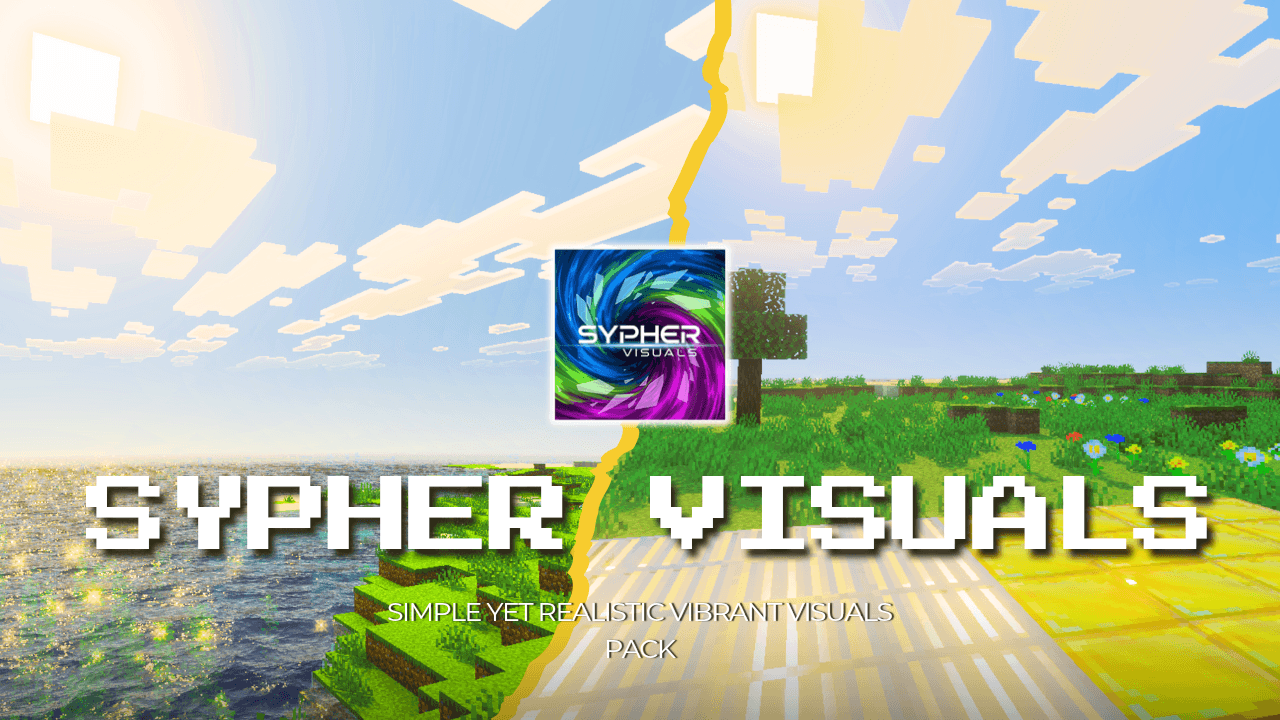

Sypher Vibrant Visuals Pack
Sypher Visuals is a vibrant Minecraft visuals pack that enhances the default aesthetic with improved colors, balanced contrast, soft dynamic shadows, PBR-based reflections, and a revamped, realistic water lookDownload

Excalibur | [Let's Do] Vinery Support
This is an unofficial compatibility pack to make the textures in [Let's Do] Vinery mod blend together with the incredible Excalibur texture packInstall
STONEBORN - Odds & Ends
A small pack containing assets and techniques which will be used in STONEBORN: Block OverhaulInstall
Action And Stuff Tools | Bedrock Edition
Vanilla like textures for Tools from 1.0 Action And StuffDownload

PP Custom Theme for Jade
Pixel Perfection Custom Theme for Jade.Install

DefaultEx
Enhancing Minecraft through texture changes and world-building.Install

Climax Graphics [Deferred Rendering]
Climax Graphics (formerly Climax Shaders) adds shadows, beautiful atmospherics, depth to blocks, and a touch of realism to your Minecraft world.Download

PvP Sounds
PvP Sound Pack changes the sounds in Minecraft to be better for PvP. The sounds in this pack make each action and each kill more satisfyingInstall

Just 3D Stuffs
Unique 3D Items For Hold My Items Animation Mod. Inspired From Action & StuffInstall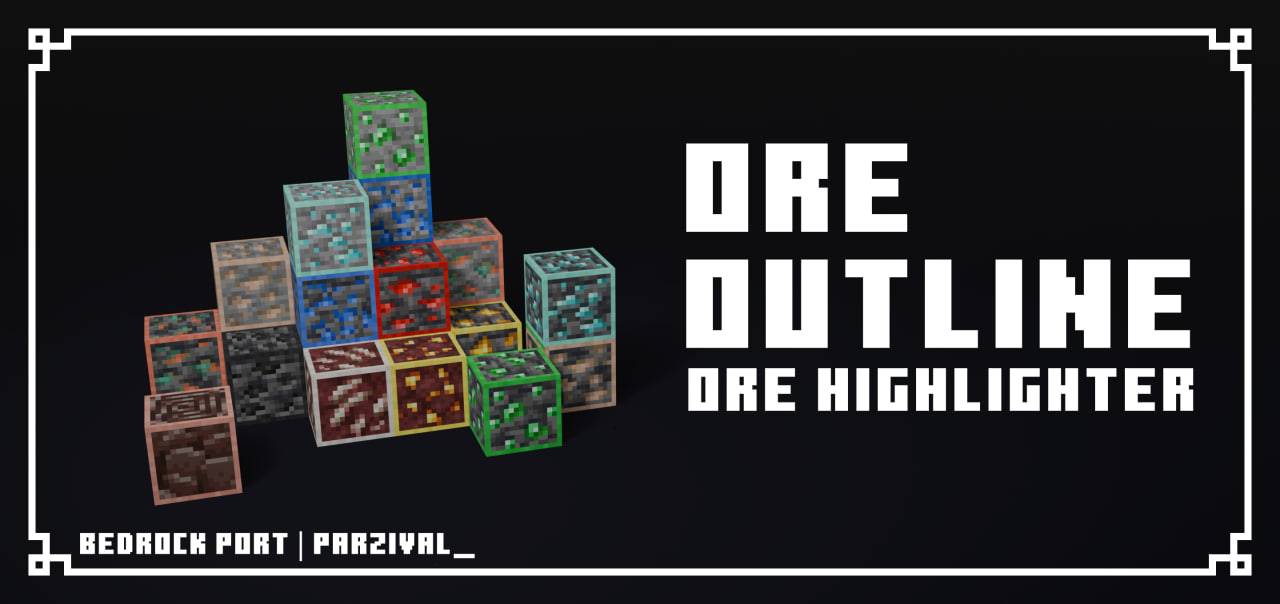

Ore Highlighter / Ore Outline
This is a simple texture pack that highlights all ores you can find in the overworld and nether. Supports emissive using Vibrant VisualsDownload
Morrowind SFX Overhaul
Replaces as many sounds as possible with applicable sounds from TES III: Morrowind.Install

IR DarkRaider's Modern Freight [Immersive Railroading Pack]
Modern US Freight Stock for Immersive RailroadingInstall

Create: Clearate
Create Clearer Clear Fluid PipesInstallFAQ
Do I need Forge or Fabric for a resource pack?
No. A resource pack works on the regular game with no loaders or mods. Click “Install” and Millida Launcher will put the pack into the right modpack — then just enable it in the settings.
What do 16×, 32×, 64× mean?
The resolution of a single texture in pixels. 16× matches the original game, 32× and 64× are more detailed and heavier, and 128× and up put a noticeable load on your graphics card.
Will a pack made for another version work?
Most likely partly: older packs don't have textures for newer blocks, so those will stay default. The game won't break, though.
How is a texture pack different from a resource pack?
Only by name and age. Before version 1.6 the sets were called texture packs and changed only textures; in 1.6 resource packs replaced them and also change sounds, fonts and the interface. Old texture packs for 1.5 and below do not work on new versions without conversion.
Which texture packs are best for PvP?
PvP packs: 16× resolution or lower, shortened swords, low fire, a clear sky and bright particles. They barely load the computer and make the opponent easier to see. These packs are collected in the PvP theme.
How do I install a resource pack?
Press Install and Millida Launcher puts the pack into the resourcepacks folder of the right instance. Then enable it in the game: Options, then Resource Packs. Manually, the archive goes into resourcepacks inside the game folder, no need to unpack it.
Minecraft texture packs
A resource pack changes how the game looks and sounds: block and item textures, fonts, the interface, sounds. It doesn't touch the game's code, so it needs no mod loader and breaks nothing on a server — the pack only works on your screen. That's exactly why a resource pack is safer than any mod: the worst that happens on a version mismatch is that some textures stay default.
Textures, texture packs and resource packs are essentially the same thing: since version 1.6 Mojang calls these sets resource packs, but the old name is still searched more often. PvP packs are a big genre of their own: shortened swords, low fire, bright particles and 16× resolution or lower, so the opponent stands out and the frame rate does not drop. Such packs are most often made for 1.8.9 and 1.16.5, the versions many PvP servers run on.
The key thing about a pack is its resolution. The game's default textures are 16×16 pixels; 32× and 64× packs look more detailed, while 128× and up need a real graphics card and are usually paired with shaders. On a weak machine it makes sense to stay at 16× or go for packs that deliberately simplify graphics for more FPS. Every pack here lists its game version, author and license, and all released versions are gathered on one card. Put the downloaded archive in the resourcepacks folder and enable it in the game settings.