
Minecraft texture packs — page 98
Resource packs: list


Better Skeletons x Fresh Animations
Makes Better Skeletons(my skeleton pack) compatible with Fresh AnimationsInstall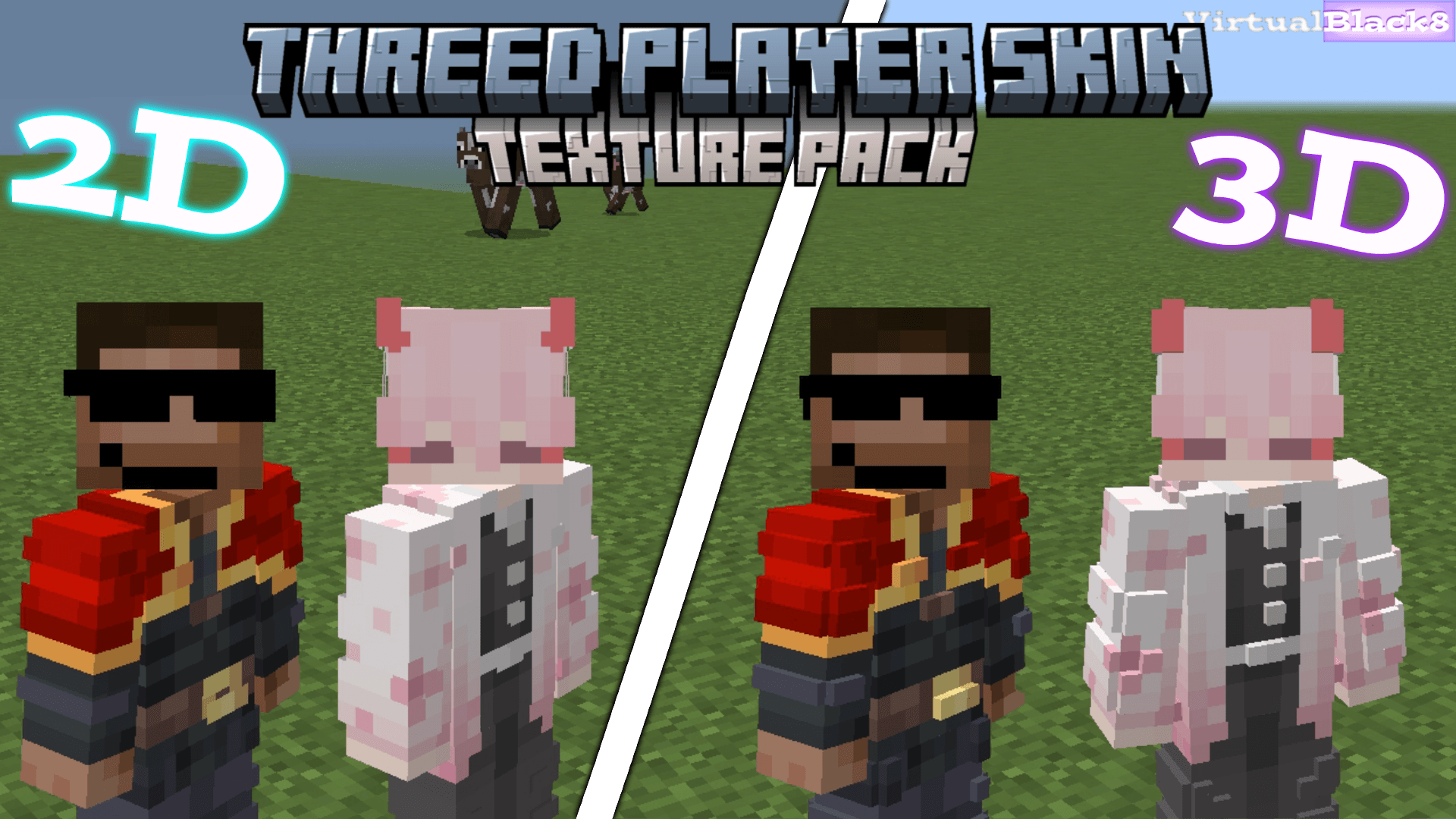

ThreeD Player Skin
Make your character come to life with the ThreeD Player Skin texture packDownload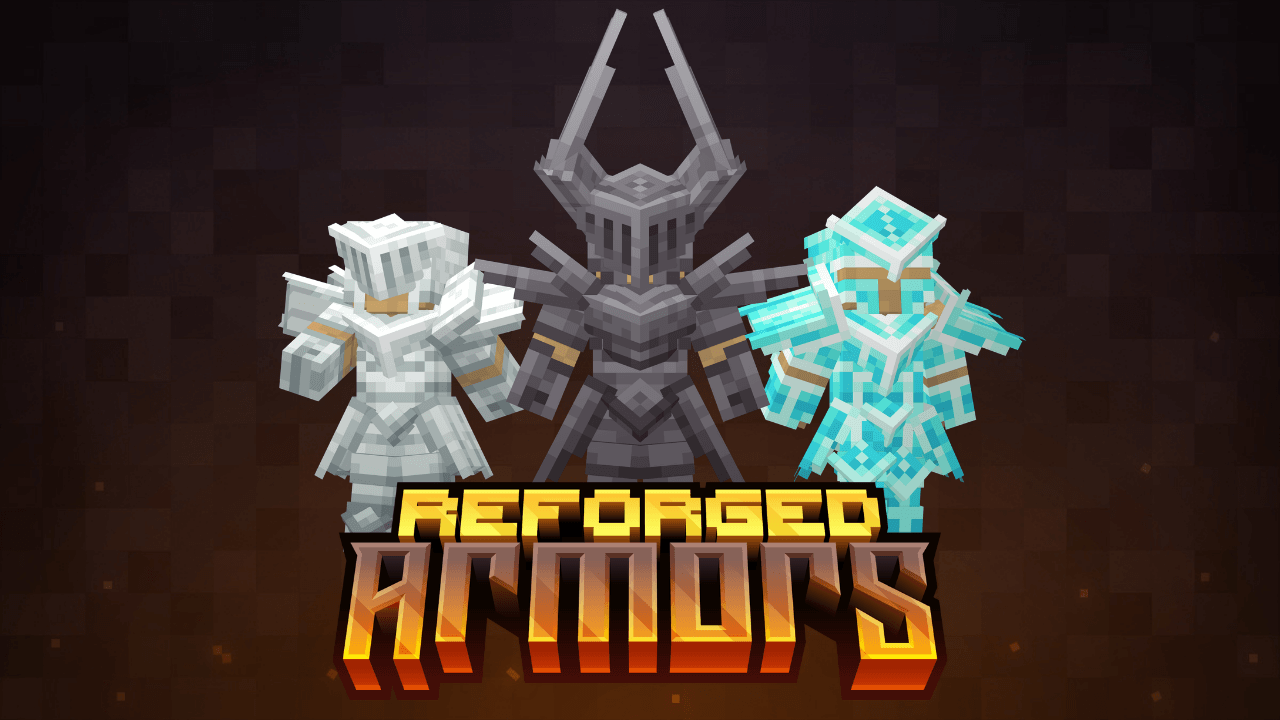
Reforged armors v2
Tired of vanilla armor? Here's your solution!! This texture is designed to reinvent vanilla Minecraft armor with a unique, more detailed aesthetic.Download
Clean Rain
This texture makes the rain and snow in Minecraft clearerInstall

Excalibur | Eternal Nether Support
Renewed Nether with more piglin, enderman and wither skeleton variantsInstall

Enhanced Default
Resource pack that enhanced (but maintains) the default look and feel of Minecraft!Install
RPG Sound Button
Adds a New Click Sound on Minecraft!Install

MC New Textures
Make your MC 1.0-1.4.7, 1.6-1.13.2 allow 1.14 and higher textures./Update textures which is not updated after 1.14Install

弥浪隐霄 FirmamentCraft Shader | RenderDragon
This is a shader for Minecraft BE 1.21.110+Download

ProjectRed - Thaumcraft
Giving Project Red Pipes a Thaumcraft 4 feelInstall
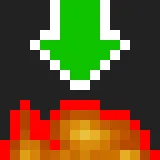
Low Fire EXTREME
This Resourcepack aims to make the fire overlay even lower then other packsInstall

Vibrant Vanilla: Boost Color with ANY texture pack!
Adds much needed vibrancy. (Fabulous Graphics required)Install
Fossils And Archeology: (Advancement Plaques)
This resource pack makes the Advancement plaques base texture like a fossil.Install

Creepers Refreshed + Fresh Animations
Fresh Animations compatibility for Creepers RefreshedInstall

ZickZack V5
A texture pack in the style of BastiGHG and ZickZackV5, which contains a custom sky, overlay, totem and more.Install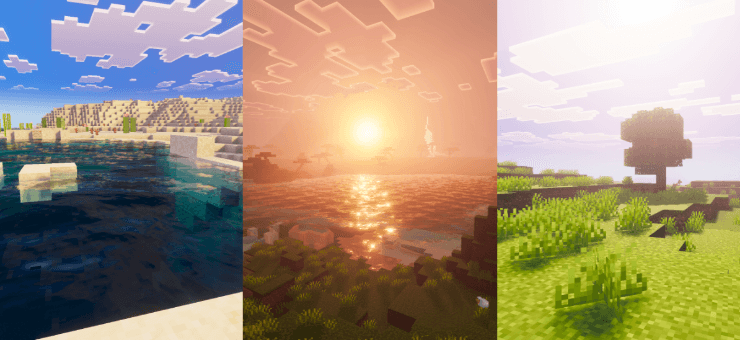
Relta Visuals
Relta Visuals enhances Minecraft with clean and simple visuals. It improves lighting, color balance, and clarity to make the world look smoother and easier on the eyes, giving players a better and more refined visual experience.Download

Lanterns Enhanced
Makes Lanterns, Chains and Torches 3D in your hand!Install

Melody's Cute XP Orbs Pink
♡ Pink experience obsInstall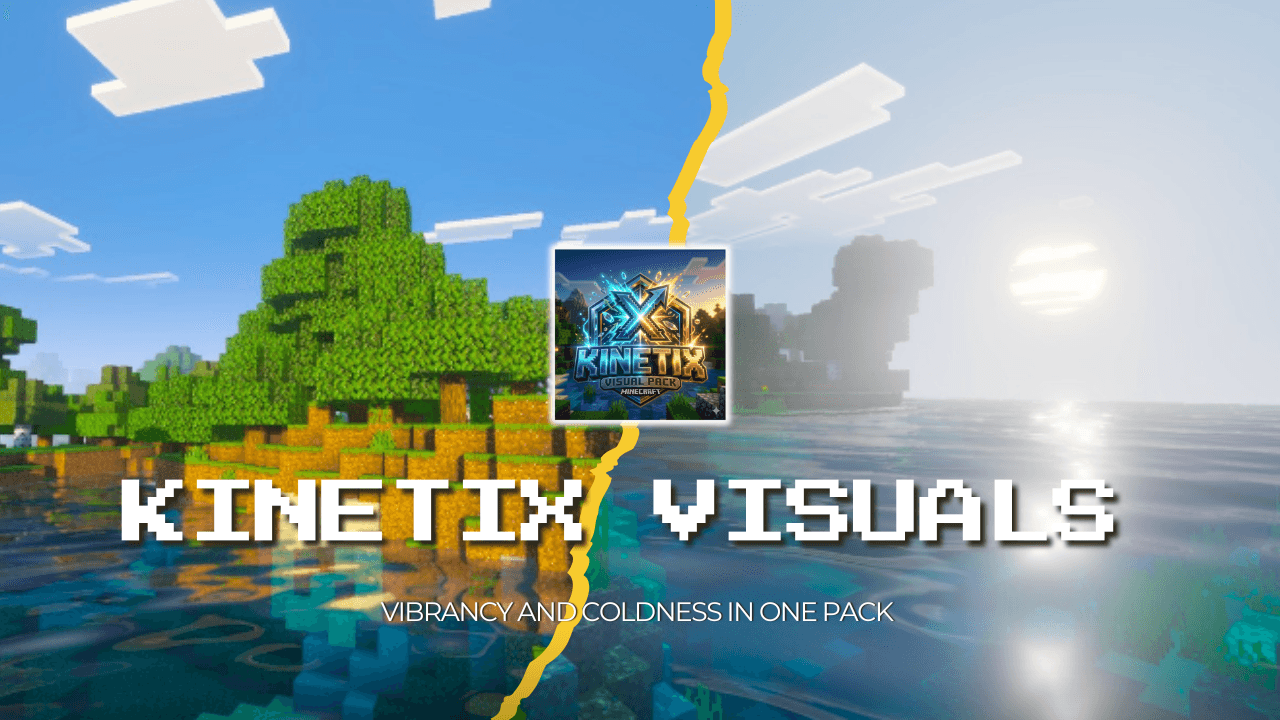

Kinetix Visuals
Kinetix Visuals is a bold, high-fidelity resource pack designed to make your Minecraft world surge with energy. It bridges the gap between the classic blocks you know and a cinematic, real-world aesthetic through advanced lighting and tactile depth.Download

ILAORE's TFC 32x
Textures of item, blocks and gui in 32x32 extension for Terra Firma Craft.Install

Neko's Dragon Blazes
Turns the Blaze into a Dragon! (Requires EMF)Install

Woocraft x128 Asian Resource Pack
Woocraft resurrectedInstall
Animated RGB GUI Pack
A GUI pack to make an animated RGB XP bar, hotbar, and Inventory screens! OptiFine or Animatica (Fabric) is required.InstallFAQ
Do I need Forge or Fabric for a resource pack?
No. A resource pack works on the regular game with no loaders or mods. Click “Install” and Millida Launcher will put the pack into the right modpack — then just enable it in the settings.
What do 16×, 32×, 64× mean?
The resolution of a single texture in pixels. 16× matches the original game, 32× and 64× are more detailed and heavier, and 128× and up put a noticeable load on your graphics card.
Will a pack made for another version work?
Most likely partly: older packs don't have textures for newer blocks, so those will stay default. The game won't break, though.
How is a texture pack different from a resource pack?
Only by name and age. Before version 1.6 the sets were called texture packs and changed only textures; in 1.6 resource packs replaced them and also change sounds, fonts and the interface. Old texture packs for 1.5 and below do not work on new versions without conversion.
Which texture packs are best for PvP?
PvP packs: 16× resolution or lower, shortened swords, low fire, a clear sky and bright particles. They barely load the computer and make the opponent easier to see. These packs are collected in the PvP theme.
How do I install a resource pack?
Press Install and Millida Launcher puts the pack into the resourcepacks folder of the right instance. Then enable it in the game: Options, then Resource Packs. Manually, the archive goes into resourcepacks inside the game folder, no need to unpack it.
Minecraft texture packs
A resource pack changes how the game looks and sounds: block and item textures, fonts, the interface, sounds. It doesn't touch the game's code, so it needs no mod loader and breaks nothing on a server — the pack only works on your screen. That's exactly why a resource pack is safer than any mod: the worst that happens on a version mismatch is that some textures stay default.
Textures, texture packs and resource packs are essentially the same thing: since version 1.6 Mojang calls these sets resource packs, but the old name is still searched more often. PvP packs are a big genre of their own: shortened swords, low fire, bright particles and 16× resolution or lower, so the opponent stands out and the frame rate does not drop. Such packs are most often made for 1.8.9 and 1.16.5, the versions many PvP servers run on.
The key thing about a pack is its resolution. The game's default textures are 16×16 pixels; 32× and 64× packs look more detailed, while 128× and up need a real graphics card and are usually paired with shaders. On a weak machine it makes sense to stay at 16× or go for packs that deliberately simplify graphics for more FPS. Every pack here lists its game version, author and license, and all released versions are gathered on one card. Put the downloaded archive in the resourcepacks folder and enable it in the game settings.