
Minecraft texture packs — page 100
Resource packs: list


Furnaces Reimagined
Furnaces Refueled!Install

Mickey Joe's "Barely Default"
Analyzing the default artstyle and pushing it to its prettiest limits, Barely Default respectfully builds upon the Minecraft lore to bring you a cohesive, clean, consistent experience! Barely Default adds months of new details to discover to your gameInstall

Epic Fight - Cataclysm compat
Epic Fight mod + Cataclysm mod compatInstall
Motschen's Better Leaves (Programmer Art Edition)
Improves the appearance of leaves with high mod compatibility and performance – now with Programmer Art textures!Install

Dark Atmosphere and Dreadful Skies
Eerie and horror atmosphere with darker days and nights, and tweaks to the sky, fog and water | For PolytoneInstall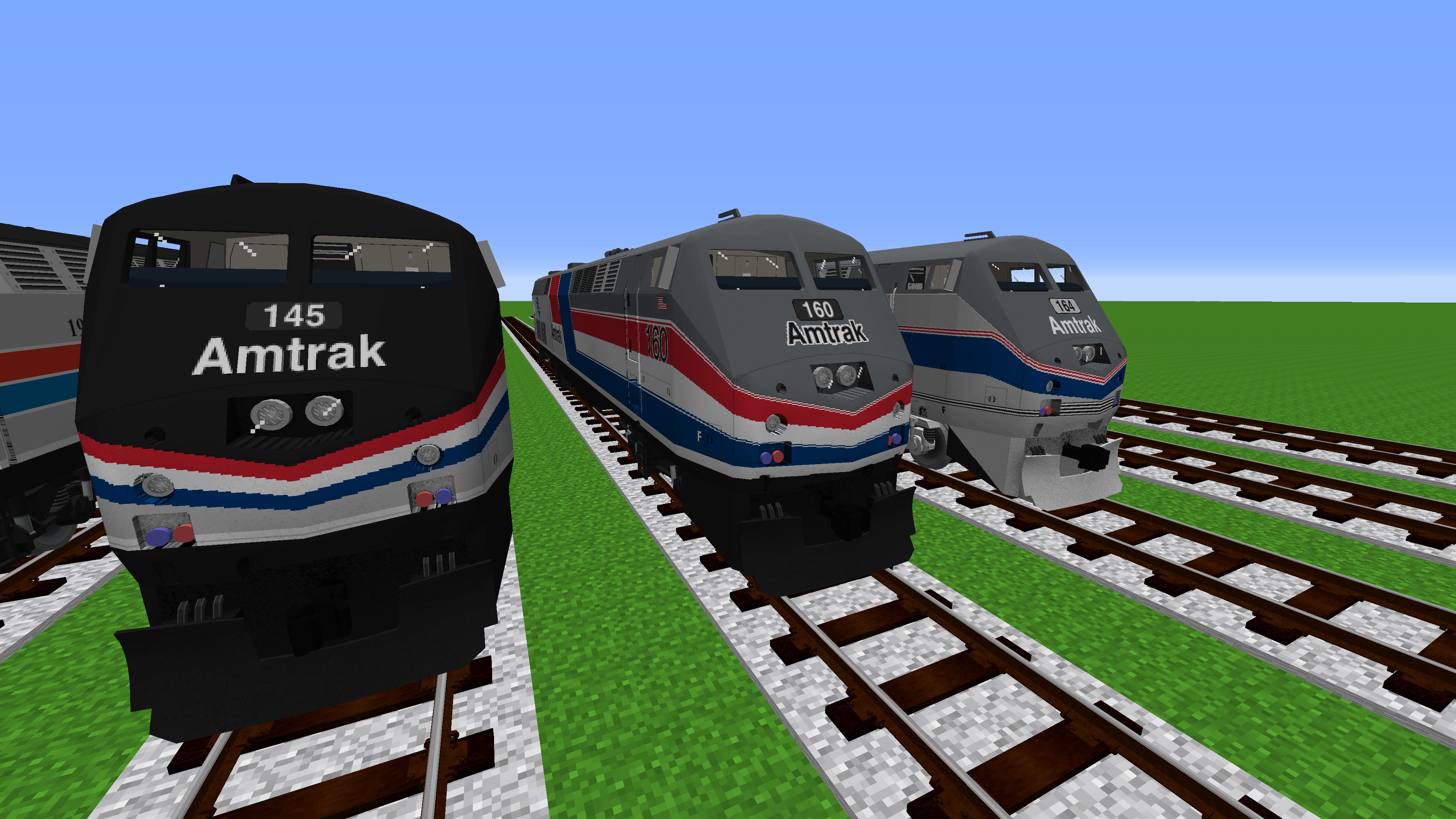

IR Amtrak+ [Immersive Railroading Pack]
Addon Pack for Immersive RailroadingInstall

We Don't Bite
🦊 Villagers Vs 🐻❄️ IllagersInstall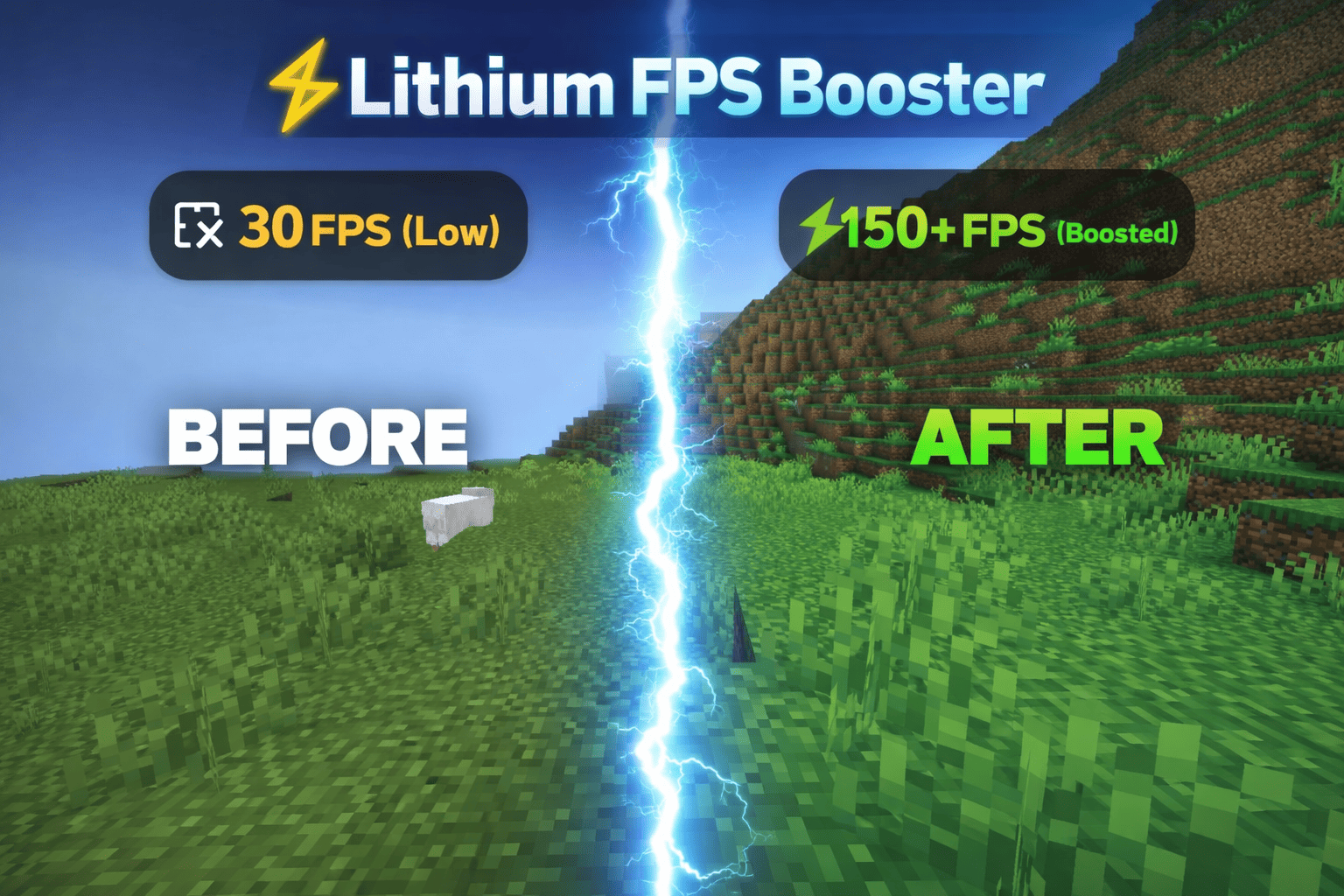

Lithium fps booster
Lithium FPS Booster is a high-performance Minecraft Bedrock texture pack that significantly improves FPS by removing unnecessary particles, lowering sword visuals, and optimizing in-game effects for smoother gameplay.Download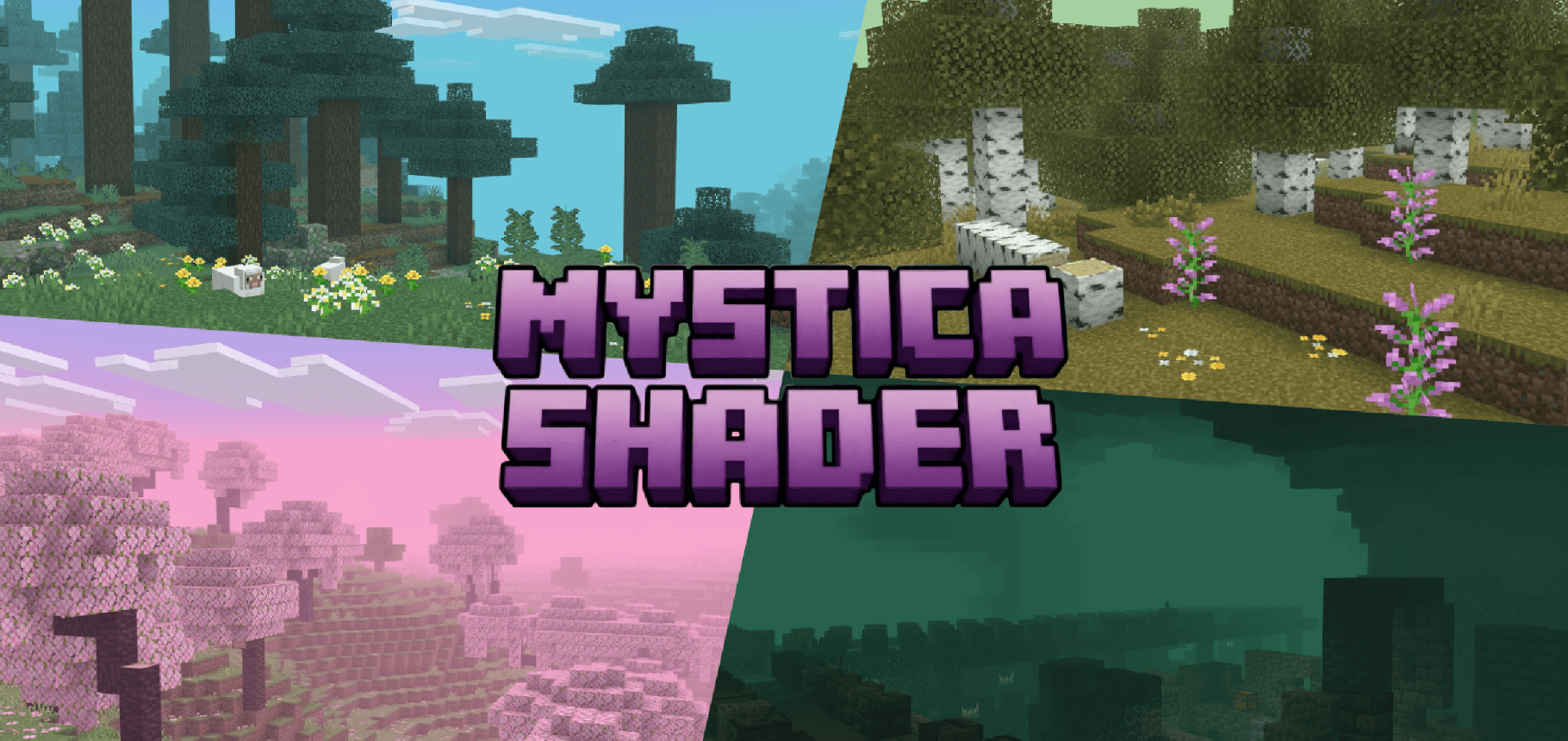
Mystica Shader | Immersive Fog
Mystica Shaders adds per biome fog overhaul built for soft depth, biome-true colour, and immersive rain, with drifting leaves and glowing particles, no Vibrant Visuals required.Download

Soartex FanverStyleGui
For using the sortexfanver-style GUI in the new versionInstall

Distant Horizons遥远的地平线汉化
(持续更新)个人精翻汉化,完整覆盖 DH 配置与界面文案。超远视距模组,顶级优化,极小性能开销。Install

VN4's Fresh Wither Storm
This pack brings the Fresh Animations to Cracker's Wither Storm mod, along with other various features.Install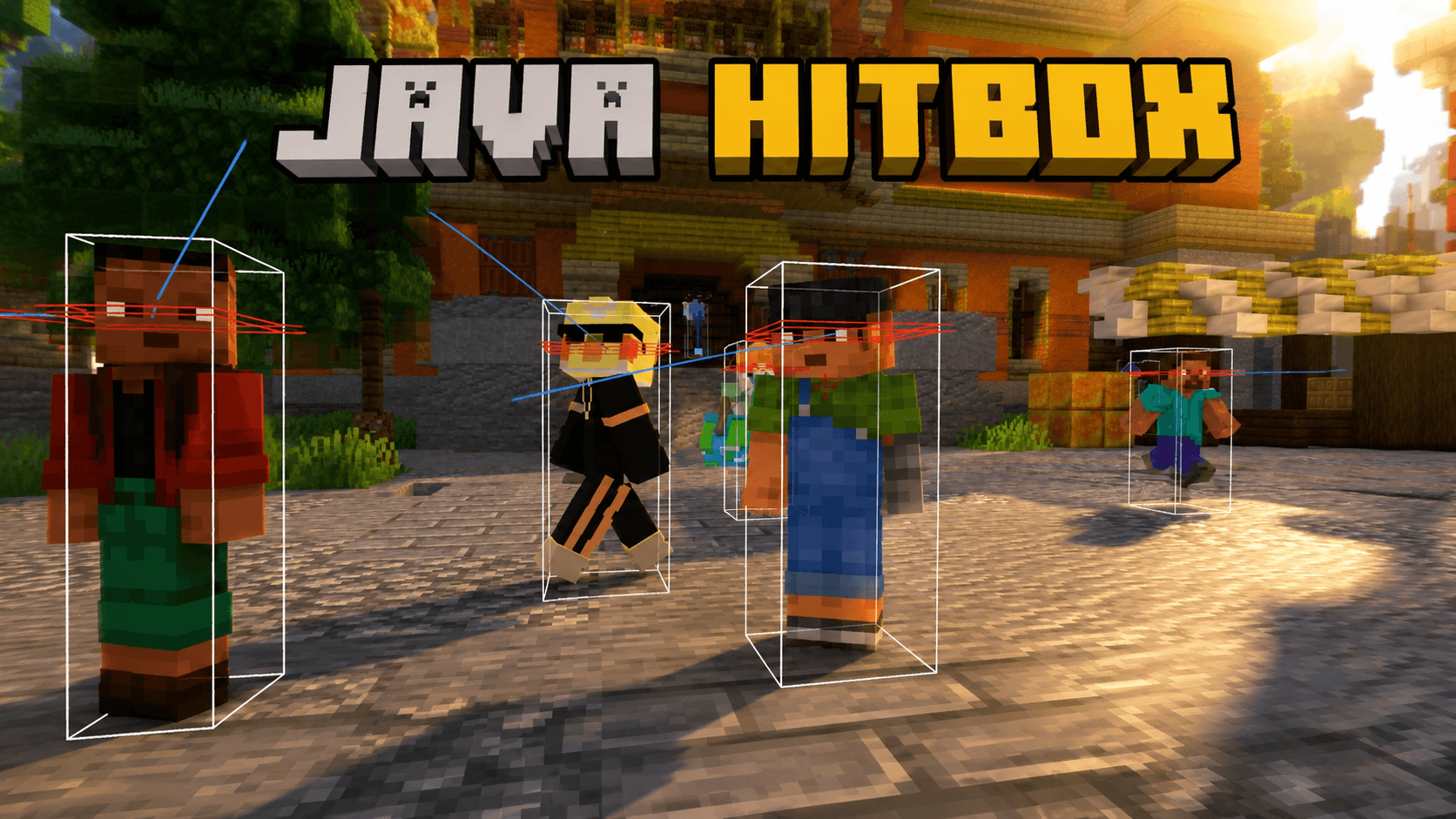

Java hitbox
Java Hitbox is a clean and simple PvP texture pack that makes player hitboxes visible without F3+B. Designed for better aim, cleaner fights, and a smooth Java-style PvP experience. By Baku.Download

Glowing Ender Dragon
A resource pack which makes the ender dragon glowInstall

Pokehaan - GUI
This resource pack changes the GUI of vanilla Minecraft and some mods, into being themed around Pixelmon/CobblemonInstall

1.18 Panorama
Bring the 1.18 panorama into other game versionsInstall

Fast Grass + FPS Boost
Smooth, clean grass blocks for calmer and more consistent terrain.Install

3D Armor Items
3D Armor Items replaces the 2D sprites for armor visible in the player's hand and inventory with 3D models.Install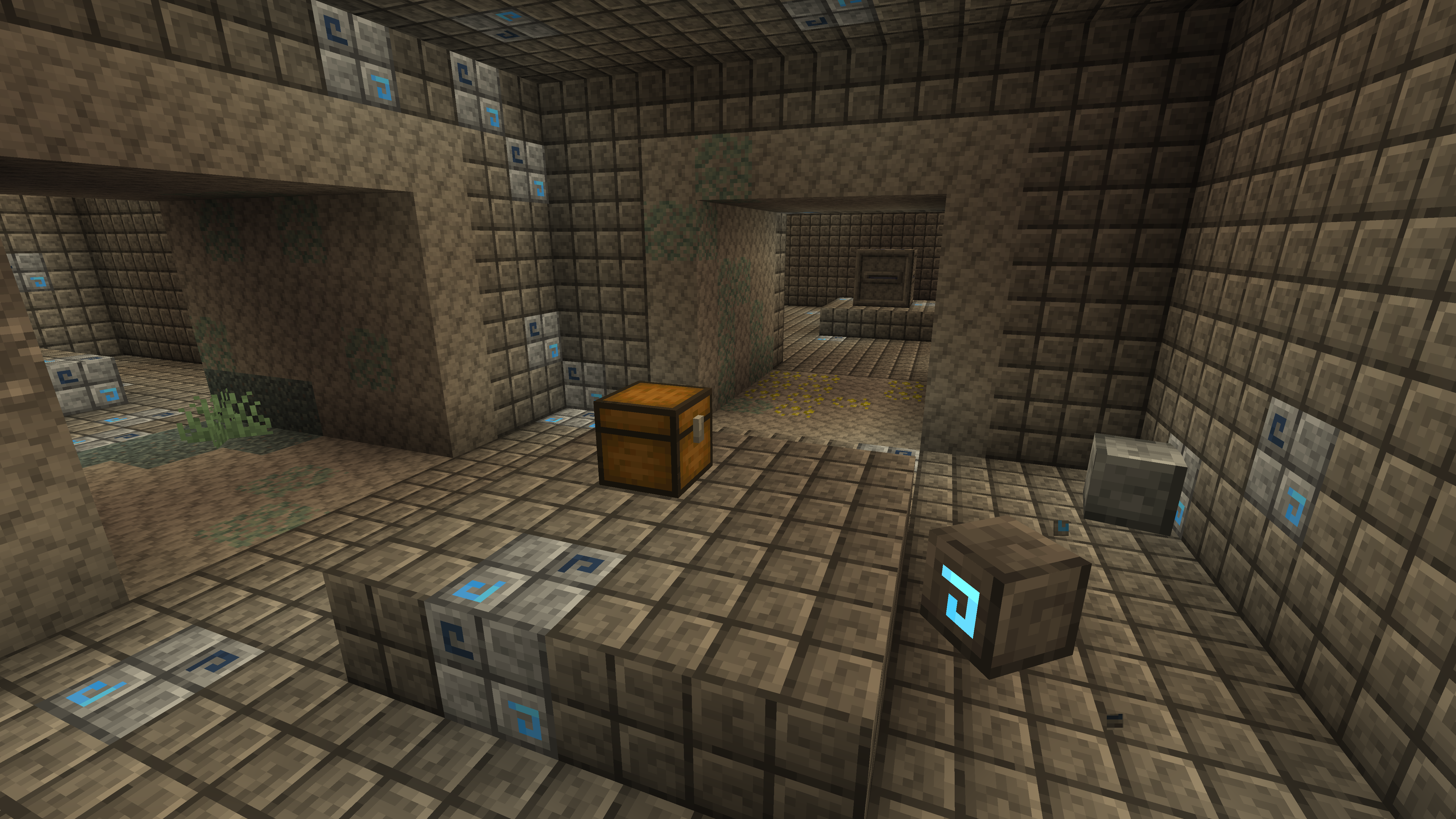
Jappafied Aethers
Jappa textures all over the Aether!Install

Better Leaves Bush [ slightly rounded and not bulky ]
Better Leaves Bush make tiny bush and tiny rounded leavesInstall

Sophisticated Storage Chests Quark Compat
Adds Quark’s visual style to Sophisticated Storage chests.Install

3D Mace
A resource pack that changes the mace to 3D without losing vanilla.Install

Vervada's enhanced plants
Vervada's enhanced plants brings 3D models to plants for a more immersive and realistic experience. Almost all plant gets a custom models and some have variants and specials features.InstallFAQ
Do I need Forge or Fabric for a resource pack?
No. A resource pack works on the regular game with no loaders or mods. Click “Install” and Millida Launcher will put the pack into the right modpack — then just enable it in the settings.
What do 16×, 32×, 64× mean?
The resolution of a single texture in pixels. 16× matches the original game, 32× and 64× are more detailed and heavier, and 128× and up put a noticeable load on your graphics card.
Will a pack made for another version work?
Most likely partly: older packs don't have textures for newer blocks, so those will stay default. The game won't break, though.
How is a texture pack different from a resource pack?
Only by name and age. Before version 1.6 the sets were called texture packs and changed only textures; in 1.6 resource packs replaced them and also change sounds, fonts and the interface. Old texture packs for 1.5 and below do not work on new versions without conversion.
Which texture packs are best for PvP?
PvP packs: 16× resolution or lower, shortened swords, low fire, a clear sky and bright particles. They barely load the computer and make the opponent easier to see. These packs are collected in the PvP theme.
How do I install a resource pack?
Press Install and Millida Launcher puts the pack into the resourcepacks folder of the right instance. Then enable it in the game: Options, then Resource Packs. Manually, the archive goes into resourcepacks inside the game folder, no need to unpack it.
Minecraft texture packs
A resource pack changes how the game looks and sounds: block and item textures, fonts, the interface, sounds. It doesn't touch the game's code, so it needs no mod loader and breaks nothing on a server — the pack only works on your screen. That's exactly why a resource pack is safer than any mod: the worst that happens on a version mismatch is that some textures stay default.
Textures, texture packs and resource packs are essentially the same thing: since version 1.6 Mojang calls these sets resource packs, but the old name is still searched more often. PvP packs are a big genre of their own: shortened swords, low fire, bright particles and 16× resolution or lower, so the opponent stands out and the frame rate does not drop. Such packs are most often made for 1.8.9 and 1.16.5, the versions many PvP servers run on.
The key thing about a pack is its resolution. The game's default textures are 16×16 pixels; 32× and 64× packs look more detailed, while 128× and up need a real graphics card and are usually paired with shaders. On a weak machine it makes sense to stay at 16× or go for packs that deliberately simplify graphics for more FPS. Every pack here lists its game version, author and license, and all released versions are gathered on one card. Put the downloaded archive in the resourcepacks folder and enable it in the game settings.