
Minecraft texture packs — page 97
Resource packs: list

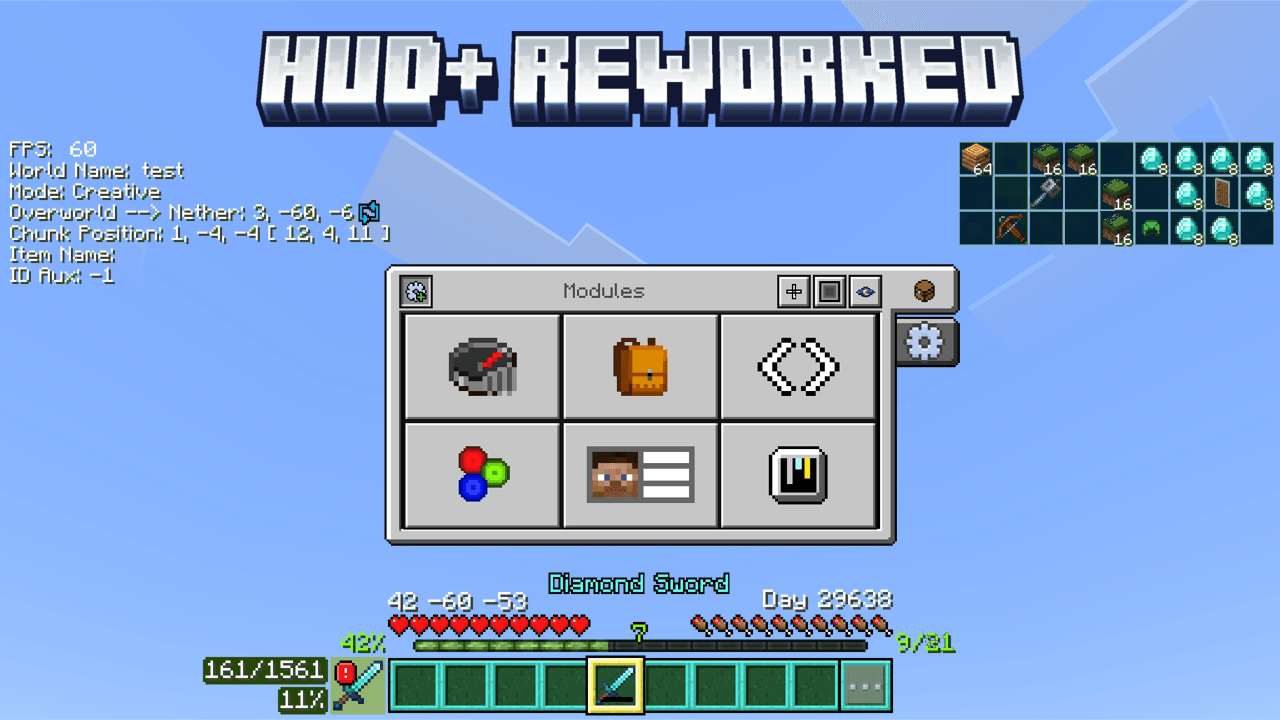

HUD+ Reworked
Are you bored with the regular HUD display and you want something new on your HUD that can make it easier for you to do something? Well, You will probably love this pack!Download
Amethyst Theme
Minecraft UI, With an Amethyst Makeover!Install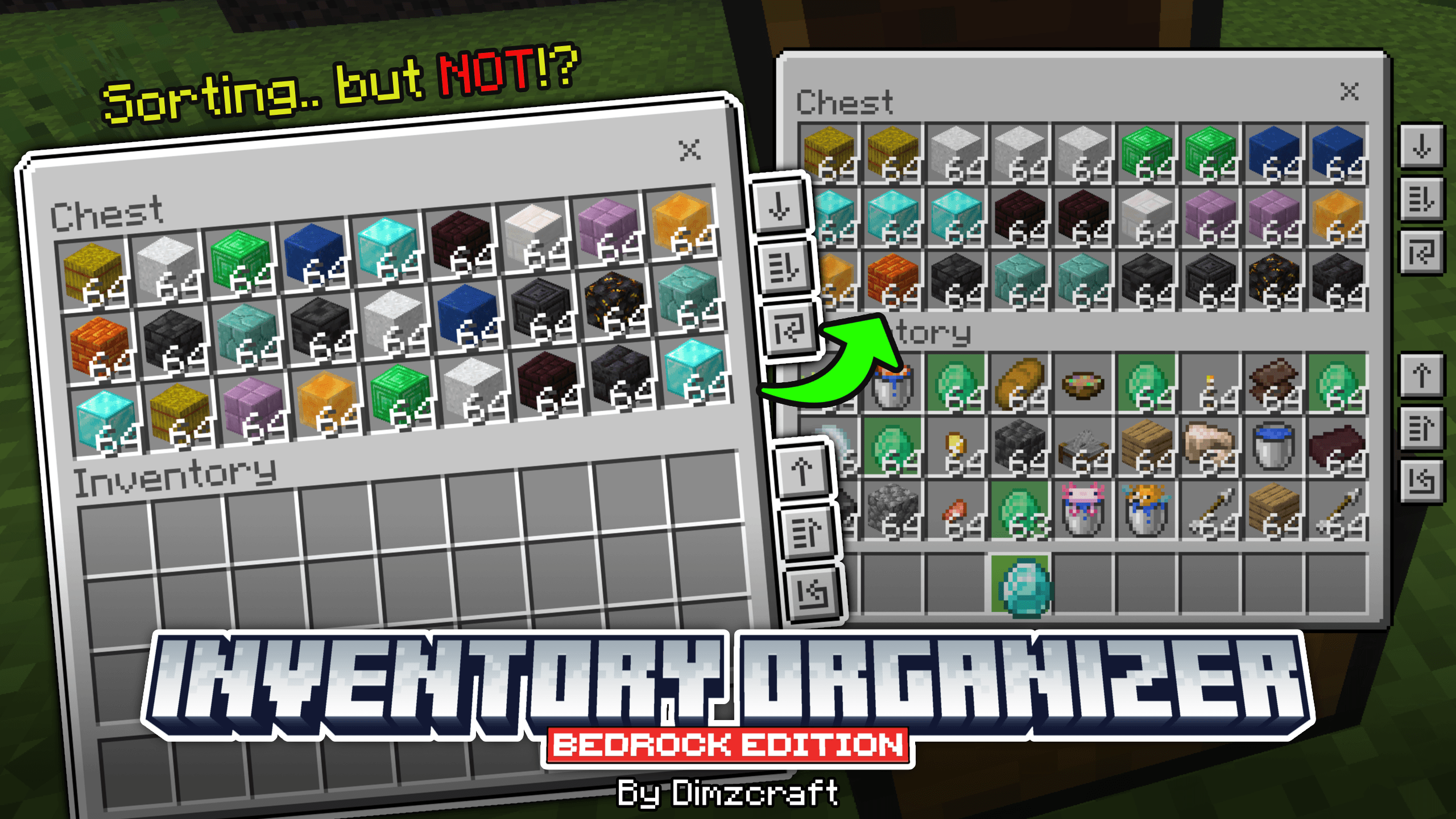

Inventory Organizer
Manage items in your inventory easily! Features include transferring all items, refill, and hm… sorting?Download
Refreshed Aether
1.14 textures style, for the Aether !Install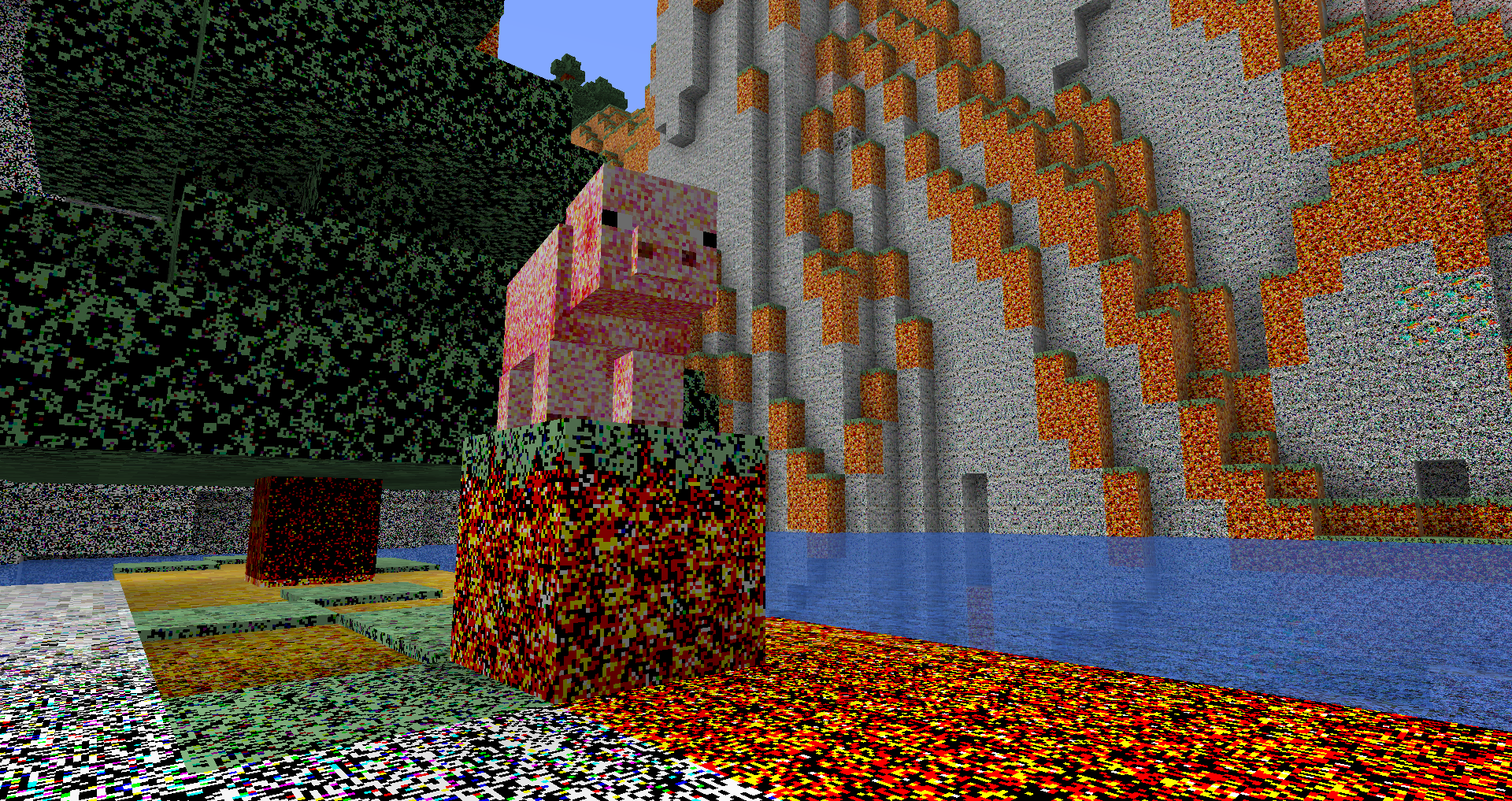

Deep Fried Sounds and Textures
Fried for your viewing and listening pleasure!Install

Warriors Pack
Resource Pack based on Faithful for Minecaft Java Edition: 1.8 - 1.20Install

Cobblemon Emissive Textures
This pack adds emmisive textures to ores and items from Cobblemon, Ascension Megamons and Hulis Z-CrystalsInstall
Connected Glasses
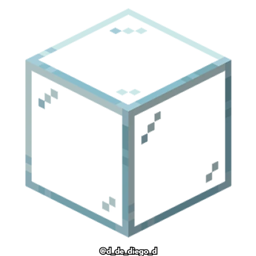
This texture pack connects the textures of the glass, so that it is not noticeable that it is a different block.Install

Glacier Client v6 Texture Pack for MCBE
Glacier V6 is a free Minecraft Bedrock pack enhancing visuals, performance, and HUD with new menus, editors, and customization.Download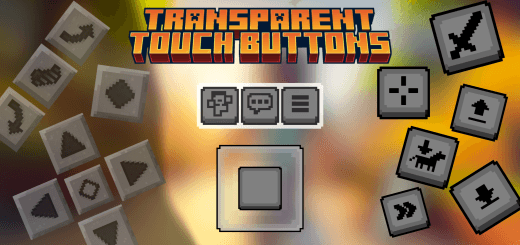

Transparent Touch Buttons (Resource Pack for MCPE)
This is a simple resource pack that hides the touch controls in Minecraft bedrock/pocket edition.Download
Oh Snap [Cobblemon x Exposure]
This Ressource pack remakes the Exposure Camera and Album in the Cobblemon StyleInstall

Black PvP-x Gold
All new black themed texture pack to help with pvp experienceInstall

BEST PACK PVP
This pack contains everything you need to play PVP professionally. +FPS -LAGInstall

Distant Horizons遥远的地平线汉化
(持续更新)个人精翻汉化,完整覆盖 DH 配置与界面文案。超远视距模组,顶级优化,极小性能开销。Install

Hardcore Quest Mode - Pokehaan 2 Lite Theme
Changes the book in HQM, that is themed behind the modpack Pokehaan Craft 2 LiteInstall
Soartex Invictus - Shader Mapped
Soartex reimagined ~ crisp, refined, and shader mapped ~Install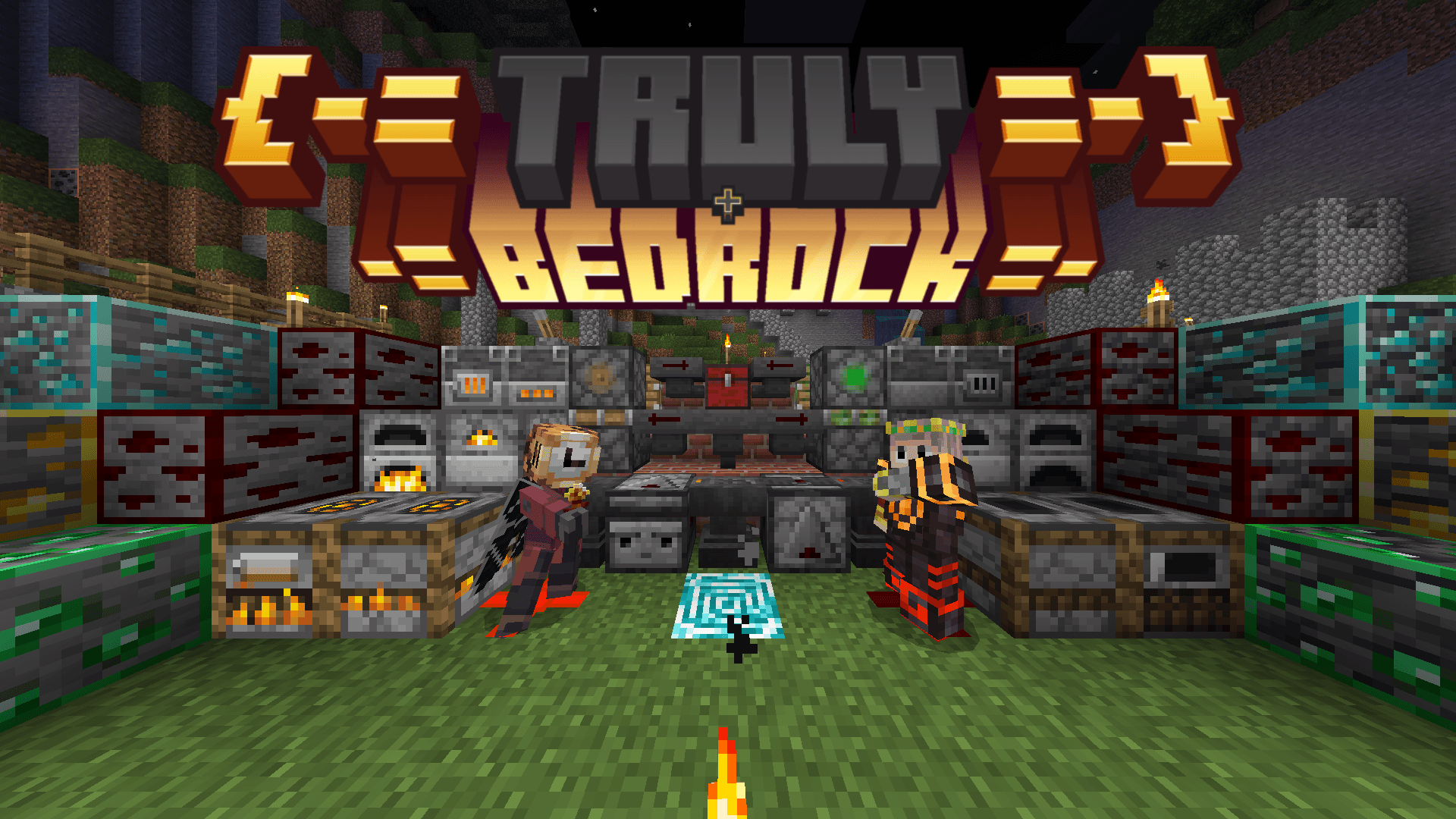

Truly Bedrock+ [v1.2.9 - Hotfix + Thanks]
The Ultimate texture pack that brings over 160+ incredible features to enhance your world.Download

JermsyBoy's Vanilla Edits
Vanilla+ Resource PackInstall
Twilight Forest - Farmer's Delight - Bark Cutting Compat
Adds Compatibility Between The Twilight Forest & Farmer's DelightInstall

ZeldaCraft
This pack is based on "The Legend of Zelda".Install

PvP Sounds
PvP Sound Pack changes the sounds in Minecraft to be better for PvP. The sounds in this pack make each action and each kill more satisfyingInstall
Iron's Spells 'n Spellbooks Reimagined
Brings your spells and combat to life by replacing flat weapons with fully built 3D models across Iron’s Spells ’n SpellbooksInstall

Better Hoppers
makes hopper show you what direction they are looking at from topInstallFAQ
Do I need Forge or Fabric for a resource pack?
No. A resource pack works on the regular game with no loaders or mods. Click “Install” and Millida Launcher will put the pack into the right modpack — then just enable it in the settings.
What do 16×, 32×, 64× mean?
The resolution of a single texture in pixels. 16× matches the original game, 32× and 64× are more detailed and heavier, and 128× and up put a noticeable load on your graphics card.
Will a pack made for another version work?
Most likely partly: older packs don't have textures for newer blocks, so those will stay default. The game won't break, though.
How is a texture pack different from a resource pack?
Only by name and age. Before version 1.6 the sets were called texture packs and changed only textures; in 1.6 resource packs replaced them and also change sounds, fonts and the interface. Old texture packs for 1.5 and below do not work on new versions without conversion.
Which texture packs are best for PvP?
PvP packs: 16× resolution or lower, shortened swords, low fire, a clear sky and bright particles. They barely load the computer and make the opponent easier to see. These packs are collected in the PvP theme.
How do I install a resource pack?
Press Install and Millida Launcher puts the pack into the resourcepacks folder of the right instance. Then enable it in the game: Options, then Resource Packs. Manually, the archive goes into resourcepacks inside the game folder, no need to unpack it.
Minecraft texture packs
A resource pack changes how the game looks and sounds: block and item textures, fonts, the interface, sounds. It doesn't touch the game's code, so it needs no mod loader and breaks nothing on a server — the pack only works on your screen. That's exactly why a resource pack is safer than any mod: the worst that happens on a version mismatch is that some textures stay default.
Textures, texture packs and resource packs are essentially the same thing: since version 1.6 Mojang calls these sets resource packs, but the old name is still searched more often. PvP packs are a big genre of their own: shortened swords, low fire, bright particles and 16× resolution or lower, so the opponent stands out and the frame rate does not drop. Such packs are most often made for 1.8.9 and 1.16.5, the versions many PvP servers run on.
The key thing about a pack is its resolution. The game's default textures are 16×16 pixels; 32× and 64× packs look more detailed, while 128× and up need a real graphics card and are usually paired with shaders. On a weak machine it makes sense to stay at 16× or go for packs that deliberately simplify graphics for more FPS. Every pack here lists its game version, author and license, and all released versions are gathered on one card. Put the downloaded archive in the resourcepacks folder and enable it in the game settings.