
Minecraft texture packs — page 64
6,456 itemsResource packs: list


Icons Removed ADS
Removes the annoying logo from Icons resourcepackInstall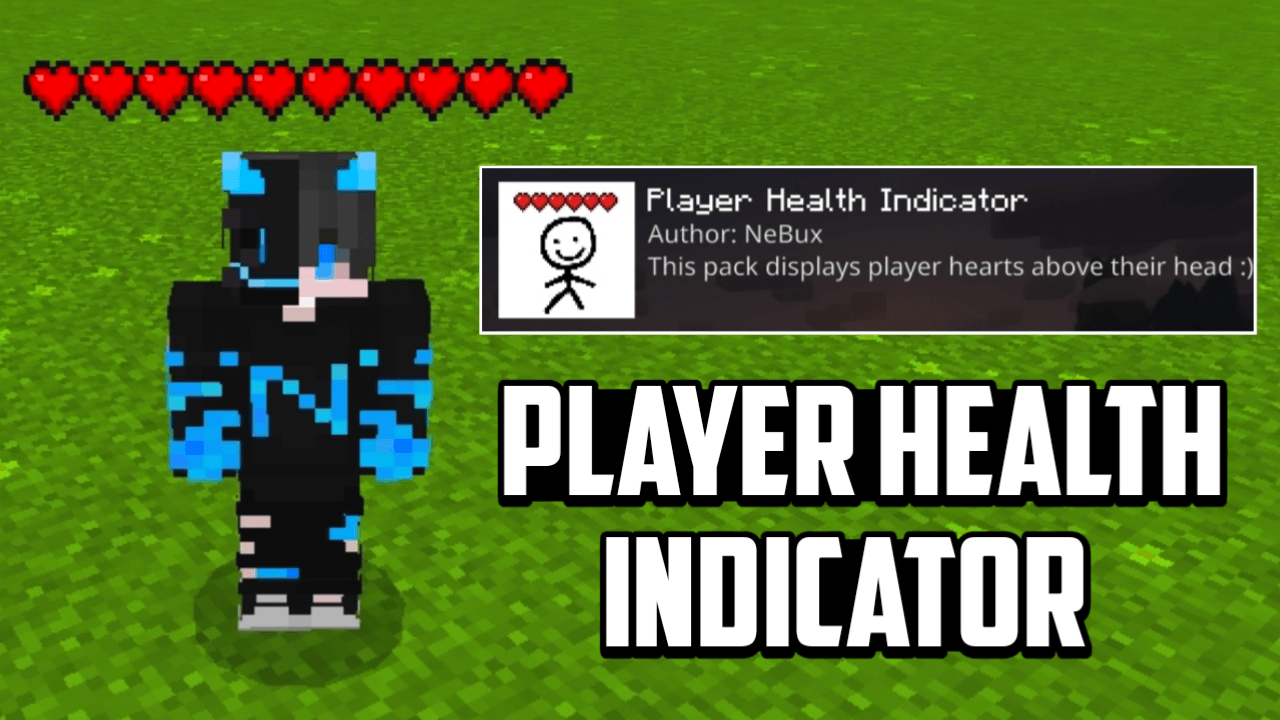

Player Health Indicator
This resource pack display's player health above their head makes easy to see their hearts in real-time.Download
Resonant Battles - Battle Music
A resource pack that adds different types of battle music for CobblemonInstall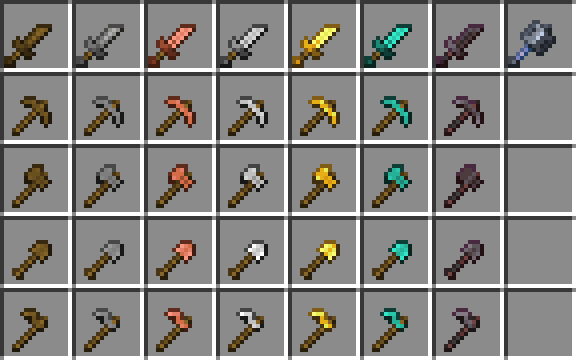

Tiny Tools TXF
Small tools in your hands!Install

Pattern Texture Pack
Decorate your world with this bright and colorful texture pack filled with beautiful patterns and knitted animals! A port from Legacy Console Edition.Install

Betaeta's OG Sulfur (Dawn of The Flood - Programmer art)
Programmer art version of sulfur textures for Dawn of The FloodInstall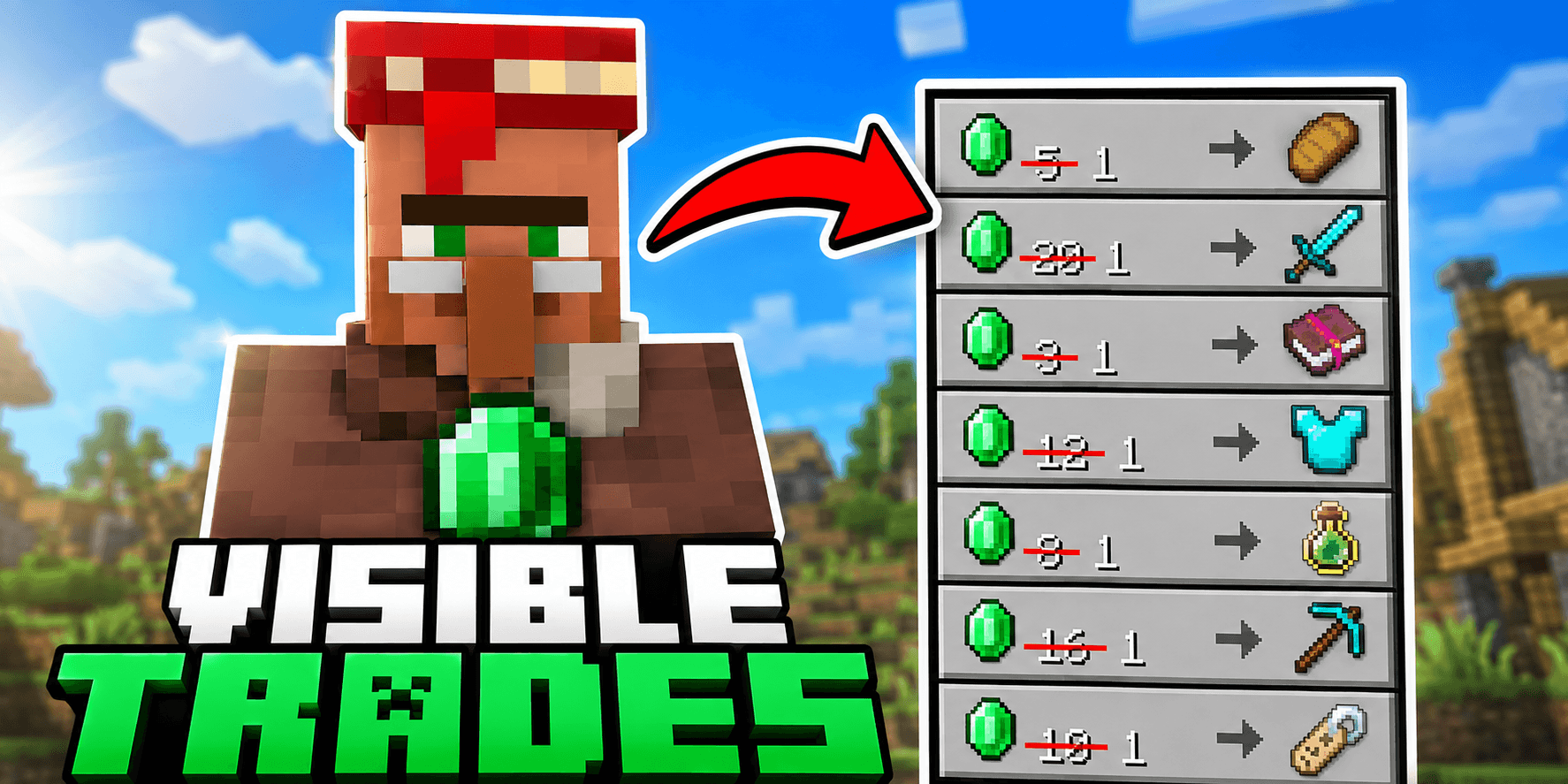
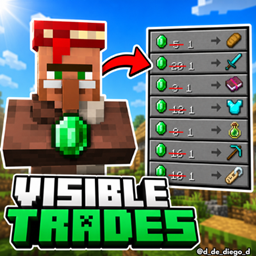
Visible Trades
This texture pack allows you to see the trades of the villagers before unlocking themDownload

Fresh Food
A Minecraft resource pack that adds 3D food models and eating animations!Install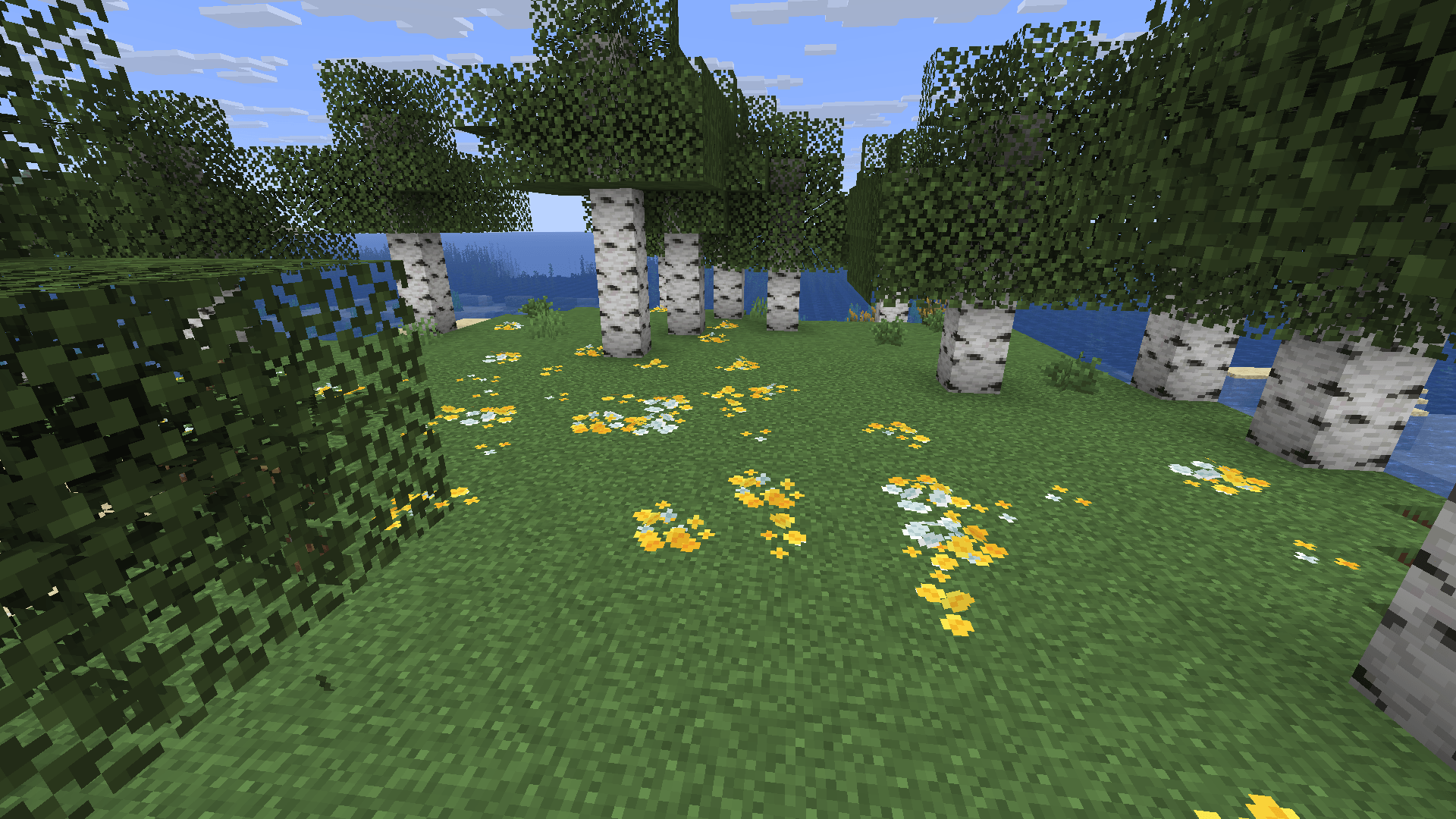
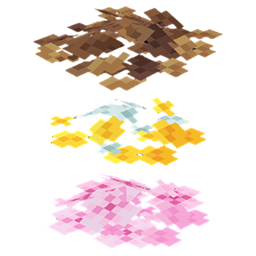
Bushy pink petals, wildflowers & leaf litter
New pink petals, wildflowers & leaf litter modelInstall

Faithful RTX
A ray tracing conversion of the Faithful resource pack for Minecraft RTX on Bedrock Edition!Download
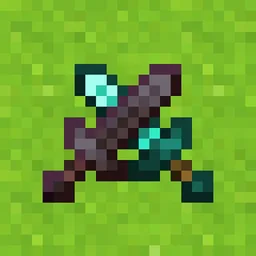
Vanilla PVP Edits
compact tools & shields, emissive ores, low fire, and more!Install

Soartex Grove
Soartex Grove is a high definition 64x graphics replacement for MinecraftInstall

Torrezx-Diversity items !
Differentiate better the items now !Install

Excalibur | Too Many Bows Support
A retexture for the Too Many Bows mod in the Excalibur resource pack style!Install

Pirates of the Caribbean Mash-up
Take what you can. Give nothing back! Join Jack and his crew in the Pirates of the Caribbean Mash-up. A port from Legacy Console Edition.Install

Excalibur | Sophisticated Support
Excalibur support for Sophisticated Core, Backpacks, and StorageInstall
No Particles FPS
Remove all particles to get a cleaner screen, higher FPS, and smoother, lag-free gameplay on Minecraft Bedrock.Download

Excalibur | It Takes a Pillage
This resource pack redraws the It Takes a pillage continuation mod in the Excalibur styleInstall
Modern Pyrotech
This texture pack updates some textures of the Pyrotech Mod into Jappa style textures.Install

Sun and Moon Circular
Add a special touch to your Minecraft sky with the Sun and Moon Circular texture pack, which transforms the sun and moon phases into rounded, smoother shapes, offering a unique and elegant look to the game’s horizon.Install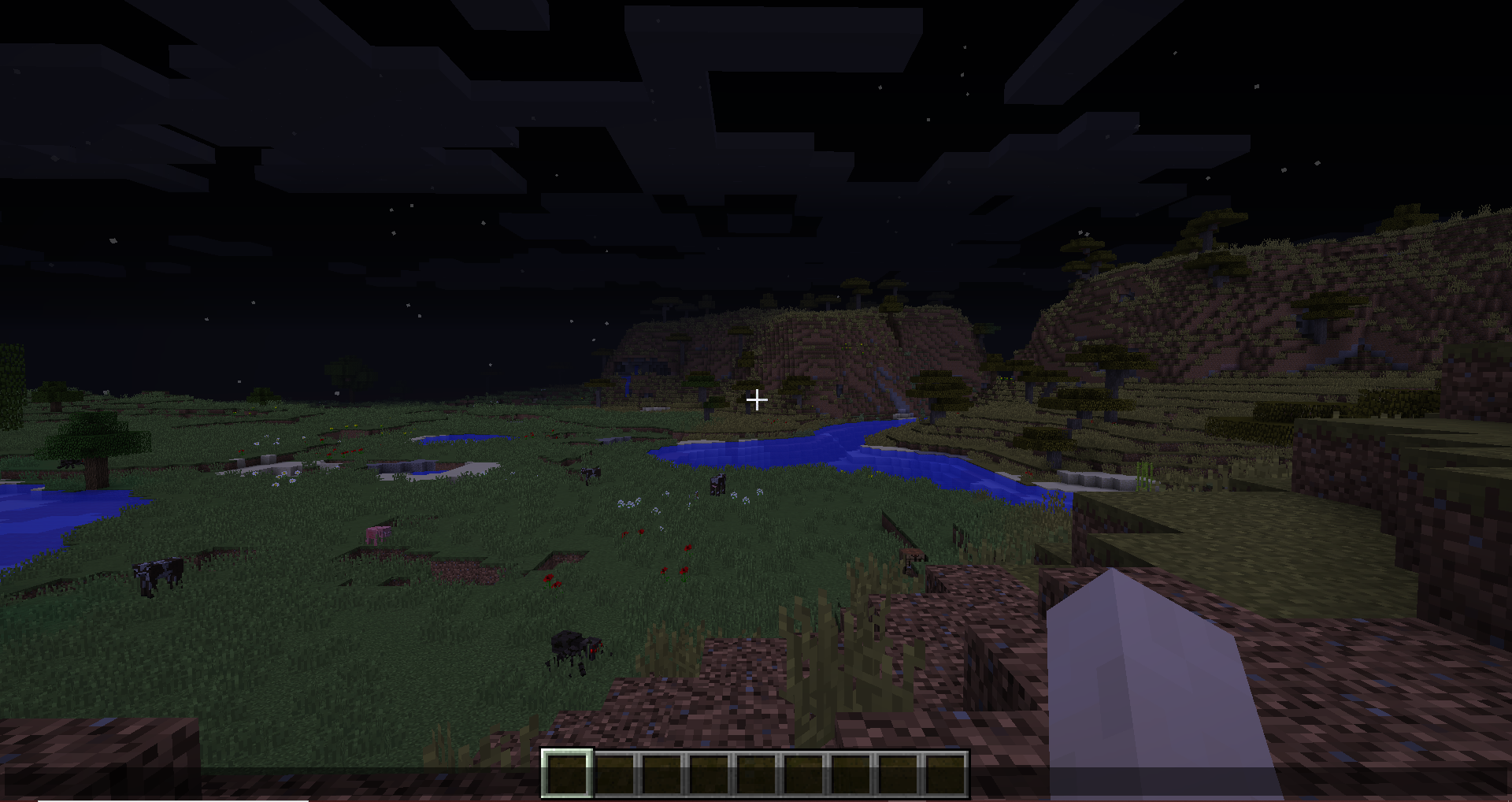
No More Pumpkin Blur
Removes the annoying blur effect when wearing a carved pumpkin, giving you a clear and unobstructed view.Install

SMP Basics
The basics for SMP PvP! jump into your next pvp battle with SMP Basics for Survival Multiplayer or SMP but can be used for other combat modesInstall

3D Trial Chambers
Simple pack that adds 3D models for blocks and items found in Trial ChambersInstallFAQ
Do I need Forge or Fabric for a resource pack?
No. A resource pack works on the regular game with no loaders or mods. Click “Install” and Millida Launcher will put the pack into the right modpack — then just enable it in the settings.
What do 16×, 32×, 64× mean?
The resolution of a single texture in pixels. 16× matches the original game, 32× and 64× are more detailed and heavier, and 128× and up put a noticeable load on your graphics card.
Will a pack made for another version work?
Most likely partly: older packs don't have textures for newer blocks, so those will stay default. The game won't break, though.
How is a texture pack different from a resource pack?
Only by name and age. Before version 1.6 the sets were called texture packs and changed only textures; in 1.6 resource packs replaced them and also change sounds, fonts and the interface. Old texture packs for 1.5 and below do not work on new versions without conversion.
Which texture packs are best for PvP?
PvP packs: 16× resolution or lower, shortened swords, low fire, a clear sky and bright particles. They barely load the computer and make the opponent easier to see. These packs are collected in the PvP theme.
How do I install a resource pack?
Press Install and Millida Launcher puts the pack into the resourcepacks folder of the right instance. Then enable it in the game: Options, then Resource Packs. Manually, the archive goes into resourcepacks inside the game folder, no need to unpack it.
Minecraft texture packs
A resource pack changes how the game looks and sounds: block and item textures, fonts, the interface, sounds. It doesn't touch the game's code, so it needs no mod loader and breaks nothing on a server — the pack only works on your screen. That's exactly why a resource pack is safer than any mod: the worst that happens on a version mismatch is that some textures stay default.
Textures, texture packs and resource packs are essentially the same thing: since version 1.6 Mojang calls these sets resource packs, but the old name is still searched more often. PvP packs are a big genre of their own: shortened swords, low fire, bright particles and 16× resolution or lower, so the opponent stands out and the frame rate does not drop. Such packs are most often made for 1.8.9 and 1.16.5, the versions many PvP servers run on.
The key thing about a pack is its resolution. The game's default textures are 16×16 pixels; 32× and 64× packs look more detailed, while 128× and up need a real graphics card and are usually paired with shaders. On a weak machine it makes sense to stay at 16× or go for packs that deliberately simplify graphics for more FPS. Every pack here lists its game version, author and license, and all released versions are gathered on one card. Put the downloaded archive in the resourcepacks folder and enable it in the game settings.