
Minecraft texture packs — page 63
6,456 itemsResource packs: list


That Time I Got Reincarnated as a Slime Custom GUI Pack
That Time I Got Reincarnated as a Slime Custom GUI PackInstall

Guns Without Roses 3D
Adds models to Guns Without Roses mod.Install

Newb X Apocalipsis
Newb X Apocalipsis Shader variant that amplifies fear factor when combined with horror add-ons. Minecraft patch is required to workDownload

Player Utilities
Various tweaks around player interactionInstall

VanillaXBR
Minecraft upscaled. A smooth and familiar look to the game.Install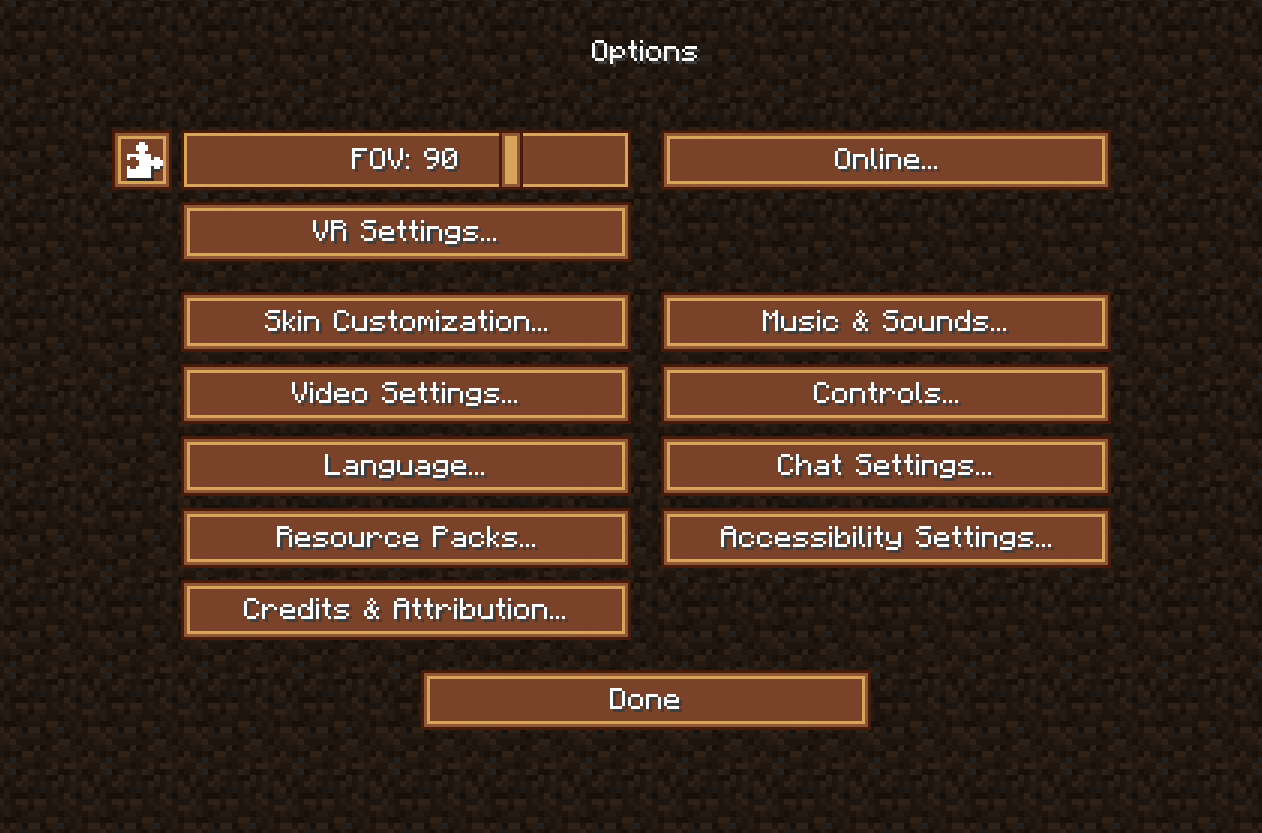

Steampunk UI
Spice up your game with this steampunk look.Install

Whimscape Leaves Add-on
Bushy leaves add-on for WhimscapeInstall
Simplicity (Vibrant Visuals)
Simplicity is a simple, lightweight vibrant visuals pack for Minecraft Bedrock Edition that enhances the look of the game while keeping a semi-vanilla feel.Download
Nellik's GUIs
High Quality GUI ReplacementsInstall

Knight'sArmory32X32
Epic-Knight and its addons mods all in 32x, Realistic & Historical.Install
Cobblemon Interface - Berry Pouch Add-on
Cobblemon Interface for the Berry Pouch mod 0.5+Install
Valarian Conquest EF armor patch
Valarian Conquest armors compatible with Epic Fight.Install
BetterVanillaBuilding Overlays
Addon pack for BetterVanillaBuilding that adds back overlays for grass/dirt/sand etc.Install

Dragon Dance Renaissance
The original Dragon Dance revivedInstall

Better Create Glass Pipes
Make pipes from Create mod connectedInstall
Spawned Eggs
Replaces spawn egg textures with blocky mob icons.Install

Xaero Maps Chinese Pack
一个xaero-map的汉化资源包,包括Xaero's Minimap Xaero's World Map模组的汉化Install

Trees Plus+ Better Trees Texture Pack
This texture pack improves leaves, logs and colors of trees. The leaves are bushier and denser, the logs are more detailed and trees now have different colors depending upon the biome they are in.Download

Music and Melody RP
Completely overhauls and reimagines the vanilla Minecraft soundtrack with a plethora of new, fitting and atmospheric music tracks that blend perfectly with vanilla. Formerly known as Legacies MusicInstall

Excalibur | Dramatic Doors Support
This is an unofficial WIP compatibility pack to make the textures in Dramatic Doors mod blend together with the incredible Excalibur texture packInstall
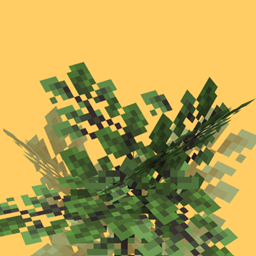
Yuushya Foliage Addon
Aesthetic bushy leavesInstall

It's All Connected (CTM)
Connects every vanilla texture using CTMInstall

Clayful 128x
Minecraft in a Claylike, Sculpted Way! 128xInstallFAQ
Do I need Forge or Fabric for a resource pack?
No. A resource pack works on the regular game with no loaders or mods. Click “Install” and Millida Launcher will put the pack into the right modpack — then just enable it in the settings.
What do 16×, 32×, 64× mean?
The resolution of a single texture in pixels. 16× matches the original game, 32× and 64× are more detailed and heavier, and 128× and up put a noticeable load on your graphics card.
Will a pack made for another version work?
Most likely partly: older packs don't have textures for newer blocks, so those will stay default. The game won't break, though.
How is a texture pack different from a resource pack?
Only by name and age. Before version 1.6 the sets were called texture packs and changed only textures; in 1.6 resource packs replaced them and also change sounds, fonts and the interface. Old texture packs for 1.5 and below do not work on new versions without conversion.
Which texture packs are best for PvP?
PvP packs: 16× resolution or lower, shortened swords, low fire, a clear sky and bright particles. They barely load the computer and make the opponent easier to see. These packs are collected in the PvP theme.
How do I install a resource pack?
Press Install and Millida Launcher puts the pack into the resourcepacks folder of the right instance. Then enable it in the game: Options, then Resource Packs. Manually, the archive goes into resourcepacks inside the game folder, no need to unpack it.
Minecraft texture packs
A resource pack changes how the game looks and sounds: block and item textures, fonts, the interface, sounds. It doesn't touch the game's code, so it needs no mod loader and breaks nothing on a server — the pack only works on your screen. That's exactly why a resource pack is safer than any mod: the worst that happens on a version mismatch is that some textures stay default.
Textures, texture packs and resource packs are essentially the same thing: since version 1.6 Mojang calls these sets resource packs, but the old name is still searched more often. PvP packs are a big genre of their own: shortened swords, low fire, bright particles and 16× resolution or lower, so the opponent stands out and the frame rate does not drop. Such packs are most often made for 1.8.9 and 1.16.5, the versions many PvP servers run on.
The key thing about a pack is its resolution. The game's default textures are 16×16 pixels; 32× and 64× packs look more detailed, while 128× and up need a real graphics card and are usually paired with shaders. On a weak machine it makes sense to stay at 16× or go for packs that deliberately simplify graphics for more FPS. Every pack here lists its game version, author and license, and all released versions are gathered on one card. Put the downloaded archive in the resourcepacks folder and enable it in the game settings.