
Minecraft texture packs — page 6
6,460 itemsResource packs: list


Tom's Better Create Storage
🧰An "upgrade" of the Tom's Create Storage's GUIInstall
AE2 Blackout
Enhanced version of the "AE2 Dark Mode" resource pack.Install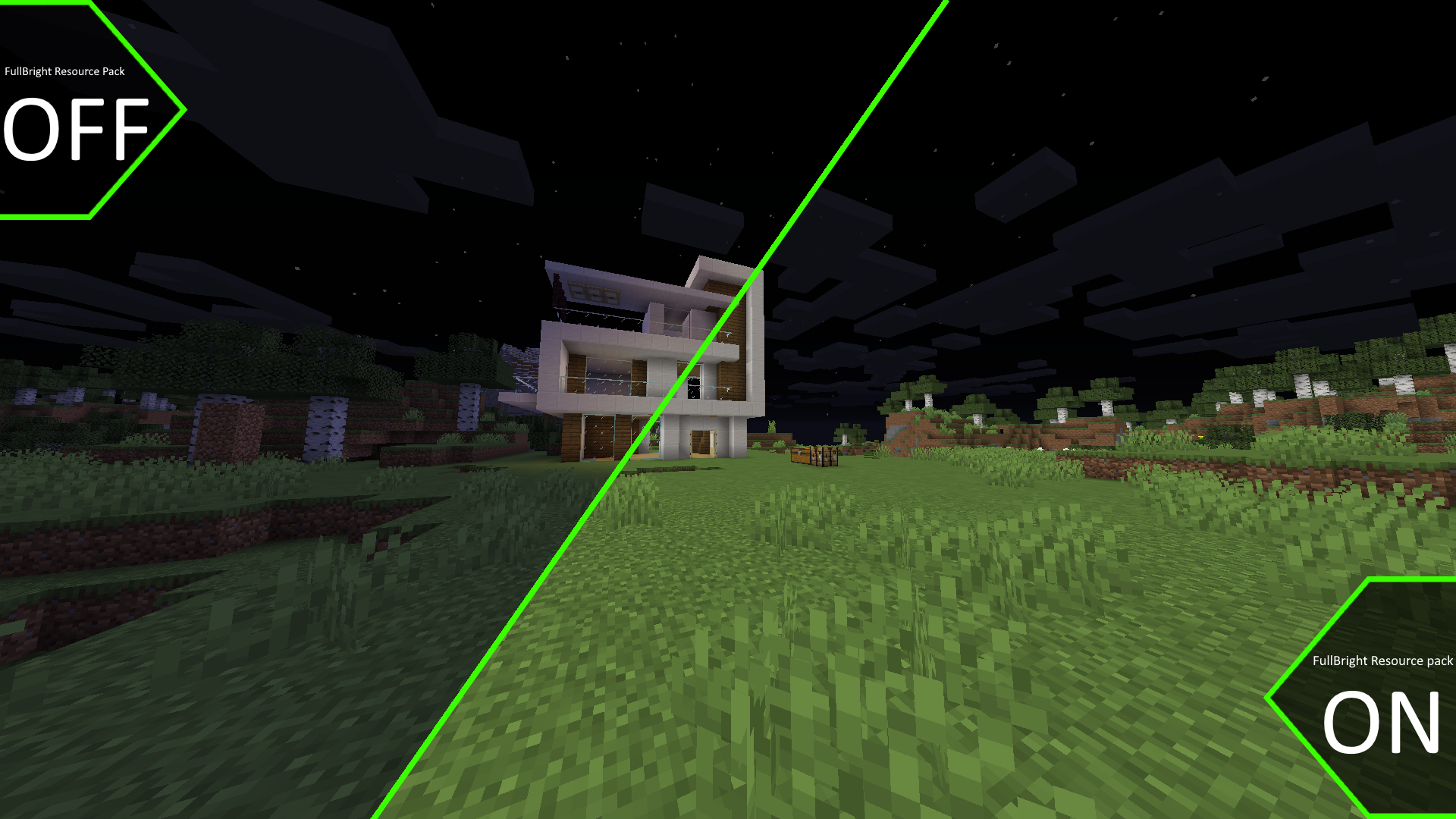
FullBright
Just like night vision! BUT ALWAYS!Install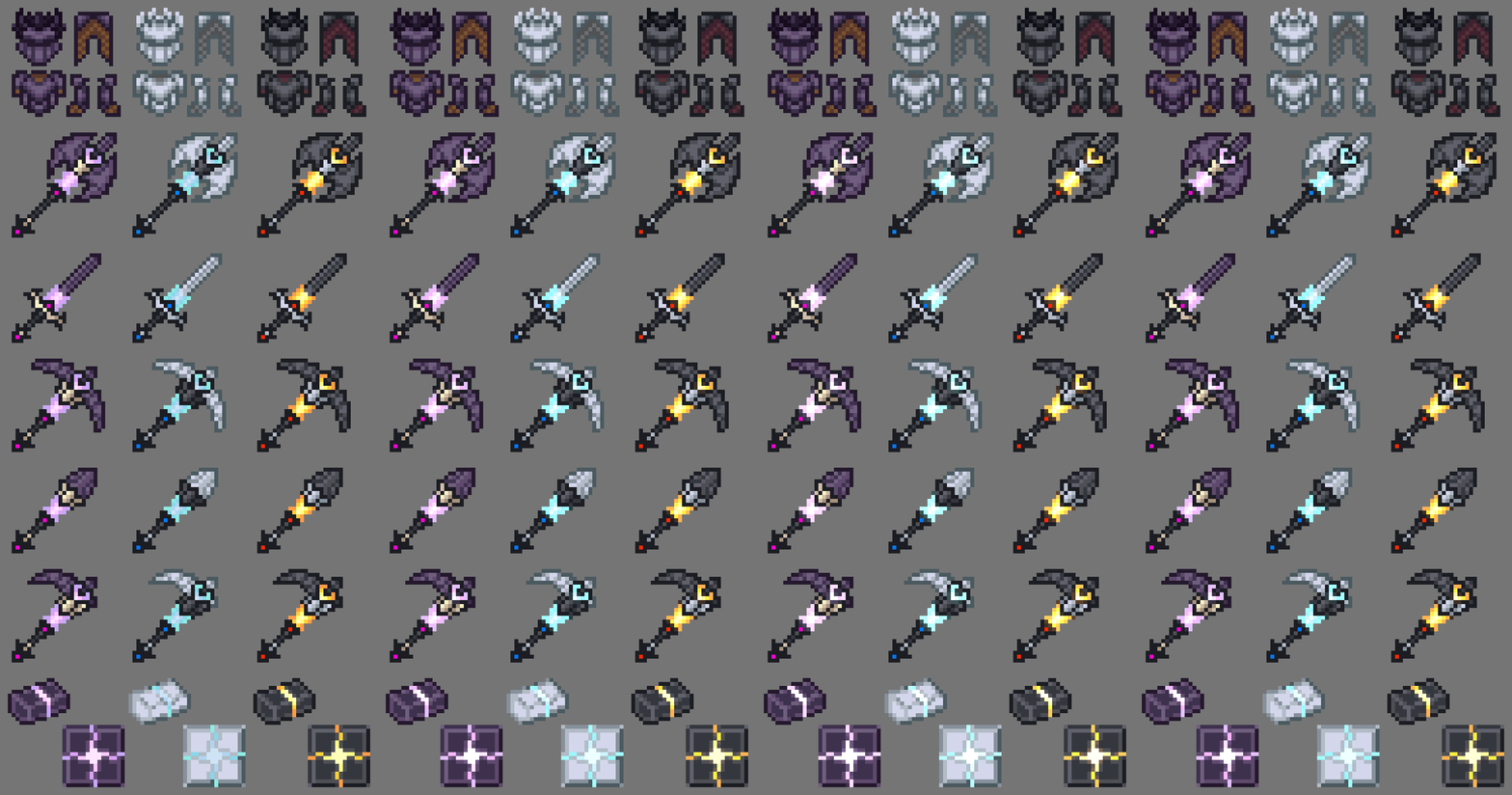

Ice & Fire Dragonsteel Weaponry
A personal retexture of dragonsteel weaponry of Ice and fire mod [1.18.X] [1.16.X] [1.12.X]Install

Icon Fresh
Adds icons Minecraft combined with Fresh Animations Xaero's Minimap and WorldMapInstall

Cobblemon 3D Poke Rods
3D Models for all of Cobblemon's 1.6 Poké RodsInstall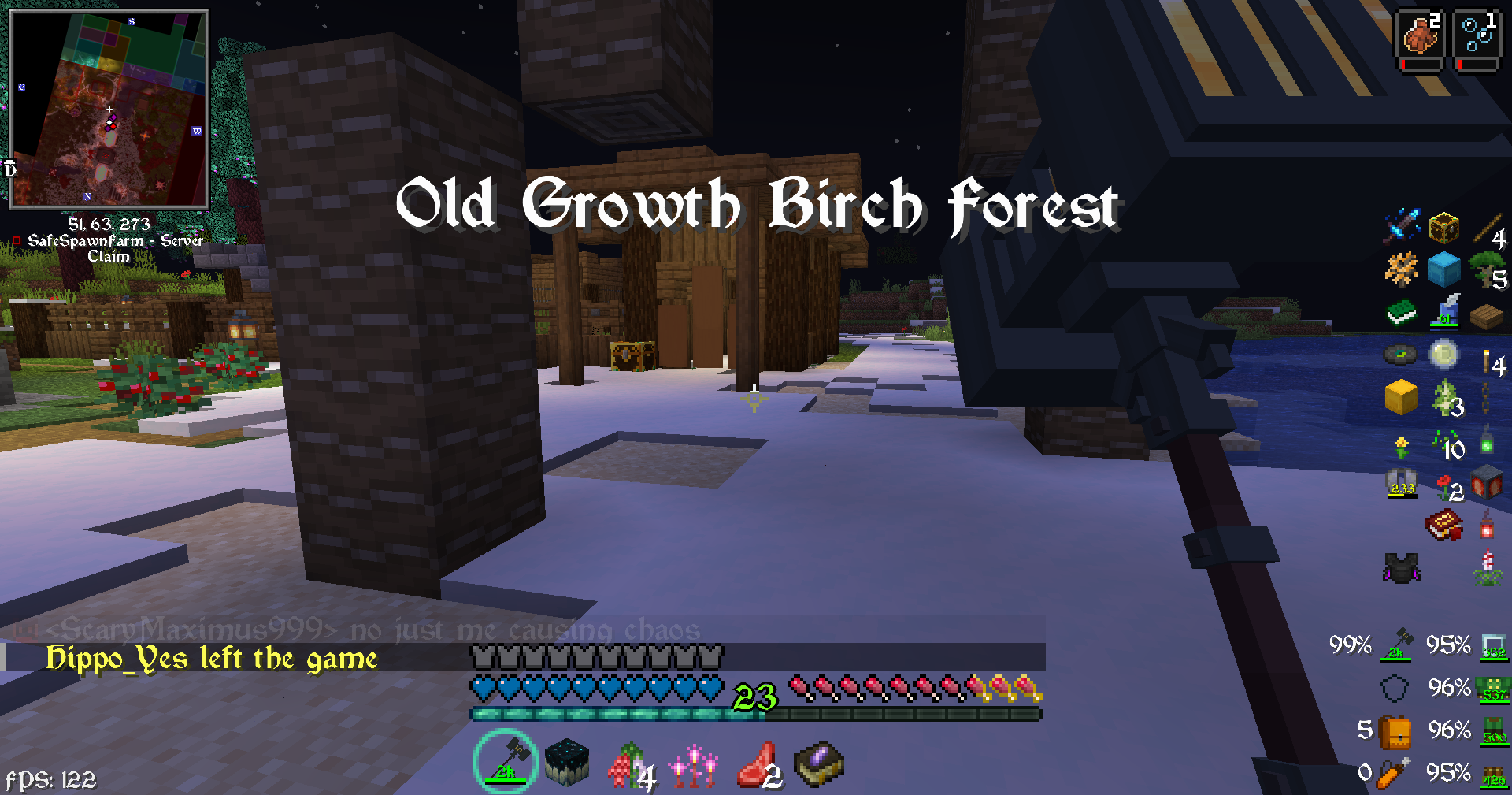
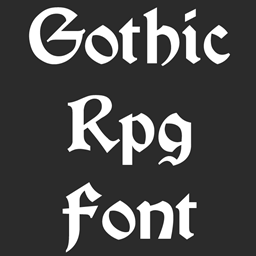
Gothic Medieval RPG Font
RPG Gothic Medieval FontInstall

Cubic Sun & Moon
Recreates the Sun and the Moon in 3D and is compatible with mods that add sky features.Install
Bygone Nether: Soul Stone Recipe | Datapack
Makes Soul Stone craftable using Soul Soil and Soul Sand.Install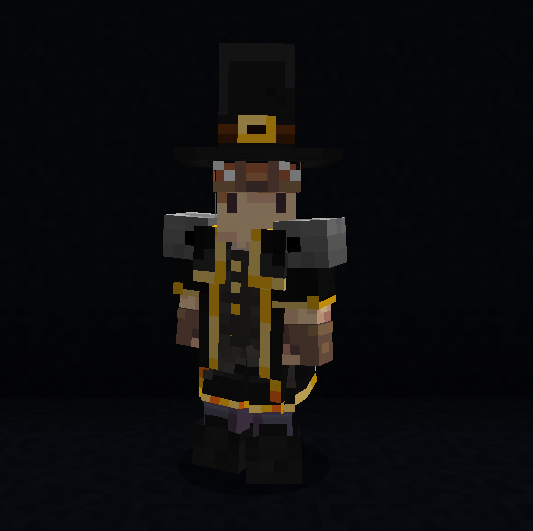
Epic Fight x Iron's Spells Armor Fix
Fixes issues when combining Epic Fight with Iron's Spells 'n Spellbooks armor on.Install
Complete Cobblemon Collection
The Largest Cobblemon Addon Pack; Adds Every Single PokemonInstall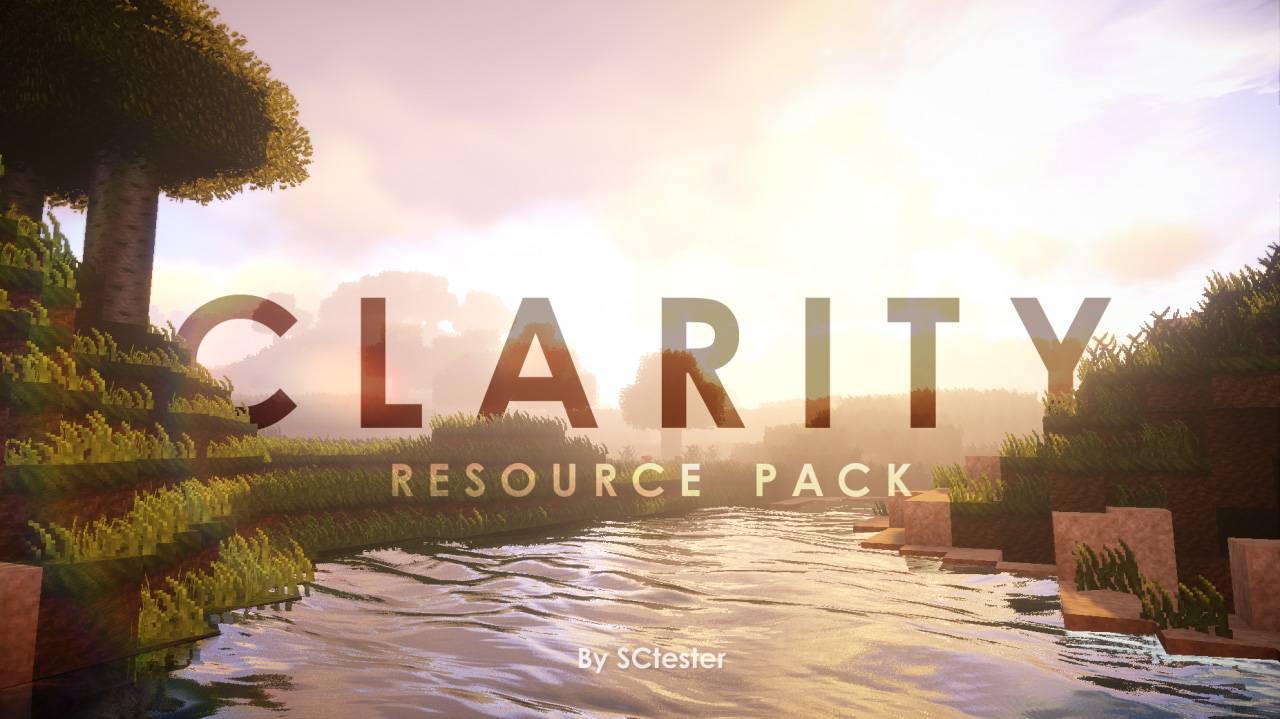
Clarity
Pixel-perfect textures to enhance any worldInstall
jor's Cobblemon Music Pack (Reactive Music)
For all your catching needs! Enjoy multiple tracks from across the Pokemon games that reflect the biomes you explore!Install

Explorer's Compass structure Translation
探险者(探险家)指南针结构汉化材质包,可以让你的旅途更加愉快₍˄·͈༝·͈˄*₎◞ ̑̑Install

Cobblemon 3D Poke Rods
3D Models for all of Cobblemon's 1.6 Poké RodsInstall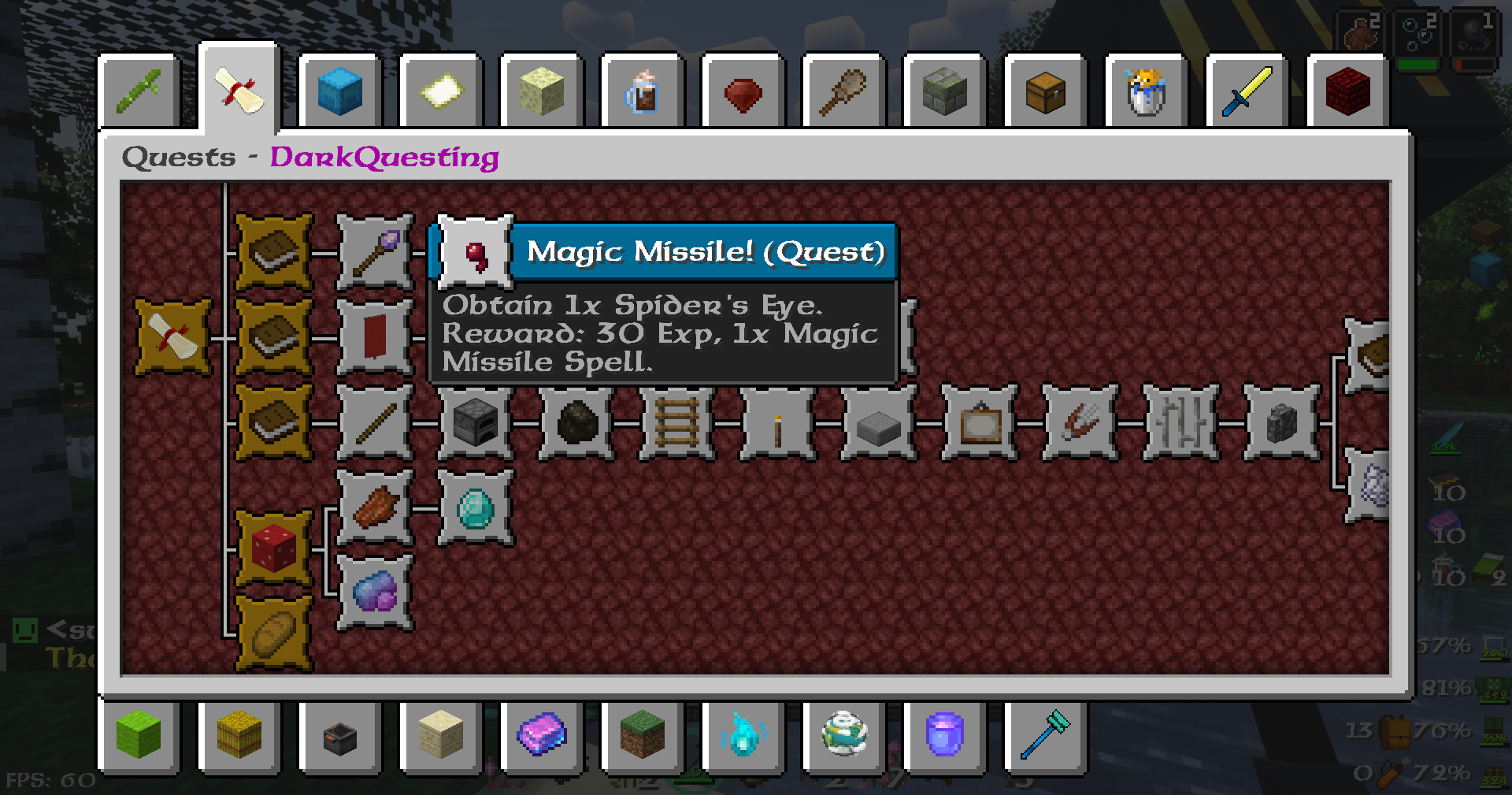

Link's RPG Font
RPG Legend of Zelda Wind Waker FontInstall

Comforts Modernized
Redone textures for the Comforts mod to make them look faithful to modern MinecraftInstall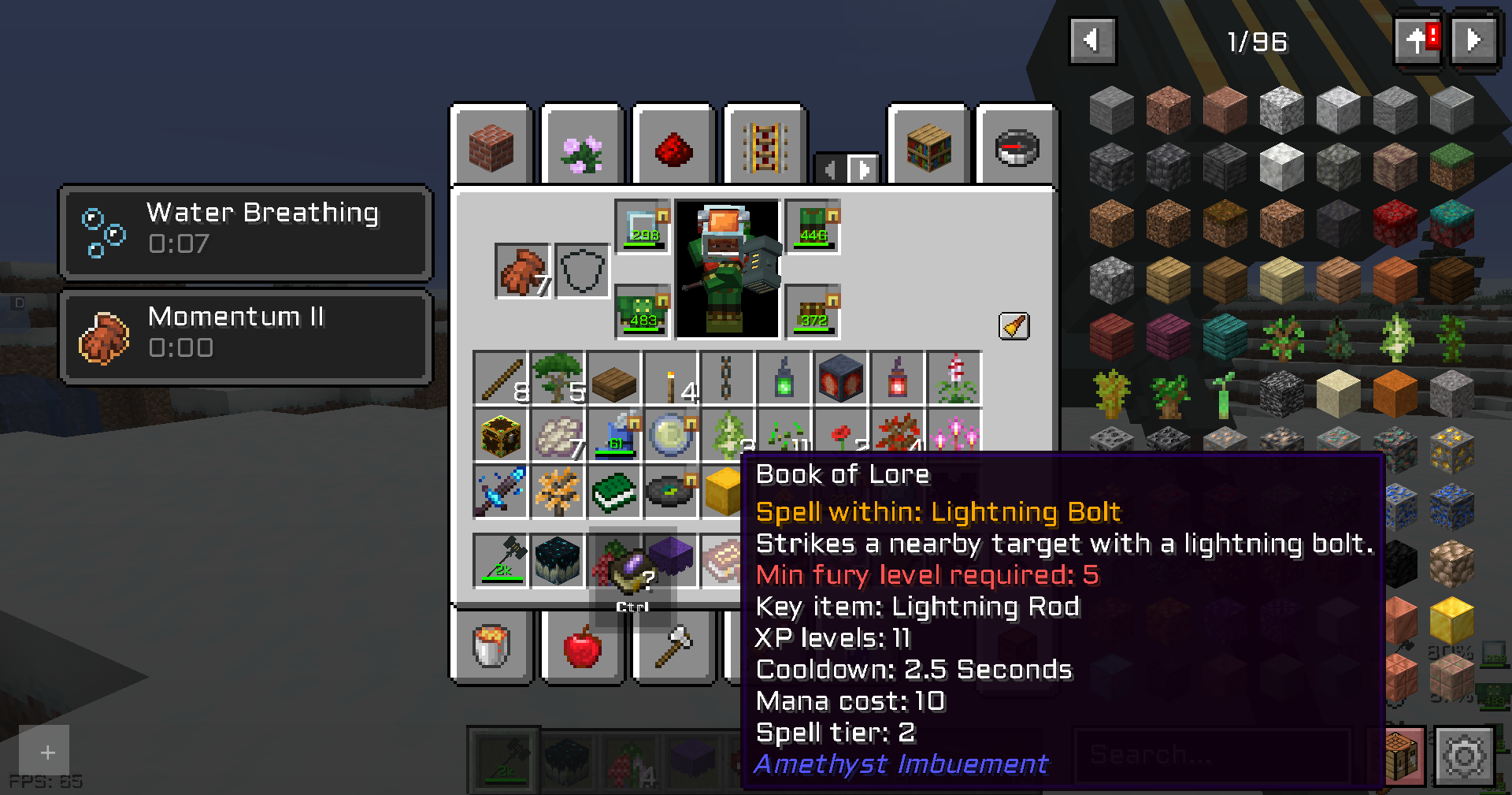
Tech RPG Font
RPG Sharp Tech FontInstall

Recolourful Containers GUI + HUD
Do you want more immersive, more interesting, more colourful GUIs and HUD? Than this pack is for you!Install
Fully Hisuian Starters (Cobblemon)
A Cobblemon resource pack that makes the Hisui bias starters look like their final evolution.Install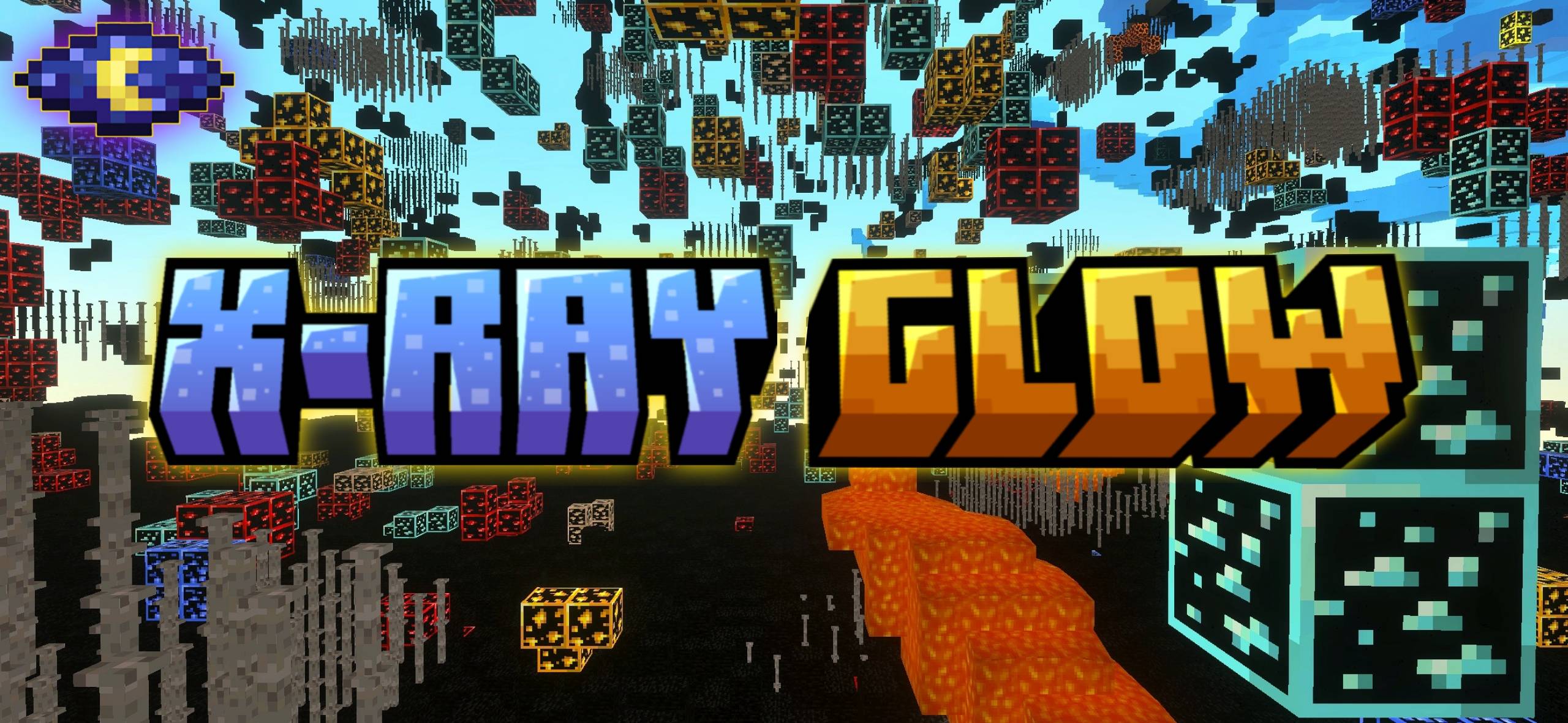
X-Ray Glow | Best X ray
🏅 The Best X Ray Pack For MCPE / Bedrock Edition . it outlines & glows all ores & doesn't disable achievements & can be used in Servers.Download

Fully Hisuian Starters (Cobblemon)
a Cobblemon Resource pack that makes The Hisui Bias Starters Look like their final EvolutionInstall

Visual: Armor Trims
Your favorite armor trims now show up in your inventory! Works in Vanilla 1.21.5+ ⚔️InstallFAQ
Do I need Forge or Fabric for a resource pack?
No. A resource pack works on the regular game with no loaders or mods. Click “Install” and Millida Launcher will put the pack into the right modpack — then just enable it in the settings.
What do 16×, 32×, 64× mean?
The resolution of a single texture in pixels. 16× matches the original game, 32× and 64× are more detailed and heavier, and 128× and up put a noticeable load on your graphics card.
Will a pack made for another version work?
Most likely partly: older packs don't have textures for newer blocks, so those will stay default. The game won't break, though.
How is a texture pack different from a resource pack?
Only by name and age. Before version 1.6 the sets were called texture packs and changed only textures; in 1.6 resource packs replaced them and also change sounds, fonts and the interface. Old texture packs for 1.5 and below do not work on new versions without conversion.
Which texture packs are best for PvP?
PvP packs: 16× resolution or lower, shortened swords, low fire, a clear sky and bright particles. They barely load the computer and make the opponent easier to see. These packs are collected in the PvP theme.
How do I install a resource pack?
Press Install and Millida Launcher puts the pack into the resourcepacks folder of the right instance. Then enable it in the game: Options, then Resource Packs. Manually, the archive goes into resourcepacks inside the game folder, no need to unpack it.
Minecraft texture packs
A resource pack changes how the game looks and sounds: block and item textures, fonts, the interface, sounds. It doesn't touch the game's code, so it needs no mod loader and breaks nothing on a server — the pack only works on your screen. That's exactly why a resource pack is safer than any mod: the worst that happens on a version mismatch is that some textures stay default.
Textures, texture packs and resource packs are essentially the same thing: since version 1.6 Mojang calls these sets resource packs, but the old name is still searched more often. PvP packs are a big genre of their own: shortened swords, low fire, bright particles and 16× resolution or lower, so the opponent stands out and the frame rate does not drop. Such packs are most often made for 1.8.9 and 1.16.5, the versions many PvP servers run on.
The key thing about a pack is its resolution. The game's default textures are 16×16 pixels; 32× and 64× packs look more detailed, while 128× and up need a real graphics card and are usually paired with shaders. On a weak machine it makes sense to stay at 16× or go for packs that deliberately simplify graphics for more FPS. Every pack here lists its game version, author and license, and all released versions are gathered on one card. Put the downloaded archive in the resourcepacks folder and enable it in the game settings.