
Minecraft texture packs — page 5
6,460 itemsResource packs: list
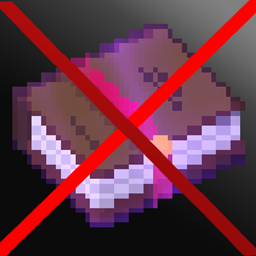
No Enchant Glint
You won't have this purple color on enchanted itemsInstall
Mandala's GUI - Dark mode - Utopia extension
110 mods compat for Mandala's GUI - Dark mode for 1.20 and 1.21Install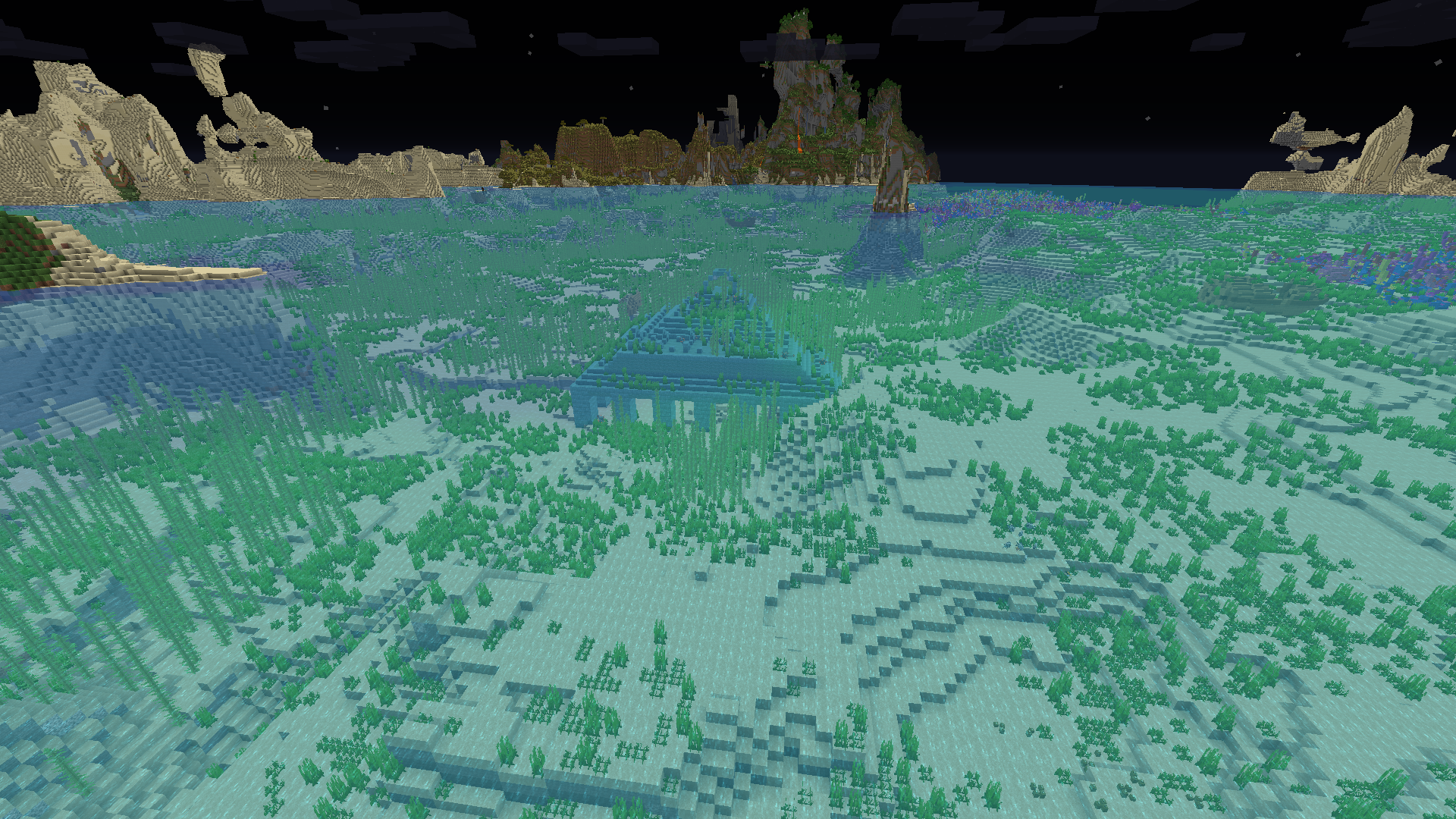

Night vision
Night vision for solo and multiplayer ! 1.7.2 to 1.20.7+Install

Radical Cobblemon Trainer Textures Plus
A resource pack for the latest version of the Radical Cobblemon Trainers mod.Install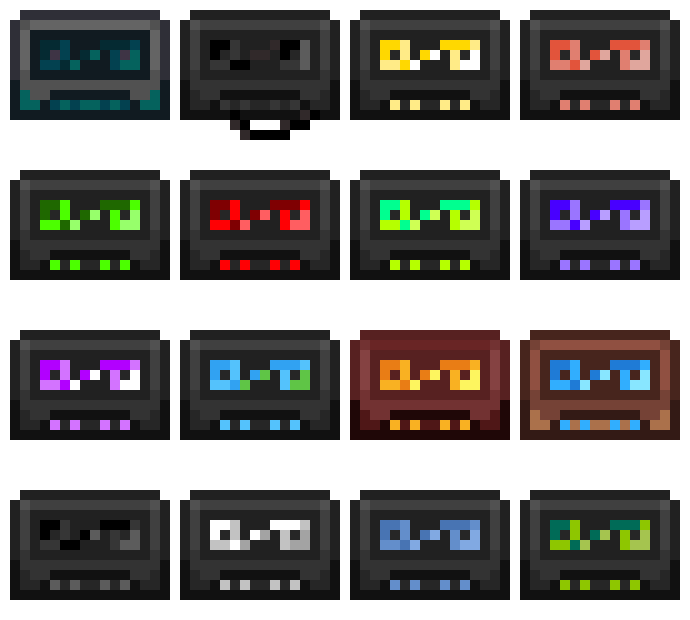
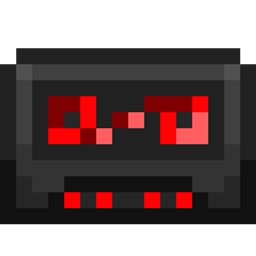
Cassette Music Disc
turns the music discs into little cassettes tapesInstall

Low Shield
Lower your shield for a visible view!Install
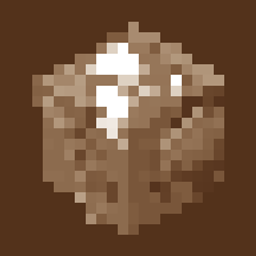
Alex's Titles (Alex's Caves and Traveler's Titles compatibility)
A data pack that adds in custom Traveler's Titles for Alex's Caves!Install

The Rename Compat Project [Over 300 Mods Supported!]
Automatically fixes thousands of naming conflicts across 300+ mods. Ideal for modpack creators seeking consistency and players who just hate duplicate names!Install

Icons
Introduces icons throughout different aspects of the gameInstall
Fancy: GUI Overhaul
Overhauls containers, bars, and other UI.Install

Cobblemon Emissive Ores
Makes Cobblemon ores emit light. Fabric and Forge.Install

Puff Radio
A Resource pack that changes the minecraft sounds to Pokemon in-game music from various Pokemon Games!Install

Icon Xaero's
Icon mod for xaero's map and minimap Many icon modInstall
Original Pokemon Battle Music
Adds Original Pokemon Battle Music To Be Used With Cobblemon Version 1.4!Install
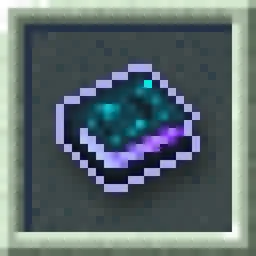
Even Better Enchants
Unique textures for Enchanted Books!Install
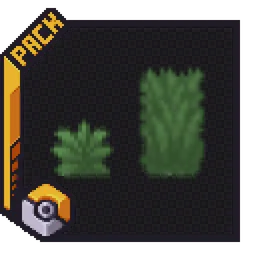
Cobblemon Classic Grass Pack
Gives you the real Pokémon feeling in Cobblemon!Install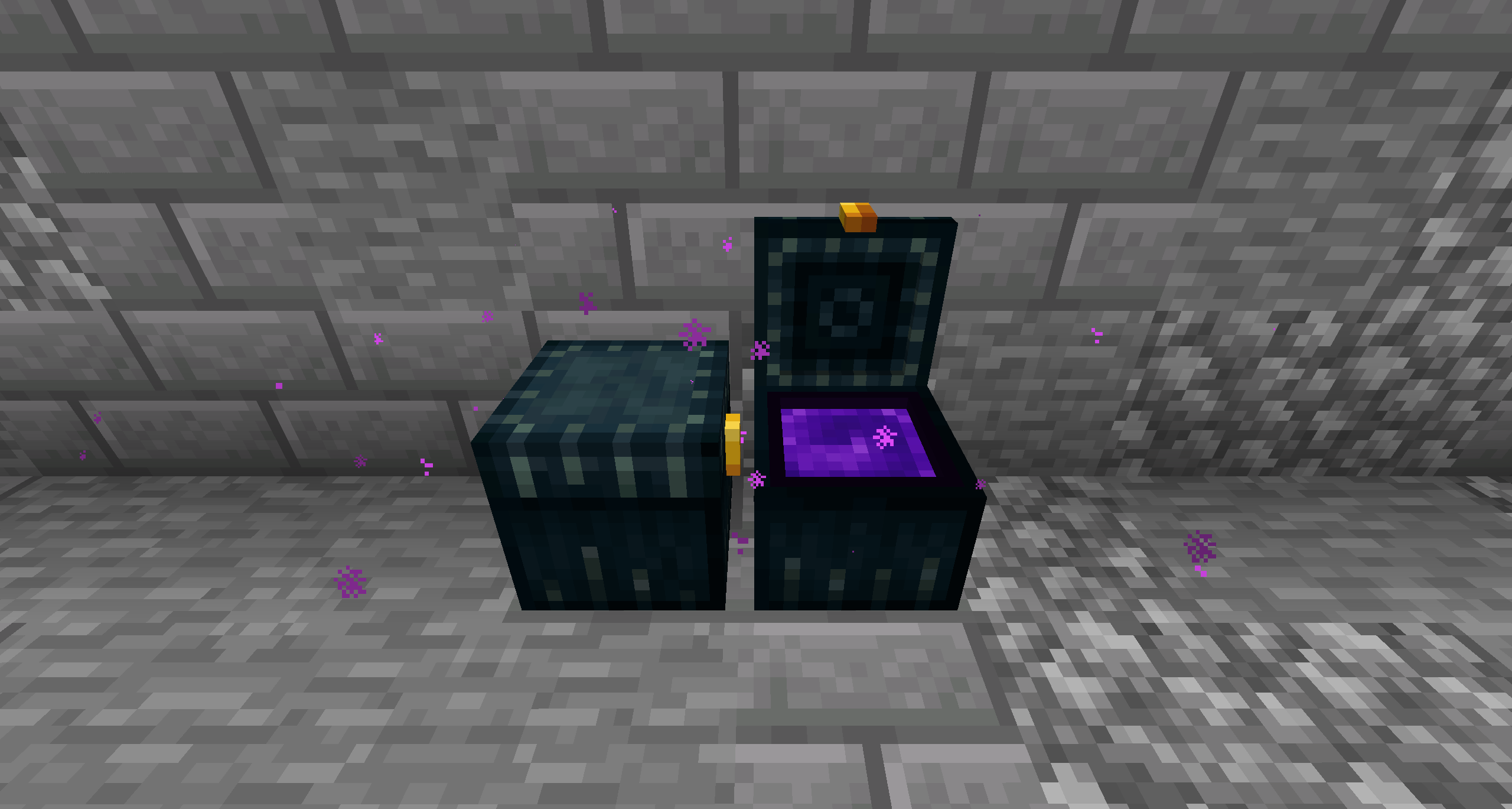
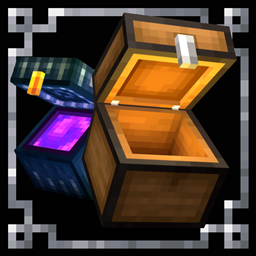
Chests Reimagined
Chests Reopened!Install
Faithful 32x
The original Minecraft texture feel, with double the resolution and double the fun!Install
Enhanced Boss Bars
New improved boss bars!Install

Default HD 128x
The classic Minecraft experience but in amazing 128x HD!Install

Detailed Animations
Actually decent player animations.Install

Os' Colorful Grasses
Fluffier grasses! Tall, short, or original X style versions available, as well as a mix of the three for the optimal balance of visuals & performance. Get the full version on Patreon!Install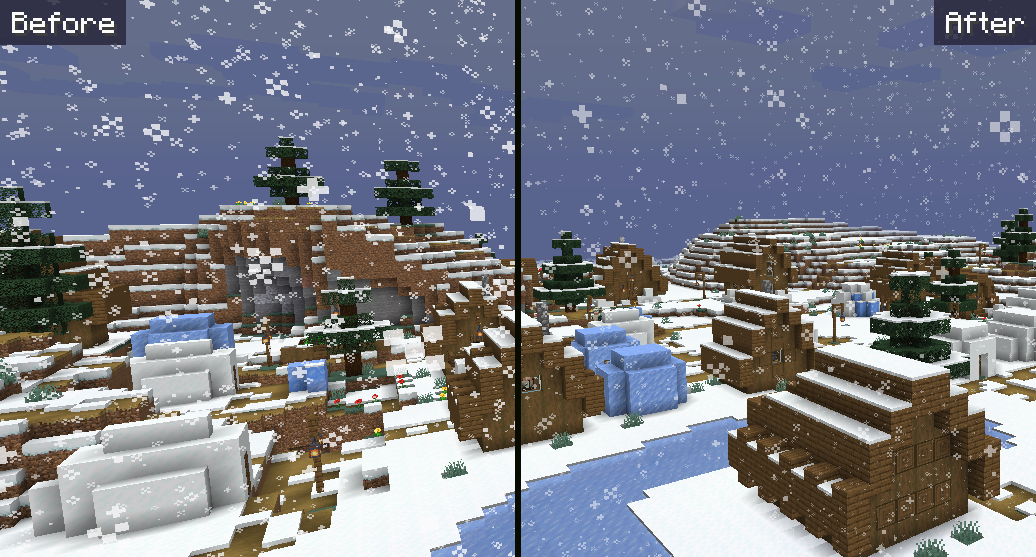
Soft Weather
Makes rain and snow less visually obtrusive.InstallFAQ
Do I need Forge or Fabric for a resource pack?
No. A resource pack works on the regular game with no loaders or mods. Click “Install” and Millida Launcher will put the pack into the right modpack — then just enable it in the settings.
What do 16×, 32×, 64× mean?
The resolution of a single texture in pixels. 16× matches the original game, 32× and 64× are more detailed and heavier, and 128× and up put a noticeable load on your graphics card.
Will a pack made for another version work?
Most likely partly: older packs don't have textures for newer blocks, so those will stay default. The game won't break, though.
How is a texture pack different from a resource pack?
Only by name and age. Before version 1.6 the sets were called texture packs and changed only textures; in 1.6 resource packs replaced them and also change sounds, fonts and the interface. Old texture packs for 1.5 and below do not work on new versions without conversion.
Which texture packs are best for PvP?
PvP packs: 16× resolution or lower, shortened swords, low fire, a clear sky and bright particles. They barely load the computer and make the opponent easier to see. These packs are collected in the PvP theme.
How do I install a resource pack?
Press Install and Millida Launcher puts the pack into the resourcepacks folder of the right instance. Then enable it in the game: Options, then Resource Packs. Manually, the archive goes into resourcepacks inside the game folder, no need to unpack it.
Minecraft texture packs
A resource pack changes how the game looks and sounds: block and item textures, fonts, the interface, sounds. It doesn't touch the game's code, so it needs no mod loader and breaks nothing on a server — the pack only works on your screen. That's exactly why a resource pack is safer than any mod: the worst that happens on a version mismatch is that some textures stay default.
Textures, texture packs and resource packs are essentially the same thing: since version 1.6 Mojang calls these sets resource packs, but the old name is still searched more often. PvP packs are a big genre of their own: shortened swords, low fire, bright particles and 16× resolution or lower, so the opponent stands out and the frame rate does not drop. Such packs are most often made for 1.8.9 and 1.16.5, the versions many PvP servers run on.
The key thing about a pack is its resolution. The game's default textures are 16×16 pixels; 32× and 64× packs look more detailed, while 128× and up need a real graphics card and are usually paired with shaders. On a weak machine it makes sense to stay at 16× or go for packs that deliberately simplify graphics for more FPS. Every pack here lists its game version, author and license, and all released versions are gathered on one card. Put the downloaded archive in the resourcepacks folder and enable it in the game settings.